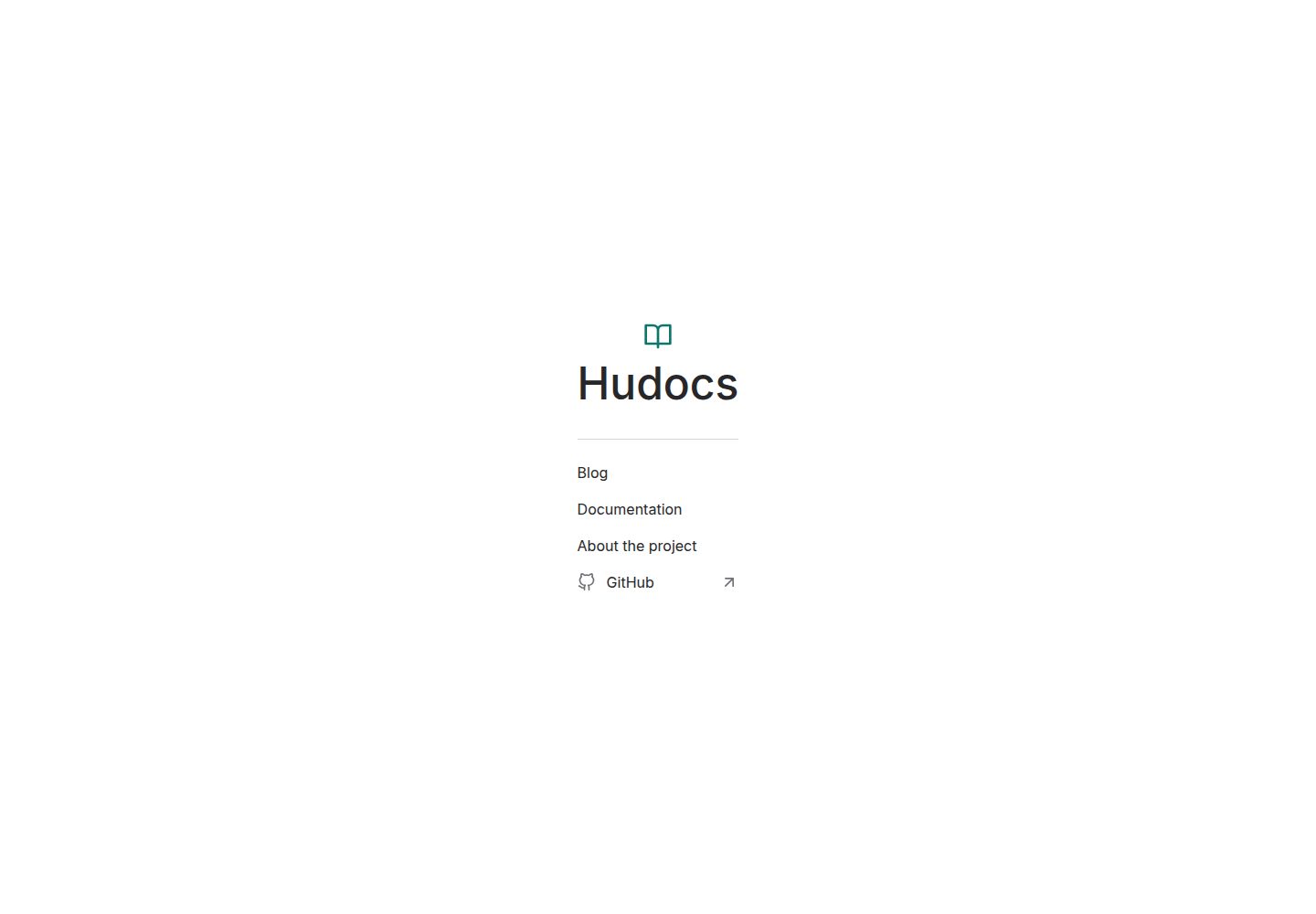
Automatically switches between single-version and multi-version modes based on the directory structure under content/docs/; in multi-version mode, each version has its own navigation tree, search index, and version selector
HugoDocumentation
hudocs — Hugo Documentation Template
By zkreations
Hudocs is a documentation theme built for Hugo that supports single-version and multi-version docs, multilingual content, client-side search, and a blog module, without relying on Node.js.
Explore the design
Compare the page layouts and mobile experience. Open any screenshot for a closer look.
Desktop homepage1 / 3
Desktop captureTop of page
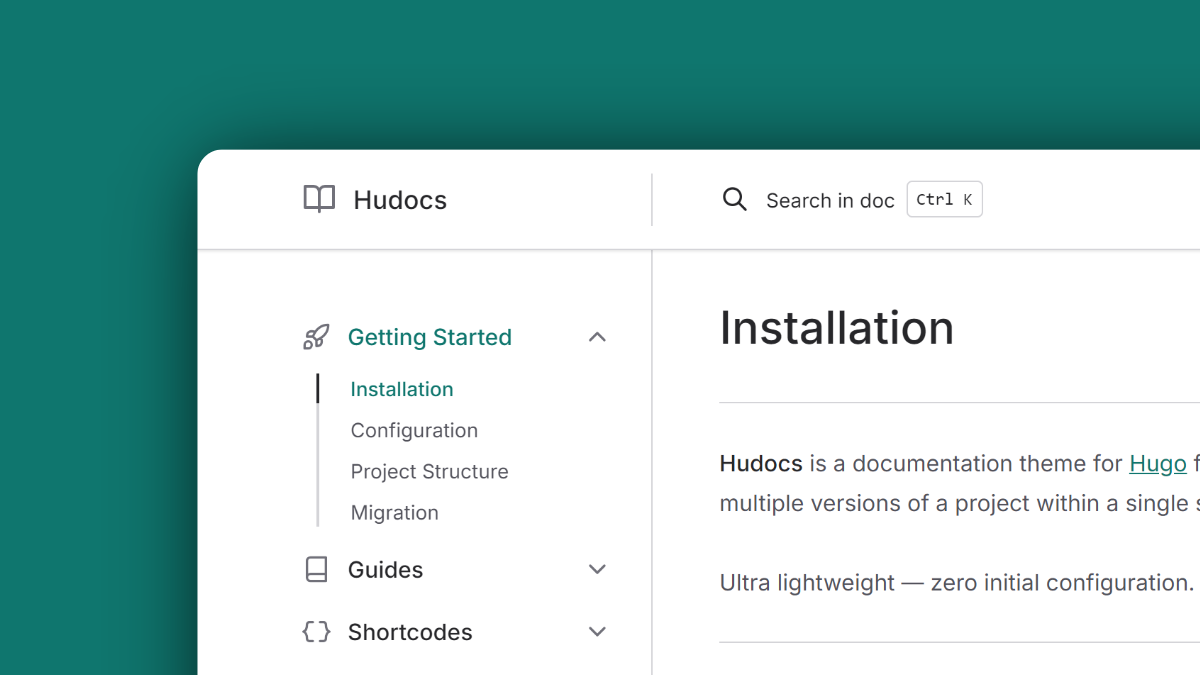
Actual screenshot captured by the server browser.
All pages & views 3
Screenshots show visual appearance; interactive behavior may differ.
Recorded 2026-10-03View source
What stands out
A quick read of the recorded project description.
No Node.js dependency, no package.json or node_modules; installed via Git submodule and built with standard Hugo
Client-side search based on FlexSearch, with index files generated separately per language and version at build time
Built-in writing shortcodes such as steps, tabs, annotated, types, hint, button, pagelink, and columns
Supports multilingual documentation following Hugo i18n conventions, plus an optional blog section (pagination, post cards, date formats, RSS)
The article header provides a configurable AI assistant dropdown menu that can jump directly to ChatGPT or Claude with the page context pre-filled
Template Details
Hudocs is a documentation theme for Hugo, suited to writing docs for continuously evolving products or software that uses semantic versioning. It is built entirely on Hugo Extended's native asset pipeline, requires no package.json, node_modules, or additional CI/CD orchestration, and is installed by adding the theme as a Git submodule.
In terms of content organization, the theme automatically switches modes based on the directory structure: placing docs directly under content/docs/ enables single-version mode, with no version dropdown in navigation or URLs; placing each version as a subdirectory of content/docs/ (such as latest, 1.8, 1.0) enables multi-version mode, where each version generates its own navigation tree, search index, and version selector. The theme also provides multilingual support following Hugo's i18n conventions, with search indexes generated separately per language and version.
For writing, the theme includes a set of shortcodes, including step lists, tabs, code annotations, data type badges, hint blocks, buttons, page link cards, and multi-column layouts. It also offers dark/light color scheme switching, six built-in Duotone code block themes, Meteor Icons integration, and an optional blog section (pagination, post cards, date formats, and RSS). The article header also provides a configurable dropdown menu that can jump directly to ChatGPT or Claude with the page context pre-filled.
Regarding usage limitations, the theme requires Hugo Extended 0.164.0 or higher and Git; the repository uses the MIT license, allowing free use, modification, commercial use, and distribution of this version's code, but third-party assets such as demo images, fonts, and icons must be checked separately under their respective licenses, and external services such as domains and hosting may incur additional costs.
HugoDocumentation
Is it right for your project?
Use Cases
- Writing single-version documentation for continuously evolving SaaS or web applications that do not distinguish versions
- Maintaining documentation for multiple versions such as latest, 1.8, and 1.0 for software that uses semantic versioning
- Projects that need multilingual documentation, such as Chinese and English, and want independent search indexes per language
- Including a blog or changelog section in a documentation site, requiring pagination, post cards, and RSS
- Organizing technical content in documentation using structured elements such as tabs, steps, hint blocks, and data type badges
Suitable For
- Developers using Hugo Extended 0.164.0 or higher who want to add the theme via Git submodule
- Technical documentation maintainers who need single-version or multi-version documentation structures and want version switching and search to be isolated from each other
- Teams that want to avoid the Node.js toolchain and build solely with Hugo's native pipeline
- Internationalized projects that need multilingual documentation and client-side search
- Users who accept the MIT license terms and can independently verify the licenses of demo images and third-party assets
Getting started & customization
Use these recorded setup notes alongside the repository instructions for your chosen version.
- 1
Environment requirements: Hugo Extended 0.164.0 or higher, and Git.
- 2
Run git submodule add https://github.com/zkreations/hudocs themes/hudocs in the Hugo project root to add the theme.
- 3
Quick start: copy themes/hudocs/exampleSite/content to the project content directory, copy themes/hudocs/exampleSite/hugo.toml to the project root, then run hugo serve.
- 4
Single-version mode places docs directly under content/docs/; multi-version mode places each version as a subdirectory of content/docs/ (such as latest, 1.8, 1.0).
- 5
See the documentation at hudocs.com for complete installation, configuration, shortcode, translation, and customization instructions.
License & source material
Usage conditions & limitations
Free to use · keep license noticeThis entry covers the free version in the public repository under the MIT license; the free scope is the code of this version and does not mean external services or third-party assets are free.
Must comply with when using
- Free use, modification, commercial use, and distribution of this version's code are permitted.
- When distributing copies or substantial portions of the code, retain the original author's copyright notice and the full MIT license notice.
- The code is provided as is; warranties and limitations of liability are governed by the original license and applicable law.
Additional costs & items to verify
- Demo images, fonts, icons, and other third-party assets must be checked under their respective licenses and cannot be judged solely by the code's MIT license.
- External services such as domains, hosting, databases, payments, or AI may incur additional costs.
- Using the theme requires Hugo Extended 0.164.0 or higher and Git for adding the theme as a submodule.
- The official installation method is to add the theme to the themes/hudocs directory of a Hugo project via Git submodule.
- The AI assistant dropdown menu in the article header jumps to external services such as ChatGPT or Claude; using these external services may be subject to their own terms and fees.
- Sponsorship in the README (buy me a coffee) is voluntary support and is not a payment requirement for using the theme.
View Original Text Basis
Permission is hereby granted, free of charge
Original License Text
- Hugo Extended 0.164.0 or higher - [Git](https://git-scm.com/downloads)
Original README
git submodule add https://github.com/zkreations/hudocs themes/hudocs
Original README
- **AI assistant:** Configurable dropdown in article headers with direct actions for ChatGPT and Claude, prefilled with page context.
Original README
https://github.com/zkreations/hudocs/blob/main/LICENSEhttps://github.com/zkreations/hudocs/blob/main/README.mdIf you find this project useful, consider [starring it on GitHub](https://github.com/zkreations/hudocs/stargazers) or [buying me a coffee](https://ko-fi.com/zkreations) to support ongoing maintenance.
Original README
Compiled by DeepSeek based on repository license and README ·2026-10-04. Results only cover the materials read; dependencies, images, fonts, and subsequent term changes are subject to their respective original texts.
Project checks & description sources
Template Information
- Source platforms
- Hugo Themes
- Documentation and maintenance reference score
- More documented · 87 / 100
- Technologies
- Hugo
- Website type
- Documentation
How this score is calculated
Our heuristic uses license records (up to 30), a demo link (12), a preview (10), stars (15), recorded maintenance (15), description completeness (8), feature records (5) and classification data (5). It is not a code, security or performance test, or a Google score. A link does not establish tested functionality.
What to verify for this project
- Repository update recorded
- 2026-10-01
- Screenshot last checked
- 2026-10-04
A demo link is listed. Check it with your own content and viewport sizes; its presence does not confirm that forms, authentication or payments work.
The catalog identifies Hugo as the primary stack. Check the actual dependency manifest and lockfile for versions and hosting requirements. These notes use recorded metadata, not a code audit or a deployment test.
Use a selection guide →How this description was prepared
AI-assisted description based on catalog records and repository material. Repository authors are not automatically the reviewers of this description.
Review declaration: [email protected] · 2026-10-05
Inspect the recorded source material
SHA-256: 627ce6701090d1f42695c5cc96f4e7587060ad596a646b2d68caf9900493f8ba
2026-10-04T20:50:24.646Z
Source file / repository<p align="center">
<img src="https://raw.githubusercontent.com/zkreations/hudocs/refs/heads/main/images/logo.png" width="75" alt="Hudocs" />
<h1 align="center">Hudocs</h1>
</p>
<p align="center">Documentation theme for Hugo. No Node.js dependencies and no complex deployment pipelines. Built entirely with Hugo Extended's native asset pipeline.</p>
<p align="center">
<a href="https://github.com/zkreations/hudocs/blob/main/LICENSE"><img src="https://img.shields.io/github/license/zkreations/hudocs?style=for-the-badge&labelColor=030712&color=0d9488" alt="license"></a>
<a href="https://github.com/zkreations/hudocs/releases"><img src="https://img.shields.io/github/v/release/zkreations/hudocs?style=for-the-badge&labelColor=030712&color=0d9488" alt="release"></a>
<a href="https://app.netlify.com/projects/hudocs/deploys"><img src="https://img.shields.io/netlify/4f5686e0-d6f8-4ff8-ba4e-901d19644dfe?style=for-the-badge&labelColor=030712&color=0d9488&logo=netlify&logoColor=white" alt="netlify"></a>
</p>
<p align="center">
<a href="https://hudocs.com/"><strong>View a live demo →</strong></a>
</p>
## Why Hudocs?
- **Single-version and multi-version support:** Works for continuously evolving products (SaaS, web apps) and for software with semantic versioning. Multi-version mode generates an isolated navigation tree, search index, and version selector for each release in the same build.
- **No Node.js required:** No `package.json`, no `node_modules`, no CI/CD orchestration beyond a standard Hugo build.
- **Fast builds:** Hugo's native pipeline handles compilation across multiple versions and languages without added overhead.
- **Client-side search:** Local search modal powered by [FlexSearch](https://github.com/nextapps-de/flexsearch), with isolated index files per language and version generated at build time.
- **Performance and security:** Optimized for [Core Web Vitals](https://pagespeed.web.dev/report?url=https://hudocs.com) with an A+ rating on [Mozilla Observatory](https://observatory.mozilla.org/analyze/hudocs.com).
- **Multilingual support (i18n):** Multi-language support linked through Hugo's i18n conventions.
- **Authoring features:** Dark/light scheme switcher, customizable code blocks with six built-in Duotone themes, tabs, steps, hints/alerts, annotated code snippets, data type badges, and [Meteor Icons](https://meteoricons.com/) integration.
- **Blog support:** Optional posts section with pagination, post cards, date formatting, and RSS feed.
- **AI assistant:** Configurable dropdown in article headers with direct actions for ChatGPT and Claude, prefilled with page context.
## Documentation
Full documentation covering installation, configuration, shortcodes, translations, and customization is available at [hudocs.com](https://hudocs.com/docs/latest/getting-started/installation/).
## Documentation Structure
Hudocs adapts automatically based on your directory layout.
### Single-version mode
For products that evolve continuously without versioned releases. Place documentation directly inside `content/docs/`:
```text
content/
└── docs/
├── _index.md
├── getting-started.md
└── configuration.md
```
Navigation and URLs remain clean with no version dropdown.
### Multi-version mode
For software with semantic versioning where users need access to older release docs. Organize versions as subdirectories inside `content/docs/`:
```text
content/
└── docs/
├── latest/
│ ├── _index.md
│ └── ...
├── 1.8/
│ ├── _index.md
│ └── ...
└── 1.0/
├── _index.md
└── ...
```
## Shortcodes
| Shortcode | Description |
| :--- | :--- |
| `{{< steps >}}` | Renders ordered lists as numbered step-by-step guides |
| `{{< tabs >}}` / `{{< tab >}}` | Tabbed content with automatic merging of consecutive syntax tabs |
| `{{< annotated >}}` | Pairs code, tabs, or tables with explanatory notes |
| `{{< types >}}` | Formats data types, expressions, and parameter structures with badge styles |
| `{{< hint >}}` | Hint or alert block (`info`, `warning`, `danger`, `success`) |
| `{{< button >}}` | Button with primary/secondary variants and language-aware link resolution |
| `{{< pagelink >}}` | Styled link card with title and description |
| `{{< columns >}}` | Multi-column layout |
## Requirements
- Hugo Extended 0.164.0 or higher
- [Git](https://git-scm.com/downloads)
## Installation
In the root directory of your Hugo project, add Hudocs as a Git submodule:
```bash
git submodule add https://github.com/zkreations/hudocs themes/hudocs
```
## Quick Start
```bash
# Copy example content
cp -R themes/hudocs/exampleSite/content .
# Copy example configuration
cp themes/hudocs/exampleSite/hugo.toml .
# Start the local development server
hugo serve
```
## Contributions
Contributions are welcome. Please keep these principles in mind:
- Keep configuration simple and avoid unnecessary complexity.
- Favor native HTML and CSS over JavaScript wherever possible.
- Respect user-level customization hooks and tokens.
## Support
If you find this project useful, consider [starring it on GitHub](https://github.com/zkreations/hudocs/stargazers) or [buying me a coffee](https://ko-fi.com/zkreations) to support ongoing maintenance.
## License
**Hudocs** is licensed under the [MIT License](LICENSE)
Explore similar templates
Compare previews and descriptions within the same stack and category.

hugo-book
Hugo Book is a Hugo documentation theme that aims to make documentation sites as simple as a plain book. It emphasizes clean, lightweight, mobile-friendly, and zero initial configuration, and comes with an example site that doubles as documentation.
Hugo · Documentation

docsy
Docsy is a Hugo theme for technical documentation sites, governed by the Linux Foundation and licensed under Apache-2.0. It provides simple navigation and site structure for open source project and product documentation.
Hugo · Documentation

hextra
Hextra is a Hugo theme for documentation and blog sites, built on Hugo and Tailwind CSS with design referencing Nextra.
Hugo · Documentation

doks
Doks is a Hugo documentation theme in the Thulite ecosystem, built for long-form reading with a minimal responsive layout and documentation-optimized typography. It includes FlexSearch-powered configurable search, dark/light mode, code syntax highlighting, i18n, multi-version documentation management, and blog pages.
Hugo · Tool Site

lotusdocs
Lotus Docs is a free, MIT-licensed Hugo documentation theme by Colin Wilson, built on Bootstrap 5. It provides responsive documentation layouts, dark mode, i18n, FlexSearch-based static search, Prism.js highlighting, KaTeX, Mermaid, and landing page templates.
Hugo · Documentation
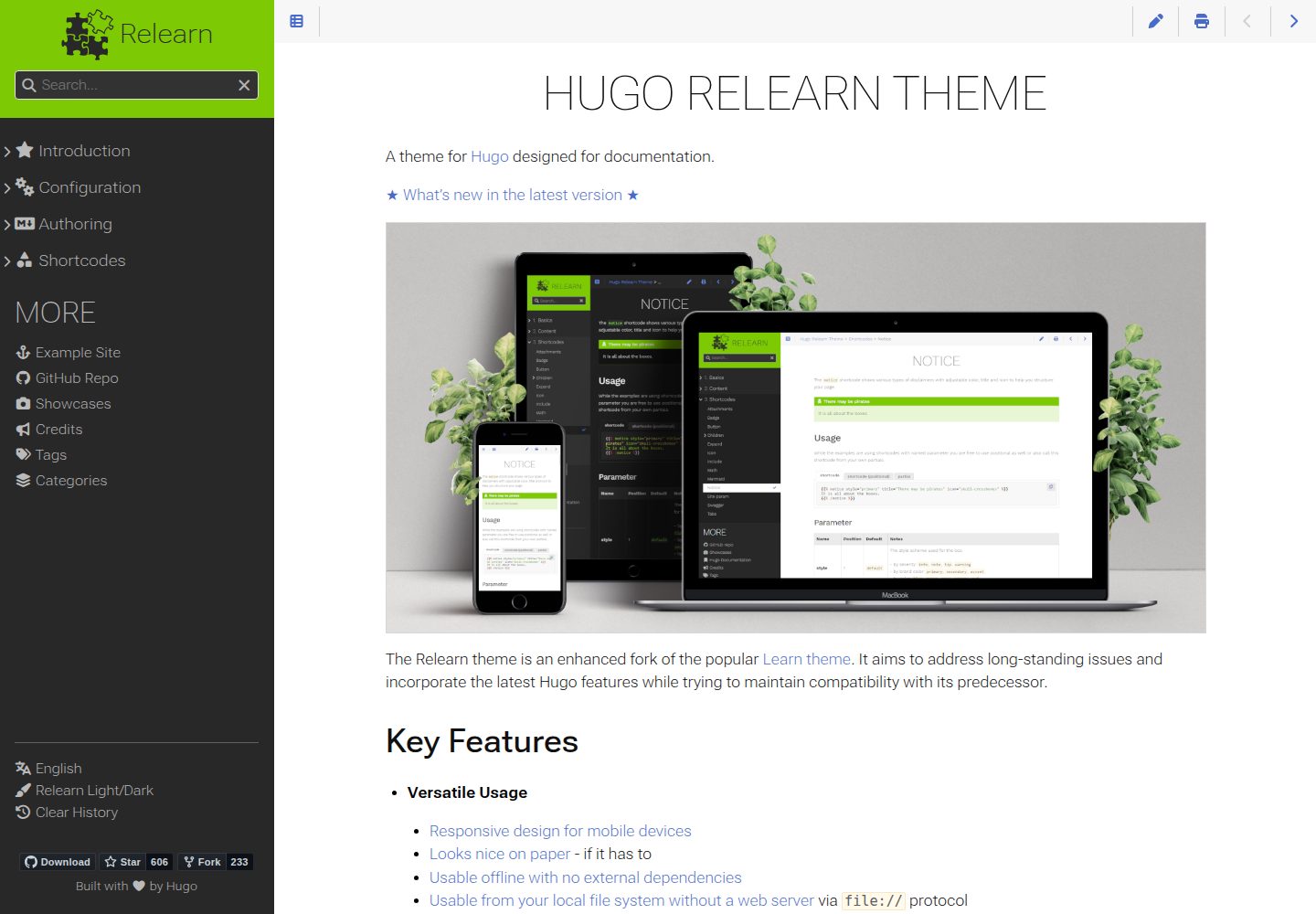
hugo-theme-relearn
Hugo Relearn is an MIT-licensed Hugo theme for documentation sites, forked from the Learn theme and enhanced with newer Hugo features.
Hugo · Documentation