根据 content/docs/ 的目录结构自动切换单版本与多版本模式,多版本模式下每个版本拥有独立的导航树、搜索索引和版本选择器
Hugo文档
hudocs — Hugo 文档模板
作者 zkreations
Hudocs 是一个为 Hugo 构建的文档主题,支持单版本与多版本文档、多语言、客户端搜索和博客模块,不依赖 Node.js。
看看你的网站会是什么样
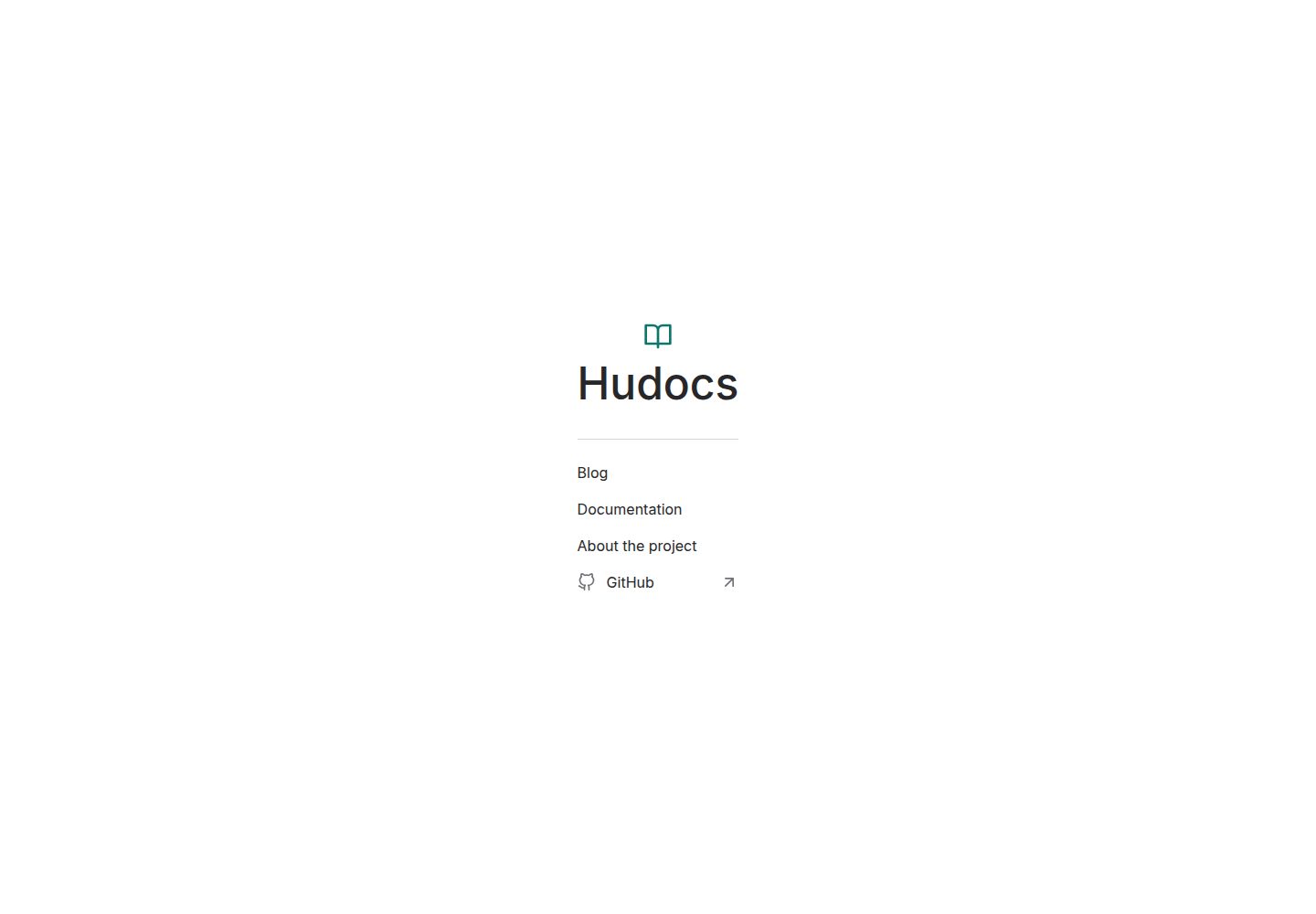
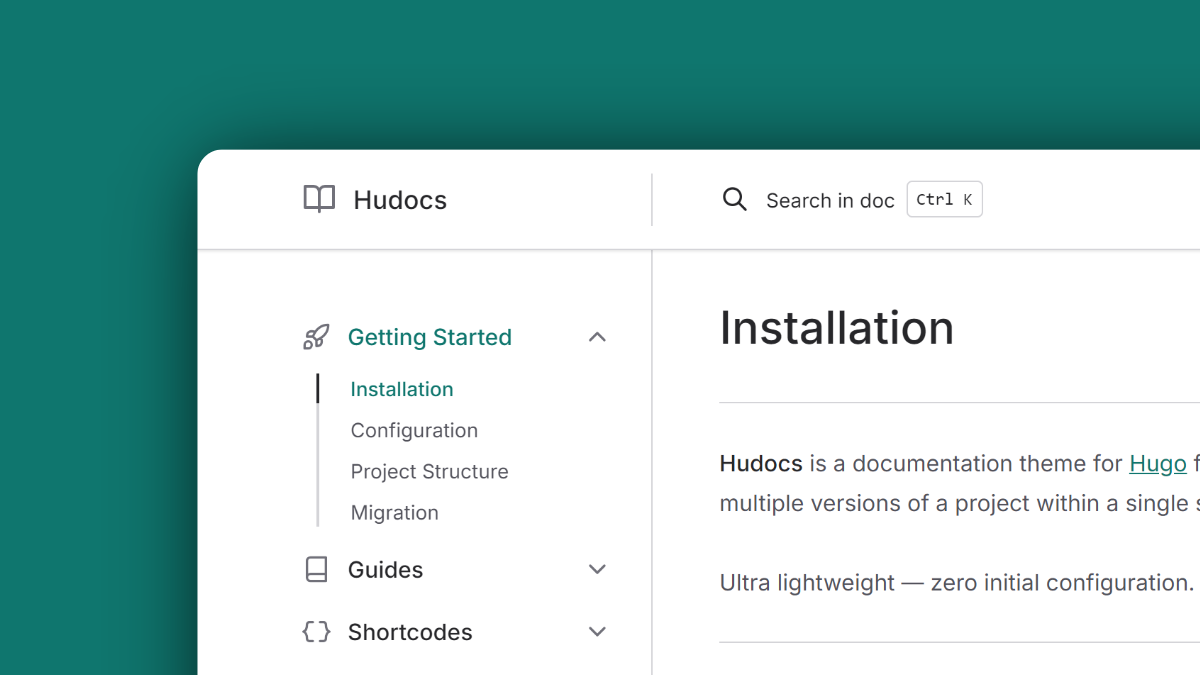
浏览真实页面截图,比较内容排版与手机效果。点击下方缩略图切换,放大查看整页细节。
全部页面与视图 3
截图用于了解视觉与布局,交互效果请以实际项目为准。
采集于 2026-10-03查看来源
值得关注的模板亮点
从已有项目资料中,快速了解它的特点。
不依赖 Node.js,没有 package.json 或 node_modules,通过 Git 子模块安装并使用标准 Hugo 构建
基于 FlexSearch 的客户端搜索,索引文件按语言和版本在构建时分别生成
内置 steps、tabs、annotated、types、hint、button、pagelink、columns 等写作 shortcode
支持 Hugo i18n 约定的多语言文档,以及可选的博客板块(分页、文章卡片、日期格式、RSS)
文章头部提供可配置的 AI 助手下拉菜单,可直接跳转 ChatGPT 或 Claude 并预填页面上下文
模板详细介绍
Hudocs 是一个面向 Hugo 的文档主题,适合为持续迭代的产品或采用语义化版本号的软件编写文档。它完全基于 Hugo Extended 的原生资源管线构建,不需要 package.json、node_modules 或额外的 CI/CD 编排,安装方式是通过 Git 子模块引入主题。
在内容组织上,主题根据目录结构自动切换模式:把文档直接放在 content/docs/ 下即为单版本模式,导航与 URL 中不出现版本下拉;把各版本作为 content/docs/ 的子目录(如 latest、1.8、1.0)则进入多版本模式,每个版本会生成独立的导航树、搜索索引和版本选择器。主题还提供多语言支持,遵循 Hugo 的 i18n 约定,搜索索引按语言和版本分别生成。
写作层面,主题内置一组 shortcode,包括步骤列表、标签页、代码注释、数据类型徽章、提示块、按钮、页面链接卡片和多栏布局,并提供深色/浅色配色切换、六种内置 Duotone 代码块主题、Meteor Icons 图标集成,以及可选的博客板块(分页、文章卡片、日期格式与 RSS)。文章头部还提供可配置的下拉菜单,可直接跳转到 ChatGPT 或 Claude 并预填页面上下文。
使用限制方面,主题要求 Hugo Extended 0.164.0 或更高版本以及 Git;仓库采用 MIT 许可,允许免费使用、修改、商用和分发该版本代码,但演示图片、字体、图标等第三方素材需按各自许可单独核对,域名、托管等外部服务也可能另外收费。
Hugo文档
适合你的项目吗?
适用场景
- 为持续迭代、不区分版本的 SaaS 或 Web 应用编写单一版本文档
- 为采用语义化版本号的软件维护 latest、1.8、1.0 等多个版本的文档
- 需要中英等多语言文档并希望各语言拥有独立搜索索引的项目
- 在文档站中附带博客或更新日志板块,需要分页、文章卡片与 RSS
- 希望在文档中通过标签页、步骤、提示块、数据类型徽章等结构化元素组织技术内容
适合人群
- 使用 Hugo Extended 0.164.0 及以上版本、希望通过 Git 子模块引入主题的开发者
- 需要单版本或多版本文档结构,并希望版本切换与搜索相互隔离的技术文档维护者
- 希望避免 Node.js 工具链、仅用 Hugo 原生管线完成构建的团队
- 需要多语言文档与客户端搜索的国际化项目
- 接受 MIT 许可条款、并能自行核对演示图片与第三方素材许可的使用者
上手与定制指南
结合仓库当前版本的说明,按下面的资料检查内容、配置与运行要求。
- 1
环境要求:Hugo Extended 0.164.0 或更高版本,以及 Git。
- 2
在 Hugo 项目根目录执行 git submodule add https://github.com/zkreations/hudocs themes/hudocs 添加主题。
- 3
快速开始:复制 themes/hudocs/exampleSite/content 到项目 content 目录,复制 themes/hudocs/exampleSite/hugo.toml 到项目根目录,然后运行 hugo serve。
- 4
单版本模式将文档直接放在 content/docs/ 下;多版本模式将各版本作为 content/docs/ 的子目录(如 latest、1.8、1.0)。
- 5
完整安装、配置、shortcode、翻译与自定义说明见 hudocs.com 的文档。
授权与来源资料
使用条件与限制
免费使用 · 保留许可声明本次收录的是公开仓库中采用 MIT 许可的免费版本;免费范围为该版本代码,不代表外部服务或第三方素材免费。
使用时需要遵守
- 允许免费使用、修改、商用和分发该版本代码。
- 分发代码副本或实质性部分时,保留原作者版权声明和完整 MIT 许可声明。
- 代码按现状提供;担保与责任限制以原许可证及适用法律为准。
额外费用与待核对事项
- 演示图片、字体、图标及其他第三方素材需按各自许可核对,不能仅凭代码的 MIT 许可判断。
- 域名、托管、数据库、支付或 AI 等外部服务可能另外收费。
- 使用该主题需安装 Hugo Extended 0.164.0 或更高版本,并需要 Git 用于以子模块方式引入主题。
- 官方安装方式为通过 Git 子模块将主题添加到 Hugo 项目的 themes/hudocs 目录。
- 文章头部的 AI 助手下拉菜单会跳转到 ChatGPT 或 Claude 等外部服务,使用这些外部服务可能受其各自条款与费用约束。
- README 中的赞助(买咖啡)为自愿支持,并非使用该主题的付费要求。
查看原文依据
Permission is hereby granted, free of charge
许可证原文
- Hugo Extended 0.164.0 or higher - [Git](https://git-scm.com/downloads)
README 原文
git submodule add https://github.com/zkreations/hudocs themes/hudocs
README 原文
- **AI assistant:** Configurable dropdown in article headers with direct actions for ChatGPT and Claude, prefilled with page context.
README 原文
https://github.com/zkreations/hudocs/blob/main/LICENSEhttps://github.com/zkreations/hudocs/blob/main/README.mdIf you find this project useful, consider [starring it on GitHub](https://github.com/zkreations/hudocs/stargazers) or [buying me a coffee](https://ko-fi.com/zkreations) to support ongoing maintenance.
README 原文
DeepSeek 根据仓库许可证和 README 整理 ·2026-10-04。结果仅覆盖已读取资料,依赖、图片、字体及后续条款变更以各自原文为准。
项目核对记录与介绍依据
模板资料
- 来源平台
- Hugo Themes
- 资料与维护参考分
- 资料较完整 · 87 / 100
- 技术栈
- Hugo
- 网站类型
- 文档
这个分数如何计算
本站按许可资料(最高30分)、演示链接(12分)、预览图(10分)、Star数(15分)、记录的维护时间(15分)、描述完整度(8分)、功能记录(5分)和分类资料(5分)计算。它不是代码、安全或性能测试,也不是 Google 评分;有链接不代表已实测可用。
这个项目需要核对什么
- 记录的仓库更新时间
- 2026-10-01
- 截图检查日期
- 2026-10-04
已收录演示链接。请用你的内容与屏幕尺寸检查;有演示不代表表单、认证或支付已经可用。
目录记录的主要技术栈是 Hugo。请通过依赖清单和锁文件核对实际版本与托管要求。这些说明基于收录资料,不代表代码审计或部署实测。
查看具体选型方法 →介绍的制作与核对状态
介绍由 AI 辅助整理目录与仓库资料。仓库作者不等于这篇介绍的审核者。
审核声明: [email protected] · 2026-10-05
查看当时使用的来源资料
SHA-256: 627ce6701090d1f42695c5cc96f4e7587060ad596a646b2d68caf9900493f8ba
2026-10-04T20:50:24.646Z
来源文件 / 仓库<p align="center">
<img src="https://raw.githubusercontent.com/zkreations/hudocs/refs/heads/main/images/logo.png" width="75" alt="Hudocs" />
<h1 align="center">Hudocs</h1>
</p>
<p align="center">Documentation theme for Hugo. No Node.js dependencies and no complex deployment pipelines. Built entirely with Hugo Extended's native asset pipeline.</p>
<p align="center">
<a href="https://github.com/zkreations/hudocs/blob/main/LICENSE"><img src="https://img.shields.io/github/license/zkreations/hudocs?style=for-the-badge&labelColor=030712&color=0d9488" alt="license"></a>
<a href="https://github.com/zkreations/hudocs/releases"><img src="https://img.shields.io/github/v/release/zkreations/hudocs?style=for-the-badge&labelColor=030712&color=0d9488" alt="release"></a>
<a href="https://app.netlify.com/projects/hudocs/deploys"><img src="https://img.shields.io/netlify/4f5686e0-d6f8-4ff8-ba4e-901d19644dfe?style=for-the-badge&labelColor=030712&color=0d9488&logo=netlify&logoColor=white" alt="netlify"></a>
</p>
<p align="center">
<a href="https://hudocs.com/"><strong>View a live demo →</strong></a>
</p>
## Why Hudocs?
- **Single-version and multi-version support:** Works for continuously evolving products (SaaS, web apps) and for software with semantic versioning. Multi-version mode generates an isolated navigation tree, search index, and version selector for each release in the same build.
- **No Node.js required:** No `package.json`, no `node_modules`, no CI/CD orchestration beyond a standard Hugo build.
- **Fast builds:** Hugo's native pipeline handles compilation across multiple versions and languages without added overhead.
- **Client-side search:** Local search modal powered by [FlexSearch](https://github.com/nextapps-de/flexsearch), with isolated index files per language and version generated at build time.
- **Performance and security:** Optimized for [Core Web Vitals](https://pagespeed.web.dev/report?url=https://hudocs.com) with an A+ rating on [Mozilla Observatory](https://observatory.mozilla.org/analyze/hudocs.com).
- **Multilingual support (i18n):** Multi-language support linked through Hugo's i18n conventions.
- **Authoring features:** Dark/light scheme switcher, customizable code blocks with six built-in Duotone themes, tabs, steps, hints/alerts, annotated code snippets, data type badges, and [Meteor Icons](https://meteoricons.com/) integration.
- **Blog support:** Optional posts section with pagination, post cards, date formatting, and RSS feed.
- **AI assistant:** Configurable dropdown in article headers with direct actions for ChatGPT and Claude, prefilled with page context.
## Documentation
Full documentation covering installation, configuration, shortcodes, translations, and customization is available at [hudocs.com](https://hudocs.com/docs/latest/getting-started/installation/).
## Documentation Structure
Hudocs adapts automatically based on your directory layout.
### Single-version mode
For products that evolve continuously without versioned releases. Place documentation directly inside `content/docs/`:
```text
content/
└── docs/
├── _index.md
├── getting-started.md
└── configuration.md
```
Navigation and URLs remain clean with no version dropdown.
### Multi-version mode
For software with semantic versioning where users need access to older release docs. Organize versions as subdirectories inside `content/docs/`:
```text
content/
└── docs/
├── latest/
│ ├── _index.md
│ └── ...
├── 1.8/
│ ├── _index.md
│ └── ...
└── 1.0/
├── _index.md
└── ...
```
## Shortcodes
| Shortcode | Description |
| :--- | :--- |
| `{{< steps >}}` | Renders ordered lists as numbered step-by-step guides |
| `{{< tabs >}}` / `{{< tab >}}` | Tabbed content with automatic merging of consecutive syntax tabs |
| `{{< annotated >}}` | Pairs code, tabs, or tables with explanatory notes |
| `{{< types >}}` | Formats data types, expressions, and parameter structures with badge styles |
| `{{< hint >}}` | Hint or alert block (`info`, `warning`, `danger`, `success`) |
| `{{< button >}}` | Button with primary/secondary variants and language-aware link resolution |
| `{{< pagelink >}}` | Styled link card with title and description |
| `{{< columns >}}` | Multi-column layout |
## Requirements
- Hugo Extended 0.164.0 or higher
- [Git](https://git-scm.com/downloads)
## Installation
In the root directory of your Hugo project, add Hudocs as a Git submodule:
```bash
git submodule add https://github.com/zkreations/hudocs themes/hudocs
```
## Quick Start
```bash
# Copy example content
cp -R themes/hudocs/exampleSite/content .
# Copy example configuration
cp themes/hudocs/exampleSite/hugo.toml .
# Start the local development server
hugo serve
```
## Contributions
Contributions are welcome. Please keep these principles in mind:
- Keep configuration simple and avoid unnecessary complexity.
- Favor native HTML and CSS over JavaScript wherever possible.
- Respect user-level customization hooks and tokens.
## Support
If you find this project useful, consider [starring it on GitHub](https://github.com/zkreations/hudocs/stargazers) or [buying me a coffee](https://ko-fi.com/zkreations) to support ongoing maintenance.
## License
**Hudocs** is licensed under the [MIT License](LICENSE)
看看同类模板
对比同技术栈与用途的模板,找到更适合的视觉与内容结构。

hugo-book
Hugo Book 是一个面向文档场景的 Hugo 主题,定位很直接:把文档站点做得像一本朴素的书。
Hugo · 文档

docsy
Hugo theme for open source documentation
Hugo · 文档

hextra
Hextra 是一个 Hugo 主题,定位在文档站与博客之间:既提供侧边栏导航、目录、面包屑、分页这类文档站结构,也能承载博客内容。
Hugo · 文档

doks
Doks 是 Thulite 生态下的文档主题,底层是 Hugo 静态站点生成器。 它把重点放在长文阅读体验上:极简且响应式的布局、为文档优化的排版,以及代码块语法高亮,整体更接近技术手册的形态,而不是通用营销页模板。
Hugo · 工具站

lotusdocs
📖 A free, lightweight, modern documentation theme for Hugo
Hugo · 文档
hugo-theme-relearn
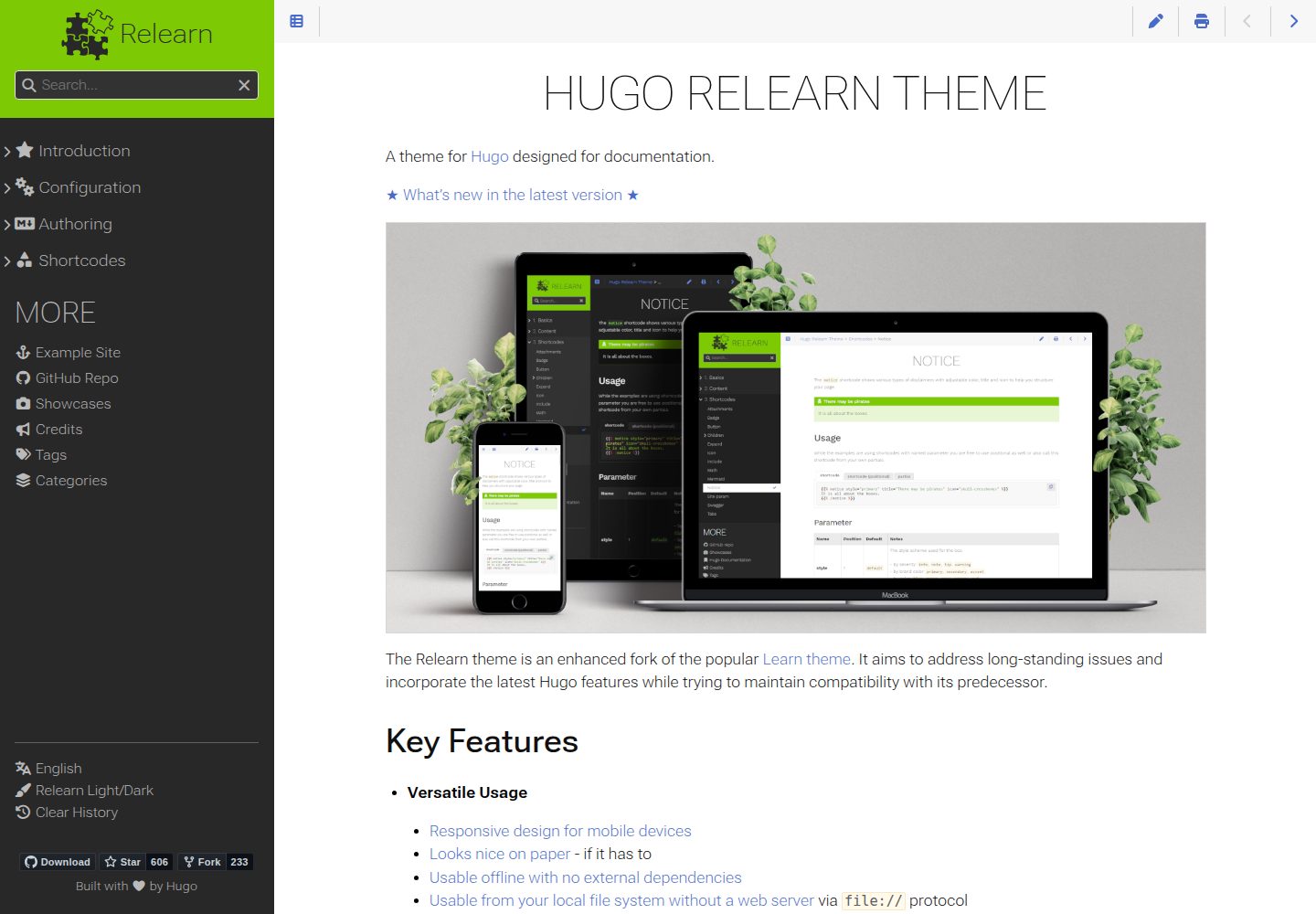
A theme for Hugo designed for documentation
Hugo · 文档