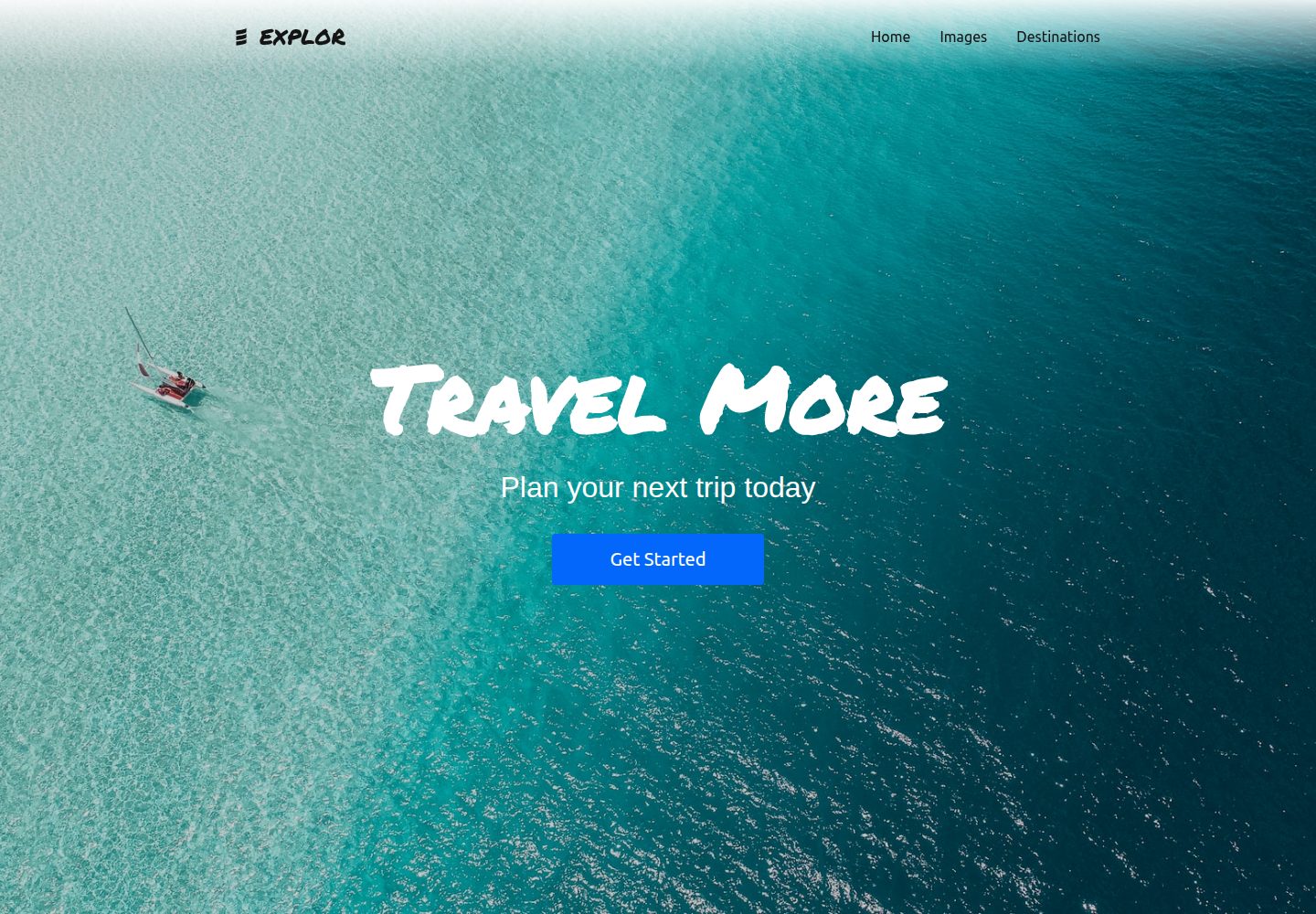
README 标注为旅行主题网站(Travel Website),并提供 Netlify 演示地址
GatsbyReact企业官网
Gatsby-Explor-v1 — Gatsby 企业官网模板
作者 AtanasVihrogonov
基于 Gatsby 的旅行主题网站模板,仓库为 AtanasVihrogonov/Gatsby-Explor-v1,README 主要沿用 Gatsby 默认 starter 的说明。
看看你的网站会是什么样
浏览真实页面截图,比较内容排版与手机效果。点击下方缩略图切换,放大查看整页细节。
全部页面与视图 2
截图用于了解视觉与布局,交互效果请以实际项目为准。
采集于 2026-10-12查看来源
值得关注的模板亮点
从已有项目资料中,快速了解它的特点。
沿用 Gatsby 默认 starter 的快速开始流程:gatsby new、gatsby develop、编辑 src/pages/index.js
README 列出了 Gatsby 项目常见顶层文件,如 gatsby-config.js、gatsby-node.js、gatsby-browser.js、gatsby-ssr.js
README 提供 Gatsby Cloud 一键部署入口和 Netlify 部署状态徽章
README 未说明该模板相对默认 starter 的具体改动与页面组成
模板详细介绍
该模板仓库名为 Gatsby-Explor-v1,README 标题标注为“Gatsby Explor - Travel Website”,并提供了 Netlify 演示站点链接,说明其定位是旅行主题的 Gatsby 网站。README 内容基本沿用 Gatsby 默认 starter 的自动生成说明,包含演示地址、快速开始步骤(使用 Gatsby CLI 创建站点、gatsby develop 启动开发服务器、在 src/pages/index.js 编辑页面)、Gatsby Cloud 一键部署入口、顶层目录结构说明(node_modules、src、gatsby-browser.js、gatsby-config.js、gatsby-node.js、gatsby-ssr.js、package.json 等)、Gatsby 学习资源链接以及部署说明。README 未提供该模板相对于默认 starter 的具体改动说明、页面结构、组件清单、样式方案或数据来源,因此无法据此确认旅行主题页面的具体实现细节。README 中关于许可证的表述存在不一致:徽章显示 MIT,而正文说明该 starter 采用 0BSD 许可。
GatsbyReact企业官网
适合你的项目吗?
适用场景
- 以 Gatsby 为基础搭建旅行主题展示站点
- 在本地通过 gatsby develop 运行并修改 src/pages/index.js 进行页面调整
- 参考 Netlify 演示站点了解模板呈现效果
- 借助 Gatsby Cloud 或 Netlify 部署该 Gatsby 站点
适合人群
- 熟悉或愿意学习 Gatsby 的前端开发者
- 需要旅行主题起步项目的个人或小团队
- 希望以 Gatsby 默认 starter 为基础做二次开发的用户
上手与定制指南
结合仓库当前版本的说明,按下面的资料检查内容、配置与运行要求。
- 1
README 给出的流程是使用 Gatsby CLI 执行 gatsby new 创建站点,然后进入目录运行 gatsby develop
- 2
开发服务器默认地址为 http://localhost:8000,另有 http://localhost:8000/___graphql 用于数据查询实验
- 3
README 未提供该模板自身的依赖清单、环境变量或额外配置说明
- 4
README 中许可证信息不一致:徽章为 MIT,正文说明为 0BSD,使用前需自行确认
授权与来源资料
使用条件与限制
免费使用 · 保留许可声明本次收录的是公开仓库中采用 MIT 许可的免费版本;免费范围为该版本代码,不代表外部服务或第三方素材免费。
使用时需要遵守
- 允许免费使用、修改、商用和分发该版本代码。
- 分发代码副本或实质性部分时,保留原作者版权声明和完整 MIT 许可声明。
- 代码按现状提供;担保与责任限制以原许可证及适用法律为准。
额外费用与待核对事项
- 演示图片、字体、图标及其他第三方素材需按各自许可核对,不能仅凭代码的 MIT 许可判断。
- 域名、托管、数据库、支付或 AI 等外部服务可能另外收费。
查看原文依据
https://github.com/AtanasVihrogonov/Gatsby-Explor-v1/blob/main/LICENSEhttps://github.com/AtanasVihrogonov/Gatsby-Explor-v1/blob/main/README.mdPermission is hereby granted, free of charge
许可证原文
DeepSeek 根据仓库许可证和 README 整理 ·2026-10-12。结果仅覆盖已读取资料,依赖、图片、字体及后续条款变更以各自原文为准。
项目核对记录与介绍依据
模板资料
- 来源平台
- GitHub
- 资料与维护参考分
- 资料一般 · 70 / 100
- 技术栈
- Gatsby · React
- 网站类型
- 企业官网
这个分数如何计算
本站按许可资料(最高30分)、演示链接(12分)、预览图(10分)、Star数(15分)、记录的维护时间(15分)、描述完整度(8分)、功能记录(5分)和分类资料(5分)计算。它不是代码、安全或性能测试,也不是 Google 评分;有链接不代表已实测可用。
这个项目需要核对什么
- 记录的仓库更新时间
- 2021-09-16
- 截图检查日期
- 2026-10-12
已收录演示链接。请用你的内容与屏幕尺寸检查;有演示不代表表单、认证或支付已经可用。
目录记录的主要技术栈是 Gatsby。请通过依赖清单和锁文件核对实际版本与托管要求。这些说明基于收录资料,不代表代码审计或部署实测。
查看具体选型方法 →介绍的制作与核对状态
介绍由 AI 辅助整理目录与仓库资料。仓库作者不等于这篇介绍的审核者。
审核声明: codex-user-requested-batch-review-20261017 · 2026-10-16
查看当时使用的来源资料
SHA-256: 81e730eb418e7dba27b0351422f0efd1cecad6ad3902e8c4a0a050c35c03c9f3
2026-10-12T09:37:31.341Z
来源文件 / 仓库<!-- AUTO-GENERATED-CONTENT:START (STARTER) -->
<p align="center">
<a href="https://www.gatsbyjs.com">
<img alt="Gatsby" src="https://www.gatsbyjs.com/Gatsby-Monogram.svg" width="60" />
</a>
</p>
<h1 align="center">
Gatsby Explor - Travel Website
</h1>
[](https://opensource.org/licenses/MIT)
[](https://app.netlify.com/sites/gatsby-explor-website-v1/deploys)
## Demo Website
- 👉 Netlify : [https://explor-travel-website-v1.app](https://gatsby-explor-website-v1.netlify.app/)
_Have another more specific idea? You may want to check out our vibrant collection of [official and community-created starters](https://www.gatsbyjs.com/docs/gatsby-starters/)._
## 🚀 Quick start
1. **Create a Gatsby site.**
Use the Gatsby CLI ([install instructions](https://www.gatsbyjs.com/docs/tutorial/part-0/#gatsby-cli)) to create a new site, specifying the default starter.
```shell
# create a new Gatsby site using the default starter
gatsby new my-default-starter https://github.com/gatsbyjs/gatsby-starter-default
```
1. **Start developing.**
Navigate into your new site’s directory and start it up.
```shell
cd my-default-starter/
gatsby develop
```
1. **Open the source code and start editing!**
Your site is now running at `http://localhost:8000`!
_Note: You'll also see a second link: _`http://localhost:8000/___graphql`_. This is a tool you can use to experiment with querying your data. Learn more about using this tool in the [Gatsby tutorial](https://www.gatsbyjs.com/tutorial/part-five/#introducing-graphiql)._
Open the `my-default-starter` directory in your code editor of choice and edit `src/pages/index.js`. Save your changes and the browser will update in real time!
## 🚀 Quick start (Gatsby Cloud)
Deploy this starter with one click on [Gatsby Cloud](https://www.gatsbyjs.com/cloud/):
[<img src="https://www.gatsbyjs.com/deploynow.svg" alt="Deploy to Gatsby Cloud">](https://www.gatsbyjs.com/dashboard/deploynow?url=https://github.com/gatsbyjs/gatsby-starter-default)
## 🧐 What's inside?
A quick look at the top-level files and directories you'll see in a Gatsby project.
.
├── node_modules
├── src
├── .gitignore
├── .prettierrc
├── gatsby-browser.js
├── gatsby-config.js
├── gatsby-node.js
├── gatsby-ssr.js
├── LICENSE
├── package-lock.json
├── package.json
└── README.md
1. **`/node_modules`**: This directory contains all of the modules of code that your project depends on (npm packages) are automatically installed.
2. **`/src`**: This directory will contain all of the code related to what you will see on the front-end of your site (what you see in the browser) such as your site header or a page template. `src` is a convention for “source code”.
3. **`.gitignore`**: This file tells git which files it should not track / not maintain a version history for.
4. **`.prettierrc`**: This is a configuration file for [Prettier](https://prettier.io/). Prettier is a tool to help keep the formatting of your code consistent.
5. **`gatsby-browser.js`**: This file is where Gatsby expects to find any usage of the [Gatsby browser APIs](https://www.gatsbyjs.com/docs/reference/config-files/gatsby-browser/) (if any). These allow customization/extension of default Gatsby settings affecting the browser.
6. **`gatsby-config.js`**: This is the main configuration file for a Gatsby site. This is where you can specify information about your site (metadata) like the site title and description, which Gatsby plugins you’d like to include, etc. (Check out the [config docs](https://www.gatsbyjs.com/docs/reference/config-files/gatsby-config/) for more detail).
7. **`gatsby-node.js`**: This file is where Gatsby expects to find any usage of the [Gatsby Node APIs](https://www.gatsbyjs.com/docs/reference/config-files/gatsby-node/) (if any). These allow customization/extension of default Gatsby settings affecting pieces of the site build process.
8. **`gatsby-ssr.js`**: This file is where Gatsby expects to find any usage of the [Gatsby server-side rendering APIs](https://www.gatsbyjs.com/docs/reference/config-files/gatsby-ssr/) (if any). These allow customization of default Gatsby settings affecting server-side rendering.
9. **`LICENSE`**: This Gatsby starter is licensed under the 0BSD license. This means that you can see this file as a placeholder and replace it with your own license.
10. **`package-lock.json`** (See `package.json` below, first). This is an automatically generated file based on the exact versions of your npm dependencies that were installed for your project. **(You won’t change this file directly).**
11. **`package.json`**: A manifest file for Node.js projects, which includes things like metadata (the project’s name, author, etc). This manifest is how npm knows which packages to install for your project.
12. **`README.md`**: A text file containing useful reference information about your project.
## 🎓 Learning Gatsby
Looking for more guidance? Full documentation for Gatsby lives [on the website](https://www.gatsbyjs.com/). Here are some places to start:
- **For most developers, we recommend starting with our [in-depth tutorial for creating a site with Gatsby](https://www.gatsbyjs.com/tutorial/).** It starts with zero assumptions about your level of ability and walks through every step of the process.
- **To dive straight into code samples, head [to our documentation](https://www.gatsbyjs.com/docs/).** In particular, check out the _Guides_, _API Reference_, and _Advanced Tutorials_ sections in the sidebar.
## 💫 Deploy
[Build, Deploy, and Host On The Only Cloud Built For Gatsby](https://www.gatsbyjs.com/products/cloud/)
Gatsby Cloud is an end-to-end cloud platform specifically built for the Gatsby framework that combines a modern developer experience with an optimized, global edge network.
<!-- AUTO-GENERATED-CONTENT:END -->
看看同类模板
对比同技术栈与用途的模板,找到更适合的视觉与内容结构。

automatic-gatsbyjs-app-landing-page
Automatic GatsbyJS App Landing Page - Automatically generate iOS app landing page using GatsbyJS
Gatsby · 工具站
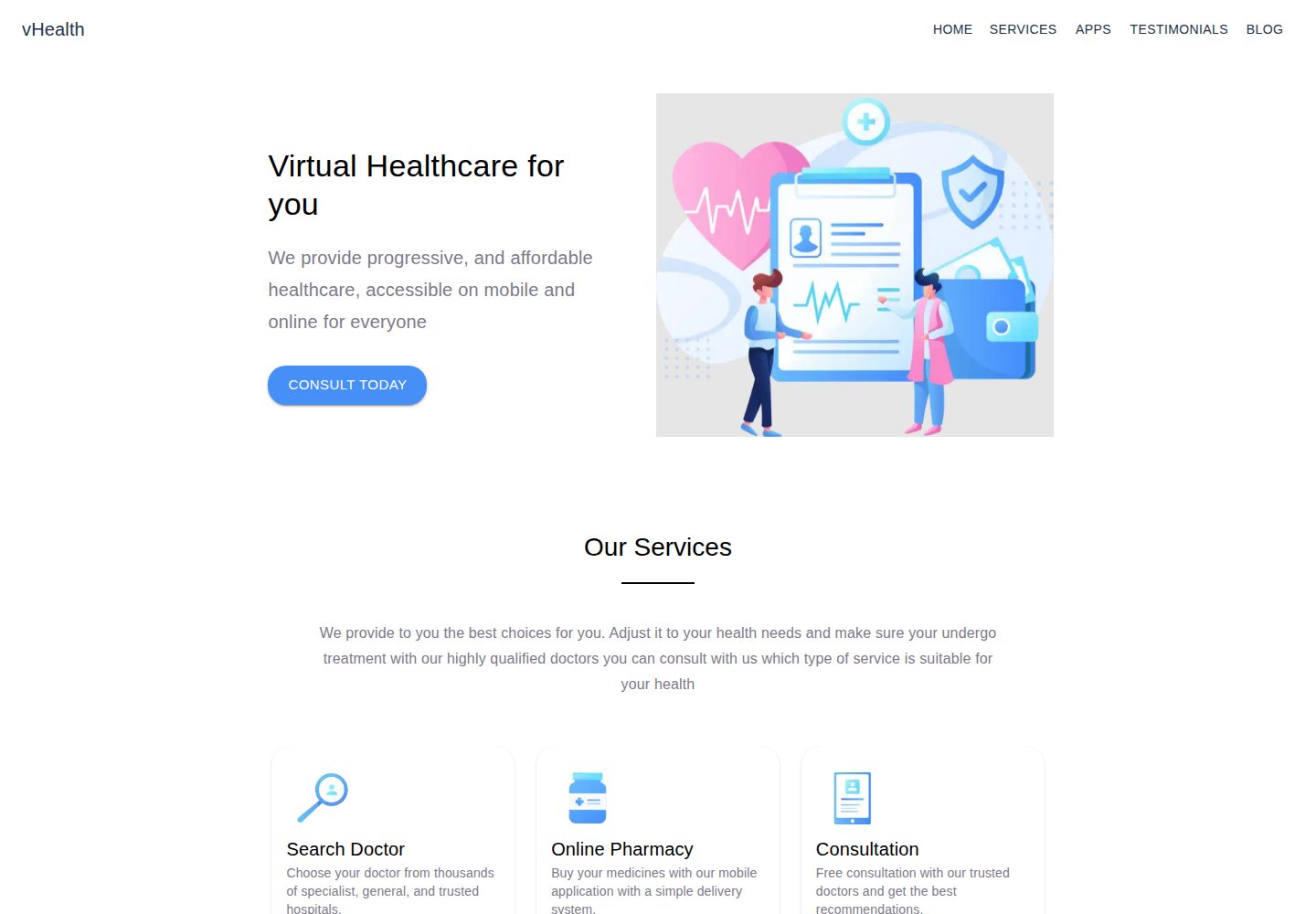
vhealth-gatsby
Open source Gatsby template for a healthcare startup. [Building something amazing? do reach out!]
Gatsby · 企业官网
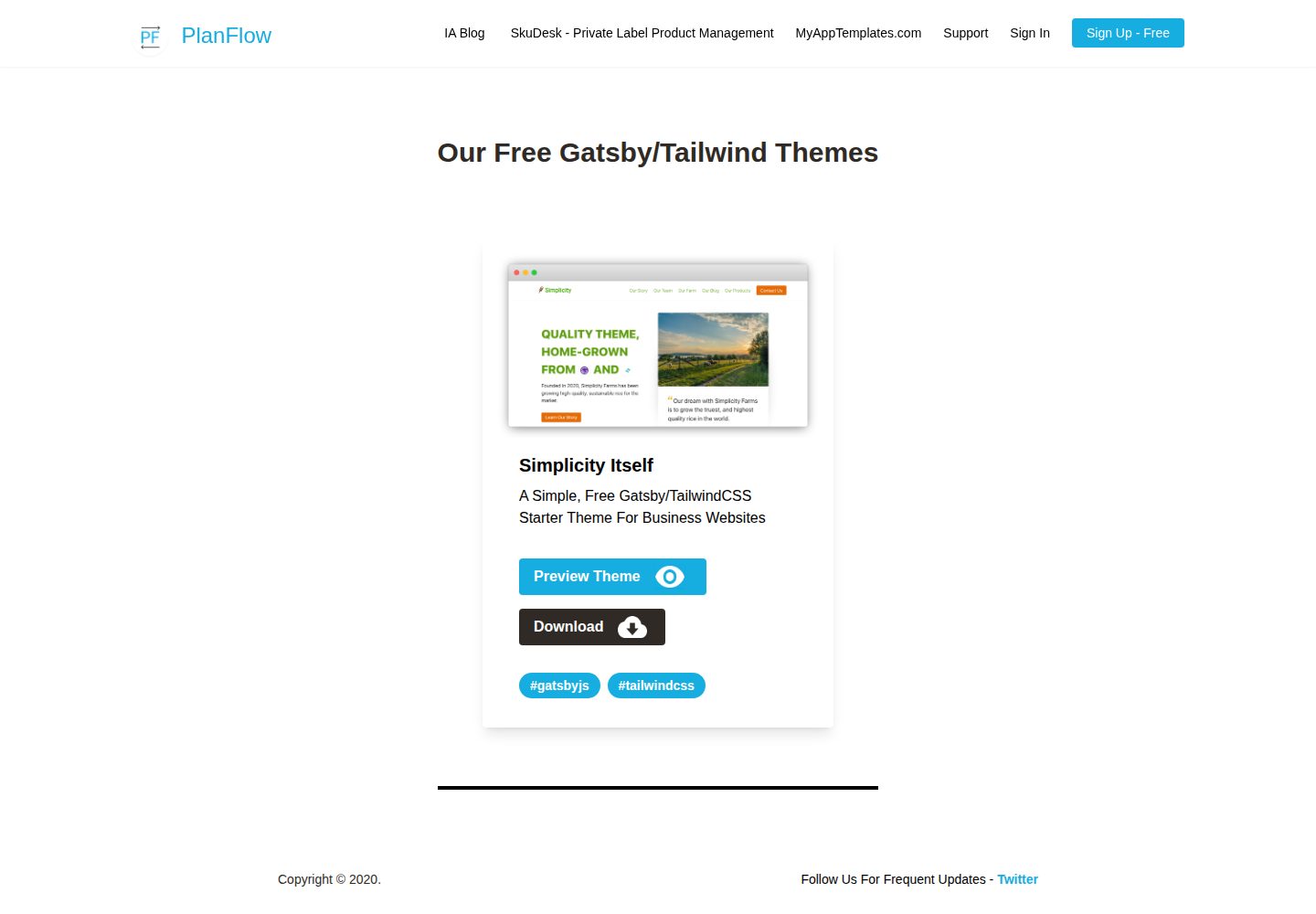
Simplicity-Itself-Gatsby-Tailwind-Starter-Theme
A Simple, Free Gatsby/TailwindCSS Starter Theme For Business Websites
Gatsby · 企业官网
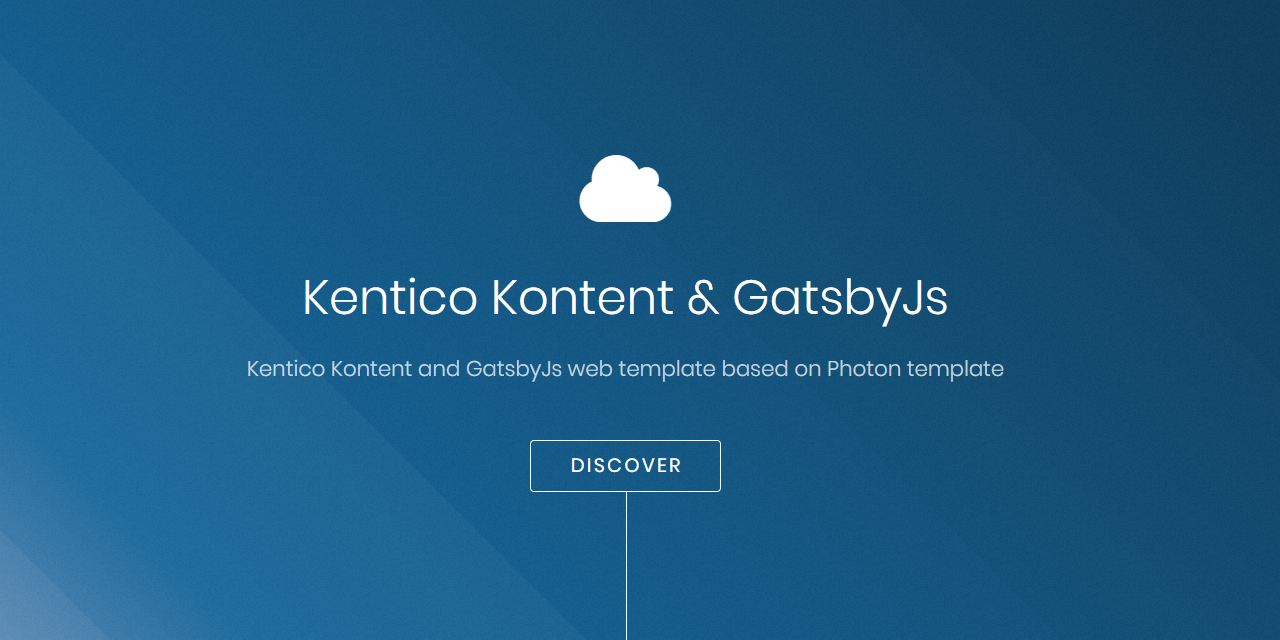
kontent-template-gatsby-landing-page-photon
Kentico Kontent web template using Gatsby and Kentico Kontent.
Gatsby · 企业官网

zauberhaft-gatsby
Free, customizable, modern & Lightning fast Gatsby 5 - agency website template
Gatsby · 企业官网
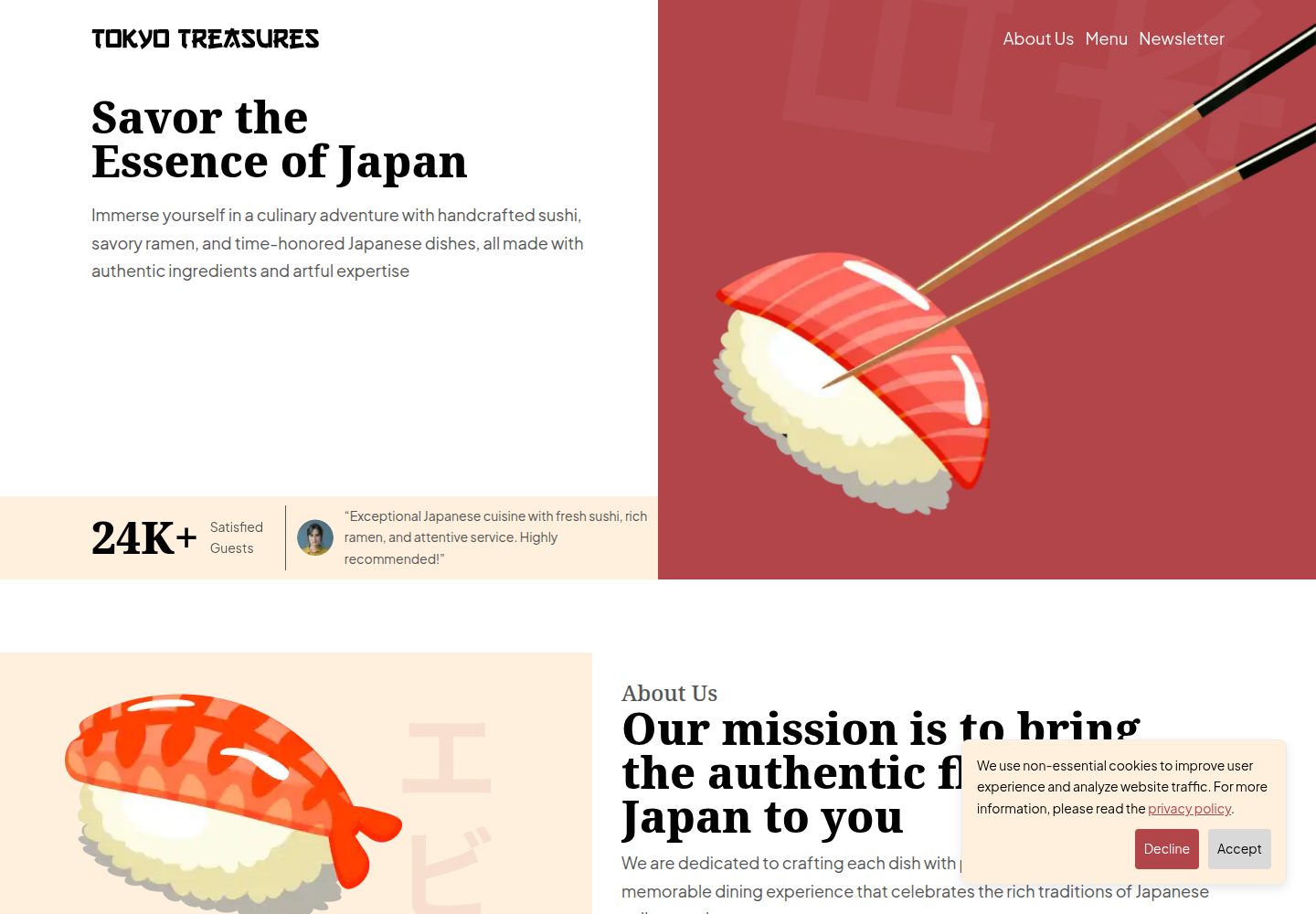
tokyo-treasures
A responsive restaurant website template that is optimized for performance, SEO, and accessibility. It is buil…
Gatsby · 企业官网