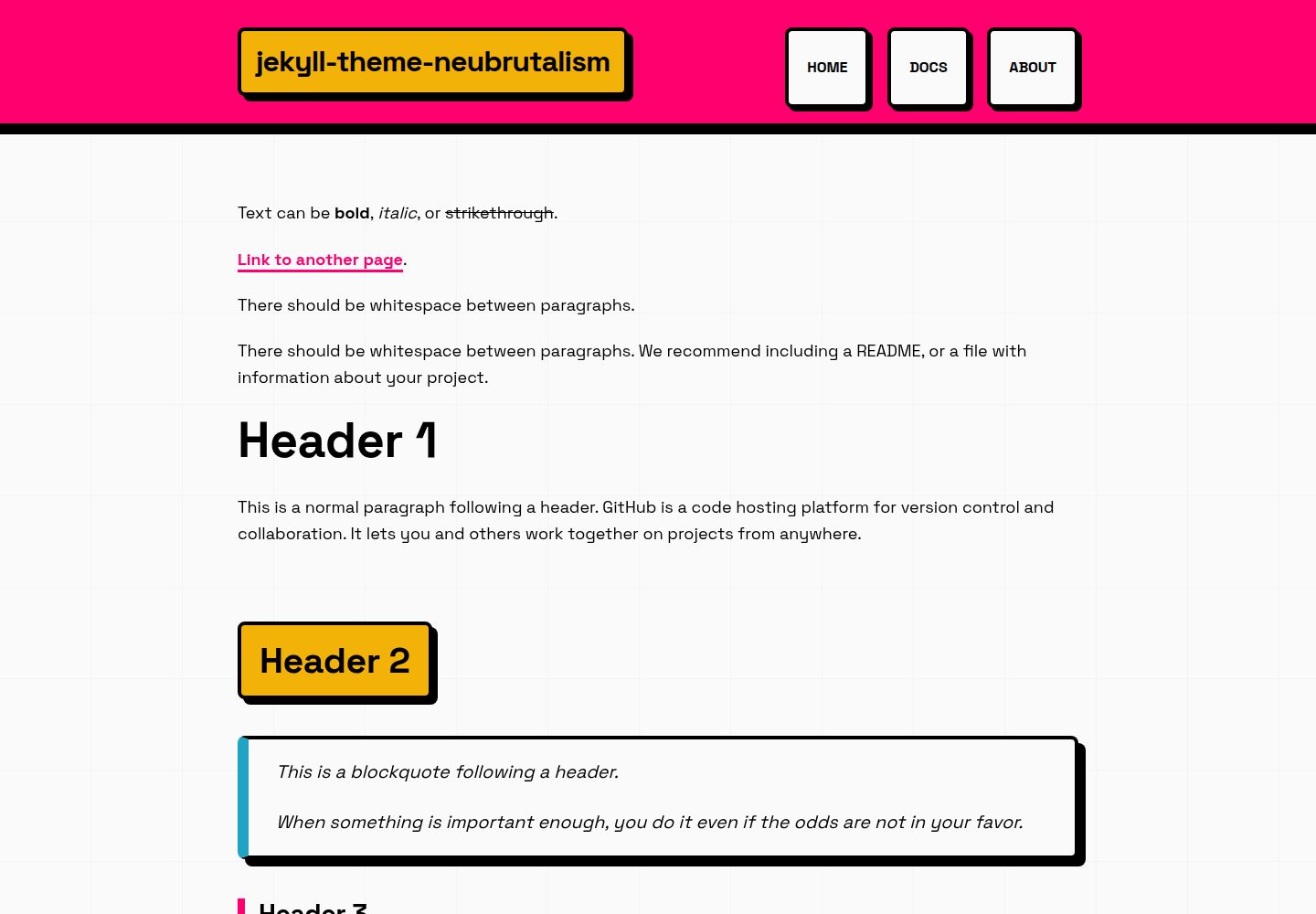
采用新粗野主义设计:4px 以上粗边框、无模糊硬偏移阴影、饱和对比色和强排版
Jekyll企业官网
jekyll-theme-neubrutalism — Jekyll 企业官网模板
作者 cryptonym0
一个将新粗野主义设计原则应用于 Jekyll 的主题,以粗边框、硬阴影和高对比配色提供清晰、结构明确的界面,适合文档、内部笔记和个人站点。
看看你的网站会是什么样
浏览真实页面截图,比较内容排版与手机效果。点击下方缩略图切换,放大查看整页细节。
全部页面与视图 3
截图用于了解视觉与布局,交互效果请以实际项目为准。
采集于 2026-10-13查看来源
值得关注的模板亮点
从已有项目资料中,快速了解它的特点。
通过 CSS 变量自定义颜色、边框宽度和阴影
提供响应式布局和自动适应视口的响应式图片
纯 CSS 实现,无框架或多余依赖
内置文章和页面布局,并支持 GitHub Pages 远程主题
使用 Space Grotesk 与 Space Mono 字体,含样式化定义列表和可选圆角
模板详细介绍
该主题在 README 中被描述为以干净、可维护的方式应用新粗野主义设计原则的 Jekyll 主题,目标是提供功能明确、高对比度的界面,适用于文档、内部笔记和个人站点等更看重清晰度而非精致感的场景。其视觉特征包括 4px 以上的粗边框、无模糊的硬偏移阴影、饱和对比色、强排版和有意显露的 UI 元素。
功能方面,README 列出:清晰明确的视觉设计、基于简单 CSS 变量的可定制颜色系统、响应式布局、自动适应视口的响应式图片、统一新粗野主义风格的样式化定义列表、无需额外配置即可兼容 GitHub Pages、使用 Space Grotesk 与 Space Mono 字体、纯 CSS 无框架或多余依赖、内置文章和页面布局,以及可选的圆角。默认调色板包含 --color-primary: #FF006E、--color-secondary: #00F5FF、--color-accent: #FFBE0B、--color-success: #06FFA5 和 --color-border: #000000。
安装提供两种方式:GitHub Pages 远程主题(在 _config.yml 中添加 remote_theme 与 jekyll-remote-theme、jekyll-feed、jekyll-seo-tag 插件,并在 Gemfile 中添加 jekyll-remote-theme),或作为 Gem 安装(在 Gemfile 中添加 jekyll-theme-neubrutalism,在 _config.yml 中设置 theme,然后运行 bundle install)。本地开发使用 bundle install 和 bundle exec jekyll serve,访问 http://localhost:4000。
自定义通过编辑 assets/css/style.css 中的 CSS 变量完成,可修改颜色、边框宽度和阴影。创建内容时,文章放入 _posts/ 并使用 layout: post,页面使用 layout: page 并指定 permalink。README 还指向 GitHub Pages 设置、安装指南、发布指南、变更日志和示例站点等文档。技术栈方面,README 注明使用 Jekyll 4.3+、纯 CSS 和 Google Fonts(Space Grotesk 与 Space Mono)。许可证为 MIT。README 未提供关于性能、浏览器兼容性或生产就绪程度的具体说明。
Jekyll企业官网
适合你的项目吗?
适用场景
- 为文档站点提供高对比度、结构清晰的阅读界面
- 搭建内部笔记或个人站点,强调清晰度而非精致感
- 在 GitHub Pages 上快速部署新粗野主义风格的静态站点
- 作为 Gem 集成到现有 Jekyll 项目中并自定义视觉变量
适合人群
- 使用 Jekyll 构建静态站点的开发者
- 偏好新粗野主义视觉风格、高对比度界面的用户
- 需要为文档、内部笔记或个人站点提供清晰结构的场景
- 希望通过 CSS 变量调整颜色、边框和阴影的定制需求
上手与定制指南
结合仓库当前版本的说明,按下面的资料检查内容、配置与运行要求。
- 1
GitHub Pages 方式:在 _config.yml 中添加 remote_theme: cryptonym0/jekyll-theme-neubrutalism 以及 jekyll-remote-theme、jekyll-feed、jekyll-seo-tag 插件,并在 Gemfile 中添加 jekyll-remote-theme
- 2
Gem 方式:在 Gemfile 中添加 gem "jekyll-theme-neubrutalism",在 _config.yml 中设置 theme: jekyll-theme-neubrutalism,然后运行 bundle install
- 3
本地开发:运行 bundle install 和 bundle exec jekyll serve,访问 http://localhost:4000
- 4
自定义:编辑 assets/css/style.css 中的 CSS 变量,如 --color-primary、--border-width 和 --shadow
- 5
创建内容:文章放入 _posts/ 并使用 layout: post,页面使用 layout: page 并指定 permalink
授权与来源资料
使用条件与限制
免费使用 · 保留许可声明本次收录的是公开仓库中采用 MIT 许可的免费版本;免费范围为该版本代码,不代表外部服务或第三方素材免费。
使用时需要遵守
- 允许免费使用、修改、商用和分发该版本代码。
- 分发代码副本或实质性部分时,保留原作者版权声明和完整 MIT 许可声明。
- 代码按现状提供;担保与责任限制以原许可证及适用法律为准。
额外费用与待核对事项
- 演示图片、字体、图标及其他第三方素材需按各自许可核对,不能仅凭代码的 MIT 许可判断。
- 域名、托管、数据库、支付或 AI 等外部服务可能另外收费。
查看原文依据
https://github.com/cryptonym0/jekyll-theme-neubrutalism/blob/prod/LICENSEhttps://github.com/cryptonym0/jekyll-theme-neubrutalism/blob/prod/README.mdPermission is hereby granted, free of charge
许可证原文
DeepSeek 根据仓库许可证和 README 整理 ·2026-10-13。结果仅覆盖已读取资料,依赖、图片、字体及后续条款变更以各自原文为准。
项目核对记录与介绍依据
模板资料
- 来源平台
- GitHub
- 资料与维护参考分
- 资料较完整 · 80 / 100
- 技术栈
- Jekyll
- 网站类型
- 企业官网
这个分数如何计算
本站按许可资料(最高30分)、演示链接(12分)、预览图(10分)、Star数(15分)、记录的维护时间(15分)、描述完整度(8分)、功能记录(5分)和分类资料(5分)计算。它不是代码、安全或性能测试,也不是 Google 评分;有链接不代表已实测可用。
这个项目需要核对什么
- 记录的仓库更新时间
- 2026-03-03
- 截图检查日期
- 2026-10-13
已收录演示链接。请用你的内容与屏幕尺寸检查;有演示不代表表单、认证或支付已经可用。
目录记录的主要技术栈是 Jekyll。请通过依赖清单和锁文件核对实际版本与托管要求。这些说明基于收录资料,不代表代码审计或部署实测。
查看具体选型方法 →介绍的制作与核对状态
介绍由 AI 辅助整理目录与仓库资料。仓库作者不等于这篇介绍的审核者。
审核声明: codex-user-requested-batch-review-20261015 · 2026-10-15
查看当时使用的来源资料
SHA-256: 3bba56290f8a302ef5bc9407a64efb242576a45f792c2b38db1e3dd26c6e639b
2026-10-13T06:15:48.600Z
来源文件 / 仓库# Neubrutalist Jekyll Theme
[](https://cryptonym0.github.io/jekyll-theme-neubrutalism/)
[](https://rubygems.org/gems/jekyll-theme-neubrutalism)
[](LICENSE)
A straightforward Jekyll theme that applies neubrutalist design principles in a clean, maintainable way. The goal is to provide a functional, high‑contrast interface with clearly defined structure—useful for documentation, internal notes, and personal sites where clarity is more important than polish.
**[View Live Demo →](https://cryptonym0.github.io/jekyll-theme-neubrutalism/)**
## What Is Neubrutalism?
Neubrutalism (Neo‑Brutalism) is a design approach that emphasizes visible structure and high‑contrast elements. Instead of minimizing visual components, it highlights them:
- Thick borders (4px+)
- Hard, offset shadows with no blur
- Saturated, contrasting colors
- Strong typography
- Intentional, “unhidden” UI elements
The result is a UI that is easy to read, easy to navigate, and visually explicit.
## Features
- **Clear, explicit visual design** using bold borders and shadows
- **Customizable color system** built around simple CSS variables
- **Responsive layouts** that work across devices
- **Responsive images** that automatically scale to fit viewport
- **Styled definition lists** with consistent neubrutalism aesthetic
- **GitHub Pages compatible** with no additional setup
- **Space Grotesk and Space Mono** for a clean, technical type system
- **Pure CSS** with no frameworks or unnecessary dependencies
- **Built‑in layouts** for posts and pages
- **Rounded corner option** for users who prefer softened edges
## Color Palette (Default)
```css
--color-primary: #FF006E;
--color-secondary: #00F5FF;
--color-accent: #FFBE0B;
--color-success: #06FFA5;
--color-border: #000000;
```
## Installation
### Option 1: GitHub Pages (Easiest)
Add to your `_config.yml`:
```yaml
remote_theme: cryptonym0/jekyll-theme-neubrutalism
plugins:
- jekyll-remote-theme
- jekyll-feed
- jekyll-seo-tag
```
Add to your `Gemfile`:
```ruby
gem "jekyll-remote-theme"
```
### Option 2: As a Gem
Add to your `Gemfile`:
```ruby
gem "jekyll-theme-neubrutalism"
```
And to your `_config.yml`:
```yaml
theme: jekyll-theme-neubrutalism
```
Then run: `bundle install`
## 📖 Documentation
- **[GitHub Pages Setup](GITHUB_PAGES_SETUP.md)** - Deploy your own demo site
- **[Installation Guide](INSTALLATION.md)** - Detailed setup instructions
- **[Publishing Guide](PUBLISHING.md)** - How to distribute this theme
- **[Changelog](CHANGELOG.md)** - Version history
- **[Example Site](EXAMPLE_SITE.md)** - Example implementation
---
## Local Development
```bash
# Install dependencies
bundle install
# Start Jekyll server
bundle exec jekyll serve
# Open http://localhost:4000
```
## 🎨 Customization
### Change Colors
Edit `assets/css/style.css`:
```css
:root {
--color-primary: #YOUR_COLOR;
--color-secondary: #YOUR_COLOR;
--color-accent: #YOUR_COLOR;
}
```
### Adjust Border Thickness
```css
:root {
--border-width: 6px; /* Make it even BOLDER */
}
```
### Modify Shadows
```css
:root {
--shadow: 12px 12px 0 #000000; /* Bigger shadows */
}
```
## 📝 Creating Content
### Add a New Post
Create a file in `_posts/`:
```markdown
---
layout: post
title: "Your Bold Title"
date: 2026-03-02 12:00:00 -0800
categories: your categories
---
Your content here...
```
### Add a New Page
Create a `.markdown` or `.html` file:
```markdown
---
layout: page
title: "Page Title"
permalink: /your-page/
---
Your content here...
```
## 🛠️ Built With
- Jekyll 4.3+
- Pure CSS (no frameworks)
- Google Fonts (Space Grotesk & Space Mono)
## 📄 License
Free to use and customize. Make it BOLD!
---
看看同类模板
对比同技术栈与用途的模板,找到更适合的视觉与内容结构。
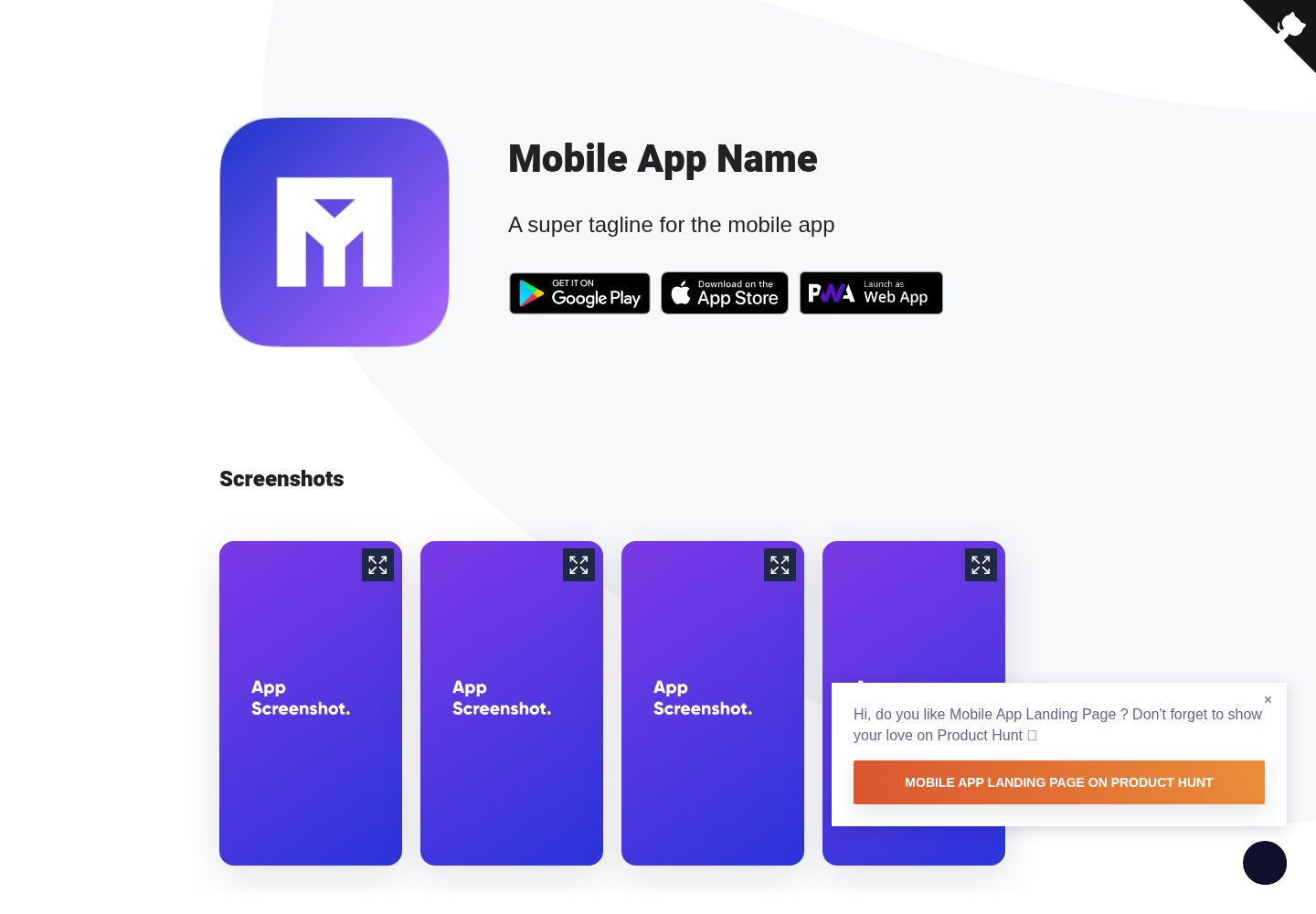
Mobile-app-landingpage-template
📱 Free to use static generated website template for your mobile app
Jekyll · 企业官网
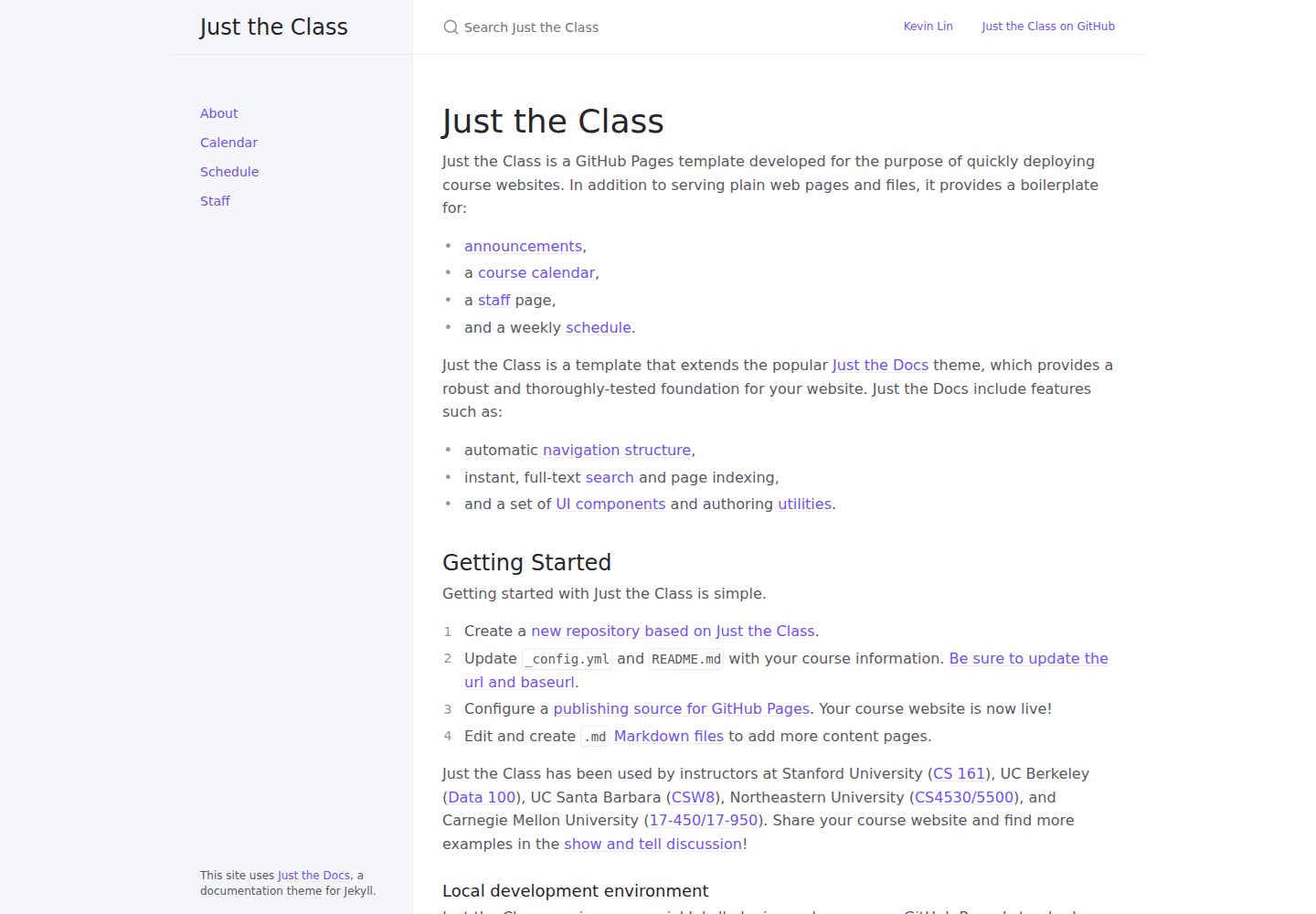
just-the-class
A modern, highly customizable, responsive Jekyll template for course websites.
Jekyll · 企业官网
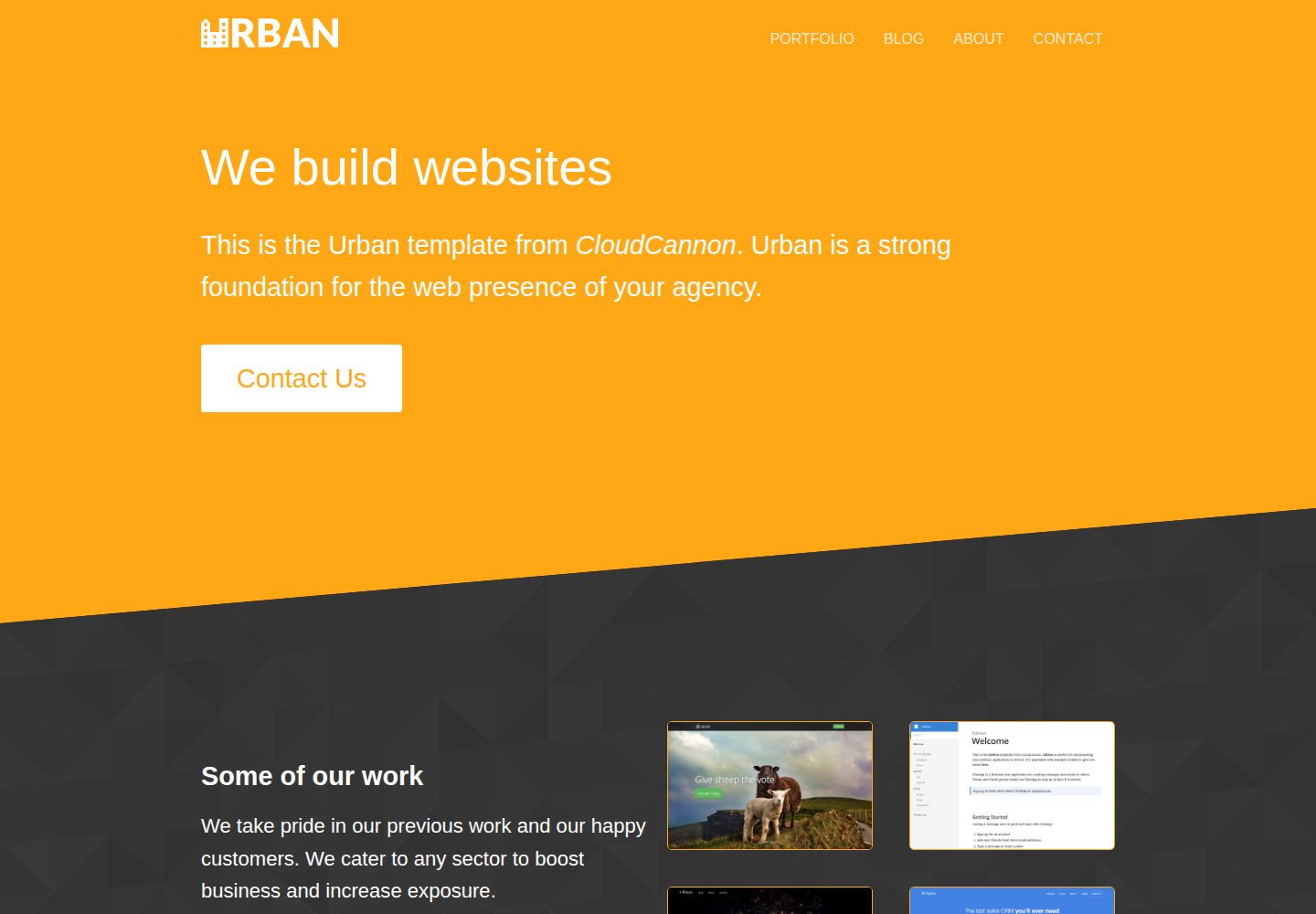
urban-jekyll-template
:cloud: Agency template for Jekyll
Jekyll · 企业官网
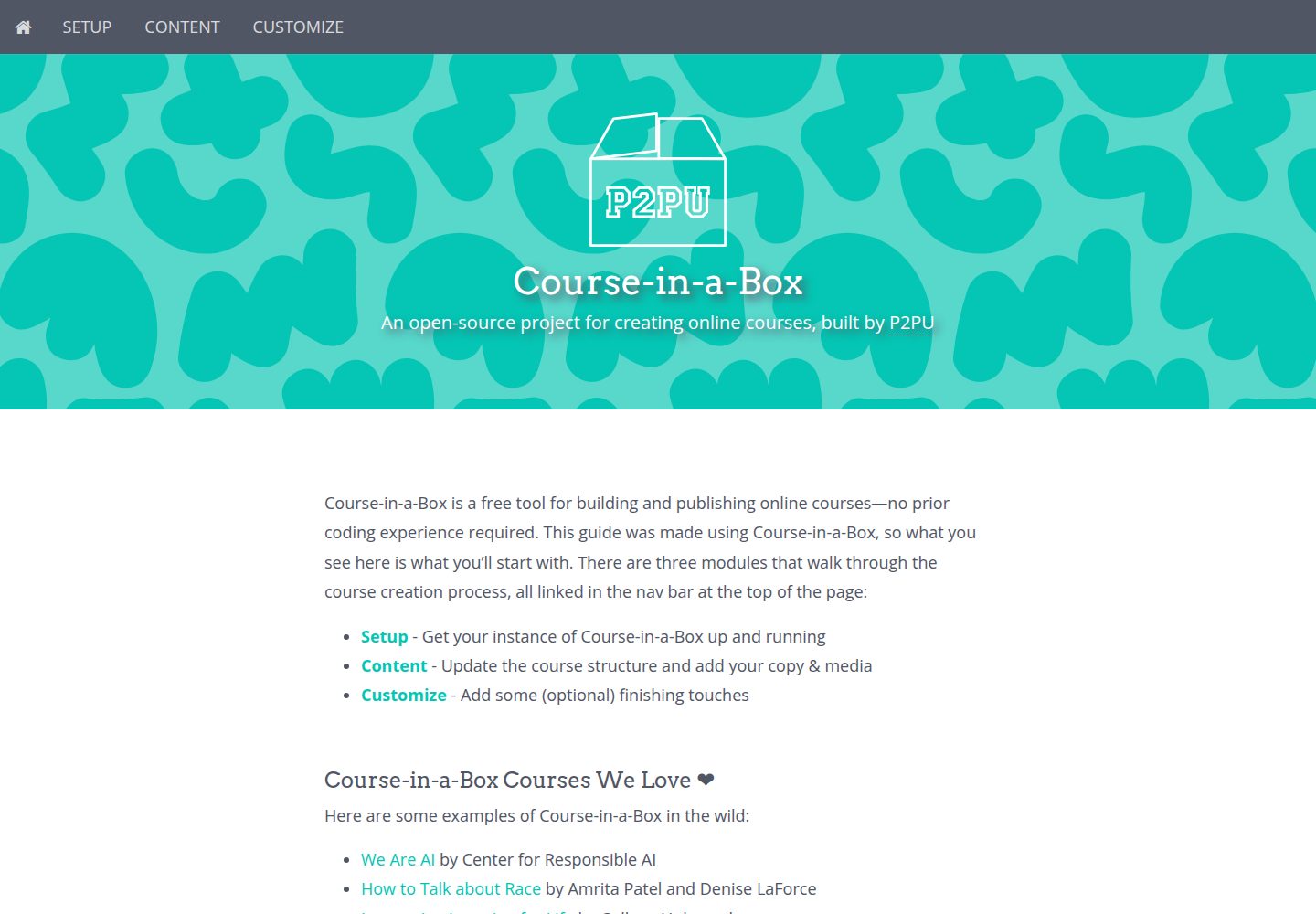
course-in-a-box
An open-source project for creating online courses, built by P2PU
Jekyll · 企业官网

agency-jekyll-theme-starter
Agency Jekyll Theme starter template (optimized for GitHub Pages)
Jekyll · 企业官网
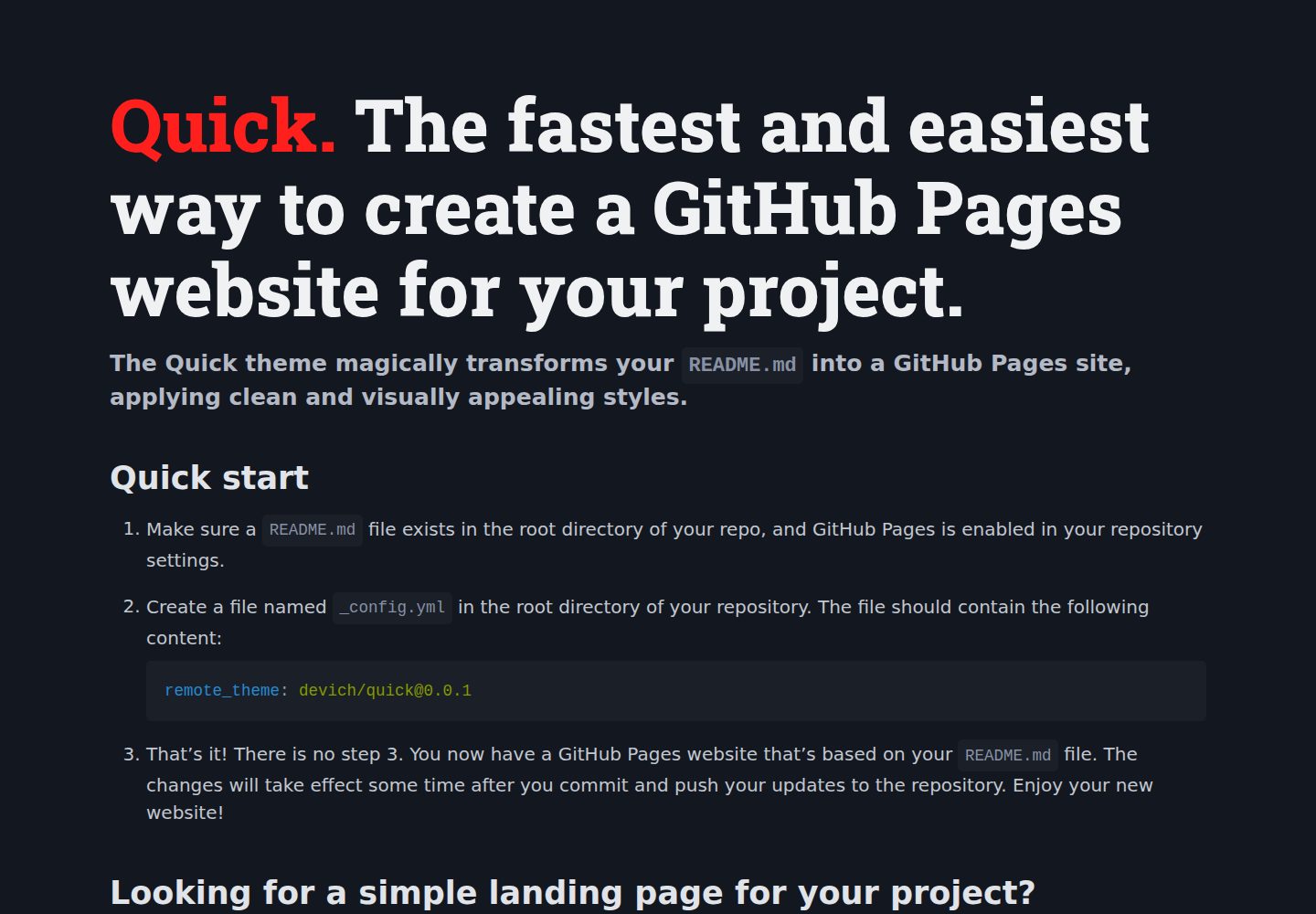
quick
The Quick theme magically transforms your README.md into a GitHub Pages site, applying clean and visually appe…
Jekyll · 企业官网