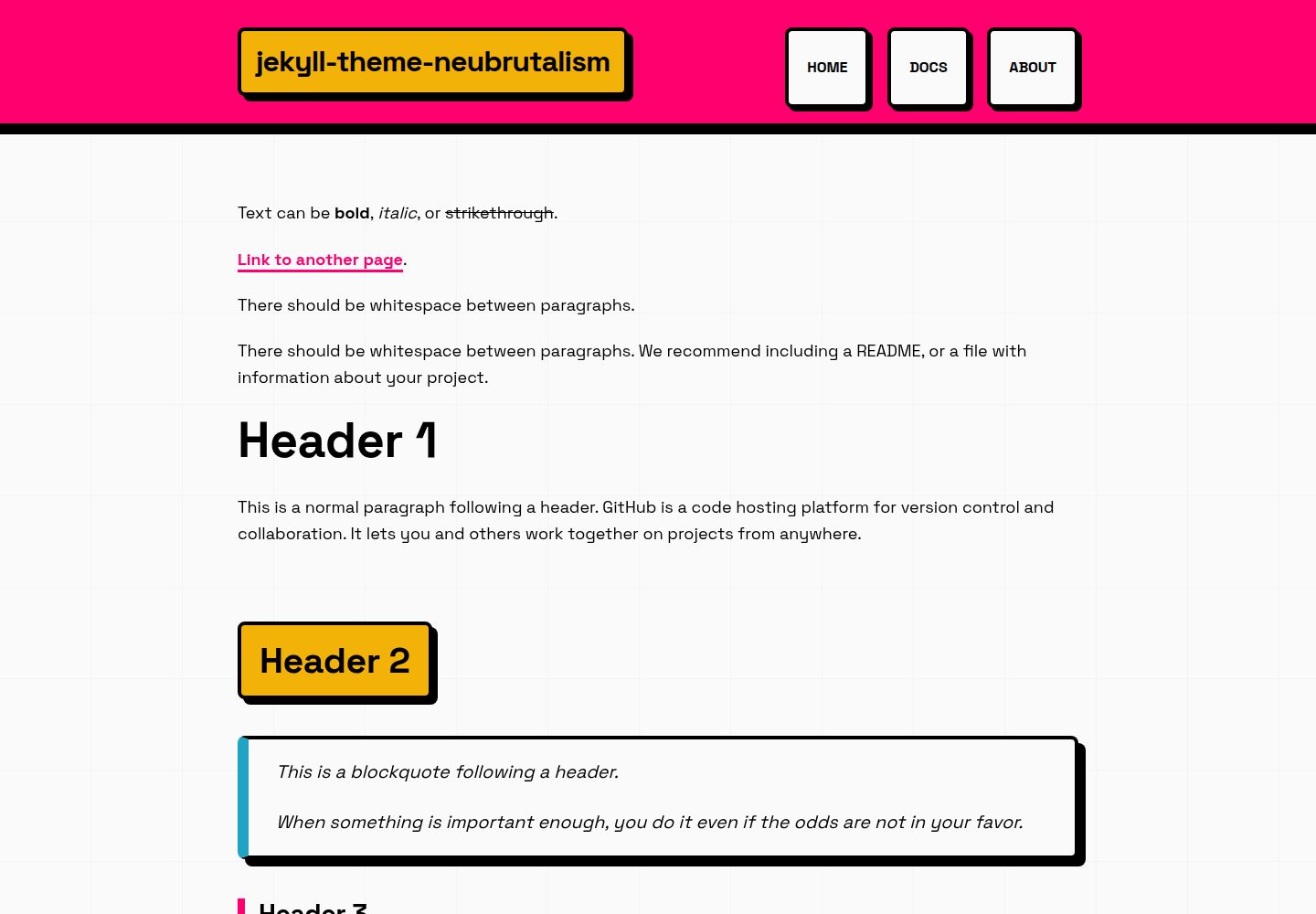
Neubrutalist design: thick borders of 4px or more, hard offset shadows with no blur, saturated contrasting colors, and strong typography
JekyllCorporate Website
jekyll-theme-neubrutalism — Jekyll Business Template
By cryptonym0
A Jekyll theme that applies neubrutalist design principles, offering a clear, structurally explicit interface with thick borders, hard shadows, and high-contrast colors, suitable for documentation, internal notes, and personal sites.
Explore the design
Compare the page layouts and mobile experience. Open any screenshot for a closer look.
Desktop homepage1 / 3
Desktop captureTop of page
Actual screenshot captured by the server browser.
All pages & views 3
Screenshots show visual appearance; interactive behavior may differ.
Recorded 2026-10-13View source
What stands out
A quick read of the recorded project description.
Customize colors, border widths, and shadows via CSS variables
Provides responsive layout and responsive images that automatically adapt to the viewport
Pure CSS implementation with no frameworks or extra dependencies
Built-in post and page layouts, with support for GitHub Pages remote theme
Uses the Space Grotesk and Space Mono fonts, with styled definition lists and optional rounded corners
Template Details
The theme is described in the README as a Jekyll theme that applies neubrutalist design principles in a clean, maintainable way, aiming to provide a functionally clear, high-contrast interface for scenarios such as documentation, internal notes, and personal sites where clarity matters more than polish. Its visual characteristics include thick borders of 4px or more, hard offset shadows with no blur, saturated contrasting colors, strong typography, and intentionally exposed UI elements.
In terms of features, the README lists: clear and explicit visual design, a customizable color system based on simple CSS variables, responsive layout, responsive images that automatically adapt to the viewport, styled definition lists unified in the neubrutalist style, compatibility with GitHub Pages without additional configuration, use of the Space Grotesk and Space Mono fonts, pure CSS with no frameworks or extra dependencies, built-in post and page layouts, and optional rounded corners. The default palette includes --color-primary: #FF006E, --color-secondary: #00F5FF, --color-accent: #FFBE0B, --color-success: #06FFA5, and --color-border: #000000.
Installation offers two approaches: GitHub Pages remote theme (add remote_theme and the jekyll-remote-theme, jekyll-feed, jekyll-seo-tag plugins in _config.yml, and add jekyll-remote-theme in the Gemfile), or installation as a Gem (add jekyll-theme-neubrutalism in the Gemfile, set theme in _config.yml, then run bundle install). Local development uses bundle install and bundle exec jekyll serve, accessible at http://localhost:4000.
Customization is done by editing the CSS variables in assets/css/style.css, allowing changes to colors, border widths, and shadows. When creating content, posts go in _posts/ with layout: post, and pages use layout: page with a specified permalink. The README also points to documentation such as GitHub Pages setup, installation guide, publishing guide, changelog, and example site. Regarding the tech stack, the README notes the use of Jekyll 4.3+, pure CSS, and Google Fonts (Space Grotesk and Space Mono). The license is MIT. The README does not provide specific statements about performance, browser compatibility, or production readiness.
JekyllCorporate website
Is it right for your project?
Use Cases
- Provide a high-contrast, clearly structured reading interface for documentation sites
- Build internal notes or personal sites that emphasize clarity over polish
- Quickly deploy a neubrutalist-style static site on GitHub Pages
- Integrate as a Gem into an existing Jekyll project and customize visual variables
Suitable For
- Developers building static sites with Jekyll
- Users who prefer a neubrutalist visual style and high-contrast interfaces
- Scenarios that need a clear structure for documentation, internal notes, or personal sites
- Customization needs where colors, borders, and shadows are adjusted via CSS variables
Getting started & customization
Use these recorded setup notes alongside the repository instructions for your chosen version.
- 1
GitHub Pages approach: add remote_theme: cryptonym0/jekyll-theme-neubrutalism in _config.yml along with the jekyll-remote-theme, jekyll-feed, and jekyll-seo-tag plugins, and add jekyll-remote-theme in the Gemfile
- 2
Gem approach: add gem "jekyll-theme-neubrutalism" in the Gemfile, set theme: jekyll-theme-neubrutalism in _config.yml, then run bundle install
- 3
Local development: run bundle install and bundle exec jekyll serve, accessible at http://localhost:4000
- 4
Customization: edit the CSS variables in assets/css/style.css, such as --color-primary, --border-width, and --shadow
- 5
Creating content: posts go in _posts/ with layout: post, and pages use layout: page with a specified permalink
License & source material
Usage conditions & limitations
Free to use · keep license noticeThis entry covers the free version under the MIT license in the public repository; the free scope is the code of that version and does not mean that external services or third-party assets are free.
Must comply with when using
- Free use, modification, commercial use, and distribution of this version's code are permitted.
- When distributing copies or substantial portions of the code, retain the original author's copyright notice and the full MIT license notice.
- The code is provided as is; warranties and limitations of liability are governed by the original license and applicable law.
Additional costs & items to verify
- Demo images, fonts, icons, and other third-party assets must be checked against their respective licenses and cannot be judged solely by the code's MIT license.
- External services such as domains, hosting, databases, payments, or AI may incur additional charges.
View Original Text Basis
https://github.com/cryptonym0/jekyll-theme-neubrutalism/blob/prod/LICENSEhttps://github.com/cryptonym0/jekyll-theme-neubrutalism/blob/prod/README.mdPermission is hereby granted, free of charge
Original License Text
Compiled by DeepSeek based on repository license and README ·2026-10-13. Results only cover the materials read; dependencies, images, fonts, and subsequent term changes are subject to their respective original texts.
Project checks & description sources
Template Information
- Source platforms
- GitHub
- Documentation and maintenance reference score
- More documented · 80 / 100
- Technologies
- Jekyll
- Website type
- Corporate Website
How this score is calculated
Our heuristic uses license records (up to 30), a demo link (12), a preview (10), stars (15), recorded maintenance (15), description completeness (8), feature records (5) and classification data (5). It is not a code, security or performance test, or a Google score. A link does not establish tested functionality.
What to verify for this project
- Repository update recorded
- 2026-03-03
- Screenshot last checked
- 2026-10-13
A demo link is listed. Check it with your own content and viewport sizes; its presence does not confirm that forms, authentication or payments work.
The catalog identifies Jekyll as the primary stack. Check the actual dependency manifest and lockfile for versions and hosting requirements. These notes use recorded metadata, not a code audit or a deployment test.
Use a selection guide →How this description was prepared
AI-assisted description based on catalog records and repository material. Repository authors are not automatically the reviewers of this description.
Review declaration: codex-user-requested-batch-review-20261015 · 2026-10-15
Inspect the recorded source material
SHA-256: 3bba56290f8a302ef5bc9407a64efb242576a45f792c2b38db1e3dd26c6e639b
2026-10-13T06:15:48.600Z
Source file / repository# Neubrutalist Jekyll Theme
[](https://cryptonym0.github.io/jekyll-theme-neubrutalism/)
[](https://rubygems.org/gems/jekyll-theme-neubrutalism)
[](LICENSE)
A straightforward Jekyll theme that applies neubrutalist design principles in a clean, maintainable way. The goal is to provide a functional, high‑contrast interface with clearly defined structure—useful for documentation, internal notes, and personal sites where clarity is more important than polish.
**[View Live Demo →](https://cryptonym0.github.io/jekyll-theme-neubrutalism/)**
## What Is Neubrutalism?
Neubrutalism (Neo‑Brutalism) is a design approach that emphasizes visible structure and high‑contrast elements. Instead of minimizing visual components, it highlights them:
- Thick borders (4px+)
- Hard, offset shadows with no blur
- Saturated, contrasting colors
- Strong typography
- Intentional, “unhidden” UI elements
The result is a UI that is easy to read, easy to navigate, and visually explicit.
## Features
- **Clear, explicit visual design** using bold borders and shadows
- **Customizable color system** built around simple CSS variables
- **Responsive layouts** that work across devices
- **Responsive images** that automatically scale to fit viewport
- **Styled definition lists** with consistent neubrutalism aesthetic
- **GitHub Pages compatible** with no additional setup
- **Space Grotesk and Space Mono** for a clean, technical type system
- **Pure CSS** with no frameworks or unnecessary dependencies
- **Built‑in layouts** for posts and pages
- **Rounded corner option** for users who prefer softened edges
## Color Palette (Default)
```css
--color-primary: #FF006E;
--color-secondary: #00F5FF;
--color-accent: #FFBE0B;
--color-success: #06FFA5;
--color-border: #000000;
```
## Installation
### Option 1: GitHub Pages (Easiest)
Add to your `_config.yml`:
```yaml
remote_theme: cryptonym0/jekyll-theme-neubrutalism
plugins:
- jekyll-remote-theme
- jekyll-feed
- jekyll-seo-tag
```
Add to your `Gemfile`:
```ruby
gem "jekyll-remote-theme"
```
### Option 2: As a Gem
Add to your `Gemfile`:
```ruby
gem "jekyll-theme-neubrutalism"
```
And to your `_config.yml`:
```yaml
theme: jekyll-theme-neubrutalism
```
Then run: `bundle install`
## 📖 Documentation
- **[GitHub Pages Setup](GITHUB_PAGES_SETUP.md)** - Deploy your own demo site
- **[Installation Guide](INSTALLATION.md)** - Detailed setup instructions
- **[Publishing Guide](PUBLISHING.md)** - How to distribute this theme
- **[Changelog](CHANGELOG.md)** - Version history
- **[Example Site](EXAMPLE_SITE.md)** - Example implementation
---
## Local Development
```bash
# Install dependencies
bundle install
# Start Jekyll server
bundle exec jekyll serve
# Open http://localhost:4000
```
## 🎨 Customization
### Change Colors
Edit `assets/css/style.css`:
```css
:root {
--color-primary: #YOUR_COLOR;
--color-secondary: #YOUR_COLOR;
--color-accent: #YOUR_COLOR;
}
```
### Adjust Border Thickness
```css
:root {
--border-width: 6px; /* Make it even BOLDER */
}
```
### Modify Shadows
```css
:root {
--shadow: 12px 12px 0 #000000; /* Bigger shadows */
}
```
## 📝 Creating Content
### Add a New Post
Create a file in `_posts/`:
```markdown
---
layout: post
title: "Your Bold Title"
date: 2026-03-02 12:00:00 -0800
categories: your categories
---
Your content here...
```
### Add a New Page
Create a `.markdown` or `.html` file:
```markdown
---
layout: page
title: "Page Title"
permalink: /your-page/
---
Your content here...
```
## 🛠️ Built With
- Jekyll 4.3+
- Pure CSS (no frameworks)
- Google Fonts (Space Grotesk & Space Mono)
## 📄 License
Free to use and customize. Make it BOLD!
---
Explore similar templates
Compare previews and descriptions within the same stack and category.
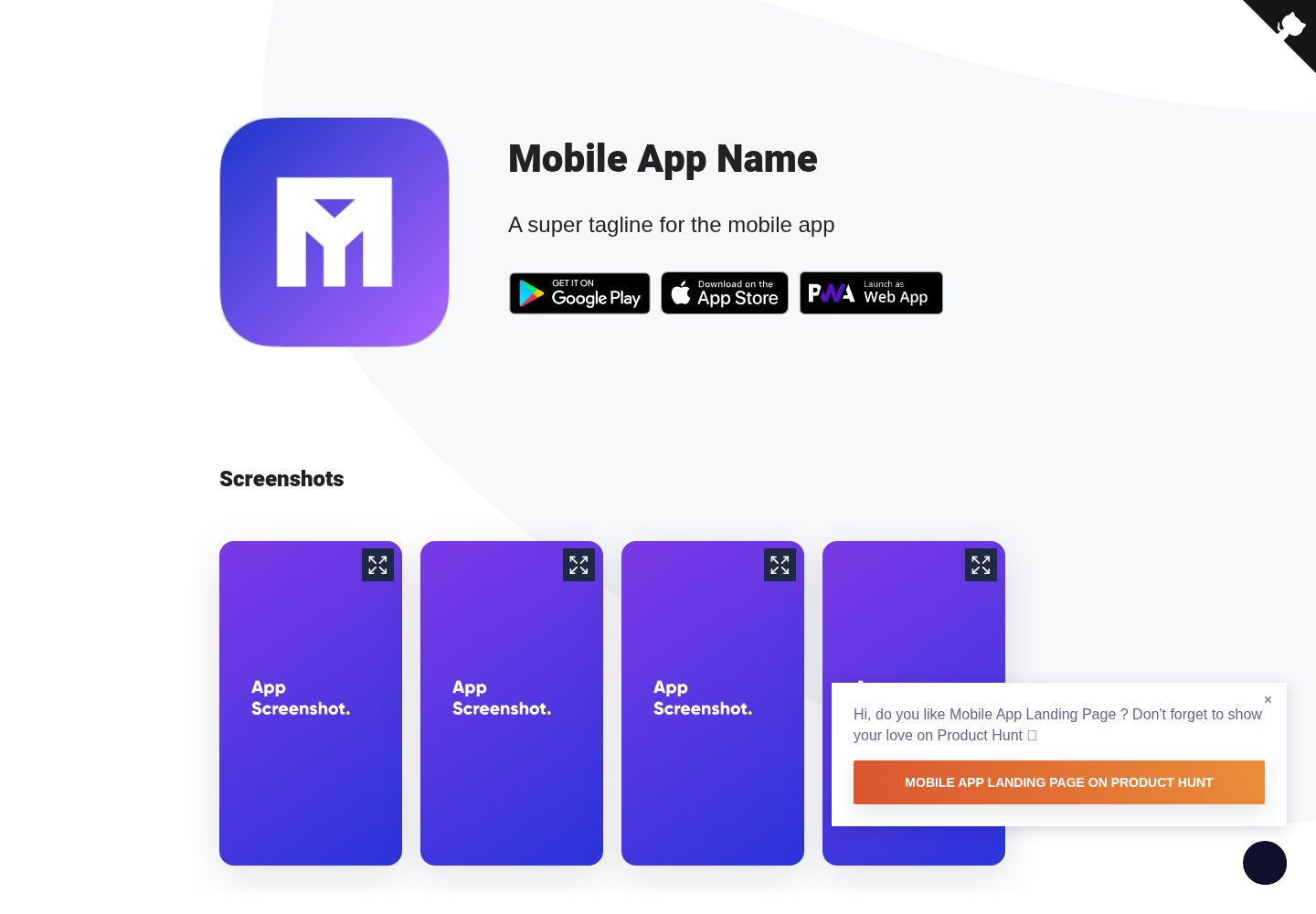
Mobile-app-landingpage-template
A Jekyll-based static landing page template for mobile apps, MIT-licensed and free to use.
Jekyll · Corporate Website
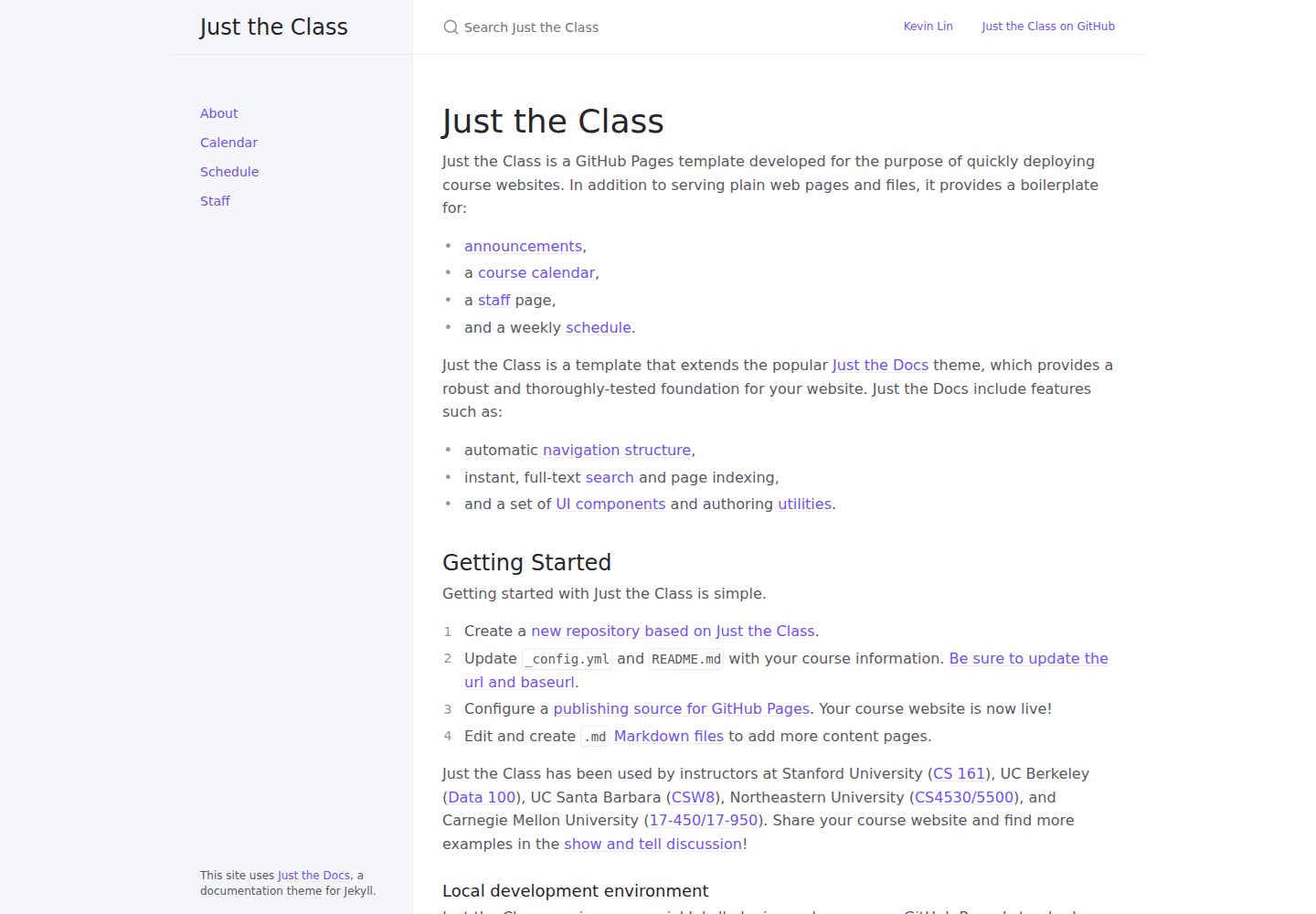
just-the-class
A Jekyll course website template extended from Just the Docs, with built-in page templates for announcements, course calendar, teaching team, and weekly schedule.
Jekyll · Corporate Website
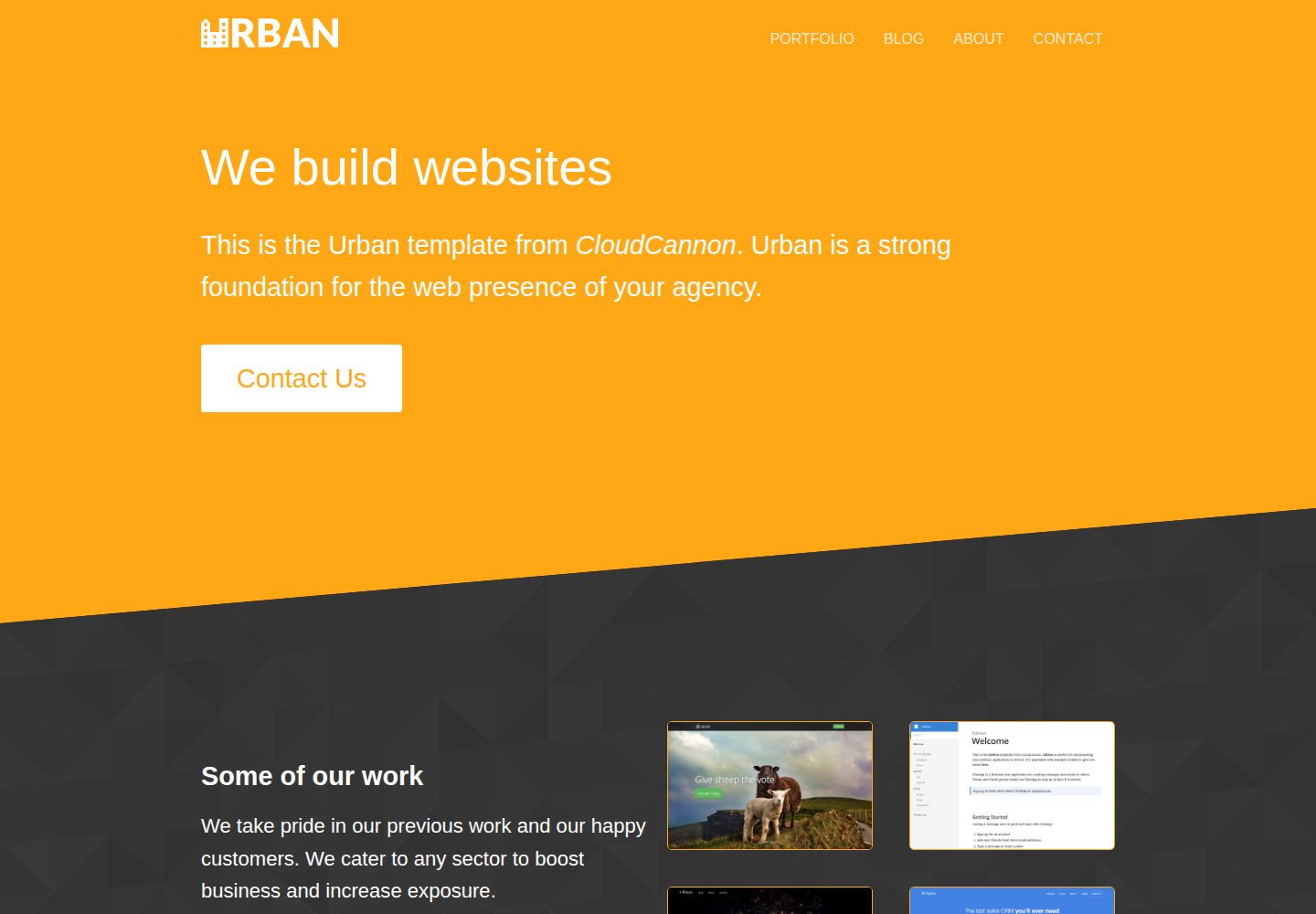
urban-jekyll-template
Urban is a Jekyll corporate website theme for web agencies made by CloudCannon, with a contact form, blog pagination and category pages, Disqus comments, a staff and author system, and a configurable footer.
Jekyll · Corporate Website
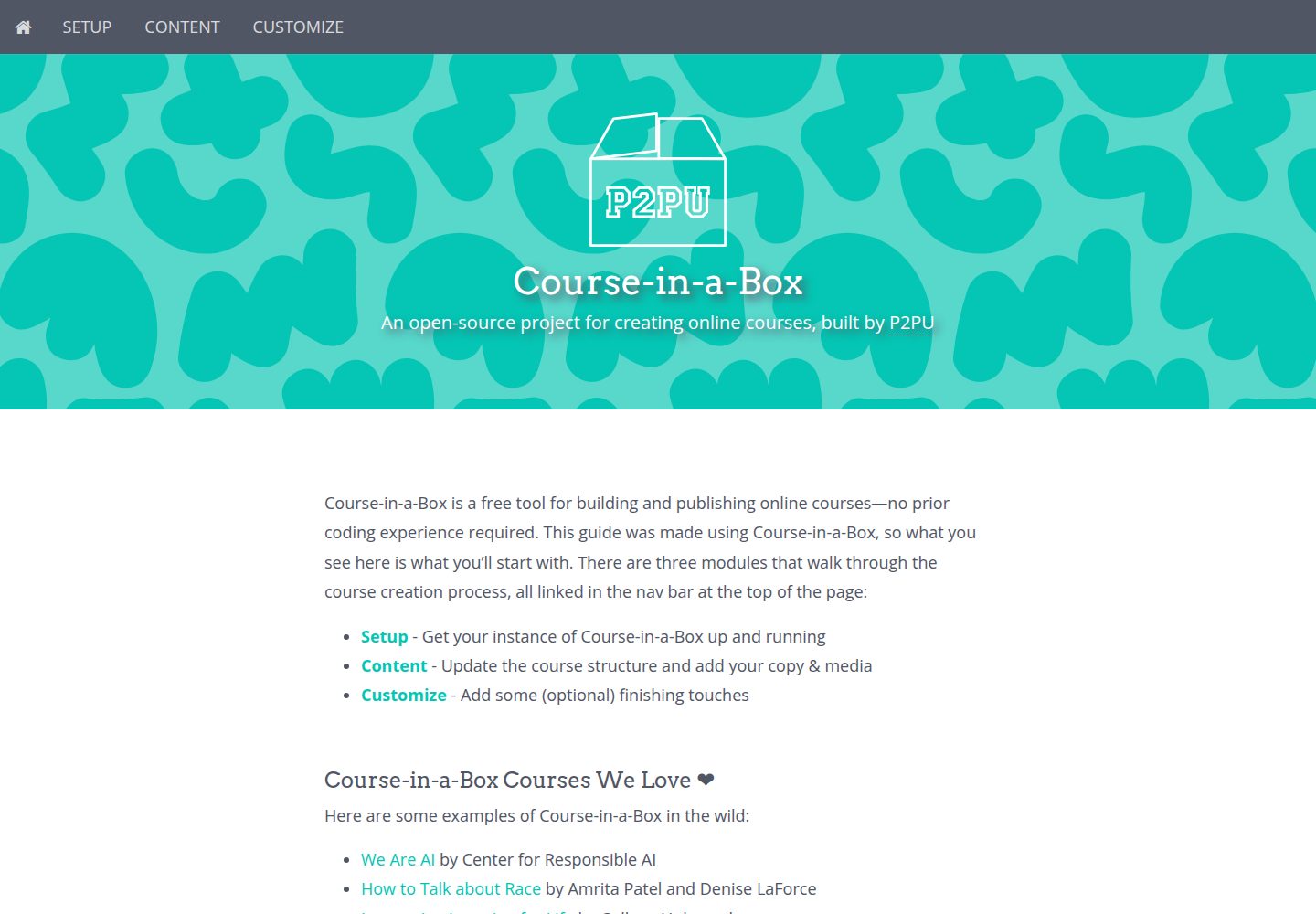
course-in-a-box
Course-in-a-Box is an open-source online course website template maintained by P2PU and built on the Jekyll static site generator.
Jekyll · Corporate Website

agency-jekyll-theme-starter
A Jekyll-based Agency theme starter template for GitHub Pages. Generate a repository via the template button, replace the sample content, and configure baseurl or a custom domain.
Jekyll · Corporate Website
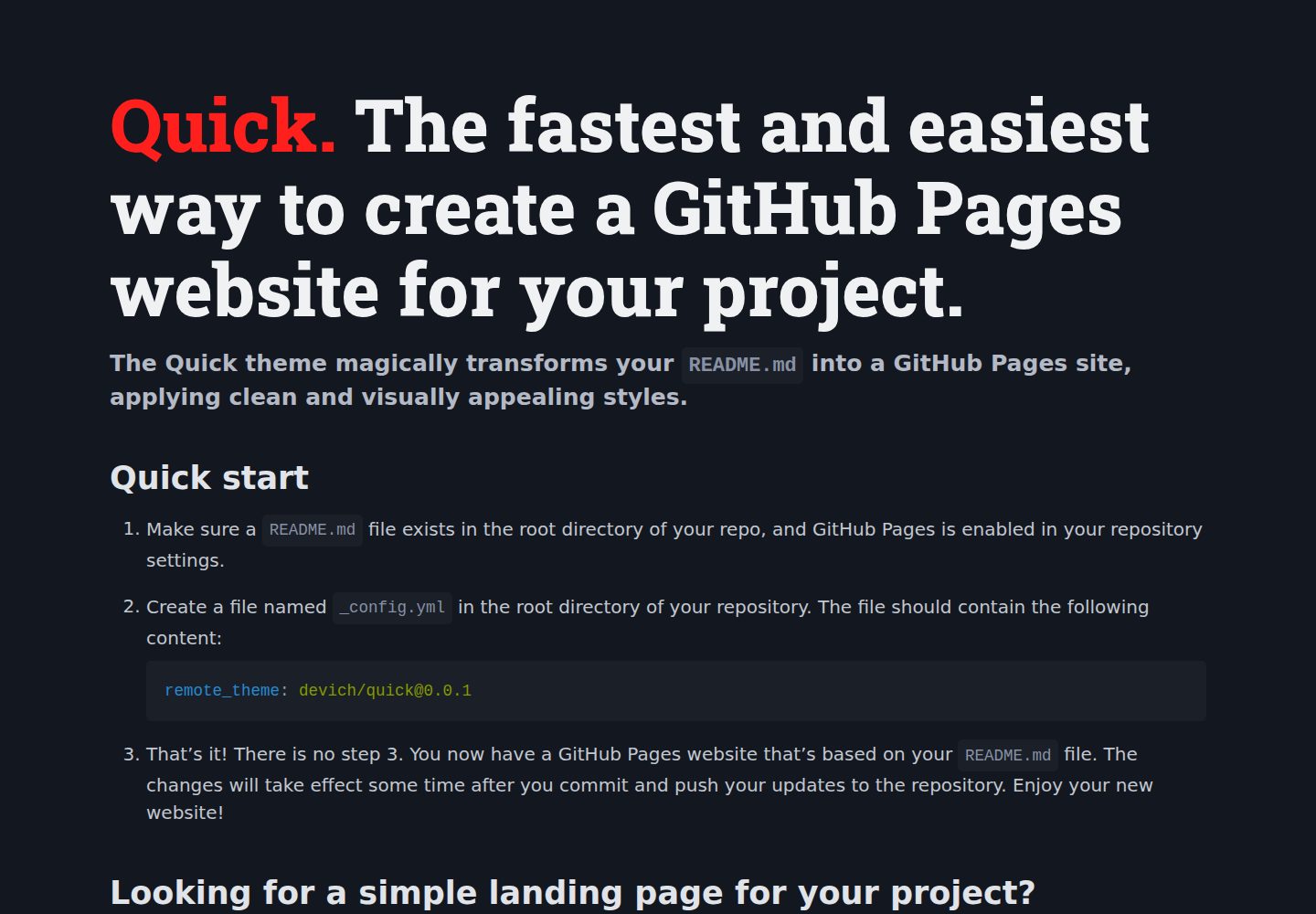
quick
Quick is a Jekyll remote theme that renders the README.md in the repository root directly as a GitHub Pages site, with configuration for language, background, theme color, title, description, keywords, and Google Analytics, plus custom CSS and favicon support.
Jekyll · Corporate Website