页面内容由 content 目录下的静态 JSON 文件驱动,无需数据库或 CMS
Next.jsReact作品集
next-portofolio-template — Next.js 作品集模板
作者 erickow
基于 Next.js 的作品集模板,页面内容由 content 目录下的静态 JSON 数据驱动,内置 Google Analytics 配置、静态 sitemap 生成与 SEO 社交分享元信息。
看看你的网站会是什么样
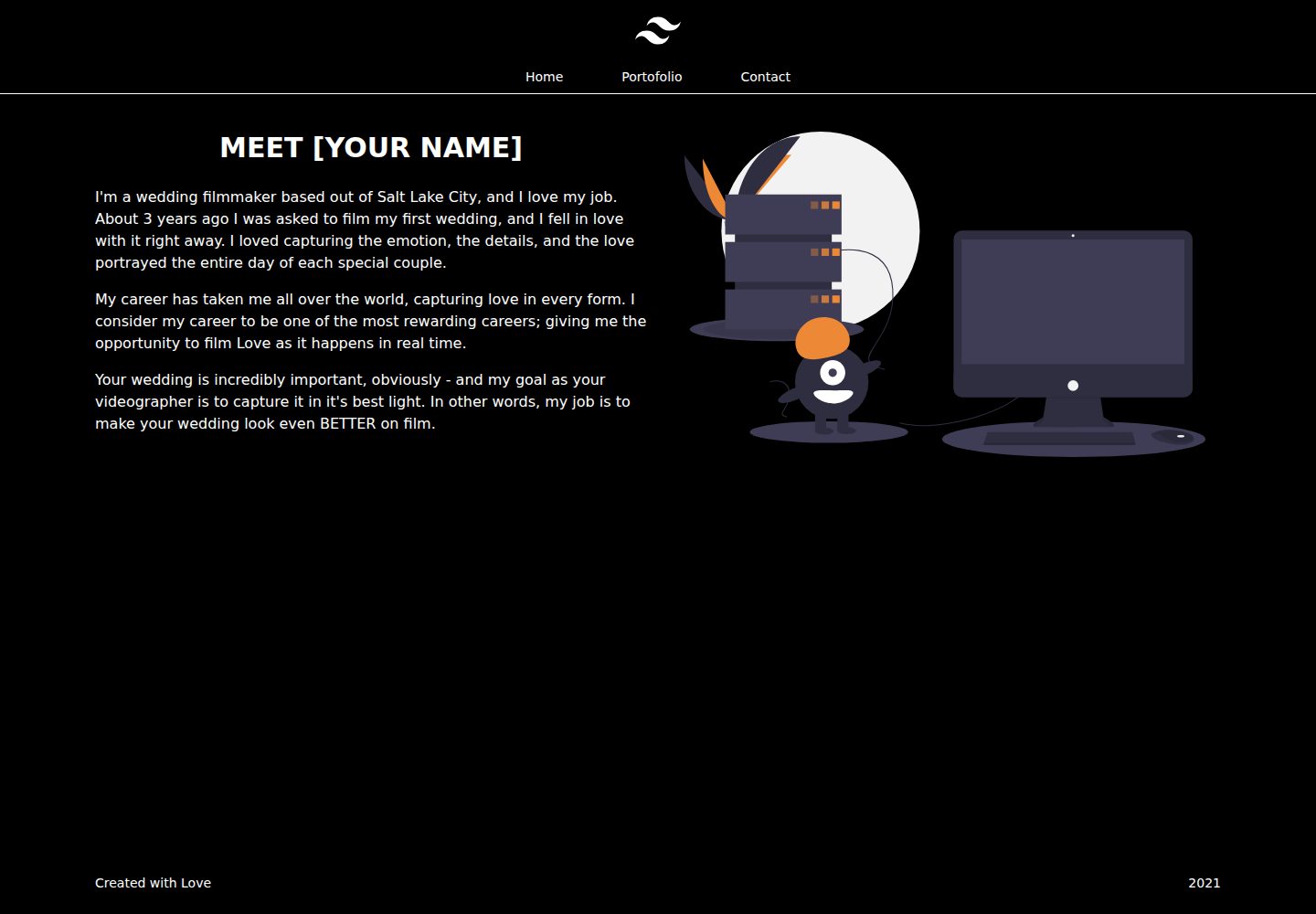
浏览真实页面截图,比较内容排版与手机效果。点击下方缩略图切换,放大查看整页细节。
全部页面与视图 2
截图用于了解视觉与布局,交互效果请以实际项目为准。
采集于 2026-10-13查看来源
值得关注的模板亮点
从已有项目资料中,快速了解它的特点。
提供 homepage、portofolio、contact 三类页面的字段定义与必填项说明
portofolio 的 data 支持 image 与 video 两种条目类型,并可用 desc_position 控制描述左右位置
内置 Google Analytics 配置入口,在 constant 文件中替换 ID 即可
内置静态 sitemap 生成,需在 constant 文件中填写 website_url
包含 SEO 社交分享元信息配置,含 title、description、url、site_name、link_image
模板详细介绍
该模板用于搭建个人作品集网站,仓库为 erickow/next-portofolio-template,采用 Next.js,并在 README 中说明其页面内容来自 content 目录下的静态 JSON 文件,而非数据库或 CMS。
内容结构分为三类页面:homepage 使用 title(必填)、description(必填,数组,每个索引对应一个段落)、image(可选,图片对象);portofolio 使用 title(可选)、description(必填,字符串数组)、data(必填,对象数组,类型为 image 或 video)、desc_position(可选,left 或 right);contact 使用 title(必填)、image(可选)、list(必填,对象数组)。图片对象包含 ratio(width、height)与 url,静态图片、图标和缩略图放在项目 public 根目录。
站点级配置集中在 content 目录的 constant 文件中:Google Analytics 需要替换其中的 ID,sitemap 需要把 website_url 改为自己的域名。SEO 社交分享元信息包含 title、description、url、site_name、link_image 五项,均为必填。
运行方式为 yarn install 与 yarn dev,构建与启动分别使用 yarn build 和 yarn start。仓库采用 MIT 许可,免费范围是该版本代码;演示图片、字体、图标等第三方素材需按各自许可核对,域名、托管等外部服务可能另行收费。
Next.js作品集
适合你的项目吗?
适用场景
- 搭建个人作品集网站,用 JSON 维护首页介绍、作品列表与联系方式
- 需要为作品集页面配置 SEO 元信息与社交分享卡片
- 希望接入 Google Analytics 跟踪访问数据并生成静态 sitemap
适合人群
- 能直接编辑 JSON 文件维护内容的开发者
- 使用 Next.js 并希望以静态数据构建作品集站点的人
- 需要自行配置域名、分析工具与站点地图的独立部署场景
上手与定制指南
结合仓库当前版本的说明,按下面的资料检查内容、配置与运行要求。
- 1
安装依赖并启动开发环境:yarn install、yarn dev;构建与启动使用 yarn build、yarn start
- 2
编辑 content 目录下的 homepage、portofolio、contact 文件,按 README 表格填写必填字段
- 3
在 content/constant 中替换 Google Analytics ID,并将 website_url 改为自己的域名
- 4
静态图片、图标与缩略图放在 public 根目录,图片对象需提供 ratio 与 url
- 5
仓库代码为 MIT 许可,分发时保留版权与许可声明;演示图片、字体、图标等第三方素材需单独核对许可
授权与来源资料
使用条件与限制
免费使用 · 保留许可声明本次收录的是公开仓库中采用 MIT 许可的免费版本;免费范围为该版本代码,不代表外部服务或第三方素材免费。
使用时需要遵守
- 允许免费使用、修改、商用和分发该版本代码。
- 分发代码副本或实质性部分时,保留原作者版权声明和完整 MIT 许可声明。
- 代码按现状提供;担保与责任限制以原许可证及适用法律为准。
额外费用与待核对事项
- 演示图片、字体、图标及其他第三方素材需按各自许可核对,不能仅凭代码的 MIT 许可判断。
- 域名、托管、数据库、支付或 AI 等外部服务可能另外收费。
- 使用 Google Analytics 功能需自行提供并填写 Google Analytics ID,属于外部服务账号配置。
- 生成 sitemap 需将 website_url 替换为自己的域名,域名与托管等外部服务可能产生费用。
查看原文依据
Permission is hereby granted, free of charge
许可证原文
- change data id with your Google Analytics ID
README 原文
https://github.com/erickow/next-portofolio-template/blob/master/LICENSEhttps://github.com/erickow/next-portofolio-template/blob/master/README.md- change data website_url with your domain url
README 原文
DeepSeek 根据仓库许可证和 README 整理 ·2026-10-13。结果仅覆盖已读取资料,依赖、图片、字体及后续条款变更以各自原文为准。
项目核对记录与介绍依据
模板资料
- 来源平台
- GitHub
- 资料与维护参考分
- 资料一般 · 68 / 100
- 技术栈
- Next.js · React
- 网站类型
- 作品集
这个分数如何计算
本站按许可资料(最高30分)、演示链接(12分)、预览图(10分)、Star数(15分)、记录的维护时间(15分)、描述完整度(8分)、功能记录(5分)和分类资料(5分)计算。它不是代码、安全或性能测试,也不是 Google 评分;有链接不代表已实测可用。
这个项目需要核对什么
- 记录的仓库更新时间
- 2021-03-27
- 截图检查日期
- 2026-10-13
已收录演示链接。请用你的内容与屏幕尺寸检查;有演示不代表表单、认证或支付已经可用。
目录记录的主要技术栈是 Next.js。请通过依赖清单和锁文件核对实际版本与托管要求。这些说明基于收录资料,不代表代码审计或部署实测。
查看具体选型方法 →介绍的制作与核对状态
介绍由 AI 辅助整理目录与仓库资料。仓库作者不等于这篇介绍的审核者。
审核声明: [email protected] · 2026-10-13
查看当时使用的来源资料
SHA-256: a0538538b54a4204aab9b7bcea39f44cba33c1fda64740a9f1231764aa5f8958
2026-10-13T04:57:00.967Z
来源文件 / 仓库## Next Js Portofolio with simple static json data
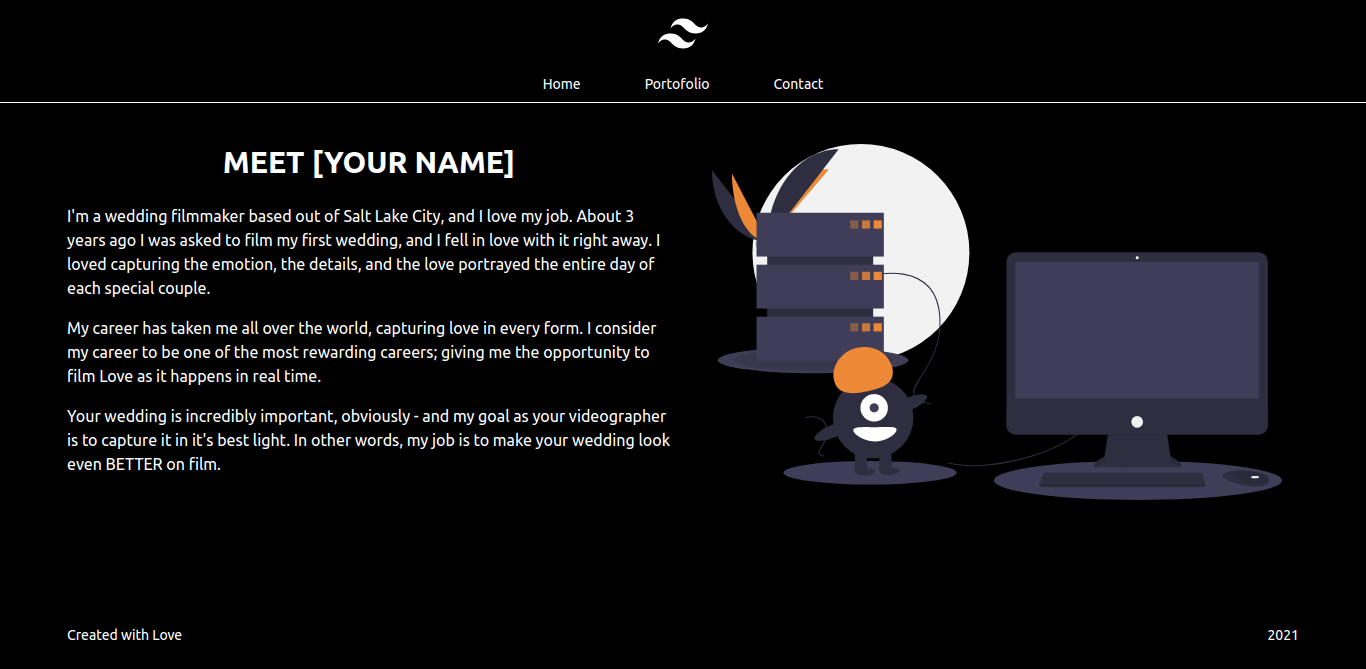
project demo visit this [vercel demo link](https://next-portofolio-template.vercel.app/)
## Feature
- [Next Js Tailwind template](https://github.com/taylorbryant/next-starter-tailwind)
- Google Analytic Setting
- Static sitemap Generator
- Customize data responsive Layout
- SEO meta social sharing
## How to Run
```
- yarn install
- yarn dev
```
## How to Start
```
- yarn start
```
## How to Build
```
- yarn build
```
## Important Notes
for static images, icon, thumbnail see the public root folder in the project
## Sample Image Object
```
image: {
ratio: {
width: '960',
height: '540'
},
url: '/critter.svg' -> check public folder
}
```
## Homepage Page
```
- open folder content
- open file homepage
```
| Varialble | Mandatory | Value |
| ----------- |:----:| ----------- |
| title |yes| String |
| description |yes| Array, new index = new paragraph |
| image |no| Image Object |
## Portofolio Page
```
- open folder content
- open file portofolio
```
| Varialble | Mandatory | Value |
| ----------- |:----:| ----------- |
| title |No| String |
| description |yes| Array String, new index = new paragraph |
| data |yes| Array Object (type: image, and video) |
| desc_position |no| String, left or right |
## Contact Page
```
- open folder content
- open file homepage
```
| Varialble | Mandatory | Value |
| ----------- |:----:| ----------- |
| title |yes| String |
| image |no| Image Object |
| list |yes| Array Object, new index = new paragraph |
## Seo meta social sharing
```
- open folder content
- open file portofolio
```
| Varialble | Mandatory | Value |
| ----------- |:----:| ----------- |
| title |yes| String |
| description |yes| String |
| url |yes| String, (website domain) |
| site_name |yes| String |
| link_image |yes| String, (website domain image that will show when shared) |
## How to Setting Google Analytic
```
- open folder content
- open file constant
- change data id with your Google Analytics ID
```
## How to Setting Sitemap
```
- open folder content
- open file constant
- change data website_url with your domain url
```
看看同类模板
对比同技术栈与用途的模板,找到更适合的视觉与内容结构。

react-resume-template
A personal resume website template built with React.js, Typescript, Next.js, and styled with Tailwind css
Next.js · 作品集

nxt-lnk
Custom bio links for creatives who love coding. A perfect custom alternative for linktree, bio and other short…
Next.js · 作品集

sylph
A minimal portfolio template.
Next.js · 作品集

sleek-portfolio
sleek-portfolio 是一个面向开发者个人品牌展示的现代作品集模板,基于 Next.js 15、TypeScript、Tailwind CSS 和 Shadcn UI 构建。
Next.js · 作品集

research-website-template
React + Next.js template for research websites (for PhD students, researchers, etc)
Next.js · 作品集

shadcn-portfolio
shadcn-portfolio 是一个面向开发者的作品集模板,技术栈为 Next.js 15、shadcn/ui、Tailwind CSS 和 Framer Motion。
Next.js · 作品集