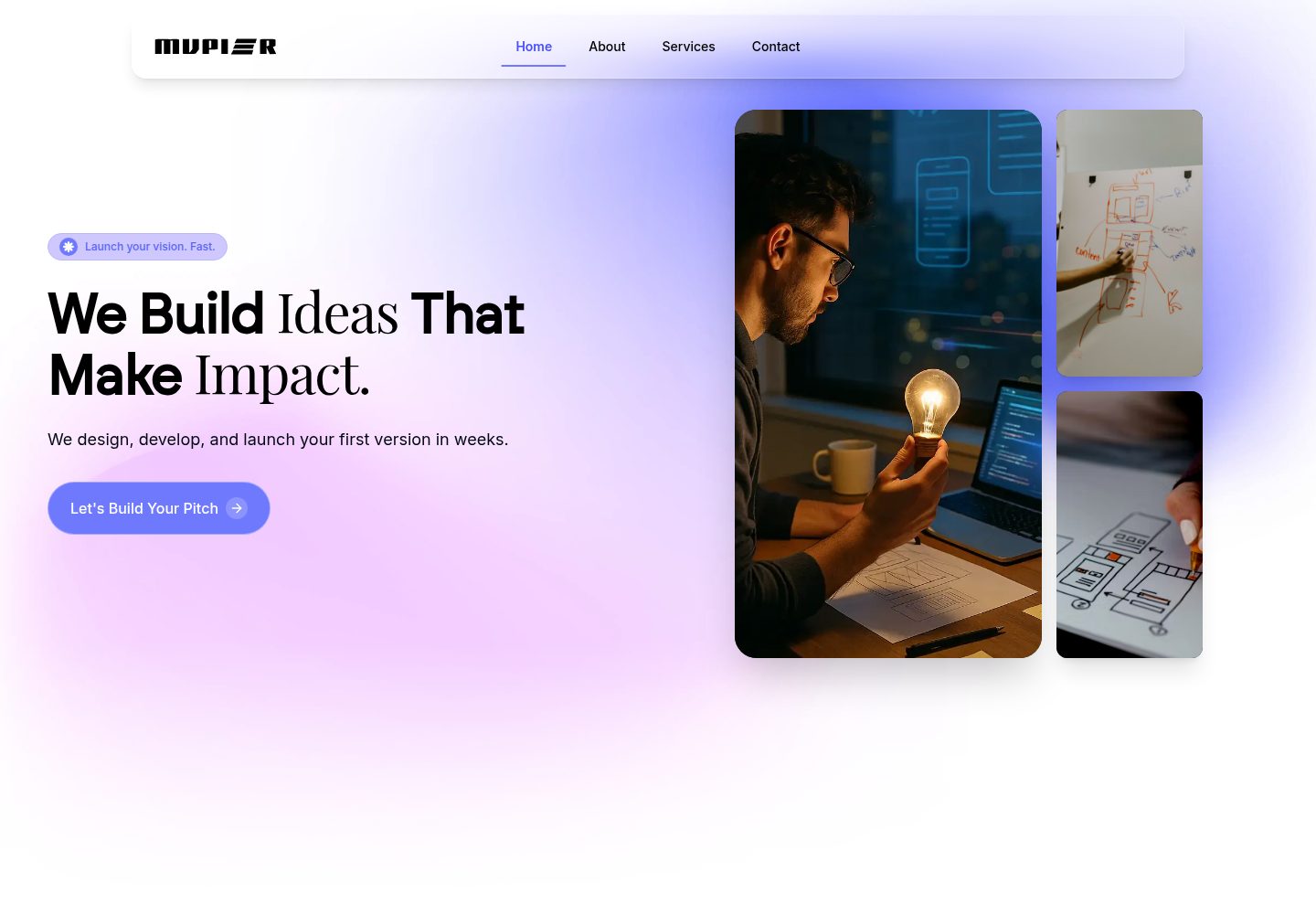
包含首页、关于、服务、作品集、团队、联系等多个页面
React企业官网
react-it-solutions-agency-template — React 企业官网模板
作者 fedilayoub
MVPier 是一个面向 IT 解决方案机构与科技公司的 React 企业官网模板,采用 MIT 许可,包含首页、关于、服务、作品集、团队、联系等多个页面。
看看你的网站会是什么样
浏览真实页面截图,比较内容排版与手机效果。点击下方缩略图切换,放大查看整页细节。
全部页面与视图 2
截图用于了解视觉与布局,交互效果请以实际项目为准。
采集于 2026-10-02查看来源
值得关注的模板亮点
从已有项目资料中,快速了解它的特点。
使用 React、TypeScript、Vite、Tailwind CSS 与 Framer Motion 构建
提供导航栏、Hero、客户评价、订阅与行动号召等可复用组件
通过 React Router 实现客户端路由,新增页面在 App.tsx 注册
采用 MIT 许可,允许商用、修改与分发该版本代码
模板详细介绍
MVPier 是一个免费开源的 React 模板,定位为 IT 解决方案机构、初创公司和科技企业的官网或 MVP 落地页。仓库说明中列出的页面包括首页、关于、服务、作品集、团队和联系,并配有导航栏、Hero、功能展示、客户评价、订阅组件和行动号召区块。
技术实现上,模板使用 React 与 TypeScript,构建工具为 Vite,样式基于 Tailwind CSS,动画由 Framer Motion 与 Lottie React 提供,路由使用 React Router,图标来自 Lucide React,并配置了 ESLint。项目结构把可复用组件放在 src/components,页面放在 src/pages,另有 hooks 与 lib 目录;颜色可在 tailwind.config.ts 中调整,新增页面需在 src/App.tsx 中注册路由。
使用限制方面,资料未说明后端接口、CMS 或表单提交服务的实现,联系表单与订阅组件的实际数据处理方式需自行核对代码。演示图片、字体、图标等第三方素材的许可需单独确认,不能仅凭代码的 MIT 许可判断。仓库星标数较少,资料中也没有性能、可访问性或浏览器兼容性的测试结论。
React企业官网
适合你的项目吗?
适用场景
- 为 IT 解决方案机构搭建展示服务与案例的官网
- 为科技初创公司制作产品 MVP 的营销落地页
- 作为 React + TypeScript + Tailwind 项目的组件与页面结构参考
- 在已有 React 项目中复用其导航、评价或订阅等区块
适合人群
- 需要快速起步的 IT 服务与咨询类企业官网
- 熟悉 React 与 Tailwind CSS、希望自行修改源码的前端开发者
- 以展示型页面为主、不依赖内置后端能力的项目
上手与定制指南
结合仓库当前版本的说明,按下面的资料检查内容、配置与运行要求。
- 1
需要 Node.js 16 或更高版本,以及 npm、yarn 或 pnpm 之一
- 2
克隆仓库后安装依赖并运行 npm run dev,默认在 http://localhost:5173 启动
- 3
构建产物通过 npm run build 输出到 dist 目录,可用 npm run preview 本地预览
- 4
品牌标识、图片与文案需替换 public 目录及 src/components、src/pages 中的示例内容
- 5
部署到 Netlify 时构建命令为 npm run build,发布目录为 dist
授权与来源资料
使用条件与限制
免费使用 · 保留许可声明本次收录的是公开仓库中采用 MIT 许可的免费版本;免费范围为该版本代码,不代表外部服务或第三方素材免费。
使用时需要遵守
- 允许免费使用、修改、商用和分发该版本代码。
- 分发代码副本或实质性部分时,保留原作者版权声明和完整 MIT 许可声明。
- 代码按现状提供;担保与责任限制以原许可证及适用法律为准。
额外费用与待核对事项
- 演示图片、字体、图标及其他第三方素材需按各自许可核对,不能仅凭代码的 MIT 许可判断。
- 域名、托管、数据库、支付或 AI 等外部服务可能另外收费。
查看原文依据
https://github.com/fedilayoub/react-it-solutions-agency-template/blob/main/LICENSEhttps://github.com/fedilayoub/react-it-solutions-agency-template/blob/main/README.mdPermission is hereby granted, free of charge
许可证原文
DeepSeek 根据仓库许可证和 README 整理 ·2026-10-02。结果仅覆盖已读取资料,依赖、图片、字体及后续条款变更以各自原文为准。
项目核对记录与介绍依据
模板资料
- 来源平台
- GitHub
- 资料与维护参考分
- 资料较完整 · 83 / 100
- 技术栈
- React
- 网站类型
- 企业官网
这个分数如何计算
本站按许可资料(最高30分)、演示链接(12分)、预览图(10分)、Star数(15分)、记录的维护时间(15分)、描述完整度(8分)、功能记录(5分)和分类资料(5分)计算。它不是代码、安全或性能测试,也不是 Google 评分;有链接不代表已实测可用。
这个项目需要核对什么
- 记录的仓库更新时间
- 2025-12-22
- 截图检查日期
- 2026-10-02
已收录演示链接。请用你的内容与屏幕尺寸检查;有演示不代表表单、认证或支付已经可用。
目录记录的主要技术栈是 React。请通过依赖清单和锁文件核对实际版本与托管要求。这些说明基于收录资料,不代表代码审计或部署实测。
查看具体选型方法 →介绍的制作与核对状态
介绍由 AI 辅助整理目录与仓库资料。仓库作者不等于这篇介绍的审核者。
已完成服务器许可规则与 AI 来源核对;未经过人工编辑审核。
查看当时使用的来源资料
SHA-256: 1e70e534fb19df901444c819accf7b14cac8683b6bc70a674caad2b46eb9d1b5
2026-10-02T15:18:45.873Z
来源文件 / 仓库# MVPier - IT Solutions Agency Template
<div align="center">
<img src="./public/mvpier_hero.png" alt="MVPier Hero" width="100%" />
<p align="center">
<strong>A modern, free and open-source React template for IT solutions agencies</strong>
</p>
<p align="center">
Build your MVP faster and easier with this beautiful, fully-responsive template
</p>
<p align="center">
<a href="https://mvpier.netlify.app/" target="_blank">Live Demo</a> •
<a href="#features">Features</a> •
<a href="#installation">Installation</a> •
<a href="#usage">Usage</a> •
<a href="#license">License</a>
</p>
</div>
---
## Table of Contents
- [Demo](#demo)
- [About](#about)
- [Features](#features)
- [Tech Stack](#tech-stack)
- [Getting Started](#getting-started)
- [Prerequisites](#prerequisites)
- [Installation](#installation)
- [Usage](#usage)
- [Project Structure](#project-structure)
- [Customization](#customization)
- [Deployment](#deployment)
- [Contributing](#contributing)
- [License](#license)
- [Author](#author)
## Demo
**[View Live Demo →](https://mvpier.netlify.app/)**
Experience the template in action! The live demo showcases all features, components, and pages included in this template.
## About
**MVPier** is a professional, modern, and fully-responsive React template designed specifically for IT solutions agencies, startups, and tech companies. Built with the latest web technologies, this template helps you create a stunning online presence quickly and efficiently.
Whether you're launching a new agency, showcasing your services, or building an MVP for your tech business, MVPier provides all the essential components and pages you need to get started immediately.
## Features
- **Modern & Beautiful Design** - Clean, professional UI with smooth animations
- **Fully Responsive** - Optimized for all devices and screen sizes
- **Lightning Fast** - Built with Vite for blazing-fast performance
- **Smooth Animations** - Powered by Framer Motion for fluid interactions
- **SEO Optimized** - Meta tags and semantic HTML for better search rankings
- **Tailwind CSS** - Utility-first CSS framework for easy customization
- **Modular Components** - Reusable and well-organized component structure
- **Multiple Pages** - Home, About, Services, Portfolio, Team, Contact, and more
- **TypeScript** - Type-safe code for better development experience
- **Easy to Customize** - Well-documented and easy to modify
- **Lottie Animations** - Engaging vector animations
- **Newsletter Integration** - Built-in newsletter signup component
- **Testimonials Section** - Showcase client feedback
- **Call-to-Action Sections** - Convert visitors into clients
## Tech Stack
- **[React 18](https://react.dev/)** - Modern React with hooks
- **[TypeScript](https://www.typescriptlang.org/)** - Type-safe JavaScript
- **[Vite](https://vitejs.dev/)** - Next-generation frontend tooling
- **[Tailwind CSS](https://tailwindcss.com/)** - Utility-first CSS framework
- **[Framer Motion](https://www.framer.com/motion/)** - Production-ready animation library
- **[React Router](https://reactrouter.com/)** - Client-side routing
- **[Lucide React](https://lucide.dev/)** - Beautiful & consistent icons
- **[Lottie React](https://www.npmjs.com/package/lottie-react)** - Render Adobe After Effects animations
- **[ESLint](https://eslint.org/)** - Code linting and quality
## Getting Started
### Prerequisites
Before you begin, ensure you have the following installed:
- **Node.js** (version 16 or higher)
- **npm** or **yarn** or **pnpm**
### Installation
1. **Clone the repository**
```bash
git clone https://github.com/fedilayoub/react-it-solutions-agency-template.git
cd mvpier
```
2. **Install dependencies**
```bash
npm install
# or
yarn install
# or
pnpm install
```
3. **Start the development server**
```bash
npm run dev
# or
yarn dev
# or
pnpm dev
```
4. **Open your browser**
Navigate to `http://localhost:5173` to see your app running.
## Usage
### Available Scripts
- `npm run dev` - Start development server
- `npm run build` - Build for production
- `npm run build:dev` - Build in development mode
- `npm run preview` - Preview production build locally
- `npm run lint` - Run ESLint to check code quality
### Building for Production
```bash
npm run build
```
The optimized production files will be in the `dist` directory.
## Project Structure
```
mvpier/
├── public/ # Static assets
│ ├── mvpier_hero.png # Hero image
│ ├── mvpier_logo.svg # Logo files
│ └── ... # Other images and assets
├── src/
│ ├── components/ # Reusable React components
│ │ ├── Navbar.tsx
│ │ ├── Hero.tsx
│ │ ├── Features.tsx
│ │ ├── Testimonials.tsx
│ │ ├── Footer.tsx
│ │ └── ...
│ ├── pages/ # Page components
│ │ ├── Index.tsx # Home page
│ │ ├── About.tsx
│ │ ├── Services.tsx
│ │ ├── Portfolio.tsx
│ │ ├── Team.tsx
│ │ ├── Contact.tsx
│ │ └── ...
│ ├── hooks/ # Custom React hooks
│ ├── lib/ # Utility functions
│ ├── App.tsx # Main app component
│ ├── main.tsx # Entry point
│ └── index.css # Global styles
├── index.html
├── package.json
├── tailwind.config.ts # Tailwind configuration
├── vite.config.ts # Vite configuration
└── tsconfig.json # TypeScript configuration
```
## Customization
### Changing Colors
Edit `tailwind.config.ts` to customize the color scheme:
```typescript
export default {
theme: {
extend: {
colors: {
// Add your custom colors here
}
}
}
}
```
### Updating Content
1. **Logo & Branding**: Replace logo files in `public/` directory
2. **Images**: Add your images to `public/` folder
3. **Text Content**: Edit component files in `src/components/` and `src/pages/`
4. **Meta Tags**: Update `index.html` for SEO
### Adding New Pages
1. Create a new component in `src/pages/`
2. Add the route in `src/App.tsx`
```typescript
<Route path="/your-page" element={<YourPage />} />
```
## Deployment
### Deploying to Vercel
1. Push your code to GitHub
2. Import your repository on [Vercel](https://vercel.com)
3. Deploy with one click
### Deploying to Netlify
1. Push your code to GitHub
2. Connect your repository on [Netlify](https://netlify.com)
3. Build command: `npm run build`
4. Publish directory: `dist`
### Deploying to GitHub Pages
```bash
npm run build
# Deploy the dist folder to GitHub Pages
```
## Contributing
Contributions are what make the open-source community such an amazing place to learn, inspire, and create. Any contributions you make are **greatly appreciated**.
1. Fork the Project
2. Create your Feature Branch (`git checkout -b feature/AmazingFeature`)
3. Commit your Changes (`git commit -m 'Add some AmazingFeature'`)
4. Push to the Branch (`git push origin feature/AmazingFeature`)
5. Open a Pull Request
## License
This project is licensed under the **MIT License** - see the [LICENSE](LICENSE) file for details.
This means you are free to:
- Use commercially
- Modify
- Distribute
- Private use
## Author
**Fedil Ayoub**
- GitHub: [@fedilayoub](https://github.com/fedilayoub)
## Acknowledgments
- [React](https://react.dev/)
- [Vite](https://vitejs.dev/)
- [Tailwind CSS](https://tailwindcss.com/)
- [Framer Motion](https://www.framer.com/motion/)
- [Lucide Icons](https://lucide.dev/)
---
<div align="center">
<p>Made with love by Fedil Ayoub</p>
<p>If you find this template helpful, please give it a star</p>
</div>
看看同类模板
对比同技术栈与用途的模板,找到更适合的视觉与内容结构。

shadcn-landing-page
Free Landing page template using Shadcn, React, Typescript and Tailwind
React · 企业官网

react-saas-template
🌊 Template for building an SaaS / admin website using React + Material-UI
React · 后台
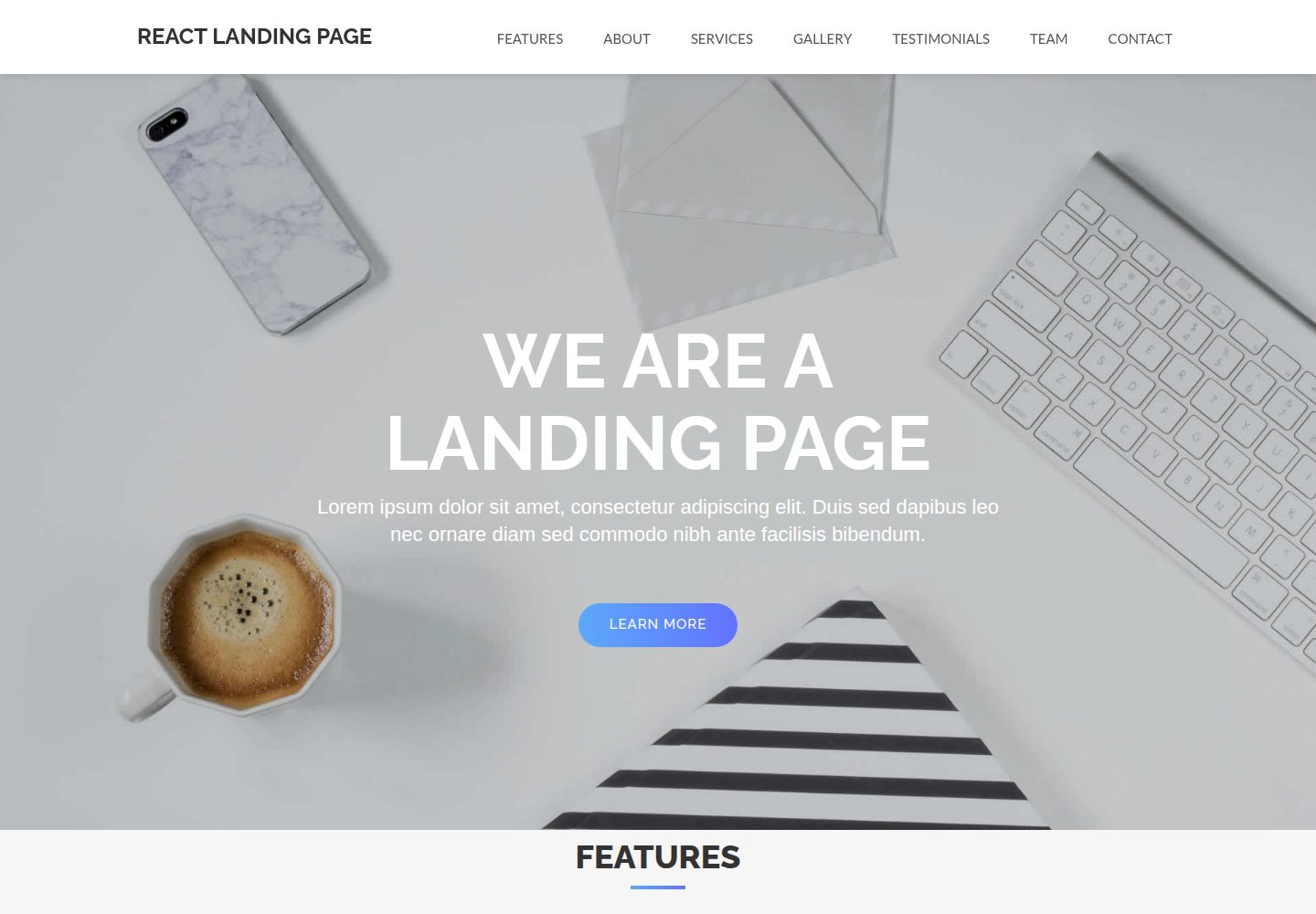
React-Landing-Page-Template
A simple react one page landing page templates for startups/companies
React · 企业官网
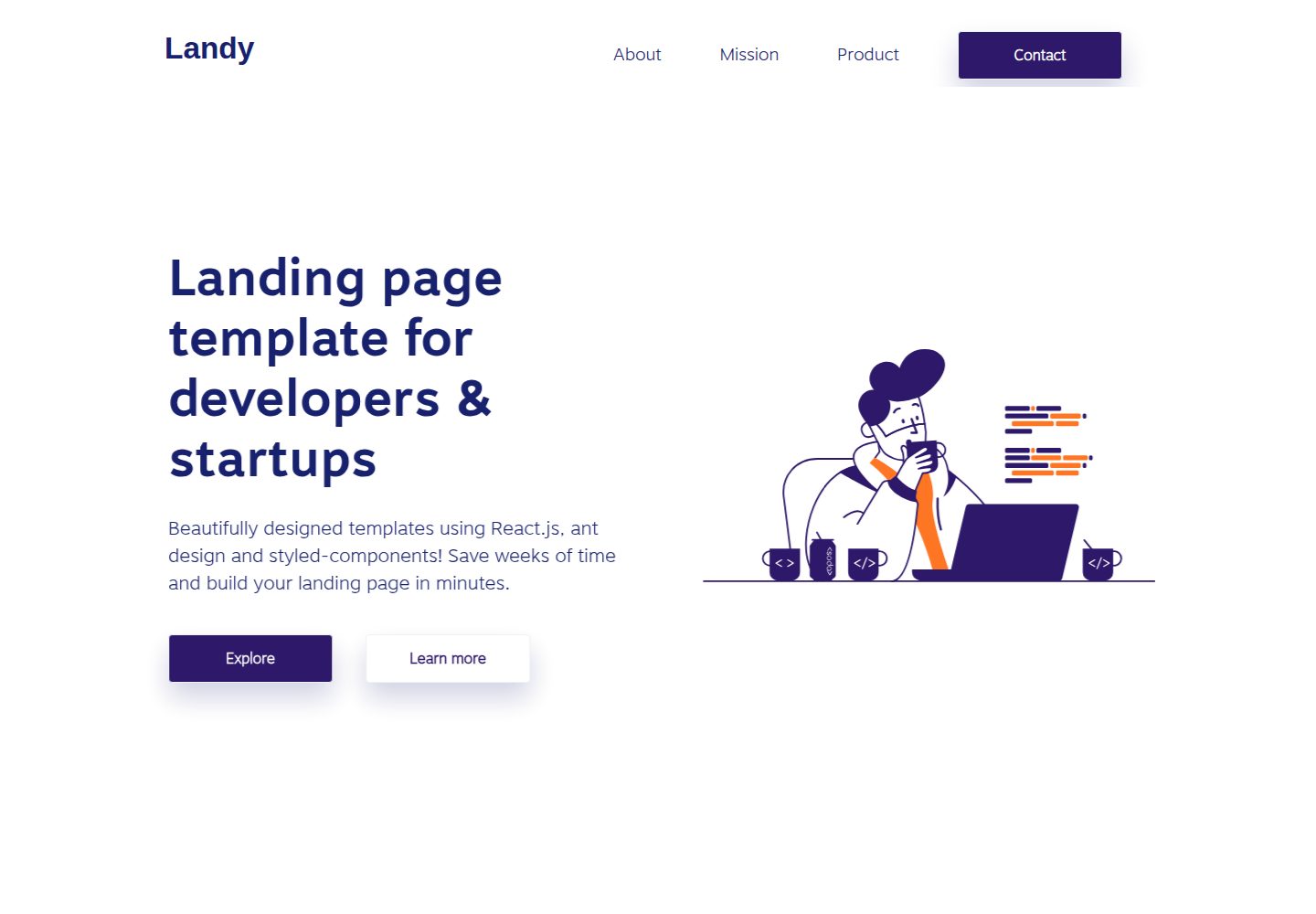
landy-react-template
Landy is an open-source React landing page template designed for developers and startups, who want to create a…
React · 企业官网
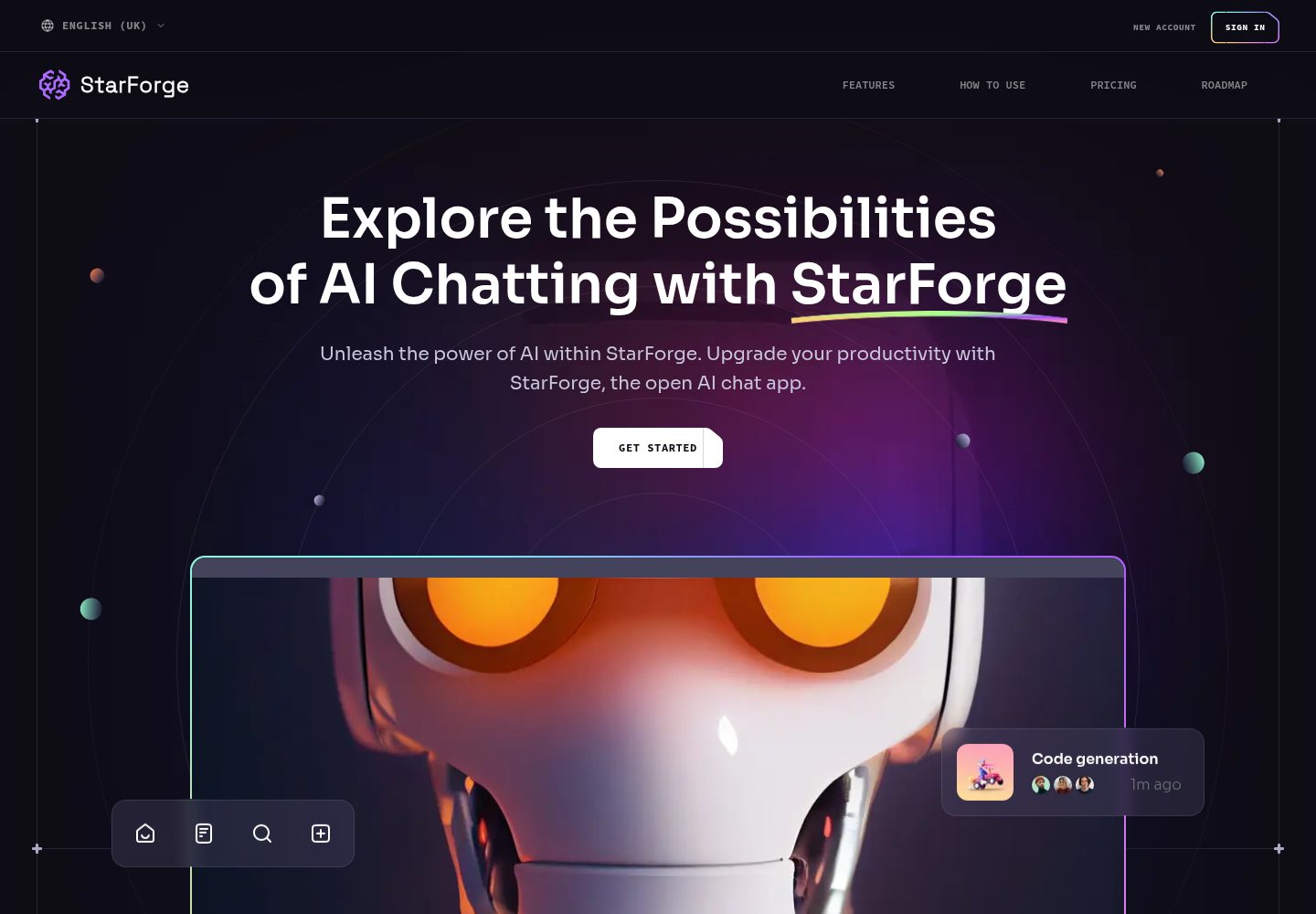
ai-saas-landing-starter
🌈 Modern AI SaaS landing page with sleek parallax effects and bento box layouts.
React · SaaS
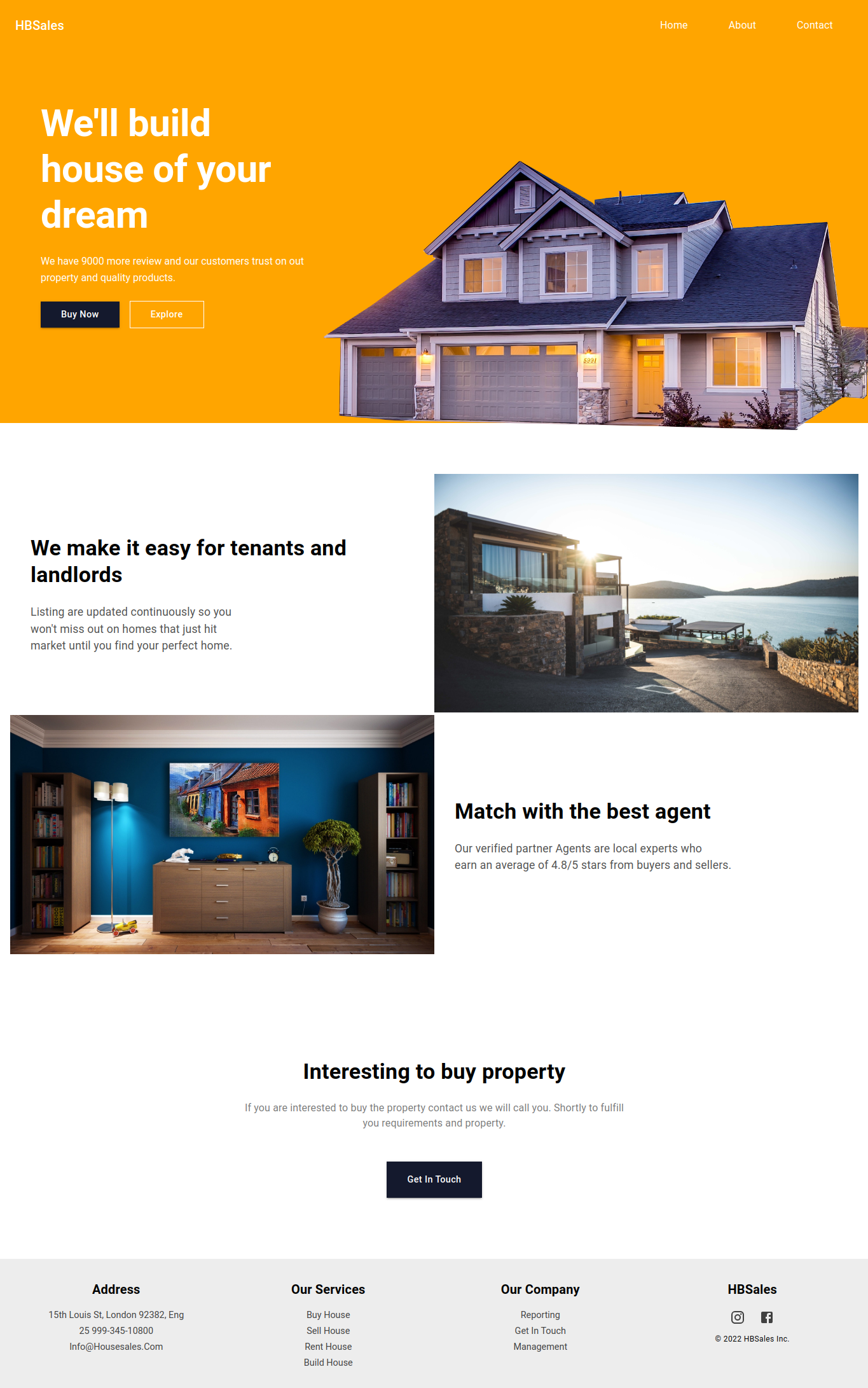
landing-page-template-reactjs
这是一个用 React 和 Material UI 5 搭建的落地页模板,适合开发者或设计师快速为自己的开源项目生成一个专业风格的展示站点。
React · 企业官网