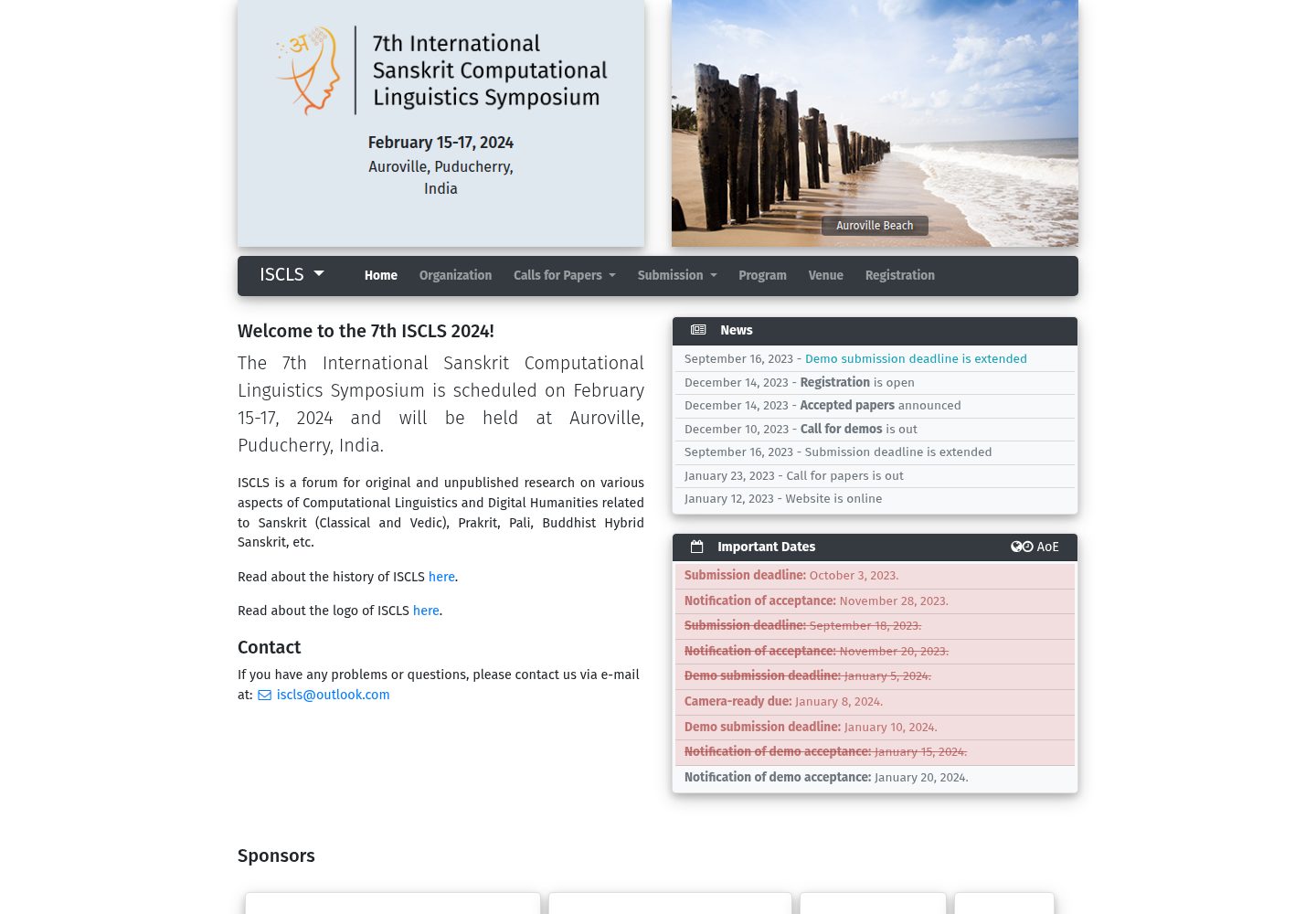
使用 Jekyll 构建,会议信息集中在 _data 目录下的多个 YAML 文件中配置
Jekyll启动器
jekyll-conference-template — Jekyll 启动器模板
作者 hrishikeshrt
基于 Jekyll 的学术会议网站模板,通过 _data 目录下的 YAML 文件配置会议信息、新闻、组织架构、场地、投稿与注册等内容。
看看你的网站会是什么样
浏览真实页面截图,比较内容排版与手机效果。点击下方缩略图切换,放大查看整页细节。
全部页面与视图 2
截图用于了解视觉与布局,交互效果请以实际项目为准。
采集于 2026-10-04查看来源
值得关注的模板亮点
从已有项目资料中,快速了解它的特点。
conference.yml 涵盖会议全称、简称、描述、地点、Logo、幻灯片、导航菜单、赞助商、重要日期与社交媒体
organization.yml 区分程序主席、组织委员会、指导委员会和技术程序委员会
venue.yml 提供地址、住宿和路线图,submission.yml 与 registration.yml 分别管理投稿与注册信息
已过期的截止日期在页面上自动以删除线显示
支持手动部署与 GitHub Pages(GitHub Actions)两种发布方式
模板详细介绍
这是一个使用 Jekyll 构建的学术会议网站模板,面向需要搭建会议官网的场景。模板将会议相关内容拆分为多个数据文件,放在 _data 目录下统一管理,包括 conference.yml(会议全称、简称、描述、地点、Logo、幻灯片、导航菜单、赞助商、重要日期、社交媒体)、news.yml(新闻)、organization.yml(程序主席、组织委员会、指导委员会、技术程序委员会)、venue.yml(地址、住宿、路线图)、submission.yml(投稿说明)和 registration.yml(注册信息)。重要日期中已过期的截止时间会自动加删除线显示。模板支持在 _config.yml 中配置 Google Analytics,导航栏社交媒体目前支持 Facebook 与 Twitter。部署方式有两种:手动部署需要安装 Ruby、RVM、Jekyll 和 Bundler,删除 .github/workflows/,将 Gemfile 软链接指向 Gemfile.local,调整 Makefile 中的发布路径,使用 make serve 本地测试、make publish 构建并复制到发布位置;GitHub Pages 部署需要仓库公开并启用 GitHub Pages 使用 GitHub Actions,创建 .github/workflows/ 并将 workflows/release.yml 复制为 .github/workflows/release.yml,再将 Gemfile 软链接指向 Gemfile.github。仓库采用 MIT 许可,可免费使用、修改、商用和分发,但演示图片、字体、图标等第三方素材需按各自许可核对。
Jekyll启动器
适合你的项目吗?
适用场景
- 为学术会议搭建包含会议简介、重要日期、组织架构和场地信息的官方网站
- 需要按委员会类别分别展示程序主席、组织委员会、指导委员会和技术程序委员会
- 希望通过 YAML 数据文件而非直接修改页面来维护会议内容
- 使用 GitHub Pages 或自有服务器发布会议网站
适合人群
- 熟悉 Jekyll 和 YAML 配置的开发者或会议组织者
- 需要快速搭建学术会议官网并集中管理会议数据的团队
- 计划通过 GitHub Pages 或手动构建方式发布静态会议网站的用户
上手与定制指南
结合仓库当前版本的说明,按下面的资料检查内容、配置与运行要求。
- 1
手动部署需先安装 Ruby、RVM、Jekyll 和 Bundler,具体安装步骤见仓库中的 INSTALL.md
- 2
手动部署时删除 .github/workflows/,将 Gemfile 软链接改为指向 Gemfile.local,并调整 Makefile 中的发布路径
- 3
GitHub Pages 部署需确保仓库公开并启用 GitHub Pages 使用 GitHub Actions,将 workflows/release.yml 复制到 .github/workflows/release.yml,并将 Gemfile 软链接改为指向 Gemfile.github
- 4
本地预览使用 make serve,构建并复制到发布位置使用 make publish
- 5
Google Analytics 在 _config.yml 中配置;演示图片、字体、图标等第三方素材需按各自许可核对
授权与来源资料
使用条件与限制
免费使用 · 保留许可声明本次收录的是公开仓库中采用 MIT 许可的免费版本;免费范围为该版本代码,不代表外部服务或第三方素材免费。
使用时需要遵守
- 允许免费使用、修改、商用和分发该版本代码。
- 分发代码副本或实质性部分时,保留原作者版权声明和完整 MIT 许可声明。
- 代码按现状提供;担保与责任限制以原许可证及适用法律为准。
额外费用与待核对事项
- 模板支持在 _config.yml 中配置 Google Analytics,属于外部第三方服务;使用该统计功能需自行注册 Google Analytics 账号并遵守其服务条款,不配置则不影响网站其他功能。
- 使用 GitHub Pages 部署方式时,要求仓库为公开状态并启用 GitHub Pages 且设置为使用 GitHub Actions,即依赖 GitHub 平台及其账户,属于外部服务要求。
- 演示图片、字体、图标及其他第三方素材需按各自许可核对,不能仅凭代码的 MIT 许可判断。
- 域名、托管、数据库、支付或 AI 等外部服务可能另外收费。
查看原文依据
Permission is hereby granted, free of charge
许可证原文
Google Analytics: in `_config.yml`
README 原文
https://github.com/hrishikeshrt/jekyll-conference-template/blob/master/LICENSEhttps://github.com/hrishikeshrt/jekyll-conference-template/blob/master/README.mdEnsure that the repository is public and GitHub Pages are enabled and set to use GitHub Actions.
README 原文
DeepSeek 根据仓库许可证和 README 整理 ·2026-10-04。结果仅覆盖已读取资料,依赖、图片、字体及后续条款变更以各自原文为准。
项目核对记录与介绍依据
模板资料
- 来源平台
- GitHub
- 资料与维护参考分
- 资料一般 · 68 / 100
- 技术栈
- Jekyll
- 网站类型
- 启动器
这个分数如何计算
本站按许可资料(最高30分)、演示链接(12分)、预览图(10分)、Star数(15分)、记录的维护时间(15分)、描述完整度(8分)、功能记录(5分)和分类资料(5分)计算。它不是代码、安全或性能测试,也不是 Google 评分;有链接不代表已实测可用。
这个项目需要核对什么
- 记录的仓库更新时间
- 2024-01-21
- 截图检查日期
- 2026-10-04
已收录演示链接。请用你的内容与屏幕尺寸检查;有演示不代表表单、认证或支付已经可用。
目录记录的主要技术栈是 Jekyll。请通过依赖清单和锁文件核对实际版本与托管要求。这些说明基于收录资料,不代表代码审计或部署实测。
查看具体选型方法 →介绍的制作与核对状态
介绍由 AI 辅助整理目录与仓库资料。仓库作者不等于这篇介绍的审核者。
审核声明: [email protected] · 2026-10-04
查看当时使用的来源资料
SHA-256: 9376afe8f66e182eb34571b935d2a43a80c77229cbe84108a802c7bdb9f2af72
2026-10-04T03:21:02.501Z
来源文件 / 仓库# Jekyll-based Conference Template An academic conference website template built using Jekyll. ## Configuration Data Files under `_data` to configure all conference related information. - `conference.yml` - `full_title`: conference fullname e.g., First xxx conference on xxxx, 2017. - `short_title`: conference shortname e.g., xxxx2017 - `description`: short description about the conference (< 160 char) - `location`: conference location - `logo_path`: conference logo - `slideshow`: images slideshow - `navbar`: navigation menu. - `sponsors`: sponsor section. - `deadlines`: important dates of deadlines, pass-due date will be automatically printed with del line. - `social_media`: social media on the navbar. (current support facebook and twitter.) - `news.yml`: news section - `organization.yml`: committees - `programm_chair`: program chair - `organizing_committees`: organizing committees - `steering_committees`: steering committees - `technical_program_committees`: technical program committees - `venue.yml`: information about venue - `address`: full address - `accommodation`: accommodation details - `direction`: path to image containing directions - `submission.yml`: submission instructions - `registration.yml`: registration information - Google Analytics: in `_config.yml` ## Deployment ### Manual * Setup Ruby, RVM, Jeykyll, Bundler. - Check installation instructions at [INSTALL.md](INSTALL.md). * Remove `.github/workflows/` * Change target of the symbolic `Gemfile` to `Gemfile.local` ``` rm Gemfile ln -s Gemfile.local Gemfile ``` * Adjust release path in `Makefile` * Test locally, `make serve` * Build and copy to publish location, `make publish` * Commit changes to the publish location ### GitHub Pages * Ensure that the repository is public and GitHub Pages are enabled and set to use GitHub Actions. * Create `.github/workflows` * Copy `workflows/release.yml` to `.github/workflows/release.yml` * Change target of the symbolic `Gemfile` to `Gemfile.github` ``` rm Gemfile ln -s Gemfile.github Gemfile ```
看看同类模板
对比同技术栈与用途的模板,找到更适合的视觉与内容结构。
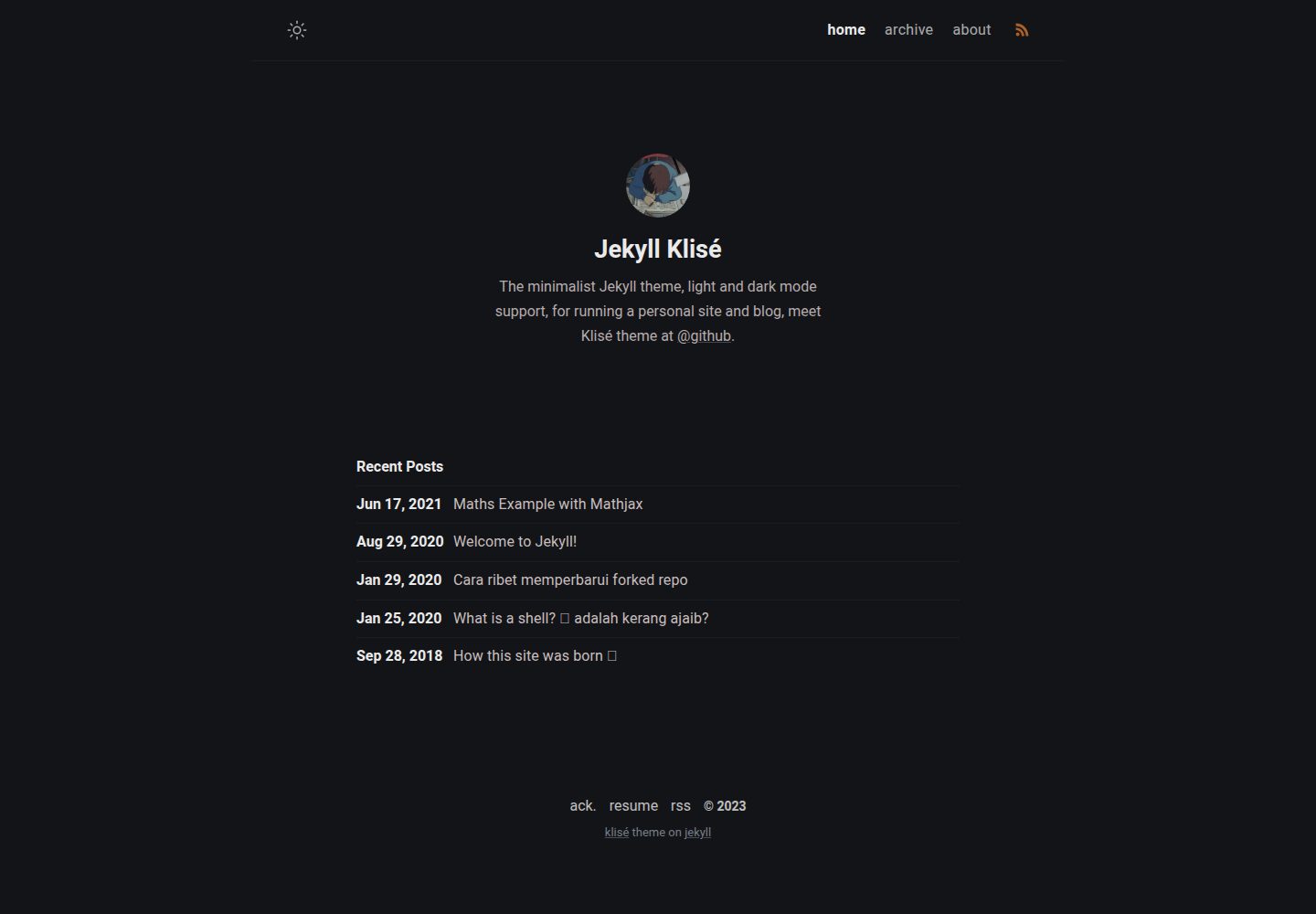
jekyll-klise
:beach_umbrella: Klisé is a minimalist Jekyll theme for running a personal site or blog, light & dark mode sup…
Jekyll · 博客
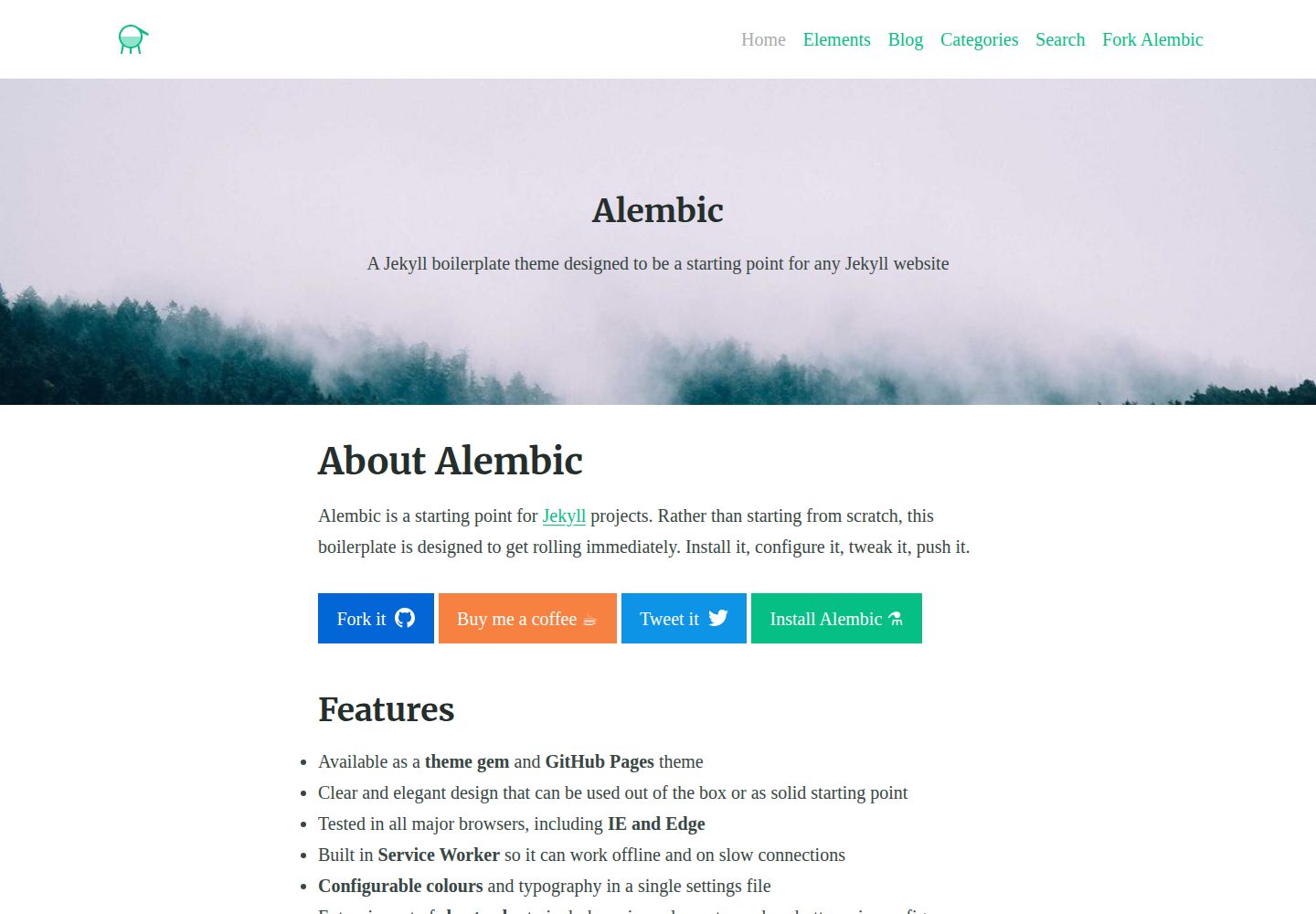
alembic
⚗️ A Jekyll boilerplate theme designed to be a starting point for any Jekyll website
Jekyll · 启动器
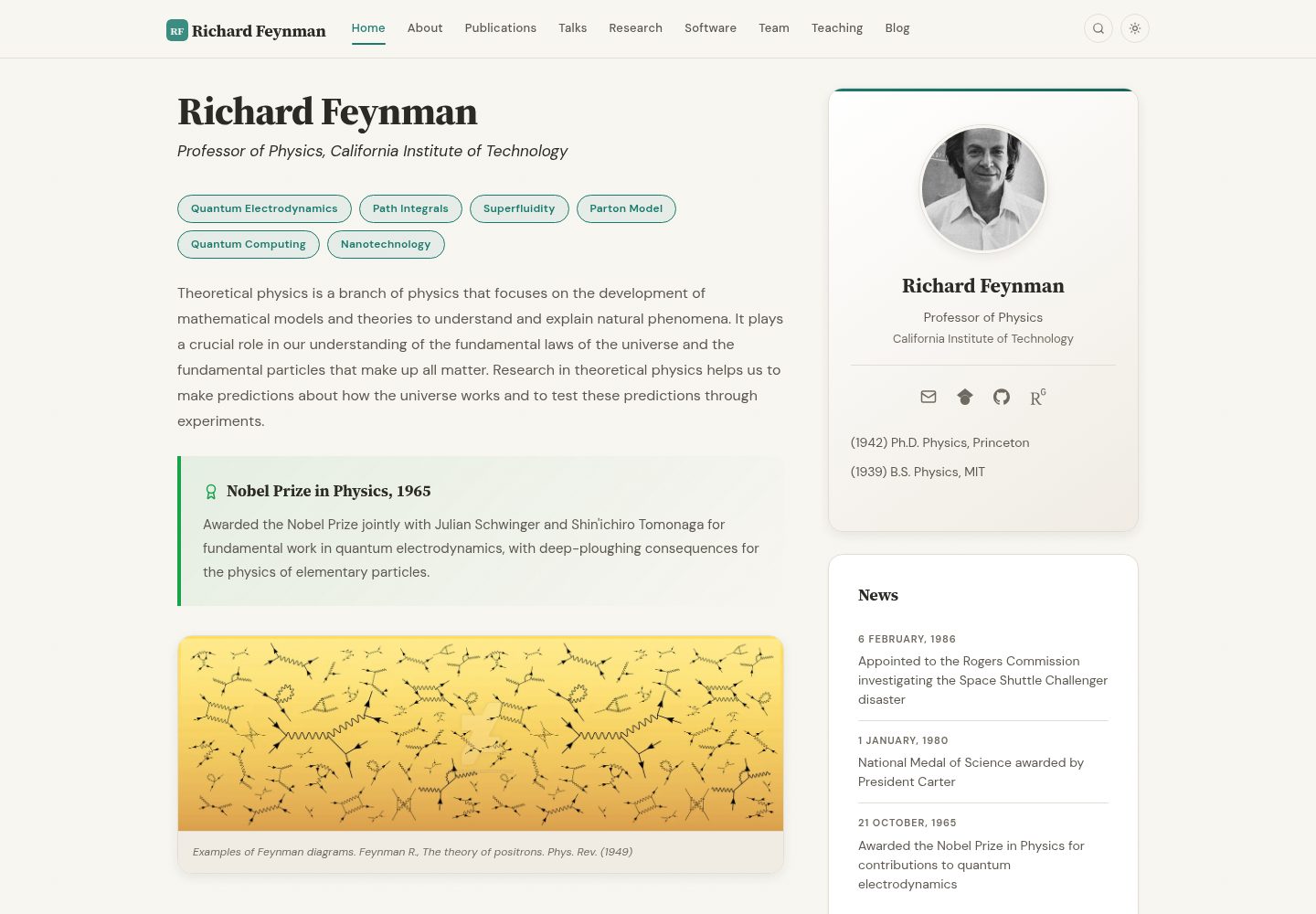
academic-website-template
Static web template for academics/research groups
Jekyll · 启动器
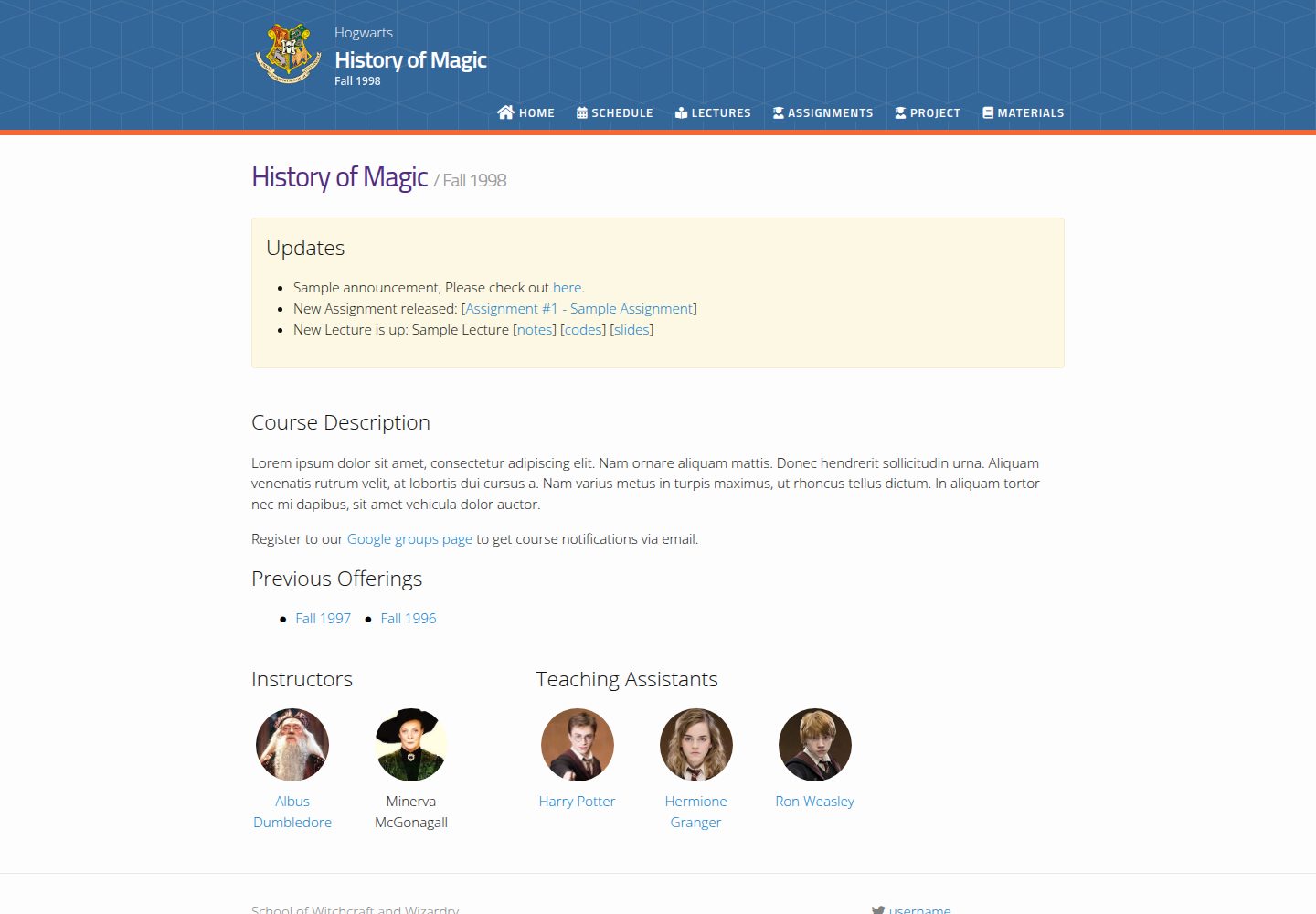
jekyll-course-website-template
Feature-rich and easy-to-use Jekyll website template for academic courses
Jekyll · 启动器

agency-jekyll-theme-starter
Agency Jekyll Theme starter template (optimized for GitHub Pages)
Jekyll · 企业官网
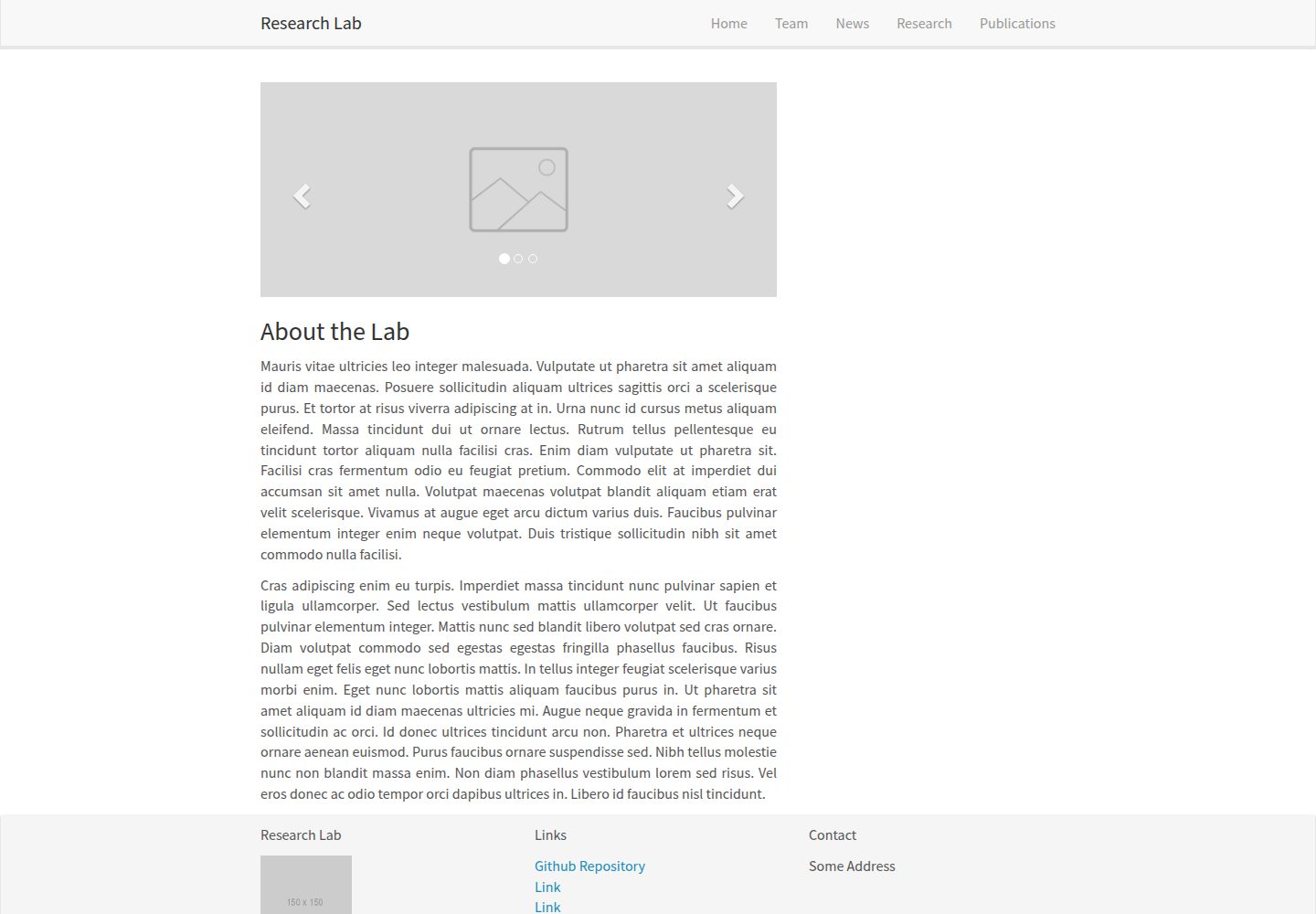
research-lab-website
A template for a Research Lab website, built with Jekyll.
Jekyll · 启动器