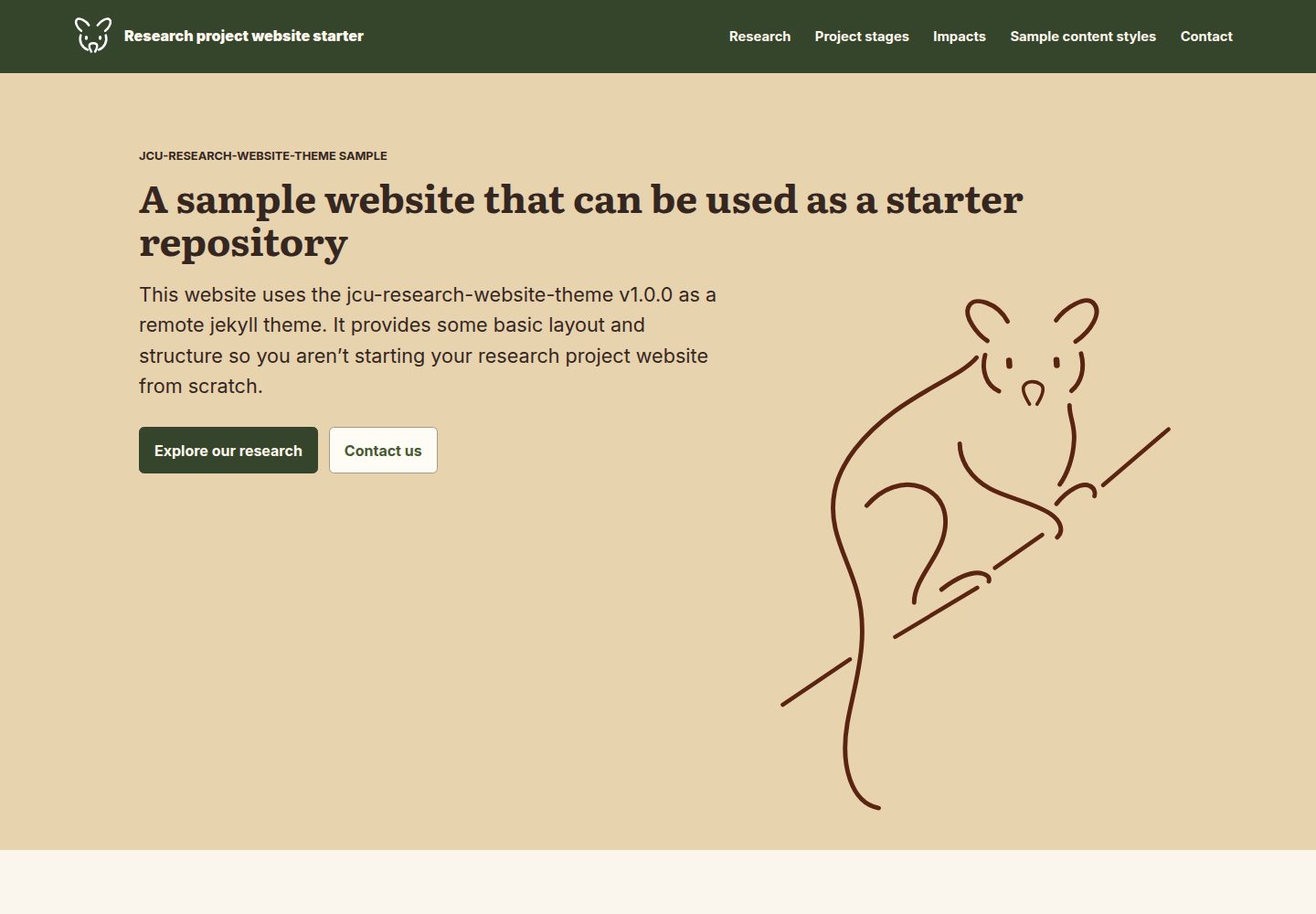
以远程 Jekyll 主题方式引用 jcu-eresearch/cu-research-website-theme,仓库内无本地布局、CSS 或 JavaScript 覆盖
Jekyll启动器
jcu-research-website-starter — Jekyll 启动器模板
作者 jcu-eresearch
JCU 研究网站主题的 Jekyll 启动器,以远程主题方式引用 jcu-eresearch/cu-research-website-theme,通过 Markdown 编写内容并发布到 GitHub Pages。
看看你的网站会是什么样
浏览真实页面截图,比较内容排版与手机效果。点击下方缩略图切换,放大查看整页细节。
全部页面与视图 3
截图用于了解视觉与布局,交互效果请以实际项目为准。
采集于 2026-10-11查看来源
值得关注的模板亮点
从已有项目资料中,快速了解它的特点。
远程主题在 _config.yml 中固定到 v1.1.0,示例内容与图片资源与该版本匹配
首页采用 landing-page 布局,通过 hero 与有序 blocks 列表配置,支持 achievements、carousel、standard、split-hero、background-hero、partner-logos、page-cards 等全宽区块
theme_settings 集中管理项目 logo、站点配色、对比文字与链接颜色、提示色,其余可选设置以注释形式提供
内置 sample-content/ 示例内容与 assets/sample-images/ 示例图片,用于演示主题配置对格式、区块、画廊、表格与响应式布局的影响
提供 GitHub Pages 项目站点与组织/用户站点两种 url 与 baseurl 配置示例
模板详细介绍
这是一个面向 JCU 研究网站主题的启动站点,仓库本身不包含主题的布局、CSS 或 JavaScript,而是把 jcu-eresearch/cu-research-website-theme 作为远程 Jekyll 主题引用,因此项目团队只需编辑 Markdown 内容即可搭建并发布站点。远程主题在 _config.yml 中固定到 v1.1.0 版本,随附的示例内容与图片资源与该版本对应。
站点配置集中在 _config.yml:title、description、url、baseurl 需要按项目修改;theme_settings 块设置示例项目 logo、站点配色、对比文字与链接颜色以及提示色,其余可选设置以注释形式提供,按需取消注释覆盖。页头显示配置的项目 logo,替换时把图片放入 assets/images/ 并更新 project_logo 与 project_logo_alt,若页头需要单独版本则设置 header_logo。字体方面正文使用 Inter、标题使用 Literata,格式全部来自远程主题,本地没有布局、CSS 或 JavaScript 覆盖。
首页使用 layout: landing-page,由 front matter 驱动。在 index.md 中编辑 hero 与有序的 blocks 列表即可定制首页;全宽区块支持 achievements、carousel、standard、split-hero、background-hero、partner-logos、page-cards 类型,并可用 background: "primary" 或 "secondary" 独立于区块类型选择背景色。sample-content/pages/landing-page-blocks.md 可作为可用区块与可选字段的参考。
仓库在 sample-content/ 下提供可选示例内容,在 assets/sample-images/ 下提供示例图片,用于查看主题配置对 Markdown 格式、内容区块、画廊、logo、表格、颜色和响应式布局的影响。准备填入真实内容时,应删除 sample-content/、从 _data/navigation.yml 移除 Sample content styles 部分,并清理未使用的示例图片。新增或删除页面时需同步更新 _data/navigation.yml。本地预览需先执行 bundle install,再运行 bundle exec jekyll serve。
Jekyll启动器
适合你的项目吗?
适用场景
- 为 JCU 研究项目搭建以 Markdown 内容为主的网站并发布到 GitHub Pages
- 在正式编写内容前,通过示例页面查看主题配置对排版、区块、画廊与颜色的影响
- 使用 landing-page 布局的 hero 与全宽区块组合定制研究项目首页
- 替换项目 logo 与站点配色,使站点符合具体研究项目的视觉要求
适合人群
- 熟悉或愿意使用 Jekyll 与 Markdown 的项目团队
- 需要以远程主题方式复用 JCU 研究网站主题、不自行维护布局与样式的项目
- 计划通过 GitHub Pages 发布研究项目站点的组织或用户
- 希望先借助示例内容与图片了解主题能力,再替换为真实内容的团队
上手与定制指南
结合仓库当前版本的说明,按下面的资料检查内容、配置与运行要求。
- 1
重命名仓库以匹配项目,并在 _config.yml 中更新 title、description、url 与 baseurl
- 2
编辑 index.md、project.md、contact.md;新增或删除页面时同步更新 _data/navigation.yml
- 3
替换 logo 时把图片放入 assets/images/ 并更新 project_logo 与 project_logo_alt,页头需要单独版本时设置 header_logo
- 4
本地预览先执行 bundle install,再运行 bundle exec jekyll serve 并打开输出的本地地址
- 5
准备真实内容时删除 sample-content/、从 _data/navigation.yml 移除 Sample content styles 部分,并清理未使用的示例图片
授权与来源资料
使用条件与限制
免费使用 · 保留许可声明本次收录的是公开仓库中采用 MIT 许可的免费版本;免费范围为该版本代码,不代表外部服务或第三方素材免费。
使用时需要遵守
- 允许免费使用、修改、商用和分发该版本代码。
- 分发代码副本或实质性部分时,保留原作者版权声明和完整 MIT 许可声明。
- 代码按现状提供;担保与责任限制以原许可证及适用法律为准。
额外费用与待核对事项
- 演示图片、字体、图标及其他第三方素材需按各自许可核对,不能仅凭代码的 MIT 许可判断。
- 域名、托管、数据库、支付或 AI 等外部服务可能另外收费。
- 该模板依赖远程 Jekyll 主题(jcu-eresearch/cu-research-website-theme),仓库本身不含布局、CSS 或 JavaScript,使用与发布需通过 GitHub Pages 并依赖该远程主题。
- 远程主题在 _config.yml 中固定为 v1.1.0 版本,示例内容与图片资源与该版本对应,升级主题需自行调整配置。
- 示例内容与示例图片仅用于演示,正式使用真实内容前需删除 sample-content/、移除导航中的 Sample content styles 部分并清理未使用的示例图片。
查看原文依据
Permission is hereby granted, free of charge
许可证原文
It uses the theme as a remote Jekyll theme, so project teams can edit Markdown content and publish through GitHub Pages.
README 原文
The remote theme is pinned in `_config.yml` to release `v1.1.0`, which includes gallery and carousel image-shape support.
README 原文
https://github.com/jcu-eresearch/jcu-research-website-starter/blob/main/LICENSEhttps://github.com/jcu-eresearch/jcu-research-website-starter/blob/main/README.mdWhen the project site is ready for real content, delete `sample-content/`, remove the `Sample content styles` section from `_data/navigation.yml`, and remove any unused sample images from `assets/sample-images/`.
README 原文
DeepSeek 根据仓库许可证和 README 整理 ·2026-10-11。结果仅覆盖已读取资料,依赖、图片、字体及后续条款变更以各自原文为准。
项目核对记录与介绍依据
模板资料
- 来源平台
- GitHub
- 资料与维护参考分
- 资料较完整 · 80 / 100
- 技术栈
- Jekyll
- 网站类型
- 启动器
这个分数如何计算
本站按许可资料(最高30分)、演示链接(12分)、预览图(10分)、Star数(15分)、记录的维护时间(15分)、描述完整度(8分)、功能记录(5分)和分类资料(5分)计算。它不是代码、安全或性能测试,也不是 Google 评分;有链接不代表已实测可用。
这个项目需要核对什么
- 记录的仓库更新时间
- 2026-10-11
- 截图检查日期
- 2026-10-11
已收录演示链接。请用你的内容与屏幕尺寸检查;有演示不代表表单、认证或支付已经可用。
目录记录的主要技术栈是 Jekyll。请通过依赖清单和锁文件核对实际版本与托管要求。这些说明基于收录资料,不代表代码审计或部署实测。
查看具体选型方法 →介绍的制作与核对状态
介绍由 AI 辅助整理目录与仓库资料。仓库作者不等于这篇介绍的审核者。
审核声明: [email protected] · 2026-10-11
查看当时使用的来源资料
SHA-256: 0afe64cd8c738e48a4f99cd92ed2331a877af6ef91861fadc6588dcc5d2e77f4
2026-10-11T08:05:05.431Z
来源文件 / 仓库# JCU research website starter This is a starter site for the JCU research website theme. It uses the theme as a remote Jekyll theme, so project teams can edit Markdown content and publish through GitHub Pages. ## Setup 1. Rename this repository for your project. 2. Update `title`, `description`, `url`, and `baseurl` in `_config.yml`. 3. Edit `index.md`, `project.md`, and `contact.md`. 4. Update `_data/navigation.yml` when you add or remove pages. The remote theme is pinned in `_config.yml` to release `v1.1.0`, which includes gallery and carousel image-shape support. The included samples and supporting image assets match that release. ## Theme settings The `theme_settings` block in `_config.yml` sets a sample project logo, the site colour palette, contrasting text and link colours, and alert colours. Other optional settings are commented out; uncomment only the values you want to override. The header displays the configured project logo. To use your own logo, add an image to `assets/images/` and update `project_logo` and `project_logo_alt` in `_config.yml`. Set `header_logo` if the header needs a separate version. The site configures Inter for body text and Literata for headings. Formatting comes directly from the remote theme, with no local layout, CSS, or JavaScript overrides. The project logo and matching SVG favicon use the site palette. ## Homepage layout The starter homepage uses `layout: landing-page`, which is the theme layout for polished landing pages driven by front matter. Edit the `hero` and ordered `blocks` list in `index.md` to customise the homepage. Full-width blocks can use the `achievements`, `carousel`, `standard`, `split-hero`, `background-hero`, `partner-logos`, and `page-cards` types. Set `background: "primary"` or `"secondary"` to select a coloured background independently of the block type. Use `sample-content/pages/landing-page-blocks.md` as a reference for the available full-width page blocks and optional fields. ## Sample content This starter includes optional sample content under `sample-content/`, plus sample images in `assets/sample-images/`. Use these pages to see how theme configuration changes affect Markdown formatting, content blocks, galleries, logos, tables, colours, and responsive layouts. When the project site is ready for real content, delete `sample-content/`, remove the `Sample content styles` section from `_data/navigation.yml`, and remove any unused sample images from `assets/sample-images/`. ## Local preview Install dependencies: ```bash bundle install ``` Run the site locally: ```bash bundle exec jekyll serve ``` Then open the local URL printed by Jekyll. ## GitHub Pages For a project site at `https://USERNAME.github.io/REPOSITORY-NAME/`, set: ```yml url: "https://USERNAME.github.io" baseurl: "/REPOSITORY-NAME" ``` For an organisation or user site at `https://USERNAME.github.io/`, set: ```yml url: "https://USERNAME.github.io" baseurl: "" ```
看看同类模板
对比同技术栈与用途的模板,找到更适合的视觉与内容结构。
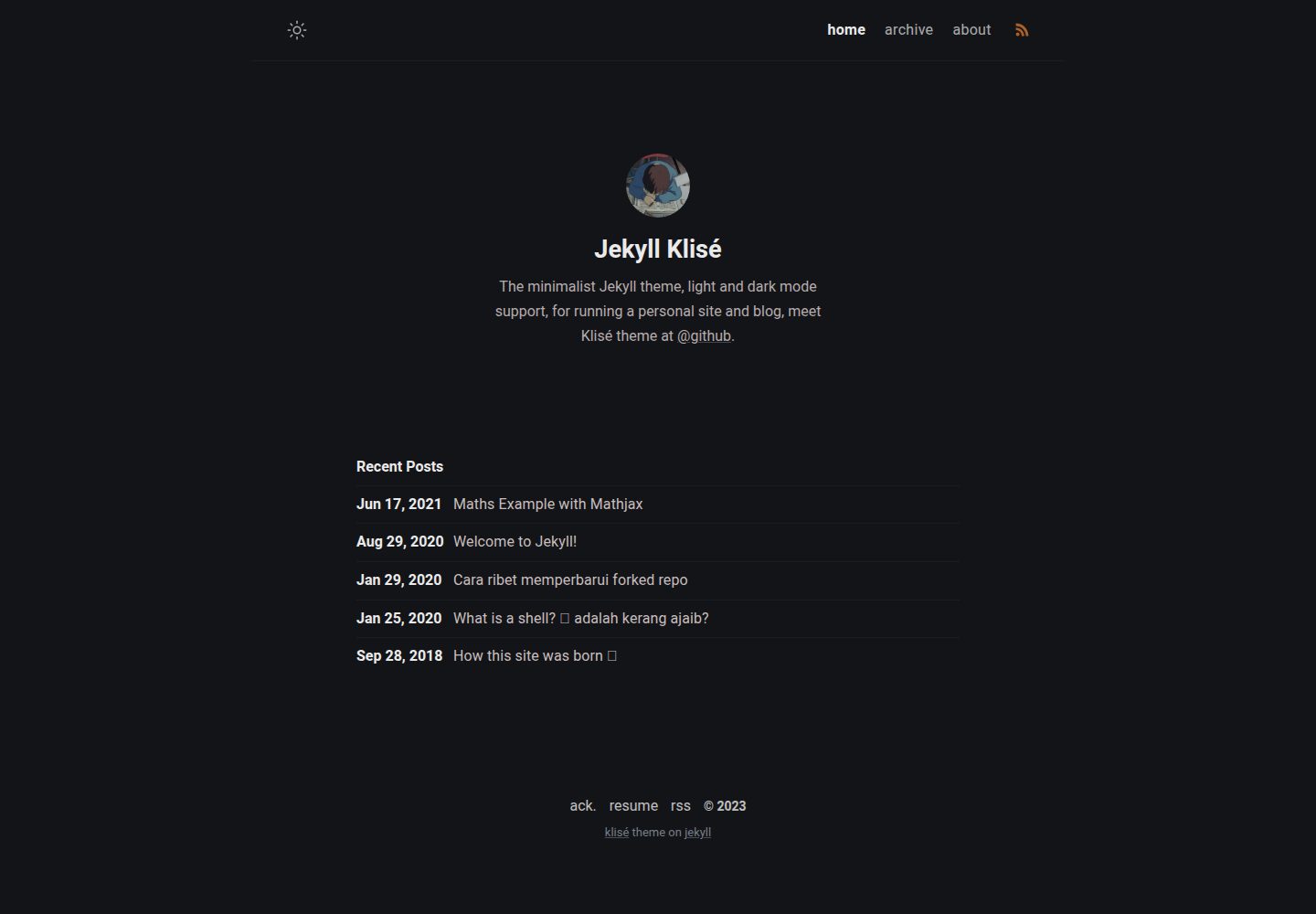
jekyll-klise
:beach_umbrella: Klisé is a minimalist Jekyll theme for running a personal site or blog, light & dark mode sup…
Jekyll · 博客
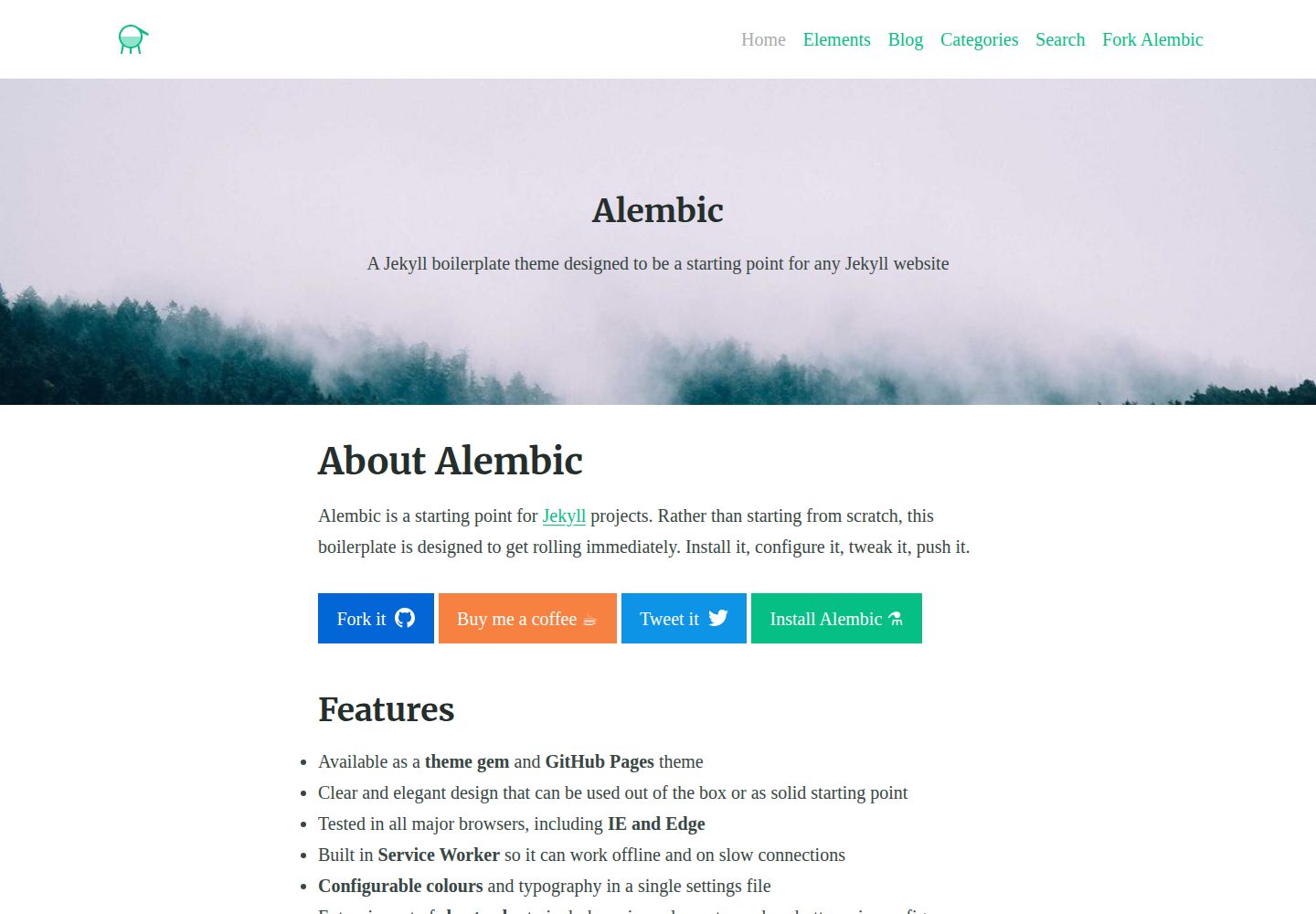
alembic
⚗️ A Jekyll boilerplate theme designed to be a starting point for any Jekyll website
Jekyll · 启动器
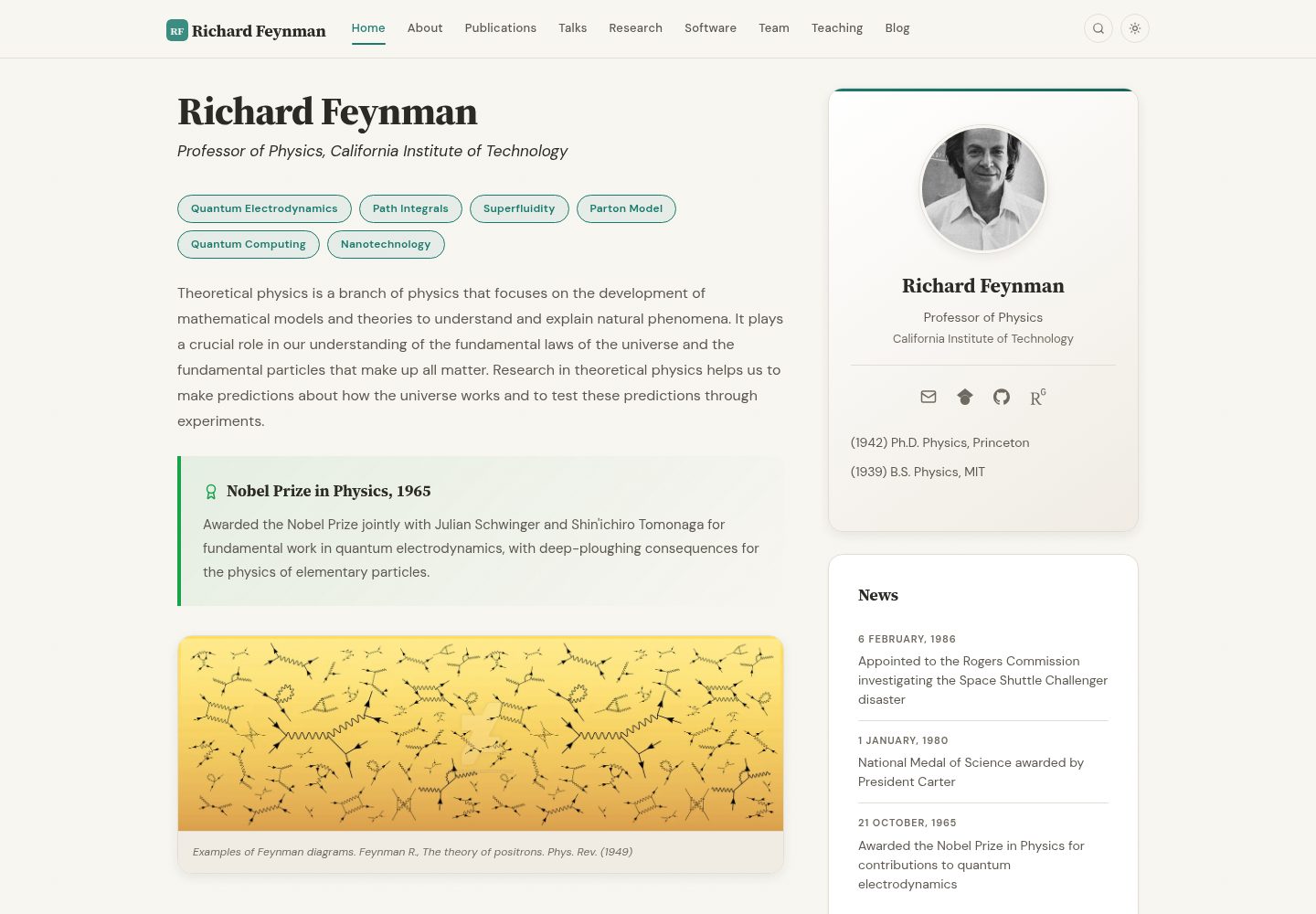
academic-website-template
Static web template for academics/research groups
Jekyll · 启动器
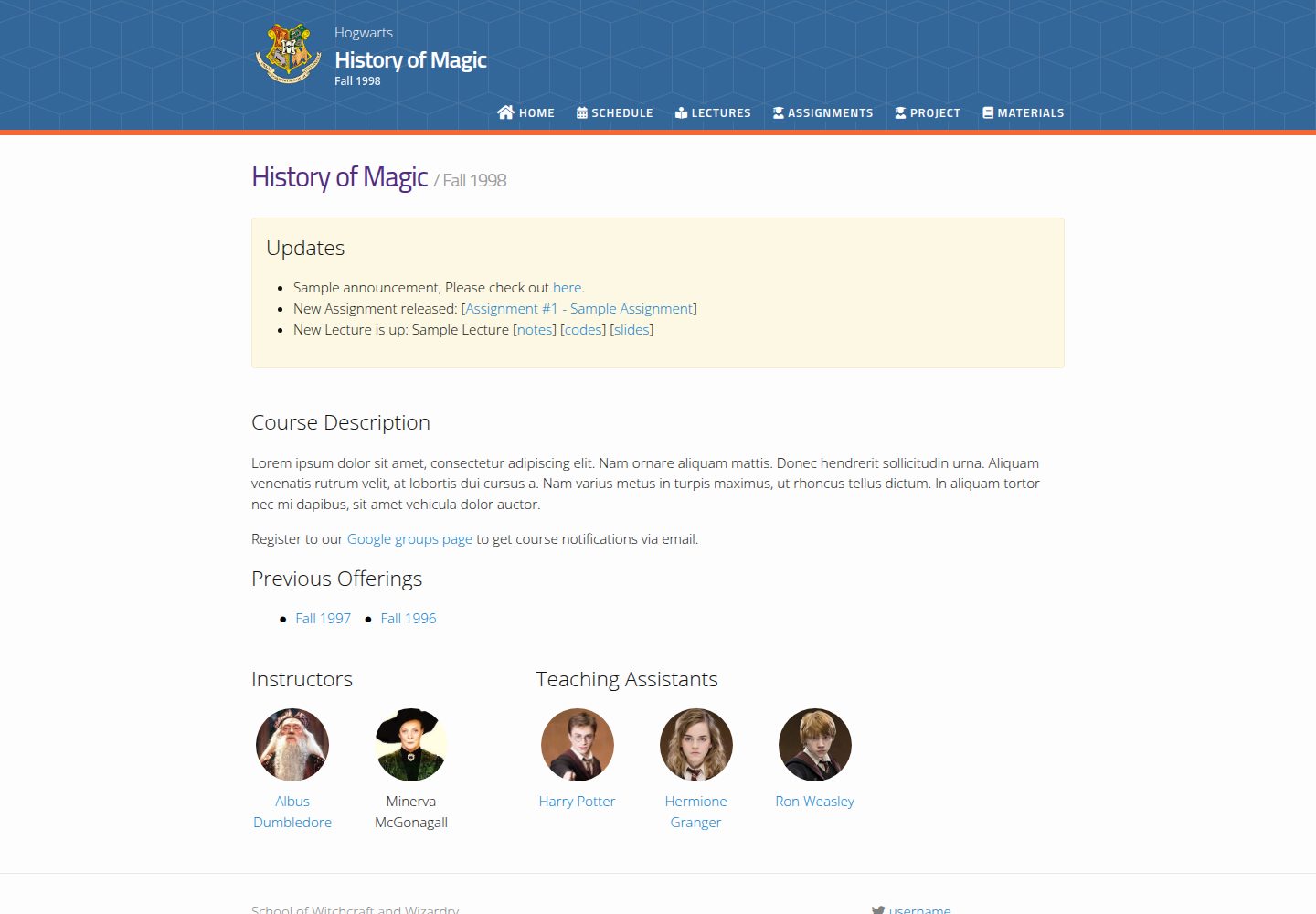
jekyll-course-website-template
Feature-rich and easy-to-use Jekyll website template for academic courses
Jekyll · 启动器

agency-jekyll-theme-starter
Agency Jekyll Theme starter template (optimized for GitHub Pages)
Jekyll · 企业官网
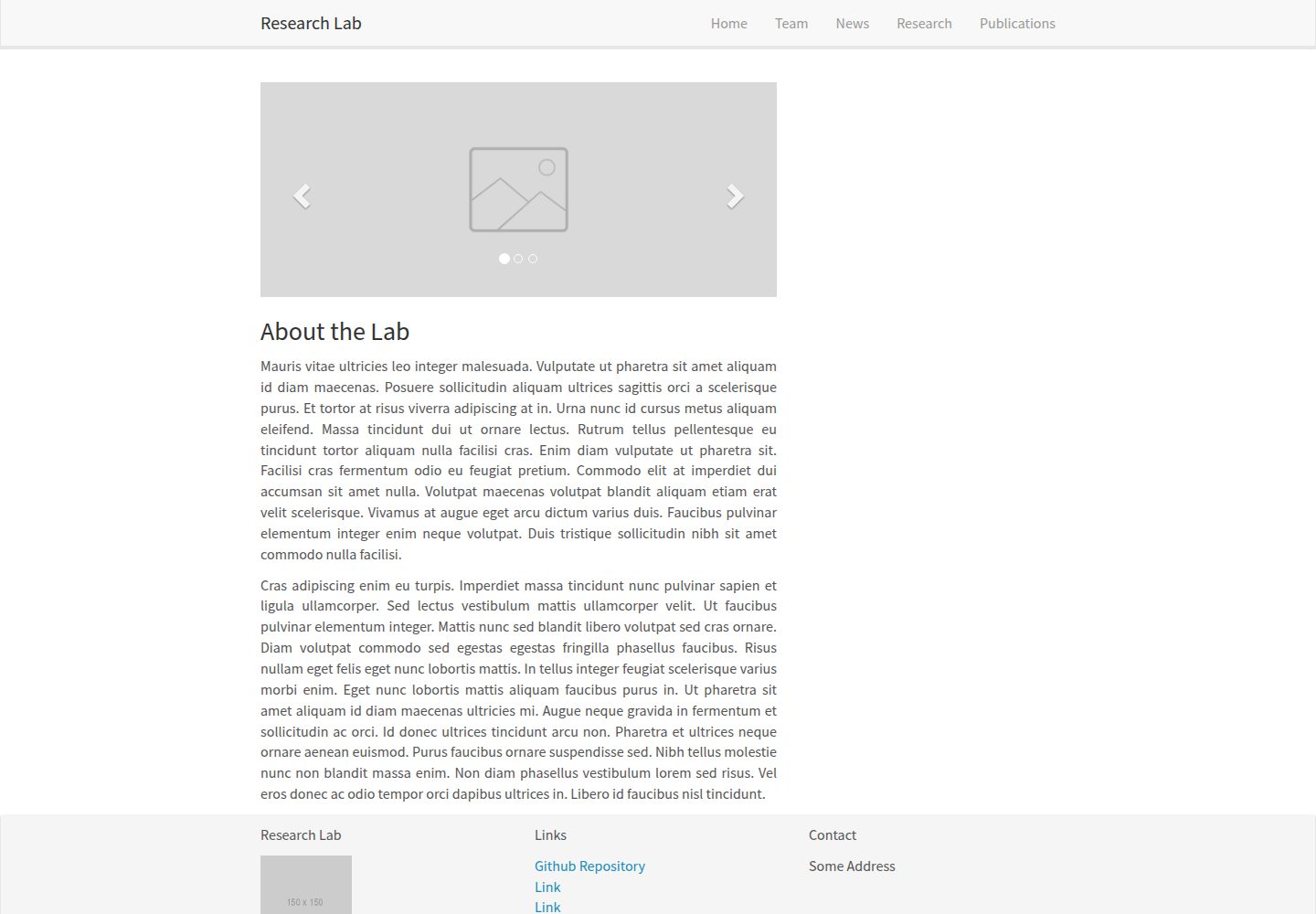
research-lab-website
A template for a Research Lab website, built with Jekyll.
Jekyll · 启动器