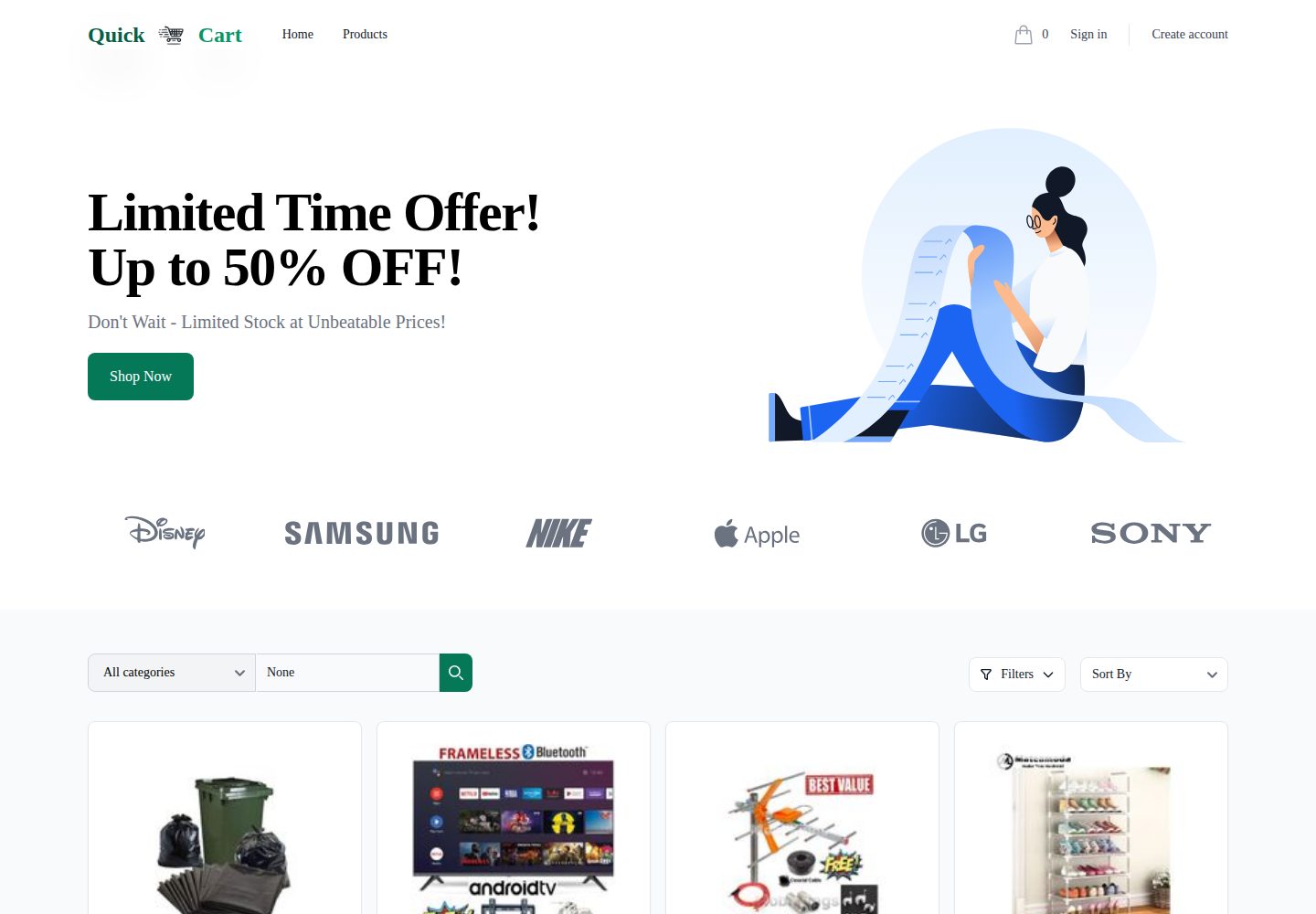
Django 服务端渲染模板实现,非 API 架构
DjangoHTML电商
quickcart — Django 电商模板
作者 JunaidSumsaal
QuickCart 是基于 Django 与 Tailwind CSS 的电商 Web 应用模板,采用服务端渲染模板而非 API,包含用户、商品、购物车、订单与后台管理模块。
看看你的网站会是什么样
浏览真实页面截图,比较内容排版与手机效果。点击下方缩略图切换,放大查看整页细节。
全部页面与视图 3
截图用于了解视觉与布局,交互效果请以实际项目为准。
采集于 2026-10-15查看来源
值得关注的模板亮点
从已有项目资料中,快速了解它的特点。
用户注册登录、头像上传、密码重置与修改、双因素认证启用
商品浏览搜索、详情、管理员增删改、评价评分与心愿单
购物车增删改数量、总价查看、结算与地址管理
订单下单、状态跟踪、历史查看、符合条件时取消与支付模拟
深色模式、Tailwind CSS 响应式界面与后台管理仪表盘
模板详细介绍
QuickCart 是一个用 Django 和 Tailwind CSS 构建的电商 Web 应用,README 说明其采用渲染模板而非 API 的实现方式。功能覆盖用户注册登录、头像上传、密码重置与修改、双因素认证启用;商品浏览与搜索、商品详情、管理员增删改商品、商品评价与评分、心愿单;购物车增删商品、修改数量、查看总价、结算与订单摘要、收货与账单地址管理;下单与订单状态跟踪、订单历史、符合条件时取消订单、订单确认页以及支付处理模拟。此外还提到深色模式、Tailwind CSS 响应式界面、数据库查询优化和用于订单与商品管理的后台仪表盘。项目结构按 accounts、cart、orders、products、templates、static、core 等目录划分。README 未提供具体依赖版本清单、性能数据或生产环境验证说明。
DjangoHTML电商
适合你的项目吗?
适用场景
- 搭建带用户认证与商品目录的电商演示站点
- 学习 Django 模板渲染方式下的购物车与订单流程
- 在本地运行并二次开发商品评价、心愿单等模块
- 参考其目录结构组织 Django 多应用项目
适合人群
- 熟悉 Python 与 Django 基础、希望研究电商流程实现的开发者
- 需要服务端渲染电商模板作为学习或原型起点的个人
- 准备在 Render 上部署 Django 应用并自行配置环境变量的开发者
上手与定制指南
结合仓库当前版本的说明,按下面的资料检查内容、配置与运行要求。
- 1
需安装 Python 3.8+、Django 4+、SQLite 或受支持的数据库以及配置了 Django reload 的 Tailwind CSS
- 2
依次执行 git clone、创建并激活虚拟环境、pip install -r requirements.txt
- 3
运行 python manage.py migrate 后创建超级用户,再执行 python manage.py runserver
- 4
部署到 Render 时需设置数据库与密钥相关环境变量,并使用 Gunicorn 等生产级 WSGI 服务器,Nginx 作为反向代理
授权与来源资料
使用条件与限制
免费使用 · 保留许可声明本次收录的是公开仓库中采用 MIT 许可的免费版本;免费范围为该版本代码,不代表外部服务或第三方素材免费。
使用时需要遵守
- 允许免费使用、修改、商用和分发该版本代码。
- 分发代码副本或实质性部分时,保留原作者版权声明和完整 MIT 许可声明。
- 代码按现状提供;担保与责任限制以原许可证及适用法律为准。
额外费用与待核对事项
- 演示图片、字体、图标及其他第三方素材需按各自许可核对,不能仅凭代码的 MIT 许可判断。
- 域名、托管、数据库、支付或 AI 等外部服务可能另外收费。
查看原文依据
https://github.com/JunaidSumsaal/quickcart/blob/main/LICENSEhttps://github.com/JunaidSumsaal/quickcart/blob/main/README.mdPermission is hereby granted, free of charge
许可证原文
DeepSeek 根据仓库许可证和 README 整理 ·2026-10-15。结果仅覆盖已读取资料,依赖、图片、字体及后续条款变更以各自原文为准。
项目核对记录与介绍依据
模板资料
- 来源平台
- GitHub
- 资料与维护参考分
- 资料较完整 · 79 / 100
- 技术栈
- Django · HTML
- 网站类型
- 电商
这个分数如何计算
本站按许可资料(最高30分)、演示链接(12分)、预览图(10分)、Star数(15分)、记录的维护时间(15分)、描述完整度(8分)、功能记录(5分)和分类资料(5分)计算。它不是代码、安全或性能测试,也不是 Google 评分;有链接不代表已实测可用。
这个项目需要核对什么
- 记录的仓库更新时间
- 2025-03-13
- 截图检查日期
- 2026-10-15
已收录演示链接。请用你的内容与屏幕尺寸检查;有演示不代表表单、认证或支付已经可用。
目录记录的主要技术栈是 Django。请通过依赖清单和锁文件核对实际版本与托管要求。这些说明基于收录资料,不代表代码审计或部署实测。
查看具体选型方法 →介绍的制作与核对状态
介绍由 AI 辅助整理目录与仓库资料。仓库作者不等于这篇介绍的审核者。
审核声明: codex-user-requested-batch-review-20261017 · 2026-10-16
查看当时使用的来源资料
SHA-256: 082c3fc1a5ea7404f3e735e8fcaceaf95c499386568411731e1dcb88dca64125
2026-10-15T11:44:03.258Z
来源文件 / 仓库# QuickCart - E-commerce Platform ## Overview QuickCart is a full-fledged e-commerce web application built using Django and Tailwind CSS. It provides a user-friendly shopping experience with features like product management, cart functionality, order tracking, authentication, and more. The application is structured with rendered templates instead of an API-based implementation, ensuring a seamless user experience. ## Features ### User Management - User registration and login - Profile management with avatar upload - Password reset and change password functionality - Two-factor authentication (2FA) enablement ### Product Management - Browse and search for products - View product details - Add, edit, and delete products (admin only) - Product reviews and ratings - Wishlist functionality ### Shopping Cart & Checkout - Add and remove items from cart - Update cart item quantities - View cart details with total price - Checkout process with order summary - Address management for shipping and billing ### Order Management - Place orders and track order status - View order history - Cancel orders if eligible - Order confirmation page - Payment processing simulation ### Additional Features - Dark mode support - Responsive UI built with Tailwind CSS - Optimized database queries for performance - Admin dashboard for order and product management ## Installation ### Prerequisites Ensure you have the following installed: - Python 3.8+ - Django 4+ - SQLite (default) or any supported database - Tailwind CSS (configured with Django reload) ### Setup Instructions 1. Clone the repository: ```sh git clone https://github.com/JunaidSumsaal/quickcart.git cd quickcart ``` 2. Create a virtual environment and activate it: ```sh python -m venv venv source venv/bin/activate # On Windows use: venv\Scripts\activate ``` 3. Install dependencies: ```sh pip install -r requirements.txt ``` 4. Apply database migrations: ```sh python manage.py migrate ``` 5. Create a superuser: ```sh python manage.py createsuperuser ``` 6. Run the development server: ```sh python manage.py runserver ``` 7. Open the application in your browser: ``` http://127.0.0.1:8000/ ``` ## Project Structure ``` quickcart/ ├── accounts/ # User authentication and profile management ├── cart/ # Shopping cart functionality ├── orders/ # Order management and tracking ├── products/ # Product catalog and reviews ├── templates/ # HTML templates organized by app ├── static/ # Static files including Tailwind CSS ├── core/ # Settings and configuration ├── manage.py # Django management script └── README.md # Project documentation ``` ## Deployment This project is configured for deployment on Render. To deploy: - Ensure environment variables are set for database and secret key. - Use a production-ready WSGI server like Gunicorn. - Set up Nginx as a reverse proxy. ## Contributing Contributions are welcome! Follow these steps: 1. Fork the repository. 2. Create a new branch: `git checkout -b feature-branch` 3. Commit your changes: `git commit -m "Add new feature"` 4. Push to the branch: `git push origin feature-branch` 5. Submit a pull request. ## License This project is licensed under the MIT License.
看看同类模板
对比同技术栈与用途的模板,找到更适合的视觉与内容结构。
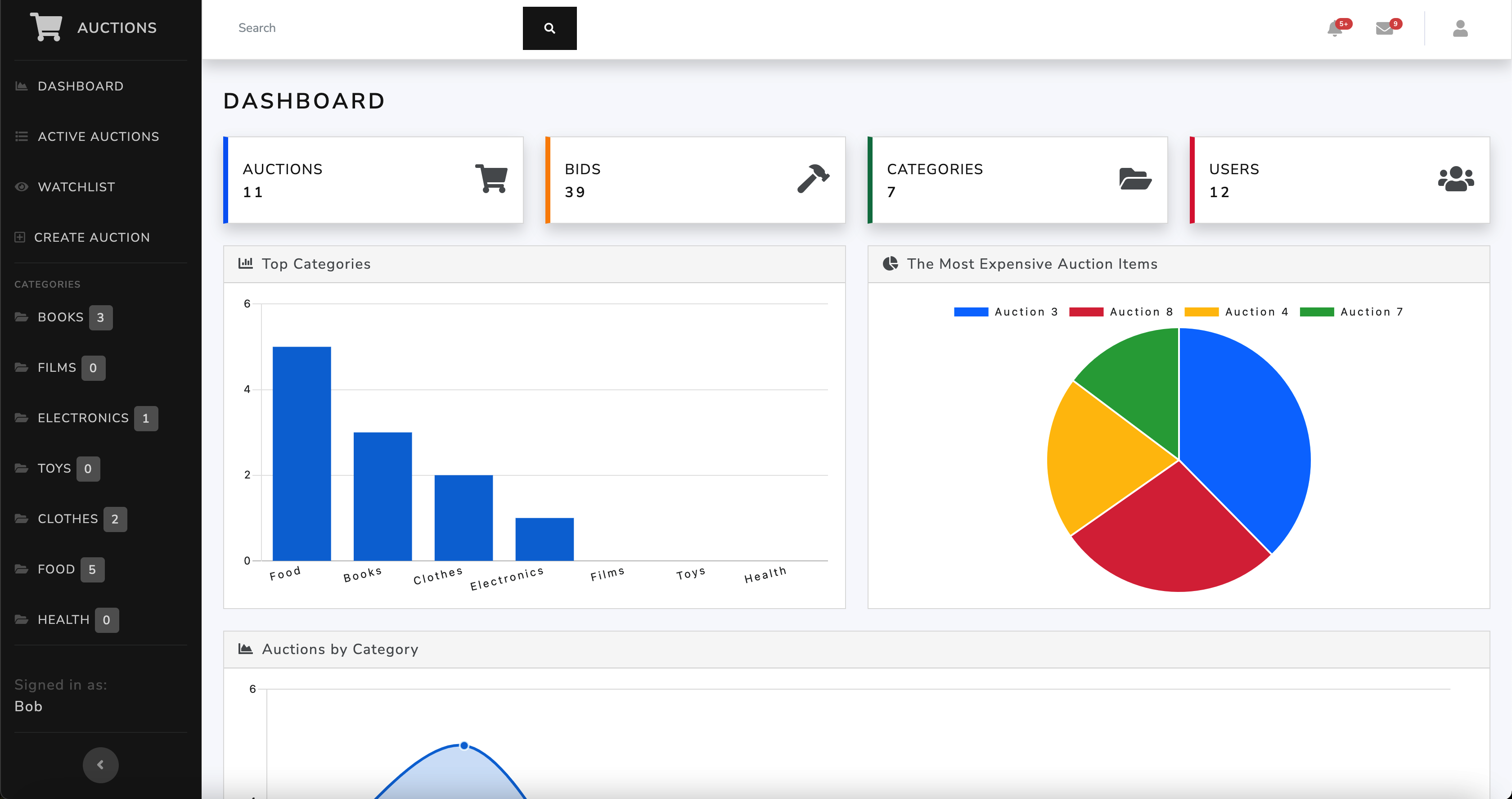
ecommerce-auction-website
An eBay-like e-commerce auction website built using Django 4, HTML 5, CSS 3, and Bootstrap 5 with a Bootswatch…
Django · 电商
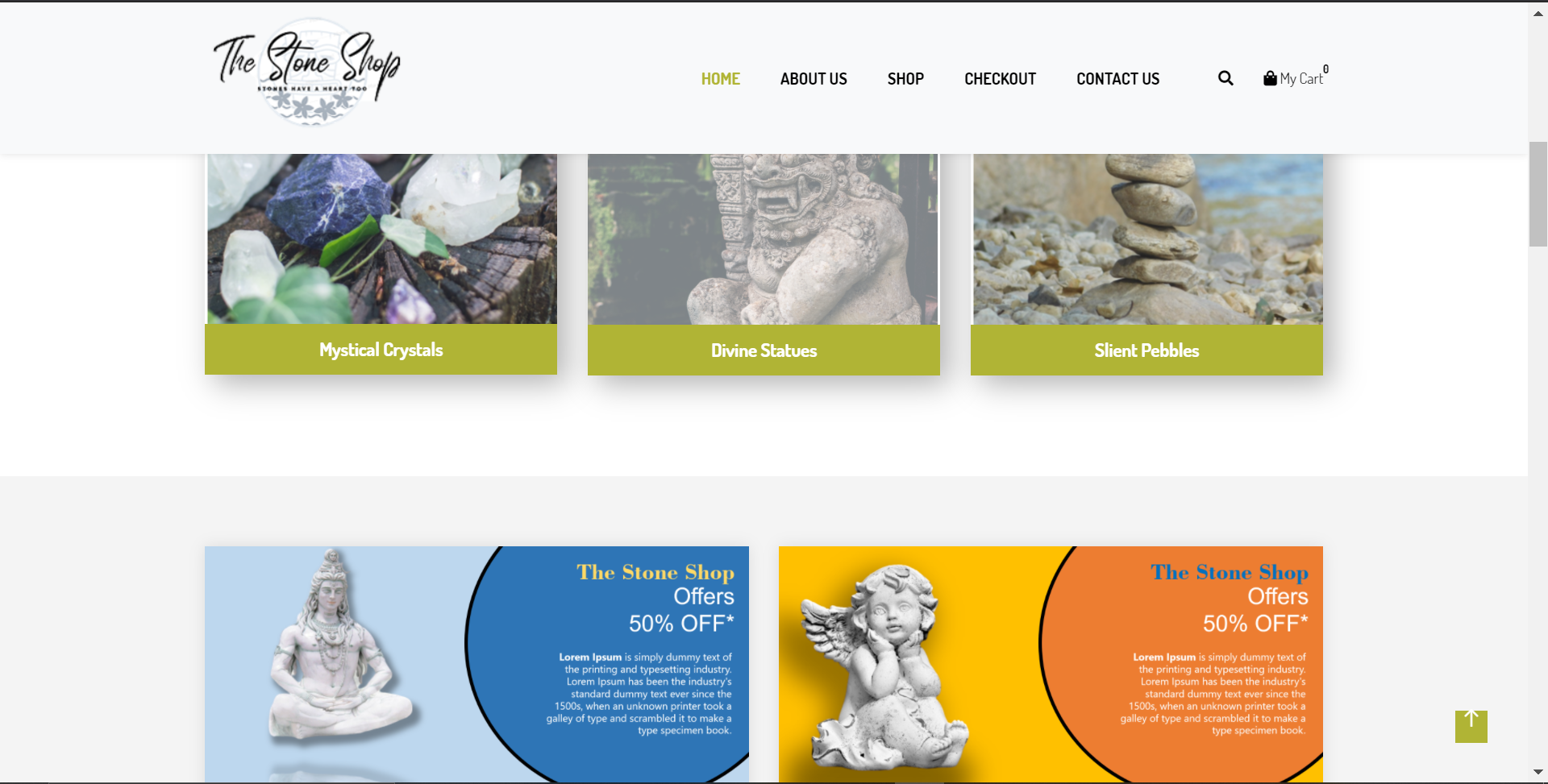
The-Stone-Shop
The Stone Shop 是一个面向单一卖家或店铺的 Django 电商模板,核心定位是快速搭建售卖实体商品(如石材制品)的在线商店。
Django · 电商
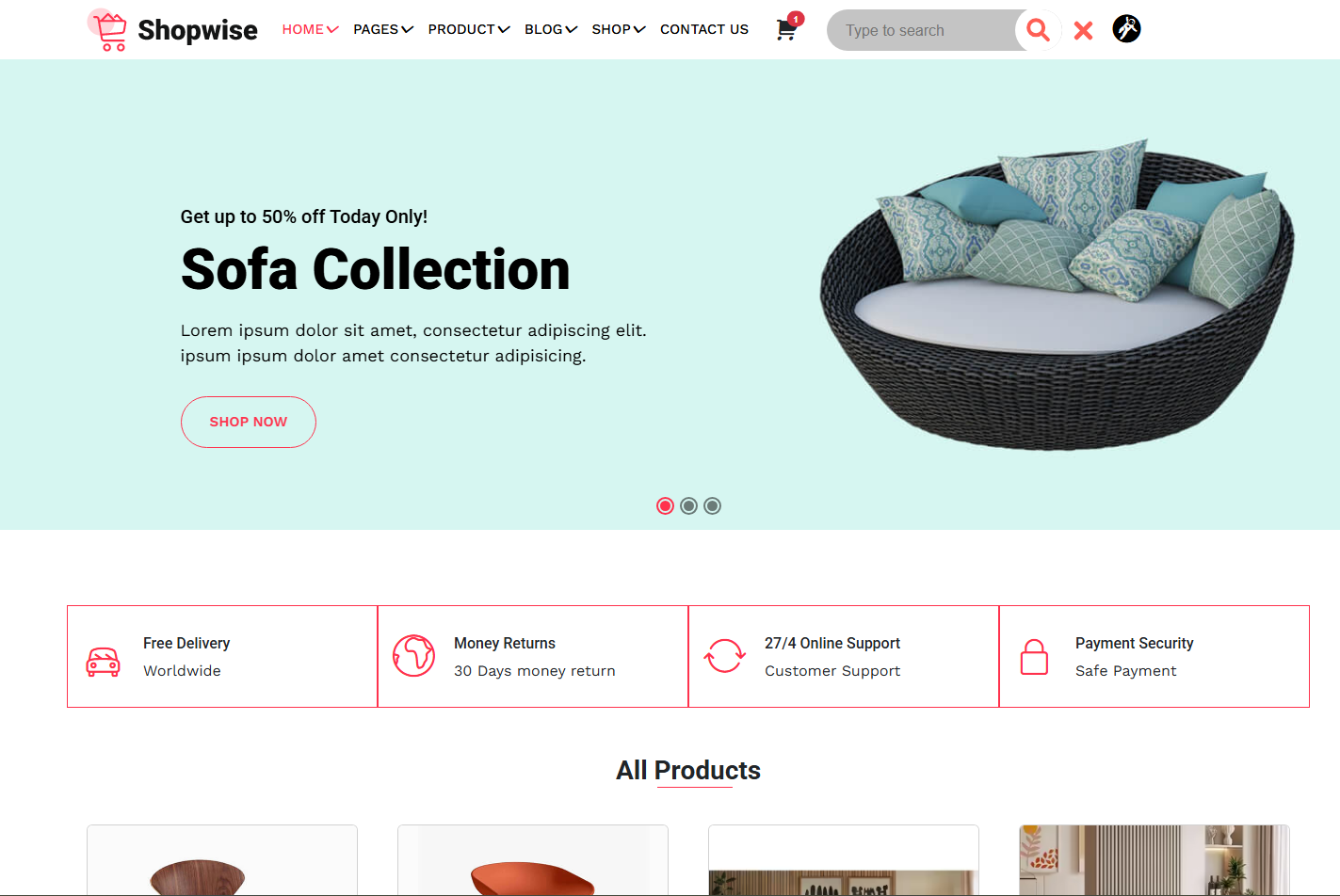
django-ecommerce-frontend
这是一个专注于电商界面展示的前端模板,使用Django模板语法组织页面,配合HTML、CSS、Bootstrap 5和JavaScript实现响应式布局。
Django · 电商
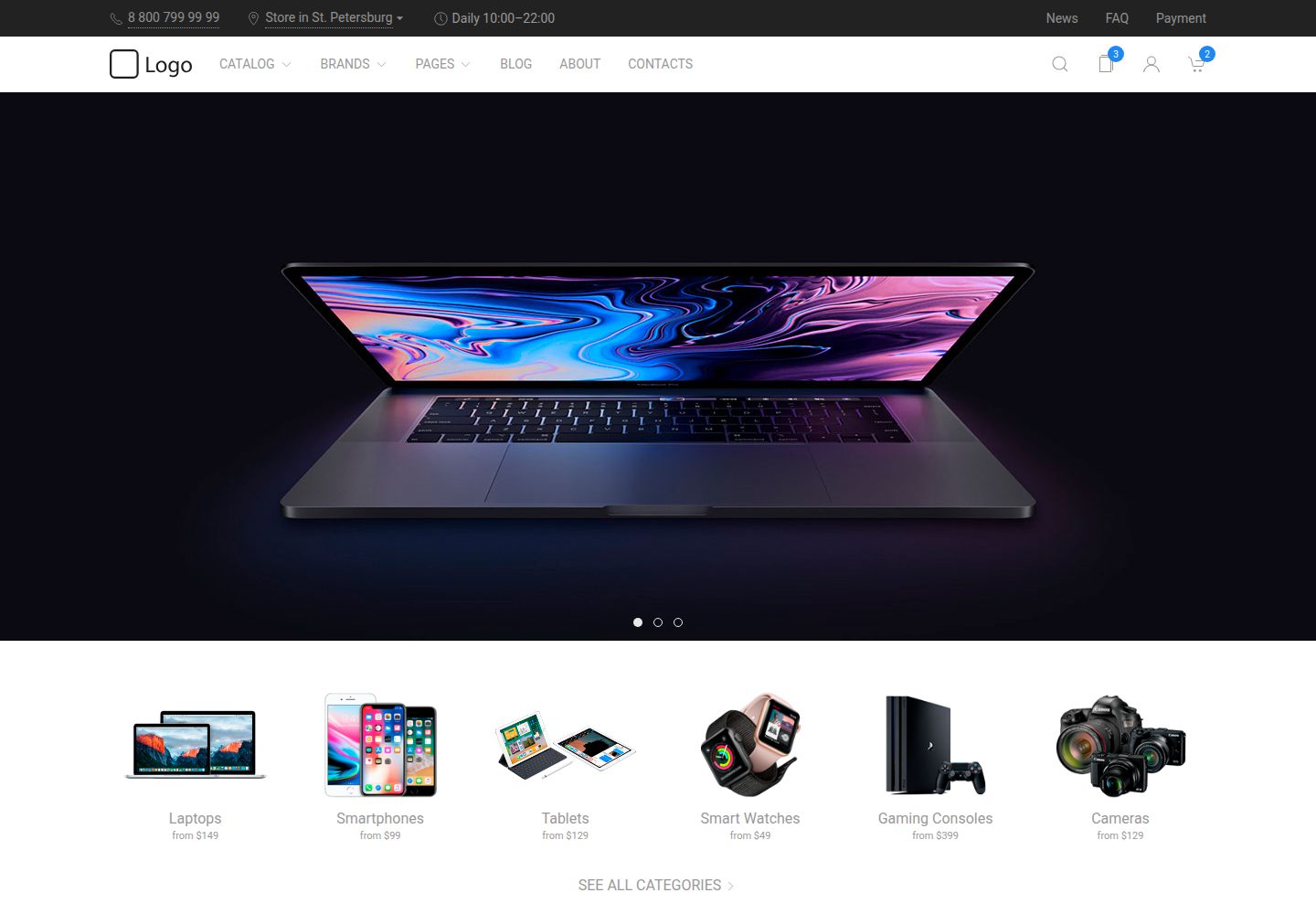
uikit-ecommerce-template
E-commerce template built with UIKIt
HTML · 电商
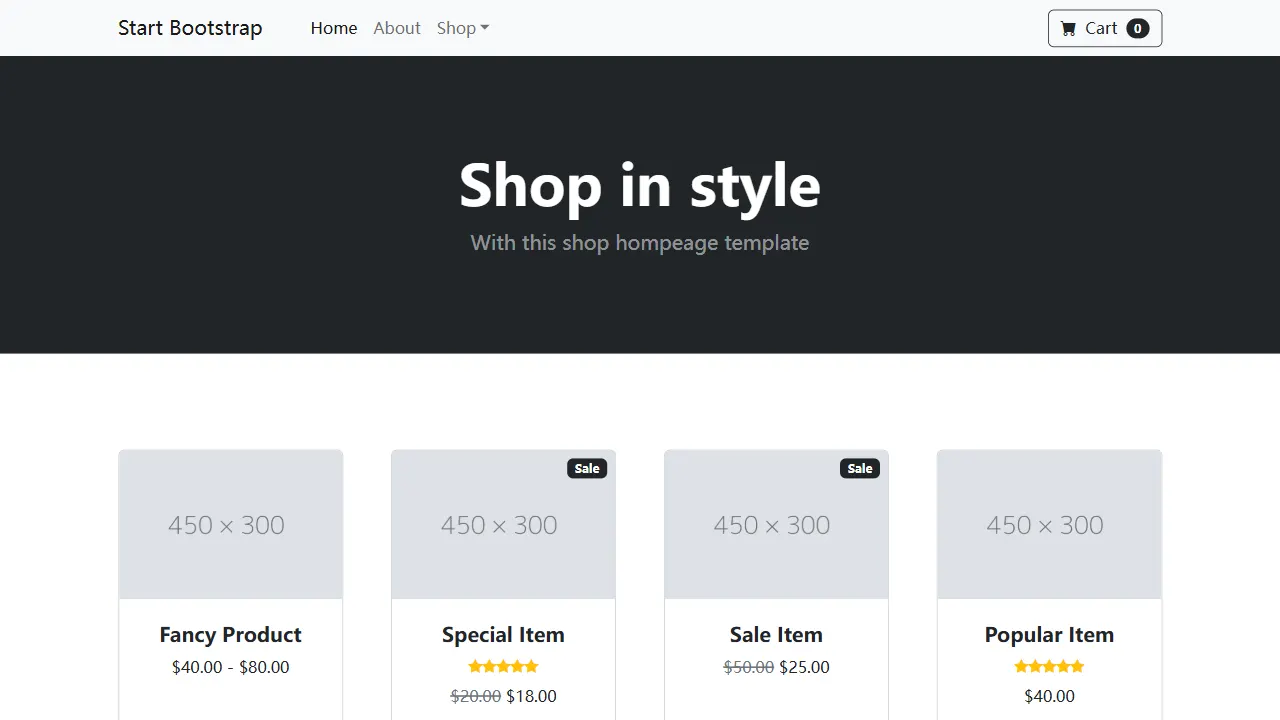
Shop Homepage
Shop Homepage 是 Start Bootstrap 发布的一款基础 HTML 商店首页模板,核心结构围绕顶部导航、商品网格和页脚展开。
HTML · 电商
ludus-free-premium-ecommerce-template
🛒 Ludus - Multipurpose E-commerce Template - 40+ Pages, User Dashboard Module & Blog Module
HTML · 后台