基于 Jekyll 静态站点生成器,适合落地页与小型网站而非博客
Jekyll企业官网
jekyll-template — Jekyll 企业官网模板
作者 MattiSG
基于 Jekyll 的静态站点模板,面向小型团队快速搭建落地页与小型网站,并让非技术成员通过在线编辑器参与内容维护。
看看你的网站会是什么样
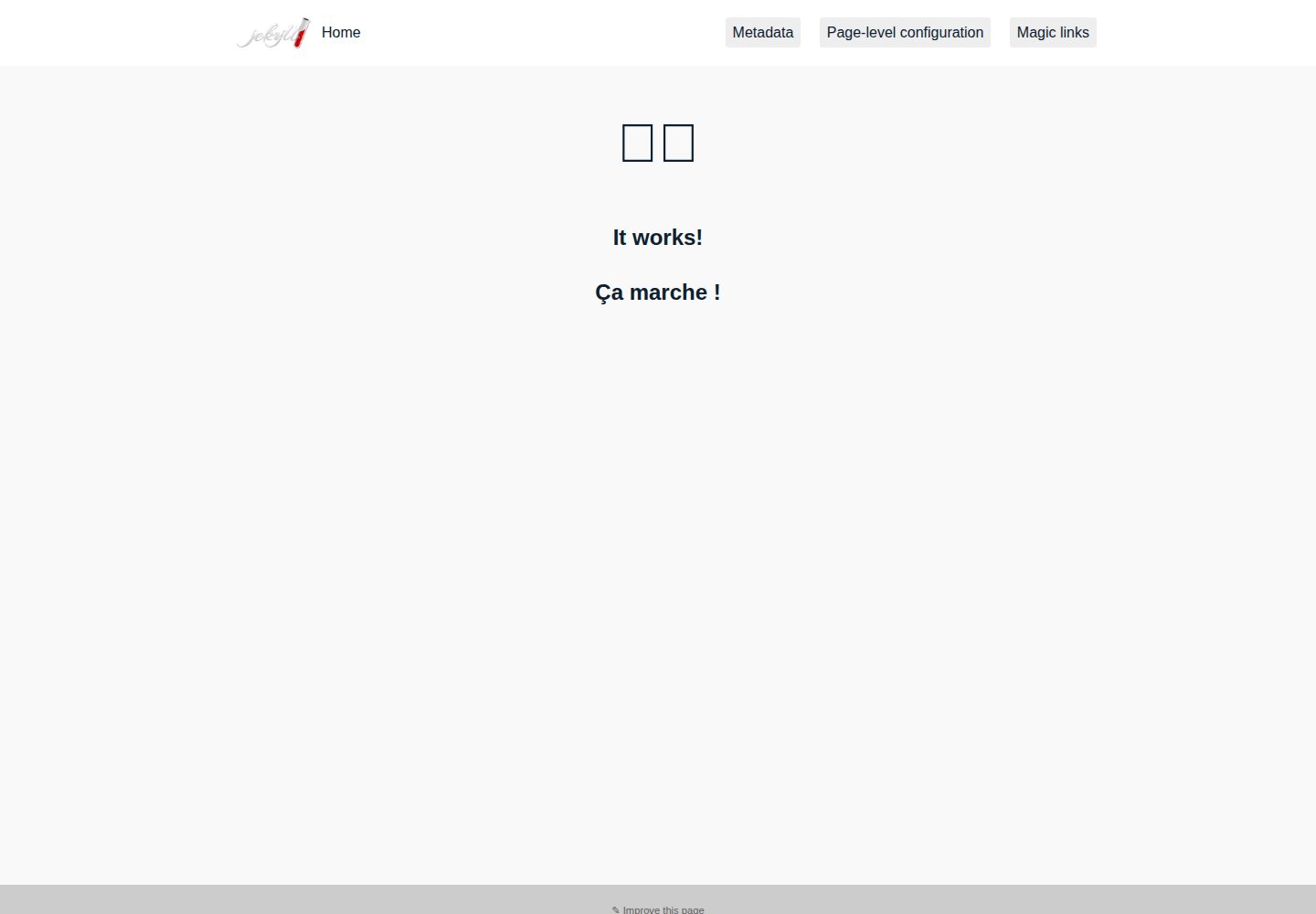
浏览真实页面截图,比较内容排版与手机效果。点击下方缩略图切换,放大查看整页细节。
全部页面与视图 2
截图用于了解视觉与布局,交互效果请以实际项目为准。
采集于 2026-10-03查看来源
值得关注的模板亮点
从已有项目资料中,快速了解它的特点。
建议内容统一放入 collections,将内容层级与开发文件分离
Gemfile 动态同步 GitHub Pages 生产版本,并提供离线回退
内置社交卡片元标签,支持 Facebook、Twitter、LinkedIn 等 OpenGraph 抓取
提供按布局加载样式表与 additional_css 前置数据等样式组织方式
附带 CI 部署脚本,可将纯 HTML 产物发布到 GitHub Pages
模板详细介绍
该模板由 MattiSG 维护,采用 MIT 许可,基于 Jekyll 静态站点生成器。它的目标不是博客,而是落地页和小型网站:让开发者与非技术贡献者都能高效参与内容生产。模板强调以约定代替配置,建议把内容集中放在 Jekyll 集合(collections)中,而不是让目录结构直接映射网站信息架构,从而把内容层级与开发文件分开,并可为每个集合设置默认布局与元数据。
在工程实践上,仓库的 Gemfile 会动态获取 GitHub Pages 的生产版本,使本地开发与托管环境保持一致,并提供离线回退;Ruby 版本通过 .ruby-version 锁定。CI 配置按 GitHub Pages 的构建方式执行,包含 safe mode 与 HTML 规范检查。模板还演示了 _includes 与集合的用法,提供社交卡片元标签、按布局加载样式表以及 additional_css 前置数据等样式组织方式。仓库另附部署脚本,可在 CI 中编译并把纯 HTML 产物发布到 GitHub Pages,从而绕开 GitHub 自带 Jekyll 引擎的限制。
README 将其定位为“示例库”而非开箱即用的成品模板,并给出维护模式说明:当长期缺少技术支持时,可锁定依赖版本、关闭 CI 中的版本检查,改为在 CI 中构建。使用前需注意,演示图片、字体、图标等第三方素材的许可需单独核对,域名、托管等外部服务可能产生费用。
Jekyll企业官网
适合你的项目吗?
适用场景
- 小型团队在半天内搭建并上线产品落地页
- 让非技术成员通过 GitHub 在线编辑器提交和修改内容
- 为政府或公共项目维护可长期演进的信息型网站
- 需要在 GitHub Pages 上使用自定义构建流程的静态站点
适合人群
- 熟悉 Git 与 Jekyll 基础、能维护构建流程的开发者
- 有非技术内容贡献者、希望降低其参与门槛的小型团队
- 以落地页、信息展示页为主而非博客或复杂 Web 应用的站点
- 希望借助 GitHub Pages 免费托管并保留迁移到自有服务器能力的项目
上手与定制指南
结合仓库当前版本的说明,按下面的资料检查内容、配置与运行要求。
- 1
需安装 Ruby 并按 .ruby-version 匹配版本,建议使用 rbenv 管理
- 2
运行 bundle install 安装依赖,Gemfile 会尝试获取 GitHub Pages 的生产版本
- 3
CI 默认按 GitHub Pages 的 safe mode 构建并检查 HTML 规范
- 4
如需长期免维护,可参考 README 中的维护模式说明锁定依赖版本
- 5
使用前请单独核对演示图片、字体、图标等第三方素材的许可
授权与来源资料
使用条件与限制
免费使用 · 保留许可声明本次收录的是公开仓库中采用 MIT 许可的免费版本;免费范围为该版本代码,不代表外部服务或第三方素材免费。
使用时需要遵守
- 允许免费使用、修改、商用和分发该版本代码。
- 分发代码副本或实质性部分时,保留原作者版权声明和完整 MIT 许可声明。
- 代码按现状提供;担保与责任限制以原许可证及适用法律为准。
额外费用与待核对事项
- CircleCI 的免费方案仅面向开源项目;若仓库非开源,持续集成服务可能需付费。
- GitHub Pages/GitLab Pages 免费托管有平台限制,迁移到自有服务器需自行承担域名与托管费用。
- 图片压缩依赖 ImageOptim 等外部工具或服务,可能涉及额外安装或费用。
- 演示图片、字体、图标及其他第三方素材需按各自许可核对,不能仅凭代码的 MIT 许可判断。
- 域名、托管、数据库、支付或 AI 等外部服务可能另外收费。
查看原文依据
Permission is hereby granted, free of charge
许可证原文
They offer a free plan for open-source.
README 原文
you can always switch to your own server at any time
README 原文
https://github.com/MattiSG/jekyll-template/blob/main/LICENSE.txthttps://github.com/MattiSG/jekyll-template/blob/main/README.mdI strongly recommend using [ImageOptim](https://imageoptim.com/) or an equivalent service to compress images before committing them.
README 原文
DeepSeek 根据仓库许可证和 README 整理 ·2026-10-03。结果仅覆盖已读取资料,依赖、图片、字体及后续条款变更以各自原文为准。
项目核对记录与介绍依据
模板资料
- 来源平台
- GitHub
- 资料与维护参考分
- 资料一般 · 72 / 100
- 技术栈
- Jekyll
- 网站类型
- 企业官网
这个分数如何计算
本站按许可资料(最高30分)、演示链接(12分)、预览图(10分)、Star数(15分)、记录的维护时间(15分)、描述完整度(8分)、功能记录(5分)和分类资料(5分)计算。它不是代码、安全或性能测试,也不是 Google 评分;有链接不代表已实测可用。
这个项目需要核对什么
- 记录的仓库更新时间
- 2023-02-17
- 截图检查日期
- 2026-10-03
已收录演示链接。请用你的内容与屏幕尺寸检查;有演示不代表表单、认证或支付已经可用。
目录记录的主要技术栈是 Jekyll。请通过依赖清单和锁文件核对实际版本与托管要求。这些说明基于收录资料,不代表代码审计或部署实测。
查看具体选型方法 →介绍的制作与核对状态
介绍由 AI 辅助整理目录与仓库资料。仓库作者不等于这篇介绍的审核者。
已完成服务器许可规则与 AI 来源核对;未经过人工编辑审核。
查看当时使用的来源资料
SHA-256: 217896fbd043d1a9f3324f981e1cac737662f895cd3947c14a252bda9c365b26
2026-10-03T00:08:20.521Z
来源文件 / 仓库# Jekyll lean startup template
A template for small teams to deploy landing pages and small websites cheap and fast, engage non-technical contributors, and architect information over time.
## Introduction
### Intention
The developer experience is most of the time terrible with content management systems that ship WYSIWYG editors, and learning HTML and managing metadata is too much for the vast majority of non-technical users. **I aim for the sweet spot where efficient contribution is possible both for developers and non-technical users**.
This repository aims at making it easier to use Jekyll to:
- **Publish websites** or at least landing pages, not blogs.
- **Get contributions from non-technical users**, purely with online code editors.
- **Build upon convention** rather than configuration.
- **Display page metadata**.
It regroups the setup and best practices I have identified. While reusable as such, it is perhaps better to think of it as a library of examples than as a template.
### Context
[Jekyll](https://jekyllrb.com/) is a static website generator.
> This means it transforms pieces of content in Markdown or HTML into full HTML files that can be displayed in web browsers.
It is flexible and easy to use. Other static website generators exist. However, one of the main benefits of Jekyll is that it can be run and hosted for free directly by code hosting platforms such as [GitHub](https://pages.github.com) or [GitLab](https://docs.gitlab.com/ee/user/project/pages/) through their Pages feature, and you can always switch to your own server at any time.
> This means your website can be made available on the internet at no cost.
Jekyll claims to be “blog-aware”. It is indeed, supporting notions such as posts, publishing dates and authors out of the box. More than “aware”, though, the default boilerplate and some of the documentation will guide you towards blog posts.
Jekyll can do much more than that and, over the years, I have come to build and reuse a set of practices and presets that support my main use case: building and deploying landing pages cheap and fast (under half a day) that enable non-technical users to contribute content through online text editors, and maintain an ability to scale to an entire website with full quality control.
### Examples
This approach has enabled me to build products such as:
- [beta.gouv.fr](https://beta.gouv.fr), the website of the French government public digital services incubator, which uses Jekyll both as CMS and HR system and has [over 370 contributors](https://github.com/betagouv/beta.gouv.fr/) of all sorts.
- [disinfo.quaidorsay.fr](https://disinfo.quaidorsay.fr), a resource supporting actors countering information manipulation (aka “fake news”), which uses Jekyll for a [multilingual](https://github.com/ambanum/disinfo.quaidorsay.fr/tree/master/_pages), [collaborative encyclopedia](https://github.com/ambanum/disinfo.quaidorsay.fr/tree/master/_pages/en/encyclopedia) of tools and practices.
- [pariscall.international](https://pariscall.international), the public website for the Paris Call for Trust and Security in Cyberspace, which uses Jekyll to maintain a [list of signatories](https://github.com/ambanum/pariscall.international/tree/master/_supporters) and relies on an additional [backend](https://github.com/ambanum/pariscall.international-backend) to [create files](https://github.com/ambanum/pariscall.international/commits?author=AmbNum-Bot) from survey answers, making it easy for anyone to add files and for non-technical maintainers to update the data over time.
## Features
### Production & development versions synchronisation
It is standard practice to ensure that development and production environments are in sync, in order to ensure bugs can be caught before production, or at least reproduced in development. Most of the time, this is achieved by locking down versions in development so that production updates accordingly.
However, when relying on hosting providers such as GitHub Pages, the host manages production versions. In this case, the only way to ensure both environments are in sync is to… enforce production versions in dev!
The `Gemfile` in this repository is dynamic and fetches GitHub’s [production versions](https://pages.github.com/versions.json). A fallback mechanism supports offline work and assumes local versions are correct —you won’t be pushing work if you’re offline anyway 🙂
> [Credit](https://github.com/betagouv/beta.gouv.fr/commits/master/Gemfile) goes to @MaukoQuiroga for most of the dynamic Gemfile code.
The Ruby version itself is locked with the `.ruby-version` file, and `bundler` will complain if it does not match the production version. I suggest to [install `rbenv`](https://github.com/rbenv/rbenv#installation) to manage and automatically switch the Ruby version.
> The alternative to rbenv is RVM. If you have it already installed on your system, or you prefer to use it for any reason, there is no need to switch to rbenv.
In CI, the `.circleci/config.yml` in this repository builds using the same versions and options as GitHub Pages does, such as “safe mode” which disables most plugins, and enforces additional checks such as HTML spec compliance.
> The Jekyll documentation provides a [template for CircleCI](https://jekyllrb.com/docs/continuous-integration/circleci/), but it assumes a deployment to Amazon S3 where you control production versions.
### Maintenance mode
If you need to keep building the website without technical interventions, such as for example if some collaborators edit content without having the ability to change the code and there is no more technical support available long term, a failing CI can become an issue.
In that case, you could disable CI entirely. However, this means you would lose content validation, which would still bring value to non-tech collaborators. Hence, the recommended step is to disable version check in CI, leaving it to technical collaborators to ensure synchronisation when they intervene on the code.
In order to lock down dependencies and maximise the time without which a technical intervention is necessary, you should lock down all dependencies versions, remove runtime version checks in CI, and switch to building in CI rather than relying on GitHub Pages updates, as these updates can be incompatible with your specific developments. The specific way of locking down dependencies is all documented in comments starting with “Maintenance mode instructions”.
### Advanced features discoverability
Some of the lesser-known yet very powerful features of Jekyll are [collections](https://jekyllrb.com/docs/step-by-step/09-collections/) and [includes](https://jekyllrb.com/docs/step-by-step/05-includes/). The default Jekyll template, by staying minimal, does not help with making those discoverable.
This is why this template showcases and prefills the `_includes` folder and defines a collection in `_config.yml` with both an explicit output and default values that demonstrate the power of collections.
### Information architecture through collections
Jekyll is most often used in a way where the information architecture (i.e. content hierarchy) reflects the folder hierarchy of content files. While a definitely easier way to get started, this has two major drawbacks:
1. Mixing of content hierarchy and dev setup: at the root of your repository lie both the root page and paths that will be exposed on your website and all the weird dev files such as `Gemfile`. This makes it very confusing for non-technical users.
2. Underuse of the powerful metadata management and styling features that can be derived from assigning each piece of content to a category.
This is why this template suggests to only store content in [collections](https://jekyllrb.com/docs/step-by-step/09-collections/). This will help you think about content hierarchy, make sure all your content is in scoped folders, enable the use of default values for layout and metadata for each folder, and let you teach non-technical contributors that they can change anything they want as long as they work in some given folder (which they can, for example, bookmark in their browser).
The only folder that is exposed directly is `assets`, in which files that should be processed as a pass-through are to be stored.
### Styling
Jekyll does support [themes](http://jekyllthemes.org), so it is tempting to think you can create content and later on make it beautiful. While this can work for well-known forms of content such as blog posts, this is usually not a satisfying approach when you are building custom websites.
If you manage your own styles with Jekyll, you will manipulate layouts and CSS. Since the content is static, rather than including stylesheets on a page-by-page basis, many websites end up including all their stylesheets on all pages (or creating a single one with Sass), decreasing web performance.
This is why this template supports three ways to ease category-by-category styling:
1. For minor adjustments, a CSS class name is added on the `body` of each page with the name of the current layout as soon as it is not `default`. For example, if you define `layout: tree` on a page, then its body will have class `.layout-tree` so that you can easily target elements within.
2. For major variations, a stylesheet is automatically loaded for each layout. For example, if you set `layout: tree` on a page, then it will load the stylesheet at `assets/css/tree.css`. If you don’t need this feature, the best is to simply remove the corresponding lines in the default layout.
3. The `additional_css` front-matter property loads all stylesheets listed there, so that any page or collection can load arbitrary files.
> I personally prefer to use standard CSS over Sass, but that choice is obviously up to you and Jekyll does [support Sass / SCSS as preprocessors](https://jekyllrb.com/docs/assets/#sassscss).
### Social cards
Most Jekyll themes don’t provide the [meta tags for “social cards”](https://gist.github.com/MattiSG/fc7f65ad16fb8968e0f84b756efd9383) that will enable rich content preview on major social media.
The `_includes/metadata.html` in this repository ships the minimal amount of code to enable rich preview on Facebook, Twitter, LinkedIn and any other [OpenGraph](https://ogp.me)-compatible scraper.
### Custom builds and non-“safe” plugins on GitHub Pages
GitHub Pages provides free and fast deployment, but relying on GitHub-provided Jekyll compilation adds limitations to how much you can customise the process.
The `_scripts/deploy.sh` script in this repository, combined with the pre-filled CI config file, enables CI compilation and deployment of your Jekyll website as a pure HTML dump on GitHub Pages, allowing you to benefit from GitHub’s hosting without relying on their more constrained Jekyll engine.
## Tips
### Compress assets
Since your files are stored in Git, and they will be exposed directly, it is a very good idea for the performance of both your public website and production workflow to compress assets _before_ they are committed to the repository. In particular, I strongly recommend using [ImageOptim](https://imageoptim.com/) or an equivalent service to compress images before committing them.
### Provide magic links to non-technical contributors
#### To create new files
Creating a new file is significantly harder than editing existing ones in the online editor interface. In order to make it easier for non-technical users to create new content, we can create special links that embed a template file, by using query string variables.
For example, the GitHub online editor will use `filename` and `value` as URL-encoded values for the file name and file content, so we can craft URLs that will pre-fill a new file, complete with YAML front-matter:
```
https://github.com/${username}/${repo_name}/new/${branch}/${containing_folder_path}?filename=${new_file_name_with_extension}&value=${url_encoded_template}
```
I usually store these links in the `CONTRIBUTING` file.
#### Add direct edit links on each page
This will ease the contribution of both non-technical users, who can navigate the published website rather than the file hierarchy, and of external contributors.
There, the link is much easier to craft by relying on Jekyll-provided variables:
```
https://github.com/{{ site.repository }}/edit/${target_branch}/{{ page.path }}
```
### Use official documentation
- [Jekyll documentation](http://jekyllrb.com/docs/).
- [Jekyll cheat sheet](https://devhints.io/jekyll).
- [Liquid language documentation](https://shopify.github.io/liquid/).
## Adapting this template
- Edit the `_config.yml` to ensure the metadata matches your setup.
- Replace `logo.png` with your own.
- Start the server with the following options: `bundle exec jekyll serve --watch --safe --strict_front_matter`
> - `watch` improves your developer experience: the server will reload automatically when it detects changes to files (except the config file, you’ll get bitten by that at some point).
> - `safe` mirrors GitHub Pages' setup.
> - `strict_front_matter` allows to catch errors early.
>
> While the server will systematically suggest you start it with the `--incremental` option, I recommend to only use this option as an opt-in, when you are iterating quickly over a specific set of pages in a large website. When designing, this is a recipe for getting inconsistent pages where some have updated their links and included assets and others have not, leading to lots of frustration.
### Change the menu
In order to avoid mixing content files with config & dev files, pages are never created at the root: they all get written in collections. In order to add a page to the menu, you can simply add it to `_toplevel`, as long as you set its URL with `permalink`. Prefix their filename with the index at which you'd like them to appear in the menu. The first one (by convention, index `0`) will appear on the left handside of the menu, along with your website logo.
### Publish to GitHub Pages
- Create a repository on GitHub.
- Push your content to it.
- Activate GitHub Pages in the settings.
### Set up Continuous Integration
If you use [CircleCI](https://circleci.com), just log in with GitHub and activate builds for your repository. They offer a free plan for open-source.
# License
[MIT](https://choosealicense.com/licenses/mit/): do whatever you want as long as you don’t sue me.
看看同类模板
对比同技术栈与用途的模板,找到更适合的视觉与内容结构。
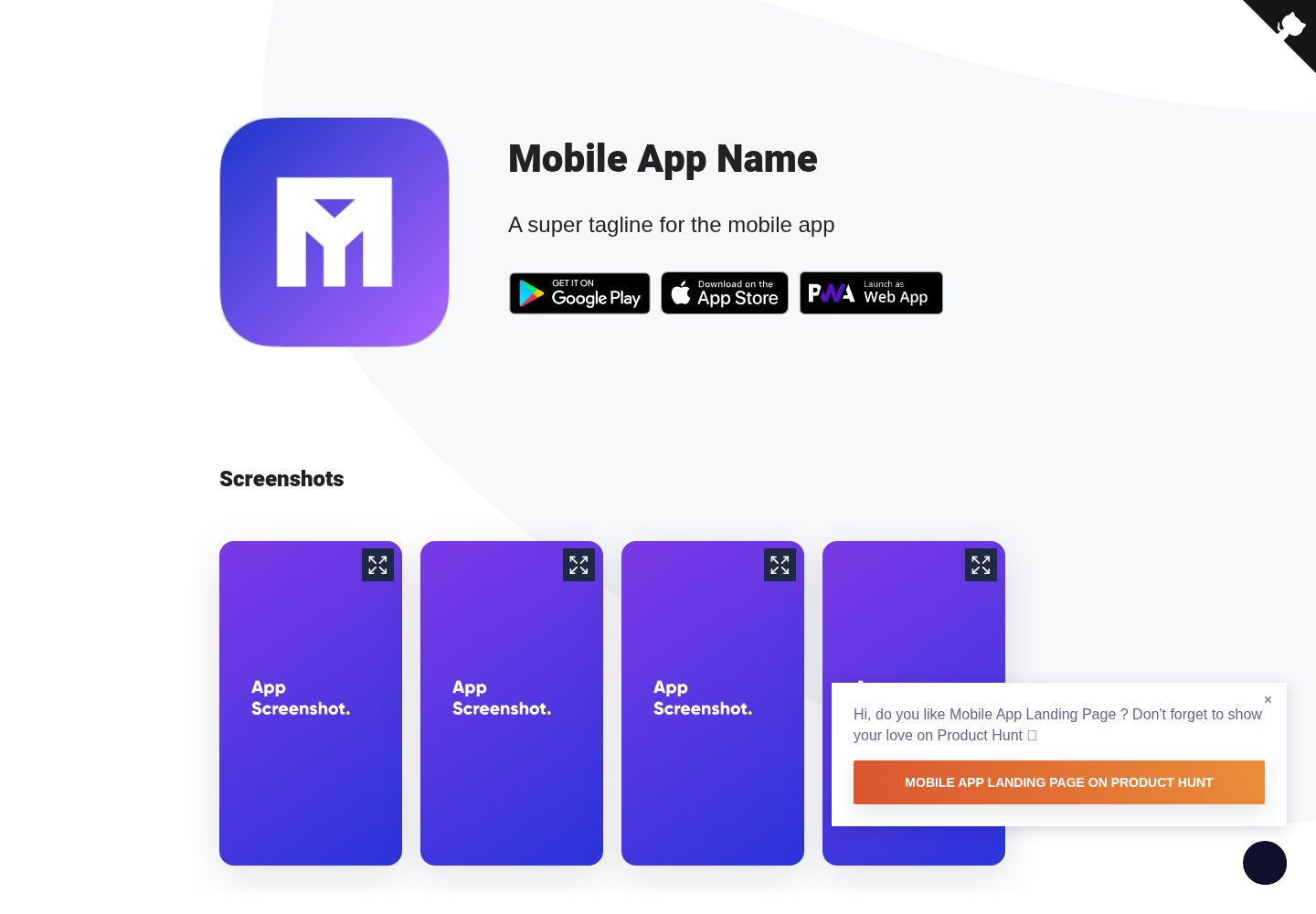
Mobile-app-landingpage-template
📱 Free to use static generated website template for your mobile app
Jekyll · 企业官网
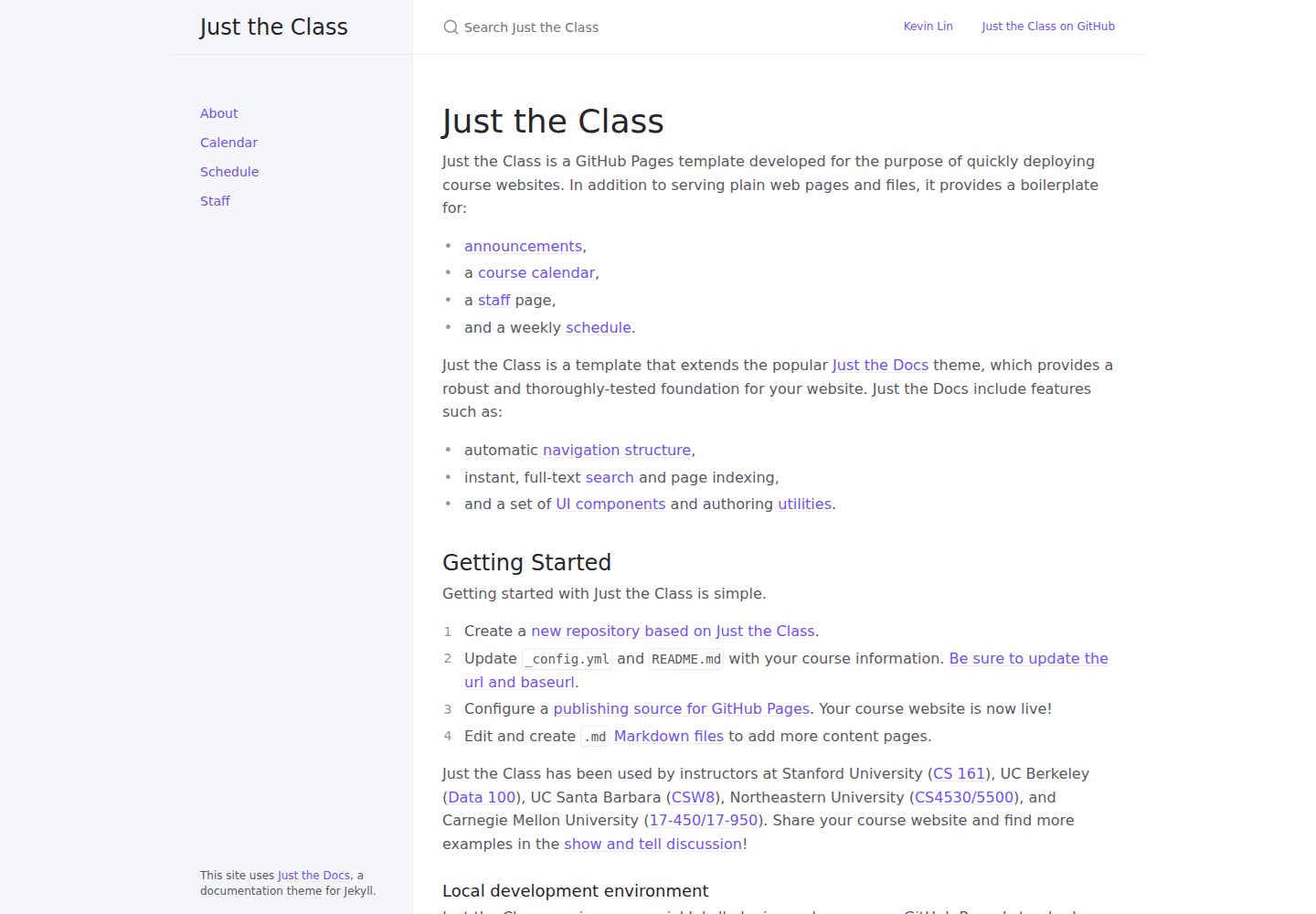
just-the-class
A modern, highly customizable, responsive Jekyll template for course websites.
Jekyll · 企业官网

urban-jekyll-template
:cloud: Agency template for Jekyll
Jekyll · 企业官网

course-in-a-box
An open-source project for creating online courses, built by P2PU
Jekyll · 企业官网

agency-jekyll-theme-starter
Agency Jekyll Theme starter template (optimized for GitHub Pages)
Jekyll · 企业官网
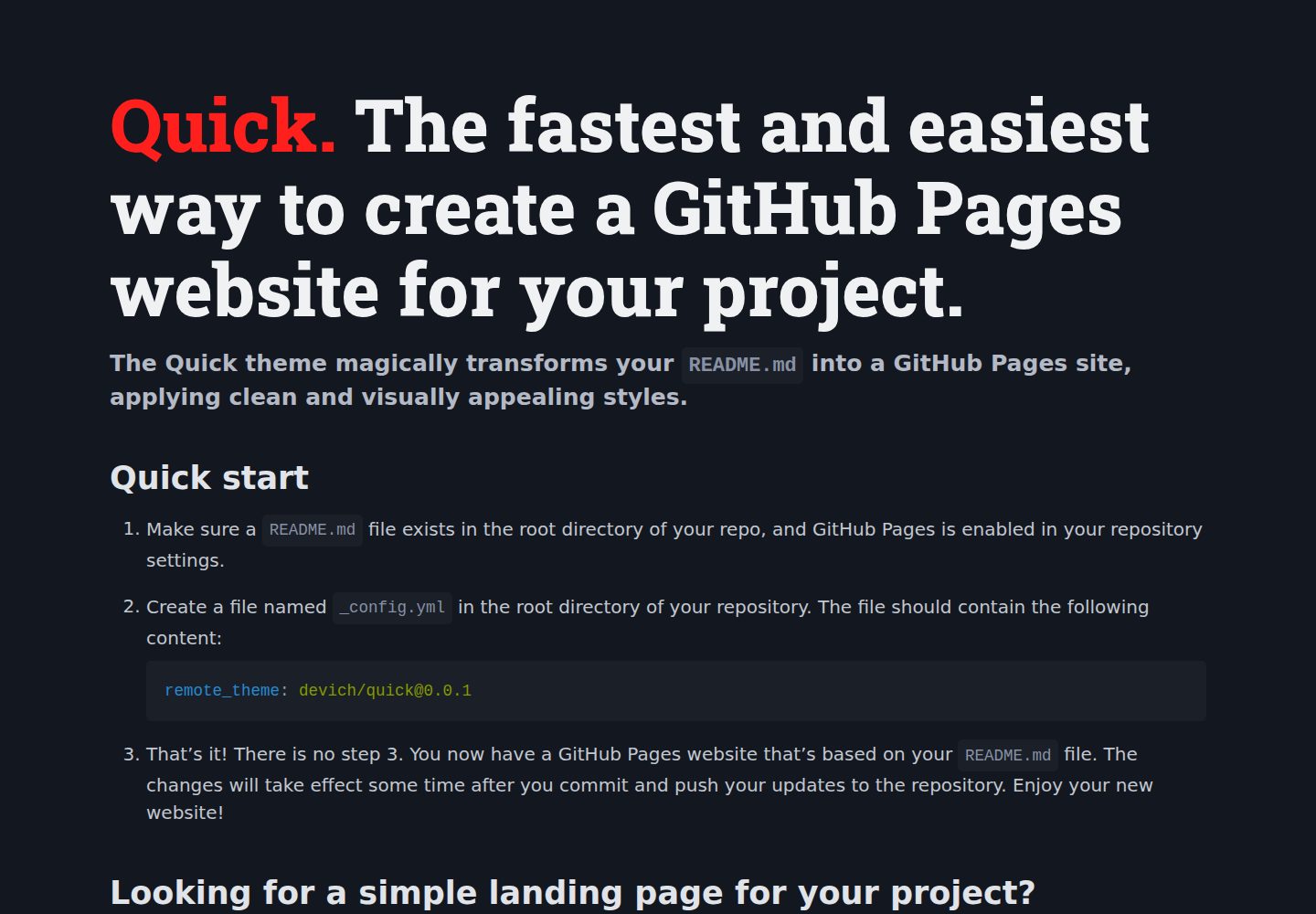
quick
The Quick theme magically transforms your README.md into a GitHub Pages site, applying clean and visually appe…
Jekyll · 企业官网