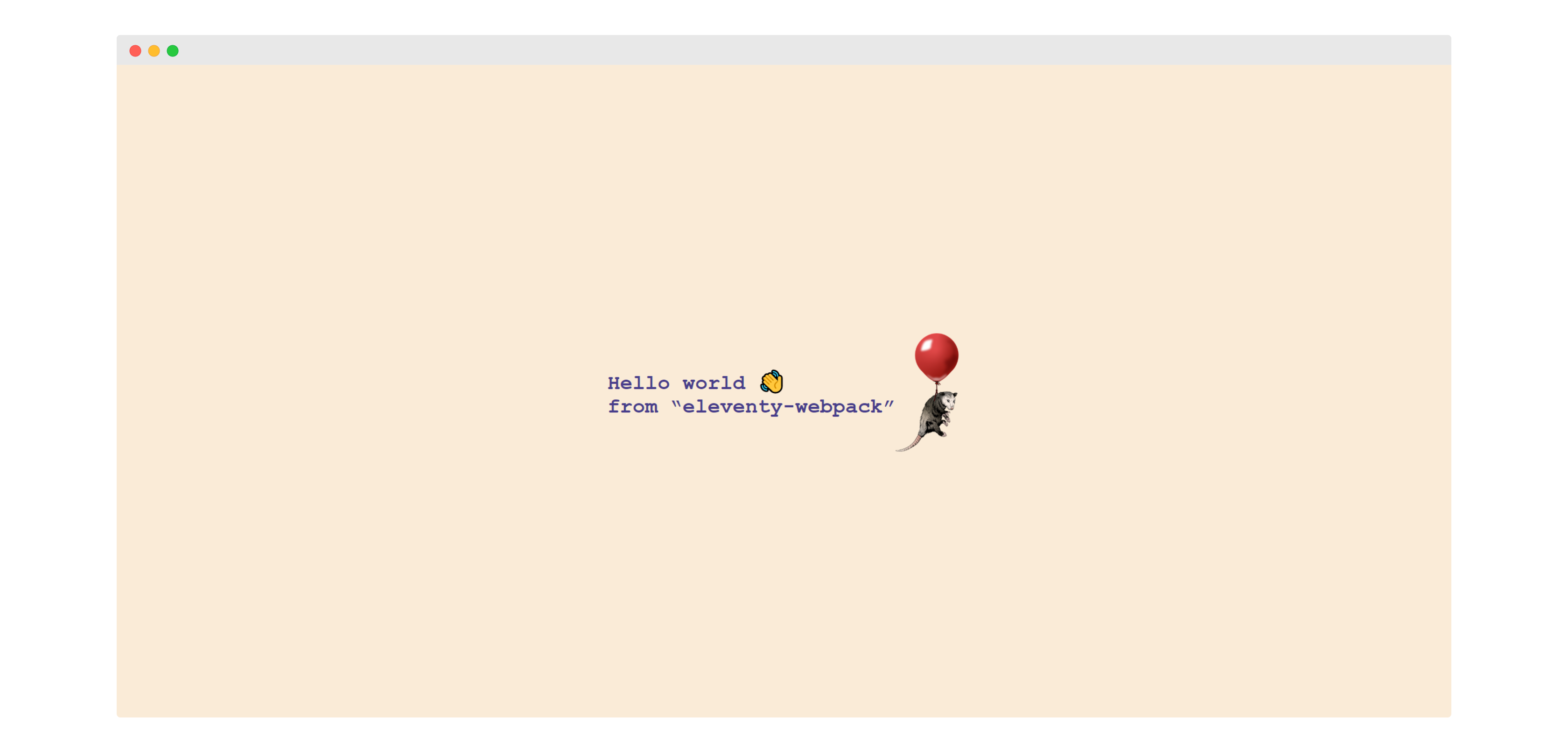
Eleventy 与 webpack 组合的裸骨架启动模板,不含预设页面设计
Eleventy启动器
eleventy-webpack — Eleventy 启动器模板
作者 meezyart
基于 Eleventy 与 webpack 的极简启动模板,提供 Sass/PostCSS、Babel、响应式图片、SVG 图标雪碧图与 SEO 元数据等基础构建能力。
看看你的网站会是什么样
浏览真实页面截图,比较内容排版与手机效果。点击下方缩略图切换,放大查看整页细节。
目前有 1 张原始预览,可打开完整图片查看设计细节。
截图用于了解视觉与布局,交互效果请以实际项目为准。
采集于 2026-10-02查看来源
值得关注的模板亮点
从已有项目资料中,快速了解它的特点。
JS 支持 ES6、Babel 与 polyfill,CSS 支持 Sass、PostCSS 与 Autoprefixer
按环境区分构建配置,生产构建包含 source map、headers 与压缩
内置 icon、image、markdown 等 shortcode 与 format、formatISO、markdown 等 filter
提供 SEO 元数据、Open Graph 标签与安全外链处理
附带 Prettier 格式化与打包体积分析脚本
模板详细介绍
这是一个 Eleventy 与 webpack 组合的裸骨架启动模板,作者定位为“fork 后即可开始”。模板本身不包含成型的页面设计或内容结构,主要价值在于把静态站点生成与前端资源打包的常用配置预先接好。
构建流程方面,模板使用 webpack 处理 JavaScript 与样式:JS 走 Babel 与 polyfill,CSS 支持 Sass、PostCSS 与 Autoprefixer,并按环境区分配置,生产构建包含 source map、headers 与代码压缩。Eleventy 侧提供若干 shortcode 与 filter,包括 SVG 图标雪碧图、基于 @11ty/eleventy-img 的响应式图片与远程图片缓存、markdown 嵌入、日期格式化等,同时输出 SEO 元数据与 Open Graph 标签,并为外部链接添加 noopener 与 noreferrer。
使用方式上,安装依赖后可通过 npm run start 在本地 8080 端口预览,npm run build 将生产站点输出到 /_site,另有 format 与 analyze 脚本分别用于 Prettier 格式化和查看打包体积。模板附带一个简单的 webpack.config.js,可按需修改。
限制在于:它是 barebone 模板,不含现成的视觉设计、页面模板或内容示例;仓库星标为 0,最后更新时间较早;演示图片、字体、图标等第三方素材需自行核对许可,托管、域名等外部服务也可能产生费用。
Eleventy启动器
适合你的项目吗?
适用场景
- 需要一个 Eleventy + webpack 基础工程,自行搭建页面与样式
- 希望用 shortcode 快速生成响应式图片与 SVG 图标雪碧图
- 需要按环境区分开发与生产构建配置的静态站点项目
适合人群
- 熟悉 Eleventy 与 webpack、希望从零搭建静态站点的开发者
- 需要 JS/CSS 构建管线与图片优化能力的个人项目
- 愿意自行补充设计与内容结构的模板使用者
上手与定制指南
结合仓库当前版本的说明,按下面的资料检查内容、配置与运行要求。
- 1
先执行 npm install 安装依赖
- 2
npm run start 在 http://localhost:8080 预览,npm run build 输出到 /_site
- 3
npm run format 运行 Prettier,npm run analyze 查看打包体积
- 4
webpack.config.js 为简单示例配置,可按项目需要修改
- 5
演示图片、字体、图标等第三方素材需按各自许可单独核对
授权与来源资料
使用条件与限制
免费使用 · 保留许可声明本次收录的是公开仓库中采用 MIT 许可的免费版本;免费范围为该版本代码,不代表外部服务或第三方素材免费。
使用时需要遵守
- 允许免费使用、修改、商用和分发该版本代码。
- 分发代码副本或实质性部分时,保留原作者版权声明和完整 MIT 许可声明。
- 代码按现状提供;担保与责任限制以原许可证及适用法律为准。
额外费用与待核对事项
- 演示图片、字体、图标及其他第三方素材需按各自许可核对,不能仅凭代码的 MIT 许可判断。
- 域名、托管、数据库、支付或 AI 等外部服务可能另外收费。
查看原文依据
https://github.com/meezyart/eleventy-webpack/blob/master/LICENSEhttps://github.com/meezyart/eleventy-webpack/blob/master/README.mdPermission is hereby granted, free of charge
许可证原文
DeepSeek 根据仓库许可证和 README 整理 ·2026-10-02。结果仅覆盖已读取资料,依赖、图片、字体及后续条款变更以各自原文为准。
项目核对记录与介绍依据
模板资料
- 来源平台
- GitHub
- 资料与维护参考分
- 资料较少 · 45 / 100
- 技术栈
- Eleventy
- 网站类型
- 启动器
这个分数如何计算
本站按许可资料(最高30分)、演示链接(12分)、预览图(10分)、Star数(15分)、记录的维护时间(15分)、描述完整度(8分)、功能记录(5分)和分类资料(5分)计算。它不是代码、安全或性能测试,也不是 Google 评分;有链接不代表已实测可用。
这个项目需要核对什么
- 记录的仓库更新时间
- 2023-04-22
- 截图检查日期
- 2026-10-02
目前没有记录演示链接。请依据仓库说明在本地评估;仅凭截图无法确认交互行为。
目录记录的主要技术栈是 Eleventy。请通过依赖清单和锁文件核对实际版本与托管要求。这些说明基于收录资料,不代表代码审计或部署实测。
查看具体选型方法 →介绍的制作与核对状态
介绍由 AI 辅助整理目录与仓库资料。仓库作者不等于这篇介绍的审核者。
已完成服务器许可规则与 AI 来源核对;未经过人工编辑审核。
查看当时使用的来源资料
SHA-256: ddce261d3712ddc79f3083d8de5252fc4e57cfedef9bb9be56213c092d5e4497
2026-10-02T17:58:26.072Z
来源文件 / 仓库# eleventy-webpack :balloon:
A barebone [eleventy](https://www.11ty.dev/) and [webpack](https://webpack.js.org/) template. Fork and go.
[](https://app.netlify.com/sites/eleventy-webpack/deploys)
[](https://eleventy-webpack.netlify.app)
## Features
- :fire: Barebone [11ty](https://www.11ty.dev/) (literally :scream:)
- :zap: Fast build with per env configs ([babel-env](https://babeljs.io/docs/en/babel-preset-env), [postcss-preset-env](https://github.com/csstools/postcss-preset-env), [webpack](https://webpack.js.org/configuration/#use-different-configuration-file)...)
- `.js` (ES6, Babel, Polyfills)
- `.css` (Sass, PostCSS, Autoprefixer)
- :white_check_mark: Optimized for production (source maps, headers, minified code...)
- :camera_flash: Responsive images and cached remote images ([@11ty/eleventy-img](https://github.com/11ty/eleventy-img))
- :package: SVG icon sprite generation
- :robot: SEO metadata and Open Graph tags
- :link: Safe external links (`noopener` and `noreferrer`)
- :memo: Useful shortcodes and filters (date, markdown, sprite icons, responsive images...)
- :shipit: Neat error overlay ([eleventy-plugin-error-overlay](https://github.com/stevenpetryk/eleventy-plugin-error-overlay))
- :art: [Prettier](https://prettier.io/) for formatting
Live demo https://eleventy-webpack.netlify.app
## Usage
First install the dependencies:
```sh
npm install
```
Then you can:
| Command | Description |
| --------------------- | --------------------------------------------- |
| **`npm run start`** | Run your website on http://localhost:8080 |
| **`npm run build`** | Build your production website inside `/_site` |
| **`npm run format`** | Run prettier on all filles except `/_site` |
| **`npm run analyze`** | Output info on your bundle size |
## Webpack
A very simple `webpack.config.js` is included. Feel free to change it.
## Shortcodes
All shortcodes can be used inside `.md` or `.njk` files.
<details>
<summary><strong><code>icon</code></strong></summary>
<br>
Any SVG added to `src/assets/icons` is bundled into a symbol sprite file and made available through this shortcode.
```html
<!-- Assuming `src/assets/icons/github.svg` exist -->
<p>{% icon "github" %} Github icon</p>
<!-- Will be rendered as -->
<svg class="icon icon--github" role="img" aria-hidden="true">
<use xlink:href="/assets/images/sprite.svg#github"></use>
</svg>
```
___
</details>
<details>
<summary><strong><code>image</code></strong></summary>
<br>
Creates a WebP version of the image and the corresponding optimized JPEG / PNG. Images will be created in multiple sizes. See `utils/shortcodes.js` for default values.
```html
<!-- Assuming `src/assets/images/image.jpeg` of width 330px exist -->
{% image "image.jpeg", "Image alt" %}
<!-- Will be rendered as -->
<picture>
<source type="image/webp" srcset="/assets/images/678868de-320.webp 320w, /assets/images/678868de.webp 330w" sizes="90vw">
<source type="image/png" srcset="/assets/images/678868de-320.png 320w, /assets/images/678868de.png 330w" sizes="90vw">
<img loading="lazy" src="/assets/images/678868de.png" alt="Image alt" width="330" height="580">
</picture>
<!-- If a title is passed the shortcode will output a <figure> with <figcaption> -->
{% image "image.jpeg", "Image alt", "Image title" %}
<!-- Will be rendered as -->
<figure>
<picture>
<source type="image/webp" srcset="/assets/images/678868de-320.webp 320w, /assets/images/678868de.webp 330w" sizes="90vw">
<source type="image/png" srcset="/assets/images/678868de-320.png 320w, /assets/images/678868de.png 330w" sizes="90vw">
<img loading="lazy" src="/assets/images/678868de.png" alt="Image alt" width="330" height="580">
</picture>
<figcaption>Image title</figcaption>
</figure>
```
___
</details>
<details>
<summary><strong><code>markdown</code></strong></summary>
<br>
Embed markdown easily.
```html
{% markdown %}
Let's you use **Markdown** like _this_.
Or with includes {%- include 'content.md' -%}.
{% endmarkdown %}
```
___
</details>
## Filters
All filters can be used inside `.md` or `.njk` files.
<details>
<summary><strong><code>format</code></strong></summary>
<br>
Format the passed date with [date-fns](https://date-fns.org/v2.16.1/docs/format):
```html
<!-- Assuming page.date is a javascript date -->
{{ page.date | format("yyyy") }}
<!-- Will be rendered as -->
2020
```
___
</details>
<details>
<summary><strong><code>formatISO</code></strong></summary>
<br>
Format the passed date according to [ISO format](https://date-fns.org/v2.16.1/docs/formatISO):
```html
<!-- Assuming page.date is a javascript date -->
{{ page.date | formatISO }}
<!-- Will be rendered as -->
2020-09-18T19:00:52Z
```
___
</details>
<details>
<summary><strong><code>markdown</code></strong></summary>
<br>
Parse the passed string with markdown:
```html
<!-- Assuming page.title is `# My header` -->
{{ page.title | markdown }}
<!-- Will be rendered as -->
<h1>My header</h1>
```
___
</details>
## Thanks
- https://github.com/gregives/twelvety
- https://github.com/hankchizljaw/hylia
- https://github.com/MadeByMike/supermaya
- https://github.com/jeromecoupe/webstoemp
- https://github.com/maxboeck/eleventastic
- https://github.com/deviousdodo/elevenpack
- https://github.com/ixartz/Eleventy-Starter-Boilerplate
- https://github.com/google/eleventy-high-performance-blog
- https://github.com/danurbanowicz/eleventy-netlify-boilerplate
看看同类模板
对比同技术栈与用途的模板,找到更适合的视觉与内容结构。

eleventy-base-blog
A starter repository for a blog web site using the Eleventy static site generator.
Eleventy · 博客

eleventy-garden
:seedling: A starter site for building a mind garden with eleventy
Eleventy · 启动器

eleventastic
An Eleventy Starter Kit
Eleventy · 启动器

neat-starter
Starter Template for Netlify CMS, Eleventy, Alpine JS & Tailwind CSS
Eleventy · 启动器

Eleventy-Starter-Boilerplate
🚀 Eleventy Starter is production-ready with SEO-friendly for quickly starting a blog. ⚡ Built with Eleventy, …
Eleventy · 博客

eleventy-plus-vite
A clean and fast Eleventy Starter Project with Vite
Eleventy · 启动器