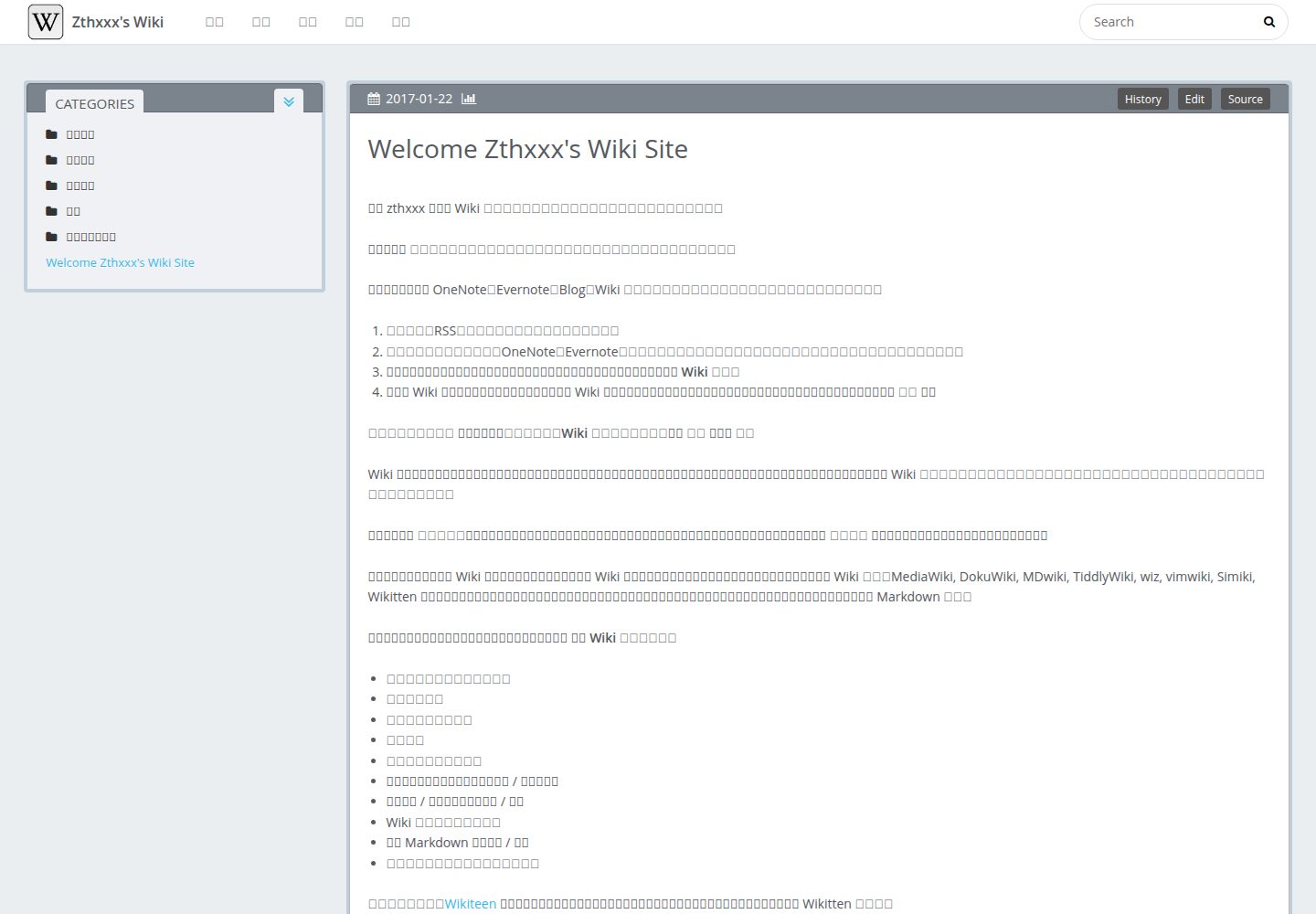
双栏布局,侧边栏按多级分类展开并支持跳转
Hexo启动器
microdynamics_website_theme — Hexo 启动器模板
作者 microdynamics
基于 Hexo 的个人 Wiki 主题,从 hexo-theme-Wikitten 修改而来,采用双栏分类布局,适合按文件目录组织知识条目。
看看你的网站会是什么样
浏览真实页面截图,比较内容排版与手机效果。点击下方缩略图切换,放大查看整页细节。
全部页面与视图 3
截图用于了解视觉与布局,交互效果请以实际项目为准。
采集于 2026-10-03查看来源
值得关注的模板亮点
从已有项目资料中,快速了解它的特点。
根据文件目录自动归类文章
内核代码基于 icarus 主题,多数配置沿用其文档
附带外链新窗口、Feed、JSON 搜索内容与 sitemap 等插件配置
profile、评论、分享等模块默认关闭
模板详细介绍
这是一个 Hexo 主题,用于搭建个人 Wiki 风格的知识站点。其内核代码基于 icarus 主题,界面模仿 Wikitten 的双栏样式:侧边栏展示多级分类,可逐级展开并跳转,文章按文件目录自动归类。
主题附带若干推荐插件配置,包括外链新窗口打开、按目录生成分类、Feed、站内搜索用的 JSON 内容文件和 sitemap。安装时需要把主题的 _source 与 _scaffolds 覆盖到站点目录,并将 _config.yml.example 重命名为 _config.yml 后再修改。
资料中说明该主题要求 Hexo v3.6 或更高版本,且 profile、comment、Share 等配置默认关闭。仓库最后更新于 2018 年,演示站点为 wiki.zthxxx.me。
Hexo启动器
适合你的项目吗?
适用场景
- 搭建个人 Wiki 或知识库站点
- 按目录结构整理并分类技术笔记
- 需要侧边栏多级导航的知识型 Hexo 站点
适合人群
- 使用 Hexo 并希望以 Wiki 形式组织内容的个人用户
- 习惯用文件目录管理文章分类的写作者
- 需要站内搜索、Feed 与 sitemap 的静态站点维护者
上手与定制指南
结合仓库当前版本的说明,按下面的资料检查内容、配置与运行要求。
- 1
要求 Hexo v3.6 或更高版本
- 2
将主题克隆到 themes/Wikitten,并把 _source 与 _scaffolds 覆盖到站点目录
- 3
把 _config.yml.example 复制为 _config.yml 后再按需修改
- 4
安装主题 package.json 中列出的插件,如 hexo-directory-category、hexo-generator-json-content 等
- 5
使用前需把 profile、social_links、history_control 等个人信息替换为自己的内容
授权与来源资料
使用条件与限制
免费使用 · 保留许可声明本次收录的是公开仓库中采用 MIT 许可的免费版本;免费范围为该版本代码,不代表外部服务或第三方素材免费。
使用时需要遵守
- 允许免费使用、修改、商用和分发该版本代码。
- 分发代码副本或实质性部分时,保留原作者版权声明和完整 MIT 许可声明。
- 代码按现状提供;担保与责任限制以原许可证及适用法律为准。
额外费用与待核对事项
- 使用该主题要求 Hexo 版本为 v3.6 或更高,低于此版本无法正常使用。
- 使用前必须把作者的个人信息(profile、social_links、history_control 等)替换为自己的内容,不能直接沿用默认配置。
- 主题内核代码基于 icarus 主题,基础功能文档需参考 icarus wiki,部分配置沿用其说明。
- 需自行安装主题 package.json 中列出的插件(如 hexo-directory-category、hexo-generator-json-content 等)才能获得对应功能。
- 启用历史版本控制功能需配置外部服务链接(推荐 GitHub)及用户名、仓库名、分支等信息。
- 演示图片、字体、图标及其他第三方素材需按各自许可核对,不能仅凭代码的 MIT 许可判断。
- 域名、托管、数据库、支付或 AI 等外部服务可能另外收费。
查看原文依据
Permission is hereby granted, free of charge
许可证原文
**Note: This theme requires Hexo v3.6 or late.**
README 原文
**Before the start, plase first change my personal info to yourself, including options that `profile` `social_links` `history_control` and so on.**
README 原文
`hexo-theme-Wikitten` kernel code base on [icarus](https://github.com/ppoffice/hexo-theme-icarus), so you can read base function document with [icarus wiki](https://github.com/ppoffice/hexo-theme-icarus/wiki).
README 原文
4. Plugins requires in theme [`package.json`](./package.json) and you need install these.
README 原文
https://github.com/microdynamics/microdynamics_website_theme/blob/master/LICENSEhttps://github.com/microdynamics/microdynamics_website_theme/blob/master/README.mdhistory_control: # make you wiki has history version control in page (view source code, edit online, compare historical changes) enable: true server_link: https://github.com # recommend use GitHub - https://github.com
README 原文
DeepSeek 根据仓库许可证和 README 整理 ·2026-10-03。结果仅覆盖已读取资料,依赖、图片、字体及后续条款变更以各自原文为准。
项目核对记录与介绍依据
模板资料
- 来源平台
- GitHub
- 资料与维护参考分
- 资料一般 · 68 / 100
- 技术栈
- Hexo
- 网站类型
- 启动器
这个分数如何计算
本站按许可资料(最高30分)、演示链接(12分)、预览图(10分)、Star数(15分)、记录的维护时间(15分)、描述完整度(8分)、功能记录(5分)和分类资料(5分)计算。它不是代码、安全或性能测试,也不是 Google 评分;有链接不代表已实测可用。
这个项目需要核对什么
- 记录的仓库更新时间
- 2018-03-21
- 截图检查日期
- 2026-10-03
已收录演示链接。请用你的内容与屏幕尺寸检查;有演示不代表表单、认证或支付已经可用。
目录记录的主要技术栈是 Hexo。请通过依赖清单和锁文件核对实际版本与托管要求。这些说明基于收录资料,不代表代码审计或部署实测。
查看具体选型方法 →介绍的制作与核对状态
介绍由 AI 辅助整理目录与仓库资料。仓库作者不等于这篇介绍的审核者。
审核声明: [email protected] · 2026-10-04
查看当时使用的来源资料
SHA-256: fa01c93a145384d3e49120ac6c074093d0c2eae97ec20051af6fe81375f7b0f5
2026-10-03T16:35:39.903Z
来源文件 / 仓库# hexo-theme-Wikitten
[中文版文档](./README_zh-CN.md)
### A personal wiki imitate [Wikitten](https://wikitten.vizuina.com/) style for Hexo. >[Preview](http://wiki.zthxxx.me/)
some features:
- Applicable to personal wiki knowledge management
- Simple, double column, classified management
- The knowledge of multi-level sorting, the side can be expand at all levels of classification, easy to jump
- Categorize article according to file directory #4

 
## Installation
`hexo-theme-Wikitten` kernel code base on [icarus](https://github.com/ppoffice/hexo-theme-icarus), so you can read base function document with [icarus wiki](https://github.com/ppoffice/hexo-theme-icarus/wiki).
### Install
**Note: This theme requires Hexo v3.6 or late.**
1. Go to your hexo folder, then clone this theme `Wikitten` into `themes/`
```bash
$ cd your-hexo-directory
$ git clone https://github.com/zthxxx/hexo-theme-Wikitten.git themes/Wikitten
```
2. Rewrite to cover some default page template in site folder
```bash
$ cp -rf themes/Wikitten/_source/* source/
$ cp -rf themes/Wikitten/_scaffolds/* scaffolds/
```
3. Rename the `_config.yml.example` to `_config.yml` so you can config theme
```bash
$ cp -f themes/Wikitten/_config.yml.example themes/Wikitten/_config.yml
# edit and customize it
$ vim themes/Wikitten/_config.yml
```
most configurations are same as the [icarus](https://github.com/ppoffice/hexo-theme-icarus) theme, you can read with [icarus wiki](https://github.com/ppoffice/hexo-theme-icarus/wiki) at first.
some recommend options setting which you can out of the box, see below [#Configuration](#Configuration).
4. Plugins requires in theme [`package.json`](./package.json) and you need install these.
here is those function and effect:
```json
hexo-autonofollow // automatic make user open external links in new tab
hexo-directory-category // automatic categorize article according to their file directory
hexo-generator-feed // generate Atom 1.0 or RSS 2.0 feed
hexo-generator-json-content // generate a json content file for site search
hexo-generator-sitemap // generate sitemap
```
you can merge these plugins into the **site's** `package.json` file by `npm install ` command install them once,
or in the **site folder**, you can install them with the following command:
```bash
$ npm install --save hexo-autonofollow hexo-directory-category hexo-generator-feed hexo-generator-json-content hexo-generator-sitemap
```
### Enable
Modify `theme` setting in site config file `_config.yml` to **`Wikitten`**.
### Update
```bash
$ cd themes/Wikitten
$ git pull origin master
```
## Configuration
In site config file `_config.yml`, **recommend settings**:
```yaml
# Hexo Configuration
# URL
permalink: wiki/:title/
# Directory
skip_render:
- README.md
- '_posts/**/embed_page/**'
# Writing
new_post_name: :title.md # File name of new posts
## Markdown
## https://github.com/hexojs/hexo-renderer-marked
marked:
gfm: true
## Plugins: https://hexo.io/plugins/
### JsonContent
jsonContent:
meta: false
pages:
title: true
date: true
path: true
text: true
posts:
title: true
date: true
path: true
text: true
tags: true
categories: true
ignore:
- 404.html
### Creat sitemap
sitemap:
path: sitemap.xml
### Adds nofollow attribute to all external links in your hexo blog posts automatically.
nofollow:
enable: true
exclude:
- <your site url domain> # eg: zthxxx.me
```
In **theme** config file `Wikitten/_config.yml`, you can read more detailed commentary for some options.
**Before the start, plase first change my personal info to yourself, including options that `profile` `social_links` `history_control` and so on.**
### `profile`, `comment`, `Share` and `miscellaneous` are **DEFAULT DISABLE**!
(You still can enable them, but not recommend.)
other theme **recommend settings**:
```yaml
# Customize
customize: # modify this information for yourself
sidebar: left # sidebar position, options: left, right
category_perExpand: false # enable article categories list per expanding
default_index_file: index.md # enable this, it will display at site index instead of default index page, or disable that it will display more articles order by time
# Widgets
widgets: # default use category only
- category
# - recent_posts
# - archive
# - tag
# - tagcloud
# - links
# History version
history_control: # make you wiki has history version control in page (view source code, edit online, compare historical changes)
enable: true
server_link: https://github.com # recommend use GitHub - https://github.com
user: <your GitHub name>
repertory: <your repertory name of this wiki source code>
branch: <branch name of this wiki site source code>
```
## License
[MIT LICENSE](./LICENSE)
看看同类模板
对比同技术栈与用途的模板,找到更适合的视觉与内容结构。

hugo-theme-diary
Moments piled up. A Hugo theme ported from SumiMakito/hexo-theme-Journal.
Hugo · 启动器
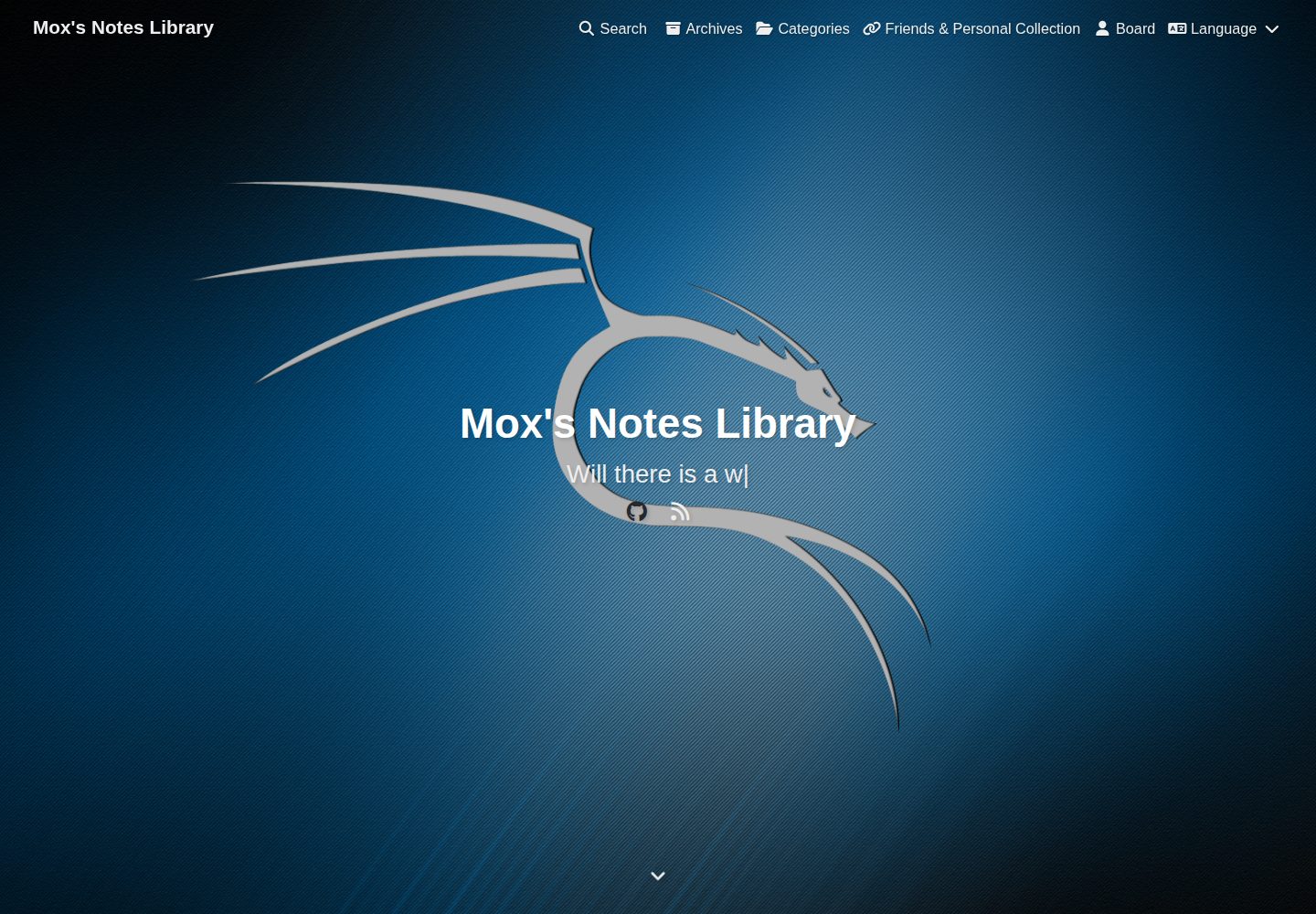
astro-astrofly
An Astro theme inspired by hexo-theme-butterfly
Astro · 启动器
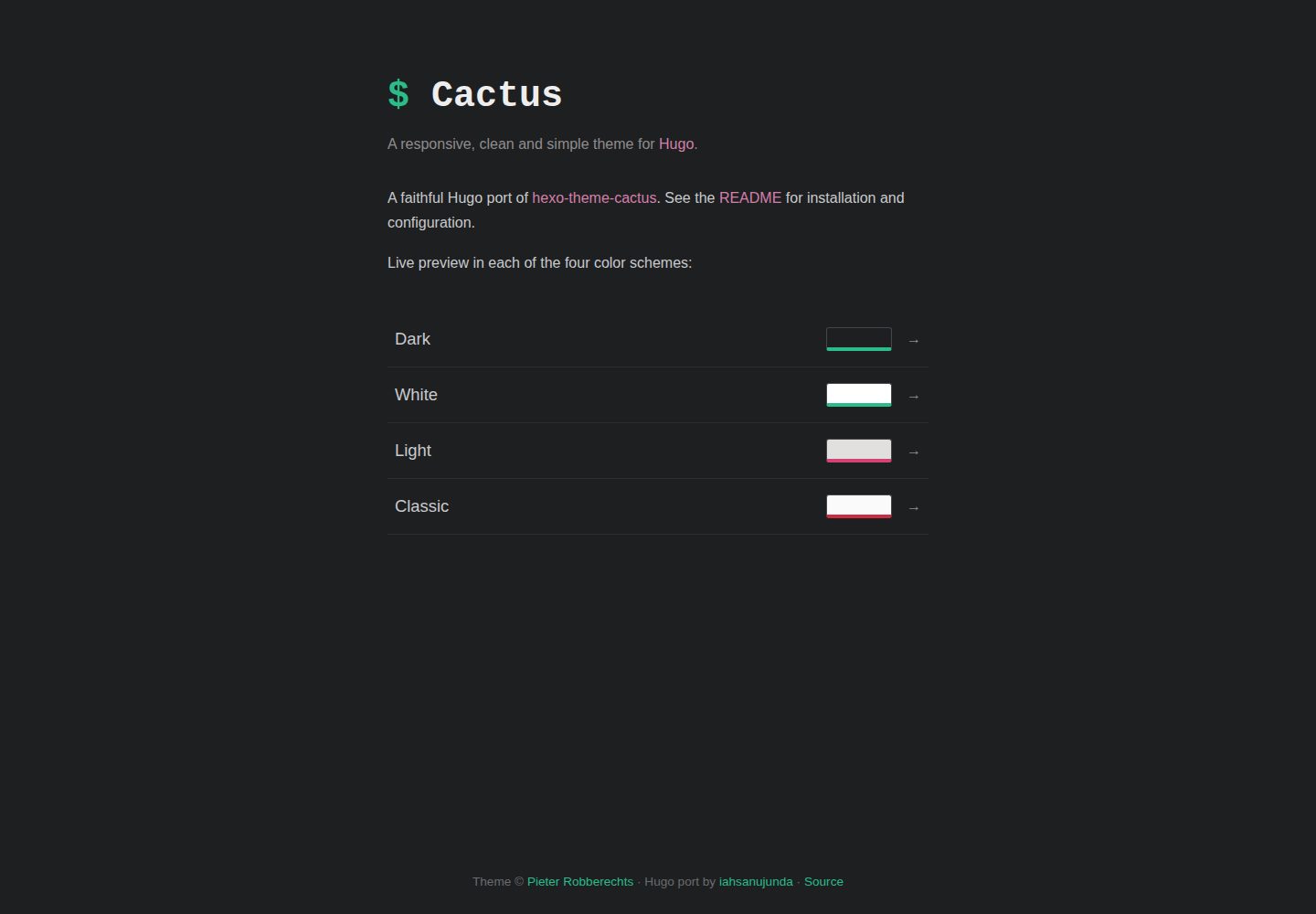
hugo-theme-cactus
Faithful port of Hexo Theme Cactus
Hugo · 启动器
ant-design-pro
Ant Design Pro 是 Ant Design 官方推出的企业级中后台前端脚手架,基于 React 19、Umi Max 4 和 antd 6 构建,内置 TypeScript 支持。
React · 后台

ai-website-cloner-template
Clone any website with one command using AI coding agents
Next.js · 启动器

react-boilerplate
react-boilerplate 是一个为有一定 React 和 Redux 经验的开发者设计的启动器,目标是快速搭建可扩展、离线优先的 Web 应用。
React · 启动器