
基于 Gatsby 的落地页启动模板,仓库描述为最小化模板
GatsbyReact企业官网启动器
gatsby-starter-uno — Gatsby 企业官网模板
作者 nextlevelshit
基于 Gatsby 与 Tailwind CSS 的最小化落地页启动模板,附带可路由的模态页与 SASS/SCSS 样式结构。
看看你的网站会是什么样
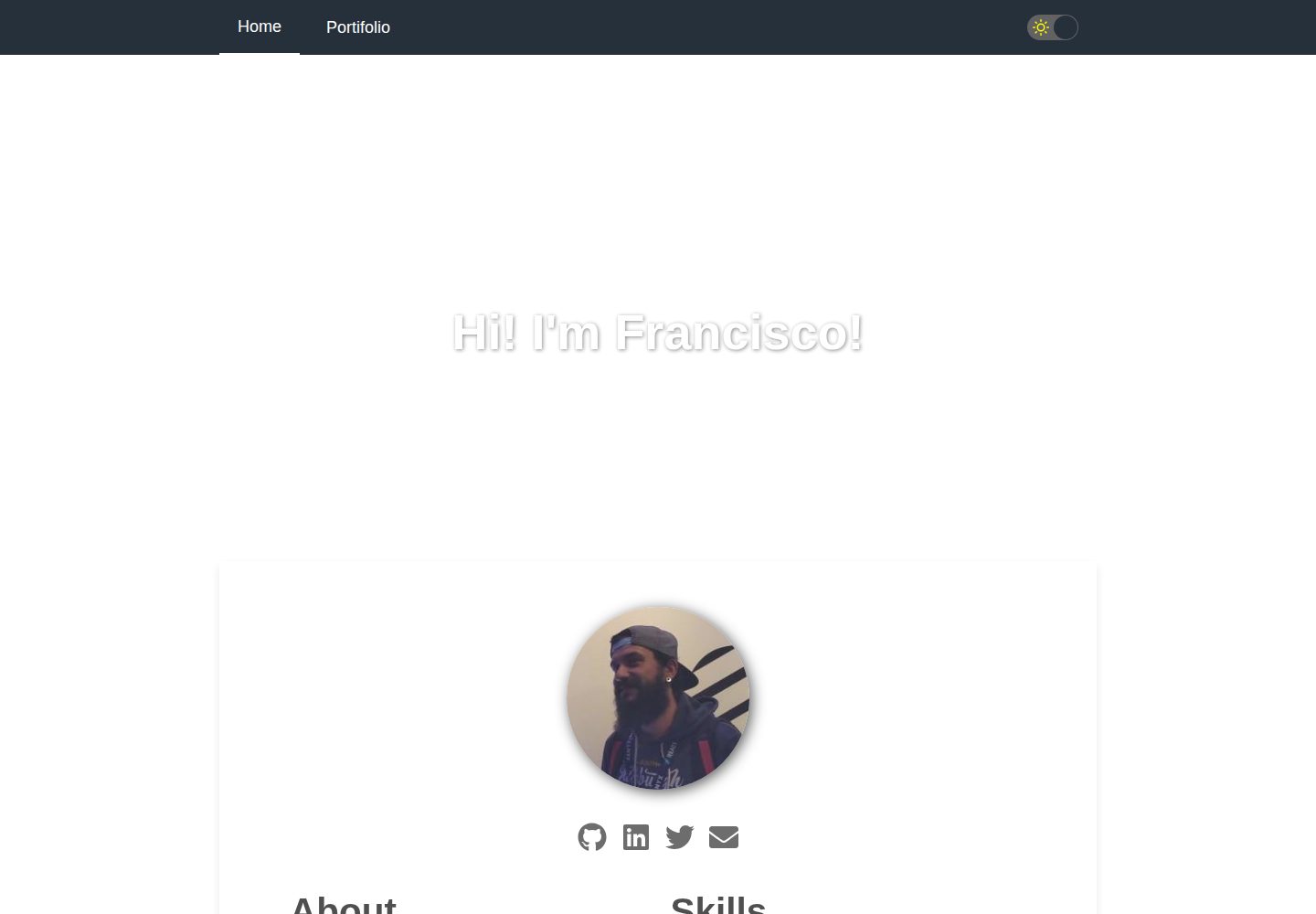
浏览真实页面截图,比较内容排版与手机效果。点击下方缩略图切换,放大查看整页细节。
目前有 1 张原始预览,可打开完整图片查看设计细节。
截图用于了解视觉与布局,交互效果请以实际项目为准。
采集于 2026-10-13查看来源
值得关注的模板亮点
从已有项目资料中,快速了解它的特点。
使用 Tailwind CSS,并提供 tailwind.config.js 用于调整默认样式参数
样式层采用 SASS/SCSS,src/styles 中定义 CSS 变量并引入 Tailwind
支持可路由的模态页,pages 目录下的 Markdown 文件各自获得静态路径
src/images 中的图片供 image-map 插件使用,用于构建交互式首屏
采用 Apache-2.0 许可,允许免费使用、修改、商用与分发
模板详细介绍
gatsby-starter-uno 是一个面向落地页场景的 Gatsby 启动模板,采用文本居中的版式,仓库描述为“Minimal Gatsby Starter Template for a Landingpage with TailwindCSS”。模板自带 Gatsby 的主要配置文件、Tailwind CSS 以及可路由的模态页(routable modals),样式层使用 SASS/SCSS,并通过 src/styles 定义 CSS 变量并引入 Tailwind 功能。
项目结构上,pages 目录存放 Markdown 文件,每个文件获得静态路径,目前用于可路由模态页的内容;src/components 放置可复用的独立组件,src/images 存放供 image-map 插件使用的图片,src/templates 用于在 gatsby-node.js 中生成可路由页面。tailwind.config.js 用于调整 Tailwind 的默认样式参数,README 建议通用样式改动优先在此完成,而不是覆盖 SCSS 或组件样式。
使用限制方面,仓库未提供除 README 与示例站点之外的功能说明,未描述数据源、表单、CMS 或部署方案;模板定位为最小化启动器,页面内容与组件均需自行编辑。许可为 Apache-2.0,允许免费使用、修改、商用与分发,但分发时需随附许可证、标注修改文件并保留归属声明;演示图片、字体、图标等第三方素材需单独核对许可,域名、托管等外部服务可能另行收费。
Gatsby企业官网启动器
适合你的项目吗?
适用场景
- 需要快速搭建一个文本居中版式的落地页项目
- 希望以 Gatsby 配合 Tailwind CSS 与 SASS/SCSS 组织前端样式
- 需要以 Markdown 文件生成可路由模态页的内容展示
- 使用 image-map 插件制作交互式首屏图片区域
- 在 gatsby-node.js 中借助 src/templates 生成可路由页面
适合人群
- 熟悉 Gatsby 与 Tailwind CSS、希望从最小化模板起步的开发者
- 需要落地页基础结构并自行填充内容的个人或团队
- 接受 Apache-2.0 许可条款并能履行署名与许可随附要求的项目
上手与定制指南
结合仓库当前版本的说明,按下面的资料检查内容、配置与运行要求。
- 1
使用 Gatsby CLI 创建站点:gatsby new gatsby-starter-uno https://github.com/nextlevelshit/gatsby-starter-uno
- 2
进入目录后运行 gatsby develop 启动本地开发,默认地址为 http://localhost:8000
- 3
编辑 src/pages/index.js 修改首页内容,保存后浏览器会实时更新
- 4
通用样式调整建议在 tailwind.config.js 中完成,而非覆盖 SCSS 或组件样式
- 5
分发衍生作品时需随附 Apache-2.0 许可证、标注修改文件并保留归属声明
授权与来源资料
使用条件与限制
免费使用 · 保留许可声明本次收录的是公开仓库中采用 Apache-2.0 许可的免费版本;免费范围为该版本代码,不代表外部服务或第三方素材免费。
使用时需要遵守
- 允许免费使用、修改、商用和分发;分发时需随附 Apache-2.0 许可证。
- 修改过的文件需显著标明改动,并保留相关版权、专利、商标及归属声明。
- 若原项目附有 NOTICE 文件,分发衍生作品时需保留其中适用的归属声明。
- 许可包含适用的贡献者专利授权;发起许可所述专利诉讼会终止该专利授权,且不授予商标使用权。
- 代码按现状提供;担保与责任限制以原许可证及适用法律为准。
额外费用与待核对事项
- 演示图片、字体、图标及其他第三方素材需按各自许可核对,不能仅凭代码的 Apache-2.0 许可判断。
- 域名、托管、数据库、支付或 AI 等外部服务可能另外收费。
查看原文依据
https://github.com/nextlevelshit/gatsby-starter-uno/blob/master/LICENSEhttps://github.com/nextlevelshit/gatsby-starter-uno/blob/master/README.mdno-charge, royalty-free, irrevocable copyright license
许可证原文
DeepSeek 根据仓库许可证和 README 整理 ·2026-10-13。结果仅覆盖已读取资料,依赖、图片、字体及后续条款变更以各自原文为准。
项目核对记录与介绍依据
模板资料
- 来源平台
- GitHub
- 资料与维护参考分
- 资料一般 · 70 / 100
- 技术栈
- Gatsby · React
- 网站类型
- 企业官网 · 启动器
这个分数如何计算
本站按许可资料(最高30分)、演示链接(12分)、预览图(10分)、Star数(15分)、记录的维护时间(15分)、描述完整度(8分)、功能记录(5分)和分类资料(5分)计算。它不是代码、安全或性能测试,也不是 Google 评分;有链接不代表已实测可用。
这个项目需要核对什么
- 记录的仓库更新时间
- 2023-01-11
- 截图检查日期
- 2026-10-13
已收录演示链接。请用你的内容与屏幕尺寸检查;有演示不代表表单、认证或支付已经可用。
目录记录的主要技术栈是 Gatsby。请通过依赖清单和锁文件核对实际版本与托管要求。这些说明基于收录资料,不代表代码审计或部署实测。
查看具体选型方法 →介绍的制作与核对状态
介绍由 AI 辅助整理目录与仓库资料。仓库作者不等于这篇介绍的审核者。
审核声明: [email protected] · 2026-10-13
查看当时使用的来源资料
SHA-256: 3b73fd09aac41b22e6330eec449f498a2bbea421734e4e26f881168c2a407a21
2026-10-13T02:15:19.884Z
来源文件 / 仓库<div align="center">
<h1>UNO - Minimal Gatsby Starter Template</h1>
<sup>GatsbyJS · Tailwind CSS · SASS/SCSS</sup>
</div>
<br><br>

<br><br>
Kick off your project with this text centered boilerplate.
This starter ships with the main Gatsby configuration files, Tailwind CSS and routable modals.
## Examples
- [https://uno.dailysh.it](https://uno.dailysh.it)
*Feel free to contribute other online examples of this template.*
## Quick start
1. **Create a Gatsby site.**
Use the Gatsby CLI to create a new site, specifying the uno starter.
```shell
# create a new Gatsby site using the default starter
gatsby new gatsby-starter-uno https://github.com/nextlevelshit/gatsby-starter-uno
```
1. **Start developing.**
Navigate into your new site’s directory and start it up.
```shell
cd gatsby-starter-uno/
gatsby develop
```
1. **Open the source code and start editing!**
Your site is now running at `http://localhost:8000`!
_Note: You'll also see a second link: _`http://localhost:8000/___graphql`_. This is a tool you can use to experiment with querying your data. Learn more about using this tool in the [Gatsby tutorial](https://www.gatsbyjs.org/tutorial/part-five/#introducing-graphiql)._
Open the `gatsby-starter-uno` directory in your code editor of choice and edit `src/pages/index.js`. Save your changes and the browser will update in real time!
## Usage
## What's inside?
A quick look at the top-level files and directories you'll see in a Gatsby project.
.
├── docs
├── node_modules
├── pages
└── src
├── components
├── images
├── pages
├── styles
└── templates
├── .gitignore
├── gatsby-browser.js
├── gatsby-config.js
├── gatsby-node.js
├── gatsby-ssr.js
├── LICENSE
├── package.json
├── README.md
├── tailwind.config.js
└── yarn.lock
1. **`/docs`**: This directory contains all of the modules of code that your project depends on (npm packages) are automatically installed.
2. **`/node_modules`**: This directory contains all of the modules of code that your project depends on (npm packages) are automatically installed.
3. **`/pages`**: This directory contains all markdown files which all get a static path to navigate to. For now they are used for the content of routable modals.
4. **`/src`**: This directory will contain all the code related to what you will see on the front-end of your site (what you see in the browser) such as your site header or a page template. `src` is a convention for „source code”.
4.1. **`/src/components`**: This directory contains reuasable components that you can implement on purpose. They run as stand-alone and do not have any dependencies to other modules, components or pages. Some are organized in directories, if your include some styling.
4.2. **`/src/images`**: This direcotry contains (for now) all the images used for the `image-map` plugin that creates an interactive first impression of your website.
4.3. **`/src/styles`**: This directory contains the main part of your styles, defines CSS variables and imports the tailwind functionality. All global stylings that are not connected to a specific component (see above) come here.
4.4. **`/src/templates`**: This directory contains templates which are helpful to generate routable pages inside of `gatsby-node.js`.
5. **`.gitignore`**: This file tells git which files it should not track / not maintain a version history for.
6. **`gatsby-browser.js`**: This file is where Gatsby expects to find any usage of the [Gatsby browser APIs](https://www.gatsbyjs.org/docs/browser-apis/) (if any). These allow customization/extension of default Gatsby settings affecting the browser.
7. **`gatsby-config.js`**: This is the main configuration file for a Gatsby site. This is where you can specify information about your site (metadata) like the site title and description, which Gatsby plugins you’d like to include, etc. (Check out the [config docs](https://www.gatsbyjs.org/docs/gatsby-config/) for more detail).
8. **`gatsby-node.js`**: This file is where Gatsby expects to find any usage of the [Gatsby Node APIs](https://www.gatsbyjs.org/docs/node-apis/) (if any). These allow customization/extension of default Gatsby settings affecting pieces of the site build process.
9. **`gatsby-ssr.js`**: This file is where Gatsby expects to find any usage of the [Gatsby server-side rendering APIs](https://www.gatsbyjs.org/docs/ssr-apis/) (if any). These allow customization of default Gatsby settings affecting server-side rendering.
9. **`LICENSE`**: Uno starter is licensed under Apache 2.0.
10. **`package.json`**: A manifest file for Node.js projects, which includes things like metadata (the project’s name, author, etc). This manifest is how npm knows which packages to install for your project.
11. **`README.md`**: A text file containing useful reference information about your project.
12. **`tailwind.config.js`**: A configuration file for changing the default styling parameters for Tailwind CSS. General styling adaptions should be done inside this file instead of overwriting everything in the SCSS files or component styles.
13. **`yarn.lock`** (See `package.json` below, first). This is an automatically generated file based on the exact versions of your npm dependencies that were installed for your project. **(You won’t change this file directly).**
看看同类模板
对比同技术栈与用途的模板,找到更适合的视觉与内容结构。

gatsby-starter-gcn
gatsby-starter-gcn 是一个面向静态网站构建的 Gatsby 启动器,将内容管理、部署和前端开发串联起来。
Gatsby · 博客

gatsby-starter-morning-dew
:rocket: A Gatsby theme/starter to build lightning-fast blog/websites
Gatsby · 博客

starter-gatsby-blog
这是一个由 Contentful 社区维护的 Gatsby 博客启动器,目标是把静态站点的低维护成本与 Contentful 的友好编辑界面结合起来。
Gatsby · 社区

automatic-gatsbyjs-app-landing-page
Automatic GatsbyJS App Landing Page - Automatically generate iOS app landing page using GatsbyJS
Gatsby · 工具站
gatsby-starter-cv
A simple starter to get up and developing your digital curriculum with GatsbyJS
Gatsby · 启动器

clay-theme
Image-centric Gatsby theme for publishers, portfolios, photographers blogs and more.
Gatsby · 作品集