
以 Page Bundle 组织内容:含图片的 Leaf Bundle 渲染为画廊,Branch Bundle 渲染为相册列表,无图片页面不进入列表
Hugo启动器
hugo-theme-gallery — Hugo 启动器模板
作者 nicokaiser
Hugo 相册主题,用 Page Bundle 组织图片,自动生成相册列表与画廊页面,内置 Justified 布局与 PhotoSwipe 灯箱。
看看你的网站会是什么样
浏览真实页面截图,比较内容排版与手机效果。点击下方缩略图切换,放大查看整页细节。
全部页面与视图 3
截图用于了解视觉与布局,交互效果请以实际项目为准。
采集于 2026-10-02查看来源
值得关注的模板亮点
从已有项目资料中,快速了解它的特点。
相册封面可自动选取(文件名含 feature 或第一张图),也可通过资源参数 cover 指定,并支持 hidden 图片仅作封面
图片标题与日期可来自 EXIF ImageDescription,或在 front matter 中逐张设置,并支持按 Params.weight 等属性排序
支持 private 相册(不进总览与 RSS)与 featured 相册(可出现在首页),并支持 categories 分类页与分类封面
内置 Flickr Justified Layout 的相册视图与 PhotoSwipe 灯箱,提供响应式布局与可逐页设置的主题色
可通过 build.publishResources: false 只发布缩放图、不发布原图并关闭下载按钮
模板详细介绍
这是一个面向 Hugo 的照片画廊主题,作者将其定位为简单且带有明确取舍的相册方案。内容以 Page Bundle 组织:包含至少一张图片的页面会被列为相册或画廊,其中 Leaf Bundle(含 index.md 且无子页面)渲染为单页画廊,Branch Bundle(含 _index.md 且有子页面)渲染为相册列表;没有图片的页面不会出现在相册列表中。相册封面默认取文件夹内第一张图片,也可以通过资源参数 cover 指定,或把某张图设为 hidden 仅作封面。图片标题可来自 EXIF 的 ImageDescription,也可在 front matter 中为每张资源单独设置 title 与 date,并支持按 Params.weight 等属性自定义排序。主题提供分类(categories)支持,首页可展示分类列表与标记为 featured 的相册,private 相册不进入相册总览和 RSS。
主题依赖 Hugo Extended,README 要求版本不低于 0.123.0;依赖已打包,不需要 Node.js/NPM 或 PostCSS。安装方式有两种:作为 Hugo Module 引入,或作为 Git Submodule 放到 themes/gallery。README 明确提醒不要使用 WebP 图片,原因是 Hugo 所依赖的 Go WebP 实现在缩放时存在缺陷,会导致图像色阶异常、画面发灰。
可配置项包括:每页主题色(params.theme,默认取配置中的 defaultTheme)、相册内图片排序方式(sort_by 默认 Name,可改为 Date;sort_order 默认 asc)、社交图标(params.socialIcons)、自定义 CSS(assets/css/custom.css)与自定义 JavaScript(assets/js/custom.js)。通过 build.publishResources: false 可以只发布缩放后的图片、不发布原图,同时关闭下载按钮。首页默认展示站点标题、分类链接、最新 featured 内容以及所有非私密顶层相册,可通过本地覆盖 layouts/_default/home.html 调整。
Hugo启动器
适合你的项目吗?
适用场景
- 个人摄影作品集:按主题或时间建立相册,用封面图和分类组织浏览入口
- 活动或旅行照片记录:用 Page Bundle 存放原图,通过 EXIF 标题与日期自动生成灯箱说明
- 需要隐藏部分相册的站点:用 private 标记不公开的相册,用 featured 单独在首页展示
- 以分类为导航的图片站:为 categories 建立 _index.md 自定义标题与描述,并生成带封面的分类列表
适合人群
- 使用 Hugo Extended 并希望以 Markdown 与 Page Bundle 管理照片的站点
- 需要相册列表、画廊单页、灯箱与分类浏览等基础图片浏览能力的项目
- 希望不引入 Node.js/NPM 构建链、直接使用打包依赖的 Hugo 用户
- 需要控制原图是否发布、并可为单页设置主题色的相册站点
上手与定制指南
结合仓库当前版本的说明,按下面的资料检查内容、配置与运行要求。
- 1
需要 Hugo Extended,README 要求版本不低于 0.123.0;依赖已打包,无需 Node.js/NPM 或 PostCSS
- 2
安装方式二选一:作为 Hugo Module 引入(需安装 Go 二进制),或作为 Git Submodule 放到 themes/gallery
- 3
README 明确提醒不要使用 WebP 图片,Hugo 使用的 Go WebP 实现存在缩放后色阶异常的缺陷
- 4
相册封面默认取文件夹内第一张图,可用资源参数 cover 指定;hidden 图片只作封面不出现在画廊中
- 5
使用分类时需确保 term 与 taxonomy 未被列入站点配置的 disableKinds,否则分类页不会生成
授权与来源资料
使用条件与限制
免费使用 · 保留许可声明本次收录的是公开仓库中采用 MIT 许可的免费版本;免费范围为该版本代码,不代表外部服务或第三方素材免费。
使用时需要遵守
- 允许免费使用、修改、商用和分发该版本代码。
- 分发代码副本或实质性部分时,保留原作者版权声明和完整 MIT 许可声明。
- 代码按现状提供;担保与责任限制以原许可证及适用法律为准。
额外费用与待核对事项
- 使用该主题必须安装 Hugo Extended 版本,且版本号不低于 0.123.0;标准版 Hugo 无法使用。
- 若以 Hugo Module 方式安装主题,需要本机已安装 Go 二进制工具,否则无法完成模块拉取与构建。
- README 明确要求不要使用 WebP 图片,因为 Hugo 所用的 Go WebP 实现在缩放时存在缺陷,会导致图像色阶异常、画面发灰。
- 使用分类功能时,站点配置中的 disableKinds 不能包含 term,否则分类页不会生成。
- 要启用分类列表页,站点配置的 disableKinds 中不能包含 taxonomy,否则 /categories 列表无法显示。
- 演示图片、字体、图标及其他第三方素材需按各自许可核对,不能仅凭代码的 MIT 许可判断。
- 域名、托管、数据库、支付或 AI 等外部服务可能另外收费。
查看原文依据
Permission is hereby granted, free of charge
许可证原文
This theme requires Hugo Extended >= 0.123.0.
README 原文
Requires the Go binary installed.
README 原文
**Important note: do not try to use WebP images.**
README 原文
Make sure `term` is not included in `disableKinds` in the site config.
README 原文
https://github.com/nicokaiser/hugo-theme-gallery/blob/main/LICENSEhttps://github.com/nicokaiser/hugo-theme-gallery/blob/main/README.mdAlso, `taxonomy` must _not_ be included in the `disableKinds` in the site config.
README 原文
DeepSeek 根据仓库许可证和 README 整理 ·2026-10-02。结果仅覆盖已读取资料,依赖、图片、字体及后续条款变更以各自原文为准。
项目核对记录与介绍依据
模板资料
- 来源平台
- Hugo Themes
- 资料与维护参考分
- 资料较完整 · 83 / 100
- 技术栈
- Hugo
- 网站类型
- 启动器
这个分数如何计算
本站按许可资料(最高30分)、演示链接(12分)、预览图(10分)、Star数(15分)、记录的维护时间(15分)、描述完整度(8分)、功能记录(5分)和分类资料(5分)计算。它不是代码、安全或性能测试,也不是 Google 评分;有链接不代表已实测可用。
这个项目需要核对什么
- 记录的仓库更新时间
- 2026-05-28
- 截图检查日期
- 2026-10-02
已收录演示链接。请用你的内容与屏幕尺寸检查;有演示不代表表单、认证或支付已经可用。
目录记录的主要技术栈是 Hugo。请通过依赖清单和锁文件核对实际版本与托管要求。这些说明基于收录资料,不代表代码审计或部署实测。
查看具体选型方法 →介绍的制作与核对状态
介绍由 AI 辅助整理目录与仓库资料。仓库作者不等于这篇介绍的审核者。
已完成服务器许可规则与 AI 来源核对;未经过人工编辑审核。
查看当时使用的来源资料
SHA-256: 70f0518977625b22646a1ce1be6cc8b31f6bf3279cf94f0f6958f3d31295f843
2026-10-02T09:05:11.295Z
来源文件 / 仓库# Hugo Gallery Theme
A very simple and opinionated photo gallery theme for Hugo.
- [Demo](https://nicokaiser.github.io/hugo-theme-gallery/)
- [Example site source](https://github.com/nicokaiser/hugo-theme-gallery/tree/main/exampleSite)
---

---
## Features
- Responsive design
- Dark color scheme (can be set per page)
- Private albums
- Justified album views with [Flickr's Justified Layout](https://github.com/flickr/justified-layout)
- Lightbox with [PhotoSwipe](https://photoswipe.com/)
- SEO with Open Graph tags
- Automatic (or manual) selection of feature/cover images
**Important note: do not try to use WebP images.** The golang WebP implementation used in Hugo has a bug which leads to wrong image levels (dull looking images) upon resize. See [nicokaiser/hugo-theme-gallery#102](https://github.com/nicokaiser/hugo-theme-gallery/issues/102) for more details.
## Installation
This theme requires Hugo Extended >= 0.123.0. Dependencies are bundled, so no Node.js/NPM and PostCSS is needed.
### As a Hugo Module
Requires the Go binary installed.
```sh
hugo mod init github.com/<your_user>/<your_project>
```
Then add the theme to your `hugo.toml`:
```toml
[module]
[[module.imports]]
path = "github.com/nicokaiser/hugo-theme-gallery/v4"
```
### As Git Submodule
```sh
git submodule add --depth=1 https://github.com/nicokaiser/hugo-theme-gallery.git themes/gallery
```
## Usage
Page bundles which contain at least one image are listed as album or gallery:
```plain
content/
├── _index.md
├── about.md <-- not listed in album list
├── animals/
│ ├── _index.md
│ ├── cats/
│ | ├── index.md
│ | ├── cat1.jpg
│ | └── feature.jpg <-- album cover
│ ├── dogs/
│ | ├── index.md
│ | ├── dog1.jpg <-- album cover
│ | └── dog2.jpg
│ └── feature.jpg
├── bridge.jpg <-- site thumbnail (OpenGraph, etc.)
└── nature/
├── index.md <-- contains `cover: true` for `tree.jpg`
├── nature1.jpg
├── nature2.jpg
└── tree.jpg <-- album thumbnail
```
- `/about.md` is not a Page Bundle and does not have image resources. It is not displayed in the album list.
- `/nature` is a Leaf Bundle (has `index.md` and no children) => displayed as gallery (`single` layout).
- `/animals` is a Branch Bundle (has `_index.md` and has children) => displayed as album list (`list` layout).
- The image resource with `*feature*` in its name or the first image found is used as thumbnail image for album lists.
- Albums without an image are not shown.
### Front matter
- `title` -- title of the album, shown in the album list and on the album page.
- `date` -- album date, used for sorting (newest first).
- `description` -- description shown on the album page. Rendered as markdown to enable adding links and some formatting.
- `weight` -- can be used to adjust sort order.
- `params.featured_image` -- name of the image file used for the album thumbnail. If not set, the first image which contains `feature` in its filename is used, otherwise the first image in the album. (Deprecated, use `resources.params.cover`)
- `params.private` -- if set to `true`, this album is not shown in the album overview and is excluded from RSS feeds.
- `params.featured` -- if set to `true`, this album is featured on the homepage (even if private).
- `params.sort_by` -- property used for sorting images in an album. Default is `Name` (filename), but can also be `Date`.
- `params.sort_order` -- sort order. Default is `asc`.
- `params.theme` -- color theme for this page. Defaults to `defaultTheme` from configuration.
### Album Cover
By default, the cover image of an album is the first image in its folder. To select a specific image (which must be part of the album), use the `cover` resource parameter in the front matter:
```plain
---
title: Nature
resources:
- src: tree.jpg
params:
cover: true
---
```
You can hide images from the gallery and use them only as cover image:
```plain
---
title: Nature
resources:
- src: nature-cover.jpg
params:
cover: true
hidden: true
---
```
### Image Metadata
Image titles for the lightbox view are either taken from the `ImageDescription` EXIF tag, or the `title` in the resource metadata.
EXIF tags can be written using software like Adobe Lightroom or by using command line tools like exiftool:
```sh
exiftool -ImageDescription="A closeup of a gray cat's face" cat-4.jpg
```
Alternatively, the image title can be set in the front matter:
```plain
---
date: 2024-02-18T14:12:44+0100
title: Cats
resources:
- src: cat-1.jpg
title: Brown tabby cat on white stairs
params:
date: 2024-02-18T13:04:30+0100
- src: cat-4.jpg
title: A closeup of a gray cat's face
---
```
This also enables custom ordering:
```plain
---
sort_by: Params.weight
resources:
- src: image-1.jpg
params:
weight: 20
- src: image-2.jpg
params:
weight: 10
---
```
### Categories
If you use categories in your albums, the homepage displays a list of categories.
Make sure `term` is not included in `disableKinds` in the site config.
content/dogs/index.md:
```plain
---
date: 2023-01-12
title: Dogs
categories: ["animals", "nature"]
resources:
- src: dogs-title-image.jpg
params:
cover: true
---
```
Categories can also have custom titles and descriptions (by default, the "animals" category will have "Animals" as title and no description). Just create a `content/categories/<category>/_index.md`:
content/categories/animals/\_index.md:
```plain
---
title: Cute Animals
description: This is the description text of the "animals" category.
---
```
#### List of Categories
To enable a list of categories, each category must at least have an image in the `content/categories/<category>/` folder. Also, `taxonomy` must _not_ be included in the `disableKinds` in the site config.
Then, `/categories` displays a list of categories, with their cover image.
#### Other Taxonomies
You can also use other taxonomies like `series`. Note that only `categories` and `tags` are enabled by Hugo's default settings. Using `series` as additional taxonomy is left as an exercise for the reader.
### Featured Content on the Homepage
Albums (and also taxonomy pages like categories) can be marked as "featured":
```plain
---
title: Featured Album
params:
featured: true
---
```
When used in combination with `private: true` this album is only shown as featured album on the homepage, and not in any album list.
Note that also categories or any other taxonomy term can be marked as featured, so you can feature a whole category, series, etc.
By default, the homepage displays
- the site title,
- links to all categories (if categories are enabled and used)
- the most recent featured content (even if private)
- all non-private top-level albums
This can easily be adjusted by using a local version of `layouts/_default/home.html`.
### Related Content
If related content is available for your site (e.g. when keywords or tags are used), related albums are shown below each gallery. Read more about this in the [Hugo Docs](https://gohugo.io/content-management/related/#configure-related-content).
Here is an example section in `config/_default/hugo.toml` to enable related content:
```toml
[related]
includeNewer = true
threshold = 10
toLower = false
[[related.indices]]
applyFilter = false
cardinalityThreshold = 0
name = 'categories'
pattern = ''
toLower = false
type = 'basic'
weight = 10
[[related.indices]]
applyFilter = false
cardinalityThreshold = 0
name = 'keywords'
pattern = ''
toLower = false
type = 'basic'
weight = 50
```
### Social Icons
Use the `socialIcons` configuration key to add social icons on the bottom of each page:
```toml
[params]
...
[params.socialIcons]
facebook = "https://www.facebook.com/"
instagram = "https://www.instagram.com/"
github = "https://github.com/nicokaiser/hugo-theme-gallery/"
youtube = "https://www.youtube.com/"
email = "mailto:[email protected]"
linkedin = "https://linkedin.com/"
```
### Exclude original photos
To exclude the original photos from the published site, and to disable the "Download" button, you can use the `build.publishResources` configuration option. Either add it to a specific album, or use `cascade` to omit the originals from all sub-albums. With `publishResources: false` only the resized images (without any metadata) are included in the published site, which can save quite some disk space.
```toml
cascade:
build:
publishResources: false
```
### Custom CSS
CSS is generated with Hugo Pipes, so you can add additional CSS in `assets/css/custom.css` (see example in `exampleSite`).
### Custom JavaScript
You can add additional JavaScript in `assets/js/custom.js`.
## Author
- [Nico Kaiser](https://kaiser.me/)
看看同类模板
对比同技术栈与用途的模板,找到更适合的视觉与内容结构。

hugo-xmin
eXtremely Minimal Hugo theme: about 140 lines of code in total, including HTML and CSS (with no dependencies)
Hugo · 启动器

reveal-hugo
📽️ Create rich HTML-based presentations with Hugo and Reveal.js
Hugo · 启动器

anatole
Anatole is a minimalistic two-column theme for Hugo.
Hugo · 启动器

hugo-theme-diary
Moments piled up. A Hugo theme ported from SumiMakito/hexo-theme-Journal.
Hugo · 启动器

risotto
A minimalist, responsive hugo theme inspired by terminal ricing aesthetics.
Hugo · 启动器
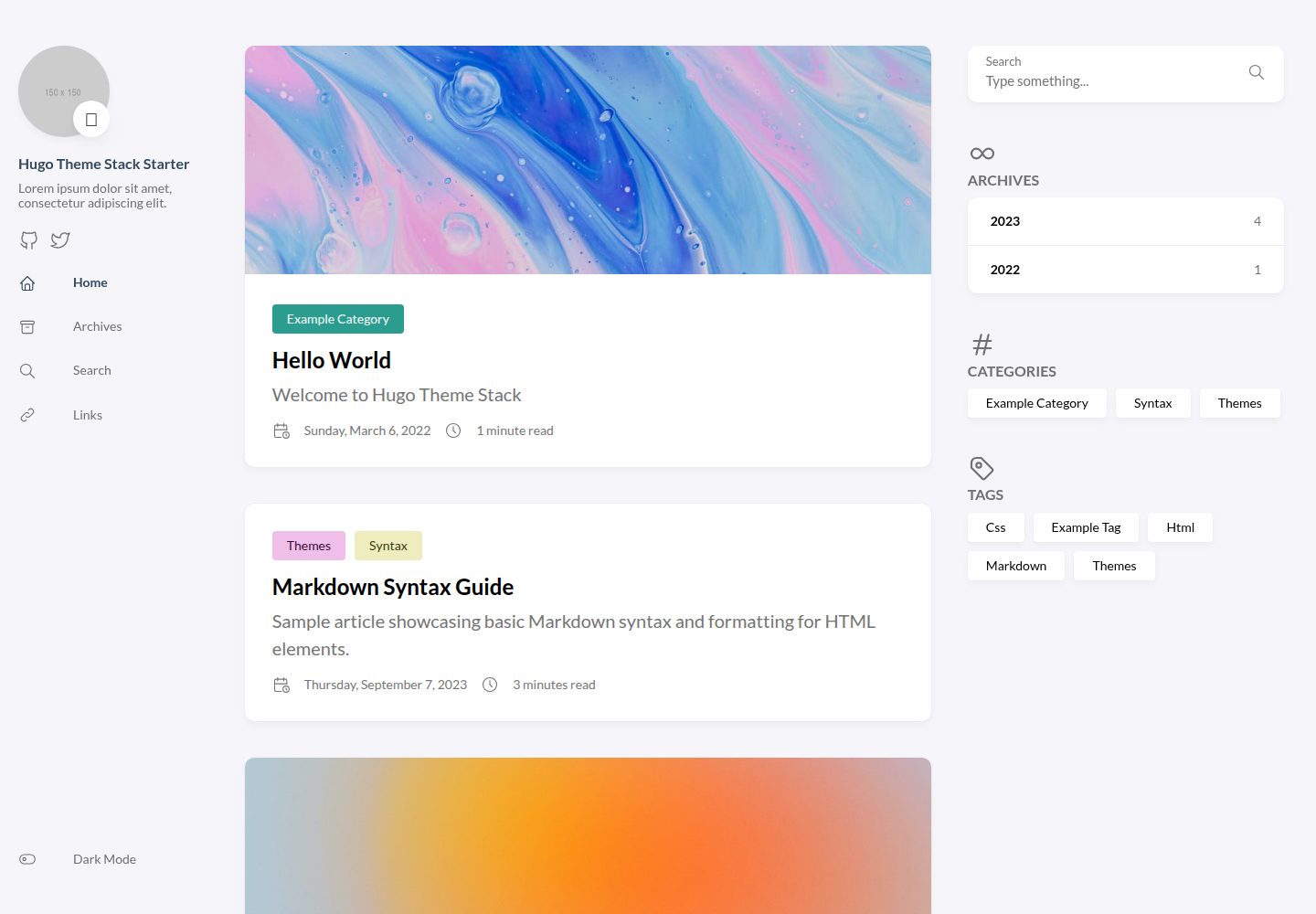
hugo-theme-stack-starter
A quickstart template to create a Hugo blog using hugo-theme-stack
Hugo · 博客