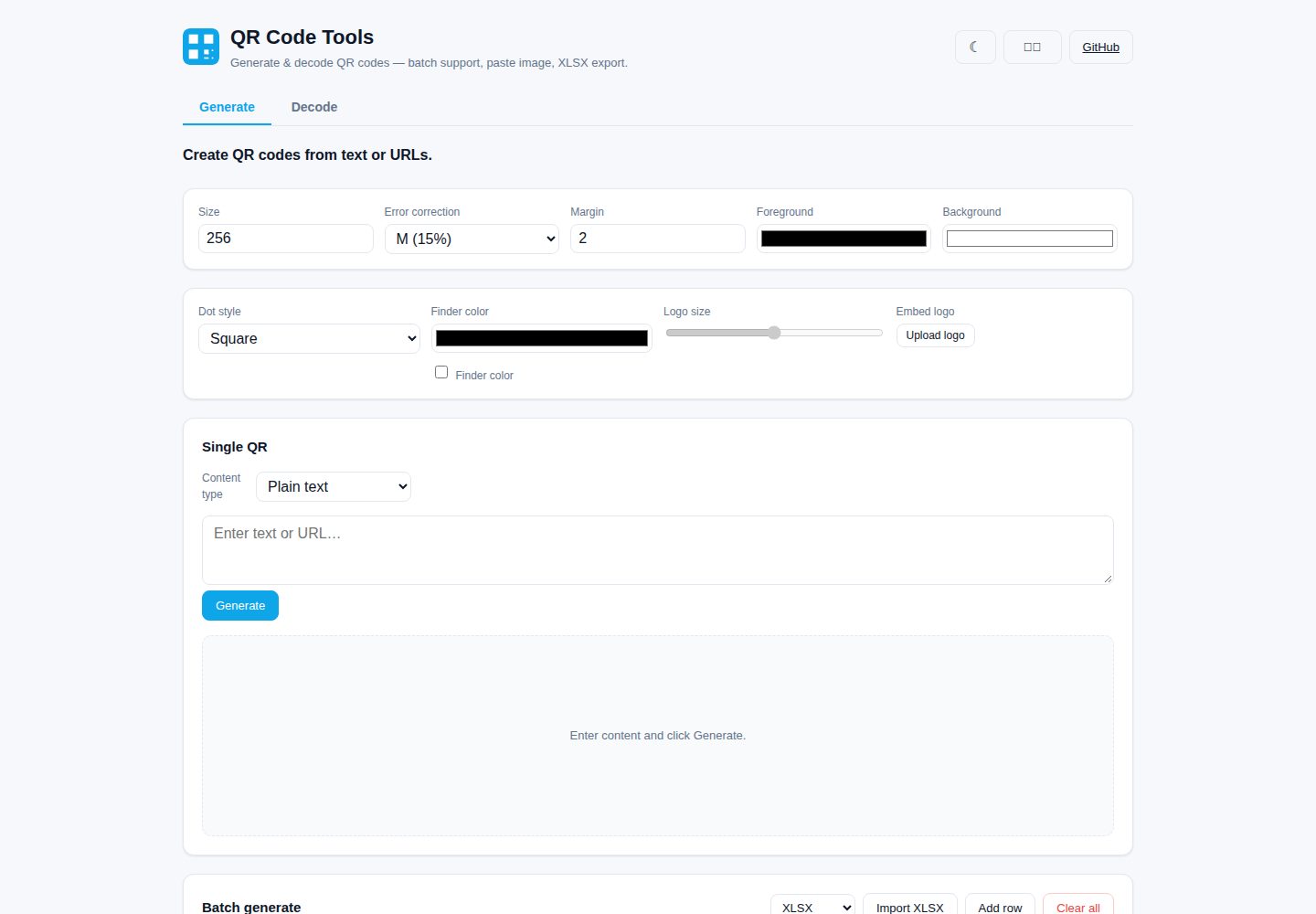
支持单张与批量二维码生成,可从 XLSX/TXT/CSV 导入内容,并导出 PNG、ZIP 或 XLSX
ViteReact工具站
qr-studio — Vite 工具站模板
作者 nuoyax
基于 React + TypeScript + Vite 的浏览器端二维码生成与解码工具,支持批量处理、图片粘贴解码和 XLSX 导入导出。
看看你的网站会是什么样
浏览真实页面截图,比较内容排版与手机效果。点击下方缩略图切换,放大查看整页细节。
全部页面与视图 2
截图用于了解视觉与布局,交互效果请以实际项目为准。
采集于 2026-10-17查看来源
值得关注的模板亮点
从已有项目资料中,快速了解它的特点。
提供 URL、Wi-Fi、vCard、短信、邮件、电话、地理位置等结构化模板,通过表单字段生成二维码
可调整模块形状、定位点颜色、尺寸、纠错等级、边距和前景/背景色,并支持嵌入居中 Logo
解码支持单图选择、Ctrl+V 粘贴图片、摄像头实时扫描以及多图批量解码,结果可导出为 XLSX
所有处理在浏览器端完成,数据不上传服务器;界面支持英文与简体中文,并提供深色模式
本地历史记录可恢复、清除或导出为 CSV/JSON
模板详细介绍
QR Studio 是一个在浏览器中运行的二维码生成与解码工具,使用 React 18、TypeScript 5 和 Vite 6 构建,二维码生成依赖 qrcode,解码依赖 jsqr,表格处理使用 xlsx(SheetJS),压缩打包使用 jszip。所有处理均在客户端完成,不上传数据到服务器。
生成方面,支持将任意文本或 URL 编码为二维码并实时预览;提供 URL、Wi-Fi、vCard、短信、邮件、电话、地理位置等结构化模板,通过表单字段生成内容;可调整模块形状(方形/圆角/点状)、定位点颜色、居中 Logo(自动提升纠错等级至 H)、尺寸、纠错等级(L/M/Q/H)、边距和前景/背景色;支持批量生成,可从 XLSX/TXT/CSV 导入或粘贴多行内容;可单独下载 PNG、打包下载 ZIP,或将内容列表导出为 XLSX;纯文本单码支持 SVG 导出。
解码方面,支持选择单张图片、在解码标签页按 Ctrl+V 粘贴图片、使用设备摄像头实时扫描(多摄像头设备可切换前后置,首次命中自动停止)、拖拽或选择多张图片批量解码并以表格展示结果;可复制单个解码值,或将全部结果导出为 XLSX(文件名、解码文本、状态)。
通用功能包括:100% 客户端处理、英文与简体中文双语界面(默认英文,选择会被记住)、深色模式(首次访问跟随系统偏好,切换后持久化)、本地历史记录(最近生成与解码项,可恢复、清除或导出为 CSV/JSON)、响应式布局。README 未提供关于离线可用性、无障碍支持或浏览器兼容性范围的说明。
ViteReact工具站
适合你的项目吗?
适用场景
- 需要为网址、Wi-Fi 网络、联系人名片、短信、邮件、电话或地理位置快速生成二维码
- 从 Excel 表格批量导入内容并一次性生成多个二维码,再打包下载
- 对截图或已有图片中的二维码进行解码,或使用摄像头实时扫描
- 批量解码多张图片中的二维码,并将结果整理为 XLSX 表格
- 在需要避免数据外传的场景下,于浏览器本地完成二维码生成与解码
适合人群
- 需要浏览器端二维码生成与解码工具的个人用户或团队
- 需要从表格批量生成二维码并导出结果的操作人员
- 希望二维码处理过程完全在本地完成、不依赖后端服务的场景
上手与定制指南
结合仓库当前版本的说明,按下面的资料检查内容、配置与运行要求。
- 1
需要 Node.js 18+(README 注明在 Node 22 上测试)和 npm 9+
- 2
安装依赖使用 npm install,启动开发服务器使用 npm run dev(默认 http://localhost:5173)
- 3
类型检查与生产构建使用 npm run build,产物输出到 dist/ 目录
- 4
本地预览生产构建使用 npm run preview
- 5
摄像头扫描功能需要 HTTPS 或 localhost 环境(浏览器安全限制)
授权与来源资料
使用条件与限制
免费使用 · 保留许可声明本次收录的是公开仓库中采用 MIT 许可的免费版本;免费范围为该版本代码,不代表外部服务或第三方素材免费。
使用时需要遵守
- 允许免费使用、修改、商用和分发该版本代码。
- 分发代码副本或实质性部分时,保留原作者版权声明和完整 MIT 许可声明。
- 代码按现状提供;担保与责任限制以原许可证及适用法律为准。
额外费用与待核对事项
- 演示图片、字体、图标及其他第三方素材需按各自许可核对,不能仅凭代码的 MIT 许可判断。
- 域名、托管、数据库、支付或 AI 等外部服务可能另外收费。
- 摄像头扫描功能受浏览器安全限制,需在 HTTPS 或 localhost 环境下使用。
- 本地重新生成截图需先运行 npm run preview,并依赖本地 Chrome 与 puppeteer-core。
查看原文依据
Permission is hereby granted, free of charge
许可证原文
- **Camera scan**: requires HTTPS or `localhost` (browser security). On phones, the back camera is preferred.
README 原文
https://github.com/nuoyax/qr-studio/blob/master/LICENSEhttps://github.com/nuoyax/qr-studio/blob/master/README.md> Regenerate locally: `npm run preview`, then `node docs/shots.cjs` (needs a local Chrome + `puppeteer-core`).
README 原文
DeepSeek 根据仓库许可证和 README 整理 ·2026-10-19。结果仅覆盖已读取资料,依赖、图片、字体及后续条款变更以各自原文为准。
项目核对记录与介绍依据
模板资料
- 来源平台
- GitHub
- 资料与维护参考分
- 资料较完整 · 85 / 100
- 技术栈
- Vite · React
- 网站类型
- 工具站
这个分数如何计算
本站按许可资料(最高30分)、演示链接(12分)、预览图(10分)、Star数(15分)、记录的维护时间(15分)、描述完整度(8分)、功能记录(5分)和分类资料(5分)计算。它不是代码、安全或性能测试,也不是 Google 评分;有链接不代表已实测可用。
这个项目需要核对什么
- 记录的仓库更新时间
- 2026-10-01
- 截图检查日期
- 2026-10-19
已收录演示链接。请用你的内容与屏幕尺寸检查;有演示不代表表单、认证或支付已经可用。
目录记录的主要技术栈是 Vite。请通过依赖清单和锁文件核对实际版本与托管要求。这些说明基于收录资料,不代表代码审计或部署实测。
查看具体选型方法 →介绍的制作与核对状态
介绍由 AI 辅助整理目录与仓库资料。仓库作者不等于这篇介绍的审核者。
审核声明: codex-user-requested-batch-review-20261021 · 2026-10-21
查看当时使用的来源资料
SHA-256: 06c5c7e4669a638ea13a83b2e1ed46e356d917929d2f00a32bfd6bf66ba28dd1
2026-10-19T02:23:56.420Z
来源文件 / 仓库# QR Code Tools
> A browser-based QR code **generator & decoder** with batch support, image-paste decoding, and XLSX import/export. Built with React + TypeScript + Vite.
**[中文文档](./README.zh-CN.md)** · English (default)
---
## Screenshots
| | |
| :--: | :--: |
| **Generate — single (light)**<br> | **Generate — dark mode**<br> |
| **Wi-Fi template**<br> | **Batch generate**<br> |
| **Decode**<br> | **中文界面**<br> |
> Regenerate locally: `npm run preview`, then `node docs/shots.cjs` (needs a local Chrome + `puppeteer-core`).
---
## Features
### Generate
- **Single QR** — encode any text or URL into a QR code with live preview.
- **Structured templates** — generate URL, Wi-Fi, vCard (contact), SMS, email, phone, and geolocation QR codes from form fields instead of raw text.
- **Stylized QR** — choose square / rounded / dot module shapes, recolor the finder (eye) patterns, and **embed a centered logo** (error correction auto-raised to H to compensate).
- **Batch generate** — paste multiple rows, or import from **XLSX / TXT / CSV**, and generate all at once.
- **Customizable** — size, error-correction level (L/M/Q/H), margin, foreground & background colors.
- **Export** — download each PNG individually, **download all as a ZIP**, or **export the content list to XLSX**.
- **SVG export** for the single plain-text QR (vector, scalable).
### Decode
- **Single image** — pick an image file and read the QR code inside.
- **Paste image** — copy a screenshot or image and press **Ctrl+V** anywhere on the Decode tab to decode it instantly.
- **Camera scan** — scan a QR code live with your device camera (front/back switching on multi-camera devices); stops automatically on first hit.
- **Batch decode** — drag & drop or select multiple images at once; results are listed in a table.
- **Export** — copy any decoded value to the clipboard, or **export all results to XLSX** (file name, decoded text, status).
### General
- 🔒 **100% client-side** — all processing runs in your browser. No data is uploaded to any server.
- 🌐 **Bilingual UI** — English (default) and 简体中文, with your choice remembered.
- 🌙 **Dark mode** — auto-detects OS preference on first visit, toggle persists.
- 🕘 **History** — recent generated & decoded items are stored locally; restore, clear, or export as **CSV / JSON**.
- 📱 **Responsive** layout that works on desktop and mobile.
- ⚡ Built with **React 18 + TypeScript + Vite 6**, using [`qrcode`](https://www.npmjs.com/package/qrcode), [`jsqr`](https://www.npmjs.com/package/jsqr), [`xlsx`](https://www.npmjs.com/package/xlsx) (SheetJS), and [`jszip`](https://www.npmjs.com/package/jszip).
---
## Tech stack
| Layer | Choice |
| ------------ | ---------------------------------------- |
| Framework | React 18 |
| Language | TypeScript 5 |
| Build tool | Vite 6 |
| QR generate | `qrcode` |
| QR decode | `jsqr` |
| Spreadsheet | `xlsx` (SheetJS) |
| ZIP archive | `jszip` |
---
## Getting started
### Prerequisites
- Node.js **18+** (tested on Node 22)
- npm 9+
### Install & run
```bash
# install dependencies
npm install
# start the dev server (http://localhost:5173)
npm run dev
# type-check + production build
npm run build
# preview the production build locally
npm run preview
```
The production output is written to `dist/`.
---
## Project structure
```
qr-studio/
├── index.html
├── vite.config.ts
├── tsconfig*.json
├── package.json
├── public/
│ └── qr.svg
└── src/
├── main.tsx # entry
├── App.tsx # shell: tabs, header, theme/lang toggle, history
├── styles.css # UI styles (light + dark via [data-theme])
├── components/
│ ├── Generator.tsx # generate (templates + styling + batch)
│ ├── Decoder.tsx # decode (single + batch + paste + camera)
│ └── HistoryPanel.tsx # recent items, CSV/JSON export, restore
└── lib/
├── qr.ts # generate QR data URL + stylized canvas
├── svg.ts # generate QR SVG string
├── decode.ts # decode QR from image / ImageData
├── camera.ts # getUserMedia continuous scanner
├── payload.ts # structured content builders (wifi/vcard/…)
├── excel.ts # read/write XLSX, TXT/CSV
├── zip.ts # zip packaging + blob downloads
├── history.ts # local history store + CSV/JSON export
├── theme.ts # light/dark theme persistence
└── i18n.ts # EN / ZH dictionaries
```
---
## Releases
Pushing a version tag (`v1.0.0`, `v1.1.0-rc.1`, …) triggers the **Release** workflow (`.github/workflows/release.yml`), which:
1. Builds the production bundle (`npm run build`).
2. Zips `dist/` into `qr-studio-<tag>.zip`.
3. Generates a SHA256 checksum (`checksums-sha256.txt`).
4. Creates a GitHub Release with the zip + checksum attached, and auto-generated notes (commit log since the previous tag). Pre-release tags (containing `-`) are marked as pre-release.
```bash
# create and push a tag to cut a release
git tag v1.1.0
git push origin v1.1.0
```
The resulting artifacts appear under **Releases** on the GitHub repo page. See [CHANGELOG.md](./CHANGELOG.md) for version history.
---
## Usage tips
- **Batch generate from Excel**: put one content entry per row (a column named `Content` / `Text` / `URL` is preferred, otherwise the first column is used). Import the `.xlsx` and click Generate.
- **Paste to decode**: take a screenshot (`Win+Shift+S` / `Cmd+Shift+4`), then `Ctrl+V` / `Cmd+V` on the Decode tab — the QR inside the image is read immediately.
- **Camera scan**: requires HTTPS or `localhost` (browser security). On phones, the back camera is preferred.
- **Error-correction level**: higher levels (Q/H) tolerate more damage but produce denser codes. `M` is a good default; a logo embed forces `H`.
---
## License
MIT — see [LICENSE](./LICENSE).
看看同类模板
对比同技术栈与用途的模板,找到更适合的视觉与内容结构。

vituum
⚡⚙️ Fast Prototyping with Template Engines in Vite. Small and fast static site generator for Vite.
Vite · 工具站

tropical
Fast, mostly-just-HTML static sites with islands of client-side JS. Click the "Use this template" button ↖️
Vite · 工具站
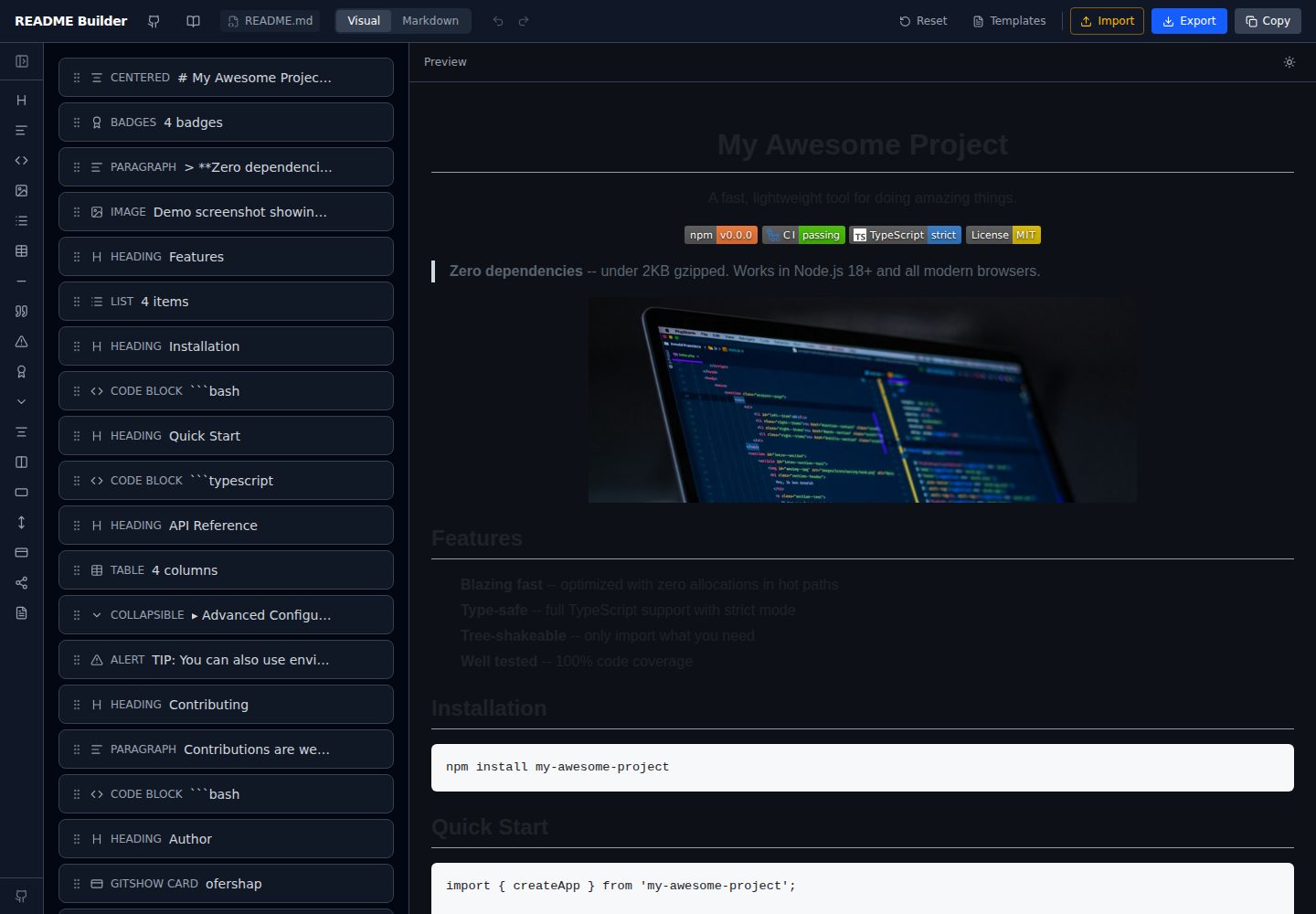
readme-builder
Visual drag-and-drop README editor with live GitHub-flavored preview. SEO-optimized templates, 15+ block types…
Vite · 工具站
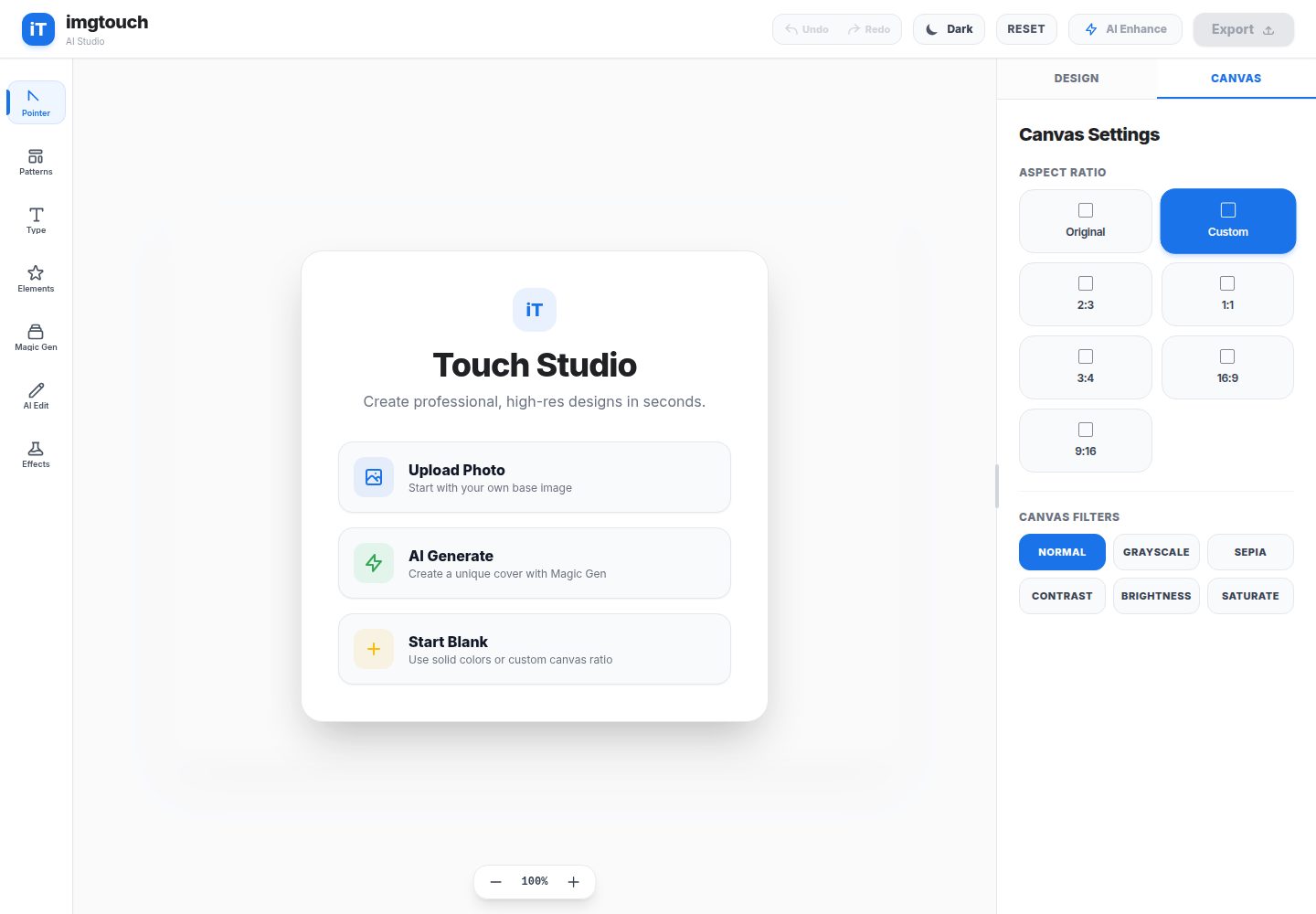
imgtouch
ImgTouch is an AI-powered Web Novel & Book Cover Studio designed for creators, authors, and designers. Powered…
Vite · 工具站
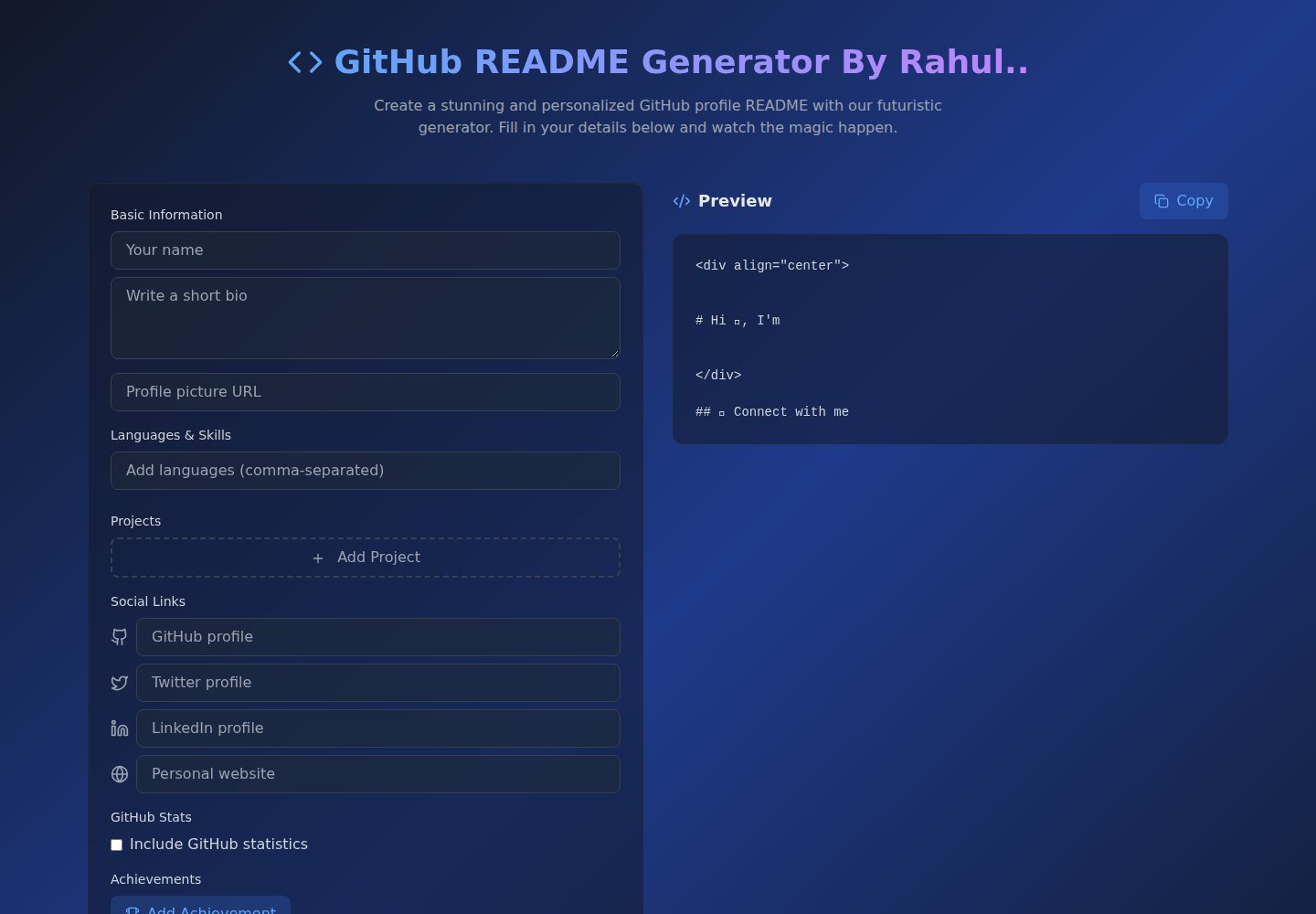
Github-Readme-Generator
An intuitive React-based README generator that helps developers create professional and standardized documenta…
Vite · 文档
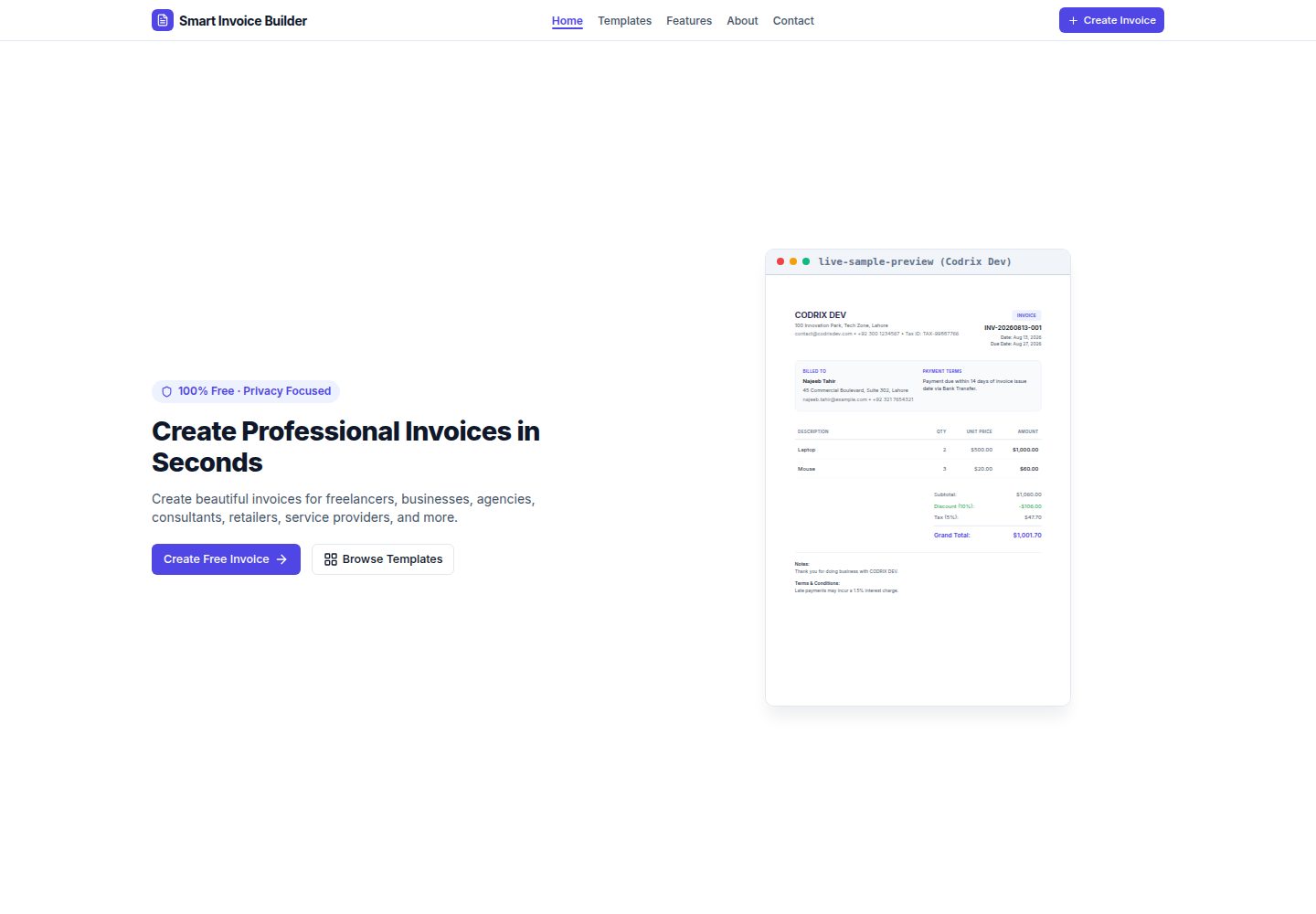
Smart-Invoice-Builder
⚡ Free, privacy-first invoice generator with 12 professional templates, instant PDF exports, and local browser…
Vite · 工具站