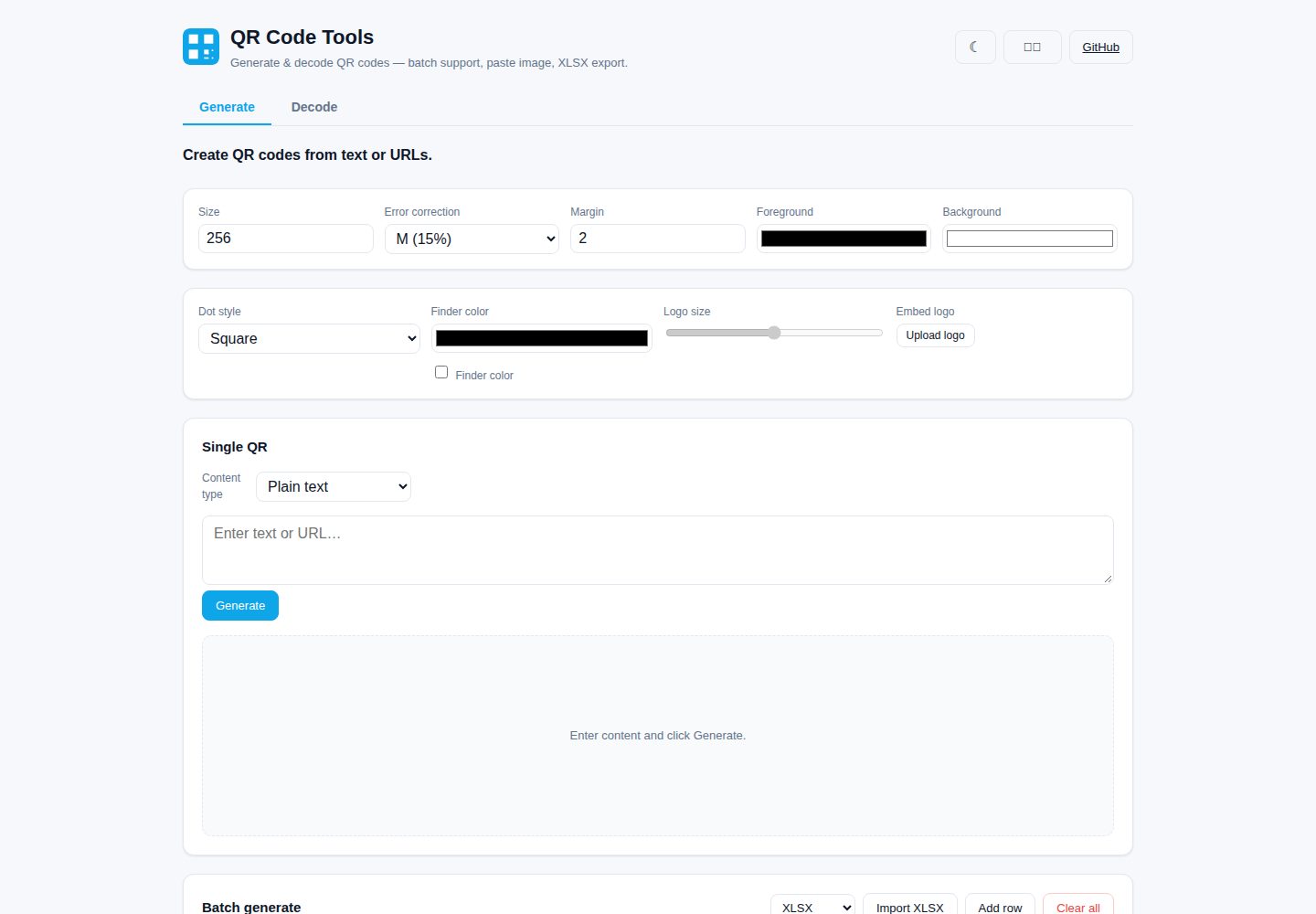
Supports single and batch QR code generation, with content import from XLSX/TXT/CSV and export as PNG, ZIP or XLSX
ViteReactTool Site
qr-studio — Vite Tool Template
By nuoyax
A browser-based QR code generator and decoder built with React + TypeScript + Vite, supporting batch processing, paste-image decoding and XLSX import/export.
Explore the design
Compare the page layouts and mobile experience. Open any screenshot for a closer look.
Desktop homepage1 / 2
Desktop captureTop of page
Actual screenshot captured by the server browser.
All pages & views 2
Screenshots show visual appearance; interactive behavior may differ.
Recorded 2026-10-17View source
What stands out
A quick read of the recorded project description.
Provides structured templates for URL, Wi-Fi, vCard, SMS, email, phone and geographic location, generating QR codes through form fields
Allows adjusting module shape, finder pattern color, size, error correction level, margin and foreground/background colors, and supports embedding a centered logo
Decoding supports single-image selection, Ctrl+V image pasting, live camera scanning and multi-image batch decoding, with results exportable as XLSX
All processing is done in the browser; data is not uploaded to a server; the interface supports English and Simplified Chinese and provides dark mode
Local history can be restored, cleared or exported as CSV/JSON
Template Details
QR Studio is a QR code generator and decoder that runs in the browser, built with React 18, TypeScript 5 and Vite 6. QR code generation relies on qrcode, decoding relies on jsqr, spreadsheet handling uses xlsx (SheetJS), and compression packaging uses jszip. All processing is done client-side; no data is uploaded to a server.
For generation, it supports encoding any text or URL as a QR code with live preview; it provides structured templates for URL, Wi-Fi, vCard, SMS, email, phone and geographic location, generating content through form fields; it allows adjusting module shape (square/rounded/dot), finder pattern color, centered logo (automatically raising the error correction level to H), size, error correction level (L/M/Q/H), margin and foreground/background colors; it supports batch generation, importing from XLSX/TXT/CSV or pasting multiple lines of content; it can download individual PNGs, download a ZIP package, or export the content list as XLSX; plain-text single codes support SVG export.
For decoding, it supports selecting a single image, pasting an image with Ctrl+V on the decode tab, live scanning with the device camera (switching between front and rear cameras on multi-camera devices, automatically stopping on the first hit), and drag-and-drop or selection of multiple images for batch decoding with results shown in a table; individual decoded values can be copied, or all results exported as XLSX (file name, decoded text, status).
General features include: 100% client-side processing, a bilingual English and Simplified Chinese interface (English by default, with the choice remembered), dark mode (following system preference on first visit, persisted after switching), local history (recent generated and decoded items, which can be restored, cleared or exported as CSV/JSON), and a responsive layout. The README does not document offline availability, accessibility support or browser compatibility scope.
ViteReactTool site
Is it right for your project?
Use Cases
- Quickly generating QR codes for URLs, Wi-Fi networks, contact cards, SMS, email, phone or geographic location
- Importing content in bulk from an Excel spreadsheet to generate multiple QR codes at once, then downloading them as a package
- Decoding QR codes in screenshots or existing images, or scanning live with the camera
- Batch decoding QR codes from multiple images and organizing the results into an XLSX table
- Generating and decoding QR codes locally in the browser in scenarios where data must not be sent externally
Suitable For
- Individual users or teams needing a browser-based QR code generation and decoding tool
- Operators who need to generate QR codes in bulk from spreadsheets and export the results
- Scenarios where QR code processing should be completed entirely locally without relying on a backend service
Getting started & customization
Use these recorded setup notes alongside the repository instructions for your chosen version.
- 1
Requires Node.js 18+ (the README notes testing on Node 22) and npm 9+
- 2
Install dependencies with npm install and start the development server with npm run dev (default http://localhost:5173)
- 3
Type checking and production build use npm run build, with output to the dist/ directory
- 4
Preview the production build locally with npm run preview
- 5
The camera scanning feature requires HTTPS or localhost (browser security restriction)
License & source material
Usage conditions & limitations
Free to use · keep license noticeThis listing covers the free version under the MIT license in the public repository; the free scope is the code of this version and does not mean external services or third-party assets are free.
Must comply with when using
- The code of this version may be used, modified, used commercially and distributed free of charge.
- When distributing copies or substantial portions of the code, the original author's copyright notice and the full MIT license notice must be retained.
- The code is provided as-is; warranties and limitations of liability are governed by the original license and applicable law.
Additional costs & items to verify
- Demo images, fonts, icons and other third-party assets must be checked against their respective licenses and cannot be judged solely by the code's MIT license.
- External services such as domains, hosting, databases, payments or AI may incur separate charges.
- The camera scanning feature is subject to browser security restrictions and must be used under HTTPS or localhost.
- Regenerating screenshots locally requires running npm run preview first and depends on local Chrome and puppeteer-core.
View Original Text Basis
Permission is hereby granted, free of charge
Original License Text
- **Camera scan**: requires HTTPS or `localhost` (browser security). On phones, the back camera is preferred.
Original README
https://github.com/nuoyax/qr-studio/blob/master/LICENSEhttps://github.com/nuoyax/qr-studio/blob/master/README.md> Regenerate locally: `npm run preview`, then `node docs/shots.cjs` (needs a local Chrome + `puppeteer-core`).
Original README
Compiled by DeepSeek based on repository license and README ·2026-10-19. Results only cover the materials read; dependencies, images, fonts, and subsequent term changes are subject to their respective original texts.
Project checks & description sources
Template Information
- Source platforms
- GitHub
- Documentation and maintenance reference score
- More documented · 85 / 100
- Technologies
- Vite · React
- Website type
- Tool Site
How this score is calculated
Our heuristic uses license records (up to 30), a demo link (12), a preview (10), stars (15), recorded maintenance (15), description completeness (8), feature records (5) and classification data (5). It is not a code, security or performance test, or a Google score. A link does not establish tested functionality.
What to verify for this project
- Repository update recorded
- 2026-10-01
- Screenshot last checked
- 2026-10-19
A demo link is listed. Check it with your own content and viewport sizes; its presence does not confirm that forms, authentication or payments work.
The catalog identifies Vite as the primary stack. Check the actual dependency manifest and lockfile for versions and hosting requirements. These notes use recorded metadata, not a code audit or a deployment test.
Use a selection guide →How this description was prepared
AI-assisted description based on catalog records and repository material. Repository authors are not automatically the reviewers of this description.
Review declaration: codex-user-requested-batch-review-20261021 · 2026-10-21
Inspect the recorded source material
SHA-256: 06c5c7e4669a638ea13a83b2e1ed46e356d917929d2f00a32bfd6bf66ba28dd1
2026-10-19T02:23:56.420Z
Source file / repository# QR Code Tools
> A browser-based QR code **generator & decoder** with batch support, image-paste decoding, and XLSX import/export. Built with React + TypeScript + Vite.
**[中文文档](./README.zh-CN.md)** · English (default)
---
## Screenshots
| | |
| :--: | :--: |
| **Generate — single (light)**<br> | **Generate — dark mode**<br> |
| **Wi-Fi template**<br> | **Batch generate**<br> |
| **Decode**<br> | **中文界面**<br> |
> Regenerate locally: `npm run preview`, then `node docs/shots.cjs` (needs a local Chrome + `puppeteer-core`).
---
## Features
### Generate
- **Single QR** — encode any text or URL into a QR code with live preview.
- **Structured templates** — generate URL, Wi-Fi, vCard (contact), SMS, email, phone, and geolocation QR codes from form fields instead of raw text.
- **Stylized QR** — choose square / rounded / dot module shapes, recolor the finder (eye) patterns, and **embed a centered logo** (error correction auto-raised to H to compensate).
- **Batch generate** — paste multiple rows, or import from **XLSX / TXT / CSV**, and generate all at once.
- **Customizable** — size, error-correction level (L/M/Q/H), margin, foreground & background colors.
- **Export** — download each PNG individually, **download all as a ZIP**, or **export the content list to XLSX**.
- **SVG export** for the single plain-text QR (vector, scalable).
### Decode
- **Single image** — pick an image file and read the QR code inside.
- **Paste image** — copy a screenshot or image and press **Ctrl+V** anywhere on the Decode tab to decode it instantly.
- **Camera scan** — scan a QR code live with your device camera (front/back switching on multi-camera devices); stops automatically on first hit.
- **Batch decode** — drag & drop or select multiple images at once; results are listed in a table.
- **Export** — copy any decoded value to the clipboard, or **export all results to XLSX** (file name, decoded text, status).
### General
- 🔒 **100% client-side** — all processing runs in your browser. No data is uploaded to any server.
- 🌐 **Bilingual UI** — English (default) and 简体中文, with your choice remembered.
- 🌙 **Dark mode** — auto-detects OS preference on first visit, toggle persists.
- 🕘 **History** — recent generated & decoded items are stored locally; restore, clear, or export as **CSV / JSON**.
- 📱 **Responsive** layout that works on desktop and mobile.
- ⚡ Built with **React 18 + TypeScript + Vite 6**, using [`qrcode`](https://www.npmjs.com/package/qrcode), [`jsqr`](https://www.npmjs.com/package/jsqr), [`xlsx`](https://www.npmjs.com/package/xlsx) (SheetJS), and [`jszip`](https://www.npmjs.com/package/jszip).
---
## Tech stack
| Layer | Choice |
| ------------ | ---------------------------------------- |
| Framework | React 18 |
| Language | TypeScript 5 |
| Build tool | Vite 6 |
| QR generate | `qrcode` |
| QR decode | `jsqr` |
| Spreadsheet | `xlsx` (SheetJS) |
| ZIP archive | `jszip` |
---
## Getting started
### Prerequisites
- Node.js **18+** (tested on Node 22)
- npm 9+
### Install & run
```bash
# install dependencies
npm install
# start the dev server (http://localhost:5173)
npm run dev
# type-check + production build
npm run build
# preview the production build locally
npm run preview
```
The production output is written to `dist/`.
---
## Project structure
```
qr-studio/
├── index.html
├── vite.config.ts
├── tsconfig*.json
├── package.json
├── public/
│ └── qr.svg
└── src/
├── main.tsx # entry
├── App.tsx # shell: tabs, header, theme/lang toggle, history
├── styles.css # UI styles (light + dark via [data-theme])
├── components/
│ ├── Generator.tsx # generate (templates + styling + batch)
│ ├── Decoder.tsx # decode (single + batch + paste + camera)
│ └── HistoryPanel.tsx # recent items, CSV/JSON export, restore
└── lib/
├── qr.ts # generate QR data URL + stylized canvas
├── svg.ts # generate QR SVG string
├── decode.ts # decode QR from image / ImageData
├── camera.ts # getUserMedia continuous scanner
├── payload.ts # structured content builders (wifi/vcard/…)
├── excel.ts # read/write XLSX, TXT/CSV
├── zip.ts # zip packaging + blob downloads
├── history.ts # local history store + CSV/JSON export
├── theme.ts # light/dark theme persistence
└── i18n.ts # EN / ZH dictionaries
```
---
## Releases
Pushing a version tag (`v1.0.0`, `v1.1.0-rc.1`, …) triggers the **Release** workflow (`.github/workflows/release.yml`), which:
1. Builds the production bundle (`npm run build`).
2. Zips `dist/` into `qr-studio-<tag>.zip`.
3. Generates a SHA256 checksum (`checksums-sha256.txt`).
4. Creates a GitHub Release with the zip + checksum attached, and auto-generated notes (commit log since the previous tag). Pre-release tags (containing `-`) are marked as pre-release.
```bash
# create and push a tag to cut a release
git tag v1.1.0
git push origin v1.1.0
```
The resulting artifacts appear under **Releases** on the GitHub repo page. See [CHANGELOG.md](./CHANGELOG.md) for version history.
---
## Usage tips
- **Batch generate from Excel**: put one content entry per row (a column named `Content` / `Text` / `URL` is preferred, otherwise the first column is used). Import the `.xlsx` and click Generate.
- **Paste to decode**: take a screenshot (`Win+Shift+S` / `Cmd+Shift+4`), then `Ctrl+V` / `Cmd+V` on the Decode tab — the QR inside the image is read immediately.
- **Camera scan**: requires HTTPS or `localhost` (browser security). On phones, the back camera is preferred.
- **Error-correction level**: higher levels (Q/H) tolerate more damage but produce denser codes. `M` is a good default; a logo embed forces `H`.
---
## License
MIT — see [LICENSE](./LICENSE).
Explore similar templates
Compare previews and descriptions within the same stack and category.

vituum
Vituum is a static site generator for Vite, provided as a Vite plugin. It integrates template engines into Vite for rapid prototyping and static page development such as email templates.
Vite · Tool Site

tropical
Tropical is a Vite-based static site template for HTML-first sites with client-side JS islands where interactivity is needed. It supports React components, includes dev, build, stories, page, and component scripts, outputs builds to dist/static, and is MIT licensed.
Vite · Tool Site
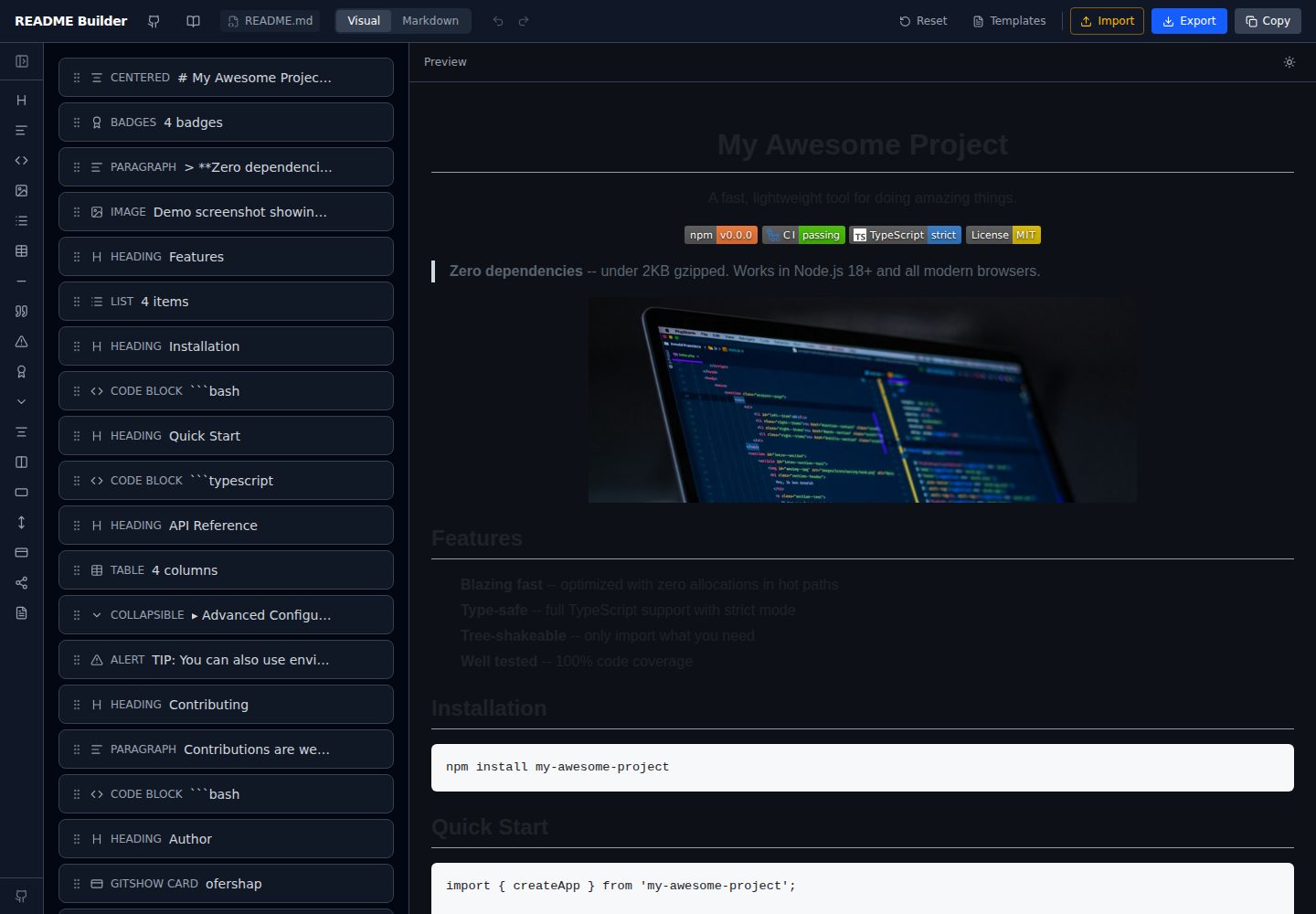
readme-builder
A purely front-end README visual editor built on Vite and React. It generates GitHub-flavored Markdown by dragging blocks, with live preview, four templates, badge editing, Markdown import/export, undo/redo, and localStorage autosave.
Vite · Tool Site
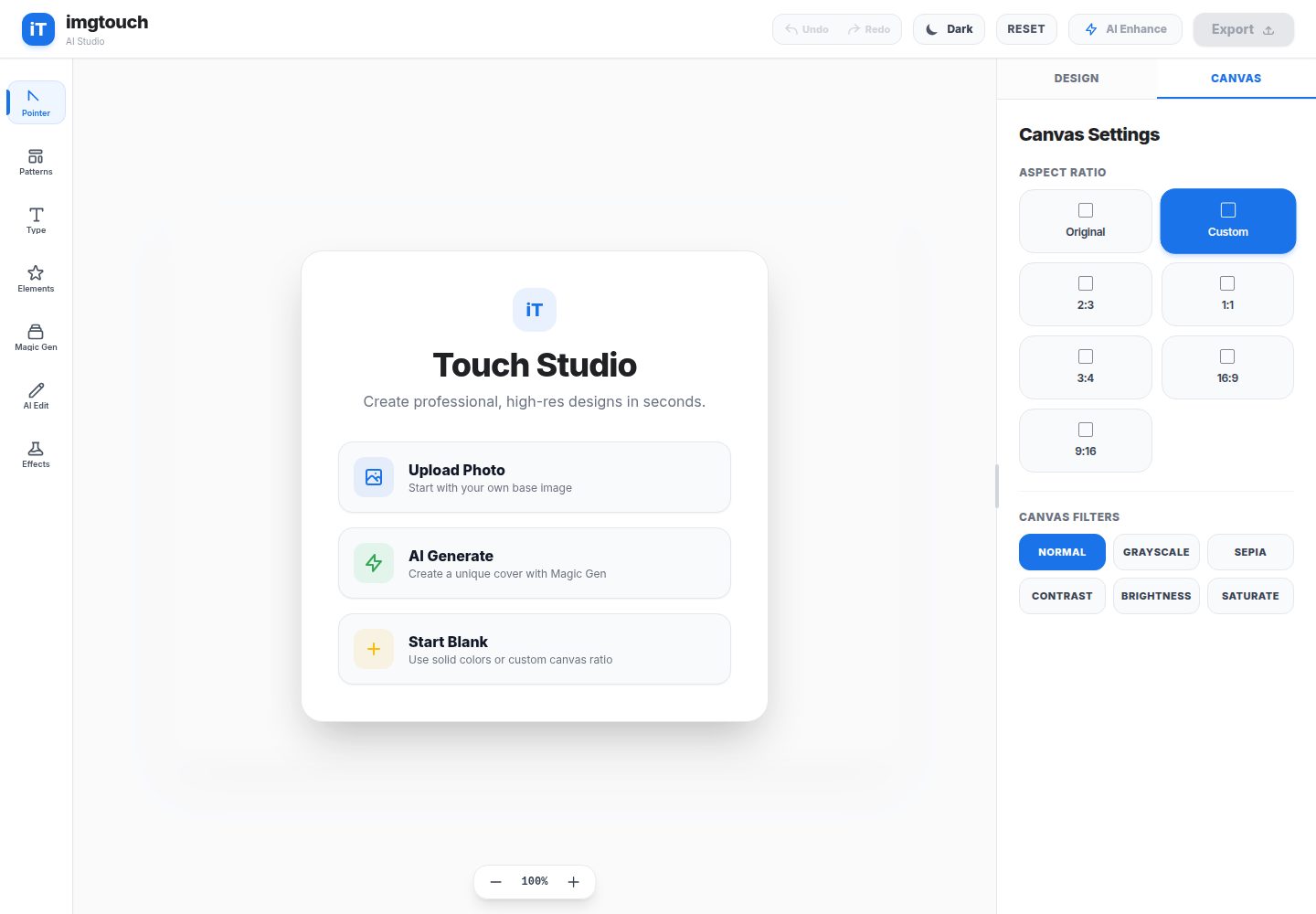
imgtouch
ImgTouch is an AI creative studio powered by Google Gemini 2.5, combining text-to-image generation, natural-language image editing, and super-resolution enhancement with canvas-based layer editing, design templates, and custom typography.
Vite · Tool Site
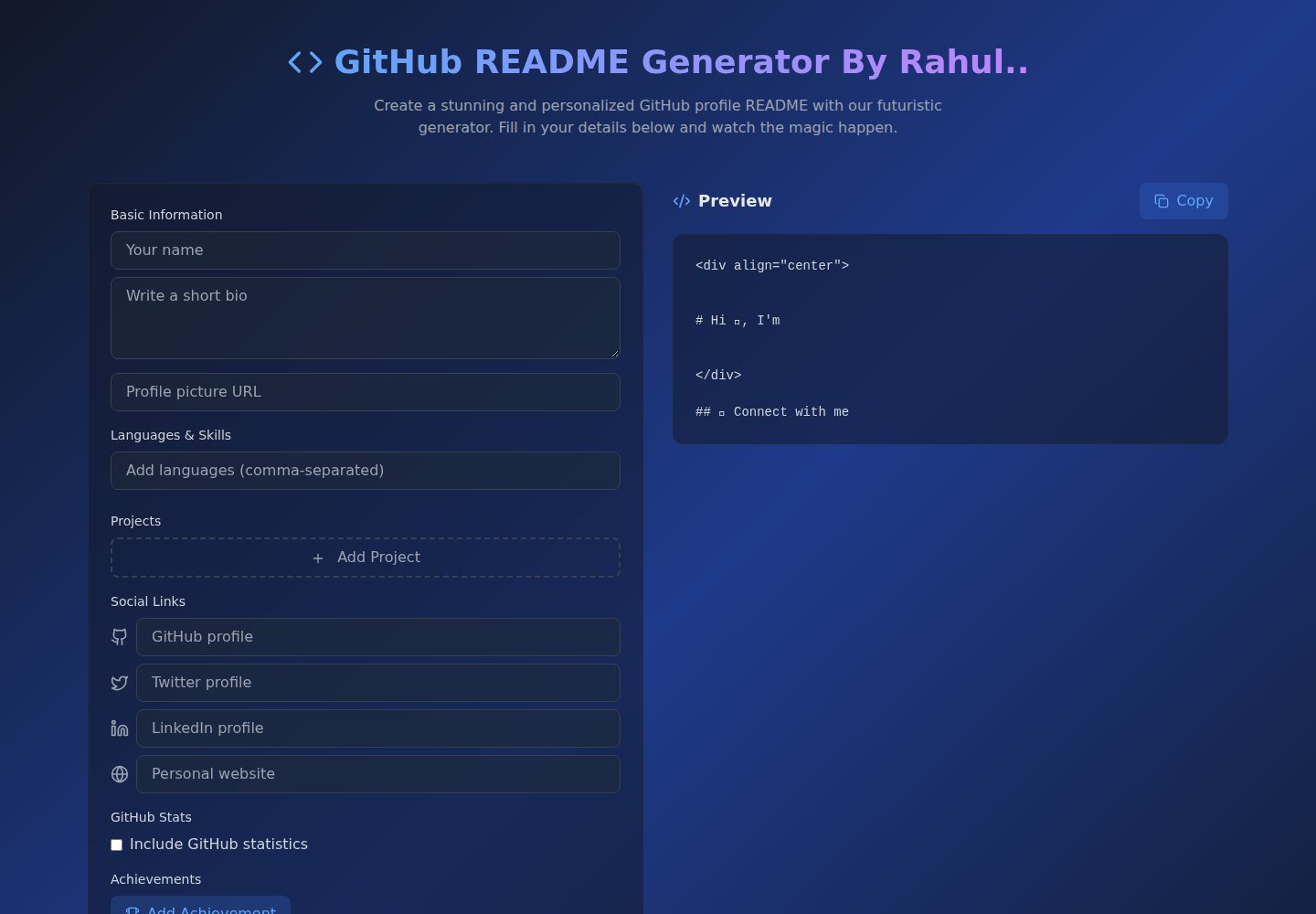
Github-Readme-Generator
A React and TypeScript web tool for generating GitHub project READMEs, with template selection, real-time Markdown preview, dark/light mode, responsive design, and export to multiple formats.
Vite · Documentation
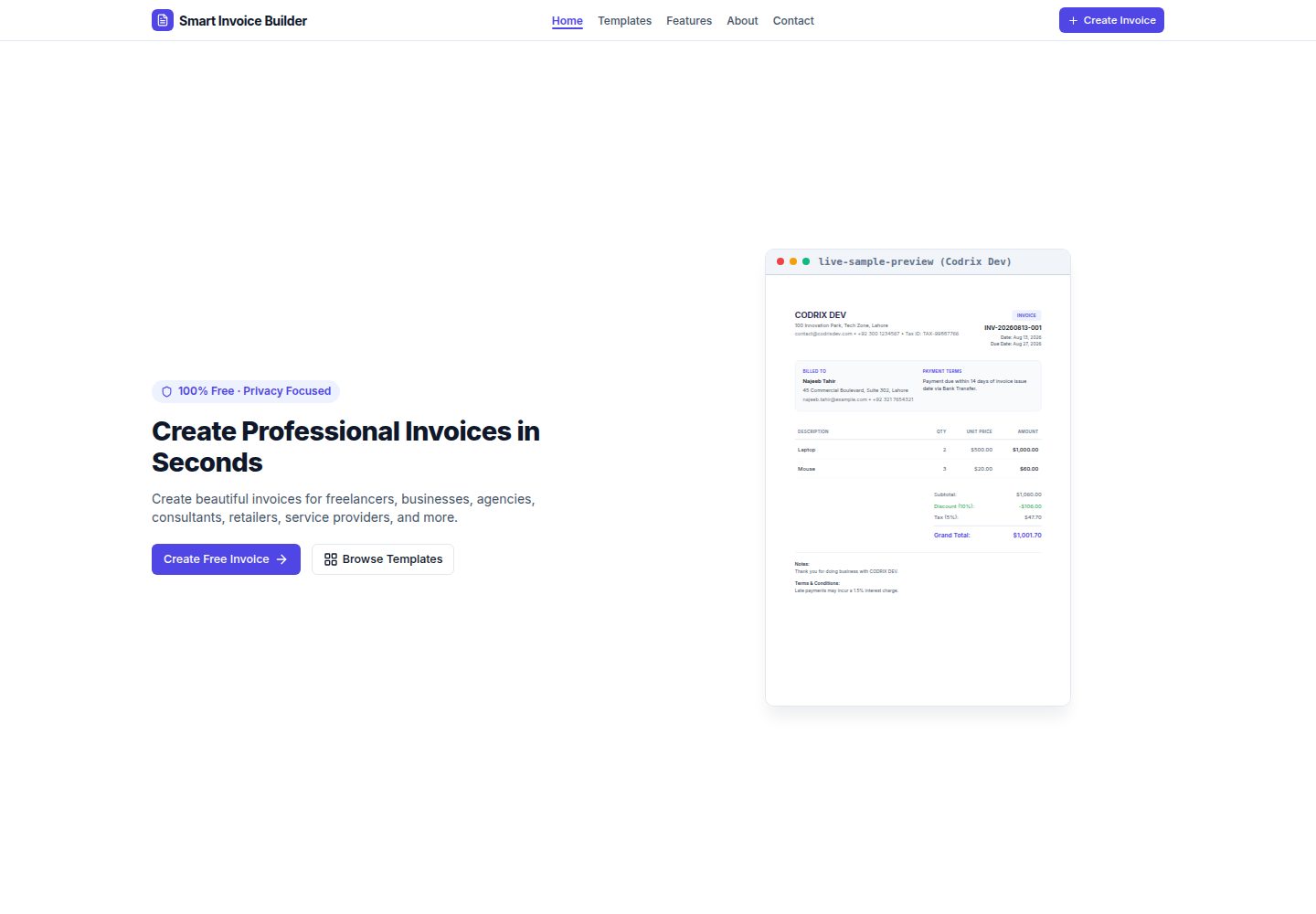
Smart-Invoice-Builder
Smart Invoice Builder is a local-first invoice generator built with React 18, TypeScript, and Vite.
Vite · Tool Site