
Provided as a Vite plugin, enabled by calling vituum() in the plugins array of vite.config.js
ViteTool Site
vituum — Vite Tool Template
By vituum
Vituum is a Vite-based static site generator that integrates multiple template engines into Vite as a plugin, intended for rapid prototyping and static page development such as email templates.
Explore the design
Compare the page layouts and mobile experience. Open any screenshot for a closer look.
Desktop homepage1 / 3
Desktop captureTop of page
Actual screenshot captured by the server browser.
All pages & views 3
Screenshots show visual appearance; interactive behavior may differ.
Recorded 2026-10-08View source
What stands out
A quick read of the recorded project description.
Positioned for fast prototyping with template engines in Vite
Official documentation covers two usage directions: template engines and email templates
Offers a Features documentation page and a GitHub examples directory as references
Requires Node.js LTS (20.x) runtime environment
Uses the MIT license, with standard license text included in the repository
Template Details
Vituum is a static site generator for Vite, provided as a Vite plugin. Its positioning is "fast prototyping with template engines in Vite," and its name combines Vite (French for "fast") with Tuum (Estonian for "core").
According to the repository materials, Vituum's core capabilities center on two points: first, it connects to existing Vite projects as a Vite plugin, enabled by calling vituum() in the plugins array of vite.config.js; second, it revolves around template engines, with official documentation listing template engines and email templates as two directions and providing a Features documentation page and an examples directory as entry points for further exploration.
In terms of usage, the README outlines a workflow: first create a Vite project via npm create vite@latest, then install vituum as a development dependency, and finally import and register the plugin in the configuration file. The runtime requires Node.js LTS (20.x). The project uses the MIT license, permitting use, modification, commercial use, and distribution, but third-party assets such as demo images, fonts, and icons require separate license verification.
The materials do not cover a specific list of template engines, build output forms, performance data, or production environment suitability; these must be confirmed via the official documentation and examples.
ViteTool Site
Is it right for your project?
Use Cases
- Quickly building static page prototypes in an existing or new Vite project
- Generating static pages with repetitive structures using template engines
- Creating static content such as email templates
- Referring to the examples directory to understand how to integrate the plugin in Vite
Suitable For
- Developers using Vite who want to introduce template engines into their build process
- Individuals or small teams needing to quickly produce static page prototypes
- Front-end developers needing to generate email templates
Getting started & customization
Use these recorded setup notes alongside the repository instructions for your chosen version.
- 1
Requires Node.js LTS (20.x) runtime environment
- 2
First run npm create vite@latest to create a Vite project
- 3
Install via npm i vituum --save-dev as a development dependency
- 4
Import vituum in vite.config.js and add it to the plugins array
- 5
Configuration details and template engine usage require consulting the vituum.dev documentation and examples directory
License & source material
Usage conditions & limitations
Free to use · keep license noticeThis entry covers the free version under the MIT license in the public repository; the free scope applies to that version's code and does not imply that external services or third-party assets are free.
Must comply with when using
- Free use, modification, commercial use, and distribution of that version's code are permitted.
- When distributing copies or substantial portions of the code, retain the original author's copyright notice and the full MIT license notice.
- The code is provided as-is; warranties and limitations of liability are governed by the original license and applicable law.
Additional costs & items to verify
- Demo images, fonts, icons, and other third-party assets must be checked against their respective licenses and cannot be judged solely by the code's MIT license.
- External services such as domains, hosting, databases, payments, or AI may incur additional charges.
- The runtime requires Node.js LTS 20.x, which must be installed before use.
View Original Text Basis
Permission is hereby granted, free of charge
Original License Text
https://github.com/vituum/vituum/blob/main/LICENSEhttps://github.com/vituum/vituum/blob/main/README.md- [Node.js LTS (20.x)](https://nodejs.org/en/download/)
Original README
Compiled by DeepSeek based on repository license and README ·2026-10-08. Results only cover the materials read; dependencies, images, fonts, and subsequent term changes are subject to their respective original texts.
Project checks & description sources
Template Information
- Source platforms
- GitHub
- Documentation and maintenance reference score
- More documented · 91 / 100
- Technologies
- Vite
- Website type
- Tool Site
How this score is calculated
Our heuristic uses license records (up to 30), a demo link (12), a preview (10), stars (15), recorded maintenance (15), description completeness (8), feature records (5) and classification data (5). It is not a code, security or performance test, or a Google score. A link does not establish tested functionality.
What to verify for this project
- Repository update recorded
- 2026-04-22
- Screenshot last checked
- 2026-10-08
A demo link is listed. Check it with your own content and viewport sizes; its presence does not confirm that forms, authentication or payments work.
The catalog identifies Vite as the primary stack. Check the actual dependency manifest and lockfile for versions and hosting requirements. These notes use recorded metadata, not a code audit or a deployment test.
Use a selection guide →How this description was prepared
AI-assisted description based on catalog records and repository material. Repository authors are not automatically the reviewers of this description.
Review declaration: [email protected] · 2026-10-08
Inspect the recorded source material
SHA-256: fbda05d34c202f066e4a2e263a3bff77fa8f564b175eb8c172b9d78e39ac0ebd
2026-10-08T12:38:32.000Z
Source file / repository<p align="center">
<a href="https://vituum.dev/" target="_blank" rel="noopener noreferrer">
<img width="180" src="https://avatars.githubusercontent.com/u/109584961" alt="Logo">
</a>
</p>
<p align="center">
<a href="https://npmjs.com/package/vituum"><img src="https://img.shields.io/npm/v/vituum.svg" alt="npm package"></a>
<a href="https://nodejs.org/en/about/releases/"><img src="https://img.shields.io/node/v/vituum.svg" alt="node compatility"></a>
</p>
# ⚡⚙️ Vituum
Fast Prototyping with Template Engines in Vite
- ⚡ Vite Plugins
- 🚀️ Fast prototyping
- 💡 Template Engines
- ✉️ Email Templates
Small and fast static site generator for Vite.<br>
It's a mix of words **Vite** _(French word for "quick")_ and **Tuum** _(Estonian word for "core")_.<br>
Learn more about **Vituum** on [Features](https://vituum.dev/guide/features.html) page.
## 🪄 Get started
```sh
npm create vite@latest
npm i vituum --save-dev
```
### Config
Read the [Docs](https://vituum.dev/config/) to learn more about configuration.
```js
import vituum from 'vituum'
export default {
plugins: [
vituum()
]
}
```
You can try Vituum online on [Stackblitz](https://vituum.dev/guide/#trying-vituum-online) or view all examples on [GitHub](https://github.com/vituum/vituum/tree/main/examples)
### Requirements
- [Node.js LTS (20.x)](https://nodejs.org/en/download/)
## Licence
MIT
Explore similar templates
Compare previews and descriptions within the same stack and category.

tropical
Tropical is a Vite-based static site template for HTML-first sites with client-side JS islands where interactivity is needed. It supports React components, includes dev, build, stories, page, and component scripts, outputs builds to dist/static, and is MIT licensed.
Vite · Tool Site
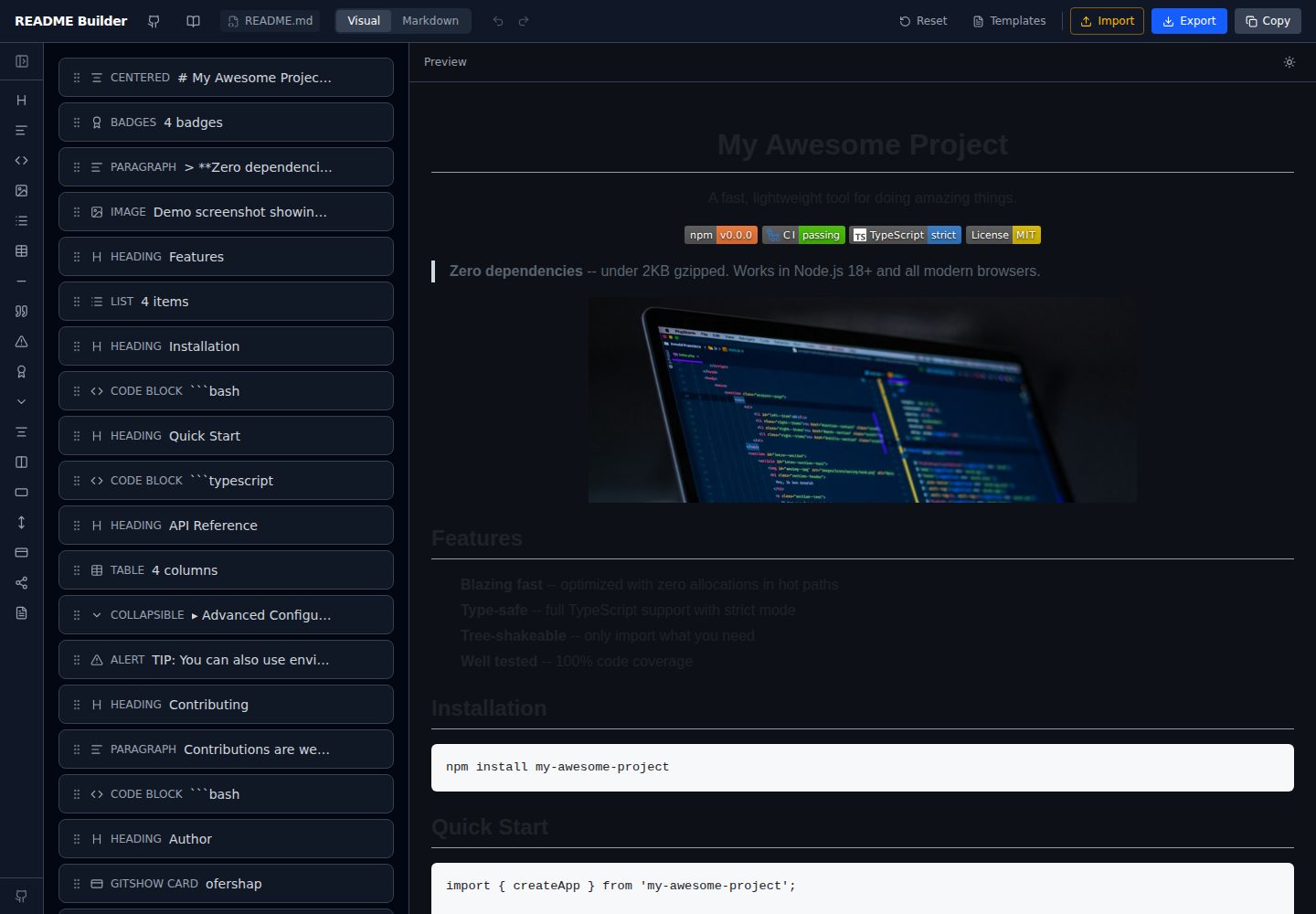
readme-builder
A purely front-end README visual editor built on Vite and React. It generates GitHub-flavored Markdown by dragging blocks, with live preview, four templates, badge editing, Markdown import/export, undo/redo, and localStorage autosave.
Vite · Tool Site
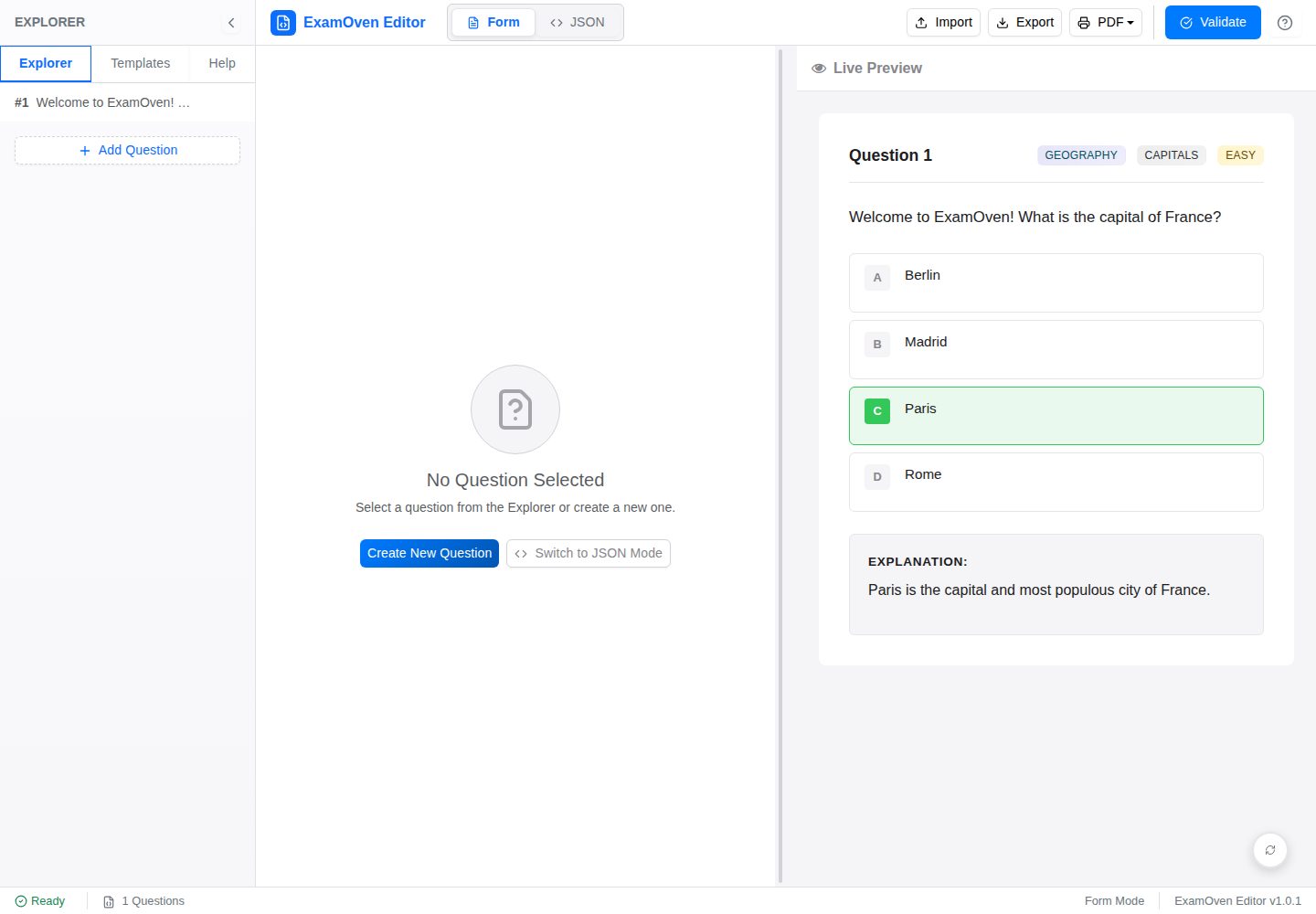
examify-json-editor
A React, TypeScript, and Vite-based browser tool for creating, editing, and validating Examify/ExamOven JSON question files.
Vite · Tool Site
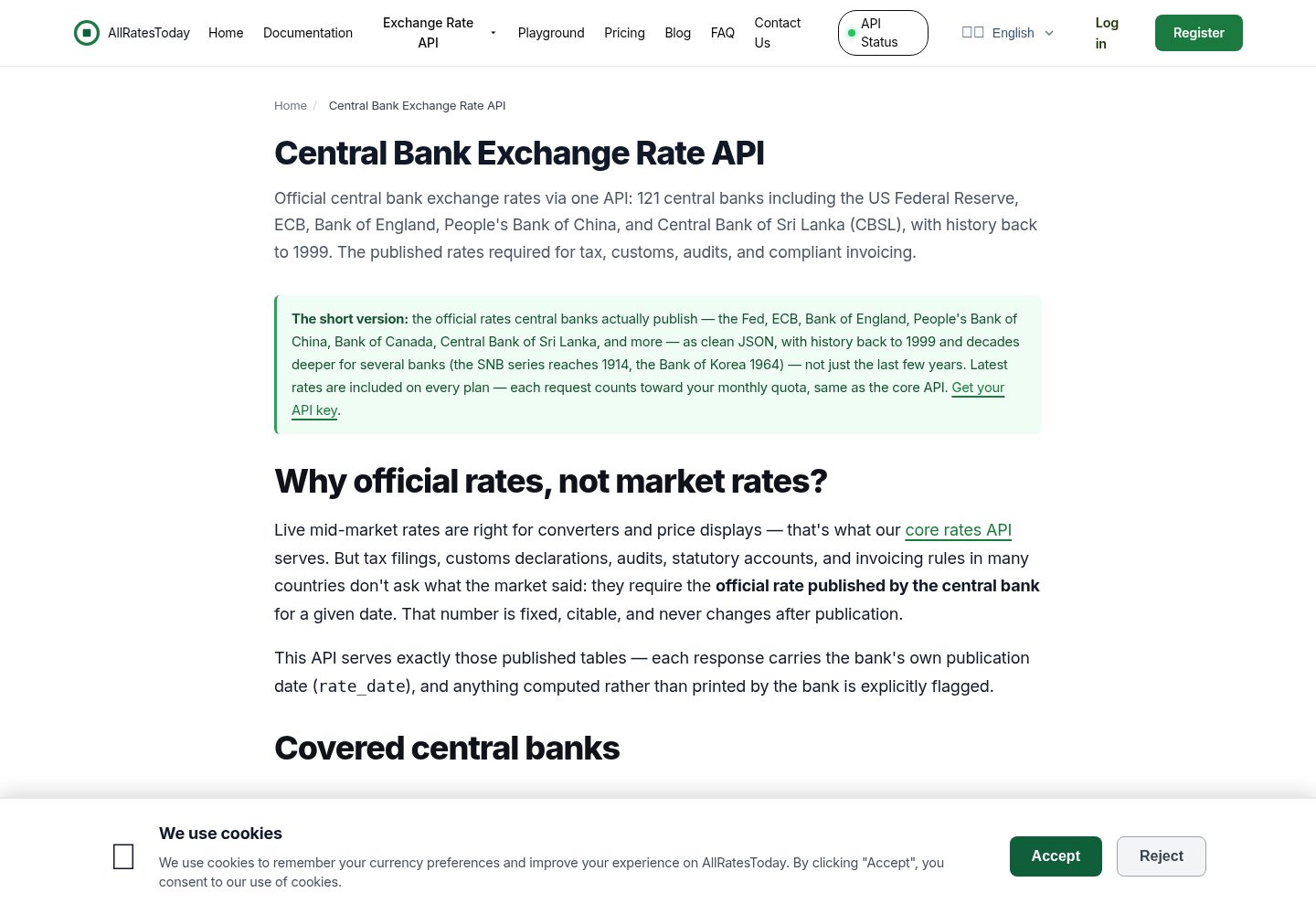
react-currency-converter
A React + Vite currency conversion template that runs immediately after cloning.
Vite · Tool Site
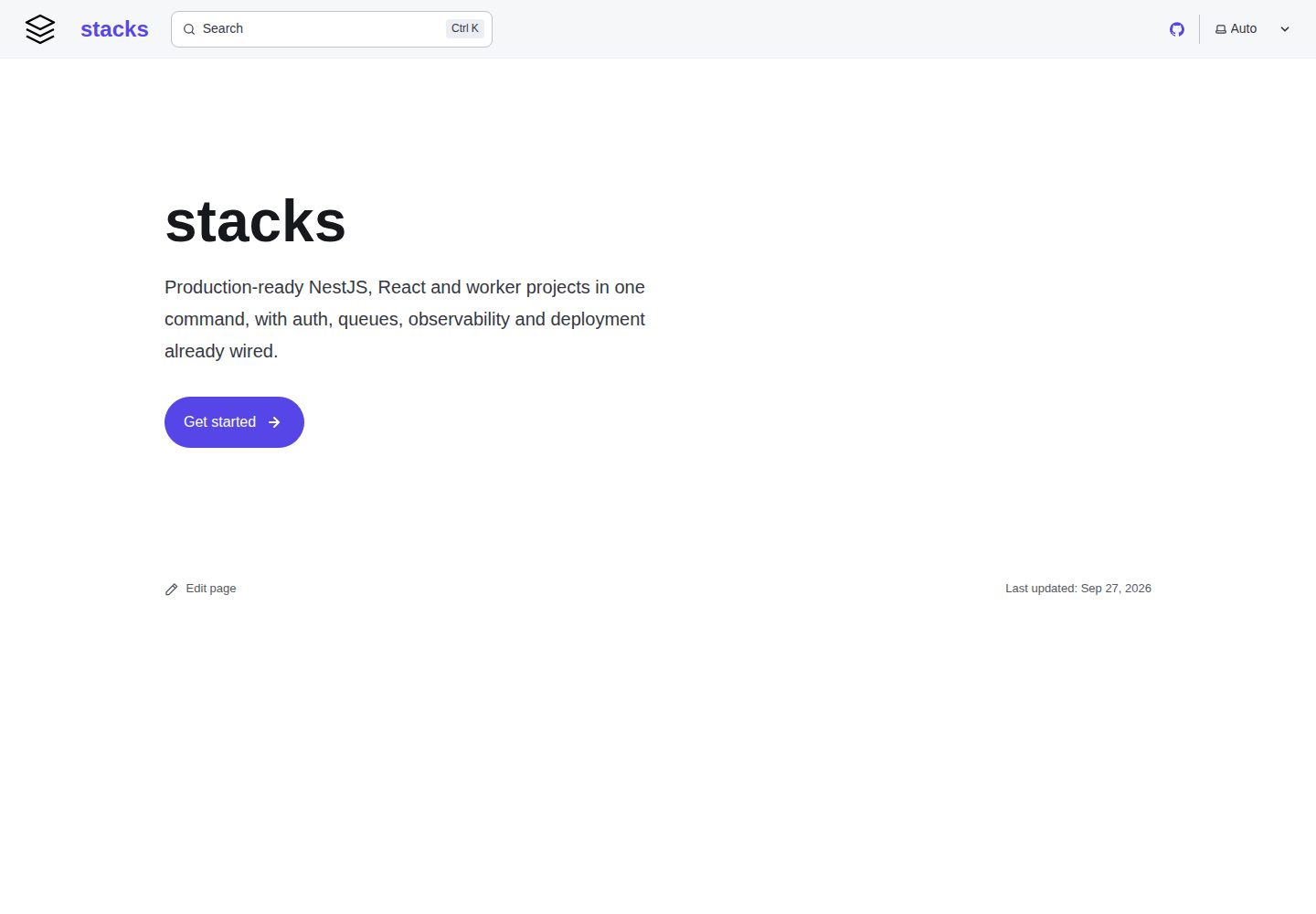
stacks
aurostack-org/stacks provides runnable Vite/React project templates and a zero-dependency Node ESM generator that creates projects by deleting unselected features.
Vite · Tool Site
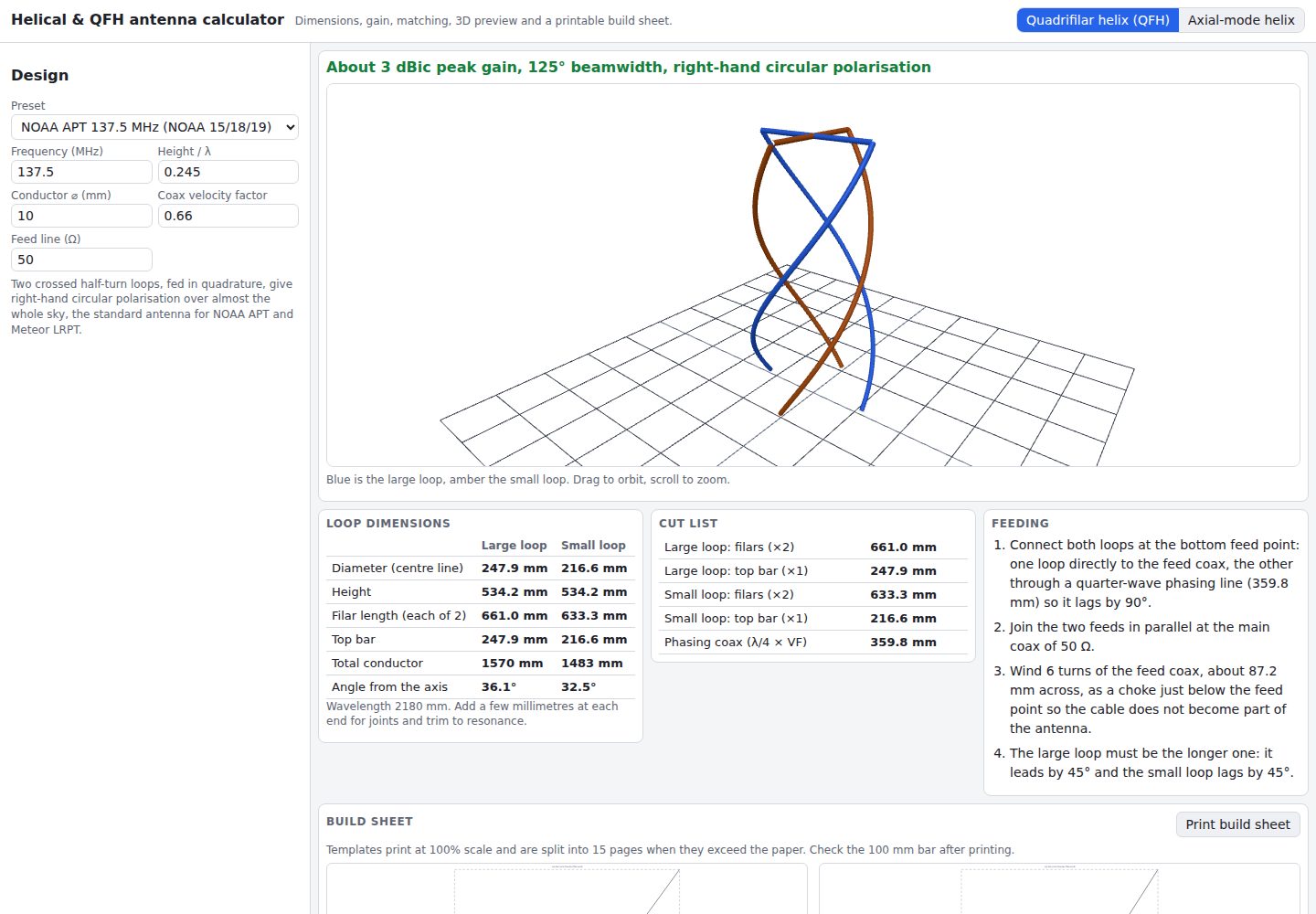
helical-qfh-calculator
A Vite + React browser calculator for axial-mode helical (Kraus) and quadrifilar helix (QFH) antennas.
Vite · Tool Site