
Static site structure that is primarily HTML with client-side JS embedded as needed
ViteReactHTMLTool Site
tropical — Vite Tool Template
By bensmithett
Tropical is a Vite-based static site template that is primarily HTML, embeds client-side JS islands where interactivity is needed, and provides scaffolding commands for pages and components.
Explore the design
Compare the page layouts and mobile experience. Open any screenshot for a closer look.
Desktop homepage1 / 2
Desktop captureTop of page
Actual screenshot captured by the server browser.
All pages & views 2
Screenshots show visual appearance; interactive behavior may differ.
Recorded 2026-10-02View source
What stands out
A quick read of the recorded project description.
Provides npm scripts including dev, build, stories, page, and component
Build output goes to the dist/static directory
Integrates Ladle for component preview
Supports generating page and component files via command-line scaffolding
MIT-licensed GitHub template repository
Template Details
Tropical is a GitHub template repository for building static sites that are primarily HTML, adding client-side JavaScript only where interactivity is needed, forming so-called "JS islands." It uses Vite as the build tool and supports React components.
The repository provides ready-to-use scripts: `dev` starts a local development server, `build` outputs the static site to `dist/static`, `stories` starts the Ladle component preview, and `page` and `component` generate scaffolding files for new pages and new components respectively. Project documentation is at tropical.js.org, and the repository README also suggests browsing the `src` directory directly to understand the structure.
The template is MIT licensed and can be used, modified, used commercially, and distributed for free, but third-party assets such as demo images, fonts, and icons must be checked separately under their respective licenses; external services such as hosting and domains may incur additional charges.
ViteReactHTMLUtility site
Is it right for your project?
Use Cases
- Building sites that are primarily static HTML and need interactivity only in specific places
- Projects that want to manage the static site build process with Vite
- Scenarios that need to introduce React components into pages as needed
- Quickly adding new page or component files via scaffolding commands
- Developing standalone UI components with a component preview environment
Suitable For
- Developers who prefer HTML-first with minimal client-side JS
- Teams using Vite to build static sites
- Projects that need page and component scaffolding
- Users who accept the MIT license and independently verify third-party assets
Getting started & customization
Use these recorded setup notes alongside the repository instructions for your chosen version.
- 1
Install dependencies using npm, yarn, or pnpm
- 2
Run the dev script to start the development server at localhost:3000
- 3
Run the build script to build the static site to dist/static
- 4
Run the stories script to start the Ladle component preview
- 5
Use the page and component scripts to generate new page or component files
License & source material
Usage conditions & limitations
Free to use · keep license noticeThis entry covers the free version under the MIT license in the public repository; the free scope is the code of this version and does not mean external services or third-party assets are free.
Must comply with when using
- You are allowed to use, modify, use commercially, and distribute the code of this version for free.
- When distributing copies or substantial portions of the code, retain the original author's copyright notice and the full MIT license notice.
- The code is provided as is; warranties and limitations of liability are governed by the original license and applicable law.
Additional costs & items to verify
- You need to install dependencies yourself before use, choosing one of npm, yarn, or pnpm.
- Local development requires running the dev script, which starts the development server at localhost:3000 by default.
- Build output is fixed to the dist/static directory, and deployment must use this directory as the static site root.
- Component preview depends on the Ladle tool and requires running the stories script to start.
- The README provides a one-click Netlify deployment entry; using that hosting service may involve third-party accounts and fees.
- Demo images, fonts, icons, and other third-party assets must be checked under their respective licenses and cannot be judged solely by the code's MIT license.
- External services such as domains, hosting, databases, payments, or AI may incur additional charges.
View Original Text Basis
Permission is hereby granted, free of charge
Original License Text
Using your choice of `npm`, `yarn` or `pnpm`, install dependencies then
Original README
**`yarn dev`** starts a dev server at [localhost:3000](http://localhost:3000/)
Original README
**`yarn build`** builds the static site into `dist/static`
Original README
**`yarn stories`** starts [Ladle](https://ladle.dev/)
Original README
https://github.com/bensmithett/tropical/blob/main/LICENSEhttps://github.com/bensmithett/tropical/blob/main/README.md[](https://app.netlify.com/start/deploy?repository=https://github.com/bensmithett/tropical)
Original README
Compiled by DeepSeek based on repository license and README ·2026-10-02. Results only cover the materials read; dependencies, images, fonts, and subsequent term changes are subject to their respective original texts.
Project checks & description sources
Template Information
- Source platforms
- GitHub
- Documentation and maintenance reference score
- More documented · 81 / 100
- Technologies
- Vite · React · HTML
- Website type
- Tool Site
How this score is calculated
Our heuristic uses license records (up to 30), a demo link (12), a preview (10), stars (15), recorded maintenance (15), description completeness (8), feature records (5) and classification data (5). It is not a code, security or performance test, or a Google score. A link does not establish tested functionality.
What to verify for this project
- Repository update recorded
- 2022-10-28
- Screenshot last checked
- 2026-10-02
A demo link is listed. Check it with your own content and viewport sizes; its presence does not confirm that forms, authentication or payments work.
The catalog identifies Vite as the primary stack. Check the actual dependency manifest and lockfile for versions and hosting requirements. These notes use recorded metadata, not a code audit or a deployment test.
Use a selection guide →How this description was prepared
AI-assisted description based on catalog records and repository material. Repository authors are not automatically the reviewers of this description.
Automatically checked against source and license rules; no manual editorial review.
Inspect the recorded source material
SHA-256: c73f72efb38d3847e0ec3c4f2e00e3013d778b5dc6f0904a2f16e50344e2976f
2026-10-02T11:40:08.819Z
Source file / repository# [Tropical](https://tropical.js.org/) 🏝 This is a [template repo](https://docs.github.com/en/github/creating-cloning-and-archiving-repositories/creating-a-repository-on-github/creating-a-repository-from-a-template). Click the green "Use this template" button 👆 to get started, or [read the docs](https://tropical.js.org/) to find out more about building static sites with Tropical. [](https://app.netlify.com/start/deploy?repository=https://github.com/bensmithett/tropical) --- Welcome to your new [Tropical](https://tropical.js.org/) site! Using your choice of `npm`, `yarn` or `pnpm`, install dependencies then (using `yarn` as an example)... - **`yarn dev`** starts a dev server at [localhost:3000](http://localhost:3000/) - **`yarn build`** builds the static site into `dist/static` - **`yarn stories`** starts [Ladle](https://ladle.dev/) - **`yarn page my-new-page`** scaffolds a file for a new page - **`yarn component MyNewComponent`** scaffolds files for a new component Check out [the docs](https://tropical.js.org) or dive in and explore the `src` directory. --- 🐞 [**Issues**](https://github.com/bensmithett/tropical/issues) for bugs, ✨ [**discussions**](https://github.com/bensmithett/tropical/discussions) for questions, feature requests, or just to show off what you've built — I'd love to see it!
Explore similar templates
Compare previews and descriptions within the same stack and category.

vituum
Vituum is a static site generator for Vite, provided as a Vite plugin. It integrates template engines into Vite for rapid prototyping and static page development such as email templates.
Vite · Tool Site
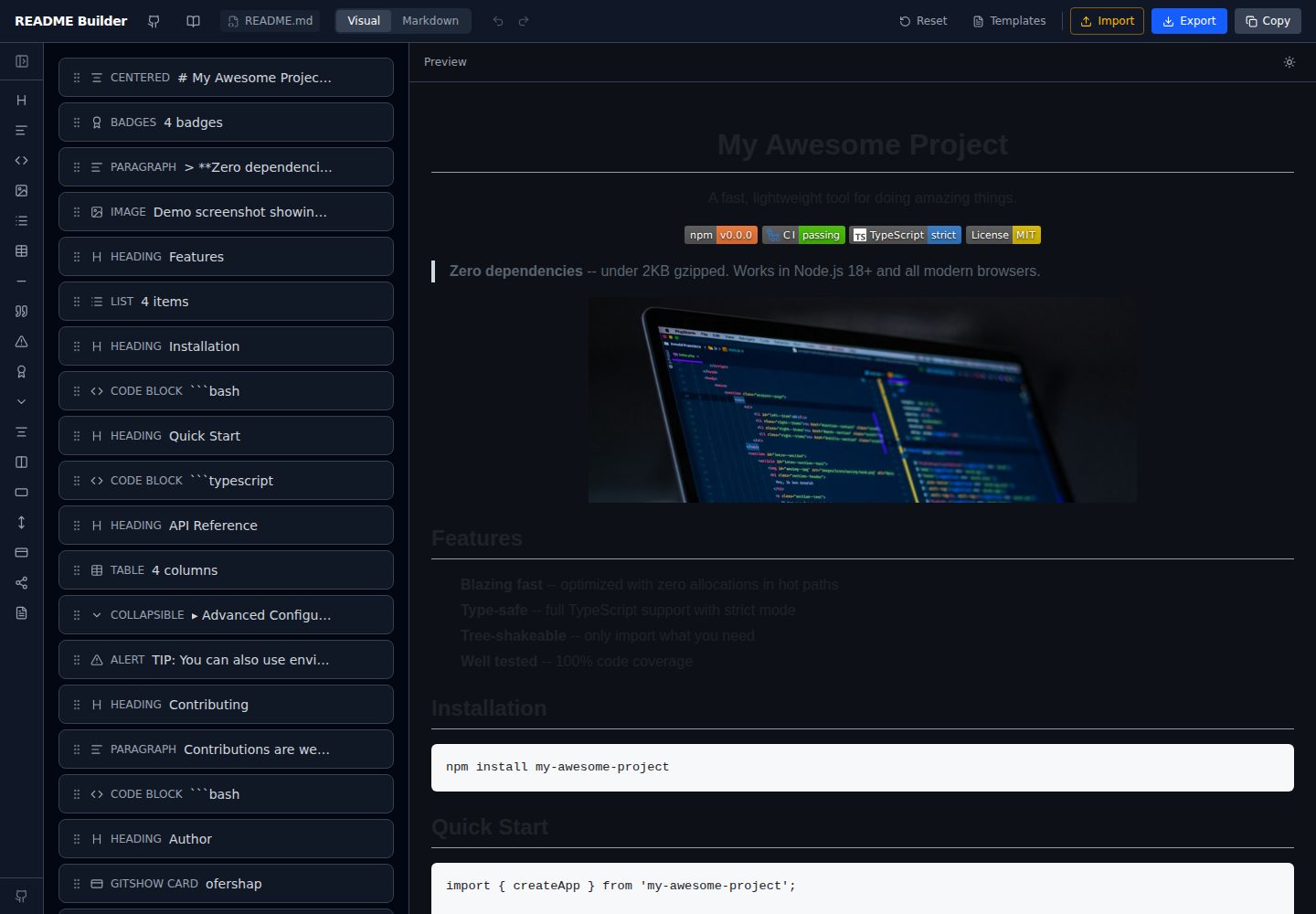
readme-builder
A purely front-end README visual editor built on Vite and React. It generates GitHub-flavored Markdown by dragging blocks, with live preview, four templates, badge editing, Markdown import/export, undo/redo, and localStorage autosave.
Vite · Tool Site
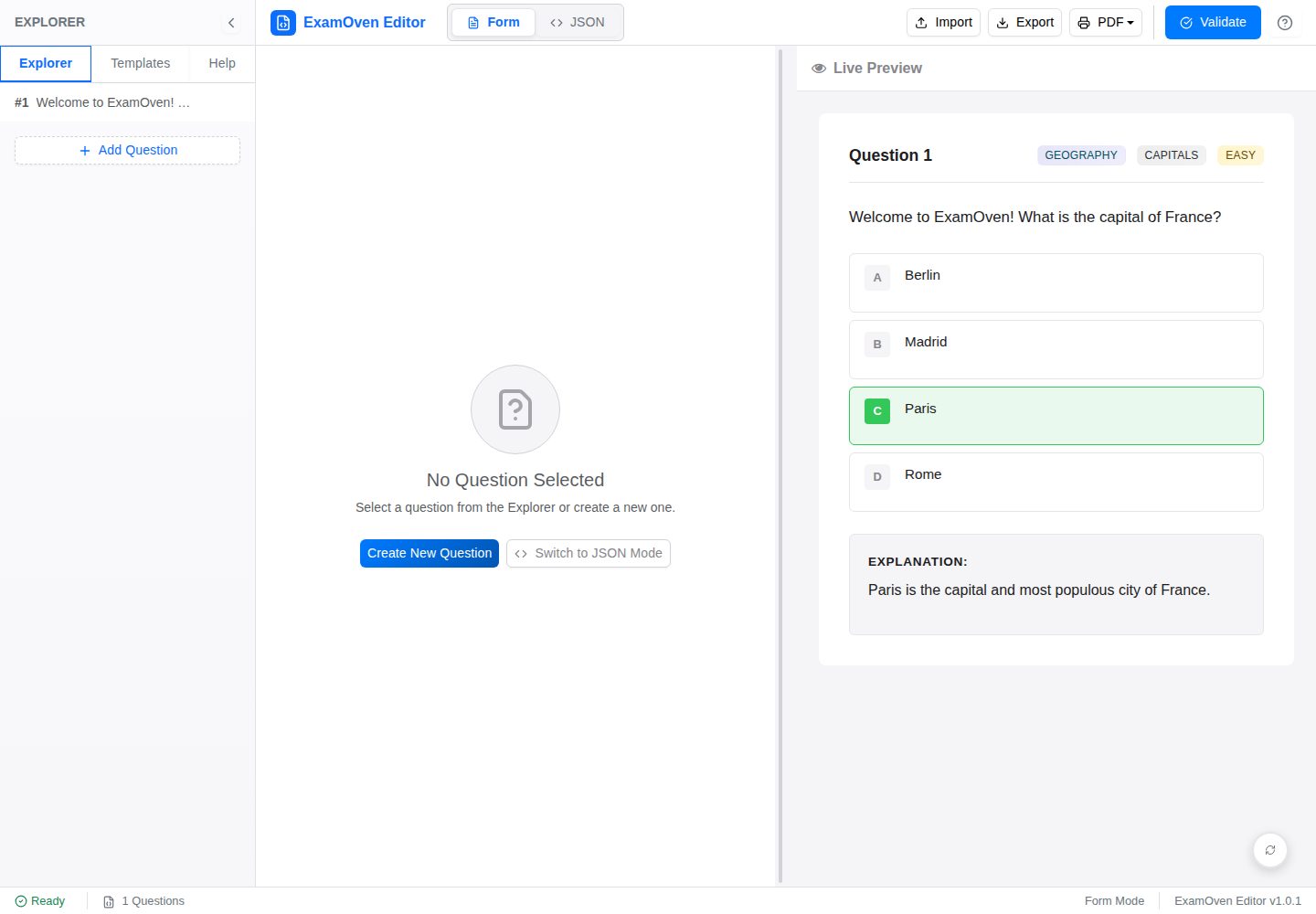
examify-json-editor
A React, TypeScript, and Vite-based browser tool for creating, editing, and validating Examify/ExamOven JSON question files.
Vite · Tool Site
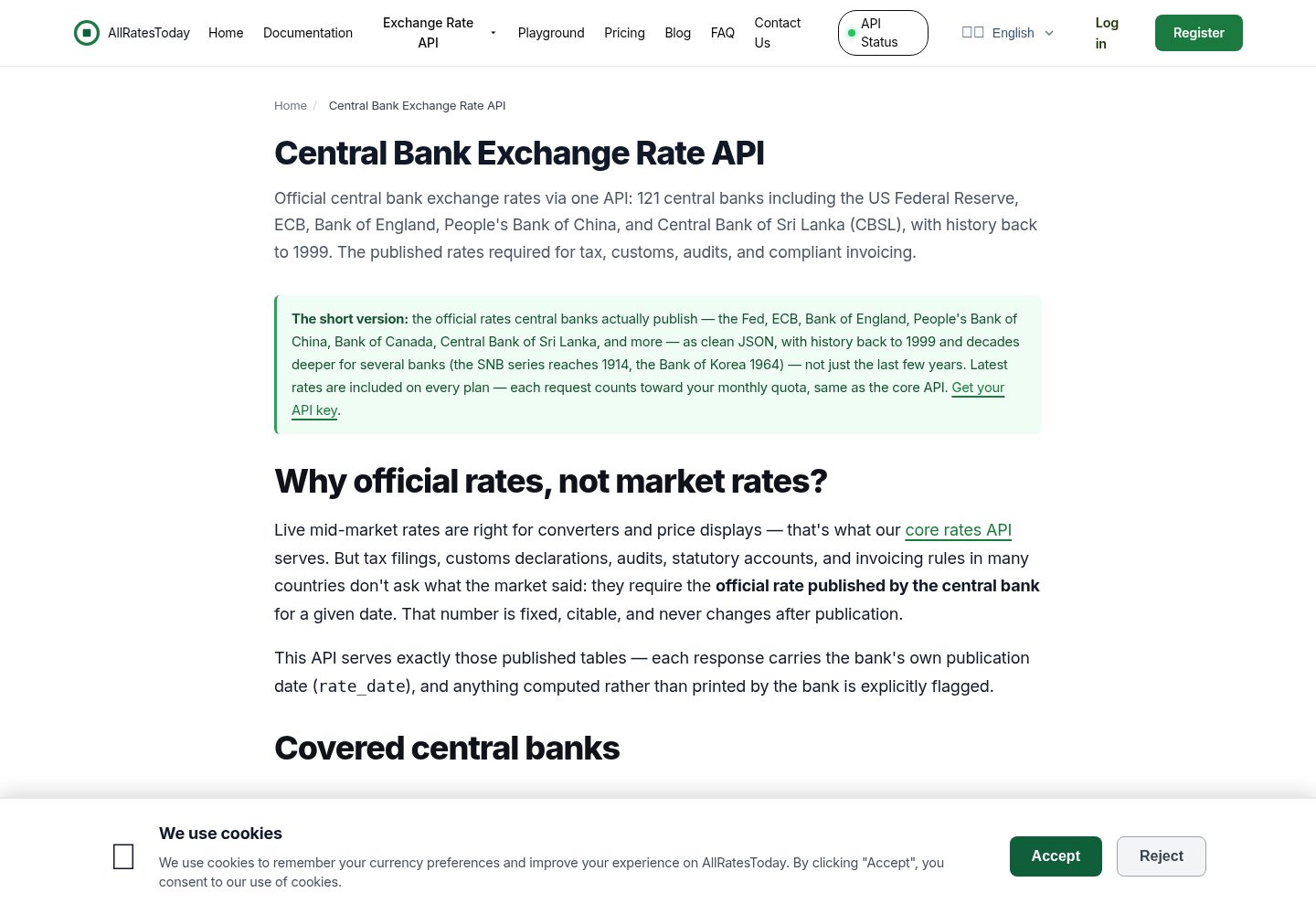
react-currency-converter
A React + Vite currency conversion template that runs immediately after cloning.
Vite · Tool Site
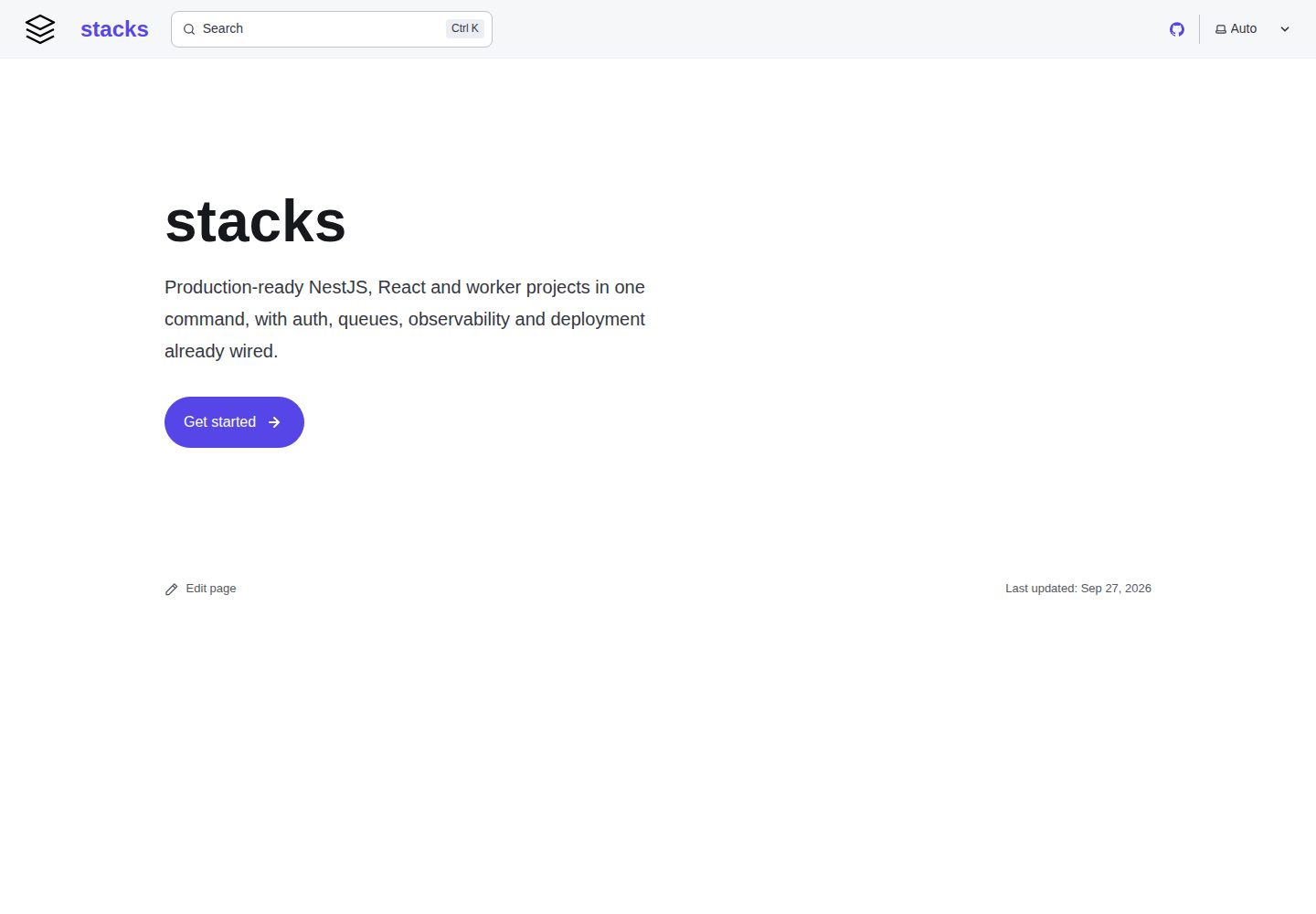
stacks
aurostack-org/stacks provides runnable Vite/React project templates and a zero-dependency Node ESM generator that creates projects by deleting unselected features.
Vite · Tool Site
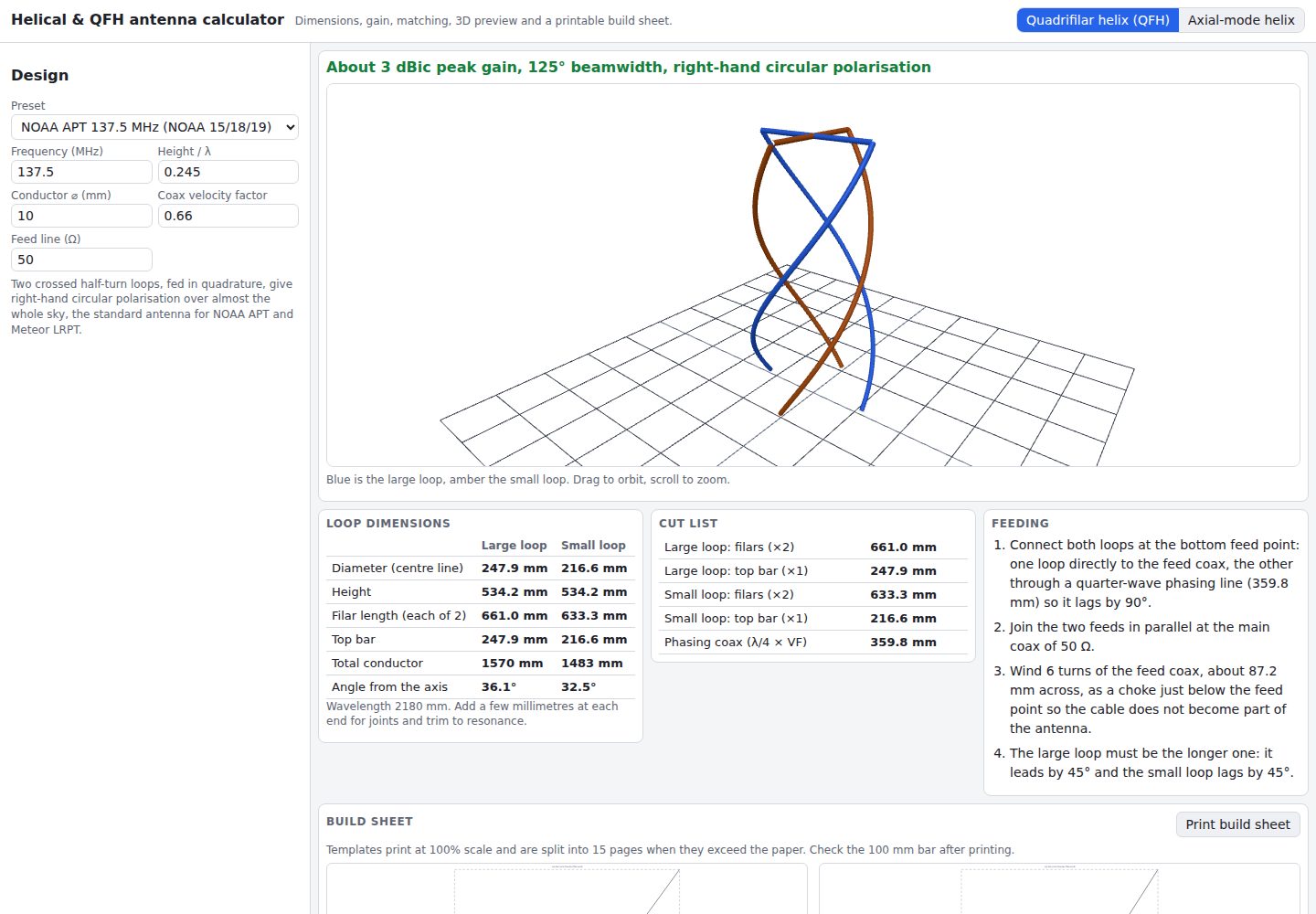
helical-qfh-calculator
A Vite + React browser calculator for axial-mode helical (Kraus) and quadrifilar helix (QFH) antennas.
Vite · Tool Site