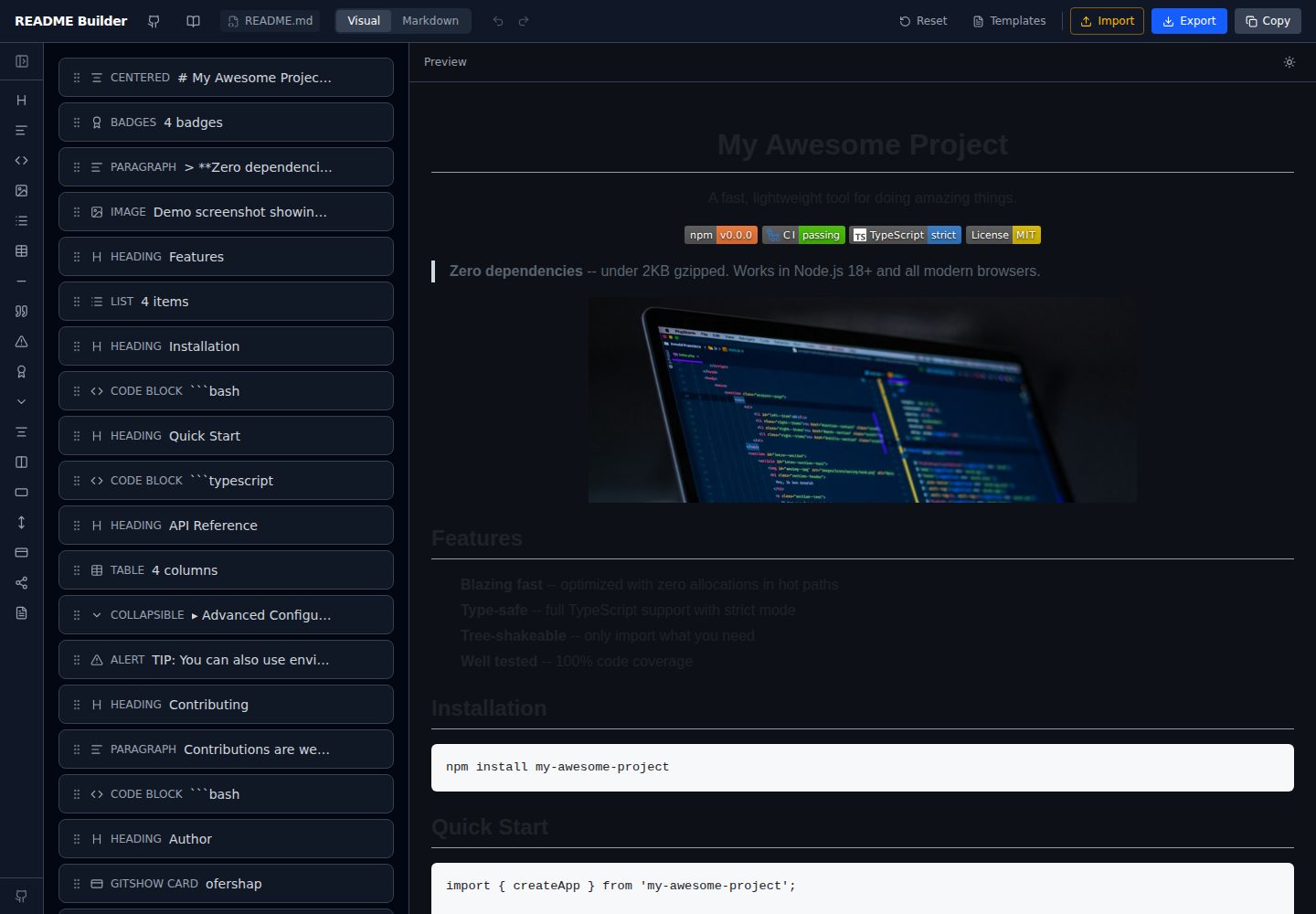
Drag-and-drop block editing with more than 15 block types, including headings, badges, code, tables, lists, images, alerts, collapsible details, quotes, and dividers
ViteReactTool Site
readme-builder — Vite Tool Template
By ofershap
A visual README editor built on Vite and React that generates GitHub-flavored Markdown by dragging blocks, with live preview, templates, import/export, and local autosave.
Explore the design
Compare the page layouts and mobile experience. Open any screenshot for a closer look.
Desktop homepage1 / 2
Desktop captureTop of page
Actual screenshot captured by the server browser.
All pages & views 2
Screenshots show visual appearance; interactive behavior may differ.
Recorded 2026-10-03View source
What stands out
A quick read of the recorded project description.
Live GitHub-flavored preview, including GFM tables and alert rendering, with switchable dark/light preview themes
Three import methods: paste Markdown, choose a local file, or fetch the README of any GitHub repository
Four built-in templates—Minimal Library, Full Project, CLI Tool, and GitHub Profile—plus a README best practices guide
Badge editor with a color palette, more than 30 logo icons, and a live/static toggle
Undo/redo, localStorage autosave, a CodeMirror raw Markdown view, and .md file export
Template Details
readme-builder is a purely front-end README visual editor. It turns blocks such as headings, badges, code blocks, tables, lists, images, alerts, collapsible details, quotes, and dividers into draggable components. Users arrange blocks on the canvas, see the GitHub-flavored Markdown (GFM) rendering in real time on the right, and then copy the Markdown or export a .md file.
For importing, you can paste raw Markdown, choose a local file, or directly fetch the README of any GitHub repository. Four built-in templates are provided—Minimal Library, Full Project, CLI Tool, and GitHub Profile—along with a README best practices guide. The badge editor offers a color palette, more than 30 logo icons, and a live/static toggle.
Editing state is managed by Zustand, with undo/redo provided by zundo; blocks are automatically saved in localStorage and persist across sessions. The raw Markdown view uses CodeMirror with syntax highlighting, and the preview theme can be switched between GitHub dark and light. The app runs entirely on the client, with no backend, authentication, or tracking. The build output is static files and can be deployed to any static hosting.
Note that the SEO/GEO optimization mentioned in the templates refers to how the templates are organized (heading hierarchy, alt text, FAQ blocks, etc.) and does not mean search engines or AI assistants will index or recommend them as a result. The project uses the MIT license, and third-party assets such as demo images, fonts, and icons must be checked separately under their respective licenses.
ViteReactTool Site
Is it right for your project?
Use Cases
- Quickly draft a structurally complete README for a personal or team repository, then export Markdown and commit it to the code repository
- Import an existing Markdown README into the editor and adjust block order and content visually
- Use the built-in templates and best practices guide to scaffold a README for a library, CLI tool, or GitHub profile
- Generate shields.io badge links through the badge editor to avoid errors from hand-writing URLs
Suitable For
- Developers and open-source maintainers who frequently write or maintain GitHub READMEs
- People unfamiliar with Markdown syntax who want to format documents visually
- Teams that want to reference ready-made templates and best practices to organize project documentation
- Users who need to self-host a static site and do not want to depend on backend services
Getting started & customization
Use these recorded setup notes alongside the repository instructions for your chosen version.
- 1
After cloning the repository, run npm install, then npm run dev; by default it is available at http://localhost:5173
- 2
For production, run npm run build to generate static files; the dist directory can be hosted with any static server
- 3
The app is purely client-side and requires no backend, database, or authentication service configuration
- 4
Block data is stored in the browser's localStorage; clearing browser data will lose content that has not been exported
- 5
The repository uses the MIT license; when distributing or modifying the code, you must retain the copyright and license notice; third-party assets must be checked separately for licensing
License & source material
Usage conditions & limitations
Free to use · keep license noticeThis entry covers the free version in the public repository under the MIT license; the free scope is that version's code and does not mean external services or third-party assets are free.
Must comply with when using
- You may use, modify, commercially use, and distribute this version's code for free.
- When distributing copies or substantial portions of the code, retain the original author's copyright notice and the complete MIT license notice.
- The code is provided as is; warranties and limitations of liability are governed by the original license and applicable law.
Additional costs & items to verify
- Demo images, fonts, icons, and other third-party assets must be checked under their respective licenses; they cannot be judged solely by the code's MIT license.
- External services such as domains, hosting, databases, payments, or AI may incur separate charges.
View Original Text Basis
https://github.com/ofershap/readme-builder/blob/main/LICENSEhttps://github.com/ofershap/readme-builder/blob/main/README.mdPermission is hereby granted, free of charge
Original License Text
Compiled by DeepSeek based on repository license and README ·2026-10-03. Results only cover the materials read; dependencies, images, fonts, and subsequent term changes are subject to their respective original texts.
Project checks & description sources
Template Information
- Source platforms
- GitHub
- Documentation and maintenance reference score
- More documented · 92 / 100
- Technologies
- Vite · React
- Website type
- Tool Site
How this score is calculated
Our heuristic uses license records (up to 30), a demo link (12), a preview (10), stars (15), recorded maintenance (15), description completeness (8), feature records (5) and classification data (5). It is not a code, security or performance test, or a Google score. A link does not establish tested functionality.
What to verify for this project
- Repository update recorded
- 2026-05-22
- Screenshot last checked
- 2026-10-03
A demo link is listed. Check it with your own content and viewport sizes; its presence does not confirm that forms, authentication or payments work.
The catalog identifies Vite as the primary stack. Check the actual dependency manifest and lockfile for versions and hosting requirements. These notes use recorded metadata, not a code audit or a deployment test.
Use a selection guide →How this description was prepared
AI-assisted description based on catalog records and repository material. Repository authors are not automatically the reviewers of this description.
Review declaration: [email protected] · 2026-10-04
Inspect the recorded source material
SHA-256: 26367725a1adbb1eed6434530dfbc49ce3823934f9b7ea3f42fed3f9731012ea
2026-10-03T18:52:53.150Z
Source file / repository<h1 align="center">readme-builder</h1> <p align="center"> <strong>Stop writing markdown by hand. Drag blocks, get a README.</strong> </p> <p align="center"> Visual editor that turns drag-and-drop blocks into GitHub-flavored markdown.<br> Live preview, templates, import from GitHub repos, export when you're done. </p> <p align="center"> <a href="https://ofershap.github.io/readme-builder"><img src="https://img.shields.io/badge/Try_It_Now-22c55e?style=for-the-badge&logoColor=white" alt="Try It Now" /></a> <a href="#features"><img src="https://img.shields.io/badge/Features-3b82f6?style=for-the-badge&logoColor=white" alt="Features" /></a> <a href="#self-hosting"><img src="https://img.shields.io/badge/Self_Host-8b5cf6?style=for-the-badge&logoColor=white" alt="Self Host" /></a> </p> <p align="center"> <a href="https://github.com/ofershap/readme-builder/stargazers"><img src="https://img.shields.io/github/stars/ofershap/readme-builder?style=social" alt="GitHub stars" /></a> <a href="https://github.com/ofershap/readme-builder/actions/workflows/ci.yml"><img src="https://github.com/ofershap/readme-builder/actions/workflows/ci.yml/badge.svg" alt="CI" /></a> <a href="https://www.typescriptlang.org/"><img src="https://img.shields.io/badge/TypeScript-strict-blue" alt="TypeScript" /></a> <a href="LICENSE"><img src="https://img.shields.io/badge/License-MIT-yellow.svg" alt="License: MIT" /></a> <a href="https://makeapullrequest.com"><img src="https://img.shields.io/badge/PRs-welcome-brightgreen.svg" alt="PRs Welcome" /></a> </p> --- ## Your README Shouldn't Take Longer Than Your Code You just built something cool. Now you need a README, and suddenly you're juggling markdown syntax, badge URLs, table alignment, and GitHub-flavored quirks. You know the drill: - Copy-paste badge URLs from shields.io, typo the repo name, debug for 10 minutes - Manually align tables, forget a pipe character, the whole thing breaks - Check how the markdown renders by pushing to GitHub and refreshing README Builder gives you a visual canvas where you drag blocks (headings, badges, code, tables, images, alerts) into place and see exactly how GitHub will render them. When it looks right, copy the markdown or export the file. Done. [](https://ofershap.github.io/readme-builder/) ## Features | | | |---|---| | **15 block types** | Headings, badges, code, tables, lists, images, alerts, details/spoilers, blockquotes, horizontal rules, and more | | **Live preview** | GitHub-flavored rendering updates as you type, including GFM alerts and tables | | **Drag and drop** | Reorder blocks visually with `@dnd-kit` | | **Badge editor** | Visual badge builder with color swatches, logo picker (30+ icons), live/static toggle | | **Import** | Paste raw markdown, pick a file from your computer, or fetch any GitHub repo's README | | **Templates** | Start from "Minimal Library", "Full Project", "CLI Tool", or "GitHub Profile" templates | | **SEO & GEO optimized** | Templates follow best practices for search engines and AI assistants -- proper heading hierarchy, descriptive alt text, keyword-rich sections, FAQ blocks | | **[Best Practices Guide](https://ofershap.github.io/readme-builder/#guide)** | Built-in guide covering what makes a README that gets stars vs. one that gets ignored | | **Undo/Redo** | Full history with `Cmd+Z` / `Cmd+Shift+Z` | | **Auto-save** | Blocks persist in localStorage across sessions | | **Markdown tab** | Switch to raw markdown view with syntax highlighting (CodeMirror) | | **Dark/Light preview** | Toggle preview theme to match GitHub dark or light mode | | **Export** | Download as `.md` file with your chosen filename | ## Tech Stack | | | |---|---| | **Framework** |  | | **Language** |  | | **Styling** |  | | **Build** |  | | **State** |  + zundo (time travel) | | **Editor** |  | | **Drag & Drop** | @dnd-kit/react | | **Markdown** | react-markdown + remark-gfm + rehype-raw | ## Self-Hosting The app is fully client-side. No backend, no auth, no tracking. Clone and run: ```bash git clone https://github.com/ofershap/readme-builder.git cd readme-builder npm install npm run dev ``` Open `http://localhost:5173`. That's it. For production, build and serve the static files from anywhere: ```bash npm run build npx serve dist ``` ## Keyboard Shortcuts | Shortcut | Action | |---|---| | `Cmd+Z` | Undo | | `Cmd+Shift+Z` | Redo | | `Cmd+Shift+C` | Copy markdown to clipboard | | `Delete` / `Backspace` | Remove selected block | ## Contributing Contributions welcome. See [CONTRIBUTING.md](CONTRIBUTING.md) for guidelines. ## Author [](https://gitshow.dev/ofershap) [](https://linkedin.com/in/ofershap) [](https://github.com/ofershap) --- If this helped you, [star the repo](https://github.com/ofershap/readme-builder), [open an issue](https://github.com/ofershap/readme-builder/issues) if something breaks, or [start a discussion](https://github.com/ofershap/readme-builder/discussions). ## License [MIT](LICENSE) © [Ofer Shapira](https://github.com/ofershap)
Explore similar templates
Compare previews and descriptions within the same stack and category.

vituum
Vituum is a static site generator for Vite, provided as a Vite plugin. It integrates template engines into Vite for rapid prototyping and static page development such as email templates.
Vite · Tool Site

tropical
Tropical is a Vite-based static site template for HTML-first sites with client-side JS islands where interactivity is needed. It supports React components, includes dev, build, stories, page, and component scripts, outputs builds to dist/static, and is MIT licensed.
Vite · Tool Site
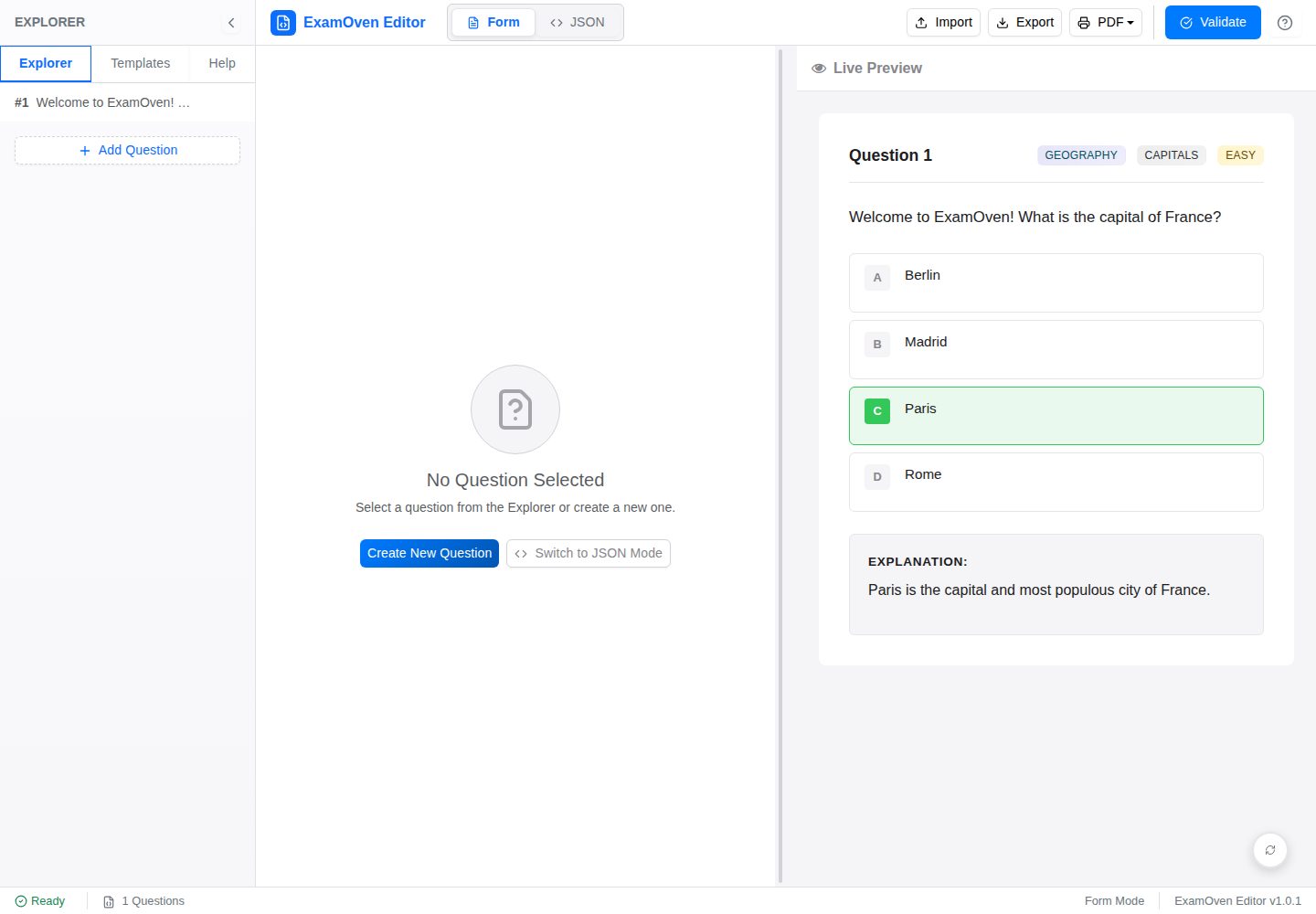
examify-json-editor
A React, TypeScript, and Vite-based browser tool for creating, editing, and validating Examify/ExamOven JSON question files.
Vite · Tool Site
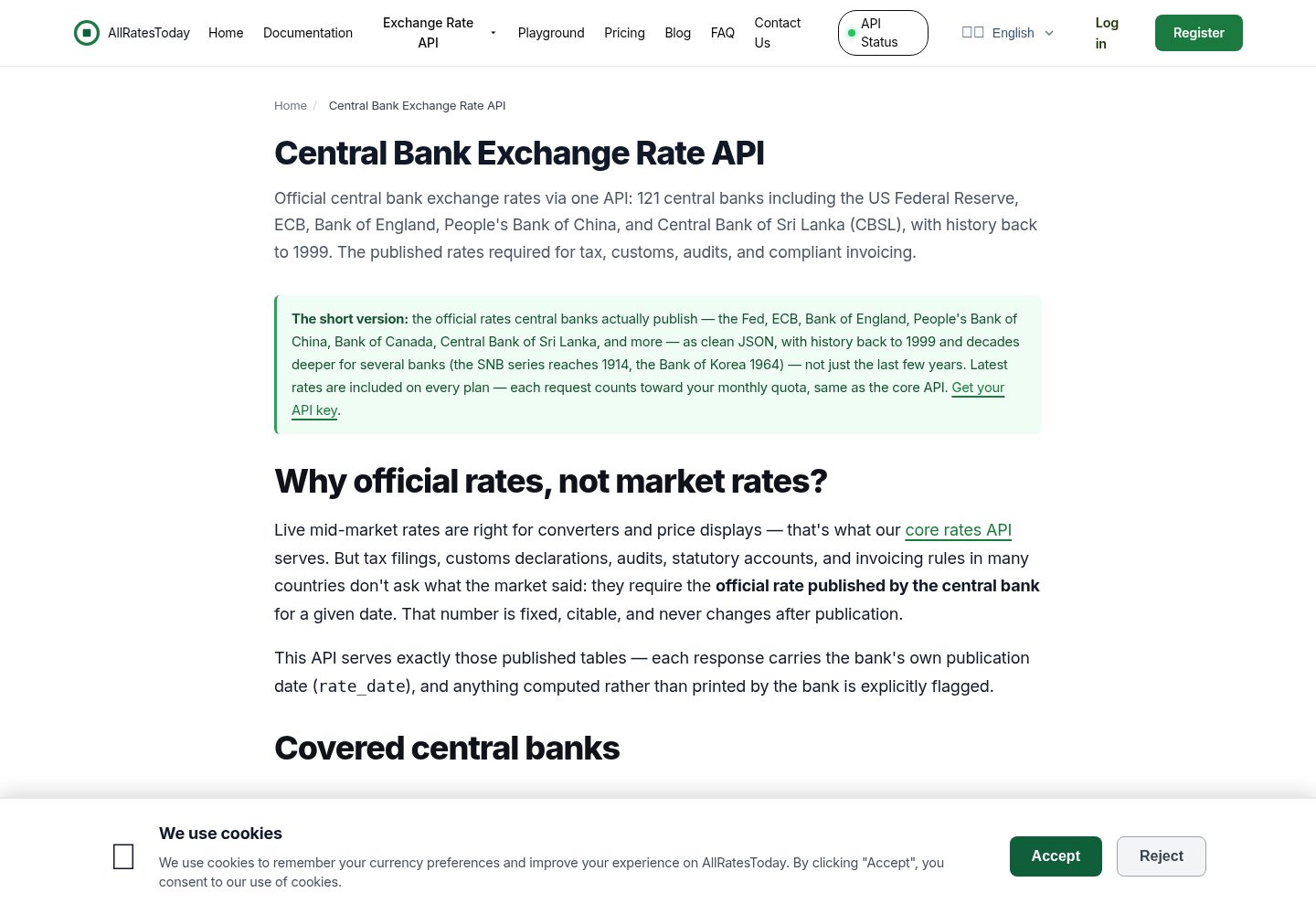
react-currency-converter
A React + Vite currency conversion template that runs immediately after cloning.
Vite · Tool Site
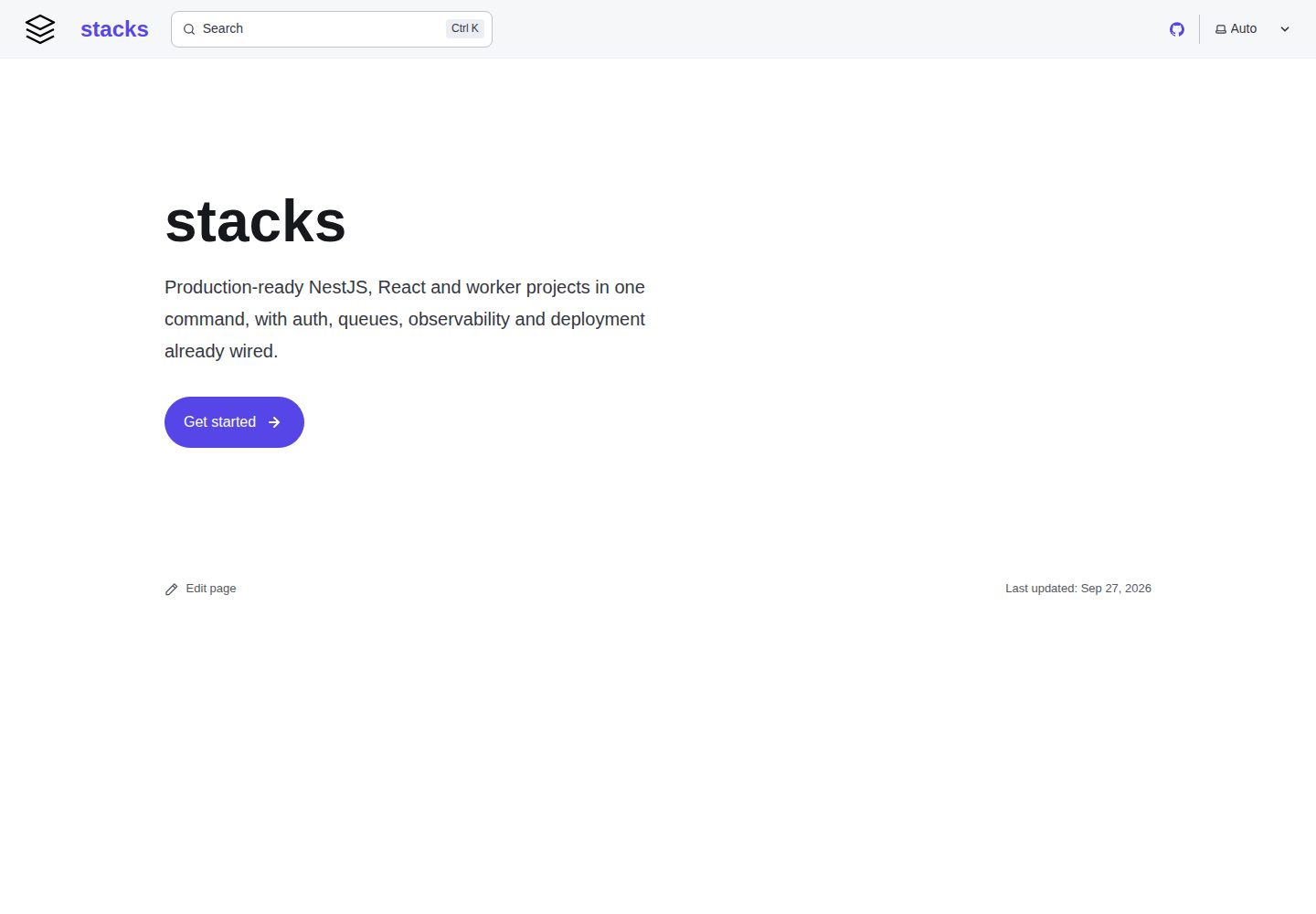
stacks
aurostack-org/stacks provides runnable Vite/React project templates and a zero-dependency Node ESM generator that creates projects by deleting unselected features.
Vite · Tool Site
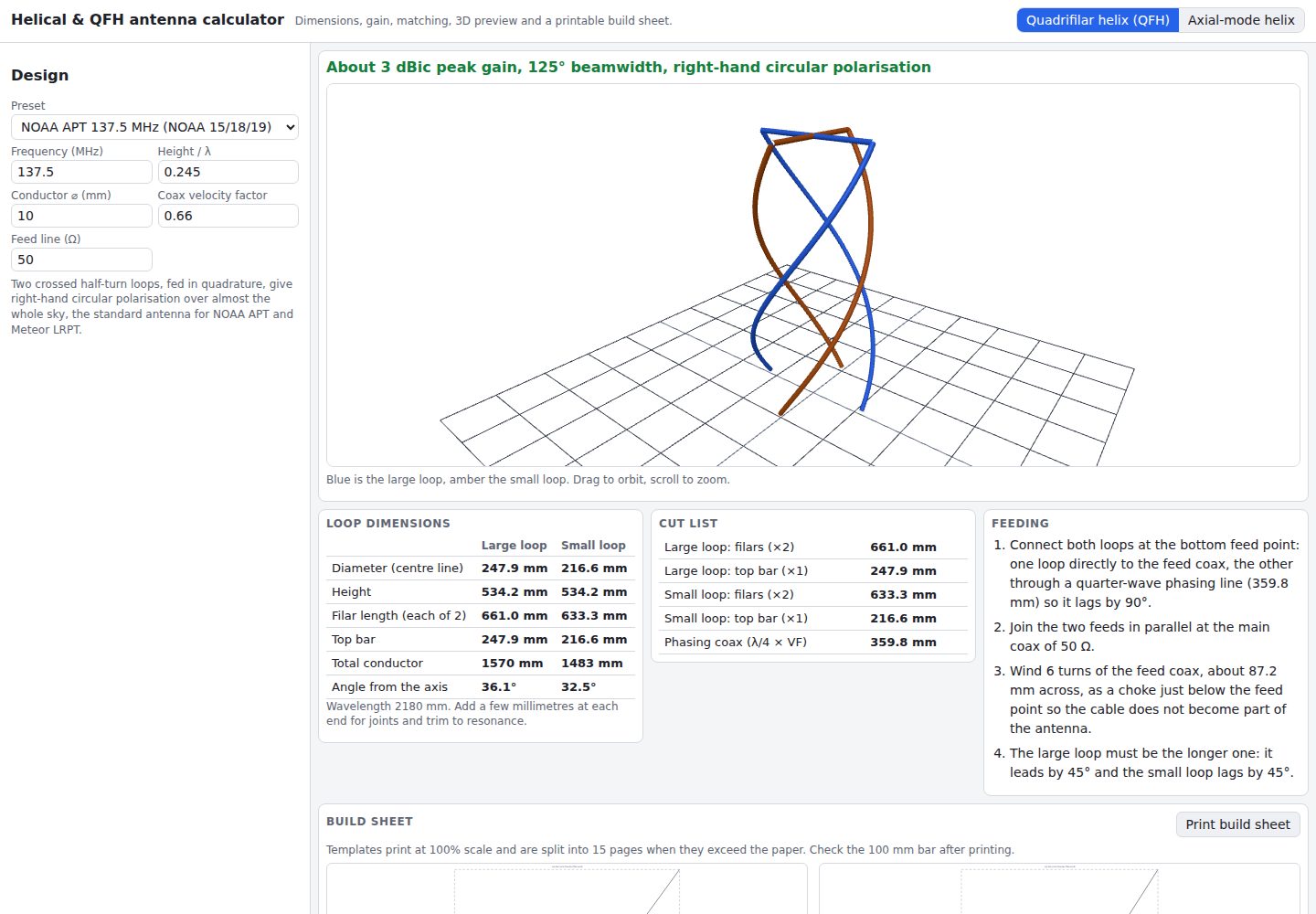
helical-qfh-calculator
A Vite + React browser calculator for axial-mode helical (Kraus) and quadrifilar helix (QFH) antennas.
Vite · Tool Site