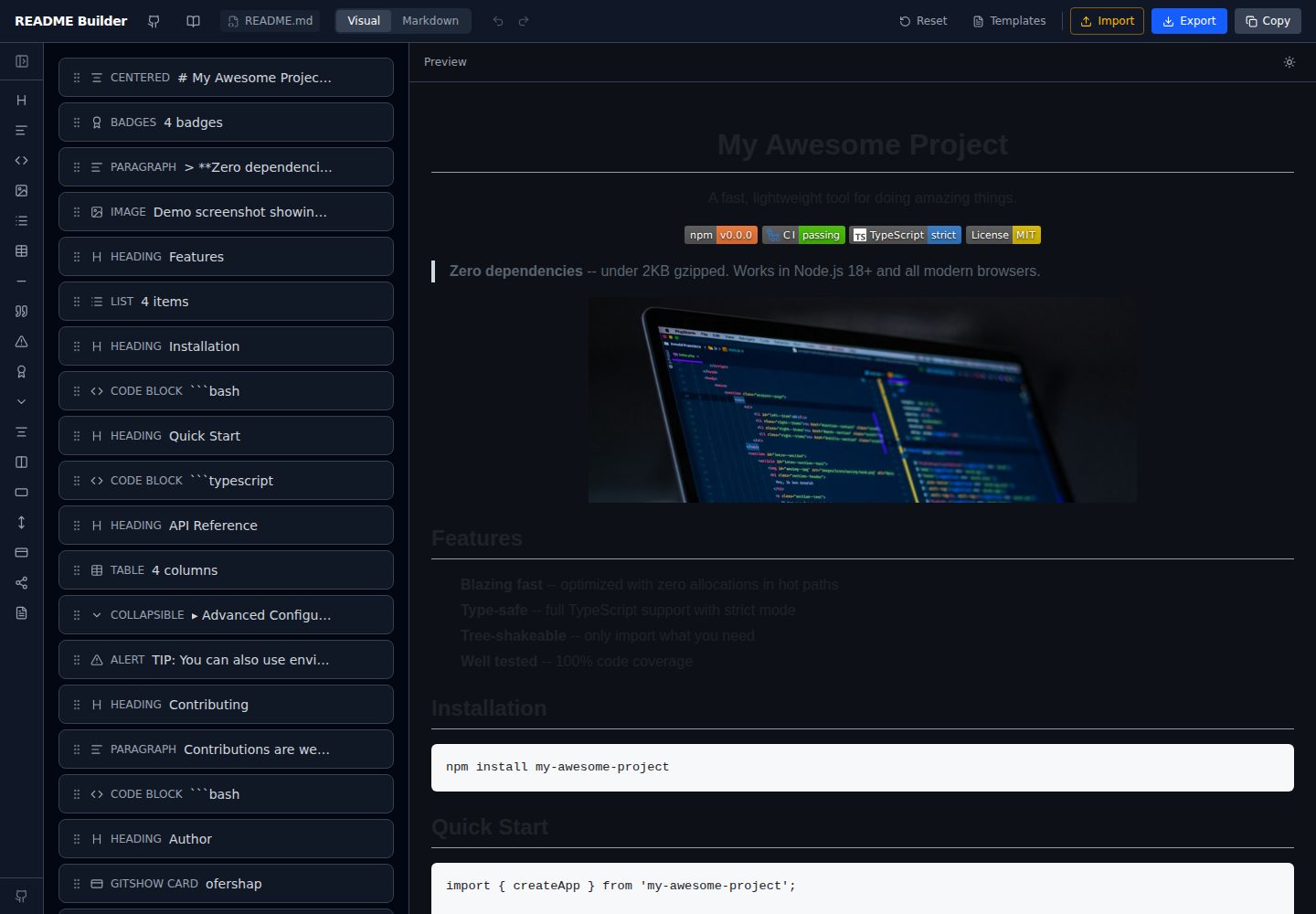
拖拽式区块编辑,支持标题、徽章、代码、表格、列表、图片、告警、折叠详情、引用、分隔线等 15 种以上区块类型
ViteReact工具站
readme-builder — Vite 工具站模板
作者 ofershap
基于 Vite 与 React 的可视化 README 编辑器,通过拖拽区块生成 GitHub 风格 Markdown,支持实时预览、模板、导入导出与本地自动保存。
看看你的网站会是什么样
浏览真实页面截图,比较内容排版与手机效果。点击下方缩略图切换,放大查看整页细节。
全部页面与视图 2
截图用于了解视觉与布局,交互效果请以实际项目为准。
采集于 2026-10-03查看来源
值得关注的模板亮点
从已有项目资料中,快速了解它的特点。
实时 GitHub 风格预览,包含 GFM 表格与告警渲染,并可切换深色/浅色预览主题
支持三种导入方式:粘贴 Markdown、选择本地文件、抓取任意 GitHub 仓库的 README
内置 Minimal Library、Full Project、CLI Tool、GitHub Profile 四套模板与一份 README 最佳实践指南
徽章编辑器提供颜色色板、30 多个 logo 图标与 live/static 切换
撤销/重做、localStorage 自动保存、CodeMirror 原始 Markdown 视图与 .md 文件导出
模板详细介绍
readme-builder 是一个纯前端运行的 README 可视化编辑器。它把标题、徽章、代码块、表格、列表、图片、告警、折叠详情、引用、分隔线等区块做成可拖拽的组件,用户在画布上排列区块,右侧实时显示 GitHub 风格(GFM)的渲染效果,确认后复制 Markdown 或导出 .md 文件。
导入方面,可以粘贴原始 Markdown、从本机选择文件,或直接抓取任意 GitHub 仓库的 README。内置 Minimal Library、Full Project、CLI Tool、GitHub Profile 四套模板,并附带一份 README 最佳实践指南。徽章编辑器提供颜色色板、30 多个 logo 图标选择以及 live/static 切换。
编辑状态由 Zustand 管理,配合 zundo 提供撤销/重做;区块自动保存在 localStorage 中,跨会话保留。Markdown 原始视图使用 CodeMirror 并带语法高亮,预览主题可在 GitHub 深色与浅色之间切换。应用完全在客户端运行,没有后端、认证或追踪,构建产物为静态文件,可部署到任意静态托管。
需要留意的是,模板中提到的 SEO/GEO 优化属于其模板组织方式(标题层级、alt 文本、FAQ 区块等),并不代表搜索引擎或 AI 助手会因此收录或推荐。项目采用 MIT 许可,演示图片、字体、图标等第三方素材需按各自许可单独核对。
ViteReact工具站
适合你的项目吗?
适用场景
- 为个人或团队仓库快速起草结构完整的 README,再导出 Markdown 提交到代码仓库
- 把已有的 Markdown README 导入编辑器,用可视化方式调整区块顺序和内容
- 参考内置模板与最佳实践指南,为库、CLI 工具或 GitHub 个人主页搭建 README 骨架
- 通过徽章编辑器生成 shields.io 徽章链接,避免手写 URL 出错
适合人群
- 需要频繁编写或维护 GitHub README 的开发者与开源维护者
- 不熟悉 Markdown 语法、希望用可视化方式排版文档的人
- 想参考现成模板与最佳实践来组织项目说明的团队
- 需要自行部署静态站点、不希望依赖后端服务的用户
上手与定制指南
结合仓库当前版本的说明,按下面的资料检查内容、配置与运行要求。
- 1
克隆仓库后执行 npm install,再运行 npm run dev,默认访问 http://localhost:5173
- 2
生产环境执行 npm run build 生成静态文件,可用任意静态服务器托管 dist 目录
- 3
应用为纯客户端实现,不需要配置后端、数据库或认证服务
- 4
区块数据保存在浏览器 localStorage 中,清除浏览器数据会丢失未导出的内容
- 5
仓库采用 MIT 许可,分发或修改代码时需保留版权与许可声明;第三方素材需单独核对许可
授权与来源资料
使用条件与限制
免费使用 · 保留许可声明本次收录的是公开仓库中采用 MIT 许可的免费版本;免费范围为该版本代码,不代表外部服务或第三方素材免费。
使用时需要遵守
- 允许免费使用、修改、商用和分发该版本代码。
- 分发代码副本或实质性部分时,保留原作者版权声明和完整 MIT 许可声明。
- 代码按现状提供;担保与责任限制以原许可证及适用法律为准。
额外费用与待核对事项
- 演示图片、字体、图标及其他第三方素材需按各自许可核对,不能仅凭代码的 MIT 许可判断。
- 域名、托管、数据库、支付或 AI 等外部服务可能另外收费。
查看原文依据
https://github.com/ofershap/readme-builder/blob/main/LICENSEhttps://github.com/ofershap/readme-builder/blob/main/README.mdPermission is hereby granted, free of charge
许可证原文
DeepSeek 根据仓库许可证和 README 整理 ·2026-10-03。结果仅覆盖已读取资料,依赖、图片、字体及后续条款变更以各自原文为准。
项目核对记录与介绍依据
模板资料
- 来源平台
- GitHub
- 资料与维护参考分
- 资料较完整 · 92 / 100
- 技术栈
- Vite · React
- 网站类型
- 工具站
这个分数如何计算
本站按许可资料(最高30分)、演示链接(12分)、预览图(10分)、Star数(15分)、记录的维护时间(15分)、描述完整度(8分)、功能记录(5分)和分类资料(5分)计算。它不是代码、安全或性能测试,也不是 Google 评分;有链接不代表已实测可用。
这个项目需要核对什么
- 记录的仓库更新时间
- 2026-05-22
- 截图检查日期
- 2026-10-03
已收录演示链接。请用你的内容与屏幕尺寸检查;有演示不代表表单、认证或支付已经可用。
目录记录的主要技术栈是 Vite。请通过依赖清单和锁文件核对实际版本与托管要求。这些说明基于收录资料,不代表代码审计或部署实测。
查看具体选型方法 →介绍的制作与核对状态
介绍由 AI 辅助整理目录与仓库资料。仓库作者不等于这篇介绍的审核者。
审核声明: [email protected] · 2026-10-04
查看当时使用的来源资料
SHA-256: 26367725a1adbb1eed6434530dfbc49ce3823934f9b7ea3f42fed3f9731012ea
2026-10-03T18:52:53.150Z
来源文件 / 仓库<h1 align="center">readme-builder</h1> <p align="center"> <strong>Stop writing markdown by hand. Drag blocks, get a README.</strong> </p> <p align="center"> Visual editor that turns drag-and-drop blocks into GitHub-flavored markdown.<br> Live preview, templates, import from GitHub repos, export when you're done. </p> <p align="center"> <a href="https://ofershap.github.io/readme-builder"><img src="https://img.shields.io/badge/Try_It_Now-22c55e?style=for-the-badge&logoColor=white" alt="Try It Now" /></a> <a href="#features"><img src="https://img.shields.io/badge/Features-3b82f6?style=for-the-badge&logoColor=white" alt="Features" /></a> <a href="#self-hosting"><img src="https://img.shields.io/badge/Self_Host-8b5cf6?style=for-the-badge&logoColor=white" alt="Self Host" /></a> </p> <p align="center"> <a href="https://github.com/ofershap/readme-builder/stargazers"><img src="https://img.shields.io/github/stars/ofershap/readme-builder?style=social" alt="GitHub stars" /></a> <a href="https://github.com/ofershap/readme-builder/actions/workflows/ci.yml"><img src="https://github.com/ofershap/readme-builder/actions/workflows/ci.yml/badge.svg" alt="CI" /></a> <a href="https://www.typescriptlang.org/"><img src="https://img.shields.io/badge/TypeScript-strict-blue" alt="TypeScript" /></a> <a href="LICENSE"><img src="https://img.shields.io/badge/License-MIT-yellow.svg" alt="License: MIT" /></a> <a href="https://makeapullrequest.com"><img src="https://img.shields.io/badge/PRs-welcome-brightgreen.svg" alt="PRs Welcome" /></a> </p> --- ## Your README Shouldn't Take Longer Than Your Code You just built something cool. Now you need a README, and suddenly you're juggling markdown syntax, badge URLs, table alignment, and GitHub-flavored quirks. You know the drill: - Copy-paste badge URLs from shields.io, typo the repo name, debug for 10 minutes - Manually align tables, forget a pipe character, the whole thing breaks - Check how the markdown renders by pushing to GitHub and refreshing README Builder gives you a visual canvas where you drag blocks (headings, badges, code, tables, images, alerts) into place and see exactly how GitHub will render them. When it looks right, copy the markdown or export the file. Done. [](https://ofershap.github.io/readme-builder/) ## Features | | | |---|---| | **15 block types** | Headings, badges, code, tables, lists, images, alerts, details/spoilers, blockquotes, horizontal rules, and more | | **Live preview** | GitHub-flavored rendering updates as you type, including GFM alerts and tables | | **Drag and drop** | Reorder blocks visually with `@dnd-kit` | | **Badge editor** | Visual badge builder with color swatches, logo picker (30+ icons), live/static toggle | | **Import** | Paste raw markdown, pick a file from your computer, or fetch any GitHub repo's README | | **Templates** | Start from "Minimal Library", "Full Project", "CLI Tool", or "GitHub Profile" templates | | **SEO & GEO optimized** | Templates follow best practices for search engines and AI assistants -- proper heading hierarchy, descriptive alt text, keyword-rich sections, FAQ blocks | | **[Best Practices Guide](https://ofershap.github.io/readme-builder/#guide)** | Built-in guide covering what makes a README that gets stars vs. one that gets ignored | | **Undo/Redo** | Full history with `Cmd+Z` / `Cmd+Shift+Z` | | **Auto-save** | Blocks persist in localStorage across sessions | | **Markdown tab** | Switch to raw markdown view with syntax highlighting (CodeMirror) | | **Dark/Light preview** | Toggle preview theme to match GitHub dark or light mode | | **Export** | Download as `.md` file with your chosen filename | ## Tech Stack | | | |---|---| | **Framework** |  | | **Language** |  | | **Styling** |  | | **Build** |  | | **State** |  + zundo (time travel) | | **Editor** |  | | **Drag & Drop** | @dnd-kit/react | | **Markdown** | react-markdown + remark-gfm + rehype-raw | ## Self-Hosting The app is fully client-side. No backend, no auth, no tracking. Clone and run: ```bash git clone https://github.com/ofershap/readme-builder.git cd readme-builder npm install npm run dev ``` Open `http://localhost:5173`. That's it. For production, build and serve the static files from anywhere: ```bash npm run build npx serve dist ``` ## Keyboard Shortcuts | Shortcut | Action | |---|---| | `Cmd+Z` | Undo | | `Cmd+Shift+Z` | Redo | | `Cmd+Shift+C` | Copy markdown to clipboard | | `Delete` / `Backspace` | Remove selected block | ## Contributing Contributions welcome. See [CONTRIBUTING.md](CONTRIBUTING.md) for guidelines. ## Author [](https://gitshow.dev/ofershap) [](https://linkedin.com/in/ofershap) [](https://github.com/ofershap) --- If this helped you, [star the repo](https://github.com/ofershap/readme-builder), [open an issue](https://github.com/ofershap/readme-builder/issues) if something breaks, or [start a discussion](https://github.com/ofershap/readme-builder/discussions). ## License [MIT](LICENSE) © [Ofer Shapira](https://github.com/ofershap)
看看同类模板
对比同技术栈与用途的模板,找到更适合的视觉与内容结构。

vituum
⚡⚙️ Fast Prototyping with Template Engines in Vite. Small and fast static site generator for Vite.
Vite · 工具站

tropical
Fast, mostly-just-HTML static sites with islands of client-side JS. Click the "Use this template" button ↖️
Vite · 工具站
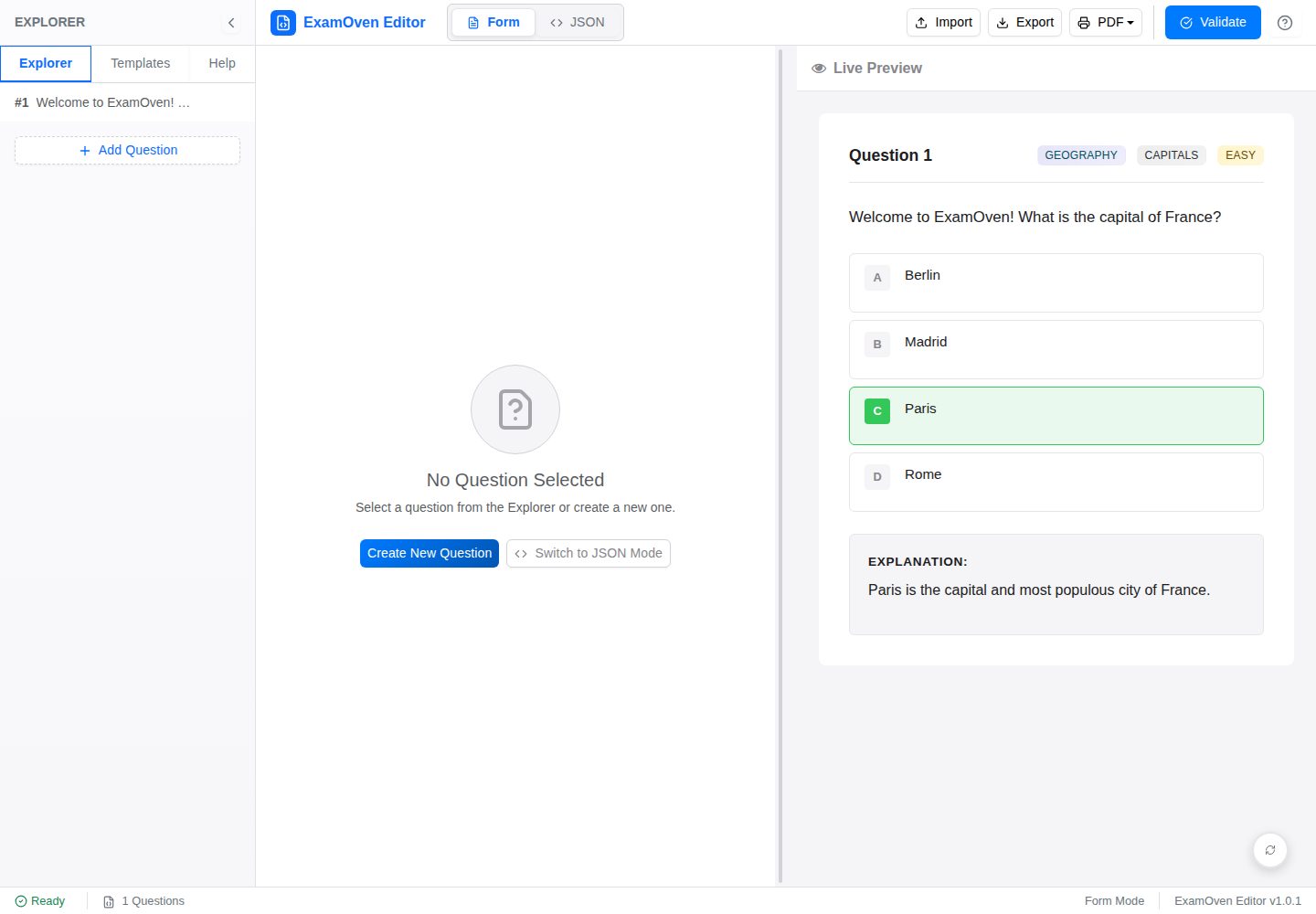
examify-json-editor
Examify JSON Editor (React): A user-friendly web tool for creating, editing, and validating Examify JSON quest…
Vite · 工具站
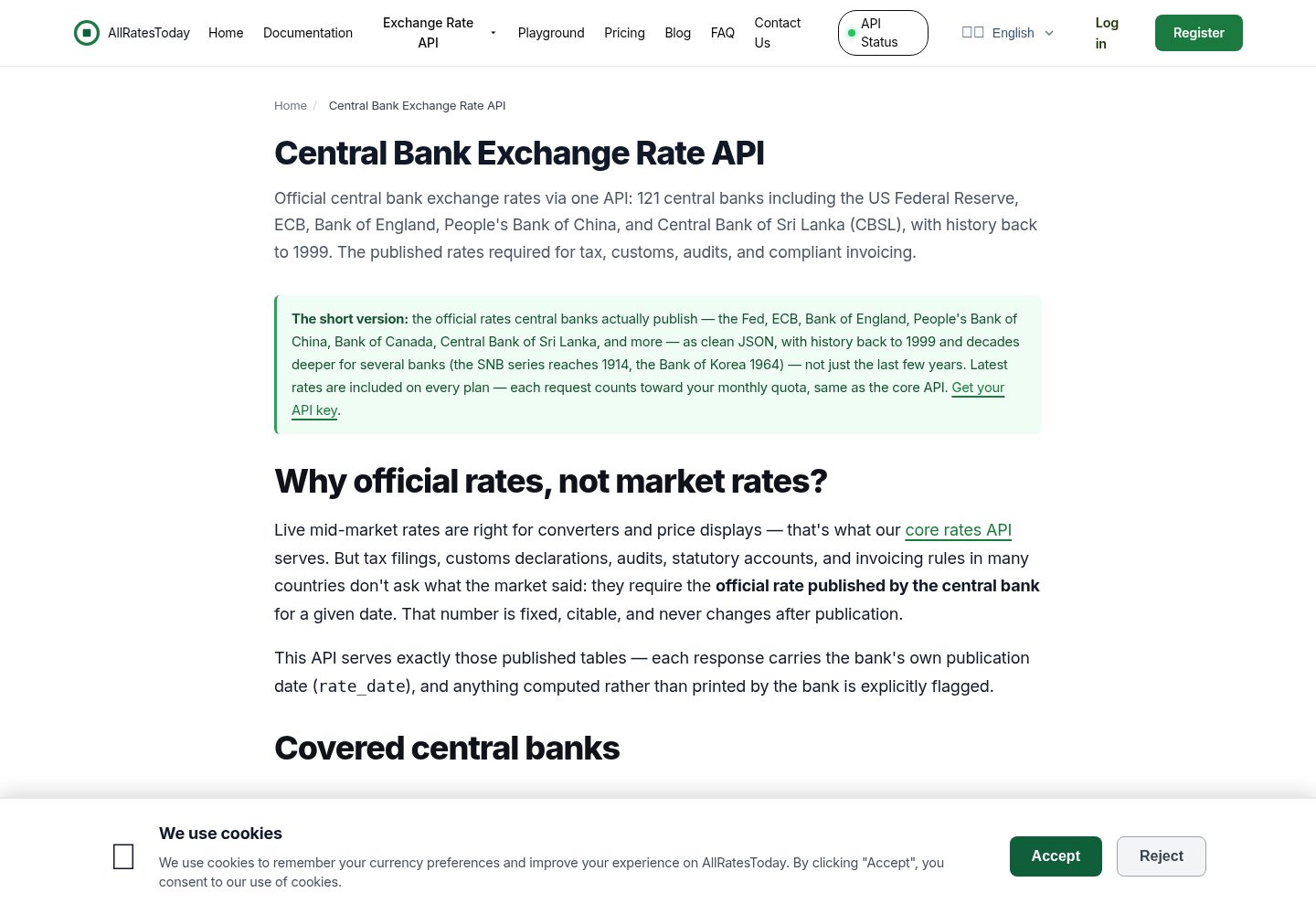
react-currency-converter
A currency converter in React + Vite that works the moment you clone it. Rates are the **official tables publi…
Vite · 工具站
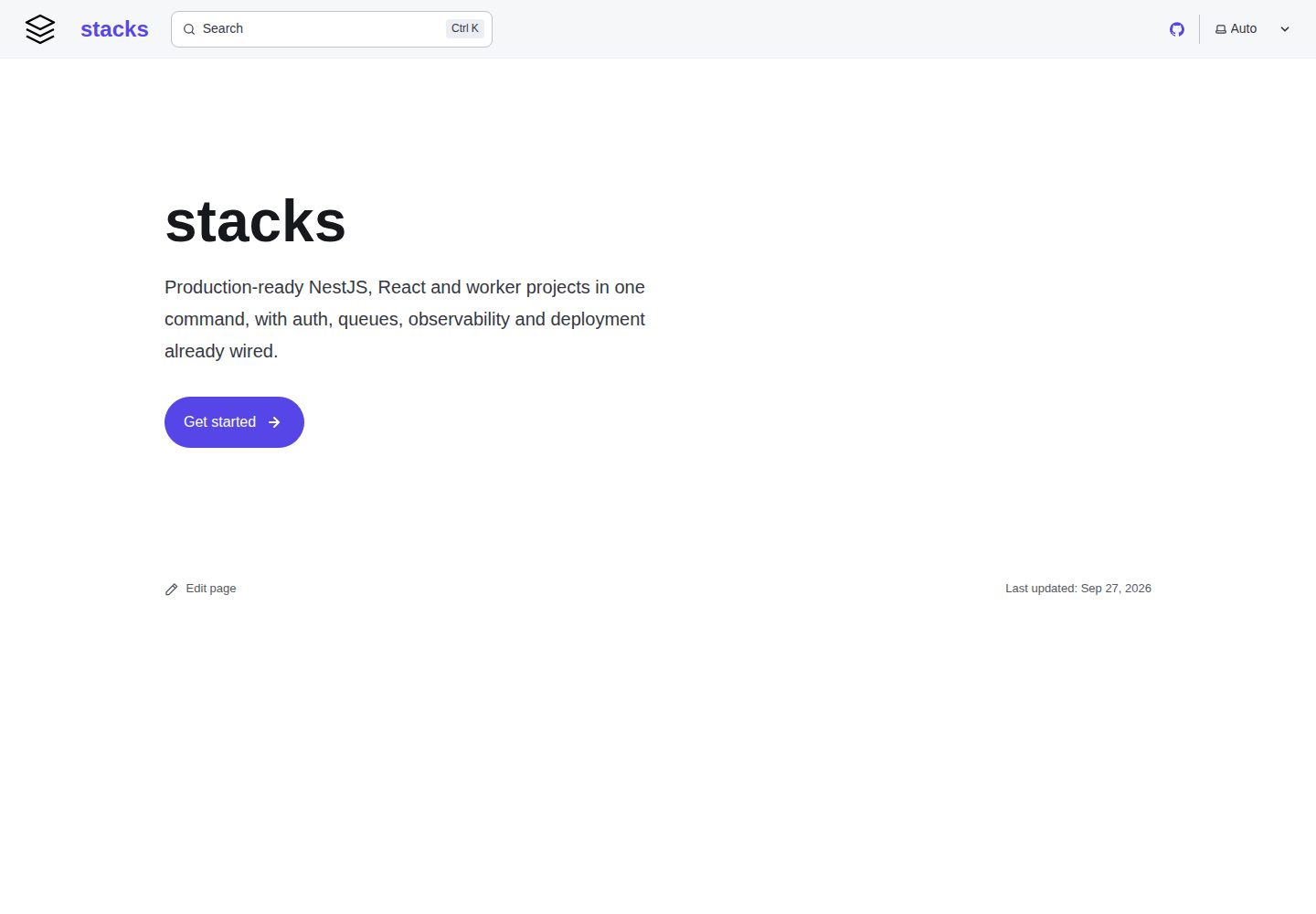
stacks
House project templates and the zero-dependency generator that stamps them out. Subtractive: each template is …
Vite · 工具站
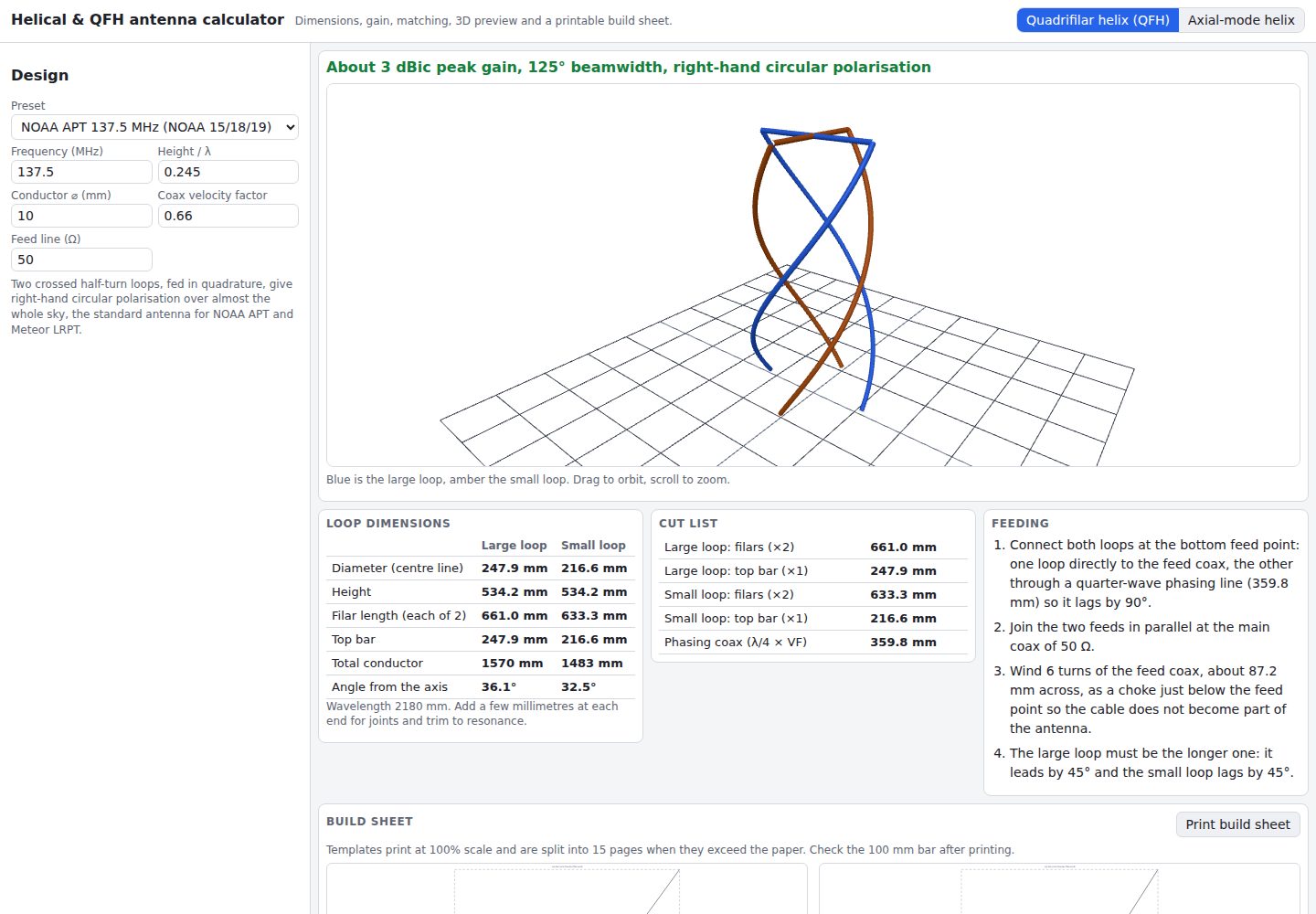
helical-qfh-calculator
Axial-mode helical (Kraus) and quadrifilar helix (QFH) antenna calculator with 3D preview and printable build …
Vite · 工具站