模板为完整可运行应用,包含全部可选功能,生成时按选择删除未启用部分
ViteReact工具站
stacks — Vite 工具站模板
作者 aurostack-org
aurostack-org/stacks 是一套可运行的 Vite/React 项目模板集合,附带零依赖的 Node ESM 生成器,通过删除未选功能来生成项目。
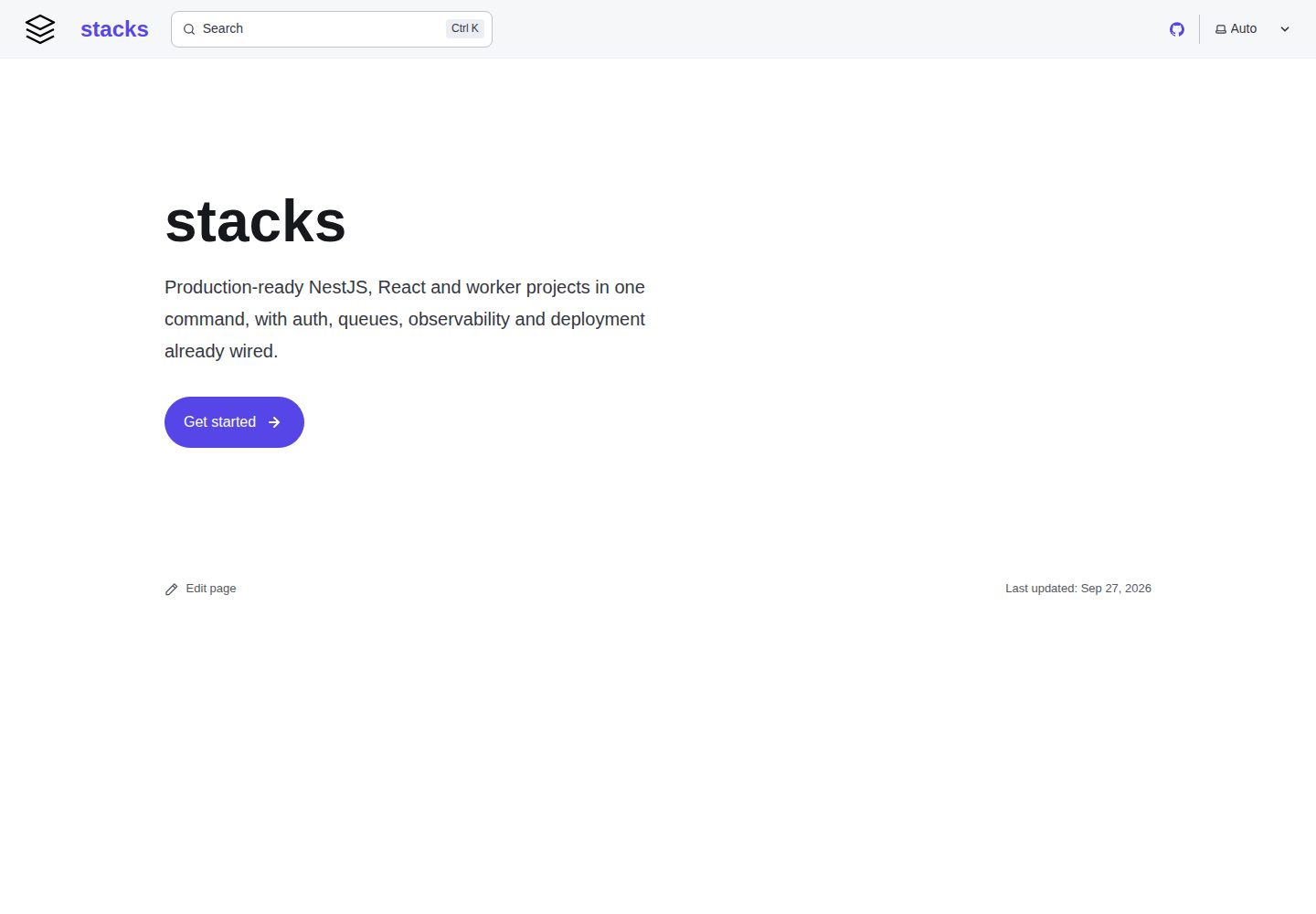
看看你的网站会是什么样
浏览真实页面截图,比较内容排版与手机效果。点击下方缩略图切换,放大查看整页细节。
全部页面与视图 2
截图用于了解视觉与布局,交互效果请以实际项目为准。
采集于 2026-10-05查看来源
值得关注的模板亮点
从已有项目资料中,快速了解它的特点。
生成器为纯 Node ESM,无依赖、无构建步骤,支持 npx 与全局安装
提供 NestJS、React 应用、React monorepo、Node worker、Python worker 五类模板
内置 OpenTelemetry 或 OpenObserve RUM 遥测,默认开启但需配置后才上报
后台任务默认使用 BullMQ,可选启用 Temporal 处理长流程与可恢复工作流
stack doctor 校验功能标记、文件引用与生成后代码完整性
模板详细介绍
该仓库提供多个完整可运行的项目模板,覆盖 NestJS API、React 应用与 monorepo、Node 与 Python 后台 worker。模板采用减法生成方式:每个模板默认包含全部可选功能,生成时按选择删除未启用的文件、代码片段和依赖项,并执行重命名映射。生成器为纯 Node ESM,无依赖、无构建步骤,可通过 npx、全局安装或在 Claude Code 插件中使用。模板内置 OpenTelemetry 或 OpenObserve RUM 遥测,默认开启但需配置后才会上报;后台任务默认使用 BullMQ,可选启用 Temporal。仓库还包含 stack doctor 校验工具和 stack extract 模板同步命令。
ViteReact工具站
适合你的项目吗?
适用场景
- 快速搭建带 Prisma、Redis、BullMQ 和认证的 NestJS API 项目
- 生成单体 Vite/React 应用或拆分为多应用的 monorepo 前端项目
- 创建与 API 共享数据库的 Node 或 Python 后台 worker
- 在 Claude Code 中通过插件技能完成项目脚手架、功能添加与升级
- 为已有项目按模板同步改进或提取新模板
适合人群
- 需要可运行、可测试的项目模板而非代码片段的开发者
- 使用 Vite 与 React 构建前端并需要配套后端与 worker 的团队
- 希望在 Claude Code 中通过插件快速生成项目的用户
- 需要统一遥测与后台任务方案的多服务项目
上手与定制指南
结合仓库当前版本的说明,按下面的资料检查内容、配置与运行要求。
- 1
生成器要求 Node 20.19 及以上,可通过 npx @aurostack/stacks 或全局安装使用
- 2
在 Claude Code 中需先添加插件市场并安装 stacks@aurostack 插件
- 3
模板维护需在 git 检出中进行,install.sh 可将 stack 命令链接到本地检出
- 4
遥测默认开启但需配置 OpenObserve 组织令牌或 OTLP 端点后才会上报
- 5
Temporal 为可选功能,需在生成时通过 --with temporal 启用
授权与来源资料
使用条件与限制
免费使用 · 保留许可声明本次收录的是公开仓库中采用 MIT 许可的免费版本;免费范围为该版本代码,不代表外部服务或第三方素材免费。
使用时需要遵守
- 允许免费使用、修改、商用和分发该版本代码。
- 分发代码副本或实质性部分时,保留原作者版权声明和完整 MIT 许可声明。
- 代码按现状提供;担保与责任限制以原许可证及适用法律为准。
额外费用与待核对事项
- 演示图片、字体、图标及其他第三方素材需按各自许可核对,不能仅凭代码的 MIT 许可判断。
- 域名、托管、数据库、支付或 AI 等外部服务可能另外收费。
- 浏览器端可读堆栈跟踪所需的 source-map 上传功能依赖 OpenObserve Enterprise 版本,免费版无法使用该能力。
- 遥测默认开启,但需在 OpenObserve 中创建组织并配置摄取令牌或 RUM 令牌后才会实际上报数据。
- 若不使用 OpenObserve,需自行提供兼容 OTLP 的后端服务并配置相应端点与请求头。
- 前端 RUM 上报要求将各应用源加入实例的 ZO_CORS_ALLOWED_ORIGINS,否则浏览器上报会被拦截。
- Temporal 为可选功能,需在生成时显式使用 --with temporal 启用,且不会替代内置的 BullMQ 队列。
- 启用 Temporal 的 node-worker 模板镜像会切换为 Debian,因为 Temporal 原生核心无法在 Alpine 上运行。
- 生产环境使用 Temporal 需配置 mTLS 所需的 CA、证书与私钥 PEM 文件。
- 模板维护(stack extract、编辑 templates、stack-sync 技能)必须在 git 检出中进行,插件与 npm 包副本无法执行 stack extract。
- stack extract 依赖维护者本地的 stacks.local.json 配置,其中包含源仓库路径、包含/排除 glob 及标识符替换规则。
- 模板不包含密钥与迁移文件:.env* 被排除,仅提供手写的 .env.example;数据库迁移需由生成的项目自行创建。
- npm 发布采用暂存机制,需维护者通过 2FA 批准后版本才会正式上线。
查看原文依据
Permission is hereby granted, free of charge
许可证原文
Source-map upload for readable browser stack traces needs OpenObserve Enterprise.
README 原文
To connect a project to its OpenObserve organization:
README 原文
Any other OTLP backend works too: set `OTEL_EXPORTER_OTLP_ENDPOINT` (and `_HEADERS`) instead of the `OPENOBSERVE_*` variables.
README 原文
Add each app origin to the instance's `ZO_CORS_ALLOWED_ORIGINS`, or the browser's RUM posts are blocked.
README 原文
Temporal is opt-in (`--with temporal`) for the backend templates, alongside the queues rather than instead of them:
README 原文
Its image switches to Debian: Temporal's native core doesn't run on Alpine
README 原文
for production mTLS the `TEMPORAL_TLS_CA`, `TEMPORAL_TLS_CERT` and `TEMPORAL_TLS_KEY` PEMs.
README 原文
Template work (`stack extract`, editing `templates/`, the `/stack-sync` skill) happens in a git checkout — the plugin and the npm package are copies that the next update replaces, and `stack extract` refuses to run from one:
README 原文
That config is maintainer-local: a gitignored `stacks.local.json` at the repo root (or the file `STACKS_LOCAL` names) holding, per template, the source repo's path, include/exclude globs, and the `replacements` that map the source's identifiers onto the template's working ones (`Acme Corp`, `acme`).
README 原文
Two things never enter a template: **secrets** — `.env*` is excluded for exactly this reason, and every template ships a hand-written `.env.example` instead — and **migrations**, which belong to one database's history and would fight the first migration a generated project creates.
README 原文
https://github.com/aurostack-org/stacks/blob/main/LICENSEhttps://github.com/aurostack-org/stacks/blob/main/README.mdA staged version goes live only once a maintainer approves it with 2FA:
README 原文
DeepSeek 根据仓库许可证和 README 整理 ·2026-10-05。结果仅覆盖已读取资料,依赖、图片、字体及后续条款变更以各自原文为准。
项目核对记录与介绍依据
模板资料
- 来源平台
- GitHub
- 资料与维护参考分
- 资料较完整 · 85 / 100
- 技术栈
- Vite · React
- 网站类型
- 工具站
这个分数如何计算
本站按许可资料(最高30分)、演示链接(12分)、预览图(10分)、Star数(15分)、记录的维护时间(15分)、描述完整度(8分)、功能记录(5分)和分类资料(5分)计算。它不是代码、安全或性能测试,也不是 Google 评分;有链接不代表已实测可用。
这个项目需要核对什么
- 记录的仓库更新时间
- 2026-10-05
- 截图检查日期
- 2026-10-05
已收录演示链接。请用你的内容与屏幕尺寸检查;有演示不代表表单、认证或支付已经可用。
目录记录的主要技术栈是 Vite。请通过依赖清单和锁文件核对实际版本与托管要求。这些说明基于收录资料,不代表代码审计或部署实测。
查看具体选型方法 →介绍的制作与核对状态
介绍由 AI 辅助整理目录与仓库资料。仓库作者不等于这篇介绍的审核者。
审核声明: [email protected] · 2026-10-05
查看当时使用的来源资料
SHA-256: 0c35a944554938ef7c8621ee0d27a84e44c0c591bdf157fc359099adef71fc5c
2026-10-05T11:01:27.341Z
来源文件 / 仓库# stacks
House project templates, and the generator that stamps them out.
**Documentation: [stacks.aurostack.co](https://stacks.aurostack.co)**:
every template, feature and environment variable, how to set up and connect a
generated project, and architecture diagrams. Sources in [`docs/`](docs/).
```
stack list # what's available
stack info nest-api # its features and defaults
stack new nest-api ~/Projects/acme/api --with realtime --without media
stack add notifications --dir ~/Projects/acme/api # later
stack upgrade --dir ~/Projects/acme/api # after a stacks release
```
The CLI is plain Node ESM (20.19+) with **no dependencies and no build step**.
## Install
### In Claude Code
```
/plugin marketplace add aurostack-org/stacks
/plugin install stacks@aurostack
```
This adds six skills: `/stacks:stack-new` scaffolds a project (or just ask
for "a new API"), `/stacks:stack-setup` gets it running locally,
`/stacks:stack-add` adds a feature to one later, `/stacks:stack-upgrade`
brings it up to the current templates,
`/stacks:stack-from-design` reads a finished claude.ai design,
plans the services it needs, scaffolds them all and applies its design system
to the UI kit theme, `/stacks:stack-tasks` turns that plan into a Linear
backlog, and `/stacks:stack-sync` folds improvements back into the templates. The plugin carries the CLI and templates with it.
To have Claude Code offer it to everyone who opens a repository, commit this to
the repository's `.claude/settings.json`:
```json
{
"extraKnownMarketplaces": {
"aurostack": {
"source": { "source": "github", "repo": "aurostack-org/stacks" },
"autoUpdate": true
}
},
"enabledPlugins": {
"stacks@aurostack": true
}
}
```
### In a terminal or CI
```sh
npx @aurostack/stacks new nest-api ./api # one-off
npm install -g @aurostack/stacks # or keep `stack` around
stack --version
```
### Maintaining the templates
Template work (`stack extract`, editing `templates/`, the `/stack-sync` skill)
happens in a git checkout — the plugin and the npm package are copies that the
next update replaces, and `stack extract` refuses to run from one:
```sh
git clone https://github.com/aurostack-org/stacks.git
bash stacks/install.sh # links `stack` to this checkout
claude --plugin-dir ./stacks # try skill edits without reinstalling
```
`package.json` holds the version; the plugin manifests repeat it, and
`stack doctor` fails if they drift.
### Releasing
```sh
npm version patch # or minor / major: bumps package.json and the plugin
# manifests in one commit, tagged vX.Y.Z
git push --follow-tags
```
The tag runs the full CI (`.github/workflows/ci.yml`: every template's key
variants generated with `--strict`, then typechecked, linted, built and tested,
plus the Docker images), then `release.yml` stages the version on npm and
creates the GitHub release. The Claude Code plugin updates from the same
commit.
A staged version goes live only once a maintainer approves it with 2FA:
```sh
npm stage list @aurostack/stacks
npm stage approve <stage-id> # or npmjs.com → the package → Staged Packages
```
CI authenticates as an npm **trusted publisher** (no token): repository
`aurostack-org/stacks`, workflow `release.yml`, environment `npm`, allowed to
stage only. The `npm` GitHub environment is restricted to `v*` tags.
## The templates
| Template | What you get |
|---|---|
| `nest-api` | NestJS 12 + Prisma (Postgres) + Redis + BullMQ + better-auth + Vitest, Docker Compose for local Postgres/Redis, Scalar API reference at `/docs` |
| `react-monorepo` | Yarn workspaces + Turborepo; Vite/React 19 apps over shared packages — one RTK Query `baseApi`, better-auth session handling, a shadcn-style UI kit with light/dark theming, layouts, generated OpenAPI types |
| `react-app` | The same stack as one Vite app: shared code under `src/shared`, auth screens as routes, optional marketing site and admin console. One deployment instead of four |
| `node-worker` | Standalone TypeScript worker — BullMQ consumers, Prisma against the API's database, pino, PM2 + Docker |
| `py-worker` | Python BullMQ worker over the same queues, SQLAlchemy models on the same Postgres |
### Monolith or monorepo
`react-app` and `react-monorepo` are the same stack, and the choice between them
is a deployment decision, not a code one:
- **`react-app`** — one origin, one build, one image. The auth screens are routes
(`/login`), so the session guard navigates instead of bouncing across hosts, and
there is no cross-subdomain cookie to configure. Start here.
- **`react-monorepo`** — separate apps on separate origins, deployed and released
independently, sharing one session cookie across subdomains. Worth its extra
moving parts when a marketing site and an app genuinely ship on different
cadences, or when one surface needs to scale or be locked down on its own.
The shared code is literally the same files: `templates/react-app/derive.sh`
re-flattens `packages/*` into `src/shared/*` and rewrites the import specifiers,
so a fix in one lands in the other. See that template's README.
### Observability
Every template ships with OpenTelemetry (backend) or OpenObserve RUM (browser)
wired in and switched on by default (`--without observability` for `nest-api`,
`--without telemetry` for the rest). Nothing is sent until a project is
connected; unset, the SDKs are never even loaded.
| Template | Sends |
|---|---|
| `nest-api` | Traces (HTTP, GraphQL, Prisma, pg, ioredis, BullMQ jobs), logs with trace ids, runtime/HTTP/queue metrics |
| `node-worker` | Job traces, Prisma/Redis spans, logs, metrics |
| `py-worker` | One trace per job, Redis spans, logs, metrics |
| `react-app` / `react-monorepo` | Page views, errors (including the error boundary's), slow resources, user actions, the signed-in user id, console errors as logs. API calls carry `traceparent`, so a click links to the backend trace it caused |
To connect a project to its OpenObserve organization:
1. Create an organization for the project in OpenObserve.
2. **Backend:** from IAM → Ingestion Tokens, copy the org's ingestion token
(`o2oi_…`) and set `OPENOBSERVE_ORG` and `OPENOBSERVE_TOKEN`
(`OPENOBSERVE_URL` defaults to `https://o2.aurostack.co`). Each service
writes to its own stream, named after `OTEL_SERVICE_NAME`.
3. **Frontend:** from Ingestion → RUM, copy the RUM token and set
`VITE_OPENOBSERVE_ORG` and `VITE_OPENOBSERVE_CLIENT_TOKEN`. It is a
write-only token built to ship in a bundle. Never put the backend's
ingestion token there.
4. Add each app origin to the instance's `ZO_CORS_ALLOWED_ORIGINS`, or the
browser's RUM posts are blocked.
Any other OTLP backend works too: set `OTEL_EXPORTER_OTLP_ENDPOINT` (and
`_HEADERS`) instead of the `OPENOBSERVE_*` variables. `OTEL_SDK_DISABLED=true`
turns telemetry off. Session replay is off by default
(`sessionReplaySampleRate` in `initTelemetry`). The first request or two of a
page load go out before the RUM SDK has started, so they carry no trace header.
Source-map upload for readable browser stack traces needs OpenObserve
Enterprise.
### Background work: BullMQ or Temporal
BullMQ is built in. Temporal is opt-in (`--with temporal`) for the backend
templates, alongside the queues rather than instead of them:
- **BullMQ** for fire-and-forget jobs: send an email, resize an image, a
cron-style sweep.
- **Temporal** for work that spans many steps, waits (minutes to months, or
for a signal), or must resume exactly where it stopped after a crash or
deploy: onboarding sequences, payments and refunds, multi-service sagas.
| Template | `--with temporal` adds |
|---|---|
| `nest-api` | `TemporalService` (a lazily-connected client for starting and querying workflows) and Temporal's dev server in `compose.yml` (UI on `:8233`) |
| `node-worker` | A Temporal worker next to the BullMQ consumers, with an example workflow and activity in `src/temporal`. Its image switches to Debian: Temporal's native core doesn't run on Alpine |
| `py-worker` | The same in Python (`temporal/`), with a span per workflow and activity when telemetry is on |
Every template reads the same settings: `TEMPORAL_ADDRESS`,
`TEMPORAL_NAMESPACE`, `TEMPORAL_TASK_QUEUE`, and for production mTLS the
`TEMPORAL_TLS_CA`, `TEMPORAL_TLS_CERT` and `TEMPORAL_TLS_KEY` PEMs. Locally
they default to the dev server with no TLS. The API starts workflows on the
task queue a worker polls: `main` for node-worker, `python` for py-worker.
## How it works
Templates are **subtractive**. `templates/<name>/files` is a complete, runnable
app with *every* optional feature switched on, annotated with `@feature`
markers. Generating a project **deletes** what you did not ask for.
The point of that choice: the template itself stays installable, buildable and
testable. A template assembled from additive fragments is only ever exercised at
generation time, so it rots silently. This one you can `yarn install` and run.
Generation does four things:
1. drops files owned by a disabled feature (`features.<x>.files`);
2. strips `@feature` regions from the files that survive;
3. prunes `package.json` / `requirements.txt` entries the feature owned — JSON
cannot carry comments, so those are declared in the manifest instead;
4. applies the rename map, so `@acme/ui` becomes `@yourscope/ui`.
Then the post-generation hooks install dependencies and run the project's own
`yarn format`. That last step is not cosmetic: deleting a feature leaves code
that is *valid but no longer formatted* — an array that now fits on one line, a
blank line where a block used to be — and the generated CI runs `format:check`.
Formatting with the project's own Prettier is the only fix that generalises;
hand-tuning the template for how each combination happens to strip does not.
Template files hold real working identifiers rather than `__PLACEHOLDER__`
sludge — that is what keeps them compilable in place. Renaming is by declared
search/replace pairs in `template.json`.
### Marker syntax
Comment-syntax agnostic, so `//`, `#` and `<!-- -->` all work:
```ts
import { Gateway } from 'realtime'; // @feature realtime
// @feature:start realtime, notifications ← OR across the list
// @feature:else ← kept only when none matched
// @feature:end
// @feature:start !realtime ← negation
```
**One sharp edge.** An inline marker deletes exactly *one line*. Parking one on
the closing line of a multi-line import or object literal leaves the construct
half-open — and because the template has every feature on, it still compiles.
Nothing catches it until someone generates without that feature. Wrap
multi-line constructs in `@feature:start`/`@feature:end`. `stack doctor` checks
for this.
## stack doctor
Run it after touching a template. Across the two extremes of the feature space
*and* each optional feature flipped on its own, it verifies that:
- every `@feature` name is declared in the manifest (a typo'd
`@feature realtimee` silently deletes code otherwise);
- every feature's `files` globs match something;
- TypeScript brackets stay balanced after stripping;
- JSON still parses;
- **nothing imports a file the selection deleted** — the one that catches a
barrel re-exporting a module that is no longer there.
## Keeping templates current
```
stack extract nest-api # re-copy from the live repo
stack extract nest-api --prune # also drop files the source no longer has
```
Extraction is deliberately mechanical — it copies what the template's source
config says. That config is maintainer-local: a gitignored `stacks.local.json`
at the repo root (or the file `STACKS_LOCAL` names) holding, per template, the
source repo's path, include/exclude globs, and the `replacements` that map the
source's identifiers onto the template's working ones (`Acme Corp`, `acme`).
The `/stack-sync` skill documents the format.
Files it would overwrite are reported as **conflicts** and left alone, because
those are usually the ones you hand-edited to add markers or strip domain code.
Files outside the include globs (a hand-written `.env.example`, a template-only
seeder) can never be pruned, by construction.
Two things never enter a template: **secrets** — `.env*` is excluded for exactly
this reason, and every template ships a hand-written `.env.example` instead —
and **migrations**, which belong to one database's history and would fight the
first migration a generated project creates.
## Two things learned the hard way
Both templates that use Yarn ship a **`.yarnrc.yml` with `nodeLinker:
node-modules`**. Under Yarn's default PnP linker, `ts-node` crashes on startup
and `prisma generate` fails with `EROFS` trying to place its engine binaries.
Everything else works under PnP; those two do not.
Templates with a Prisma schema ship at least **one model**. A model-less schema
generates no client at all, so every `@db/*` / `#prisma/*` import in a freshly
scaffolded project fails to resolve, and the error points at the imports rather
than at the schema.
## Layout
```
stacks/
├── package.json npm package @aurostack/stacks; the version lives here
├── .claude-plugin/ plugin + marketplace manifests
├── skills/
│ ├── stack-new/ scaffolding a new project
│ └── stack-sync/ folding changes back into the templates
├── cli/
│ ├── stack.mjs entry point
│ └── src/ manifest, generate, extract, strip, tokens, hooks
└── templates/<name>/
├── template.json features, rename map, post-gen hooks
└── files/ the runnable superset app
```
Nothing here depends on where it lives: the CLI resolves the templates relative
to its own location, and the skills reach it through `${CLAUDE_PLUGIN_ROOT}`.
看看同类模板
对比同技术栈与用途的模板,找到更适合的视觉与内容结构。

vituum
⚡⚙️ Fast Prototyping with Template Engines in Vite. Small and fast static site generator for Vite.
Vite · 工具站

tropical
Fast, mostly-just-HTML static sites with islands of client-side JS. Click the "Use this template" button ↖️
Vite · 工具站
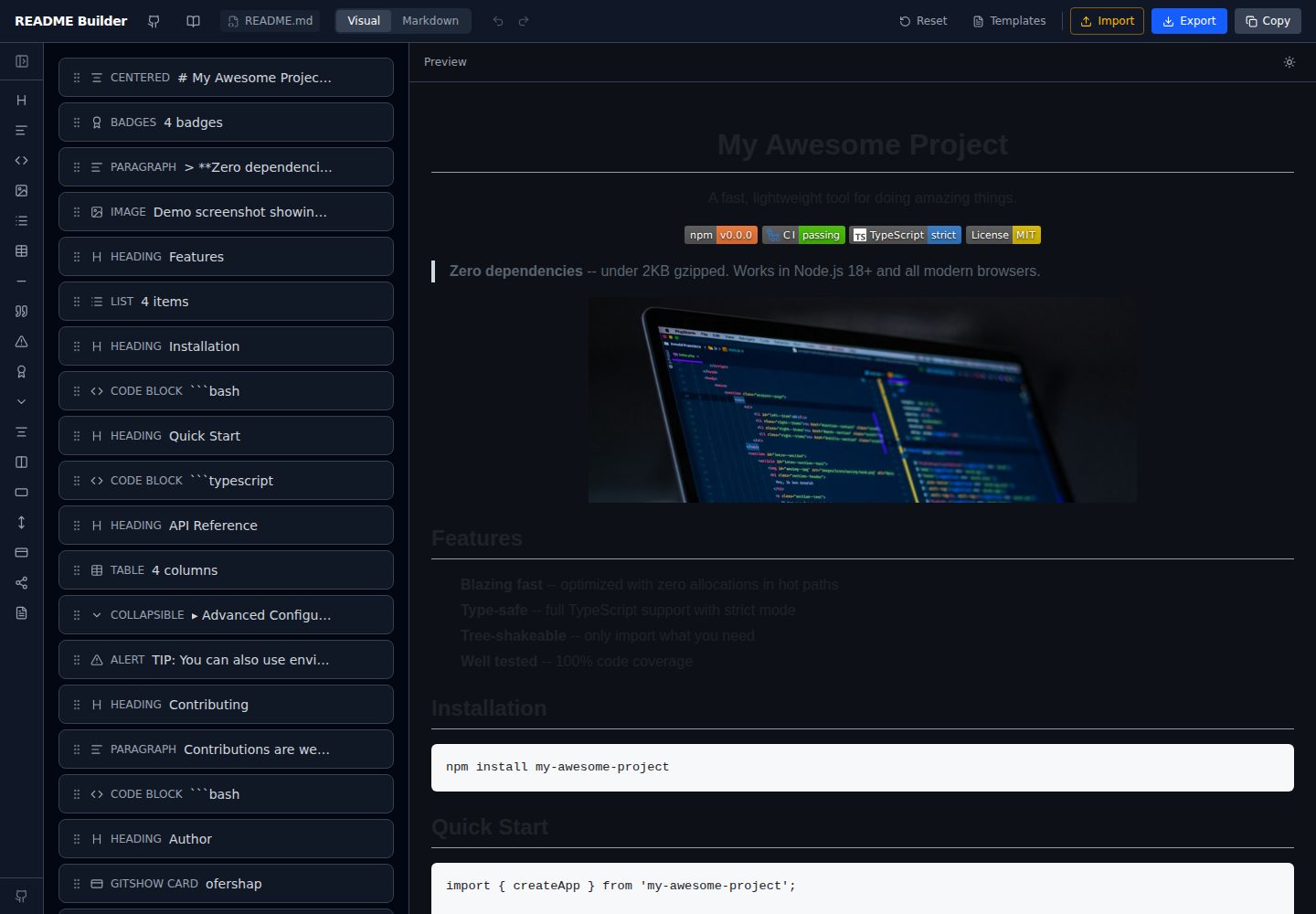
readme-builder
Visual drag-and-drop README editor with live GitHub-flavored preview. SEO-optimized templates, 15+ block types…
Vite · 工具站
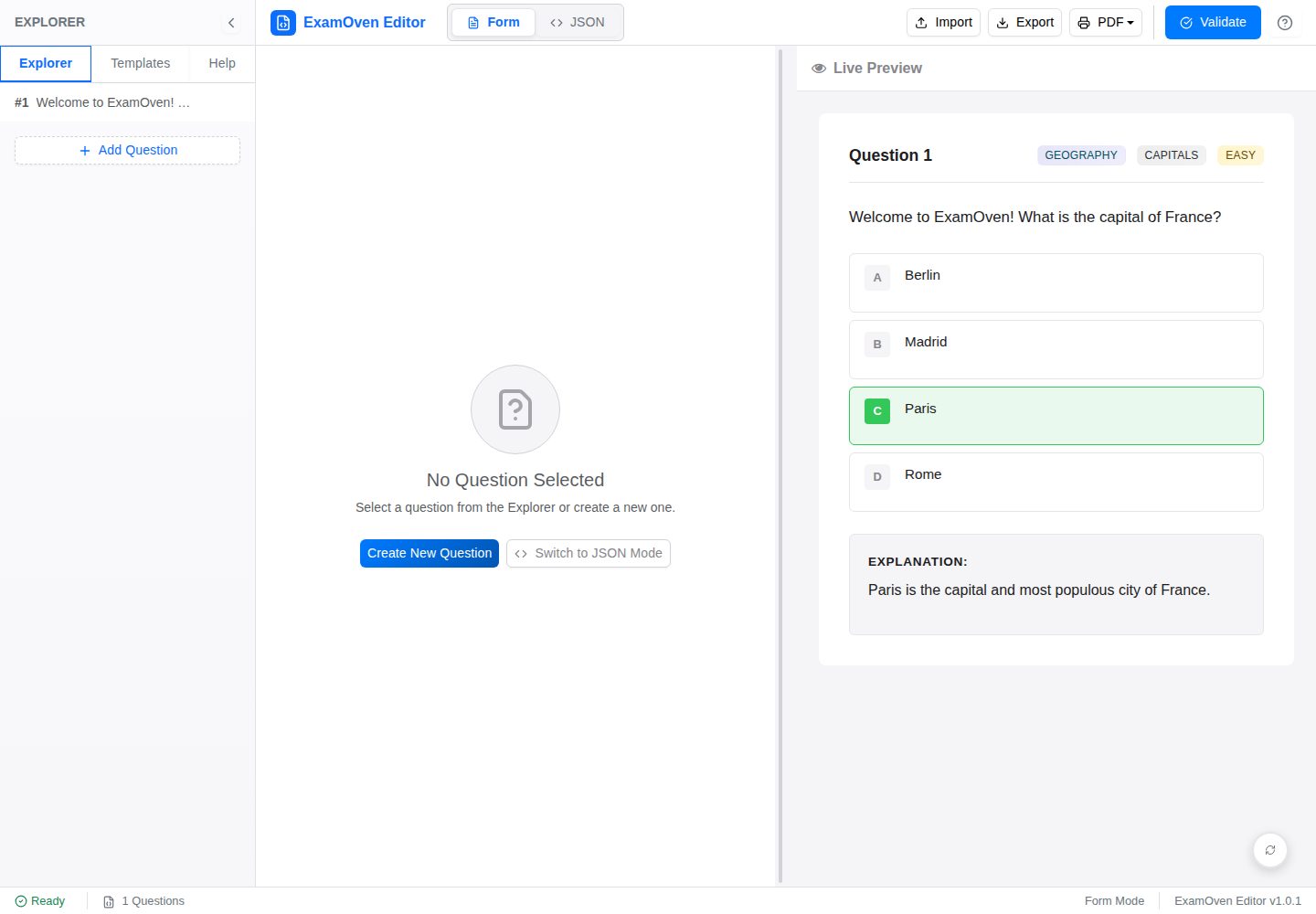
examify-json-editor
Examify JSON Editor (React): A user-friendly web tool for creating, editing, and validating Examify JSON quest…
Vite · 工具站
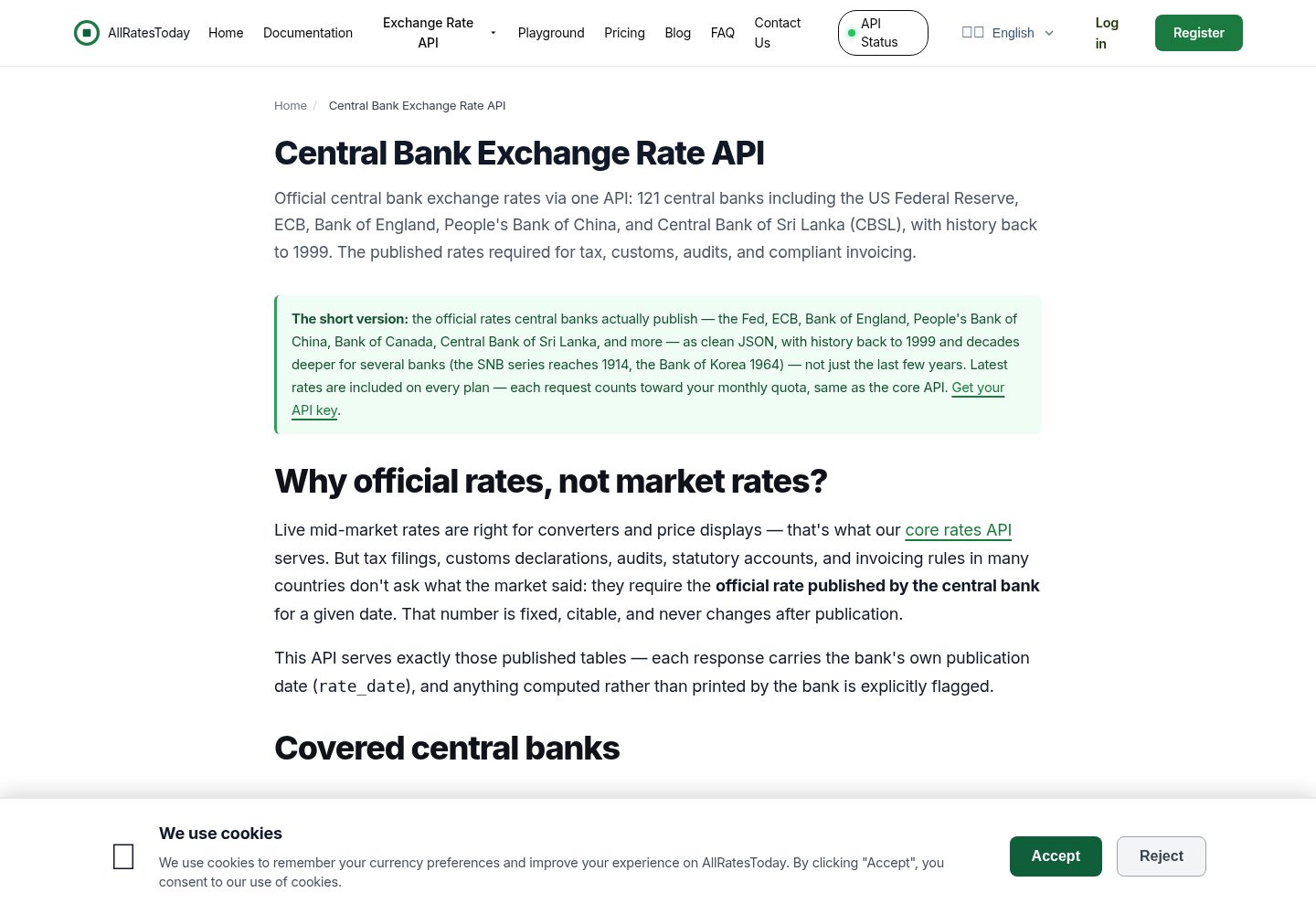
react-currency-converter
A currency converter in React + Vite that works the moment you clone it. Rates are the **official tables publi…
Vite · 工具站
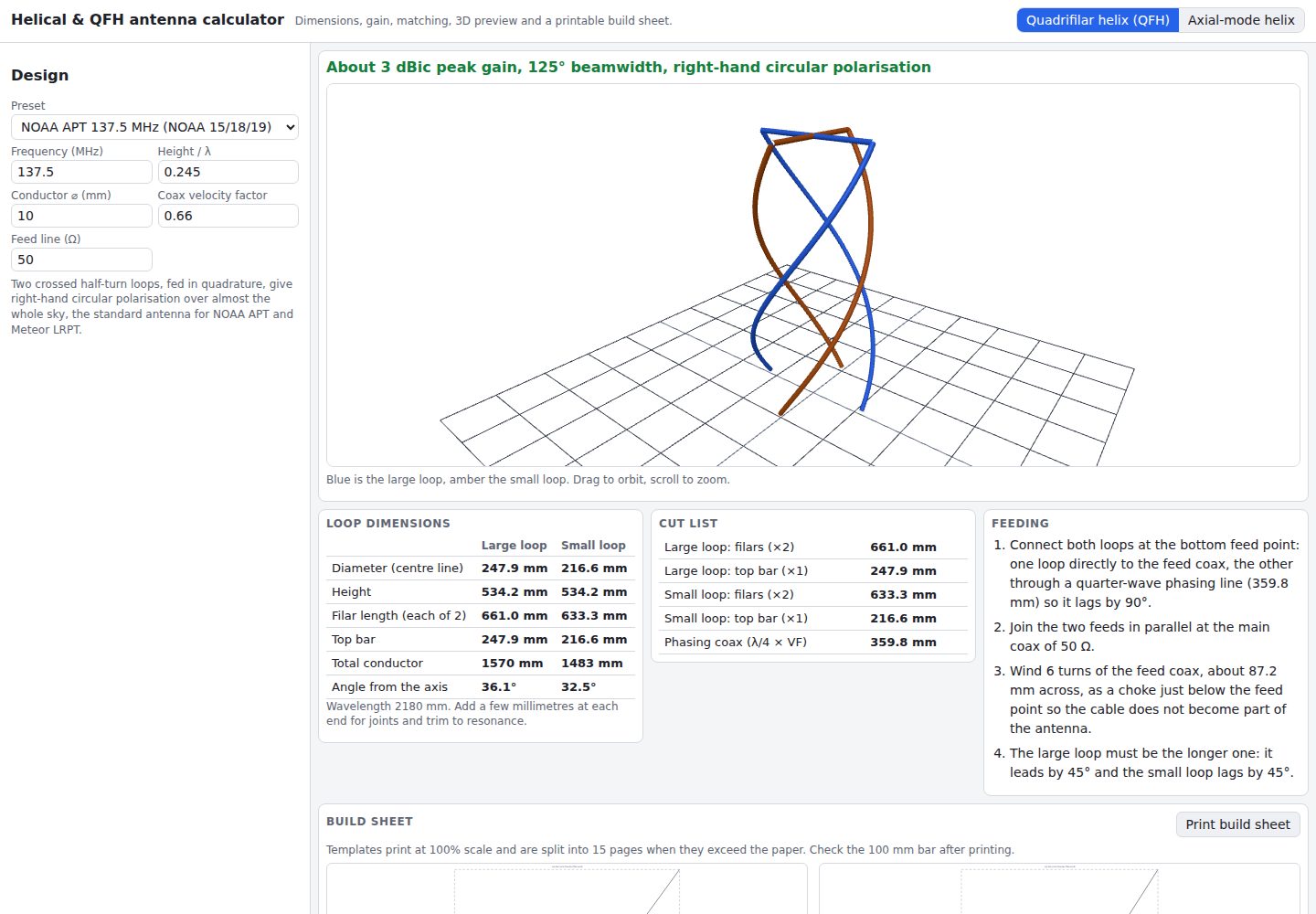
helical-qfh-calculator
Axial-mode helical (Kraus) and quadrifilar helix (QFH) antenna calculator with 3D preview and printable build …
Vite · 工具站