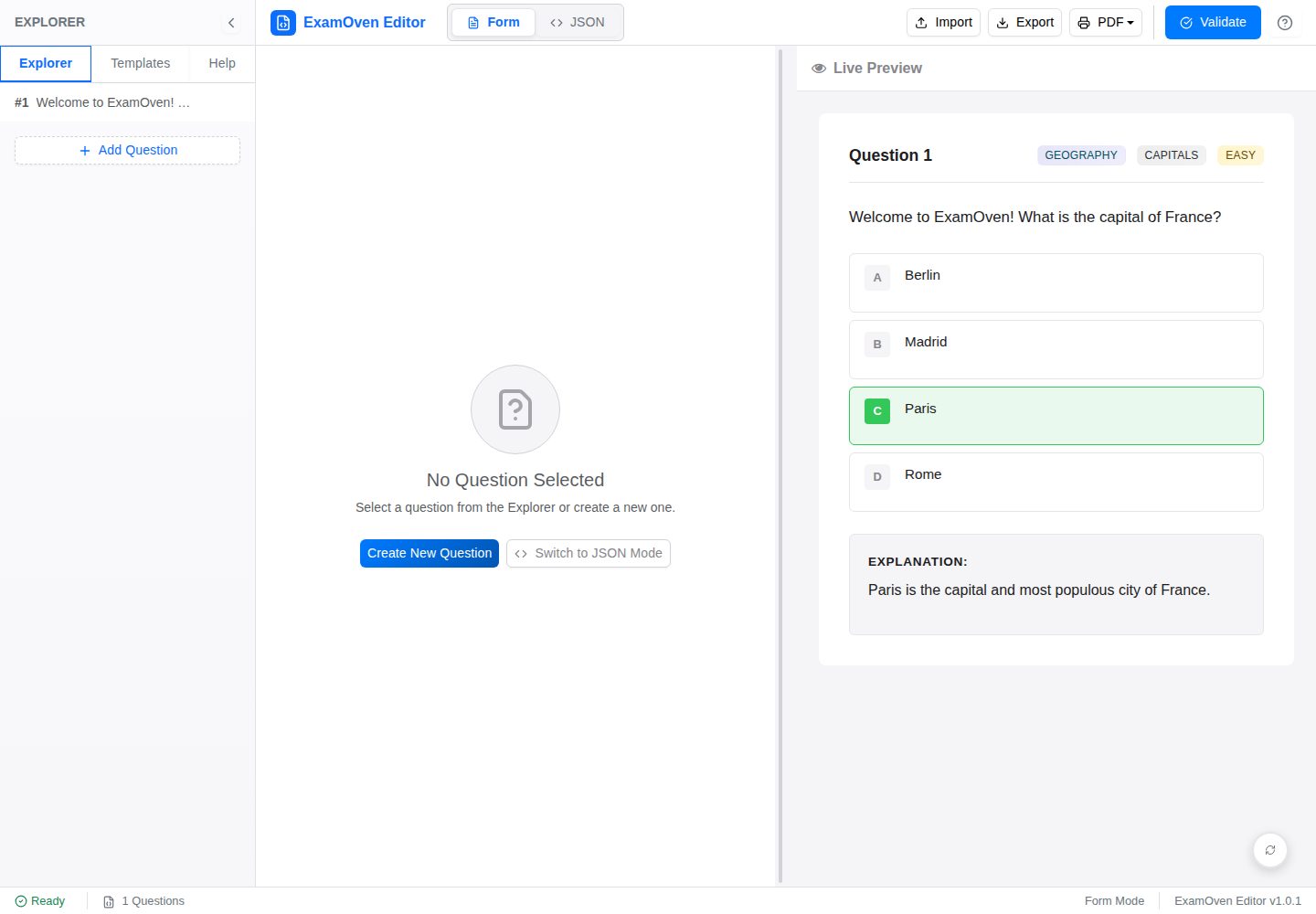
表单编辑器:按字段录入题目文本、选项、正确答案、学科、主题、难度与解析,无需直接写 JSON
ViteReact工具站
examify-json-editor — Vite 工具站模板
作者 Samkarya
基于 React、TypeScript 与 Vite 的 Examify/ExamOven JSON 试题编辑器,提供表单编辑、原始 JSON 编辑、实时预览与校验。
看看你的网站会是什么样
浏览真实页面截图,比较内容排版与手机效果。点击下方缩略图切换,放大查看整页细节。
全部页面与视图 2
截图用于了解视觉与布局,交互效果请以实际项目为准。
采集于 2026-10-02查看来源
值得关注的模板亮点
从已有项目资料中,快速了解它的特点。
原始 JSON 编辑器:基于 CodeMirror,提供语法高亮、行号与 JSON linting,并支持自动修复编号或格式问题
实时预览:渲染 LaTeX(KaTeX)、Markdown 图片、Prism.js 代码块与化学方程式
校验规则:检查必填字段、数据类型、选项一致性、题号唯一与连续编号,correct_answer 大小写不敏感匹配
模板与导入导出:预置多种题目结构模板,支持上传或粘贴 JSON 导入,导出为 .json 并可格式化
可调整面板布局:表单编辑器、JSON 编辑器与预览三个标签页,面板尺寸可自定义
模板详细介绍
Examify JSON Editor 是一个用于创建、编辑和校验 Examify(README 中也称 ExamOven)JSON 试题文件的浏览器端工具。它面向需要按固定 JSON 结构维护题库的用户,提供两种编辑方式:结构化表单适合不熟悉 JSON 的日常录入,基于 CodeMirror 的原始 JSON 编辑器适合直接修改数据并查看语法高亮与行号。
工具内置实时预览,可渲染 LaTeX 数学公式(KaTeX)、Markdown 图片、Prism.js 代码高亮和化学方程式;校验逻辑覆盖必填字段、数据类型、选项一致性、题号唯一性与连续编号,并对 correct_answer 与选项键做大小写不敏感匹配。侧边栏提供多种预置模板,可替换或追加到当前题目。导入支持上传 .json 文件或粘贴原始 JSON,导出为 .json 并可选择格式化输出。界面使用可调整大小的面板布局,适配桌面与移动端。
项目由早期原生 HTML/CSS/JavaScript 版本重写而来,采用 React、TypeScript、Vite、Zustand、React-Bootstrap、React Resizable Panels 等技术,通过 GitHub Actions 部署到 GitHub Pages。README 中列出的未来设想(如拖拽排序、IndexedDB 自动保存、撤销/重做、单元与集成测试)尚未实现,当前版本不包含这些能力。
ViteReact工具站
适合你的项目吗?
适用场景
- 按 Examify/ExamOven JSON 结构批量录入或修改选择题题库
- 在发布前校验 JSON 试题文件的字段完整性与题号连续性
- 预览含 LaTeX 公式、代码块或 Markdown 图片的题目渲染效果
- 从已有 .json 文件导入题目并继续编辑,再导出为格式化 JSON
- 使用模板快速生成基础选择题、学科题或含复杂内容的题目结构
适合人群
- 需要维护 Examify/ExamOven 格式题库的教师或内容编辑
- 希望用表单而非手写 JSON 录入题目的非技术用户
- 需要直接编辑原始 JSON 并即时校验的开发或数据人员
- 在本地或 GitHub Pages 上部署轻量试题编辑工具的团队
上手与定制指南
结合仓库当前版本的说明,按下面的资料检查内容、配置与运行要求。
- 1
需要 Node.js(README 建议 v18.x 或 v20.x)以及 npm 或 yarn
- 2
克隆仓库后执行 npm install,再用 npm run dev 启动开发服务器(默认 http://localhost:5173)
- 3
生产构建使用 npm run build,产物位于 dist 目录
- 4
项目已配置 GitHub Actions 部署到 GitHub Pages
- 5
代码采用 MIT 许可;演示图片、字体、图标等第三方素材需按各自许可单独核对
授权与来源资料
使用条件与限制
免费使用 · 保留许可声明本次收录的是公开仓库中采用 MIT 许可的免费版本;免费范围为该版本代码,不代表外部服务或第三方素材免费。
使用时需要遵守
- 允许免费使用、修改、商用和分发该版本代码。
- 分发代码副本或实质性部分时,保留原作者版权声明和完整 MIT 许可声明。
- 代码按现状提供;担保与责任限制以原许可证及适用法律为准。
额外费用与待核对事项
- 演示图片、字体、图标及其他第三方素材需按各自许可核对,不能仅凭代码的 MIT 许可判断。
- 域名、托管、数据库、支付或 AI 等外部服务可能另外收费。
查看原文依据
https://github.com/Samkarya/examify-json-editor/blob/master/LICENSEhttps://github.com/Samkarya/examify-json-editor/blob/master/README.mdPermission is hereby granted, free of charge
许可证原文
DeepSeek 根据仓库许可证和 README 整理 ·2026-10-02。结果仅覆盖已读取资料,依赖、图片、字体及后续条款变更以各自原文为准。
项目核对记录与介绍依据
模板资料
- 来源平台
- GitHub
- 资料与维护参考分
- 资料较完整 · 88 / 100
- 技术栈
- Vite · React
- 网站类型
- 工具站
这个分数如何计算
本站按许可资料(最高30分)、演示链接(12分)、预览图(10分)、Star数(15分)、记录的维护时间(15分)、描述完整度(8分)、功能记录(5分)和分类资料(5分)计算。它不是代码、安全或性能测试,也不是 Google 评分;有链接不代表已实测可用。
这个项目需要核对什么
- 记录的仓库更新时间
- 2026-09-26
- 截图检查日期
- 2026-10-02
已收录演示链接。请用你的内容与屏幕尺寸检查;有演示不代表表单、认证或支付已经可用。
目录记录的主要技术栈是 Vite。请通过依赖清单和锁文件核对实际版本与托管要求。这些说明基于收录资料,不代表代码审计或部署实测。
查看具体选型方法 →介绍的制作与核对状态
介绍由 AI 辅助整理目录与仓库资料。仓库作者不等于这篇介绍的审核者。
已完成服务器许可规则与 AI 来源核对;未经过人工编辑审核。
查看当时使用的来源资料
SHA-256: c288842dd2bb9d571747f17e8a087cb7d3ee0e906b6c2df0070d23ca99496b32
2026-10-02T07:15:34.747Z
来源文件 / 仓库
# ExamOven JSON Editor (React Version)
[](https://opensource.org/licenses/MIT)
A user-friendly, feature-rich JSON editor designed for creating and managing exam questions in the ExamOven JSON format. This React-based editor provides a form-based interface for easy question creation, a raw JSON editor for advanced users, live preview capabilities, and robust validation.
**Live Demo:** [https://samkarya.github.io/examify-json-editor/](https://samkarya.github.io/examify-json-editor/)
This project is an evolution of an earlier vanilla HTML, CSS, and JavaScript version, now rebuilt with modern web technologies for improved robustness, maintainability, and user experience.
## Features
* **Intuitive Form Editor:** Easily create and edit questions using a structured form, with fields for question text, options, correct answers, subject, topic, difficulty, and explanations. No direct JSON knowledge required for basic use.
* **Advanced Raw JSON Editor:** For power users, a CodeMirror-based editor provides direct access to the JSON with syntax highlighting, line numbers, and JSON linting.
* **Live Preview:** Instantly see how questions will render, including:
* Mathematical notation (LaTeX via KaTeX)
* Markdown for images (with support for relative paths from a designated GitHub repository)
* Syntax-highlighted code blocks (via Prism.js)
* Chemical equations
* **Comprehensive Validation:**
* Validates against the ExamOven question schema (required fields, data types, option consistency, unique question numbers, sequential numbering).
* Clear error messages to guide users in fixing issues.
* Case-insensitive checking for `correct_answer` against option keys for better usability.
* **Templates:** Start quickly with pre-defined question structures for various types (basic MCQ, subject-specific, complex content with LaTeX/code/images).
* **Import/Export:**
* Import existing ExamOven JSON files (via file upload or pasting raw JSON).
* Export questions to a `.json` file, with options for pretty-printing.
* **Rich Text Support:** Question text, options, and explanations support rich content formatting.
* **Responsive Design:** Adapts to different screen sizes for use on desktops, tablets, and mobile devices.
* **Client-Side State Management:** Uses Zustand for efficient and predictable state management.
* **Resizable Layout:** Customizable workspace with resizable panels for Form Editor, JSON Editor, and Preview.
* **Modern Tech Stack:** Built with React, TypeScript, Vite, and Bootstrap.
## Tech Stack
* **Frontend Framework:** [React](https://reactjs.org/) (with Hooks)
* **Language:** [TypeScript](https://www.typescriptlang.org/)
* **Build Tool:** [Vite](https://vitejs.dev/)
* **State Management:** [Zustand](https://zustand-demo.pmnd.rs/)
* **UI Components:** [React-Bootstrap](https://react-bootstrap.github.io/)
* **Icons:** [Lucide React](https://lucide.dev/)
* **Animations:** [Framer Motion](https://www.framer.com/motion/)
* **Layout:** [React Resizable Panels](https://github.com/bvaughn/react-resizable-panels)
* **JSON Editor:** [CodeMirror 6](https://codemirror.net/) (via `@uiw/react-codemirror`)
* **Markdown Parsing:** [React Markdown](https://github.com/remarkjs/react-markdown)
* **HTML Sanitization:** [Rehype Sanitize](https://github.com/rehypejs/rehype-sanitize)
* **LaTeX Rendering:** [KaTeX](https://katex.org/)
* **Syntax Highlighting (Preview):** [Prism.js](https://prismjs.com/)
* **Notifications:** [React Toastify](https://fkhadra.github.io/react-toastify/)
* **Styling:** Global CSS (inspired by original project) & Bootstrap
* **Unique IDs:** [UUID](https://github.com/uuidjs/uuid)
* **Deployment:** [GitHub Pages](https://pages.github.com/) (via GitHub Actions)
## Project Structure
```
examify-json-editor/
├── public/
├── src/
│ ├── assets/
│ ├── components/
│ │ ├── common/
│ │ ├── form-editor/
│ │ ├── json-editor/
│ │ ├── layout/
│ │ ├── modals/
│ │ └── preview/
│ ├── constants/
│ ├── services/ (e.g., validationService.ts)
│ ├── store/ (e.g., questionsStore.ts for Zustand)
│ ├── styles/ (e.g., global.css)
│ ├── types/ (e.g., Question.ts)
│ ├── App.tsx
│ └── main.tsx
├── .eslintrc.cjs
├── .gitignore
├── index.html
├── package.json
├── tsconfig.json
├── tsconfig.node.json
└── vite.config.ts
```
## Getting Started
### Prerequisites
* Node.js (v18.x or v20.x recommended)
* npm or yarn
### Installation & Setup
1. **Clone the repository:**
```bash
# If cloning the entire 'examify-json-editor' repository
git clone https://github.com/Samkarya/examify-json-editor.git
cd examify-json-editor
```
2. **Install dependencies:**
```bash
npm install
```
3. **Run the development server:**
```bash
npm run dev
```
The application will typically be available at `http://localhost:5173` (or another port if 5173 is in use).
### Building for Production
To create an optimized production build:
```bash
npm run build
```
The built files will be located in the `dist` directory.
### Deployment
This project is configured for deployment to GitHub Pages.
## Usage Guide
1. **Interface Overview:**
* **Navbar:** Provides global actions like Import, Export, Validate All, and Help.
* **Sidebar:** Contains Tools & Templates (for quickly adding pre-structured questions) and a Quick Help section. Can be toggled.
* **Main Content Area:** Features three tabs:
* **Form Editor:** For creating/editing questions with a user-friendly form.
* **JSON Editor:** For direct manipulation of the raw JSON.
* **Preview:** To see how the questions will look when rendered.
2. **Creating Questions (Form Editor):**
* Click "Add Question".
* Fill in the required fields (Question Number, Question Text, Options, Correct Answer).
* Utilize rich text formatting (LaTeX, Markdown images, code blocks, alerts) in text areas.
* Add/remove options as needed (minimum 2).
* Save the question.
3. **Editing Raw JSON:**
* Switch to the "JSON Editor" tab.
* Edit the JSON directly. Be mindful of JSON syntax and the ExamOven schema.
* Use "Validate JSON" to check your changes.
* Use "Auto-Fix" to repair numbering or formatting issues.
4. **Using Templates:**
* Open the sidebar and go to the "Templates" tab.
* Select a category and click on a template.
* Choose to "Replace" current questions or "Append" the template.
5. **Previewing:**
* Switch to the "Preview" tab.
* If data is valid, questions will be rendered with formatting.
* If data is invalid, an error message will guide you.
6. **Validation:**
* Use "Validate Form Data" (in Form Editor) or "Validate JSON" (in JSON Editor) regularly.
7. **Import/Export:**
* **Import:** Click "Import" in the navbar. Choice to import from a `.json` file, paste raw JSON, or receive data from main ExamOven app.
* **Export:** Click "Export" in the navbar. Name your file and choose formatting options.
8. **Help Guide:**
* Access detailed instructions via the "Help" button in the navbar.
## Contributing
Contributions are welcome! If you'd like to contribute, please follow these steps:
1. **Fork the repository.**
2. **Create a new branch** for your feature or bug fix.
3. **Make your changes.** Ensure your code adheres to the project's coding style.
4. **Test your changes thoroughly.**
5. **Commit your changes** with a clear and descriptive commit message.
6. **Push your branch** to your forked repository.
7. **Open a Pull Request** against the `main` branch of the original repository.
## Future Enhancements (Ideas)
* Drag-and-drop reordering of questions.
* Auto-saving to indexedDB.
* Undo/Redo functionality.
* More sophisticated template management.
* Unit and integration tests.
## License
This project is licensed under the **MIT License**.
看看同类模板
对比同技术栈与用途的模板,找到更适合的视觉与内容结构。

vituum
⚡⚙️ Fast Prototyping with Template Engines in Vite. Small and fast static site generator for Vite.
Vite · 工具站

tropical
Fast, mostly-just-HTML static sites with islands of client-side JS. Click the "Use this template" button ↖️
Vite · 工具站
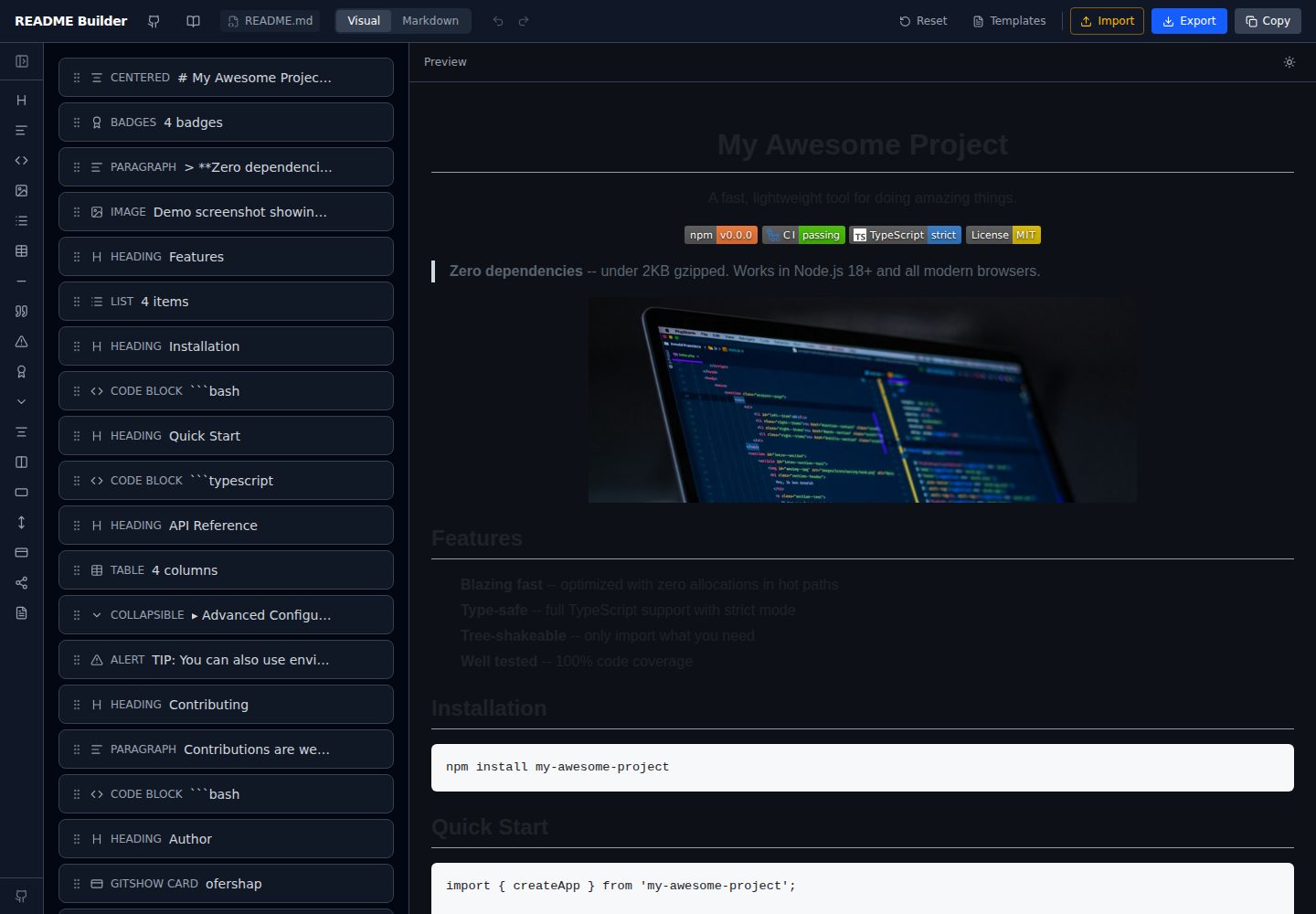
readme-builder
Visual drag-and-drop README editor with live GitHub-flavored preview. SEO-optimized templates, 15+ block types…
Vite · 工具站
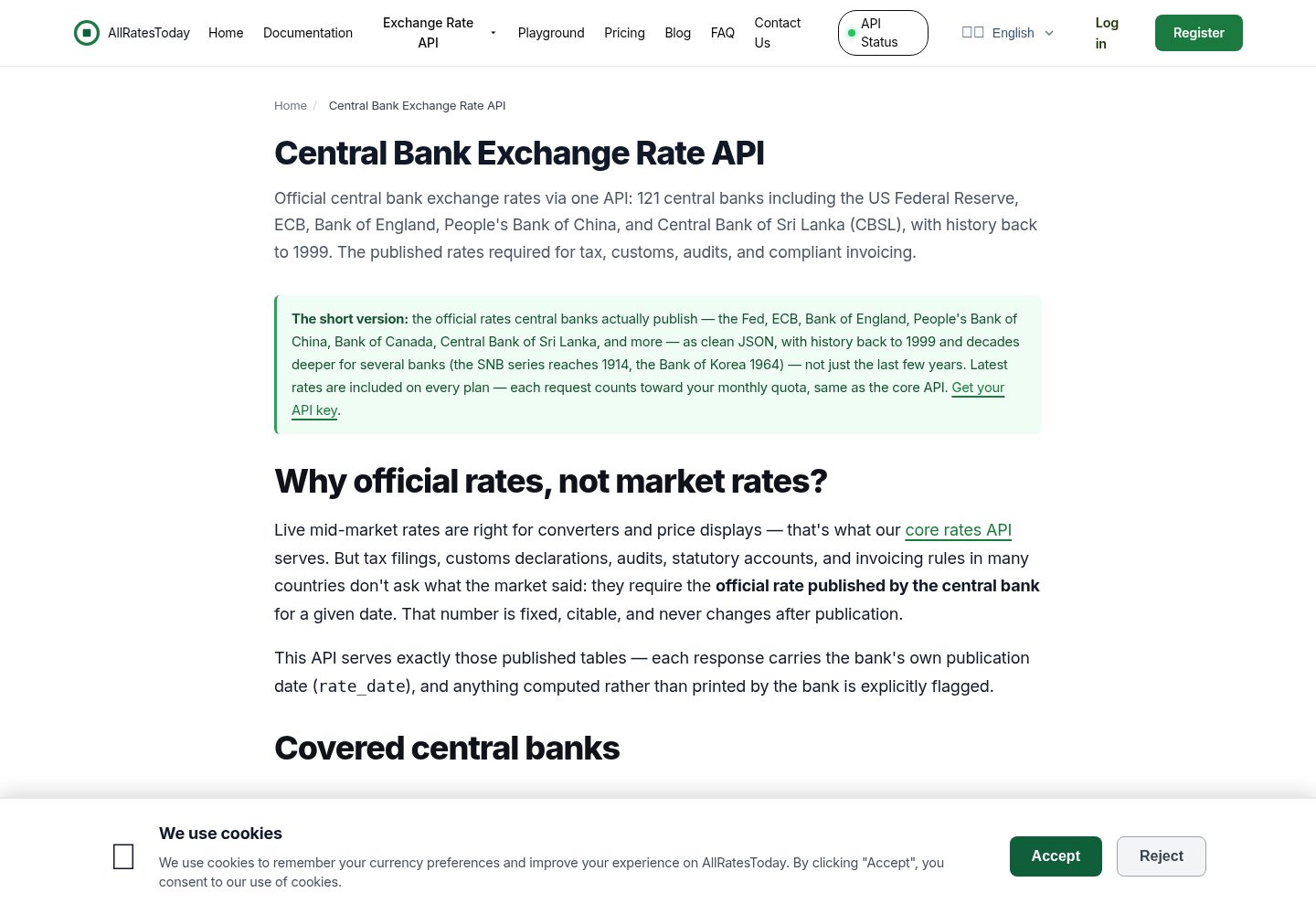
react-currency-converter
A currency converter in React + Vite that works the moment you clone it. Rates are the **official tables publi…
Vite · 工具站
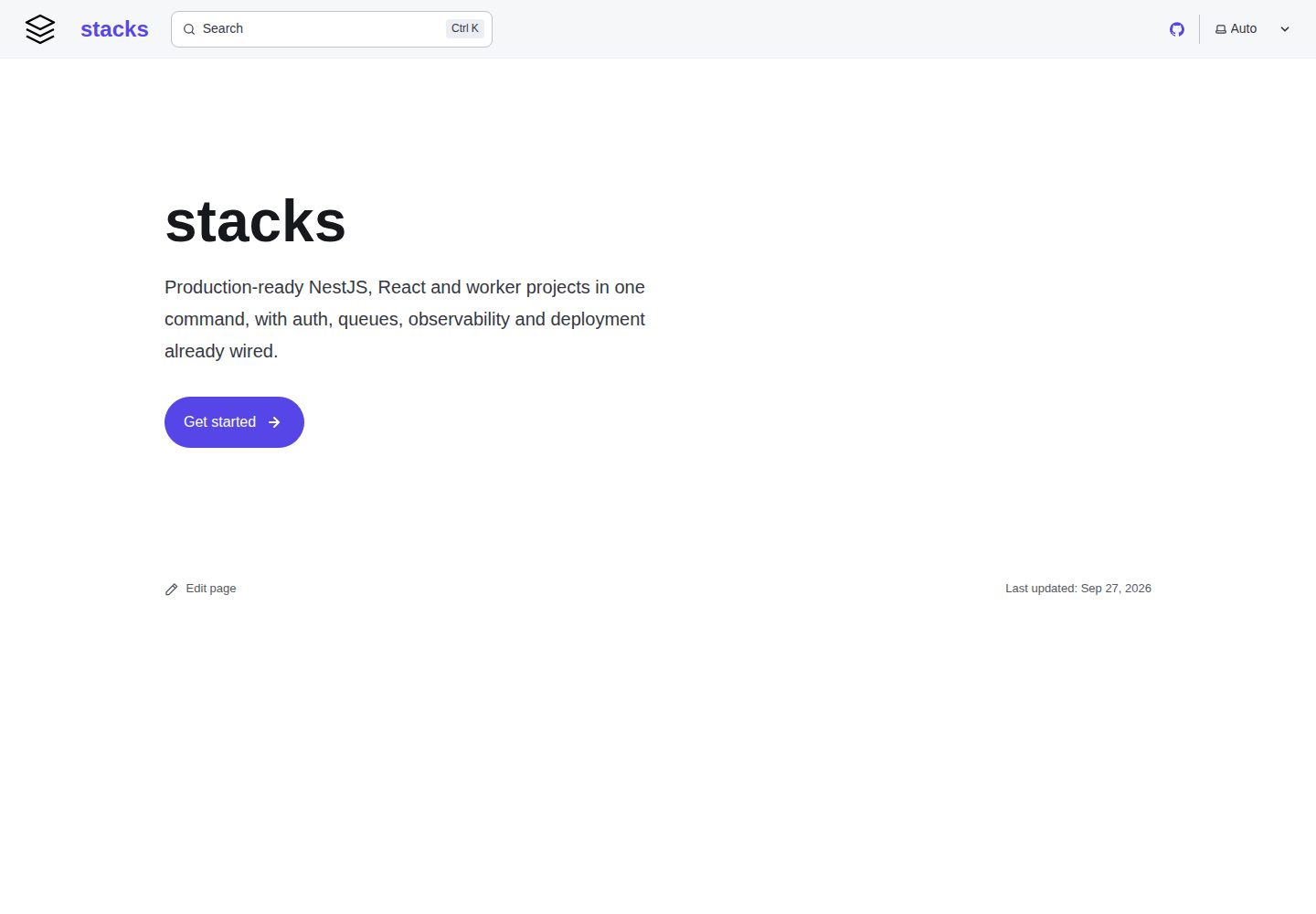
stacks
House project templates and the zero-dependency generator that stamps them out. Subtractive: each template is …
Vite · 工具站
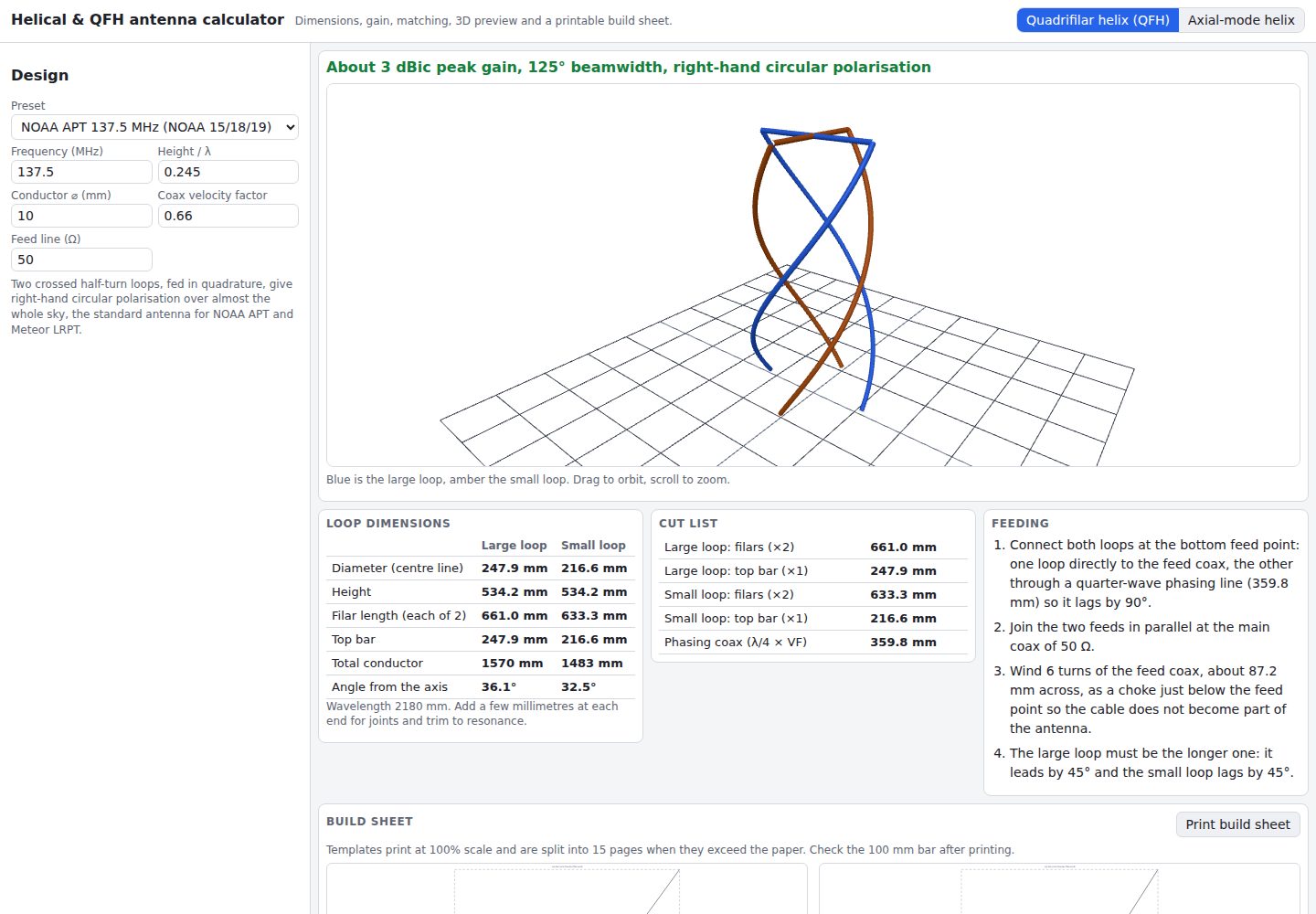
helical-qfh-calculator
Axial-mode helical (Kraus) and quadrifilar helix (QFH) antenna calculator with 3D preview and printable build …
Vite · 工具站