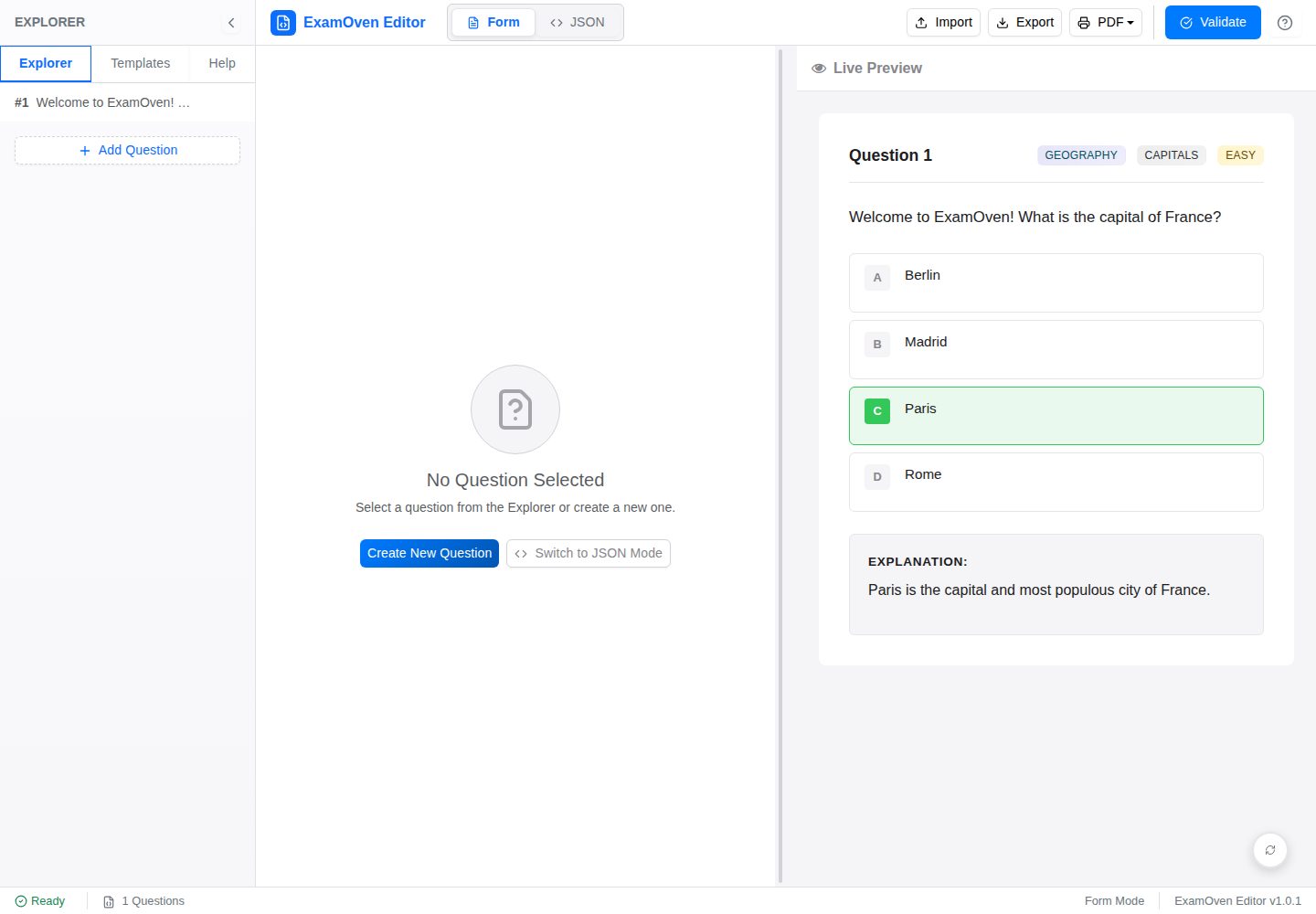
Form editor: enter question text, options, correct answer, subject, topic, difficulty, and explanation by field without writing JSON directly
ViteReactTool Site
examify-json-editor — Vite Tool Template
By Samkarya
A React, TypeScript, and Vite-based editor for Examify/ExamOven JSON question files, offering form editing, raw JSON editing, live preview, and validation.
Explore the design
Compare the page layouts and mobile experience. Open any screenshot for a closer look.
Desktop homepage1 / 2
Desktop captureTop of page
Actual screenshot captured by the server browser.
All pages & views 2
Screenshots show visual appearance; interactive behavior may differ.
Recorded 2026-10-02View source
What stands out
A quick read of the recorded project description.
Raw JSON editor: CodeMirror-based with syntax highlighting, line numbers, and JSON linting, plus automatic fixes for numbering or formatting issues
Live preview: renders LaTeX (KaTeX), Markdown images, Prism.js code blocks, and chemical equations
Validation rules: checks required fields, data types, option consistency, unique and sequential question numbers, and case-insensitive matching for correct_answer
Templates and import/export: preset question structure templates, import by uploading or pasting JSON, and export to .json with optional formatting
Resizable panel layout: three tabs for the form editor, JSON editor, and preview, with customizable panel sizes
Template Details
Examify JSON Editor is a browser-based tool for creating, editing, and validating Examify (also called ExamOven in the README) JSON question files. It targets users who maintain question banks in a fixed JSON structure and offers two editing modes: a structured form suited to everyday entry by users unfamiliar with JSON, and a CodeMirror-based raw JSON editor for directly modifying data with syntax highlighting and line numbers.
The tool includes live preview that renders LaTeX math (KaTeX), Markdown images, Prism.js code highlighting, and chemical equations. Validation covers required fields, data types, option consistency, question number uniqueness and sequential numbering, and performs case-insensitive matching between correct_answer and option keys. A sidebar provides several preset templates that can replace or append to the current question. Import supports uploading a .json file or pasting raw JSON; export produces .json with an option for formatted output. The interface uses a resizable panel layout and adapts to desktop and mobile.
The project was rewritten from an earlier native HTML/CSS/JavaScript version and uses React, TypeScript, Vite, Zustand, React-Bootstrap, and React Resizable Panels, deployed to GitHub Pages via GitHub Actions. Future ideas listed in the README (such as drag-and-drop reordering, IndexedDB autosave, undo/redo, and unit and integration tests) are not yet implemented, and the current version does not include these capabilities.
ViteReactTool Site
Is it right for your project?
Use Cases
- Bulk entry or modification of multiple-choice question banks following the Examify/ExamOven JSON structure
- Validating field completeness and question number continuity of JSON question files before publishing
- Previewing how questions with LaTeX formulas, code blocks, or Markdown images render
- Importing questions from an existing .json file, continuing to edit them, and exporting formatted JSON
- Using templates to quickly generate basic multiple-choice questions, subject-specific questions, or question structures with complex content
Suitable For
- Teachers or content editors who maintain question banks in Examify/ExamOven format
- Non-technical users who prefer entering questions through a form rather than writing JSON by hand
- Developers or data staff who need to edit raw JSON directly with immediate validation
- Teams deploying a lightweight question editing tool locally or on GitHub Pages
Getting started & customization
Use these recorded setup notes alongside the repository instructions for your chosen version.
- 1
Requires Node.js (the README recommends v18.x or v20.x) and npm or yarn
- 2
After cloning the repository, run npm install, then start the development server with npm run dev (default http://localhost:5173)
- 3
Production builds use npm run build, with output in the dist directory
- 4
The project is configured for deployment to GitHub Pages via GitHub Actions
- 5
The code is MIT licensed; third-party assets such as demo images, fonts, and icons must be checked separately under their own licenses
License & source material
Usage conditions & limitations
Free to use · keep license noticeThis entry covers the free version of the public repository under the MIT license; the free scope applies to that version's code and does not imply that external services or third-party assets are free.
Must comply with when using
- The code of this version may be used, modified, used commercially, and distributed free of charge.
- When distributing copies or substantial portions of the code, retain the original author's copyright notice and the full MIT license notice.
- The code is provided as is; warranties and limitations of liability are governed by the original license and applicable law.
Additional costs & items to verify
- Demo images, fonts, icons, and other third-party assets must be checked under their own licenses and cannot be judged solely by the code's MIT license.
- External services such as domains, hosting, databases, payments, or AI may incur separate charges.
View Original Text Basis
https://github.com/Samkarya/examify-json-editor/blob/master/LICENSEhttps://github.com/Samkarya/examify-json-editor/blob/master/README.mdPermission is hereby granted, free of charge
Original License Text
Compiled by DeepSeek based on repository license and README ·2026-10-02. Results only cover the materials read; dependencies, images, fonts, and subsequent term changes are subject to their respective original texts.
Project checks & description sources
Template Information
- Source platforms
- GitHub
- Documentation and maintenance reference score
- More documented · 88 / 100
- Technologies
- Vite · React
- Website type
- Tool Site
How this score is calculated
Our heuristic uses license records (up to 30), a demo link (12), a preview (10), stars (15), recorded maintenance (15), description completeness (8), feature records (5) and classification data (5). It is not a code, security or performance test, or a Google score. A link does not establish tested functionality.
What to verify for this project
- Repository update recorded
- 2026-09-26
- Screenshot last checked
- 2026-10-02
A demo link is listed. Check it with your own content and viewport sizes; its presence does not confirm that forms, authentication or payments work.
The catalog identifies Vite as the primary stack. Check the actual dependency manifest and lockfile for versions and hosting requirements. These notes use recorded metadata, not a code audit or a deployment test.
Use a selection guide →How this description was prepared
AI-assisted description based on catalog records and repository material. Repository authors are not automatically the reviewers of this description.
Automatically checked against source and license rules; no manual editorial review.
Inspect the recorded source material
SHA-256: c288842dd2bb9d571747f17e8a087cb7d3ee0e906b6c2df0070d23ca99496b32
2026-10-02T07:15:34.747Z
Source file / repository
# ExamOven JSON Editor (React Version)
[](https://opensource.org/licenses/MIT)
A user-friendly, feature-rich JSON editor designed for creating and managing exam questions in the ExamOven JSON format. This React-based editor provides a form-based interface for easy question creation, a raw JSON editor for advanced users, live preview capabilities, and robust validation.
**Live Demo:** [https://samkarya.github.io/examify-json-editor/](https://samkarya.github.io/examify-json-editor/)
This project is an evolution of an earlier vanilla HTML, CSS, and JavaScript version, now rebuilt with modern web technologies for improved robustness, maintainability, and user experience.
## Features
* **Intuitive Form Editor:** Easily create and edit questions using a structured form, with fields for question text, options, correct answers, subject, topic, difficulty, and explanations. No direct JSON knowledge required for basic use.
* **Advanced Raw JSON Editor:** For power users, a CodeMirror-based editor provides direct access to the JSON with syntax highlighting, line numbers, and JSON linting.
* **Live Preview:** Instantly see how questions will render, including:
* Mathematical notation (LaTeX via KaTeX)
* Markdown for images (with support for relative paths from a designated GitHub repository)
* Syntax-highlighted code blocks (via Prism.js)
* Chemical equations
* **Comprehensive Validation:**
* Validates against the ExamOven question schema (required fields, data types, option consistency, unique question numbers, sequential numbering).
* Clear error messages to guide users in fixing issues.
* Case-insensitive checking for `correct_answer` against option keys for better usability.
* **Templates:** Start quickly with pre-defined question structures for various types (basic MCQ, subject-specific, complex content with LaTeX/code/images).
* **Import/Export:**
* Import existing ExamOven JSON files (via file upload or pasting raw JSON).
* Export questions to a `.json` file, with options for pretty-printing.
* **Rich Text Support:** Question text, options, and explanations support rich content formatting.
* **Responsive Design:** Adapts to different screen sizes for use on desktops, tablets, and mobile devices.
* **Client-Side State Management:** Uses Zustand for efficient and predictable state management.
* **Resizable Layout:** Customizable workspace with resizable panels for Form Editor, JSON Editor, and Preview.
* **Modern Tech Stack:** Built with React, TypeScript, Vite, and Bootstrap.
## Tech Stack
* **Frontend Framework:** [React](https://reactjs.org/) (with Hooks)
* **Language:** [TypeScript](https://www.typescriptlang.org/)
* **Build Tool:** [Vite](https://vitejs.dev/)
* **State Management:** [Zustand](https://zustand-demo.pmnd.rs/)
* **UI Components:** [React-Bootstrap](https://react-bootstrap.github.io/)
* **Icons:** [Lucide React](https://lucide.dev/)
* **Animations:** [Framer Motion](https://www.framer.com/motion/)
* **Layout:** [React Resizable Panels](https://github.com/bvaughn/react-resizable-panels)
* **JSON Editor:** [CodeMirror 6](https://codemirror.net/) (via `@uiw/react-codemirror`)
* **Markdown Parsing:** [React Markdown](https://github.com/remarkjs/react-markdown)
* **HTML Sanitization:** [Rehype Sanitize](https://github.com/rehypejs/rehype-sanitize)
* **LaTeX Rendering:** [KaTeX](https://katex.org/)
* **Syntax Highlighting (Preview):** [Prism.js](https://prismjs.com/)
* **Notifications:** [React Toastify](https://fkhadra.github.io/react-toastify/)
* **Styling:** Global CSS (inspired by original project) & Bootstrap
* **Unique IDs:** [UUID](https://github.com/uuidjs/uuid)
* **Deployment:** [GitHub Pages](https://pages.github.com/) (via GitHub Actions)
## Project Structure
```
examify-json-editor/
├── public/
├── src/
│ ├── assets/
│ ├── components/
│ │ ├── common/
│ │ ├── form-editor/
│ │ ├── json-editor/
│ │ ├── layout/
│ │ ├── modals/
│ │ └── preview/
│ ├── constants/
│ ├── services/ (e.g., validationService.ts)
│ ├── store/ (e.g., questionsStore.ts for Zustand)
│ ├── styles/ (e.g., global.css)
│ ├── types/ (e.g., Question.ts)
│ ├── App.tsx
│ └── main.tsx
├── .eslintrc.cjs
├── .gitignore
├── index.html
├── package.json
├── tsconfig.json
├── tsconfig.node.json
└── vite.config.ts
```
## Getting Started
### Prerequisites
* Node.js (v18.x or v20.x recommended)
* npm or yarn
### Installation & Setup
1. **Clone the repository:**
```bash
# If cloning the entire 'examify-json-editor' repository
git clone https://github.com/Samkarya/examify-json-editor.git
cd examify-json-editor
```
2. **Install dependencies:**
```bash
npm install
```
3. **Run the development server:**
```bash
npm run dev
```
The application will typically be available at `http://localhost:5173` (or another port if 5173 is in use).
### Building for Production
To create an optimized production build:
```bash
npm run build
```
The built files will be located in the `dist` directory.
### Deployment
This project is configured for deployment to GitHub Pages.
## Usage Guide
1. **Interface Overview:**
* **Navbar:** Provides global actions like Import, Export, Validate All, and Help.
* **Sidebar:** Contains Tools & Templates (for quickly adding pre-structured questions) and a Quick Help section. Can be toggled.
* **Main Content Area:** Features three tabs:
* **Form Editor:** For creating/editing questions with a user-friendly form.
* **JSON Editor:** For direct manipulation of the raw JSON.
* **Preview:** To see how the questions will look when rendered.
2. **Creating Questions (Form Editor):**
* Click "Add Question".
* Fill in the required fields (Question Number, Question Text, Options, Correct Answer).
* Utilize rich text formatting (LaTeX, Markdown images, code blocks, alerts) in text areas.
* Add/remove options as needed (minimum 2).
* Save the question.
3. **Editing Raw JSON:**
* Switch to the "JSON Editor" tab.
* Edit the JSON directly. Be mindful of JSON syntax and the ExamOven schema.
* Use "Validate JSON" to check your changes.
* Use "Auto-Fix" to repair numbering or formatting issues.
4. **Using Templates:**
* Open the sidebar and go to the "Templates" tab.
* Select a category and click on a template.
* Choose to "Replace" current questions or "Append" the template.
5. **Previewing:**
* Switch to the "Preview" tab.
* If data is valid, questions will be rendered with formatting.
* If data is invalid, an error message will guide you.
6. **Validation:**
* Use "Validate Form Data" (in Form Editor) or "Validate JSON" (in JSON Editor) regularly.
7. **Import/Export:**
* **Import:** Click "Import" in the navbar. Choice to import from a `.json` file, paste raw JSON, or receive data from main ExamOven app.
* **Export:** Click "Export" in the navbar. Name your file and choose formatting options.
8. **Help Guide:**
* Access detailed instructions via the "Help" button in the navbar.
## Contributing
Contributions are welcome! If you'd like to contribute, please follow these steps:
1. **Fork the repository.**
2. **Create a new branch** for your feature or bug fix.
3. **Make your changes.** Ensure your code adheres to the project's coding style.
4. **Test your changes thoroughly.**
5. **Commit your changes** with a clear and descriptive commit message.
6. **Push your branch** to your forked repository.
7. **Open a Pull Request** against the `main` branch of the original repository.
## Future Enhancements (Ideas)
* Drag-and-drop reordering of questions.
* Auto-saving to indexedDB.
* Undo/Redo functionality.
* More sophisticated template management.
* Unit and integration tests.
## License
This project is licensed under the **MIT License**.
Explore similar templates
Compare previews and descriptions within the same stack and category.

vituum
Vituum is a static site generator for Vite, provided as a Vite plugin. It integrates template engines into Vite for rapid prototyping and static page development such as email templates.
Vite · Tool Site

tropical
Tropical is a Vite-based static site template for HTML-first sites with client-side JS islands where interactivity is needed. It supports React components, includes dev, build, stories, page, and component scripts, outputs builds to dist/static, and is MIT licensed.
Vite · Tool Site
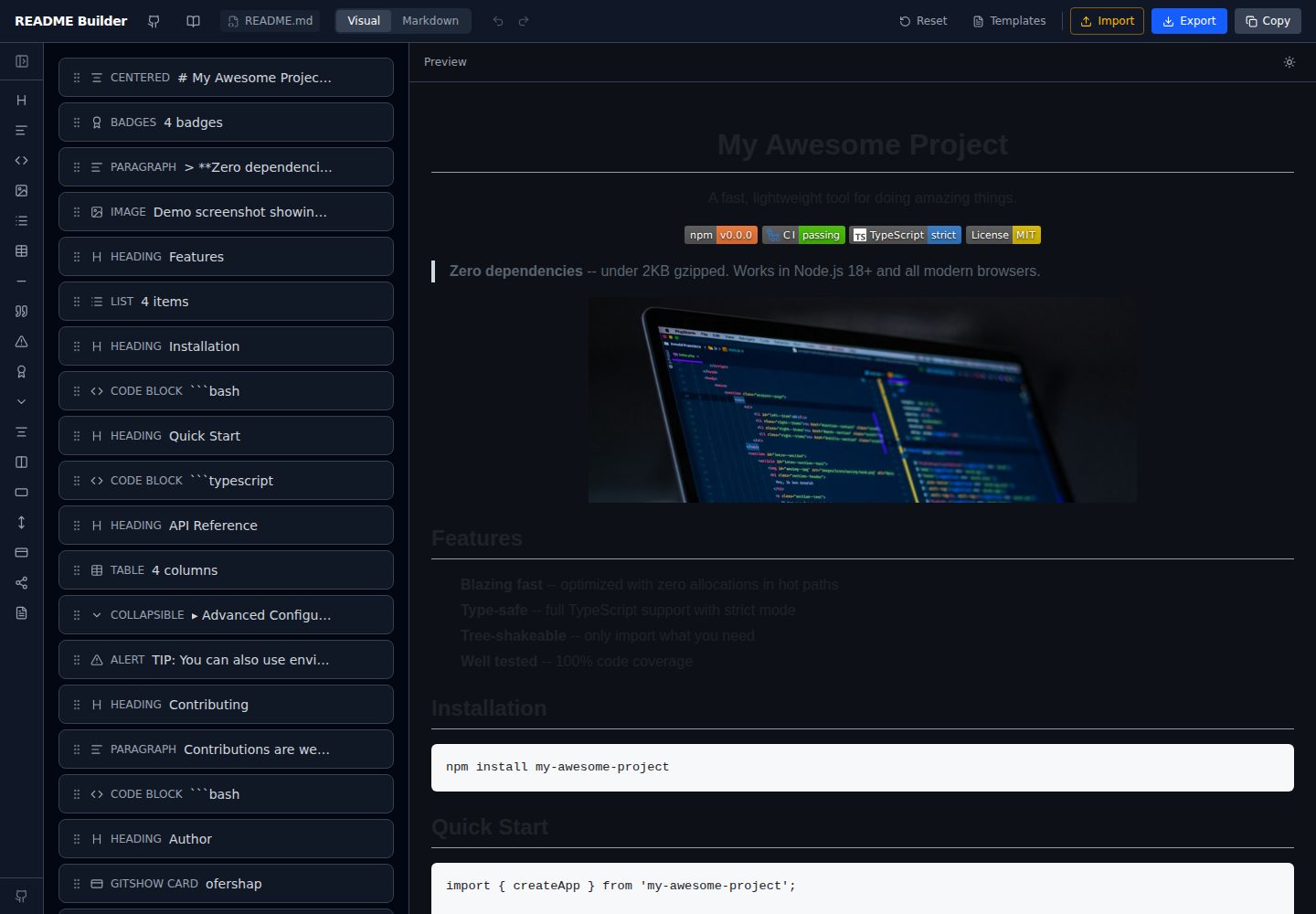
readme-builder
A purely front-end README visual editor built on Vite and React. It generates GitHub-flavored Markdown by dragging blocks, with live preview, four templates, badge editing, Markdown import/export, undo/redo, and localStorage autosave.
Vite · Tool Site
react-currency-converter
A React + Vite currency conversion template that runs immediately after cloning.
Vite · Tool Site
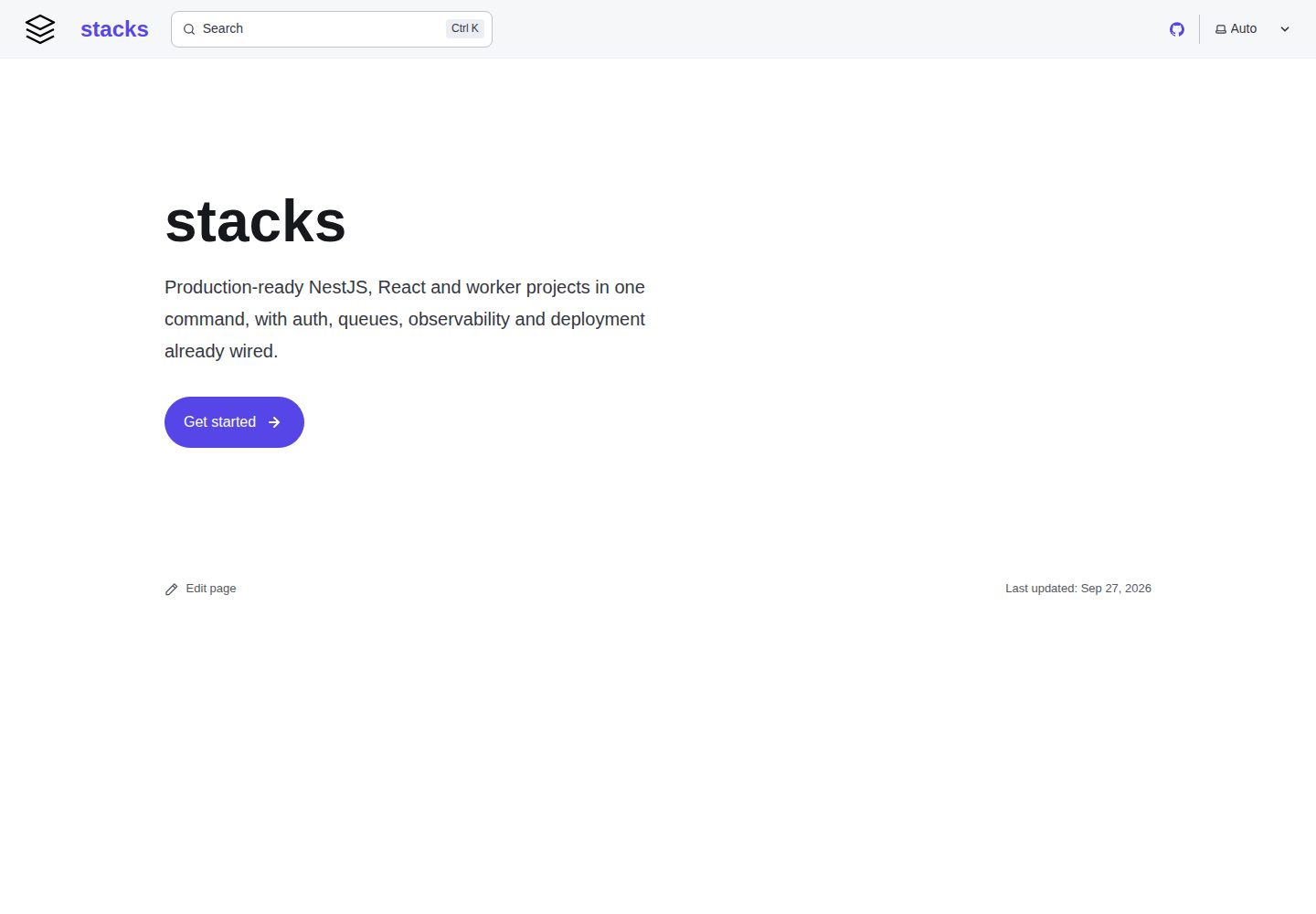
stacks
aurostack-org/stacks provides runnable Vite/React project templates and a zero-dependency Node ESM generator that creates projects by deleting unselected features.
Vite · Tool Site
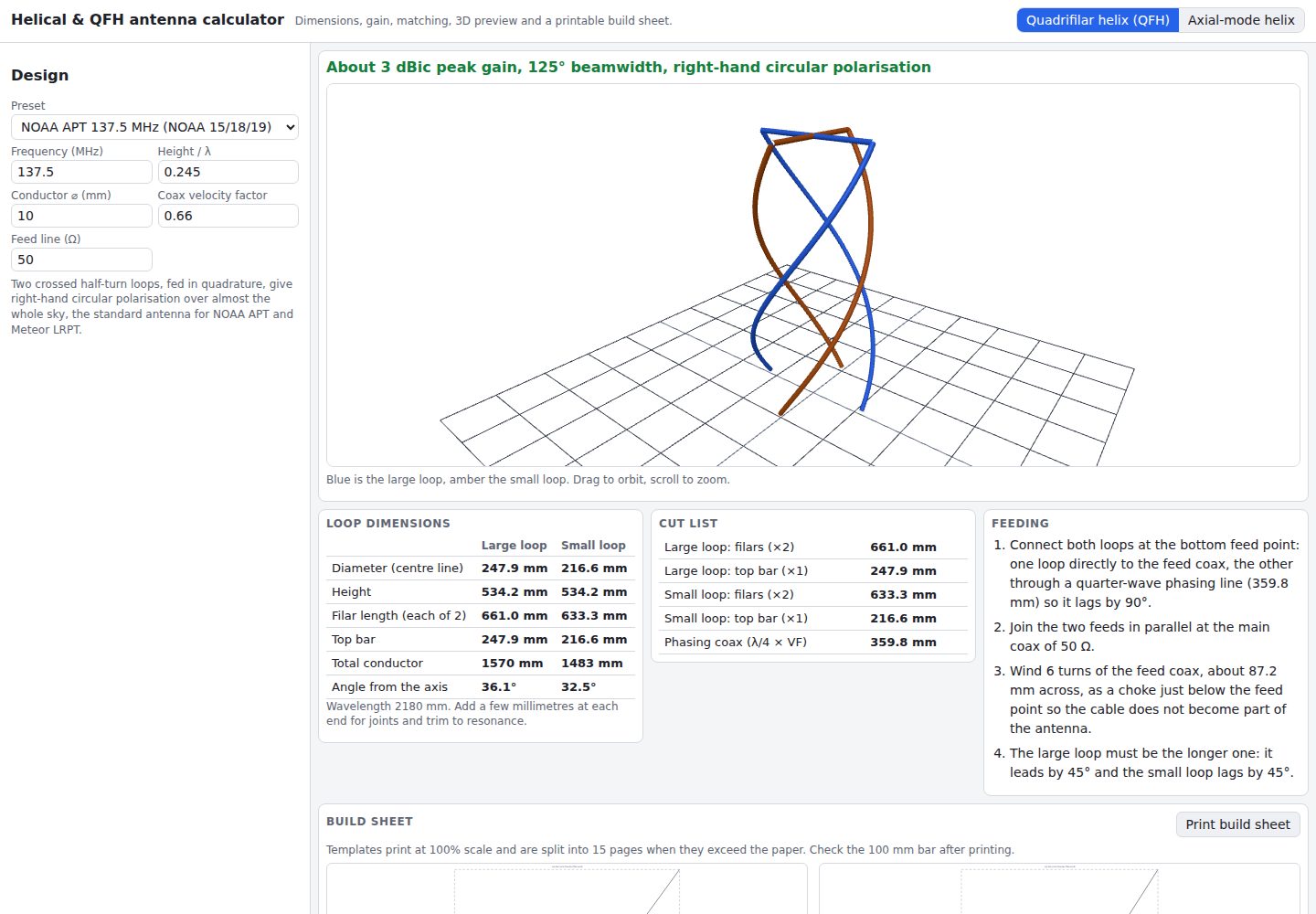
helical-qfh-calculator
A Vite + React browser calculator for axial-mode helical (Kraus) and quadrifilar helix (QFH) antennas.
Vite · Tool Site