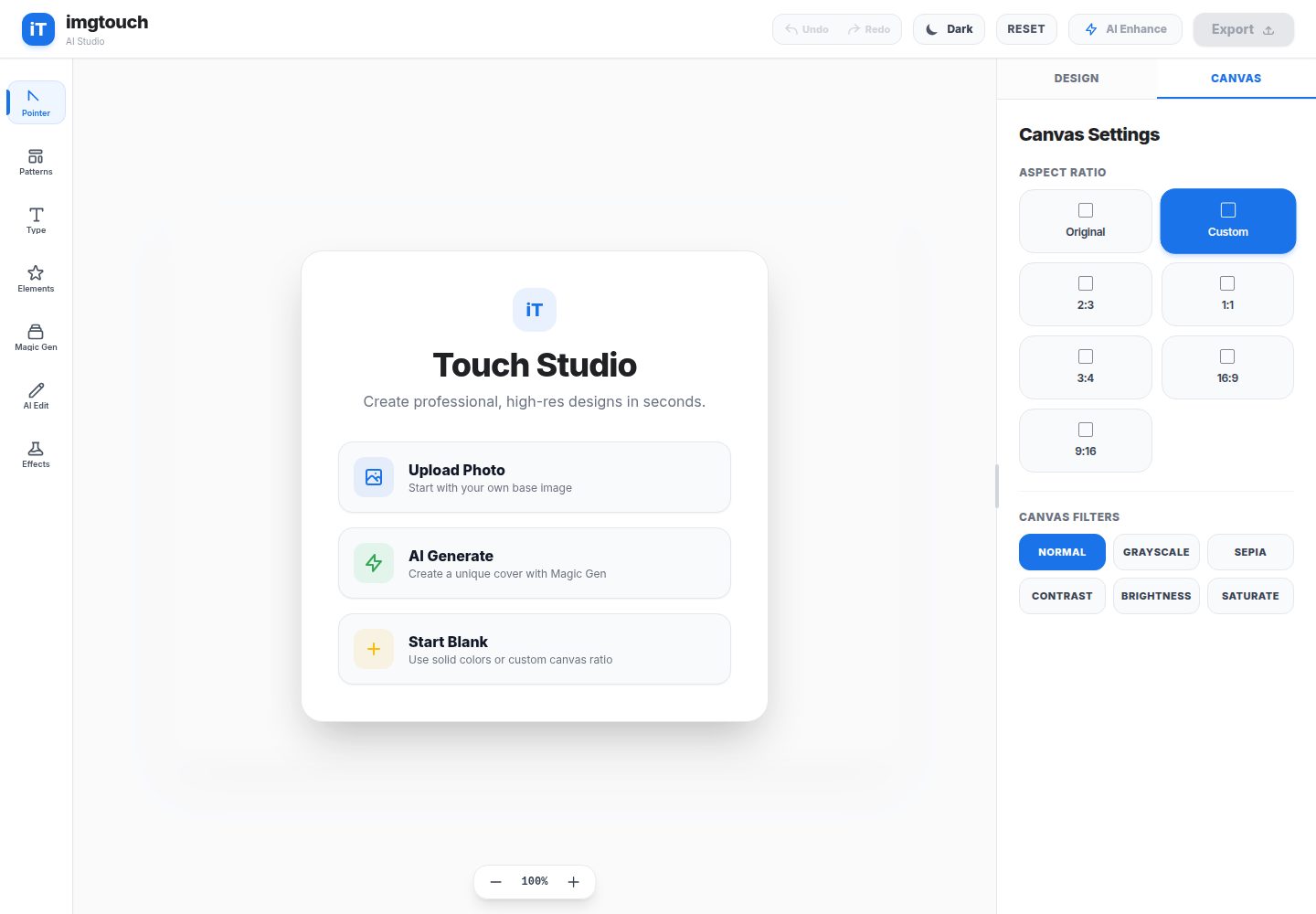
Magic Gen: generate images from text prompts via Gemini
ViteReactTool Site
imgtouch — Vite Tool Template
By ParasxAgarwal
ImgTouch is an AI creative studio based on Google Gemini, offering text-to-image generation, AI editing, super-resolution enhancement, and canvas-based layer editing.
Explore the design
Compare the page layouts and mobile experience. Open any screenshot for a closer look.
Desktop homepage1 / 2
Desktop captureTop of page
Actual screenshot captured by the server browser.
All pages & views 2
Screenshots show visual appearance; interactive behavior may differ.
Recorded 2026-10-16View source
What stands out
A quick read of the recorded project description.
AI Edit: modify existing images using natural language prompts
AI Super Resolution: enhance image clarity and detail
Design templates and presets: one-click layouts for Quote, YouTube thumbnail, social story, and tech banner
Canvas editing: layer ordering, cloning, flipping, text styling, and custom stickers
Undo/redo and zoom: shortcuts such as Cmd+Z / Ctrl+Z, canvas zoom 30%–250%
Template Details
ImgTouch is an AI creative studio powered by Google Gemini, providing image generation, editing, and enhancement tools. The README lists three AI capabilities: Magic Gen (text-to-image), AI Edit (modifying images with natural language), and AI Super Resolution (improving clarity and detail), along with design templates and presets (Quote, YouTube thumbnail, social story, tech banner). The editor includes undo/redo (Cmd+Z / Ctrl+Z, Cmd+Shift+Z / Ctrl+Y), a draggable and resizable properties panel, canvas zoom (30%–250%), layer ordering (bring to front/move up/move down/send to back), layer cloning, image flipping, text styling, and custom stickers. The interface offers Google Material-style light and dark themes.
For development, the README requires Node.js v18+, installing dependencies via npm install, setting GEMINI_API_KEY in .env.local, and starting the development server with npm run dev. The tech stack is listed as React 19, Vite, TailwindCSS, and the Google Gemini 2.5 API. The README does not provide deployment steps, production environment configuration, testing, or performance notes.
ViteReactTools
Is it right for your project?
Use Cases
- Quickly generate image assets from text prompts
- Modify existing image content or style with natural language
- Apply super-resolution enhancement to low-clarity images
- Use preset templates to create Quote images, YouTube thumbnails, social stories, or tech banners
- Adjust layer order, clone layers, flip images, or add text and stickers on the canvas
Suitable For
- Creative professionals who need to quickly generate and edit images
- Content creators making social media graphics or video thumbnails
- Developers who want to use Gemini for image processing
- Users who need canvas-based layer editing and template presets
Getting started & customization
Use these recorded setup notes alongside the repository instructions for your chosen version.
- 1
Requires Node.js v18 or higher
- 2
Run npm install to install dependencies
- 3
Set GEMINI_API_KEY in .env.local
- 4
Run npm run dev to start the development server
- 5
The README does not provide deployment steps or production environment configuration
License & source material
Usage conditions & limitations
Free to use · keep license noticeThis entry covers the free version under the MIT license in the public repository; the free scope is the code of this version and does not mean external services or third-party assets are free.
Must comply with when using
- Free use, modification, commercial use, and distribution of this version's code are permitted.
- When distributing copies or substantial portions of the code, retain the original author's copyright notice and the full MIT license notice.
- The code is provided as is; warranties and liability limitations are governed by the original license and applicable law.
Additional costs & items to verify
- Demo images, fonts, icons, and other third-party assets must be checked against their respective licenses and cannot be judged solely by the code's MIT license.
- External services such as domains, hosting, databases, payments, or AI may incur separate charges.
- You must configure your own Gemini API key in .env.local before use, otherwise AI features cannot be called.
- You need to apply for and fill in GEMINI_API_KEY yourself; using Google Gemini services may be subject to its terms of service and quota limits.
- Core AI features depend on the external Google Gemini 2.5 API service, requiring an internet connection and potentially incurring costs.
View Original Text Basis
Permission is hereby granted, free of charge
Original License Text
2. **Set your Gemini API key** in `.env.local`:
Original README
GEMINI_API_KEY=your_gemini_api_key_here
Original README
https://github.com/ParasxAgarwal/imgtouch/blob/main/LICENSEhttps://github.com/ParasxAgarwal/imgtouch/blob/main/README.md- **Google Gemini 2.5 API**
Original README
Compiled by DeepSeek based on repository license and README ·2026-10-16. Results only cover the materials read; dependencies, images, fonts, and subsequent term changes are subject to their respective original texts.
Project checks & description sources
Template Information
- Source platforms
- GitHub
- Documentation and maintenance reference score
- More documented · 88 / 100
- Technologies
- Vite · React
- Website type
- Tool Site
How this score is calculated
Our heuristic uses license records (up to 30), a demo link (12), a preview (10), stars (15), recorded maintenance (15), description completeness (8), feature records (5) and classification data (5). It is not a code, security or performance test, or a Google score. A link does not establish tested functionality.
What to verify for this project
- Repository update recorded
- 2026-08-25
- Screenshot last checked
- 2026-10-16
A demo link is listed. Check it with your own content and viewport sizes; its presence does not confirm that forms, authentication or payments work.
The catalog identifies Vite as the primary stack. Check the actual dependency manifest and lockfile for versions and hosting requirements. These notes use recorded metadata, not a code audit or a deployment test.
Use a selection guide →How this description was prepared
AI-assisted description based on catalog records and repository material. Repository authors are not automatically the reviewers of this description.
Review declaration: codex-user-requested-batch-review-20261017 · 2026-10-16
Inspect the recorded source material
SHA-256: c9bb391d3567b5a17cea65f8014fd24bf2748520db103d0c8f2304340b2adace
2026-10-16T12:41:13.329Z
Source file / repository# ImgTouch - AI Creative Studio <div align="center"> <img src="./preview.png" alt="ImgTouch Studio Preview" width="100%" /> </div> ImgTouch is a premium, smooth, and professional creative studio powered by AI. It offers state-of-the-art tools to generate, edit, and enhance images using Gemini. ## 🌟 Key Features - **Magic Gen**: Create stunning images from text prompts with Gemini. - **AI Edit**: Modify existing images using natural language prompts. - **AI Super Resolution**: Enhance image clarity and details seamlessly. - **Design Patterns & Presets**: 1-click layout templates for Quotes, YouTube Thumbnails, Social Stories, and Tech Banners. - **Undo / Redo Engine**: Full state history tracking with `Cmd+Z` / `Ctrl+Z` & `Cmd+Shift+Z` / `Ctrl+Y` shortcuts. - **Resizable Workspace & Zoom**: Drag-resizable property panel and floating canvas zoom controls (`30%` to `250%`). - **Google Material Theme**: Crisp Light and Dark themes with clean color chips and smooth transitions. - **Full Canvas Control**: Layer reordering (Front/Up/Down/Back), layer cloning, image flipping, text styling, and custom sticker support. ## 🛠️ Development **Prerequisites:** Node.js (v18+) 1. **Install dependencies:** ```bash npm install ``` 2. **Set your Gemini API key** in `.env.local`: ```env GEMINI_API_KEY=your_gemini_api_key_here ``` 3. **Start the development server:** ```bash npm run dev ``` ## ⚡ Powered By - **React 19** - **Vite** - **TailwindCSS** - **Google Gemini 2.5 API**
Explore similar templates
Compare previews and descriptions within the same stack and category.

vituum
Vituum is a static site generator for Vite, provided as a Vite plugin. It integrates template engines into Vite for rapid prototyping and static page development such as email templates.
Vite · Tool Site

tropical
Tropical is a Vite-based static site template for HTML-first sites with client-side JS islands where interactivity is needed. It supports React components, includes dev, build, stories, page, and component scripts, outputs builds to dist/static, and is MIT licensed.
Vite · Tool Site
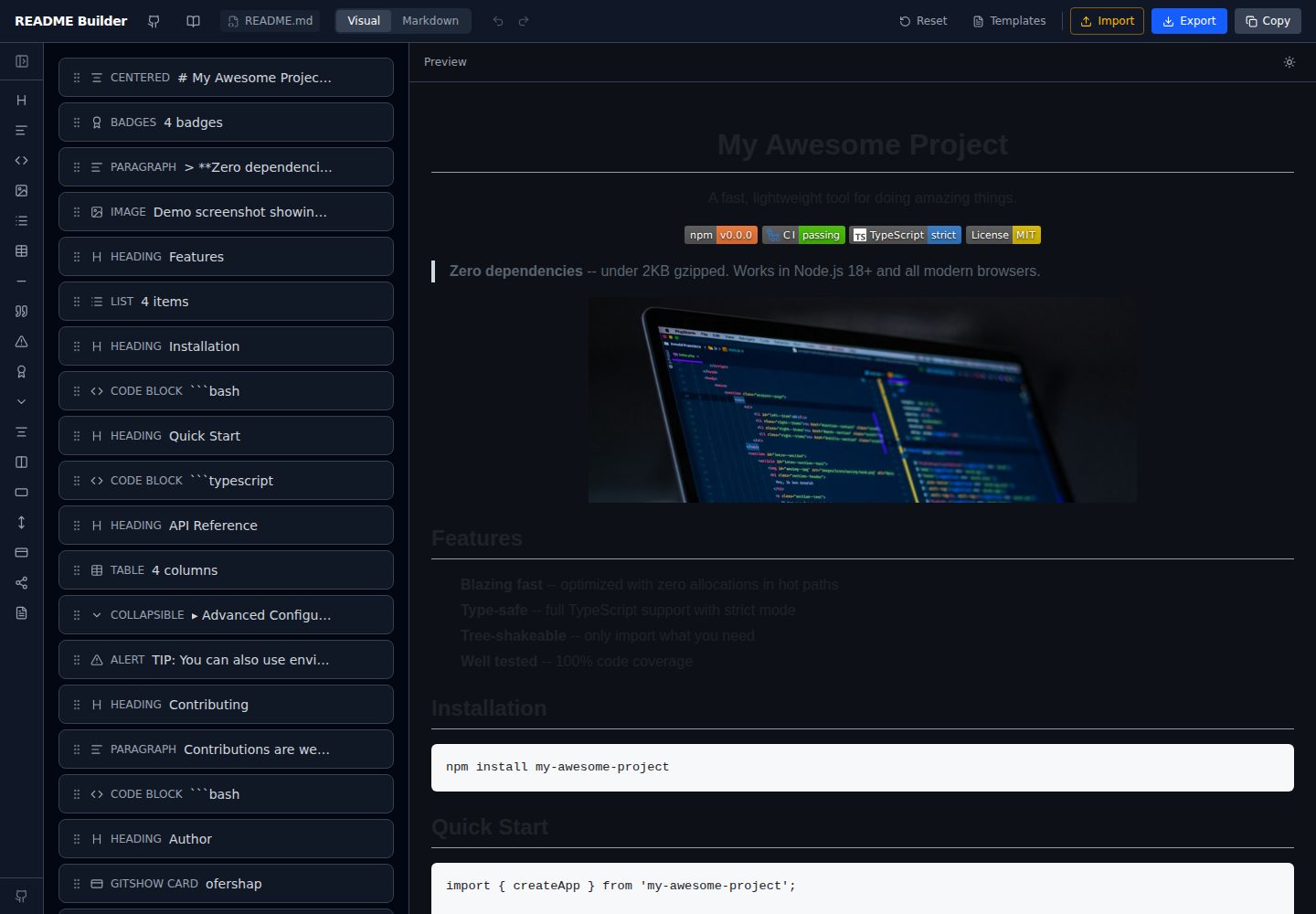
readme-builder
A purely front-end README visual editor built on Vite and React. It generates GitHub-flavored Markdown by dragging blocks, with live preview, four templates, badge editing, Markdown import/export, undo/redo, and localStorage autosave.
Vite · Tool Site
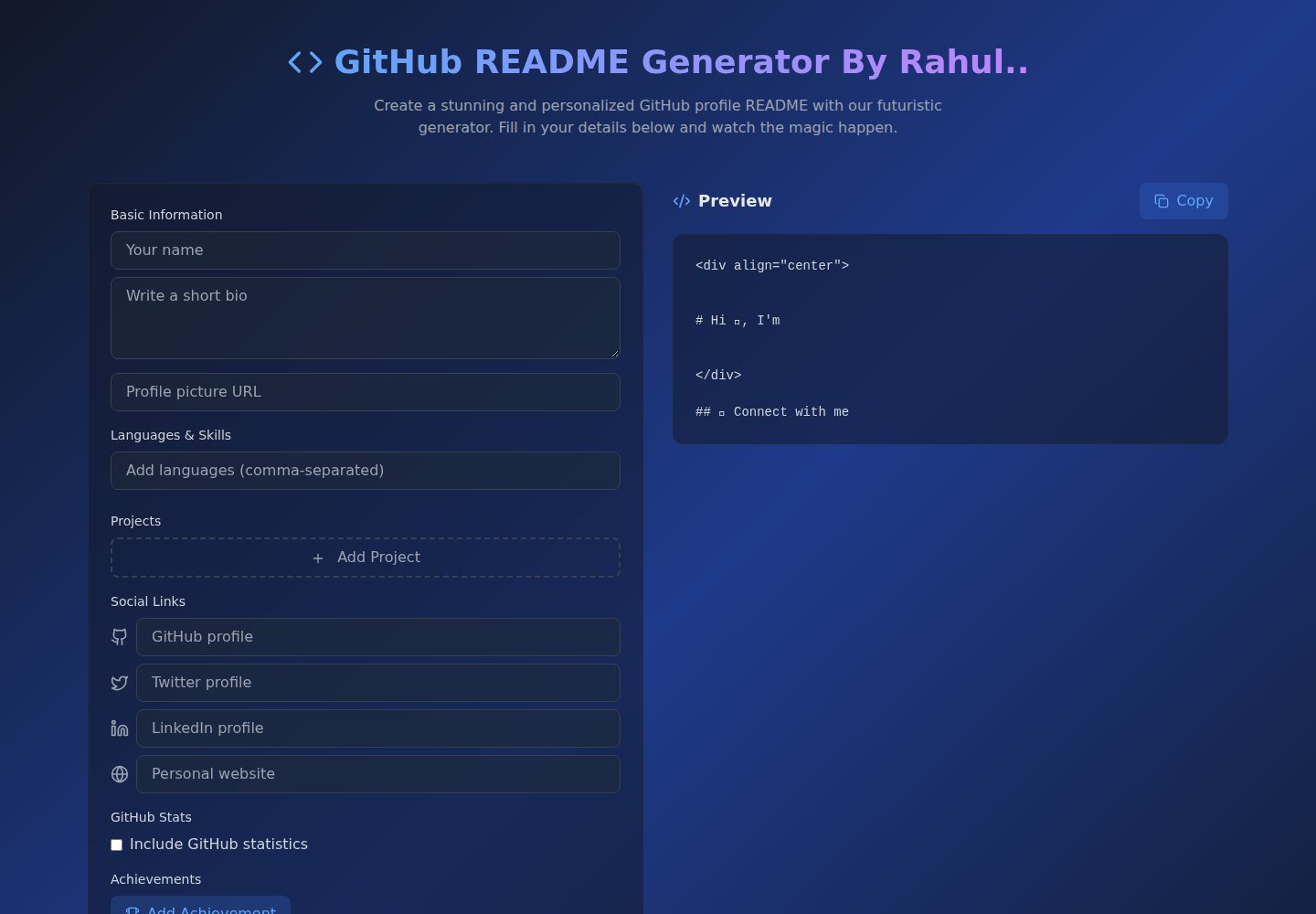
Github-Readme-Generator
A React and TypeScript web tool for generating GitHub project READMEs, with template selection, real-time Markdown preview, dark/light mode, responsive design, and export to multiple formats.
Vite · Documentation
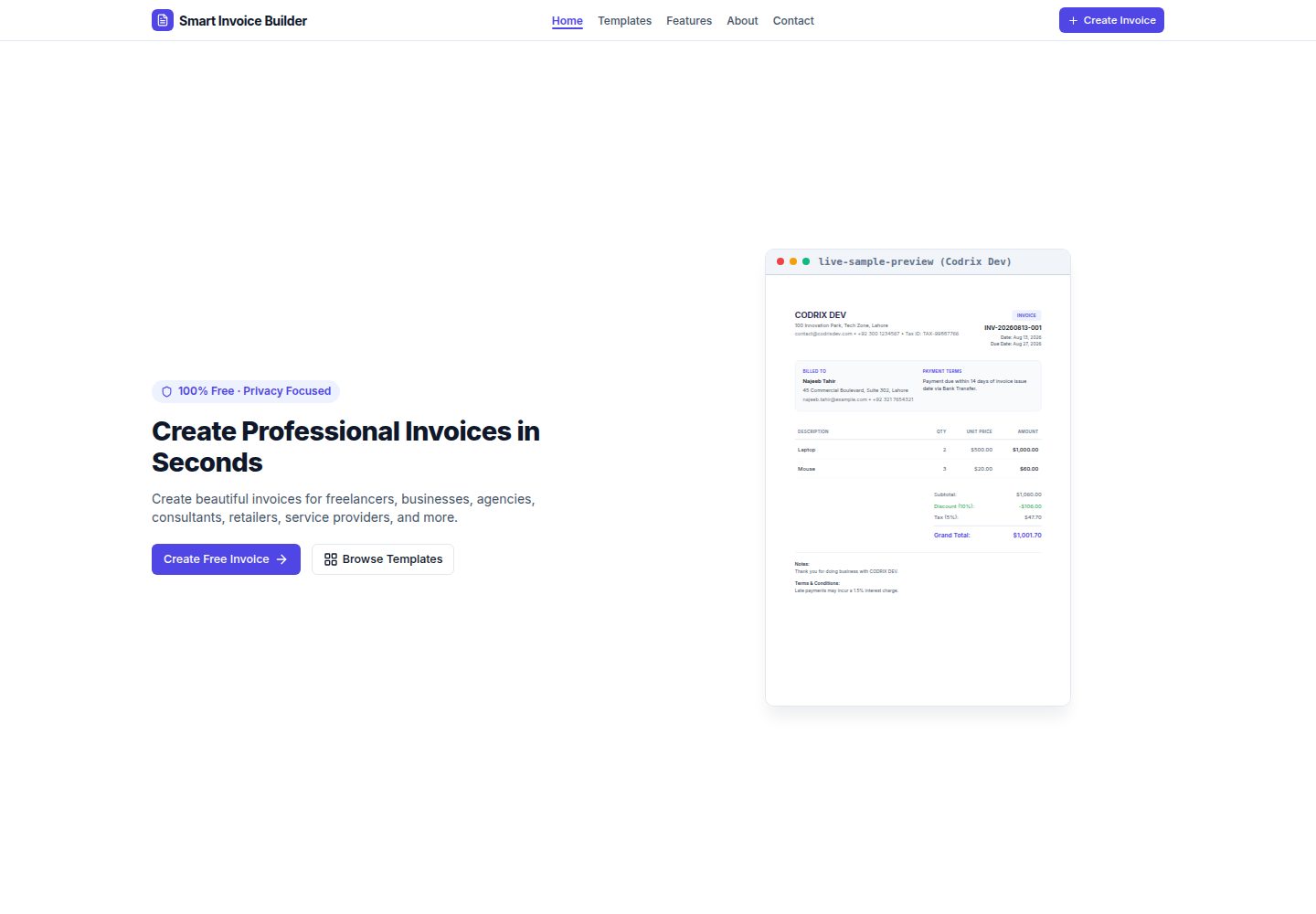
Smart-Invoice-Builder
Smart Invoice Builder is a local-first invoice generator built with React 18, TypeScript, and Vite.
Vite · Tool Site
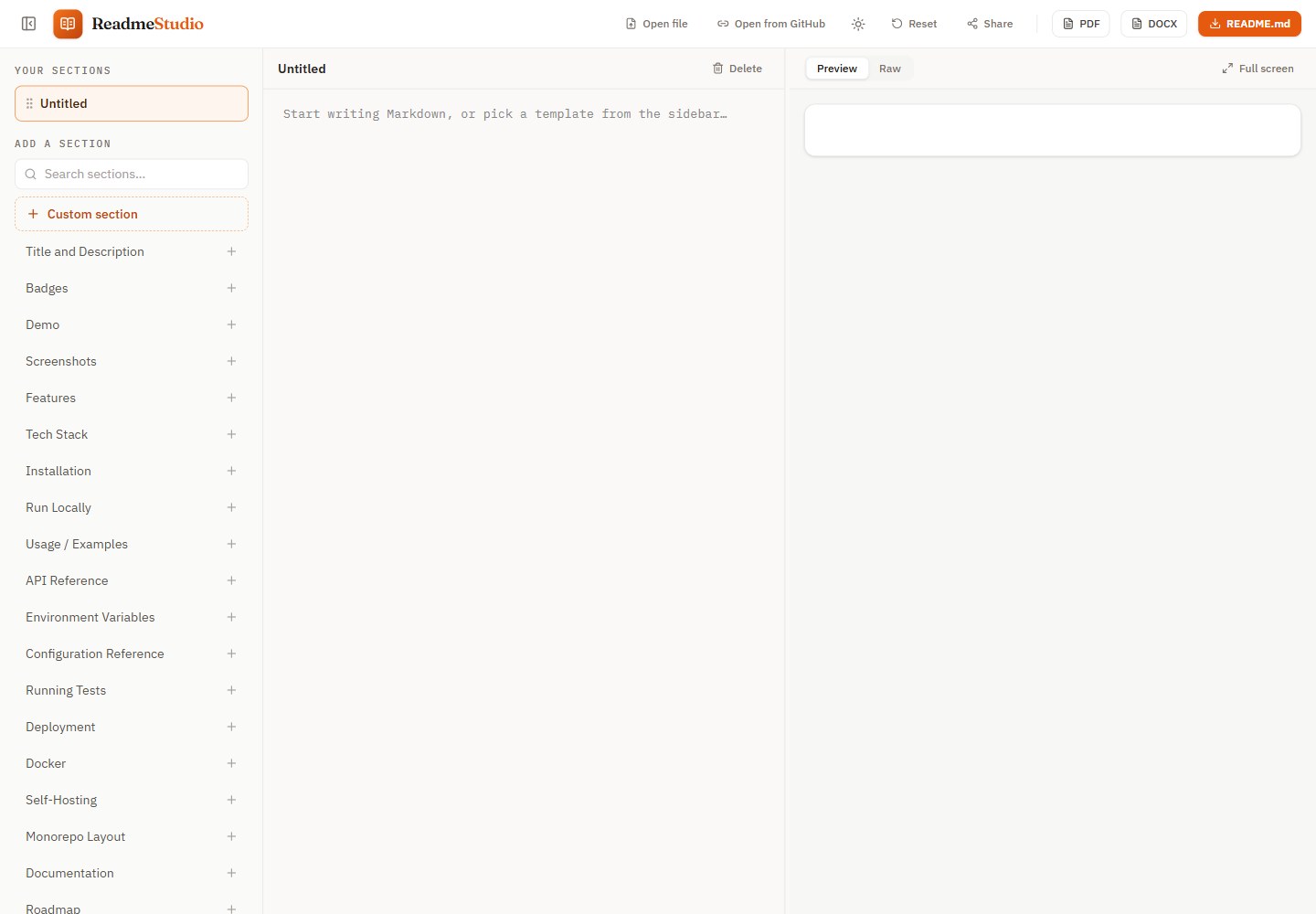
readme-studio
ReadmeStudio is a browser-based README editor that organizes content by section and offers a GitHub-accurate live preview, Mermaid diagrams, PDF and DOCX export, and password-encrypted share links.
Vite · Tool Site