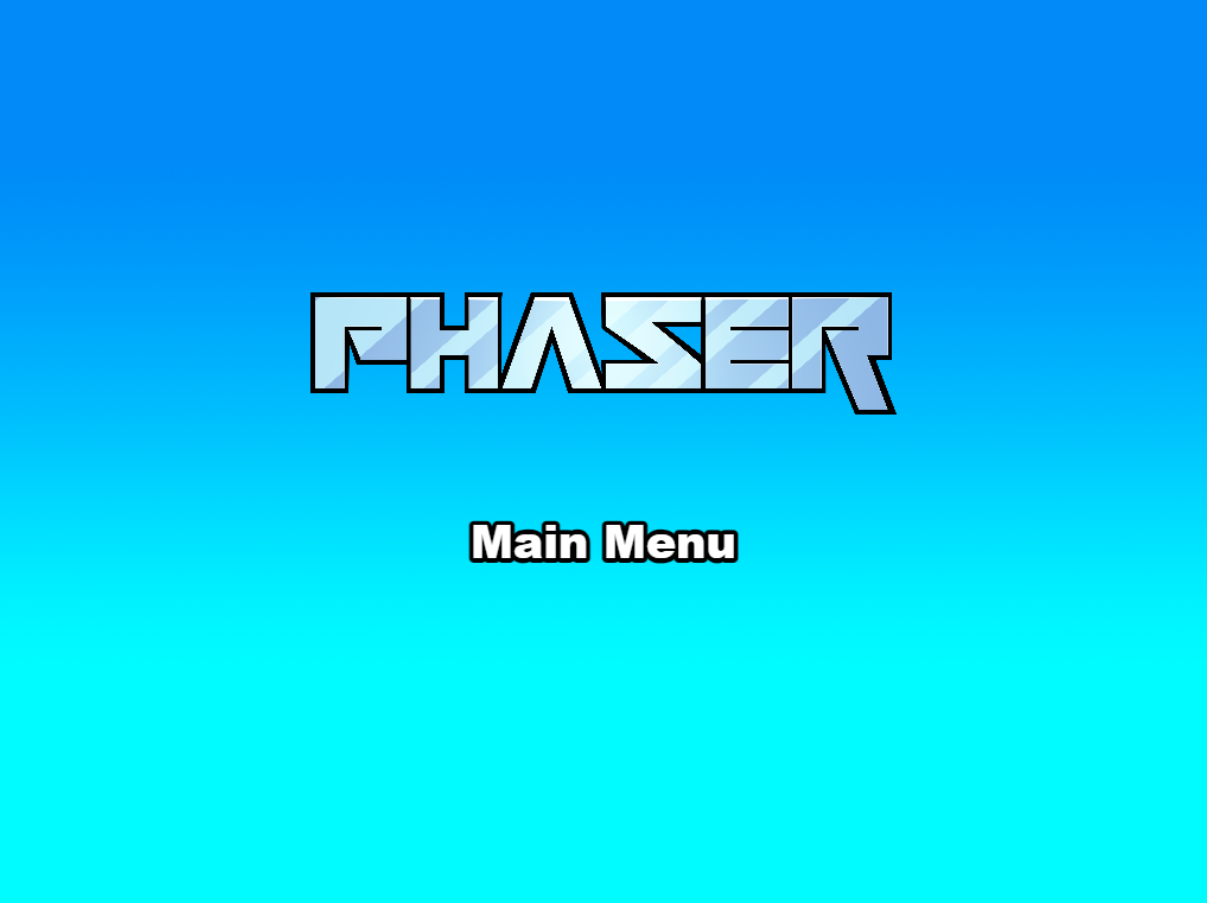
Phaser 官方维护的 Vite 项目模板,仓库为 phaserjs/template-vite
Vite游戏站
template-vite — Vite 游戏站模板
作者 phaserjs
Phaser 官方维护的 Phaser 游戏项目模板,使用 Vite 进行打包,提供热重载开发流程与生产构建脚本,附带默认目录结构和资源加载示例。
看看你的网站会是什么样
浏览真实页面截图,比较内容排版与手机效果。点击下方缩略图切换,放大查看整页细节。
目前有 1 张原始预览,可打开完整图片查看设计细节。
截图用于了解视觉与布局,交互效果请以实际项目为准。
采集于 2026-10-02查看来源
值得关注的模板亮点
从已有项目资料中,快速了解它的特点。
使用 Vite 打包,支持开发时热重载,并提供生产构建脚本
提供默认目录结构,区分游戏代码、场景与静态资源
同时支持通过 import 内联资源与从 public/assets 加载静态资源
内置 log.js 匿名使用数据上报,并提供 dev-nolog、build-nolog 及删除脚本等方式关闭
另有 TypeScript 版本模板仓库可供选择
模板详细介绍
这是 Phaser 官方仓库中的 template-vite,用于搭建基于 Phaser 的游戏项目,并使用 Vite 作为打包工具。模板提供热重载开发服务器和生成生产构建的 npm 脚本,同时给出默认的项目结构:index.html 作为页面容器,src/main.js 负责应用引导,src/game 存放游戏代码,src/game/main.js 配置并启动游戏,src/game/scenes 存放 Phaser 场景,public/assets 用于放置运行时直接提供的精灵、音频等静态资源,public/style.css 提供全局布局样式。资源处理方面,模板同时支持通过 JavaScript import 内联资源,以及从 public/assets 静态目录加载资源,构建时静态资源会被复制到 dist/assets。仓库还包含 log.js,默认在 dev 和 build 时向 gryzor.co 发送模板名称、构建类型和 Phaser 版本三项匿名数据;可使用 dev-nolog、build-nolog 命令,或删除 log.js 并修改 package.json 中的 scripts 来停止发送。模板另有 TypeScript 版本仓库。使用前需要安装 Node.js,通过 npm 安装依赖并运行脚本。
Vite游戏站
适合你的项目吗?
适用场景
- 使用 Phaser 和 Vite 从零搭建游戏项目结构
- 在开发阶段借助热重载快速迭代游戏代码与场景
- 需要将游戏资源分别以内联导入或静态目录方式加载的项目
- 希望基于官方模板开始 Phaser 游戏开发并自行扩展构建配置
适合人群
- 使用 Phaser 开发游戏的开发者
- 偏好 Vite 作为打包工具的 JavaScript 项目
- 需要官方维护的起步模板而非从空项目搭建的团队
- 能接受或愿意关闭匿名使用数据上报的使用者
上手与定制指南
结合仓库当前版本的说明,按下面的资料检查内容、配置与运行要求。
- 1
需要先安装 Node.js,然后在项目目录执行 npm install 安装依赖
- 2
运行 npm run dev 启动本地开发服务器,默认地址为 http://localhost:8080
- 3
运行 npm run build 在 dist 文件夹生成生产构建,部署时需上传 dist 的全部内容
- 4
如需停止匿名数据上报,可使用 npm run dev-nolog 或 npm run build-nolog,也可删除 log.js 并移除 package.json 中对应的脚本调用
- 5
修改构建配置可编辑 vite/config.*.mjs,或在 package.json 的 npm 任务中指定新的配置文件
授权与来源资料
使用条件与限制
免费使用 · 保留许可声明本次收录的是公开仓库中采用 MIT 许可的免费版本;免费范围为该版本代码,不代表外部服务或第三方素材免费。
使用时需要遵守
- 允许免费使用、修改、商用和分发该版本代码。
- 分发代码副本或实质性部分时,保留原作者版权声明和完整 MIT 许可声明。
- 代码按现状提供;担保与责任限制以原许可证及适用法律为准。
额外费用与待核对事项
- 模板默认在 dev 和 build 时通过 log.js 向 gryzor.co 发送匿名数据(模板名称、构建类型、Phaser 版本)。可使用 dev-nolog/build-nolog 命令,或删除 log.js 并修改 package.json 脚本以停止上报。
- 使用该模板需先安装 Node.js,并通过 npm 安装依赖与运行脚本。
- Phaser 标志与角色形象版权归 Phaser Studio Inc. 所有,保留所有权利,不属于 MIT 代码许可范围,商用或再分发时需注意。
- 演示图片、字体、图标及其他第三方素材需按各自许可核对,不能仅凭代码的 MIT 许可判断。
- 域名、托管、数据库、支付或 AI 等外部服务可能另外收费。
查看原文依据
Permission is hereby granted, free of charge
许可证原文
This file makes a single silent API call to a domain called `gryzor.co`.
README 原文
[Node.js](https://nodejs.org) is required to install dependencies and run scripts via `npm`.
README 原文
https://github.com/phaserjs/template-vite/blob/main/LICENSEhttps://github.com/phaserjs/template-vite/blob/main/README.mdThe Phaser logo and characters are © 2011 - 2025 Phaser Studio Inc.
README 原文
DeepSeek 根据仓库许可证和 README 整理 ·2026-10-02。结果仅覆盖已读取资料,依赖、图片、字体及后续条款变更以各自原文为准。
项目核对记录与介绍依据
模板资料
- 来源平台
- GitHub
- 资料与维护参考分
- 资料较完整 · 79 / 100
- 技术栈
- Vite
- 网站类型
- 游戏站
这个分数如何计算
本站按许可资料(最高30分)、演示链接(12分)、预览图(10分)、Star数(15分)、记录的维护时间(15分)、描述完整度(8分)、功能记录(5分)和分类资料(5分)计算。它不是代码、安全或性能测试,也不是 Google 评分;有链接不代表已实测可用。
这个项目需要核对什么
- 记录的仓库更新时间
- 2026-04-29
- 截图检查日期
- 2026-10-02
目前没有记录演示链接。请依据仓库说明在本地评估;仅凭截图无法确认交互行为。
目录记录的主要技术栈是 Vite。请通过依赖清单和锁文件核对实际版本与托管要求。这些说明基于收录资料,不代表代码审计或部署实测。
查看具体选型方法 →介绍的制作与核对状态
介绍由 AI 辅助整理目录与仓库资料。仓库作者不等于这篇介绍的审核者。
已完成服务器许可规则与 AI 来源核对;未经过人工编辑审核。
查看当时使用的来源资料
SHA-256: e169f1d2f026d624df008472c588bc5833ebe2d2d2ad9257e8b4b5c3b2f19a4a
2026-10-02T11:42:08.387Z
来源文件 / 仓库# Phaser Vite Template
This is a Phaser 4 project template that uses Vite for bundling. It supports hot-reloading for quick development workflow and includes scripts to generate production-ready builds.
**[This Template is also available as a TypeScript version.](https://github.com/phaserjs/template-vite-ts)**
### Versions
This template has been updated for:
- [Phaser 4.0.0](https://github.com/phaserjs/phaser)
- [Vite 6.3.1](https://github.com/vitejs/vite)

## Requirements
[Node.js](https://nodejs.org) is required to install dependencies and run scripts via `npm`.
## Available Commands
| Command | Description |
|---------|-------------|
| `npm install` | Install project dependencies |
| `npm run dev` | Launch a development web server |
| `npm run build` | Create a production build in the `dist` folder |
| `npm run dev-nolog` | Launch a development web server without sending anonymous data (see "About log.js" below) |
| `npm run build-nolog` | Create a production build in the `dist` folder without sending anonymous data (see "About log.js" below) |
## Writing Code
After cloning the repo, run `npm install` from your project directory. Then, you can start the local development server by running `npm run dev`.
The local development server runs on `http://localhost:8080` by default. Please see the Vite documentation if you wish to change this, or add SSL support.
Once the server is running you can edit any of the files in the `src` folder. Vite will automatically recompile your code and then reload the browser.
## Template Project Structure
We have provided a default project structure to get you started. This is as follows:
| Path | Description |
|------------------------------|------------------------------------------------------------|
| `index.html` | A basic HTML page to contain the game. |
| `public/assets` | Game sprites, audio, etc. Served directly at runtime. |
| `public/style.css` | Global layout styles. |
| `src/main.js` | Application bootstrap. |
| `src/game` | Folder containing the game code. |
| `src/game/main.js` | Game entry point: configures and starts the game. |
| `src/game/scenes` | Folder with all Phaser game scenes. |
## Handling Assets
Vite supports loading assets via JavaScript module `import` statements.
This template provides support for both embedding assets and also loading them from a static folder. To embed an asset, you can import it at the top of the JavaScript file you are using it in:
```js
import logoImg from './assets/logo.png'
```
To load static files such as audio files, videos, etc place them into the `public/assets` folder. Then you can use this path in the Loader calls within Phaser:
```js
preload ()
{
// This is an example of an imported bundled image.
// Remember to import it at the top of this file
this.load.image('logo', logoImg);
// This is an example of loading a static image
// from the public/assets folder:
this.load.image('background', 'assets/bg.png');
}
```
When you issue the `npm run build` command, all static assets are automatically copied to the `dist/assets` folder.
## Deploying to Production
After you run the `npm run build` command, your code will be built into a single bundle and saved to the `dist` folder, along with any other assets your project imported, or stored in the public assets folder.
In order to deploy your game, you will need to upload *all* of the contents of the `dist` folder to a public facing web server.
## Customizing the Template
### Vite
If you want to customize your build, such as adding plugin (i.e. for loading CSS or fonts), you can modify the `vite/config.*.mjs` file for cross-project changes, or you can modify and/or create new configuration files and target them in specific npm tasks inside of `package.json`. Please see the [Vite documentation](https://vitejs.dev/) for more information.
## About log.js
If you inspect our node scripts you will see there is a file called `log.js`. This file makes a single silent API call to a domain called `gryzor.co`. This domain is owned by Phaser Studio Inc. The domain name is a homage to one of our favorite retro games.
We send the following 3 pieces of data to this API: The name of the template being used (vue, react, etc). If the build was 'dev' or 'prod' and finally the version of Phaser being used.
At no point is any personal data collected or sent. We don't know about your project files, device, browser or anything else. Feel free to inspect the `log.js` file to confirm this.
Why do we do this? Because being open source means we have no visible metrics about which of our templates are being used. We work hard to maintain a large and diverse set of templates for Phaser developers and this is our small anonymous way to determine if that work is actually paying off, or not. In short, it helps us ensure we're building the tools for you.
However, if you don't want to send any data, you can use these commands instead:
Dev:
```bash
npm run dev-nolog
```
Build:
```bash
npm run build-nolog
```
Or, to disable the log entirely, simply delete the file `log.js` and remove the call to it in the `scripts` section of `package.json`:
Before:
```json
"scripts": {
"dev": "node log.js dev & dev-template-script",
"build": "node log.js build & build-template-script"
},
```
After:
```json
"scripts": {
"dev": "dev-template-script",
"build": "build-template-script"
},
```
Either of these will stop `log.js` from running. If you do decide to do this, please could you at least join our Discord and tell us which template you're using! Or send us a quick email. Either will be super-helpful, thank you.
## Join the Phaser Community!
We love to see what developers like you create with Phaser! It really motivates us to keep improving. So please join our community and show-off your work 😄
**Visit:** The [Phaser website](https://phaser.io) and follow on [Phaser Twitter](https://twitter.com/phaser_)<br />
**Play:** Some of the amazing games [#madewithphaser](https://twitter.com/search?q=%23madewithphaser&src=typed_query&f=live)<br />
**Learn:** [API Docs](https://newdocs.phaser.io), [Support Forum](https://phaser.discourse.group/) and [StackOverflow](https://stackoverflow.com/questions/tagged/phaser-framework)<br />
**Discord:** Join us on [Discord](https://discord.gg/phaser)<br />
**Code:** 2000+ [Examples](https://labs.phaser.io)<br />
**Read:** The [Phaser World](https://phaser.io/community/newsletter) Newsletter<br />
Created by [Phaser Studio](mailto:[email protected]). Powered by coffee, anime, pixels and love.
The Phaser logo and characters are © 2011 - 2025 Phaser Studio Inc.
All rights reserved.
看看同类模板
对比同技术栈与用途的模板,找到更适合的视觉与内容结构。

vite-phaser-ts
Vite + Phaser + Typescript starter template.
Vite · 游戏站

template-youtube-playables
A Phaser 3 sample game that demonstrates all aspects of the YouTube Playables SDK
Vite · 游戏站
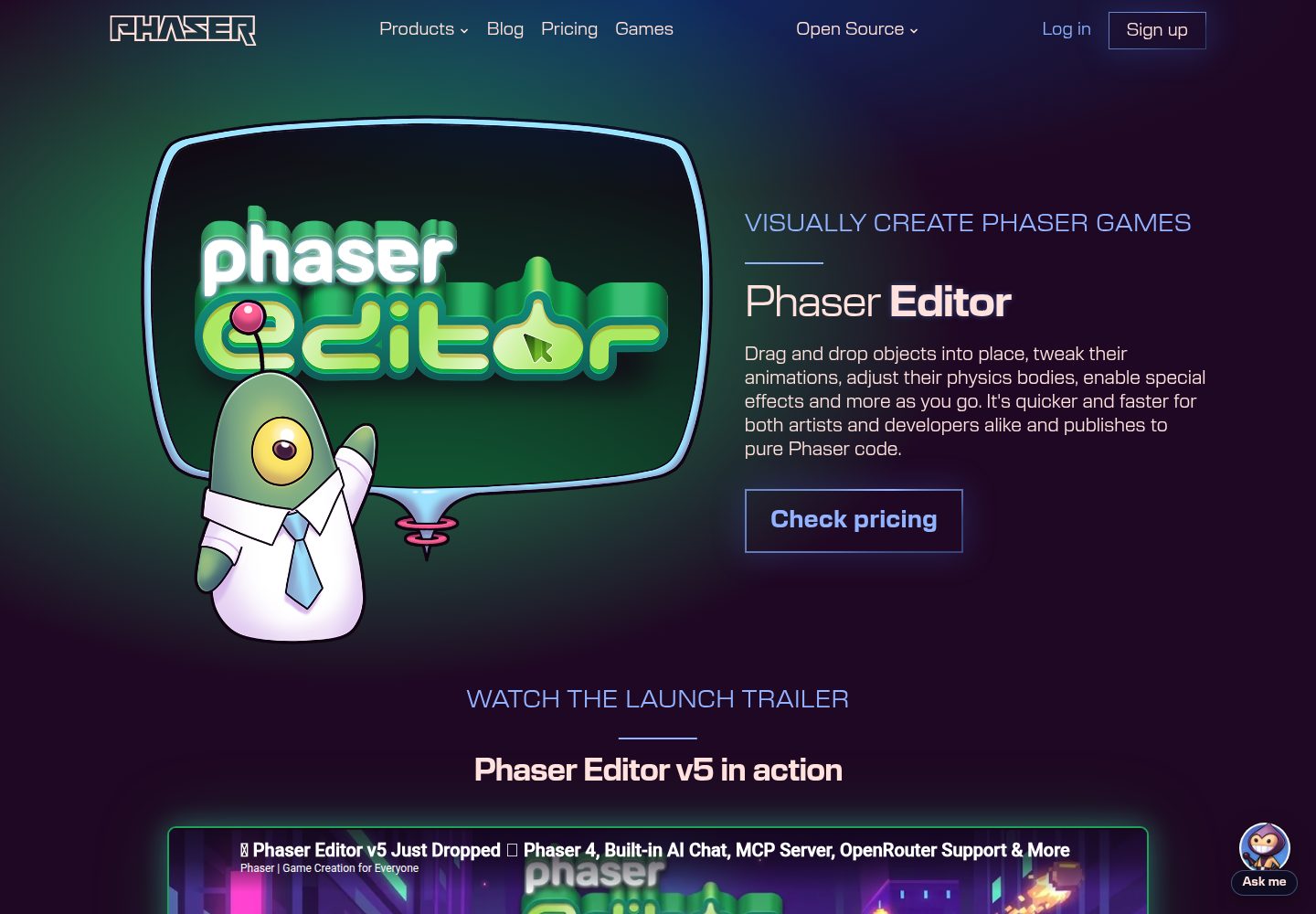
phaser-editor-template-solid
A Phaser Editor 4 project template that combines SolidJS, TypeScript and uses Vite for bundling
SolidJS · 游戏站
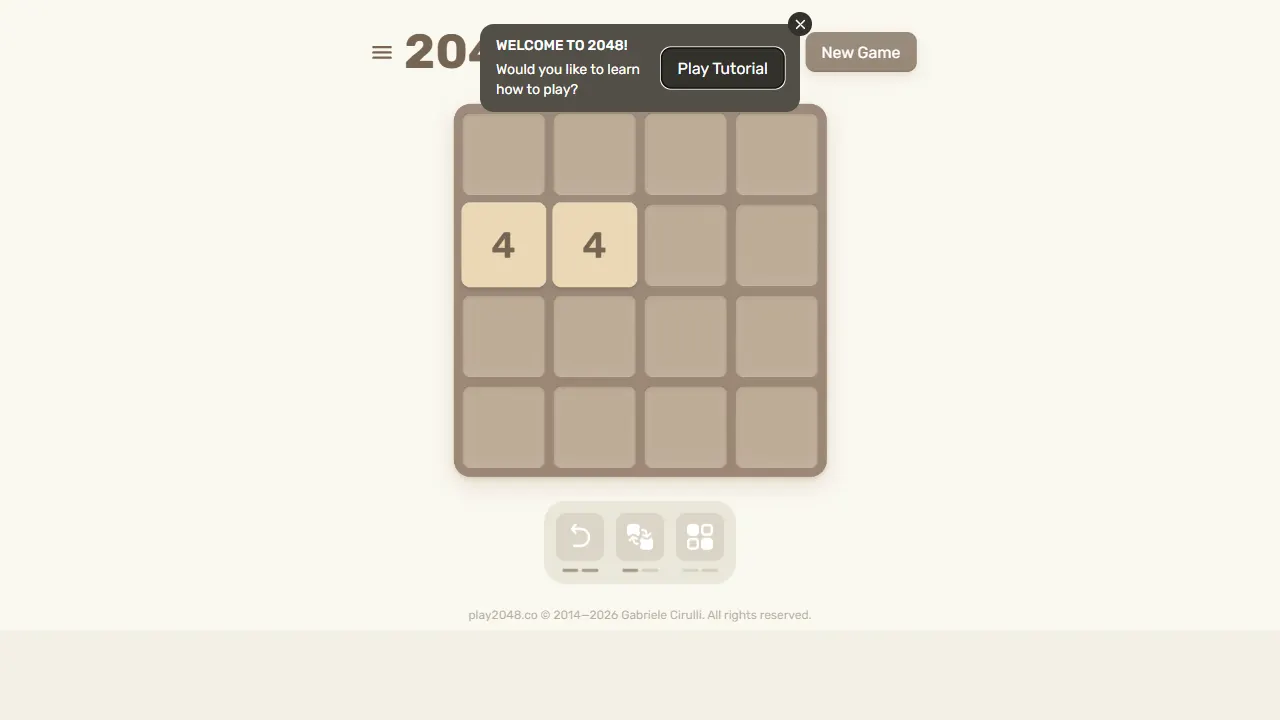
2048
2048 是一个风靡全球的数字合并益智游戏的开源网页实现,最初由 Gabriele Cirulli 开发,基于 1024 和 Saming 的 2048 克隆而来。
JavaScript · 游戏站
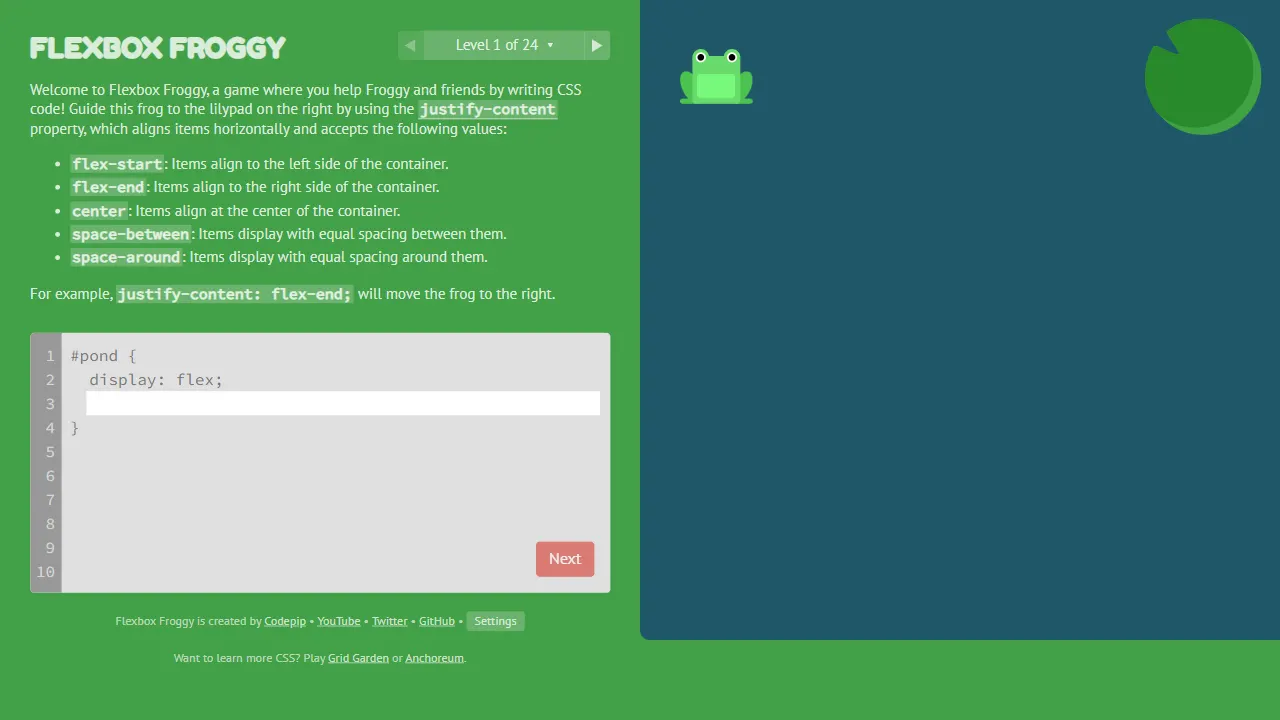
flexboxfroggy
Flexbox Froggy 是一个通过游戏化方式学习 CSS Flexbox 的开源项目,由 Thomas Park 创建并维护。
JavaScript · 游戏站
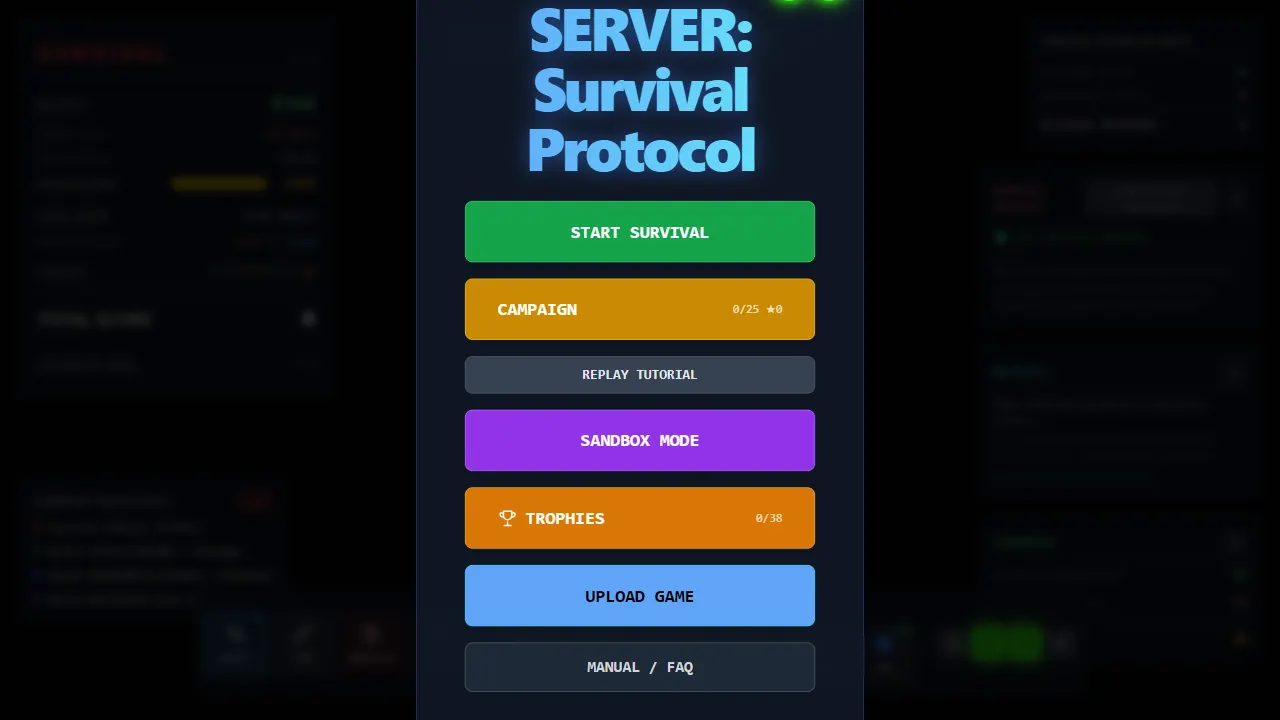
server survival
Server Survival 是一个将云架构知识融入游戏机制的 3D 模拟项目。 你扮演云架构师,通过搭建和扩展基础设施来应对流量增长、DDoS 攻击与预算限制。
Three.js · 游戏站