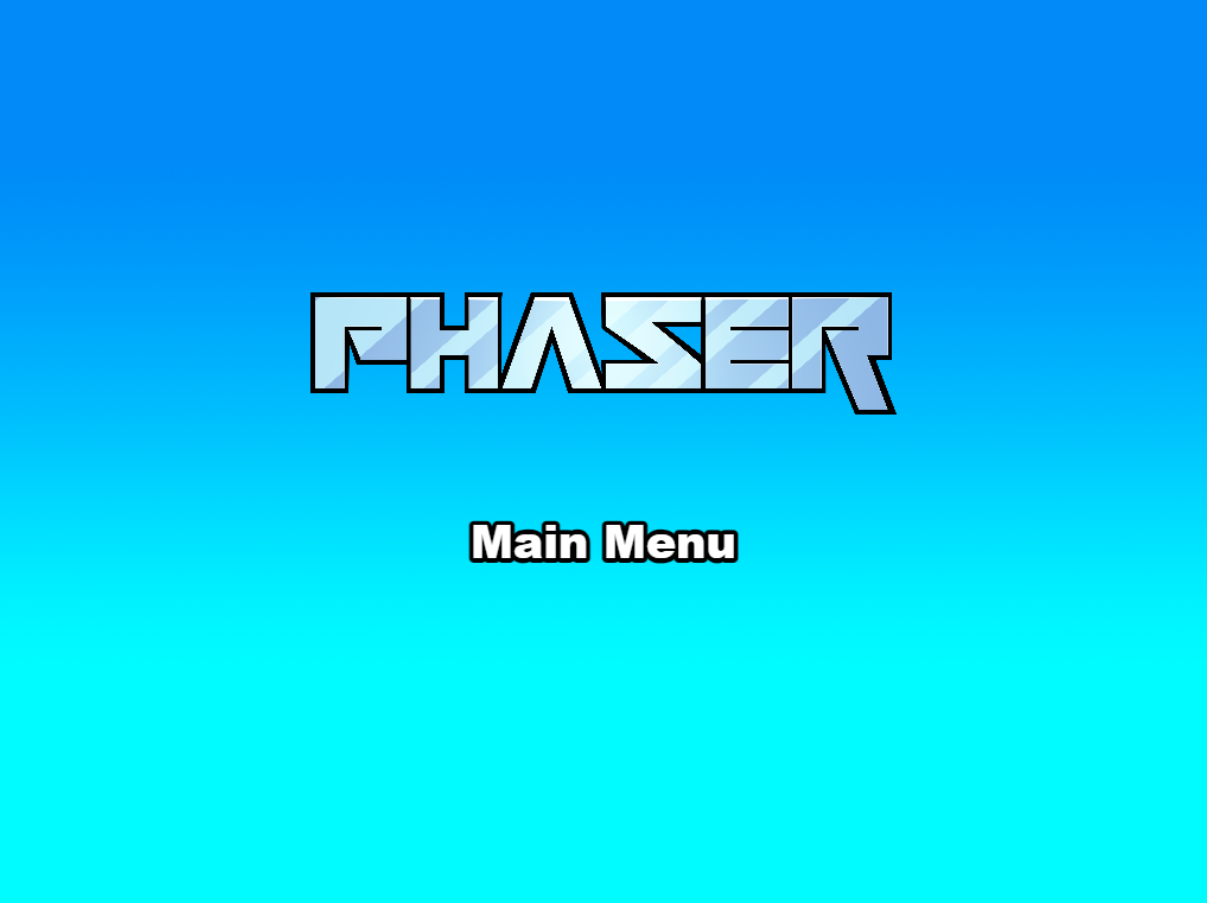
Official Phaser-maintained Vite project template, repository at phaserjs/template-vite
ViteGame Site
template-vite — Vite Game Template
By phaserjs
The official Phaser game project template maintained by Phaser, bundled with Vite, providing a hot-reload development workflow and production build scripts, along with a default directory structure and asset loading examples.
Explore the design
Compare the page layouts and mobile experience. Open any screenshot for a closer look.
Author preview
Author-provided previewTop of page
Preview provided in the project README.
One original preview is available. Open the full image to inspect the design.
Screenshots show visual appearance; interactive behavior may differ.
Recorded 2026-10-02View source
What stands out
A quick read of the recorded project description.
Uses Vite for bundling, supports hot reload during development, and provides production build scripts
Provides a default directory structure that separates game code, scenes, and static assets
Supports both inlining assets via import and loading static assets from public/assets
Includes log.js anonymous usage data reporting, with dev-nolog, build-nolog, and script removal options to disable it
A TypeScript version of the template repository is also available
Template Details
This is template-vite from the official Phaser repository, used to set up Phaser-based game projects with Vite as the bundler. The template provides a hot-reload development server and npm scripts to generate production builds, along with a default project structure: index.html serves as the page container, src/main.js handles application bootstrapping, src/game holds game code, src/game/main.js configures and starts the game, src/game/scenes stores Phaser scenes, public/assets is for static assets such as sprites and audio served directly at runtime, and public/style.css provides global layout styles. For asset handling, the template supports both inlining assets via JavaScript import and loading assets from the public/assets static directory; during build, static assets are copied to dist/assets. The repository also includes log.js, which by default sends three pieces of anonymous data to gryzor.co during dev and build: the template name, build type, and Phaser version. You can stop this by using the dev-nolog or build-nolog commands, or by deleting log.js and modifying the scripts in package.json. A TypeScript version of the template repository is also available. Before use, Node.js must be installed; dependencies are installed via npm and scripts are run.
ViteGame Site
Is it right for your project?
Use Cases
- Setting up a game project structure from scratch with Phaser and Vite
- Rapidly iterating on game code and scenes with hot reload during development
- Projects that need to load game assets either as inline imports or from a static directory
- Starting Phaser game development from an official template and extending the build configuration as needed
Suitable For
- Developers building games with Phaser
- JavaScript projects that prefer Vite as the bundler
- Teams that want an officially maintained starter template rather than starting from an empty project
- Users who accept or are willing to disable anonymous usage data reporting
Getting started & customization
Use these recorded setup notes alongside the repository instructions for your chosen version.
- 1
Node.js must be installed first, then run npm install in the project directory to install dependencies
- 2
Run npm run dev to start the local development server, by default at http://localhost:8080
- 3
Run npm run build to generate a production build in the dist folder; when deploying, upload all contents of dist
- 4
To stop anonymous data reporting, use npm run dev-nolog or npm run build-nolog, or delete log.js and remove the corresponding script calls from package.json
- 5
To modify the build configuration, edit vite/config.*.mjs, or specify a new configuration file in the npm tasks in package.json
License & source material
Usage conditions & limitations
Free to use · keep license noticeThis entry covers the free version under the MIT license from the public repository; the free scope applies to that version's code and does not mean external services or third-party assets are free.
Must comply with when using
- You are allowed to freely use, modify, commercialize, and distribute the code of this version.
- When distributing copies or substantial portions of the code, retain the original author's copyright notice and the full MIT license notice.
- The code is provided as is; warranties and limitations of liability are governed by the original license and applicable law.
Additional costs & items to verify
- By default, the template sends anonymous data (template name, build type, Phaser version) to gryzor.co during dev and build via log.js. You can stop reporting by using the dev-nolog/build-nolog commands, or by deleting log.js and modifying the package.json scripts.
- Using this template requires installing Node.js first, then installing dependencies and running scripts via npm.
- The Phaser logo and character images are copyright Phaser Studio Inc., all rights reserved, and are not covered by the MIT code license; take care when commercializing or redistributing.
- Demo images, fonts, icons, and other third-party assets must be checked against their respective licenses; the MIT license for the code alone is not sufficient to determine this.
- External services such as domains, hosting, databases, payments, or AI may incur separate charges.
View Original Text Basis
Permission is hereby granted, free of charge
Original License Text
This file makes a single silent API call to a domain called `gryzor.co`.
Original README
[Node.js](https://nodejs.org) is required to install dependencies and run scripts via `npm`.
Original README
https://github.com/phaserjs/template-vite/blob/main/LICENSEhttps://github.com/phaserjs/template-vite/blob/main/README.mdThe Phaser logo and characters are © 2011 - 2025 Phaser Studio Inc.
Original README
Compiled by DeepSeek based on repository license and README ·2026-10-02. Results only cover the materials read; dependencies, images, fonts, and subsequent term changes are subject to their respective original texts.
Project checks & description sources
Template Information
- Source platforms
- GitHub
- Documentation and maintenance reference score
- More documented · 79 / 100
- Technologies
- Vite
- Website type
- Game Site
How this score is calculated
Our heuristic uses license records (up to 30), a demo link (12), a preview (10), stars (15), recorded maintenance (15), description completeness (8), feature records (5) and classification data (5). It is not a code, security or performance test, or a Google score. A link does not establish tested functionality.
What to verify for this project
- Repository update recorded
- 2026-04-29
- Screenshot last checked
- 2026-10-02
No demo link is recorded. Use the repository instructions to evaluate the project locally; the screenshot alone cannot establish interactive behavior.
The catalog identifies Vite as the primary stack. Check the actual dependency manifest and lockfile for versions and hosting requirements. These notes use recorded metadata, not a code audit or a deployment test.
Use a selection guide →How this description was prepared
AI-assisted description based on catalog records and repository material. Repository authors are not automatically the reviewers of this description.
Automatically checked against source and license rules; no manual editorial review.
Inspect the recorded source material
SHA-256: e169f1d2f026d624df008472c588bc5833ebe2d2d2ad9257e8b4b5c3b2f19a4a
2026-10-02T11:42:08.387Z
Source file / repository# Phaser Vite Template
This is a Phaser 4 project template that uses Vite for bundling. It supports hot-reloading for quick development workflow and includes scripts to generate production-ready builds.
**[This Template is also available as a TypeScript version.](https://github.com/phaserjs/template-vite-ts)**
### Versions
This template has been updated for:
- [Phaser 4.0.0](https://github.com/phaserjs/phaser)
- [Vite 6.3.1](https://github.com/vitejs/vite)

## Requirements
[Node.js](https://nodejs.org) is required to install dependencies and run scripts via `npm`.
## Available Commands
| Command | Description |
|---------|-------------|
| `npm install` | Install project dependencies |
| `npm run dev` | Launch a development web server |
| `npm run build` | Create a production build in the `dist` folder |
| `npm run dev-nolog` | Launch a development web server without sending anonymous data (see "About log.js" below) |
| `npm run build-nolog` | Create a production build in the `dist` folder without sending anonymous data (see "About log.js" below) |
## Writing Code
After cloning the repo, run `npm install` from your project directory. Then, you can start the local development server by running `npm run dev`.
The local development server runs on `http://localhost:8080` by default. Please see the Vite documentation if you wish to change this, or add SSL support.
Once the server is running you can edit any of the files in the `src` folder. Vite will automatically recompile your code and then reload the browser.
## Template Project Structure
We have provided a default project structure to get you started. This is as follows:
| Path | Description |
|------------------------------|------------------------------------------------------------|
| `index.html` | A basic HTML page to contain the game. |
| `public/assets` | Game sprites, audio, etc. Served directly at runtime. |
| `public/style.css` | Global layout styles. |
| `src/main.js` | Application bootstrap. |
| `src/game` | Folder containing the game code. |
| `src/game/main.js` | Game entry point: configures and starts the game. |
| `src/game/scenes` | Folder with all Phaser game scenes. |
## Handling Assets
Vite supports loading assets via JavaScript module `import` statements.
This template provides support for both embedding assets and also loading them from a static folder. To embed an asset, you can import it at the top of the JavaScript file you are using it in:
```js
import logoImg from './assets/logo.png'
```
To load static files such as audio files, videos, etc place them into the `public/assets` folder. Then you can use this path in the Loader calls within Phaser:
```js
preload ()
{
// This is an example of an imported bundled image.
// Remember to import it at the top of this file
this.load.image('logo', logoImg);
// This is an example of loading a static image
// from the public/assets folder:
this.load.image('background', 'assets/bg.png');
}
```
When you issue the `npm run build` command, all static assets are automatically copied to the `dist/assets` folder.
## Deploying to Production
After you run the `npm run build` command, your code will be built into a single bundle and saved to the `dist` folder, along with any other assets your project imported, or stored in the public assets folder.
In order to deploy your game, you will need to upload *all* of the contents of the `dist` folder to a public facing web server.
## Customizing the Template
### Vite
If you want to customize your build, such as adding plugin (i.e. for loading CSS or fonts), you can modify the `vite/config.*.mjs` file for cross-project changes, or you can modify and/or create new configuration files and target them in specific npm tasks inside of `package.json`. Please see the [Vite documentation](https://vitejs.dev/) for more information.
## About log.js
If you inspect our node scripts you will see there is a file called `log.js`. This file makes a single silent API call to a domain called `gryzor.co`. This domain is owned by Phaser Studio Inc. The domain name is a homage to one of our favorite retro games.
We send the following 3 pieces of data to this API: The name of the template being used (vue, react, etc). If the build was 'dev' or 'prod' and finally the version of Phaser being used.
At no point is any personal data collected or sent. We don't know about your project files, device, browser or anything else. Feel free to inspect the `log.js` file to confirm this.
Why do we do this? Because being open source means we have no visible metrics about which of our templates are being used. We work hard to maintain a large and diverse set of templates for Phaser developers and this is our small anonymous way to determine if that work is actually paying off, or not. In short, it helps us ensure we're building the tools for you.
However, if you don't want to send any data, you can use these commands instead:
Dev:
```bash
npm run dev-nolog
```
Build:
```bash
npm run build-nolog
```
Or, to disable the log entirely, simply delete the file `log.js` and remove the call to it in the `scripts` section of `package.json`:
Before:
```json
"scripts": {
"dev": "node log.js dev & dev-template-script",
"build": "node log.js build & build-template-script"
},
```
After:
```json
"scripts": {
"dev": "dev-template-script",
"build": "build-template-script"
},
```
Either of these will stop `log.js` from running. If you do decide to do this, please could you at least join our Discord and tell us which template you're using! Or send us a quick email. Either will be super-helpful, thank you.
## Join the Phaser Community!
We love to see what developers like you create with Phaser! It really motivates us to keep improving. So please join our community and show-off your work 😄
**Visit:** The [Phaser website](https://phaser.io) and follow on [Phaser Twitter](https://twitter.com/phaser_)<br />
**Play:** Some of the amazing games [#madewithphaser](https://twitter.com/search?q=%23madewithphaser&src=typed_query&f=live)<br />
**Learn:** [API Docs](https://newdocs.phaser.io), [Support Forum](https://phaser.discourse.group/) and [StackOverflow](https://stackoverflow.com/questions/tagged/phaser-framework)<br />
**Discord:** Join us on [Discord](https://discord.gg/phaser)<br />
**Code:** 2000+ [Examples](https://labs.phaser.io)<br />
**Read:** The [Phaser World](https://phaser.io/community/newsletter) Newsletter<br />
Created by [Phaser Studio](mailto:[email protected]). Powered by coffee, anime, pixels and love.
The Phaser logo and characters are © 2011 - 2025 Phaser Studio Inc.
All rights reserved.
Explore similar templates
Compare previews and descriptions within the same stack and category.

vite-phaser-ts
A Phaser game starter template using Vite and TypeScript, with a HelloScene example, public/assets for static assets, dist build output, and npm scripts for dev, build, preview, lint, and lint-fix.
Vite · Game Site

template-youtube-playables
Official Phaser 3 template for YouTube Playables, bundled with Vite and featuring the Basketball Shoot Out sample game. Demonstrates SDK startup, pause/resume, audio state, score reporting, and save data, with an optional helper wrapper and native SDK calls.
Vite · Game Site
phaser-editor-template-solid
Official Phaser Editor 4 project template combining SolidJS, TypeScript, and Vite.
SolidJS · Game Site
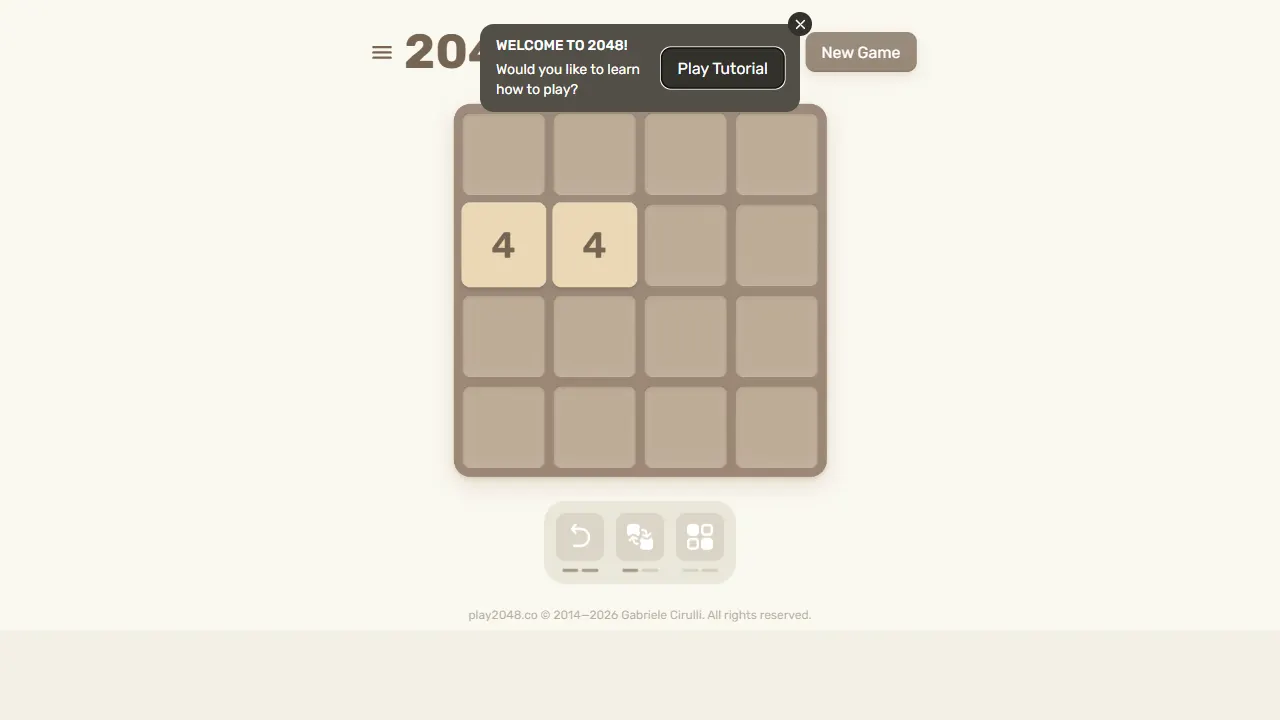
2048
2048 is an open-source, pure front-end web implementation of the classic number-merging puzzle game. Built with minimal HTML, CSS, and JavaScript, it runs directly in the browser, supports keyboard and touch controls, and stores high scores locally.
JavaScript · Game Site
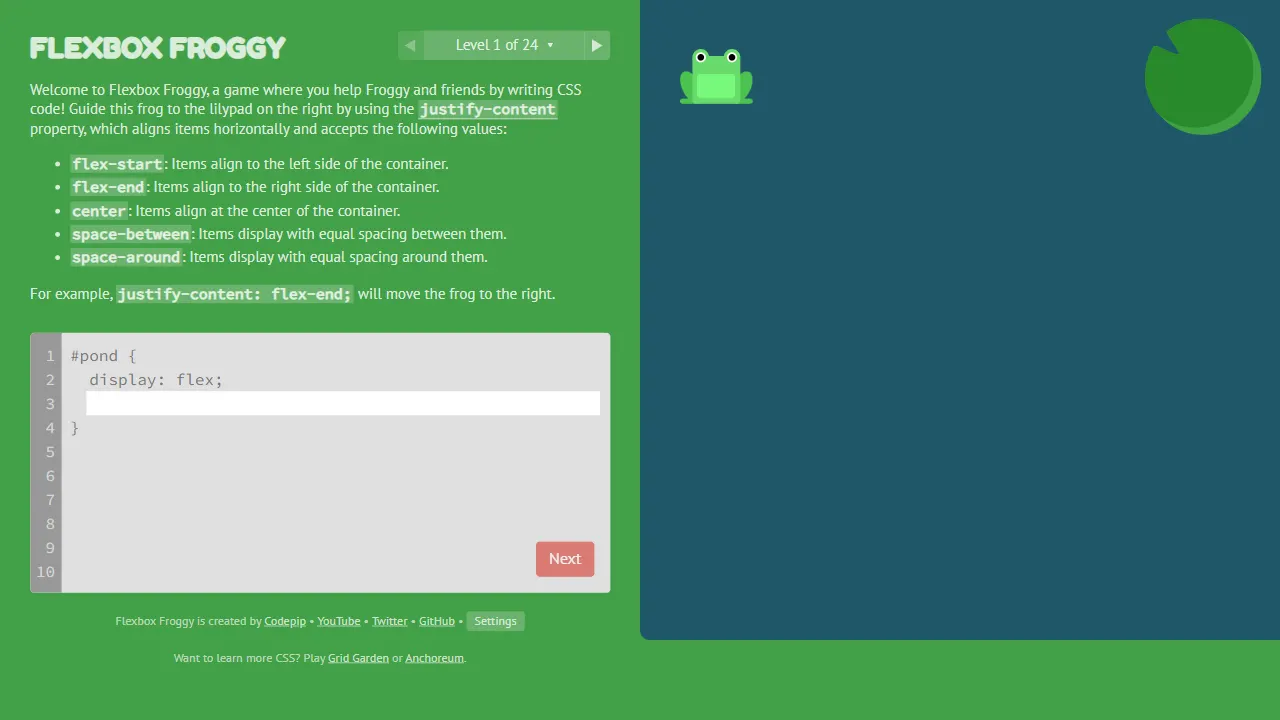
flexboxfroggy
Flexbox Froggy is an open-source, pure front-end game for learning CSS Flexbox through interactive levels, created by Thomas Park. Players write Flexbox code to guide frogs to lily pads, with real-time feedback and community-contributed translations.
JavaScript · Game Site
server survival
Server Survival is an open-source 3D simulation game that teaches cloud architecture through gameplay. As a cloud architect, you build and scale infrastructure to handle traffic growth, DDoS attacks, and budget limits.
Three.js · Game Site