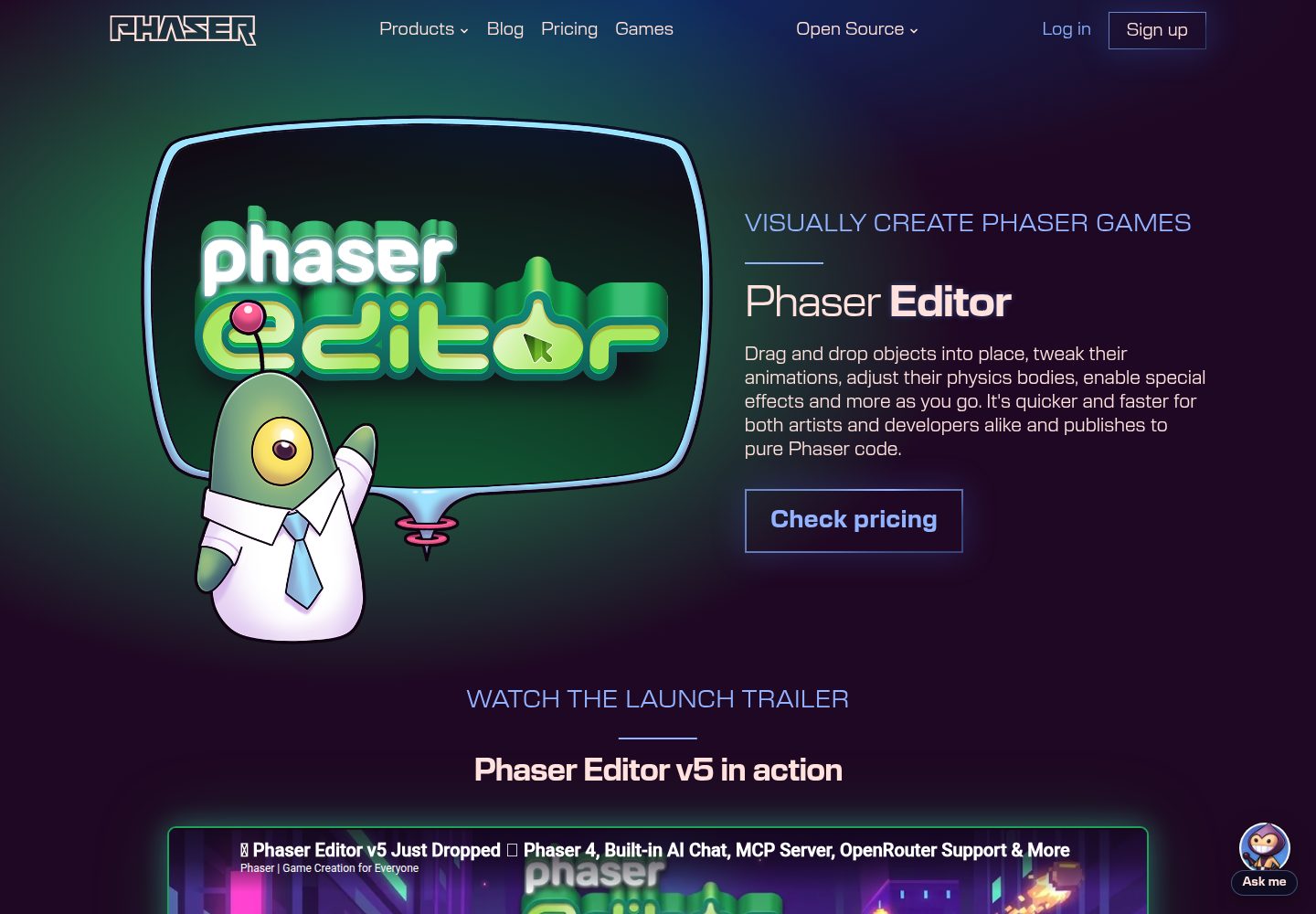
Official Phaser Editor v4 project template; the editor outputs pure Phaser code after visual editing
SolidJSViteGame Site
phaser-editor-template-solid — SolidJS Game Template
By phaserjs
Official Phaser Editor 4 project template: game logic written in SolidJS and TypeScript, bundled with Vite, supporting hot reload and production builds.
Explore the design
Compare the page layouts and mobile experience. Open any screenshot for a closer look.
Desktop homepage1 / 3
Desktop captureTop of page
Actual screenshot captured by the server browser.
All pages & views 3
Screenshots show visual appearance; interactive behavior may differ.
Recorded 2026-10-07View source
What stands out
A quick read of the recorded project description.
SolidJS + TypeScript organize the page and game logic; Vite provides the development server and bundling
Preset boot-asset-pack.json and preload-asset-pack.json asset pack configurations
Includes a /.skip file to control which directories and files do not enter the Phaser Editor project
npm run dev supports hot-reload development; npm run build outputs to the dist directory
Template Details
This is the Phaser Editor v4 project template from the official Phaser repository. It combines the Phaser game runtime with the SolidJS frontend framework, uses TypeScript for code, and relies on Vite for the development server and production bundling. The template targets projects that build games visually in Phaser Editor: the editor handles dragging and dropping game objects, adjusting animations and physics bodies, and outputs pure Phaser code, while SolidJS organizes the page layer and UI.
The template includes two preset asset pack configuration files: boot-asset-pack.json loads a small set of initial assets during game startup (such as the loading screen and progress bar), and preload-asset-pack.json holds the remaining assets; the README recommends splitting large games into multiple asset packs as needed. The repository also contains a /.skip file, used to exclude node_modules and other content that should not enter the editor project in Phaser Editor.
Usage limitations: running it requires Node.js and npm; loading and using the template in Phaser Editor requires a valid Phaser Editor subscription. The code is MIT-licensed, but third-party assets such as demo images, fonts, and icons must be checked separately for licensing, and external services such as domains and hosting may incur additional charges.
SolidJSViteGame site
Is it right for your project?
Use Cases
- Dragging and dropping game objects, adjusting animations and physics bodies in Phaser Editor, then writing the interface layer with SolidJS
- TypeScript projects that need a hot-reload development workflow and want to bundle Phaser games with Vite
- Small to medium Phaser games that split asset packs by startup phase and preload phase
- As a starting structure for a Phaser Editor 4 project, extending scenes and assets on top of it
Suitable For
- Developers who have a Phaser Editor subscription and want to build Phaser games visually
- Frontend developers familiar with SolidJS and TypeScript who need a Vite build process
- Phaser projects looking to reference the official asset pack and editor asset filtering configuration
Getting started & customization
Use these recorded setup notes alongside the repository instructions for your chosen version.
- 1
Requires Node.js; install dependencies and run scripts via npm
- 2
Loading and using the template in Phaser Editor requires a valid Phaser Editor subscription
- 3
npm run dev starts the local development server; npm run build generates the dist directory
- 4
When deploying, upload all contents of the dist directory to a publicly accessible web server
- 5
Third-party assets such as demo images, fonts, and icons must be checked separately under their respective licenses
License & source material
Usage conditions & limitations
Free to use · keep license noticeThis entry covers the free version under the MIT license in the public repository; the free scope applies to that version's code and does not mean external services or third-party assets are free.
Must comply with when using
- Free use, modification, commercial use, and distribution of this version's code are permitted.
- When distributing copies or substantial portions of the code, retain the original author's copyright notice and the full MIT license notice.
- The code is provided as is; warranties and liability limitations are governed by the original license and applicable law.
Additional costs & items to verify
- Demo images, fonts, icons, and other third-party assets must be checked under their respective licenses; the code's MIT license alone is not sufficient to determine this.
- External services such as domains, hosting, databases, payments, or AI may incur additional charges.
- Loading and using the template in Phaser Editor requires a valid Phaser Editor subscription, which is a paid requirement.
- The template requires Phaser Editor v4.0 or later.
- Running it depends on Node.js and npm to install dependencies and execute scripts.
View Original Text Basis
Permission is hereby granted, free of charge
Original License Text
An active subscription to Phaser Editor is required to load and use this template within it.
Original README
Phaser Editor v4.0 and above
Original README
https://github.com/phaserjs/phaser-editor-template-solid/blob/main/LICENSEhttps://github.com/phaserjs/phaser-editor-template-solid/blob/main/README.md[Node.js](https://nodejs.org) is required to install dependencies and run scripts via `npm`.
Original README
Compiled by DeepSeek based on repository license and README ·2026-10-07. Results only cover the materials read; dependencies, images, fonts, and subsequent term changes are subject to their respective original texts.
Project checks & description sources
Template Information
- Source platforms
- GitHub
- Documentation and maintenance reference score
- More documented · 88 / 100
- Technologies
- SolidJS · Vite
- Website type
- Game Site
How this score is calculated
Our heuristic uses license records (up to 30), a demo link (12), a preview (10), stars (15), recorded maintenance (15), description completeness (8), feature records (5) and classification data (5). It is not a code, security or performance test, or a Google score. A link does not establish tested functionality.
What to verify for this project
- Repository update recorded
- 2026-04-10
- Screenshot last checked
- 2026-10-07
A demo link is listed. Check it with your own content and viewport sizes; its presence does not confirm that forms, authentication or payments work.
The catalog identifies SolidJS as the primary stack. Check the actual dependency manifest and lockfile for versions and hosting requirements. These notes use recorded metadata, not a code audit or a deployment test.
Use a selection guide →How this description was prepared
AI-assisted description based on catalog records and repository material. Repository authors are not automatically the reviewers of this description.
Review declaration: [email protected] · 2026-10-08
Inspect the recorded source material
SHA-256: 379c39747c2b901ef8615507578f52ee22027861392c1f775e9e237576346db1
2026-10-07T19:03:41.661Z
Source file / repository# Phaser Editor Solid Template This is a Phaser Editor v4 project template that uses Solid for bundling. It supports hot-reloading for quick development workflow and includes scripts to generate production-ready builds. ### Versions This template has been updated for: - [Phaser 3.88.2](https://github.com/phaserjs/phaser) - Phaser Editor v4.0 and above  ## What is Phaser Editor? Phaser Editor enables you to visually create Phaser games. Instead of entering numbers in your code to position Game Objects, you can drag and drop them into place, tweak their animations, adjust their physics bodies, enable special effects, and more. It's quicker and faster for both artists and developers alike and publishes pure Phaser code. See more at [phaser.io](https://phaser.io/editor) ## Requirements [Node.js](https://nodejs.org) is required to install dependencies and run scripts via `npm`. An active subscription to Phaser Editor is required to load and use this template within it. ## Available Commands | Command | Description | |---------|-------------| | `npm install` | Install project dependencies | | `npm run dev` | Launch a development web server | | `npm run build` | Create a production build in the `dist` folder | ## Writing Code After cloning the repo, run `npm install` from your project directory. To start the local development server use `npm run dev`. ## Deploying to Production To create a production build use the command `npm run build`. This will take your game code and build it into a single bundle, ready for deployment. This bundle is saved to the `dist` folder. Please note that some templates save to the `build` folder instead. The deployment script will also copy any assets your project imported, or stored in the public assets folder. To deploy your game, upload *all* of the contents of the `dist` folder to a public-facing web server. **Note:** In some templates, the `dist` folder has been renamed to `build` to remain within that framework's conventions. ## Phaser Editor considerations ### Excluding files from the project You don't want to add every file in this template to your Phaser Editor project. For example, the whole of `node_modules` can be excluded. The `/.skip` file lists the folders and files to exclude from the editor's project. [Learn more about resource filtering in Phaser Editor](https://phaser.io/editor/docs/misc/resources-filtering) ### Asset Pack Phaser has the ability to load what are known as 'asset packs'. These are JSON files that describe all of the content that your game needs to load, such as images, audio, and fonts. Phaser Editor will generate and use asset packs intensively and tools such as the Scene Editor depend upon the information stored in the asset pack files. You can have multiple asset packs per project, which is the recommended practice for larger games, allowing you to load only the pack of assets the game requires at that specific point. In this template, we have pre-configured two types of asset packs: `boot-asset-pack.json` and `preload-asset-pack.json`. The `boot-asset-pack.json` file is used to load assets when the game first boots. Typically, you would store a small selection of initial assets in here, such as a loading screen image and progress bar. The `preload-asset-pack.json` in this template contains the rest of the assets the game needs. You are free to create additional packs as required, but for the sake of simplicity, this template has been configured with just these two packs. [Learn more about Asset Pack loading in Phaser](https://newdocs.phaser.io/docs/3.80.0/Phaser.Loader.LoaderPlugin#pack) ## Join the Phaser Community! We love to see what developers like you create with Phaser! It really motivates us to keep improving. So please join our community and show off your work 😄 **Visit:** The [Phaser website](https://phaser.io) and follow on [Phaser Twitter](https://twitter.com/phaser_)<br /> **Play:** Some of the amazing games [#madewithphaser](https://twitter.com/search?q=%23madewithphaser&src=typed_query&f=live)<br /> **Learn:** [API Docs](https://newdocs.phaser.io), [Support Forum](https://phaser.discourse.group/) and [StackOverflow](https://stackoverflow.com/questions/tagged/phaser-framework)<br /> **Discord:** Join us on [Discord](https://discord.gg/phaser)<br /> **Code:** 2000+ [Examples](https://labs.phaser.io)<br /> **Read:** The [Phaser World](https://phaser.io/community/newsletter) Newsletter<br /> Created by [Phaser Studio](mailto:[email protected]). Powered by coffee, anime, pixels and love. The Phaser logo and characters are © 2011 - 2025 Phaser Studio Inc. All rights reserved.
Explore similar templates
Compare previews and descriptions within the same stack and category.
template-vite
The official Phaser template-vite starter uses Vite for bundling and provides a hot-reload development server plus production build scripts. It includes a default structure separating game code, scenes, and static assets, and supports both import-inlined assets and loading from public/assets.
Vite · Game Site

vite-phaser-ts
A Phaser game starter template using Vite and TypeScript, with a HelloScene example, public/assets for static assets, dist build output, and npm scripts for dev, build, preview, lint, and lint-fix.
Vite · Game Site

template-youtube-playables
Official Phaser 3 template for YouTube Playables, bundled with Vite and featuring the Basketball Shoot Out sample game. Demonstrates SDK startup, pause/resume, audio state, score reporting, and save data, with an optional helper wrapper and native SDK calls.
Vite · Game Site
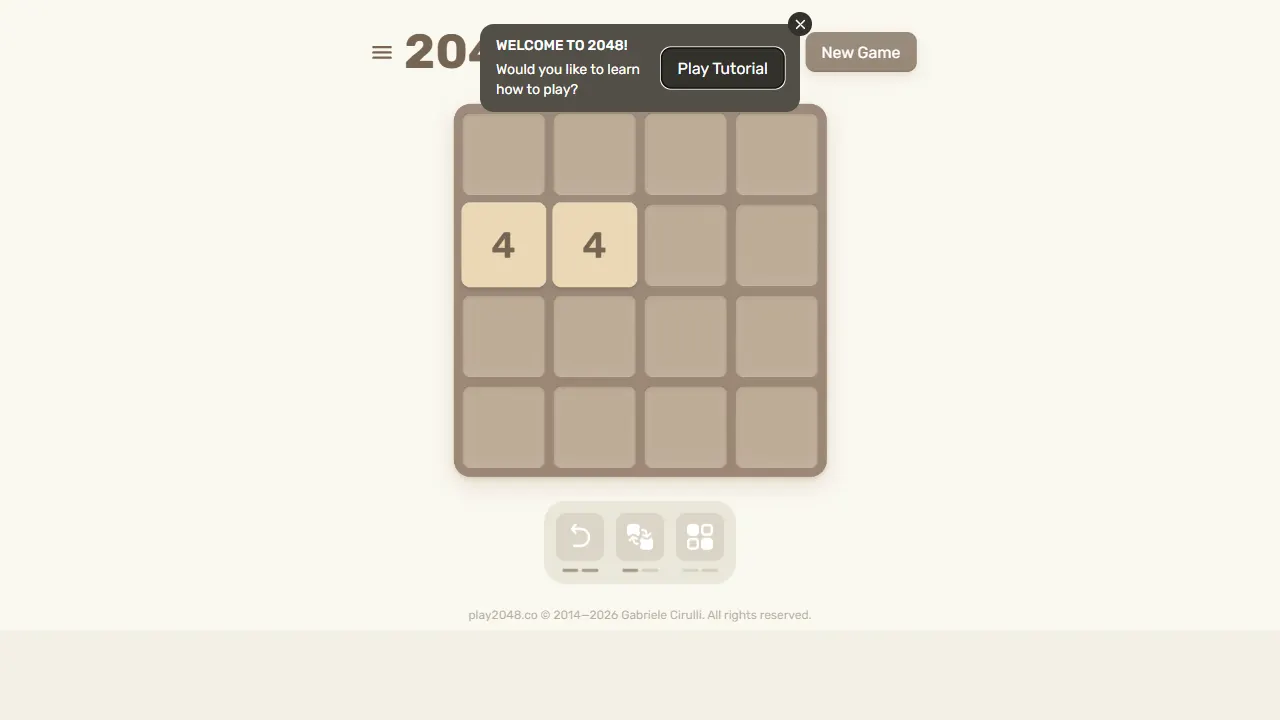
2048
2048 is an open-source, pure front-end web implementation of the classic number-merging puzzle game. Built with minimal HTML, CSS, and JavaScript, it runs directly in the browser, supports keyboard and touch controls, and stores high scores locally.
JavaScript · Game Site
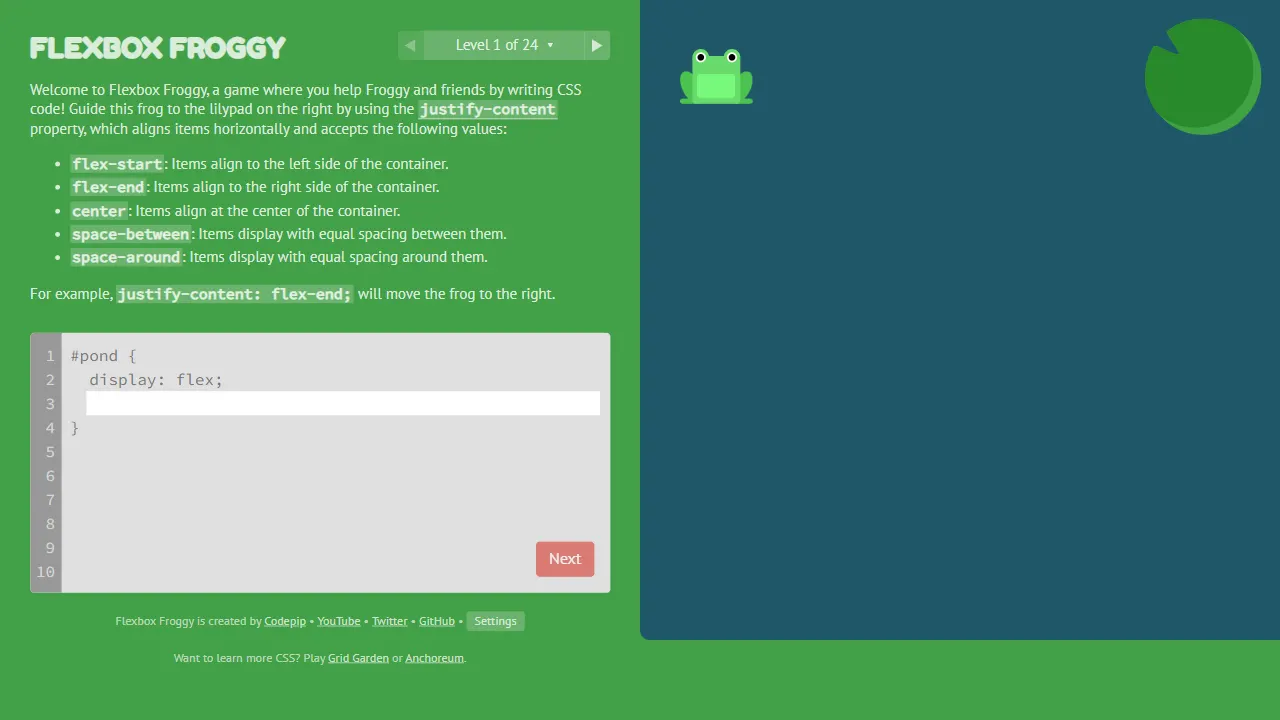
flexboxfroggy
Flexbox Froggy is an open-source, pure front-end game for learning CSS Flexbox through interactive levels, created by Thomas Park. Players write Flexbox code to guide frogs to lily pads, with real-time feedback and community-contributed translations.
JavaScript · Game Site
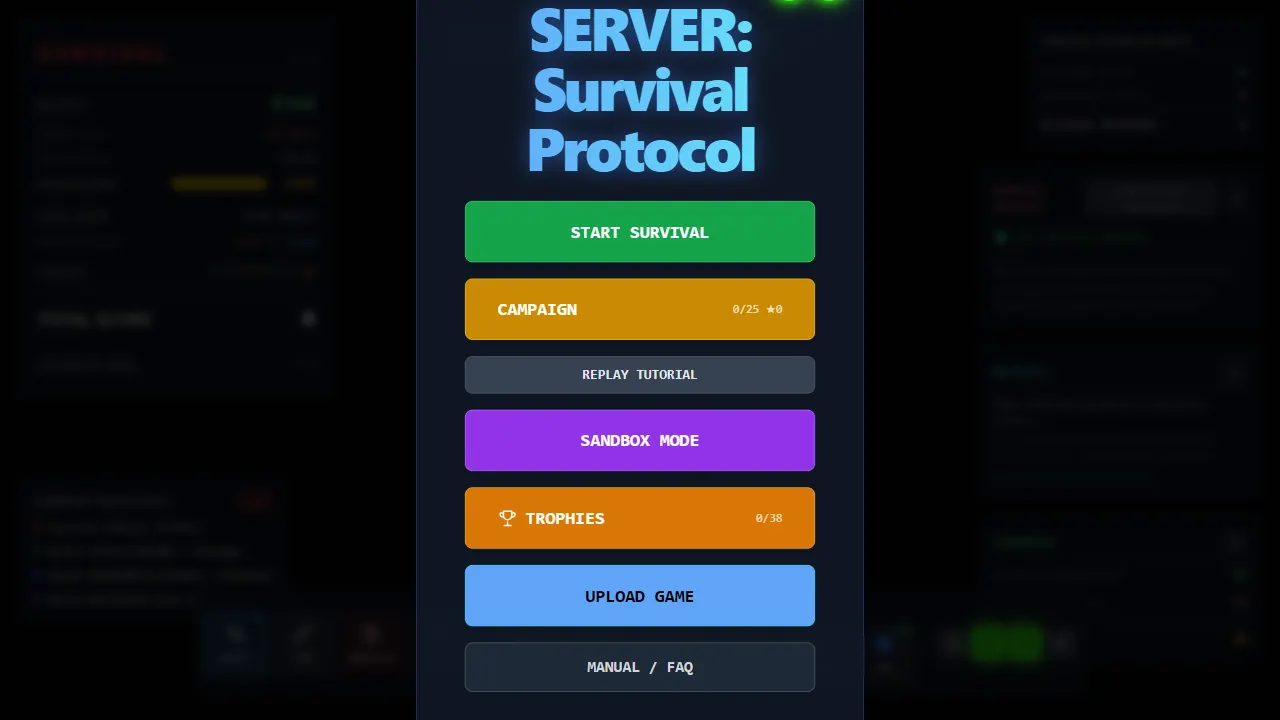
server survival
Server Survival is an open-source 3D simulation game that teaches cloud architecture through gameplay. As a cloud architect, you build and scale infrastructure to handle traffic growth, DDoS attacks, and budget limits.
Three.js · Game Site