Phaser 3 project template bundled with Vite, supporting hot reload and production builds
ViteGame Site
template-youtube-playables — Vite Game Template
By phaserjs
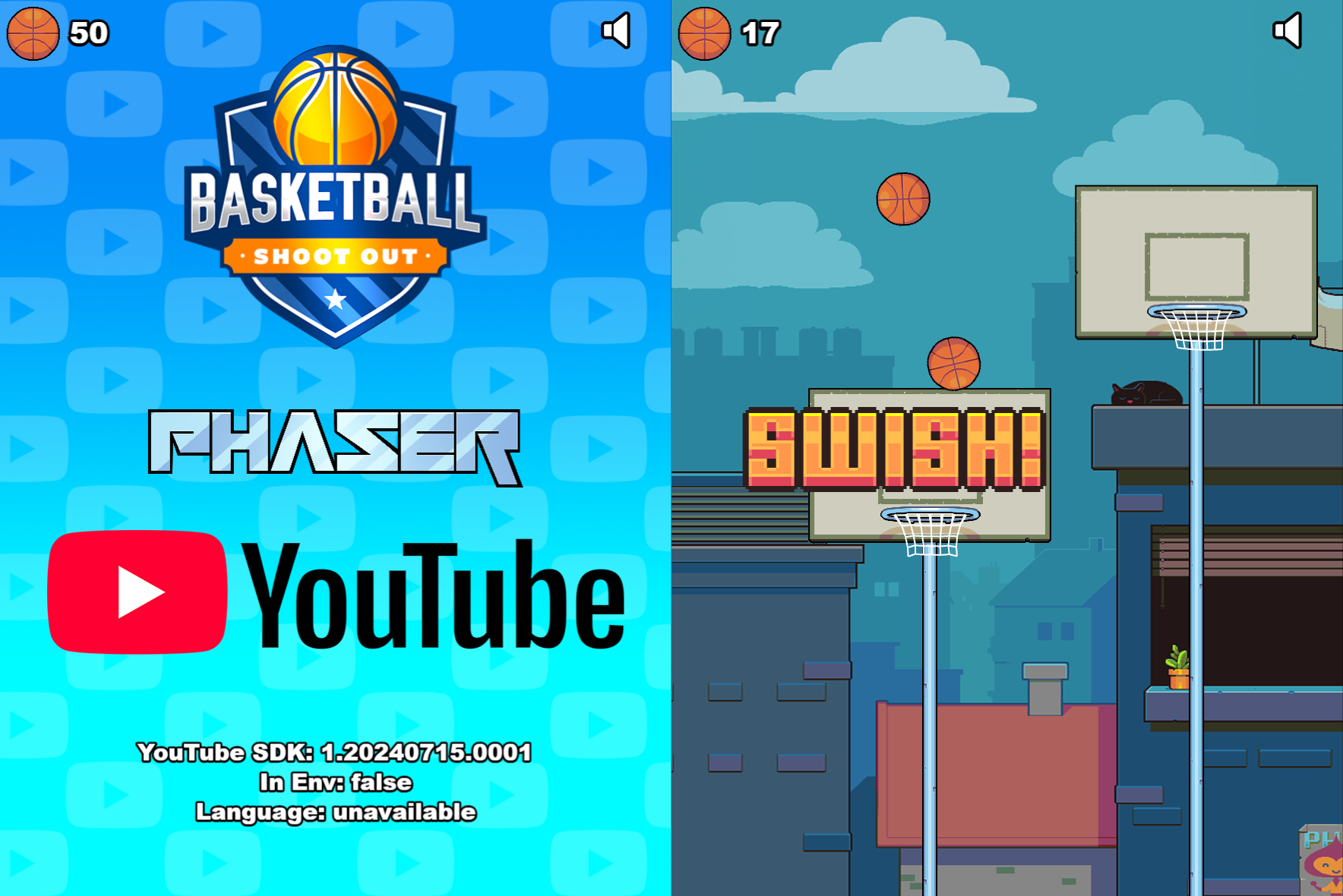
Official Phaser 3 sample template, bundled with Vite, featuring the Basketball Shoot Out sample game that demonstrates full integration with the YouTube Playables SDK.
Explore the design
Compare the page layouts and mobile experience. Open any screenshot for a closer look.
Author preview
Author-provided previewTop of page
Preview provided in the project README.
One original preview is available. Open the full image to inspect the design.
Screenshots show visual appearance; interactive behavior may differ.
Recorded 2026-10-03View source
What stands out
A quick read of the recorded project description.
Includes the Basketball Shoot Out sample game covering various YouTube Playables SDK calls
Provides a YouTubePlayables.js helper wrapper while retaining native SDK call patterns
Demonstrates lifecycle callbacks such as waiting for startup, first frame ready, game ready, and pause/resume
Demonstrates audio on/off queries and change responses, score reporting, and save data read/write
Organizes source code by scenes and game objects; static assets can be loaded via import inline or from the public directory
Template Details
This is a Phaser 3 project template maintained by Phaser Studio, targeting HTML5 games that run on the YouTube Playables platform. The template uses Vite as its build and development server, supports hot reloading, and provides scripts to generate production builds.
The template includes a sample game called Basketball Shoot Out, which the README states demonstrates all available features of the YouTube Playables SDK. The sample covers SDK calls for startup, loading, pause/resume, audio state, score reporting, and save data, and includes an optional YouTubePlayables.js helper wrapper that handles repetitive tasks such as UTF-16 string validation and JSON parsing after loadData; the code also retains native SDK call patterns so developers can switch between the wrapper and the native API.
The project structure is organized by responsibility: index.html hosts the game page, src/main.js is the entry point and game configuration, src/scenes contains Phaser scenes, src/gameobjects contains game objects, public/assets stores static assets, and public/style.css provides basic page layout styles. Asset loading supports two approaches: bundling assets inline via JavaScript import, or placing them in public/assets and loading by path.
Limitations: the template targets the YouTube Playables platform and requires that platform's SDK and test suite for validation; the README recommends running in mobile view at iPad Pro dimensions, and the sample gameplay is tuned for that size. Running requires a Node.js environment, and the local development server listens on port 8080 by default. The code is MIT licensed, but third-party assets such as sample images, fonts, and icons require separate license checks, and external services such as hosting may incur costs.
ViteGame site
Is it right for your project?
Use Cases
- As a starting project when developing HTML5 mini-games for the YouTube Playables platform
- Development scenarios that need reference for calling various YouTube Playables SDK interfaces
- Integrating platform pause, resume, and audio state synchronization in a Phaser 3 project
- Games that need to report scores to the platform or read/write cloud save data
- Learning asset loading and build configuration combining Vite and Phaser 3
Suitable For
- Game developers familiar with JavaScript and Phaser 3
- Teams or individuals planning to publish games to YouTube Playables
- Developers who need a runnable SDK integration example as reference
- Front-end game projects using Vite as the build tool
Getting started & customization
Use these recorded setup notes alongside the repository instructions for your chosen version.
- 1
Requires Node.js installed; install dependencies via npm and run scripts
- 2
npm run dev starts the local development server, default address http://localhost:8080
- 3
npm run build generates a production build, output to the dist folder
- 4
When validating in the YouTube Playables test suite, enter http://localhost:8080 as the Game URL
- 5
When deploying, upload all contents of the dist directory to a public web server
License & source material
Usage conditions & limitations
Free to use · keep license noticeThis entry covers the free version in the public repository under the MIT license; the free scope applies to that version's code and does not imply that external services or third-party assets are free.
Must comply with when using
- Permits free use, modification, commercial use, and distribution of that version's code.
- When distributing copies or substantial portions of the code, retain the original author's copyright notice and the full MIT license notice.
- The code is provided as-is; warranties and liability limitations are governed by the original license and applicable law.
Additional costs & items to verify
- The template targets the YouTube Playables platform and must be used with that platform's SDK and test suite; it is not a general-purpose web template.
- Validation and publishing require the YouTube Playables test suite and depend on that platform's external services.
- The sample gameplay is tuned for iPad Pro mobile view dimensions; other sizes may run but the experience may differ.
- Running and building require a locally installed Node.js environment.
- The Phaser logo and character images are copyright Phaser Studio Inc. and are not covered by the MIT code license.
- Sample images, fonts, icons, and other third-party assets must be checked under their respective licenses and cannot be assumed covered solely by the code's MIT license.
- External services such as domains, hosting, databases, payments, or AI may incur additional charges.
View Original Text Basis
Permission is hereby granted, free of charge
Original License Text
This is a Phaser 3 project template for creating YouTube Playables that uses Vite for bundling.
Original README
To run your game in the YouTube SDK Test Suite, go to https://developers.google.com/youtube/gaming/playables/test_suite and enter `http://localhost:8080` as the Game URL.
Original README
We recommend putting the game into Mobile View mode and picking the iPad Pro for the dimensions.
Original README
[Node.js](https://nodejs.org) is required to install dependencies and run scripts via `npm`
Original README
https://github.com/phaserjs/template-youtube-playables/blob/main/LICENSEhttps://github.com/phaserjs/template-youtube-playables/blob/main/README.mdThe Phaser logo and characters are © 2011 - 2024 Phaser Studio Inc.
Original README
Compiled by DeepSeek based on repository license and README ·2026-10-03. Results only cover the materials read; dependencies, images, fonts, and subsequent term changes are subject to their respective original texts.
Project checks & description sources
Template Information
- Source platforms
- GitHub
- Documentation and maintenance reference score
- Partly documented · 69 / 100
- Technologies
- Vite
- Website type
- Game Site
How this score is calculated
Our heuristic uses license records (up to 30), a demo link (12), a preview (10), stars (15), recorded maintenance (15), description completeness (8), feature records (5) and classification data (5). It is not a code, security or performance test, or a Google score. A link does not establish tested functionality.
What to verify for this project
- Repository update recorded
- 2024-10-17
- Screenshot last checked
- 2026-10-03
No demo link is recorded. Use the repository instructions to evaluate the project locally; the screenshot alone cannot establish interactive behavior.
The catalog identifies Vite as the primary stack. Check the actual dependency manifest and lockfile for versions and hosting requirements. These notes use recorded metadata, not a code audit or a deployment test.
Use a selection guide →How this description was prepared
AI-assisted description based on catalog records and repository material. Repository authors are not automatically the reviewers of this description.
Automatically checked against source and license rules; no manual editorial review.
Inspect the recorded source material
SHA-256: 8b868fb831c34b5cbe7a73a6dab7b9a79ffab35f5226f30ec0b052c4e172f2ce
2026-10-03T07:12:35.296Z
Source file / repository# Phaser YouTube Playables Template
This is a Phaser 3 project template for creating YouTube Playables that uses Vite for bundling. It supports hot-reloading for quick development workflow and includes scripts to generate production-ready builds.
You will find a comprehensive sample game called **Basketball Shoot Out** in this template. This game demonstrates every available feature of the YouTube Playables SDK and is explained in detail below. To test the game, install the dependencies and `npm run dev` then visit `http://localhost:8080` in your browser. We recommend putting the game into Mobile View mode and picking the iPad Pro for the dimensions. It will work at any scale, but this is the size it was built for and gameplay has been tweaked specifically for it.
### Versions
This template has been updated for:
- [Phaser 3.86.0](https://github.com/phaserjs/phaser)
- [YouTube Playables API v1](https://developers.google.com/youtube/gaming/playables/reference/sdk)
- [Vite 5.4.8](https://github.com/vitejs/vite)

## Requirements
[Node.js](https://nodejs.org) is required to install dependencies and run scripts via `npm`.
## Available Commands
| Command | Description |
|---------|-------------|
| `npm install` | Install project dependencies |
| `npm run dev` | Launch a development web server |
| `npm run build` | Create a production build in the `dist` folder |
## YouTube Playables SDK
You can access the SDK documentation at https://developers.google.com/youtube/gaming/playables/reference/sdk which is also where you will find the Test Suite, from which you can check all of the SDK calls being made from your game.
## Getting Started
After cloning the repo, run `npm install` from your project directory. Then, you can start the local development server by running `npm run dev`.
The local development server runs on `http://localhost:8080` by default. Please see the Vite documentation if you wish to change this, or add SSL support.
Once the server is running you can edit any of the files in the `src` folder. Vite will automatically recompile your code and then reload the browser.
To run your game in the YouTube SDK Test Suite, go to https://developers.google.com/youtube/gaming/playables/test_suite and enter `http://localhost:8080` as the Game URL.
## Template Project Structure
We have provided a comprehensive sample game to get you started. This is as follows:
- `index.html` - A basic HTML page to contain the game.
- `src` - Contains the game source code.
- `src/main.js` - The main entry point. This contains the game configuration and starts the game.
- `src/YouTubePlayables.js` - This is our optional YouTube Playables Helper Library.
- `src/scenes/` - The Phaser Scenes are in this folder.
- `src/gameobjects/` - The Phaser Game Objects are in this folder.
- `public/style.css` - Some simple CSS rules to help with page layout.
- `public/assets` - Contains the static assets used by the game.
## YouTube Playables Helper Library
We have included `YouTubePlayables.js` which is our helper wrapper for the Playables v1 SDK. Although the SDK is nice and easy to use, we found there were some common things we had to repeat doing, such as UTF-16 string checks, or parsing JSON after a loadData call. So, we created this open-source wrapper to help you get up to speed quickly. You can see it used through-out our sample game, but we have also included all of the native SDK calls too, so you can swap between them as needed.
### Game Boot
Calling `YouTubePlayables.boot` will wait until the document has loaded _and_ the YouTube Playables SDK is ready before calling the provided callback function:
```js
YouTubePlayables.boot(() => {
new Phaser.Game(config);
});
```
In the `Boot.js` Scene file, we get our stored game data from YouTube Playables and then set-up the global `onPause` and `onResume` handlers:
```js
async create ()
{
// This will load our saved cloud data from the Playables API.
// We use the withTimeout wrapper to ensure that the loadData call doesn't hang indefinitely
// (which can happen often in the Test Suite if you're using a hot-reloaded setup)
try
{
const data = await YouTubePlayables.withTimeout(YouTubePlayables.loadData(), 1000);
// You can also call: ytgame.game.loadData()
console.log('loadData() result', data);
}
catch (error)
{
console.error(error);
}
// We are now going to define our game pause and resume handlers.
// This is going to pause the entire Phaser game when the YouTube Playables API tells us to.
// You can also call ytgame.system.onPause(callback);
YouTubePlayables.setOnPause(() => {
console.log('YouTube Playables API has requested game pause');
this.game.pause();
});
// You can also call ytgame.system.onResume(callback);
YouTubePlayables.setOnResume(() => {
console.log('YouTube Playables API has requested game resume');
this.game.resume();
});
}
```
### Preloader
After Boot, we move to `Preloader.js` which loads all of our game assets. In here, we notify YouTube Playables that we are 'first frame ready':
```js
init ()
{
// Now we have displayed all of our loader graphics, we need to tell the YouTube Playables API that we are first-frame ready:
YouTubePlayables.firstFrameReady();
// You can also do this by calling:
// ytgame?.game.firstFrameReady();
}
```
### Main Menu
When the loading completes, we invoke the `MainMenu.js` Scene. In the `create` method, after making our game logos and buttons, we tell YouTube Playables we're now waiting for the user to interact with our game:
```js
create ()
{
// Our game is now ready to be interacted with,
// so we have to notify the YouTube Playables API about this:
YouTubePlayables.gameReady();
// You can also do this by calling:
// ytgame?.game.gameReady();
}
```
You can also query the API to know which language the user has set in YouTube and localise your game accordingly:
```js
const language = await YouTubePlayables.loadLanguage();
// You can also do this by calling:
// ytgame?.system.getLanguage();
```
### Audio
Your game should also query the YouTube Playables SDK to know if it should play audio, or not:
```js
// If audio is enabled in the YouTube Player then enable it our game too.
// You can also call: ytgame.system.isAudioEnabled()
if (YouTubePlayables.isAudioEnabled())
{
this.enableAudio();
}
else
{
this.disableAudio();
}
// We will also respond to the YouTube Player muting / unmuting the audio.
// You can also call: ytgame.system.onAudioEnabledChange(callback)
YouTubePlayables.setAudioChangeCallback((enabled) => {
if (enabled)
{
this.enableAudio();
}
else
{
this.disableAudio();
}
});
```
You can globally mute and unmute all audio in Phaser by simply doing this:
```js
enableAudio ()
{
this.sound.setMute(false);
}
disableAudio ()
{
this.sound.setMute(true);
}
```
### Save Score and Save Data
After the Game has played, in the `GameOver.js` Scene, we send our final score to YouTube Playables:
```js
// Send the score to YouTube
YouTubePlayables.sendScore(this.registry.get('score'));
// you can also do:
// ytgame?.engagement.sendScore({ value: this.registry.get('score') });
```
We also save our game data, too. This can be any shallow well-formed JS object:
```js
const gameData = {
// game data goes here
};
// Save the data to YouTube
YouTubePlayables.saveData(gameData);
// you can also do:
// ytgame?.game.saveData(string);
```
If using the SDK directly, please note you need to format your data as a valid UTF-16 string with no lone surrogates. Our wrapper will perform these checks for you, but you can use the code in our 'saveData' function to do the same thing, if you'd rather use the SDK directly.
## Handling Assets
Vite supports loading assets via JavaScript module `import` statements.
This template provides support for both embedding assets and also loading them from a static folder. To embed an asset, you can import it at the top of the JavaScript file you are using it in:
```js
import logoImg from './assets/logo.png'
```
To load static files such as audio files, videos, etc place them into the `public/assets` folder. Then you can use this path in the Loader calls within Phaser:
```js
preload ()
{
// This is an example of an imported bundled image.
// Remember to import it at the top of this file
this.load.image('logo', logoImg);
// This is an example of loading a static image
// from the public/assets folder:
this.load.image('background', 'assets/bg.png');
}
```
When you issue the `npm run build` command, all static assets are automatically copied to the `dist/assets` folder.
## Deploying to Production
After you run the `npm run build` command, your code will be built into a single bundle and saved to the `dist` folder, along with any other assets your project imported, or stored in the public assets folder.
In order to deploy your game, you will need to upload *all* of the contents of the `dist` folder to a public facing web server.
## Customizing the Template
### Vite
If you want to customize your build, such as adding a plugin (i.e. for loading CSS or fonts), you can modify the `vite/config.*.mjs` file for cross-project changes, or you can modify and/or create new configuration files and target them in specific npm tasks inside of `package.json`. Please see the [Vite documentation](https://vitejs.dev/) for more information.
## Join the Phaser Community!
We love to see what developers like you create with Phaser! It really motivates us to keep improving. So please join our community and show-off your work 😄
**Visit:** The [Phaser website](https://phaser.io) and follow on [Phaser Twitter](https://twitter.com/phaser_)<br />
**Play:** Some of the amazing games [#madewithphaser](https://twitter.com/search?q=%23madewithphaser&src=typed_query&f=live)<br />
**Learn:** [API Docs](https://newdocs.phaser.io), [Support Forum](https://phaser.discourse.group/) and [StackOverflow](https://stackoverflow.com/questions/tagged/phaser-framework)<br />
**Discord:** Join us on [Discord](https://discord.gg/phaser)<br />
**Code:** 5000+ [Examples](https://phaser.io/examples)<br />
**Read:** The [Phaser World](https://phaser.world) Newsletter<br />
Created by [Phaser Studio](mailto:[email protected]). Powered by coffee, anime, pixels and love.
The Phaser logo and characters are © 2011 - 2024 Phaser Studio Inc.
All rights reserved.
Explore similar templates
Compare previews and descriptions within the same stack and category.
template-vite
The official Phaser template-vite starter uses Vite for bundling and provides a hot-reload development server plus production build scripts. It includes a default structure separating game code, scenes, and static assets, and supports both import-inlined assets and loading from public/assets.
Vite · Game Site
vite-phaser-ts
A Phaser game starter template using Vite and TypeScript, with a HelloScene example, public/assets for static assets, dist build output, and npm scripts for dev, build, preview, lint, and lint-fix.
Vite · Game Site
phaser-editor-template-solid
Official Phaser Editor 4 project template combining SolidJS, TypeScript, and Vite.
SolidJS · Game Site
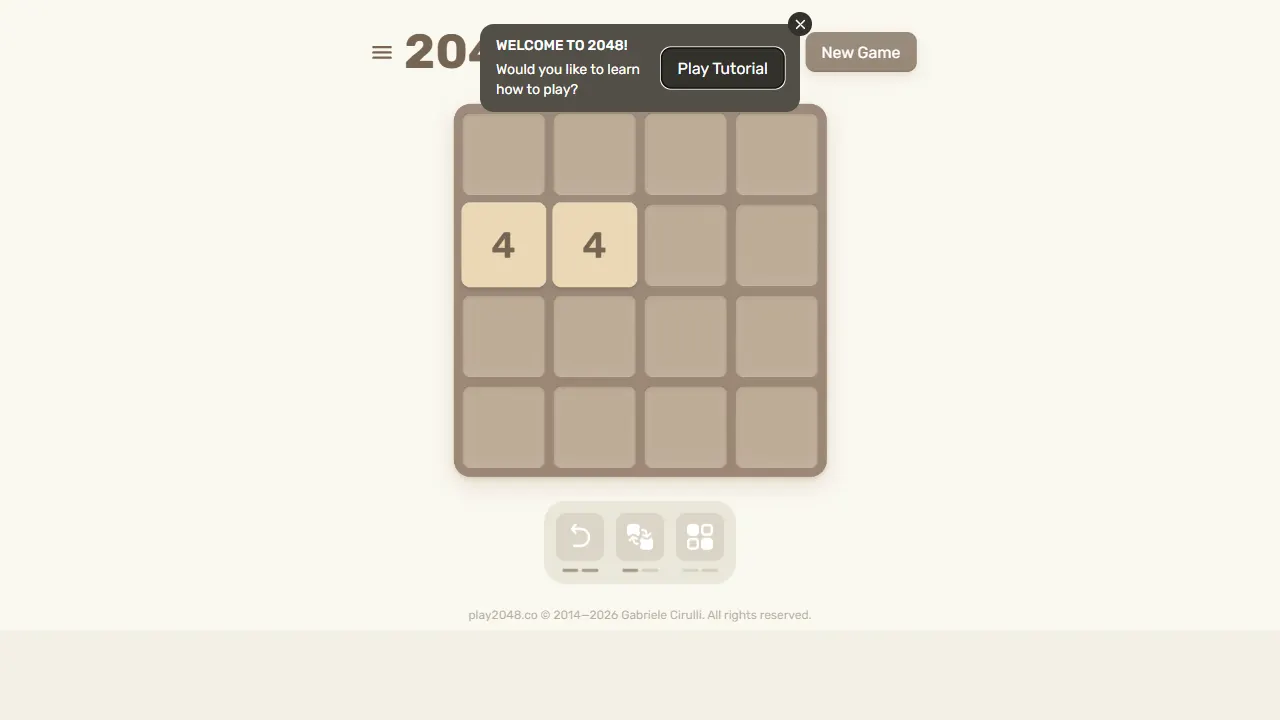
2048
2048 is an open-source, pure front-end web implementation of the classic number-merging puzzle game. Built with minimal HTML, CSS, and JavaScript, it runs directly in the browser, supports keyboard and touch controls, and stores high scores locally.
JavaScript · Game Site
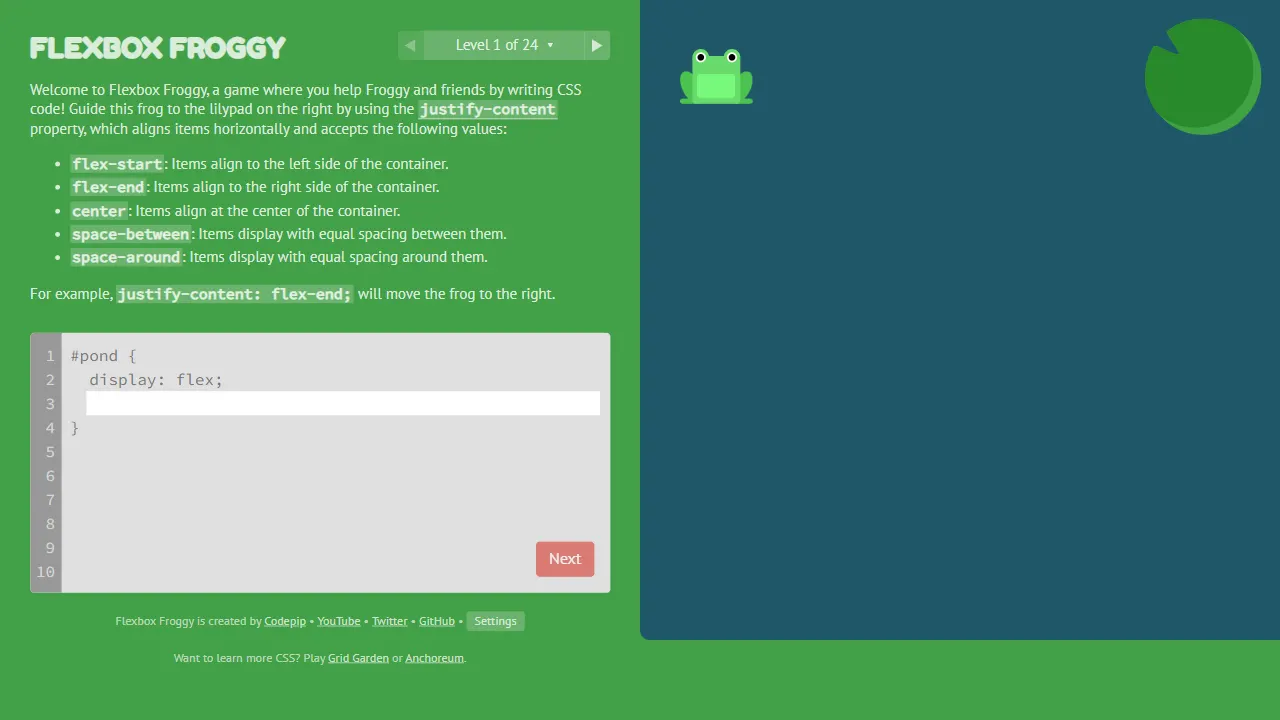
flexboxfroggy
Flexbox Froggy is an open-source, pure front-end game for learning CSS Flexbox through interactive levels, created by Thomas Park. Players write Flexbox code to guide frogs to lily pads, with real-time feedback and community-contributed translations.
JavaScript · Game Site
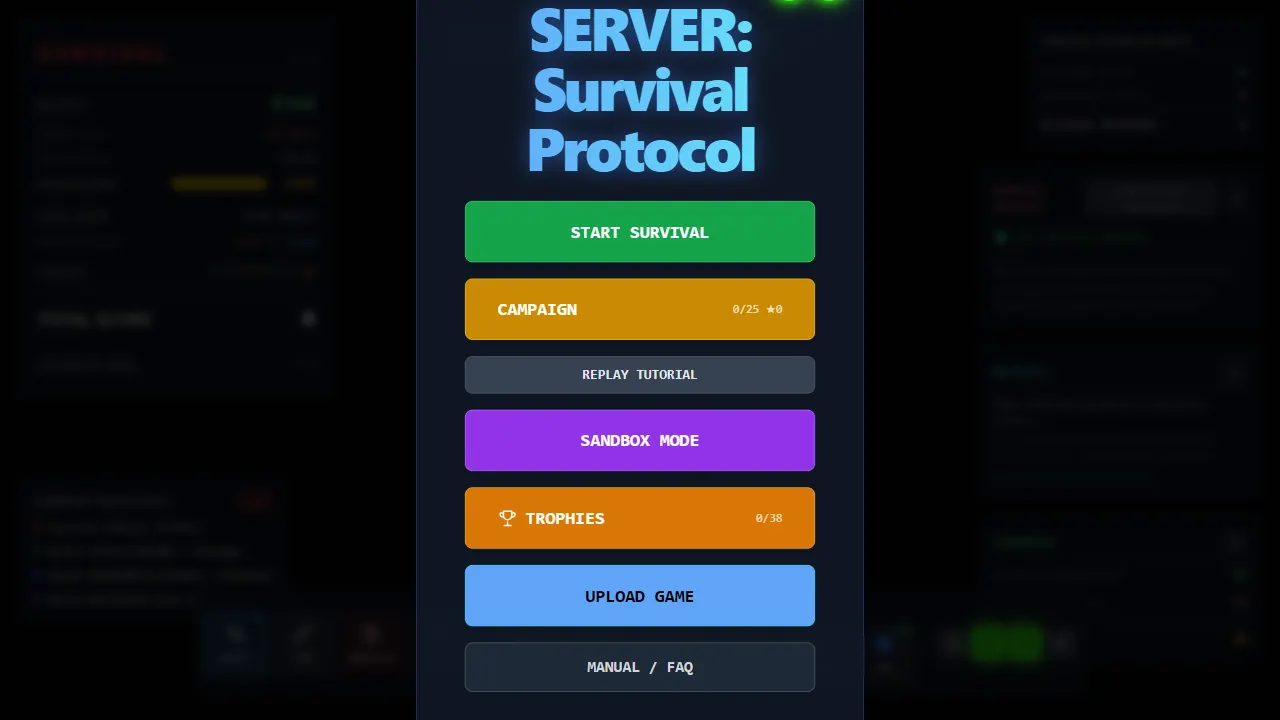
server survival
Server Survival is an open-source 3D simulation game that teaches cloud architecture through gameplay. As a cloud architect, you build and scale infrastructure to handle traffic growth, DDoS attacks, and budget limits.
Three.js · Game Site