使用 Nuxt 4、Vue 3 与严格模式 TypeScript,支持服务端渲染
NuxtVue作品集博客
nuxt-developer-website — Nuxt 作品集模板
作者 philpicton
基于 Nuxt 4、TypeScript 与 Tailwind CSS 的前端开发者个人网站模板,包含 Markdown 博客、项目展示、Resend 联系表单及 GitHub Actions 到 Cloudflare Workers 的自动化部署流程。
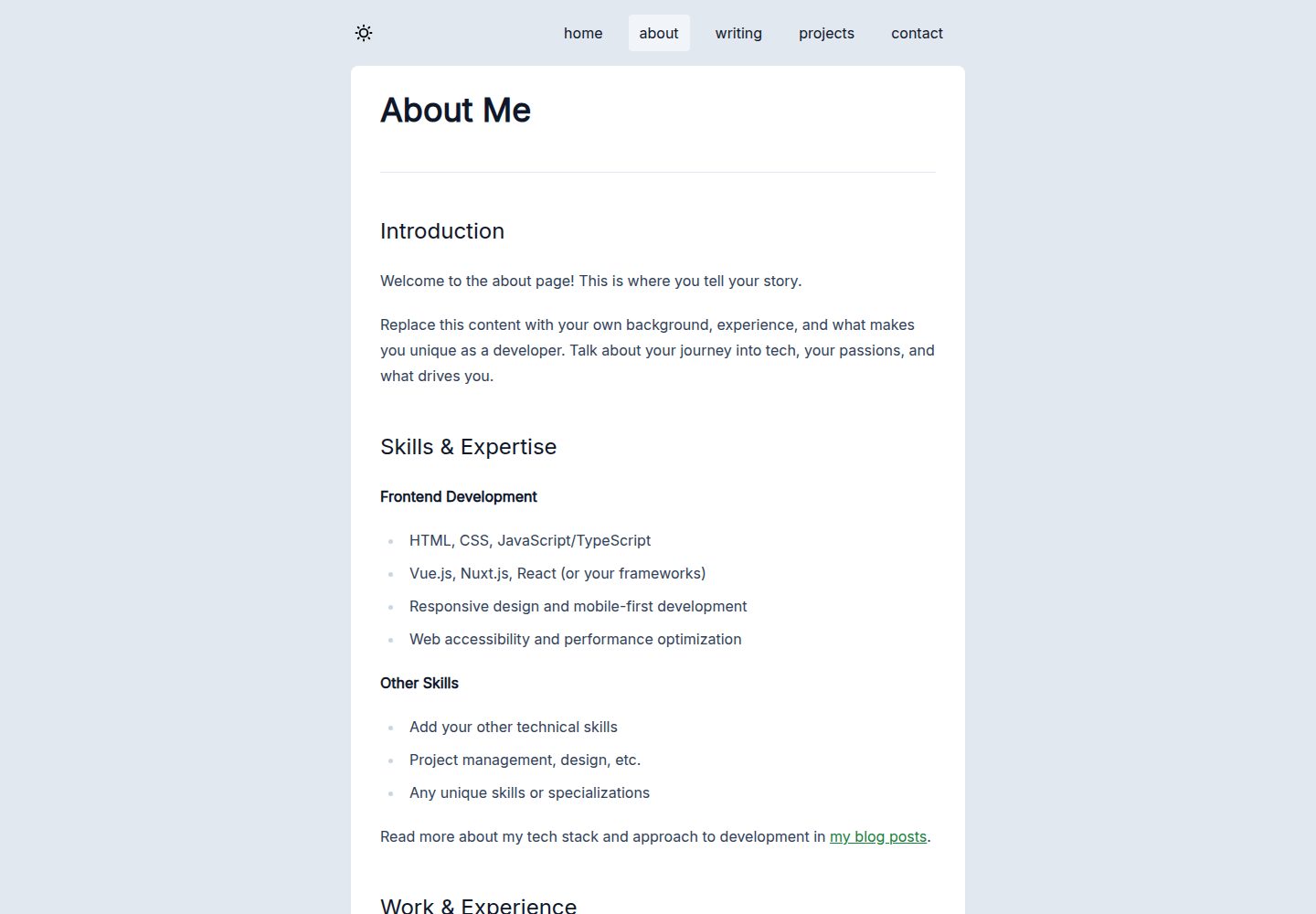
看看你的网站会是什么样
浏览真实页面截图,比较内容排版与手机效果。点击下方缩略图切换,放大查看整页细节。
全部页面与视图 3
截图用于了解视觉与布局,交互效果请以实际项目为准。
采集于 2026-10-13查看来源
值得关注的模板亮点
从已有项目资料中,快速了解它的特点。
以 Bun 作为运行时和包管理器,提供开发、构建、预览等脚本
Nuxt Content 驱动 Markdown 博客与项目展示,带标签系统
联系表单通过 Resend API 发送邮件,含蜜罐、Cloudflare KV 限流与服务端校验
Vitest 单元测试覆盖组件与页面,CI 中失败会阻止合并与部署
GitHub Actions 自动执行 lint、格式检查、类型检查、测试、构建并部署到 NuxtHub/Cloudflare
模板详细介绍
该模板面向前端开发者搭建个人站点,README 说明其使用 Nuxt 4、Vue 3、TypeScript(严格模式)与 Tailwind CSS v4,并以 Bun 作为运行时和包管理器。内容层由 Nuxt Content 驱动,博客与项目均为 Markdown 文件,支持标签;联系表单通过 Resend API 发送邮件,并配有蜜罐字段、基于 Cloudflare KV 的 IP 限流、服务端校验与输入清理。测试使用 Vitest,代码质量由 ESLint 与 Prettier 负责。部署方面,模板提供两条路径:推送到 main 分支后由 GitHub Actions 自动执行检查、测试、构建并部署到 NuxtHub/Cloudflare;也可本地构建后运行 nuxthub deploy 手动部署。README 还给出仓库安全配置建议,包括分支保护、Dependabot 自动合并与每周漏洞审计。
使用前需要准备 Bun(或 Node.js 20+)、GitHub 账号与 NuxtHub 账号,并在 .env 中填写 NuxtHub 项目密钥、Resend 相关变量以及限流参数。内容定制集中在 content/pages、content/writing、content/projects 与 public/images,样式在 assets/css/main.css 与 nuxt.config.ts 中调整。README 未说明模板的浏览器兼容范围、可访问性水平或实际访问性能,也未提供除示例站点外的更多界面细节。
Nuxt作品集博客
适合你的项目吗?
适用场景
- 前端开发者搭建包含博客与作品集展示的个人网站
- 需要 Markdown 管理写作与项目内容、并希望有标签组织的站点
- 希望通过 GitHub Actions 自动检查并部署到 Cloudflare Workers 的项目
- 需要带反垃圾与限流机制的联系表单的静态内容站点
适合人群
- 熟悉 Nuxt、TypeScript 与 Tailwind CSS 的前端开发者
- 使用 GitHub 与 NuxtHub 作为托管与部署平台的用户
- 需要以 Markdown 维护博客和项目内容的个人站点作者
上手与定制指南
结合仓库当前版本的说明,按下面的资料检查内容、配置与运行要求。
- 1
安装 Bun(推荐)或 Node.js 20+,运行 bun install 安装依赖
- 2
复制 .env.example 为 .env,填写 NUXT_HUB_PROJECT_KEY,以及可选的 RESEND_API_KEY、MAIL_FROM、MAIL_TO 和限流参数
- 3
运行 bun run dev 启动开发服务器,默认访问 http://localhost:3000
- 4
部署前在 NuxtHub 创建项目、关联 Cloudflare 账号与 GitHub 仓库,并在 NuxtHub 中添加环境变量
- 5
按 .github/GITHUB_SETTINGS.md 配置分支保护、Dependabot 与 Actions 权限,推送 main 分支触发自动部署
授权与来源资料
使用条件与限制
免费使用 · 保留许可声明本次收录的是公开仓库中采用 MIT 许可的免费版本;免费范围为该版本代码,不代表外部服务或第三方素材免费。
使用时需要遵守
- 允许免费使用、修改、商用和分发该版本代码。
- 分发代码副本或实质性部分时,保留原作者版权声明和完整 MIT 许可声明。
- 代码按现状提供;担保与责任限制以原许可证及适用法律为准。
额外费用与待核对事项
- 演示图片、字体、图标及其他第三方素材需按各自许可核对,不能仅凭代码的 MIT 许可判断。
- 域名、托管、数据库、支付或 AI 等外部服务可能另外收费。
- 部署与托管需要 NuxtHub 账号,并需关联 Cloudflare 账号。
- 自动部署流程需要 GitHub 账号并 fork 仓库。
- 联系表单邮件发送依赖 Resend API,需要配置 RESEND_API_KEY。
- 需要配置 NuxtHub 项目密钥 NUXT_HUB_PROJECT_KEY 才能使用托管功能。
- 联系表单的 IP 限流依赖 Cloudflare KV 存储。
- 技术栈包含 Cloudflare D1 数据库,属于外部托管服务依赖。
查看原文依据
Permission is hereby granted, free of charge
许可证原文
- [NuxtHub](https://hub.nuxt.com/) account (for hosting)
README 原文
- GitHub account (for deployment)
README 原文
RESEND_API_KEY=your_resend_api_key
README 原文
NUXT_HUB_PROJECT_KEY=your_nuxthub_project_key
README 原文
- Rate limiting with Cloudflare KV (configurable IP-based limits)
README 原文
https://github.com/philpicton/nuxt-developer-website/blob/main/LICENSEhttps://github.com/philpicton/nuxt-developer-website/blob/main/README.md| **Database** | Cloudflare D1 |
README 原文
DeepSeek 根据仓库许可证和 README 整理 ·2026-10-13。结果仅覆盖已读取资料,依赖、图片、字体及后续条款变更以各自原文为准。
项目核对记录与介绍依据
模板资料
- 来源平台
- GitHub
- 资料与维护参考分
- 资料较完整 · 85 / 100
- 技术栈
- Nuxt · Vue
- 网站类型
- 作品集 · 博客
这个分数如何计算
本站按许可资料(最高30分)、演示链接(12分)、预览图(10分)、Star数(15分)、记录的维护时间(15分)、描述完整度(8分)、功能记录(5分)和分类资料(5分)计算。它不是代码、安全或性能测试,也不是 Google 评分;有链接不代表已实测可用。
这个项目需要核对什么
- 记录的仓库更新时间
- 2026-03-29
- 截图检查日期
- 2026-10-13
已收录演示链接。请用你的内容与屏幕尺寸检查;有演示不代表表单、认证或支付已经可用。
目录记录的主要技术栈是 Nuxt。请通过依赖清单和锁文件核对实际版本与托管要求。这些说明基于收录资料,不代表代码审计或部署实测。
查看具体选型方法 →介绍的制作与核对状态
介绍由 AI 辅助整理目录与仓库资料。仓库作者不等于这篇介绍的审核者。
审核声明: codex-user-requested-batch-review-20261015 · 2026-10-15
查看当时使用的来源资料
SHA-256: 1637bcb782ccf5ba66b8d074342b653dad15283b024210717bd2ea992dd501e4
2026-10-13T13:41:01.708Z
来源文件 / 仓库# Frontend Developer Website Template [](https://nuxt.com) [](https://www.typescriptlang.org/) [](https://tailwindcss.com) [](LICENSE) A production-ready website template for frontend developers built with Nuxt 4, TypeScript, and Tailwind CSS. Features a blog, portfolio showcase, contact form with email integration, and automated CI/CD. Deploy to Cloudflare Workers via NuxtHub. Check out the [example live site](https://nuxt-developer-website.philpicton.workers.dev/about) ## Features - **Nuxt 4 & TypeScript** - Vue 3 framework with server-side rendering and full type safety - **Bun** - Fast JavaScript runtime and package manager - **Tailwind CSS v4** - Utility-first CSS framework with dark mode support - **Nuxt Content** - Markdown-powered blog and portfolio with tag system - **Contact Form** - Email delivery via Resend API with anti-spam protection and rate limiting - **Testing** - Comprehensive unit test suite with Vitest - **CI/CD** - Automated linting, formatting, type checking, testing, and deployment - **Security** - Dependabot with auto-merge for safe updates, weekly vulnerability audits, branch protection ## Quick Start ### Prerequisites - [Bun](https://bun.sh/) (recommended) or Node.js 20+ - GitHub account (for deployment) - [NuxtHub](https://hub.nuxt.com/) account (for hosting) ### Installation ```bash # Install dependencies bun install # Copy environment variables cp .env.example .env # Edit .env with your values (see below) # Start development server bun run dev ``` Visit `http://localhost:3000` ### Environment Variables Create a `.env` file: ```env # NuxtHub Configuration NUXT_HUB_PROJECT_KEY=your_nuxthub_project_key # Email Configuration (optional - for contact form) RESEND_API_KEY=your_resend_api_key [email protected] [email protected] # Rate Limiting MAX_SUBMISSIONS=3 RATE_LIMIT_TTL_SECONDS=3600 ``` ## Development Commands ```bash # Development bun run dev # Start development server bun run build # Build for production bun run preview # Preview production build # Testing bun run test # Run tests in watch mode bun run test -- --run # Run tests once (CI mode) # Code Quality bun run lint # Run ESLint bun run format # Format code with Prettier bun run format:check # Check formatting bun run typecheck # TypeScript type checking bun run check # Run quality checks and tests # Security bun run audit # Check for vulnerabilities bun run audit:fix # Auto-fix vulnerabilities bun run outdated # Check for outdated packages ``` ## Content Management ### Create a Blog Post ```bash touch content/writing/my-post.md ``` ```markdown --- title: "My Post Title" description: "Post description" date: "2024-01-01" tags: ["nuxt", "typescript"] image: "/images/post.jpg" --- Your content here... ``` ### Create a Project ```bash touch content/projects/my-project.md ``` ```markdown --- title: "Project Name" description: "Brief description" date: "2024-01-01" tech: ["tech", "stack"] heroImage: "/images/projects/placeholder.png" thumbnail: "/images/projects/placeholder.png" --- Project details... ``` ## Deployment ### Automated Deployment (Recommended) Every push to `main` automatically: 1. Runs quality checks (lint, format, typecheck) 2. Executes unit tests 3. Builds the project 4. Deploys to NuxtHub/Cloudflare ### Initial Setup 1. Fork this repository to your GitHub account 2. Check it out locally and set up local environment variables in `.env` file (as above) 3. **Create NuxtHub Project** - Visit [hub.nuxt.com](https://hub.nuxt.com) - Create new project and link Cloudflare account - Link your GitHub repository in NuxtHub - Add environment variables in NuxtHub - Optional add a custom domain in NuxtHub/Cloudflare 4. **Configure Repository Settings** - See [GitHub Settings Guide](.github/GITHUB_SETTINGS.md) for detailed instructions - Enable branch protection with required status checks - Enable Dependabot for automated dependency updates - Configure Actions permissions (read/write) - Push to your `main` branch to trigger deployment (or if you have not added a rule exception for the repo admin, you need to create a PR and merge it to deploy updates.) ### Manual Deployment ```bash # Build the project bun run build # Deploy to NuxtHub npx nuxthub deploy ``` ## Testing The project includes unit tests covering components and pages: ```bash # Run all tests bun run test # Run specific test file bun run test -- MainComponent.test.ts # Run tests in CI mode bun run test -- --run ``` Tests run automatically in CI/CD and block merges/deployments if failing. ## Security ### Automated Security Features - **Dependabot** - Weekly dependency scans with auto-merge for patch/minor updates - **Security Audits** - Weekly vulnerability scans with `bun audit` - **Branch Protection** - Required status checks block bad code from reaching production - **Contact Form Security** - Honeypot, rate limiting, input sanitization, XSS prevention ### Contact Form Features - Email delivery via Resend API - Honeypot anti-spam field - Rate limiting with Cloudflare KV (configurable IP-based limits) - Server-side validation and sanitization ## Customization ### Content 1. **Homepage** - Edit `content/pages/home.md` with your introduction 2. **About Page** - Edit `content/pages/about.md` with your background 3. **Blog Posts** - Replace examples in `content/writing/` 4. **Projects** - Replace examples in `content/projects/` 5. **Images** - Add your images to `public/images/` 6. **Footer** - Update `components/main/MainSiteFooter.vue` with your name ### Styling - **Main styles and theme** - Edit `assets/css/main.css` - **Tailwind config** - Modify `nuxt.config.ts` - **Component styles** - Some components have scoped styles as well as tailwind classes - **Favicon** - Replace `public/favicon.ico` and the other `.png`s with your own ### Configuration - **SEO** - Edit meta tags in `app.vue` and individual pages/components as needed, add OG tags, edit `robots.txt`, etc. See Nuxt documentation for details - **App config** - Edit `app.config.ts` - **Nuxt config** - Edit `nuxt.config.ts` - **Content config** - Edit `content.config.ts` ## Technology Stack | Category | Technology | | ------------- | ---------------------------- | | **Framework** | Nuxt 4, Vue 3 | | **Language** | TypeScript (strict mode) | | **Runtime** | Bun | | **Styling** | Tailwind CSS v4 | | **Content** | Nuxt Content (Markdown) | | **Testing** | Vitest | | **Linting** | ESLint, Prettier | | **Hosting** | Cloudflare Workers (NuxtHub) | | **Database** | Cloudflare D1 | | **KV Store** | Cloudflare KV | | **Email** | Resend API | | **CI/CD** | GitHub Actions | ## Further Documentation - [GitHub Settings Guide](.github/GITHUB_SETTINGS.md) - Complete repository setup with branch protection - [Quick Reference](.github/SETTINGS_QUICK_REFERENCE.md) - Fast setup checklist - [Dependabot Guide](.github/DEPENDABOT.md) - Dependency management and security ## License This project is open source and available under the [MIT License](LICENSE). ## Contributing Issues and pull requests welcome, fork and create a branch, then a PR. All code quality checks must pass. --- Built with Nuxt 4 • Deploy on Cloudflare Workers via NuxtHub
看看同类模板
对比同技术栈与用途的模板,找到更适合的视觉与内容结构。

canvas
Portfolio template made with Nuxt 3, Nuxt Content v3, NuxtUI v3 and TailwindCSS v4
Nuxt · 作品集
alpine-theme
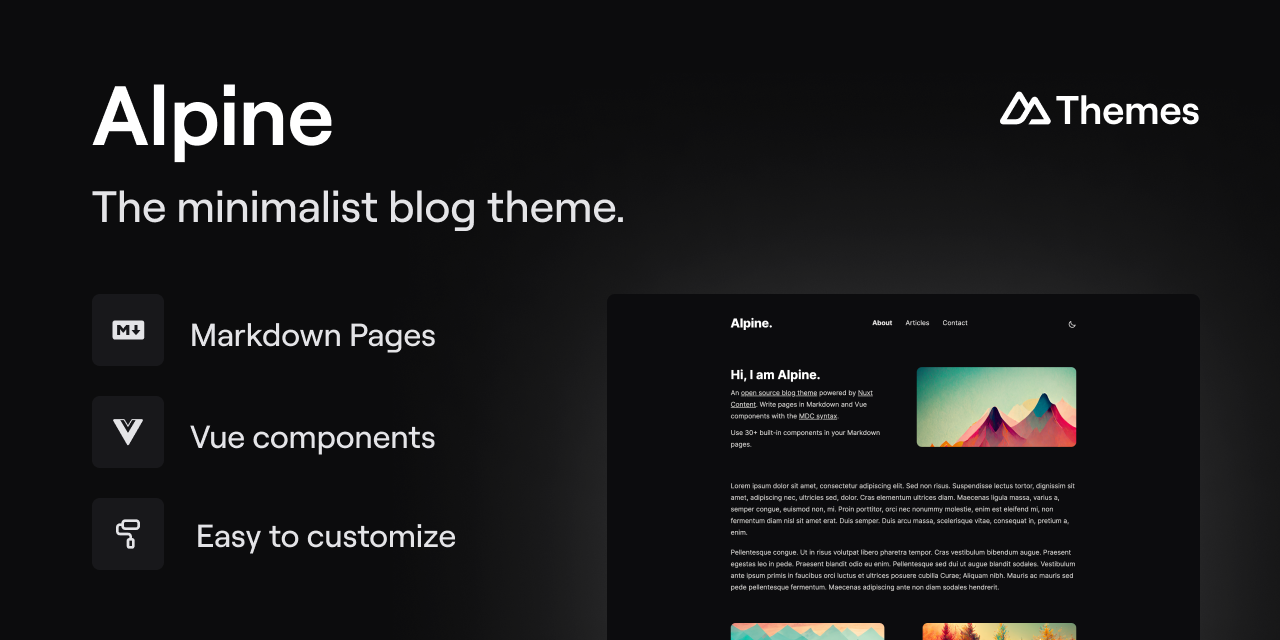
Alpine 是一个以极简为设计核心的博客主题,基于 Nuxt 与 Nuxt Content 构建。 它的特别之处在于,你可以从一个简单的个人资料页开始,逐步扩展成一个完整的博客。
Nuxt · 博客
portfolio
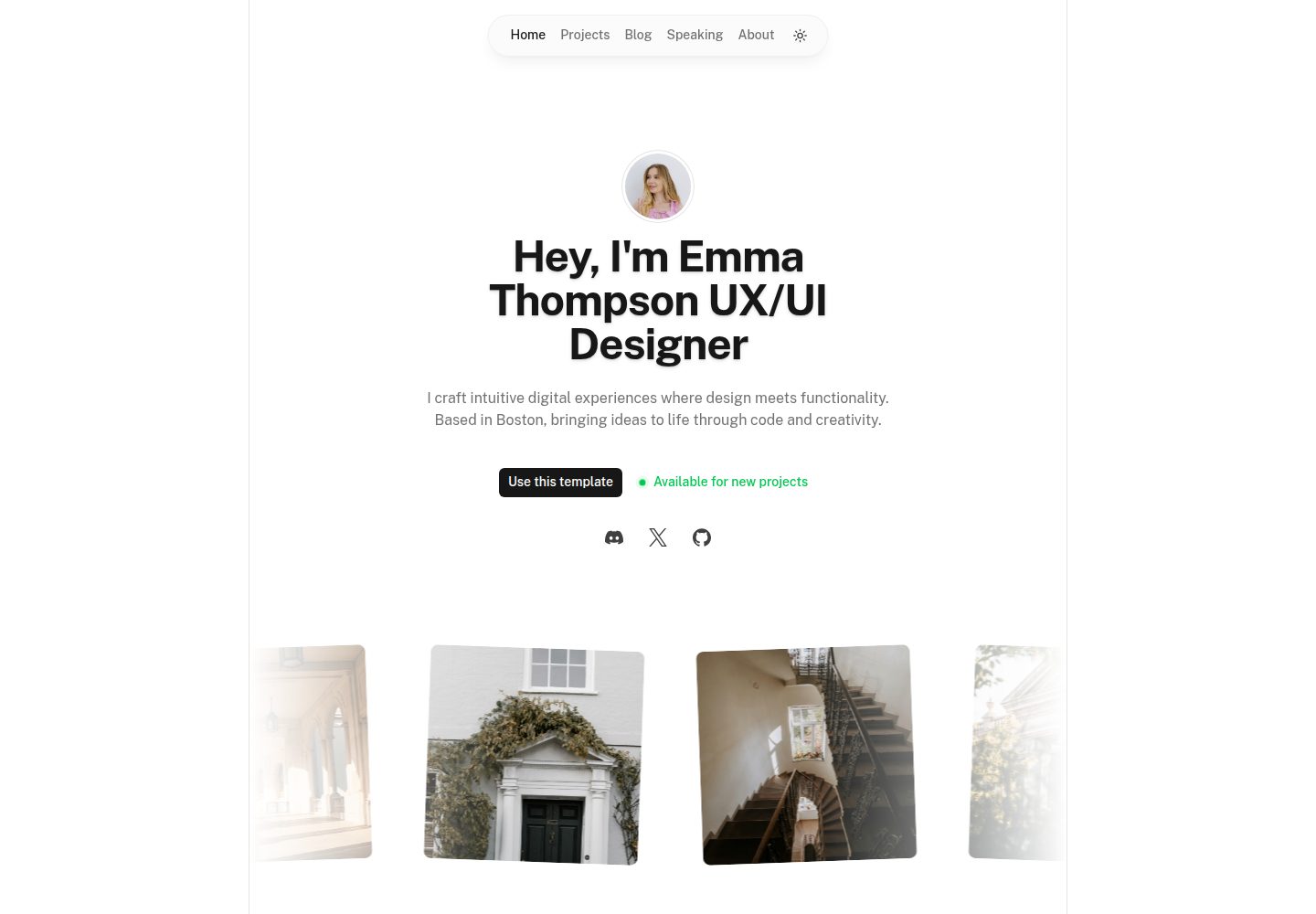
Nuxt Portfolio Template made with Nuxt UI and Nuxt Content.
Nuxt · 作品集
bael-template
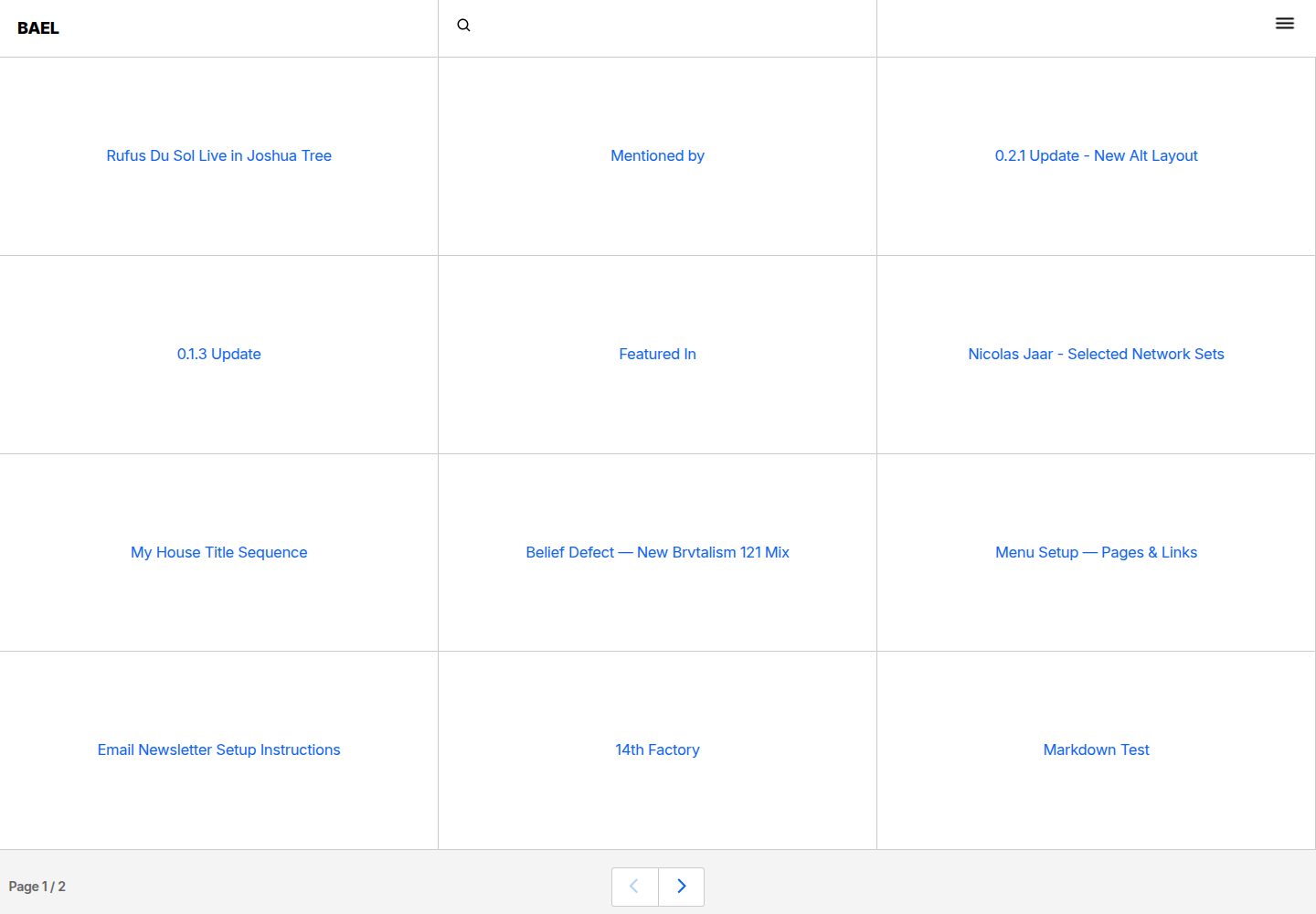
Brutalist Blog theme for Netlify CMS
Nuxt · 博客

bloggrify
Run a blog from Markdown files. Themes, SEO, analytics, newsletter and comments preconfigured. Like Docus, but…
Nuxt · 博客
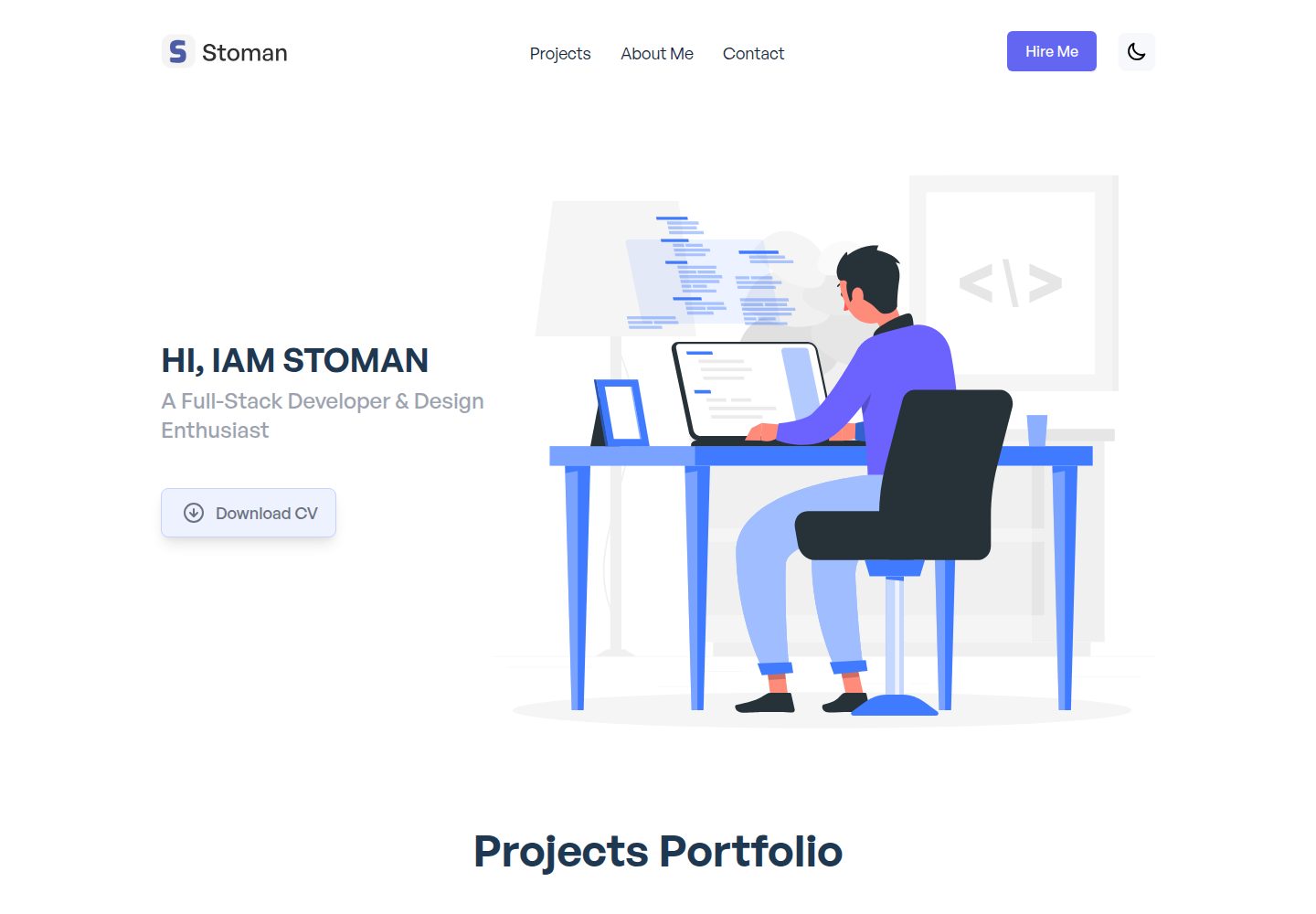
nuxtjs-tailwindcss-portfolio
Nuxt.js & Tailwind CSS version of the portfolio project.
Nuxt · 作品集