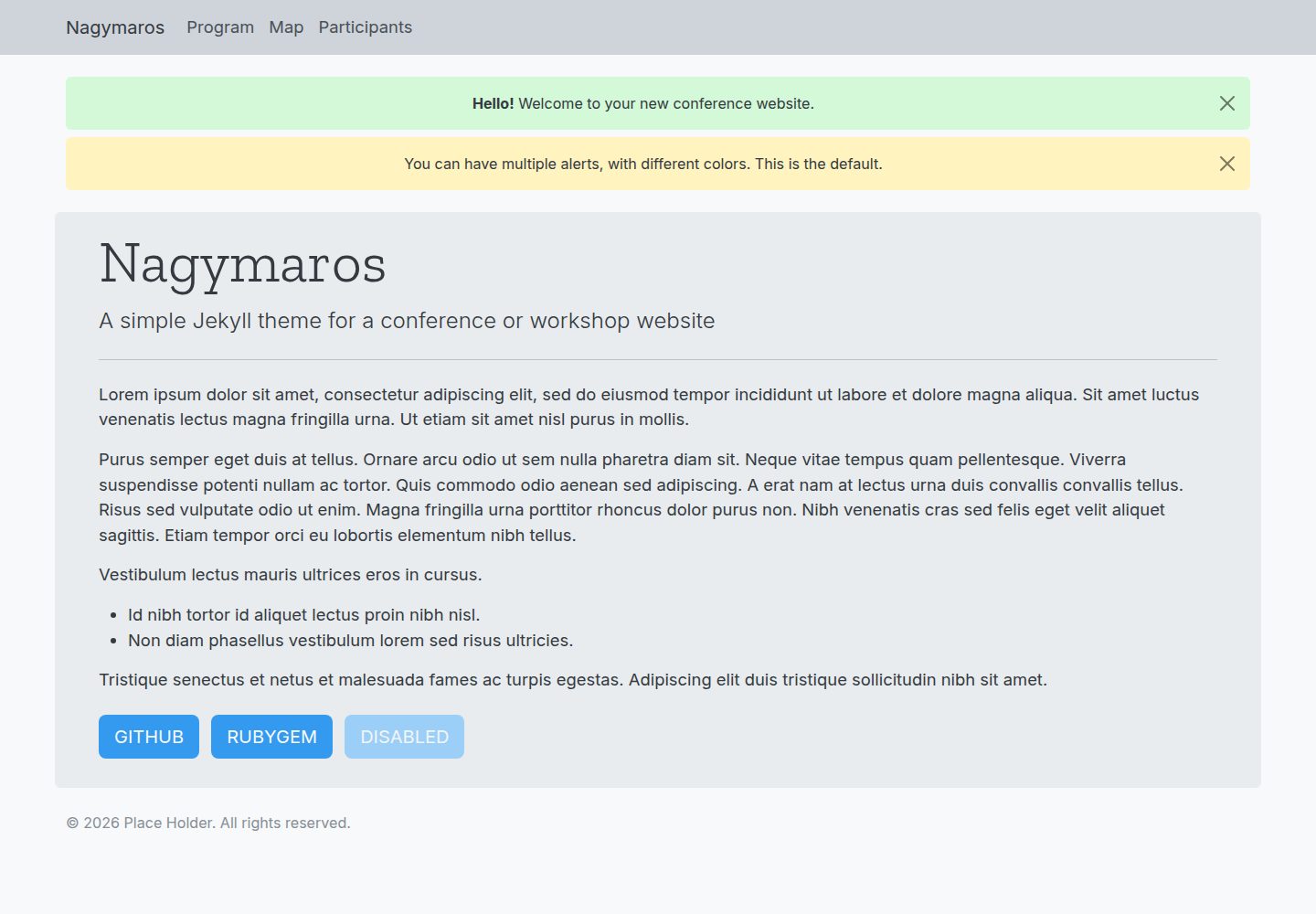
四个默认页面覆盖会议网站常见信息:首页、日程、地图和参会者名单
JekyllHTML企业官网
jekyll-nagymaros — Jekyll 企业官网模板
作者 piazzai
Nagymaros 是一个基于 Jekyll 的会议网站主题,提供首页、日程、地图和参会者名单四个页面,数据通过 _data 目录下的 YAML 文件配置。
看看你的网站会是什么样
浏览真实页面截图,比较内容排版与手机效果。点击下方缩略图切换,放大查看整页细节。
全部页面与视图 2
截图用于了解视觉与布局,交互效果请以实际项目为准。
采集于 2026-10-02查看来源
值得关注的模板亮点
从已有项目资料中,快速了解它的特点。
日程支持单日或多日安排,并可用颜色区分活动类别
地图页支持标记、区域和提示框,基于 Leaflet.js
数据通过 _data 目录下的 YAML 文件配置,无需改动模板代码
颜色方案可通过 _data/skin.yml 按 Open Color 命名规则调整
支持 gem 安装,未定制的主题文件保持隐藏但仍参与构建
模板详细介绍
Nagymaros 是面向会议、工作坊、研讨会等活动的 Jekyll 主题。它提供四个核心页面:首页用于发布通知、基本信息以及投稿系统等外部链接;日程页支持单日或多日安排,并可用颜色区分活动类别;地图页展示会议地点,支持标记、区域和提示框;参会者页按字母顺序列出人员,可附带角色、所属机构和邮箱。
主题基于 Bootstrap 5 构建,采用移动优先的响应式布局。正文使用 Inter 无衬线字体,标题使用 Zilla Slab 衬线字体。布局改编自 jekyll-theme-conference,但作者表示 Nagymaros 更简单、更易定制。
安装方式有两种:直接克隆仓库并编辑文件,或作为 gem 安装。作为 gem 安装时,不需要定制的文件保持隐藏,但仍会在构建时被读取和处理;如需覆盖隐藏文件,可在相同路径创建同名文件,Jekyll 会优先使用站点文件。核心配置在 _config.yml 中完成,包括 home、copyright 和 indexing 等变量;页面在导航栏中的顺序由各页面 front matter 中的 navorder 决定,未设置该变量的页面不会出现在导航栏。
主题的颜色方案可通过 _data/skin.yml 按 Open Color 命名规则调整,也可创建 _sass/_custom.scss 定义新样式或覆盖默认样式。默认情况下 indexing 为 false,页面头部会加入禁止索引的 meta 标签;设为 true 后则允许爬虫索引,并通过 jekyll-seo-tag 插件生成 SEO 标签。
JekyllHTML企业官网
适合你的项目吗?
适用场景
- 为学术会议或行业会议搭建包含日程、地点和参会者信息的网站
- 为工作坊或小型研讨会发布通知、日程安排和外部投稿链接
- 需要按天展示多场次活动并用颜色区分类别的活动网站
- 需要在页面中嵌入会议地点地图并标注多个位置的活动
适合人群
- 使用 Jekyll 构建静态网站的活动组织者
- 需要快速搭建会议信息页且愿意通过 YAML 维护数据的用户
- 希望以 gem 方式安装主题并仅覆盖必要文件的开发者
- 需要移动端可读的活动日程与参会者名单页面的场景
上手与定制指南
结合仓库当前版本的说明,按下面的资料检查内容、配置与运行要求。
- 1
可直接克隆仓库编辑文件,或作为 gem 安装并在 Gemfile 与 _config.yml 中声明主题
- 2
作为 gem 安装时,站点至少需要包含 404.md、_config.yml、_data 下的四个 YAML 文件、Gemfile 以及四个页面的 markdown 文件
- 3
可克隆 demo 文件夹内容作为起始文件
- 4
页面导航顺序由 front matter 中的 navorder 决定,未设置该变量的页面不会出现在导航栏
- 5
indexing 默认为 false,会输出禁止索引的 meta 标签;设为 true 后才允许索引并生成 SEO 标签
授权与来源资料
使用条件与限制
免费使用 · 保留许可声明本次收录的是公开仓库中采用 MIT 许可的免费版本;免费范围为该版本代码,不代表外部服务或第三方素材免费。
使用时需要遵守
- 允许免费使用、修改、商用和分发该版本代码。
- 分发代码副本或实质性部分时,保留原作者版权声明和完整 MIT 许可声明。
- 代码按现状提供;担保与责任限制以原许可证及适用法律为准。
额外费用与待核对事项
- 演示图片、字体、图标及其他第三方素材需按各自许可核对,不能仅凭代码的 MIT 许可判断。
- 域名、托管、数据库、支付或 AI 等外部服务可能另外收费。
查看原文依据
https://github.com/piazzai/jekyll-nagymaros/blob/master/LICENSEhttps://github.com/piazzai/jekyll-nagymaros/blob/master/README.mdPermission is hereby granted, free of charge
许可证原文
DeepSeek 根据仓库许可证和 README 整理 ·2026-10-02。结果仅覆盖已读取资料,依赖、图片、字体及后续条款变更以各自原文为准。
项目核对记录与介绍依据
模板资料
- 来源平台
- GitHub
- 资料与维护参考分
- 资料较完整 · 92 / 100
- 技术栈
- Jekyll · HTML
- 网站类型
- 企业官网
这个分数如何计算
本站按许可资料(最高30分)、演示链接(12分)、预览图(10分)、Star数(15分)、记录的维护时间(15分)、描述完整度(8分)、功能记录(5分)和分类资料(5分)计算。它不是代码、安全或性能测试,也不是 Google 评分;有链接不代表已实测可用。
这个项目需要核对什么
- 记录的仓库更新时间
- 2026-04-25
- 截图检查日期
- 2026-10-02
已收录演示链接。请用你的内容与屏幕尺寸检查;有演示不代表表单、认证或支付已经可用。
目录记录的主要技术栈是 Jekyll。请通过依赖清单和锁文件核对实际版本与托管要求。这些说明基于收录资料,不代表代码审计或部署实测。
查看具体选型方法 →介绍的制作与核对状态
介绍由 AI 辅助整理目录与仓库资料。仓库作者不等于这篇介绍的审核者。
已完成服务器许可规则与 AI 来源核对;未经过人工编辑审核。
查看当时使用的来源资料
SHA-256: c5a2003119b5517582feeed50b9423e8f4a8c2617d721167038ae33e5bb65953
2026-10-02T08:08:45.752Z
来源文件 / 仓库# jekyll-nagymaros Nagymaros is a [Jekyll](https://jekyllrb.com) theme designed for conferences, workshops, meetings, and similar events. It has a simple and intuitive structure featuring four pages that provide key information about the event: - An index for alerts, basic details, and links to external sources such as submission systems. - A program, allowing for single or multi-day schedules and color-coded event categories. - A map of conference locations, customizable with markers, areas, and tooltips. - An alphabetical list of participants, with optional roles, affiliations, and email addresses. The theme is based on [Bootstrap 5](https://getbootstrap.com/), which makes it mobile-first and fully responsive. Body text is set in Inter, a clean sans-serif typeface that guarantees readability at small screen sizes. A slab-serif typeface, Zilla Slab, is used instead in display headings. The layout is adapted from [jekyll-conference-theme](https://github.com/DigitaleGesellschaft/jekyll-theme-conference) and remains quite similar to it, but compared to this theme, Nagymaros aims to be simpler and easier to customize. See the [demo](https://piazzai.github.io/jekyll-nagymaros/) to find out what the theme looks like.  ## Installation The theme can be installed as usual by cloning this repository and editing the files. However, it is far more convenient to install it as a gem, in which case all the files you do not want or need to customize remain hidden from view, but will still be read and processed during build. If you choose to install the theme as a gem, your site should include at a minimum the following files: ```bash . ├── 404.md ├── _config.yml ├── _data │ ├── index.yml │ ├── map.yml │ ├── participants.yml │ └── program.yml ├── Gemfile ├── index.md ├── map.md ├── participants.md └── program.md ``` To install the theme, you can then add this line to your `Gemfile`: ```ruby gem "jekyll-nagymaros" ``` And this line to `_config.yml`: ```yaml theme: jekyll-nagymaros ``` The easiest way to set up a new website in this way is to clone the contents of the `demo` folder. This provides a working set of files to get you started. After you are done creating the basic files, create a local gem library and run bundler: ```bash bundle config set --local path 'vendor/bundle' bundle install ``` To customize hidden files, you can create new files with the same names and paths. For example, to change the layout of the index page, you can create a `_layouts` folder and a file `index.html` within this folder that contains your custom code. During build, Jekyll will give priority to your files over the theme's. ## Usage Core customization occurs in `_config.yml`. Aside from the usual configuration variables, you can set a value for `home`, which will determine the destination of the site title button in the header, as well as the return link from the 404 page. Only use this if you want these buttons to lead somewhere different than the index. Next, you can set a value for `copyright`, which corresponds to the name of the copyright holder in the notice within the theme's footer. If no value is provided for this variable (default), the whole copyright notice is suppressed. Finally, you can set a value for `indexing`, which tells search engine crawlers whether to index your site. The default value is `false`, and in this case the following code is included in the head of every page: ```html <meta name="robots" content="none"> ``` If you set the value to `true`, however, the above code will not be included, crawlers will be allowed to index your site, and Jekyll will populate the head of every page with SEO tags through the `jekyll-seo-tag` plugin. Data that appears in the theme's four default pages must be configured via YAML files located in the `_data` folder. See the corresponding files in `demo/_data` to understand how to write your own YAML, or better yet, clone these files and edit them. The order of appearance of pages in the theme's navigation bar is determined by the value of `navorder` set in each page's front matter. For example, setting `navorder: 1` will make the page appear first in the list. Note that a page will only appear in the navigation bar if the `navorder` variable is set, so it is possible to hide some pages from navigation simply by not giving this variable a value. Customizing the CSS is possible by creating a file `_sass/_custom.scss`. You can use this both to define new styles or to overwrite the theme's defaults. The file will be automatically compiled during build. For convenience, customization of the theme's color scheme is also possible via YAML. In this case, create a file `_data/skin.yml` and assign new colors from the [Open Color](https://yeun.github.io/open-color) library to various HTML elements. Make sure to stick to the library's color-number naming convention. Here is an example: ```yaml body: bg: gray-0 # background color: gray-8 # body text a: color: blue-7 # links hover: blue-9 # links when hovering digit: bg: gray-3 # background of digit on 404 page header: bg: gray-4 # background of navigation bar index: bg: gray-2 # background of index container ``` The variables are named after the HTML elements they style. The colors to which they are set in this example are actually the theme's defaults. If no value is provided for some variables, or if `_data/skin.yml` does not exist, the theme assumes the default colors. See `assets/css/styles.scss` for a complete list of defaults. ## Credits This theme builds on the following projects: - [Bootstrap](https://getbootstrap.com/) - [Inter](https://rsms.me/inter/) - [jekyll-theme-conference](https://github.com/DigitaleGesellschaft/jekyll-theme-conference) - [Leaflet.js](https://leafletjs.com/) - [Open Color](https://yeun.github.io/open-color) - [Zilla Slab](https://github.com/mozilla/zilla-slab) ## Bugs If you find any problem using the theme, please [open an issue](https://github.com/piazzai/jekyll-nagymaros/issues).
看看同类模板
对比同技术栈与用途的模板,找到更适合的视觉与内容结构。
Mobile-app-landingpage-template
📱 Free to use static generated website template for your mobile app
Jekyll · 企业官网
just-the-class
A modern, highly customizable, responsive Jekyll template for course websites.
Jekyll · 企业官网
urban-jekyll-template
:cloud: Agency template for Jekyll
Jekyll · 企业官网
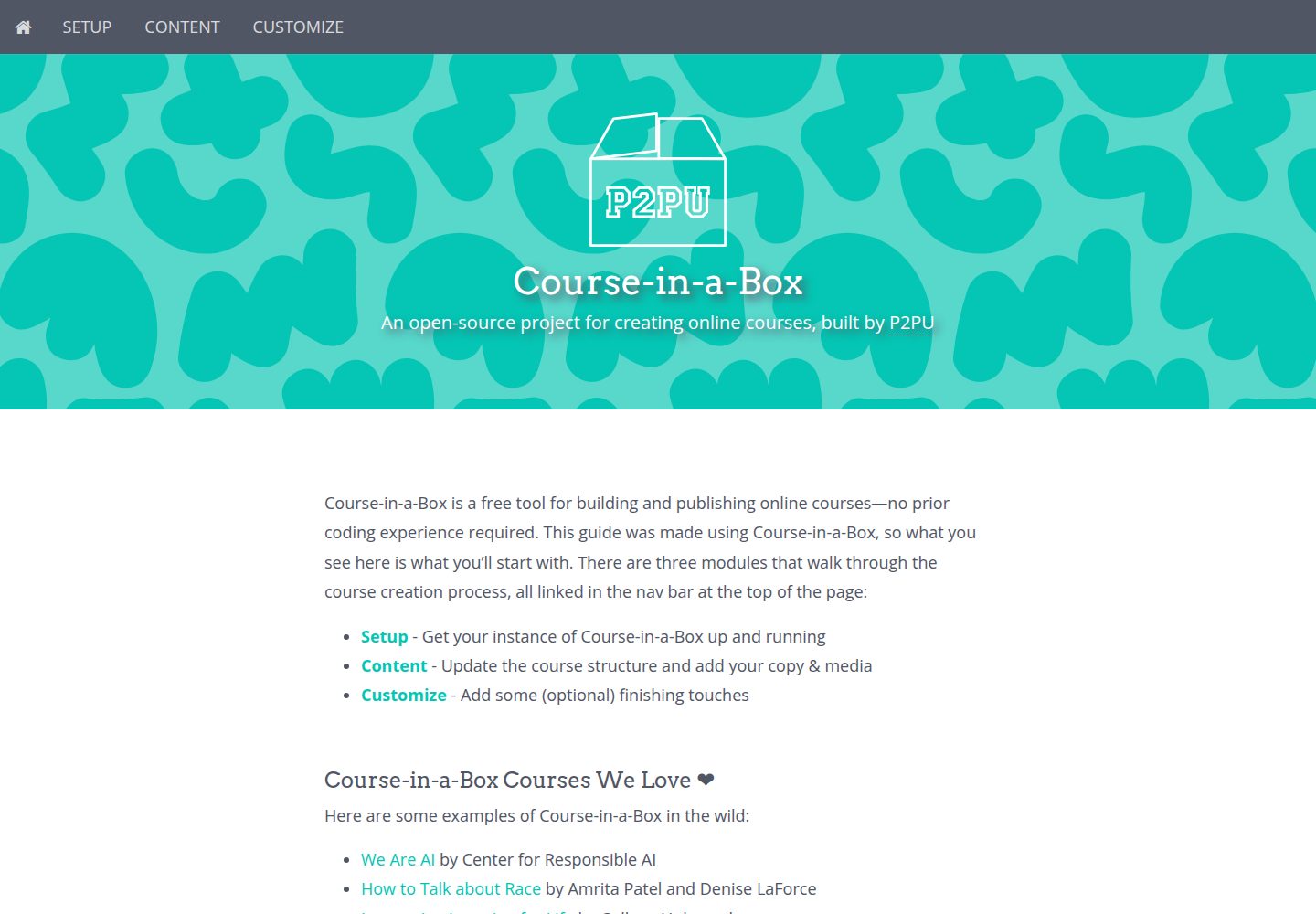
course-in-a-box
An open-source project for creating online courses, built by P2PU
Jekyll · 企业官网

agency-jekyll-theme-starter
Agency Jekyll Theme starter template (optimized for GitHub Pages)
Jekyll · 企业官网
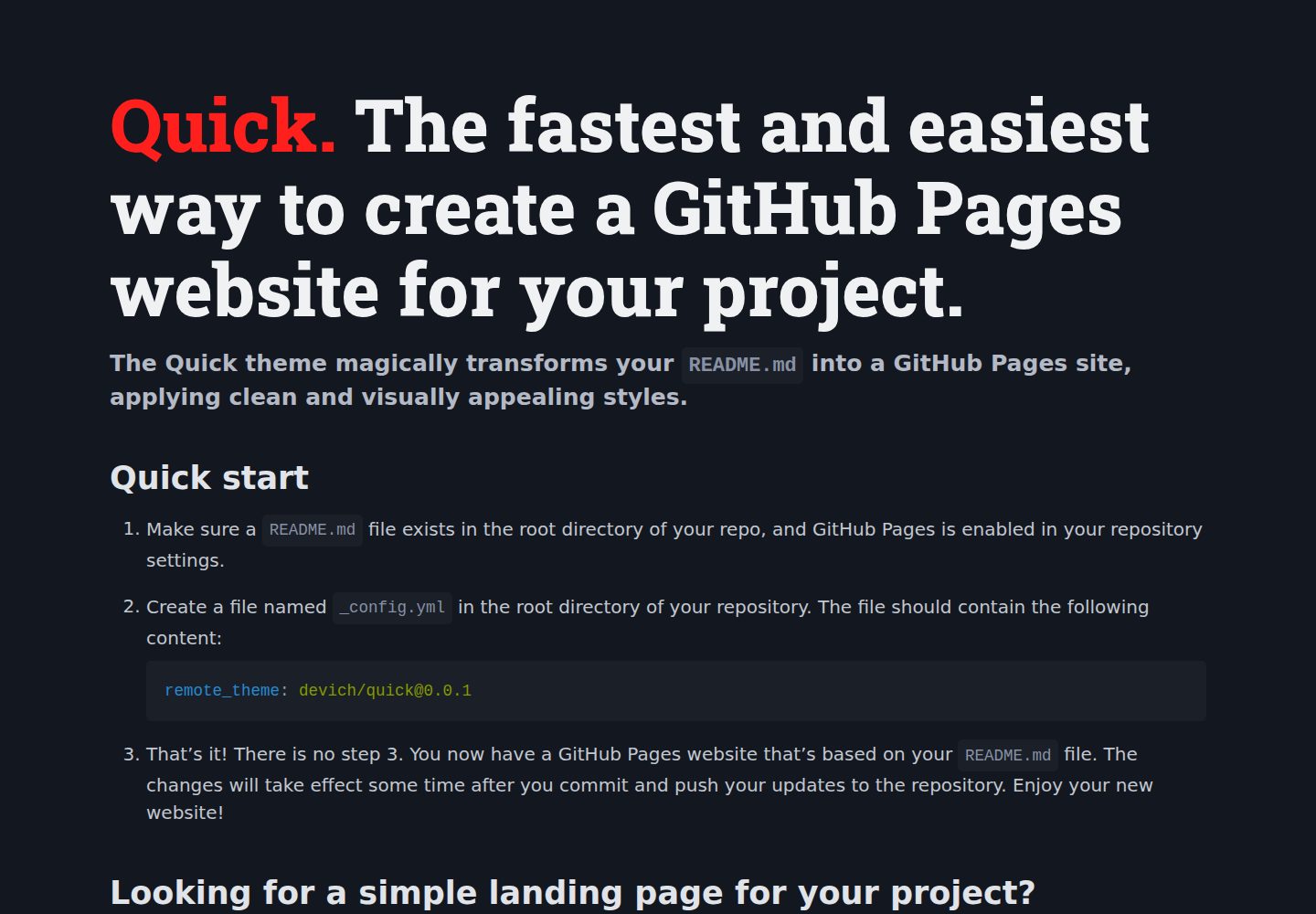
quick
The Quick theme magically transforms your README.md into a GitHub Pages site, applying clean and visually appe…
Jekyll · 企业官网