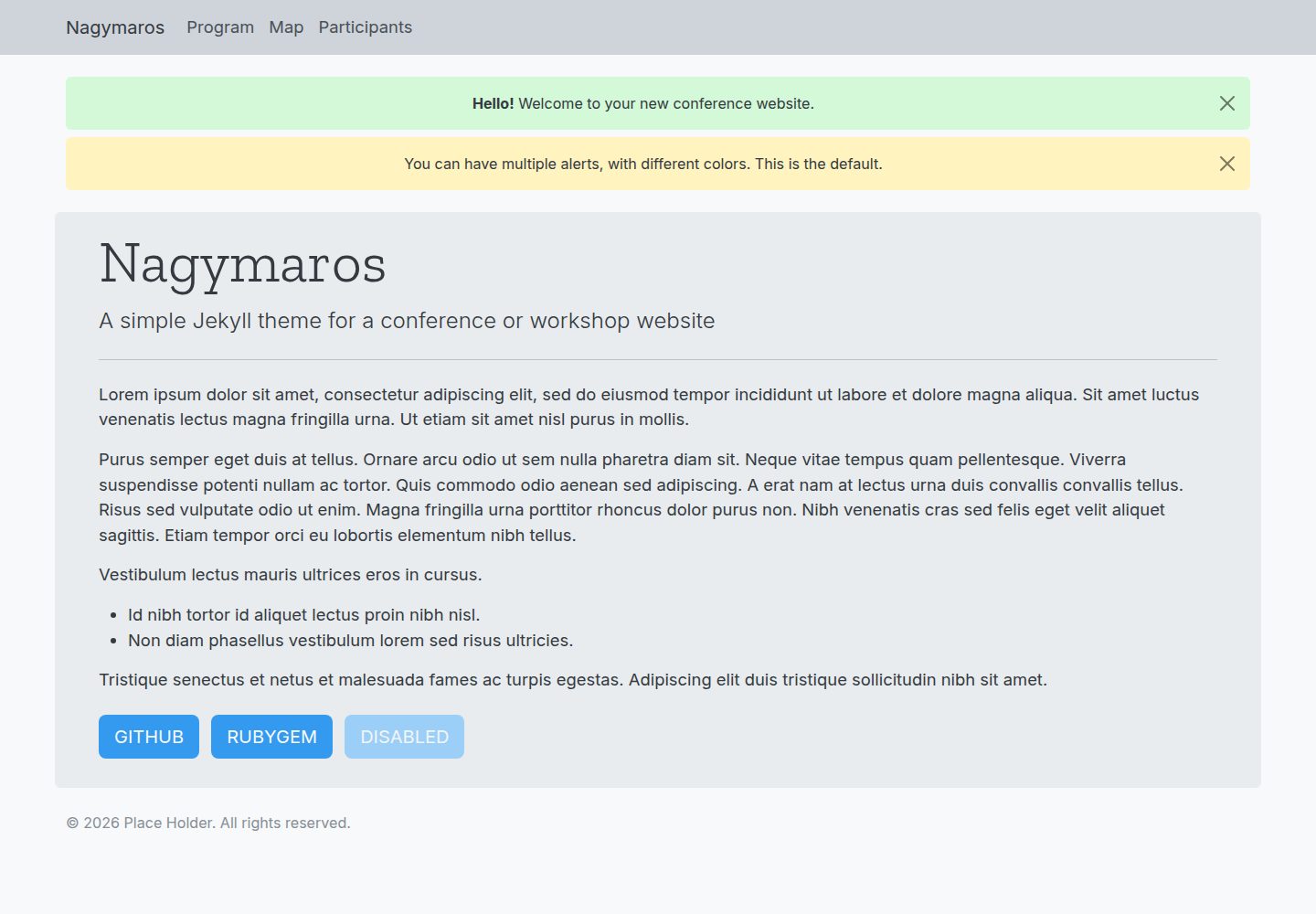
Four default pages cover common conference website information: home, schedule, map, and participants list
JekyllHTMLCorporate Website
jekyll-nagymaros — Jekyll Business Template
By piazzai
Nagymaros is a Jekyll theme for conference websites, offering four pages: home, schedule, map, and participants, with data configured through YAML files in the _data directory.
Explore the design
Compare the page layouts and mobile experience. Open any screenshot for a closer look.
Desktop homepage1 / 2
Desktop captureTop of page
Actual screenshot captured by the server browser.
All pages & views 2
Screenshots show visual appearance; interactive behavior may differ.
Recorded 2026-10-02View source
What stands out
A quick read of the recorded project description.
The schedule supports single-day or multi-day programs and can use colors to distinguish activity categories
The map page supports markers, areas, and popups, based on Leaflet.js
Data is configured through YAML files in the _data directory, with no need to modify template code
The color scheme can be adjusted via _data/skin.yml following Open Color naming conventions
Supports gem installation, with uncustomized theme files remaining hidden but still participating in the build
Template Details
Nagymaros is a Jekyll theme for conferences, workshops, seminars, and similar events. It provides four core pages: the home page for announcements, basic information, and external links such as submission systems; the schedule page supporting single-day or multi-day programs with color-coded activity categories; the map page showing the conference venue with markers, areas, and popups; and the participants page listing people alphabetically with optional roles, affiliations, and email addresses.
The theme is built on Bootstrap 5 with a mobile-first responsive layout. Body text uses the Inter sans-serif font, and headings use the Zilla Slab serif font. The layout is adapted from jekyll-theme-conference, but the author states that Nagymaros is simpler and easier to customize.
There are two installation methods: clone the repository directly and edit the files, or install it as a gem. When installed as a gem, files that do not need customization remain hidden but are still read and processed during the build; to override a hidden file, create a file with the same name at the same path, and Jekyll will prioritize the site file. Core configuration is done in _config.yml, including variables such as home, copyright, and indexing; the order of pages in the navigation bar is determined by navorder in each page's front matter, and pages without this variable will not appear in the navigation bar.
The theme's color scheme can be adjusted via _data/skin.yml following Open Color naming conventions, or you can create _sass/_custom.scss to define new styles or override default styles. By default, indexing is false, and a meta tag prohibiting indexing is added to the page head; when set to true, crawlers are allowed to index, and SEO tags are generated via the jekyll-seo-tag plugin.
JekyllHTMLCorporate website
Is it right for your project?
Use Cases
- Building a website for an academic or industry conference that includes schedule, venue, and participant information
- Publishing announcements, schedule arrangements, and external submission links for a workshop or small seminar
- An event website that needs to display multiple sessions by day and distinguish categories by color
- An event that needs to embed a map of the conference venue and mark multiple locations
Suitable For
- Event organizers using Jekyll to build static websites
- Users who need to quickly set up a conference information page and are willing to maintain data through YAML
- Developers who want to install the theme as a gem and override only necessary files
- Scenarios requiring mobile-readable event schedule and participant list pages
Getting started & customization
Use these recorded setup notes alongside the repository instructions for your chosen version.
- 1
You can clone the repository directly and edit the files, or install it as a gem and declare the theme in the Gemfile and _config.yml
- 2
When installed as a gem, the site must contain at least 404.md, _config.yml, the four YAML files under _data, a Gemfile, and the markdown files for the four pages
- 3
You can clone the contents of the demo folder as starting files
- 4
Page navigation order is determined by navorder in front matter; pages without this variable will not appear in the navigation bar
- 5
indexing defaults to false, which outputs a meta tag prohibiting indexing; only when set to true is indexing allowed and SEO tags generated
License & source material
Usage conditions & limitations
Free to use · keep license noticeThis entry covers the free version under the MIT license in the public repository; the free scope is the code of this version and does not mean that external services or third-party assets are free.
Must comply with when using
- Free use, modification, commercial use, and distribution of this version's code are permitted.
- When distributing copies or substantial portions of the code, retain the original author's copyright notice and the full MIT license notice.
- The code is provided as is; warranties and limitations of liability are governed by the original license and applicable law.
Additional costs & items to verify
- Demo images, fonts, icons, and other third-party assets must be checked against their respective licenses and cannot be judged solely by the code's MIT license.
- External services such as domains, hosting, databases, payments, or AI may incur additional charges.
View Original Text Basis
https://github.com/piazzai/jekyll-nagymaros/blob/master/LICENSEhttps://github.com/piazzai/jekyll-nagymaros/blob/master/README.mdPermission is hereby granted, free of charge
Original License Text
Compiled by DeepSeek based on repository license and README ·2026-10-02. Results only cover the materials read; dependencies, images, fonts, and subsequent term changes are subject to their respective original texts.
Project checks & description sources
Template Information
- Source platforms
- GitHub
- Documentation and maintenance reference score
- More documented · 92 / 100
- Technologies
- Jekyll · HTML
- Website type
- Corporate Website
How this score is calculated
Our heuristic uses license records (up to 30), a demo link (12), a preview (10), stars (15), recorded maintenance (15), description completeness (8), feature records (5) and classification data (5). It is not a code, security or performance test, or a Google score. A link does not establish tested functionality.
What to verify for this project
- Repository update recorded
- 2026-04-25
- Screenshot last checked
- 2026-10-02
A demo link is listed. Check it with your own content and viewport sizes; its presence does not confirm that forms, authentication or payments work.
The catalog identifies Jekyll as the primary stack. Check the actual dependency manifest and lockfile for versions and hosting requirements. These notes use recorded metadata, not a code audit or a deployment test.
Use a selection guide →How this description was prepared
AI-assisted description based on catalog records and repository material. Repository authors are not automatically the reviewers of this description.
Automatically checked against source and license rules; no manual editorial review.
Inspect the recorded source material
SHA-256: c5a2003119b5517582feeed50b9423e8f4a8c2617d721167038ae33e5bb65953
2026-10-02T08:08:45.752Z
Source file / repository# jekyll-nagymaros Nagymaros is a [Jekyll](https://jekyllrb.com) theme designed for conferences, workshops, meetings, and similar events. It has a simple and intuitive structure featuring four pages that provide key information about the event: - An index for alerts, basic details, and links to external sources such as submission systems. - A program, allowing for single or multi-day schedules and color-coded event categories. - A map of conference locations, customizable with markers, areas, and tooltips. - An alphabetical list of participants, with optional roles, affiliations, and email addresses. The theme is based on [Bootstrap 5](https://getbootstrap.com/), which makes it mobile-first and fully responsive. Body text is set in Inter, a clean sans-serif typeface that guarantees readability at small screen sizes. A slab-serif typeface, Zilla Slab, is used instead in display headings. The layout is adapted from [jekyll-conference-theme](https://github.com/DigitaleGesellschaft/jekyll-theme-conference) and remains quite similar to it, but compared to this theme, Nagymaros aims to be simpler and easier to customize. See the [demo](https://piazzai.github.io/jekyll-nagymaros/) to find out what the theme looks like.  ## Installation The theme can be installed as usual by cloning this repository and editing the files. However, it is far more convenient to install it as a gem, in which case all the files you do not want or need to customize remain hidden from view, but will still be read and processed during build. If you choose to install the theme as a gem, your site should include at a minimum the following files: ```bash . ├── 404.md ├── _config.yml ├── _data │ ├── index.yml │ ├── map.yml │ ├── participants.yml │ └── program.yml ├── Gemfile ├── index.md ├── map.md ├── participants.md └── program.md ``` To install the theme, you can then add this line to your `Gemfile`: ```ruby gem "jekyll-nagymaros" ``` And this line to `_config.yml`: ```yaml theme: jekyll-nagymaros ``` The easiest way to set up a new website in this way is to clone the contents of the `demo` folder. This provides a working set of files to get you started. After you are done creating the basic files, create a local gem library and run bundler: ```bash bundle config set --local path 'vendor/bundle' bundle install ``` To customize hidden files, you can create new files with the same names and paths. For example, to change the layout of the index page, you can create a `_layouts` folder and a file `index.html` within this folder that contains your custom code. During build, Jekyll will give priority to your files over the theme's. ## Usage Core customization occurs in `_config.yml`. Aside from the usual configuration variables, you can set a value for `home`, which will determine the destination of the site title button in the header, as well as the return link from the 404 page. Only use this if you want these buttons to lead somewhere different than the index. Next, you can set a value for `copyright`, which corresponds to the name of the copyright holder in the notice within the theme's footer. If no value is provided for this variable (default), the whole copyright notice is suppressed. Finally, you can set a value for `indexing`, which tells search engine crawlers whether to index your site. The default value is `false`, and in this case the following code is included in the head of every page: ```html <meta name="robots" content="none"> ``` If you set the value to `true`, however, the above code will not be included, crawlers will be allowed to index your site, and Jekyll will populate the head of every page with SEO tags through the `jekyll-seo-tag` plugin. Data that appears in the theme's four default pages must be configured via YAML files located in the `_data` folder. See the corresponding files in `demo/_data` to understand how to write your own YAML, or better yet, clone these files and edit them. The order of appearance of pages in the theme's navigation bar is determined by the value of `navorder` set in each page's front matter. For example, setting `navorder: 1` will make the page appear first in the list. Note that a page will only appear in the navigation bar if the `navorder` variable is set, so it is possible to hide some pages from navigation simply by not giving this variable a value. Customizing the CSS is possible by creating a file `_sass/_custom.scss`. You can use this both to define new styles or to overwrite the theme's defaults. The file will be automatically compiled during build. For convenience, customization of the theme's color scheme is also possible via YAML. In this case, create a file `_data/skin.yml` and assign new colors from the [Open Color](https://yeun.github.io/open-color) library to various HTML elements. Make sure to stick to the library's color-number naming convention. Here is an example: ```yaml body: bg: gray-0 # background color: gray-8 # body text a: color: blue-7 # links hover: blue-9 # links when hovering digit: bg: gray-3 # background of digit on 404 page header: bg: gray-4 # background of navigation bar index: bg: gray-2 # background of index container ``` The variables are named after the HTML elements they style. The colors to which they are set in this example are actually the theme's defaults. If no value is provided for some variables, or if `_data/skin.yml` does not exist, the theme assumes the default colors. See `assets/css/styles.scss` for a complete list of defaults. ## Credits This theme builds on the following projects: - [Bootstrap](https://getbootstrap.com/) - [Inter](https://rsms.me/inter/) - [jekyll-theme-conference](https://github.com/DigitaleGesellschaft/jekyll-theme-conference) - [Leaflet.js](https://leafletjs.com/) - [Open Color](https://yeun.github.io/open-color) - [Zilla Slab](https://github.com/mozilla/zilla-slab) ## Bugs If you find any problem using the theme, please [open an issue](https://github.com/piazzai/jekyll-nagymaros/issues).
Explore similar templates
Compare previews and descriptions within the same stack and category.
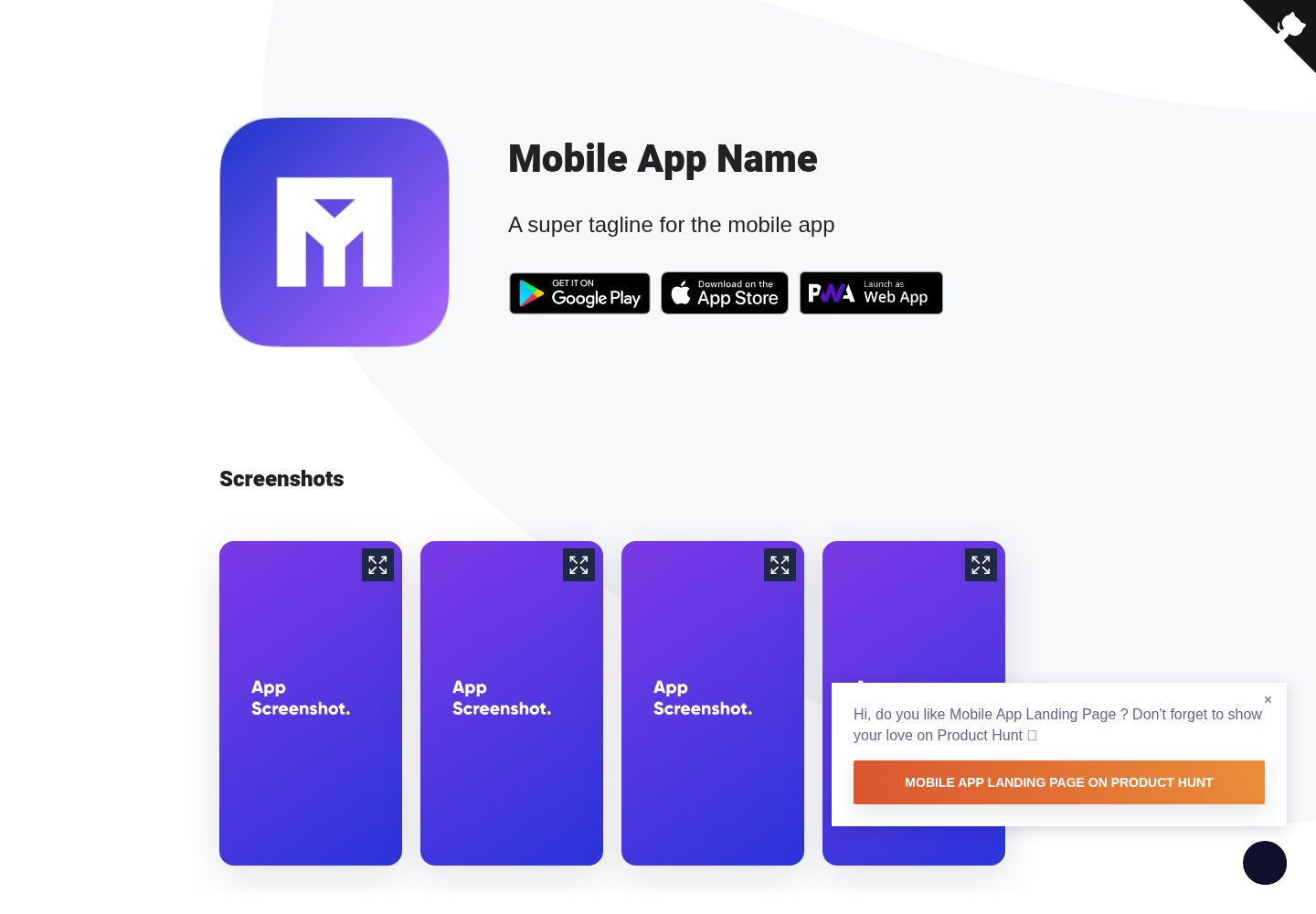
Mobile-app-landingpage-template
A Jekyll-based static landing page template for mobile apps, MIT-licensed and free to use.
Jekyll · Corporate Website
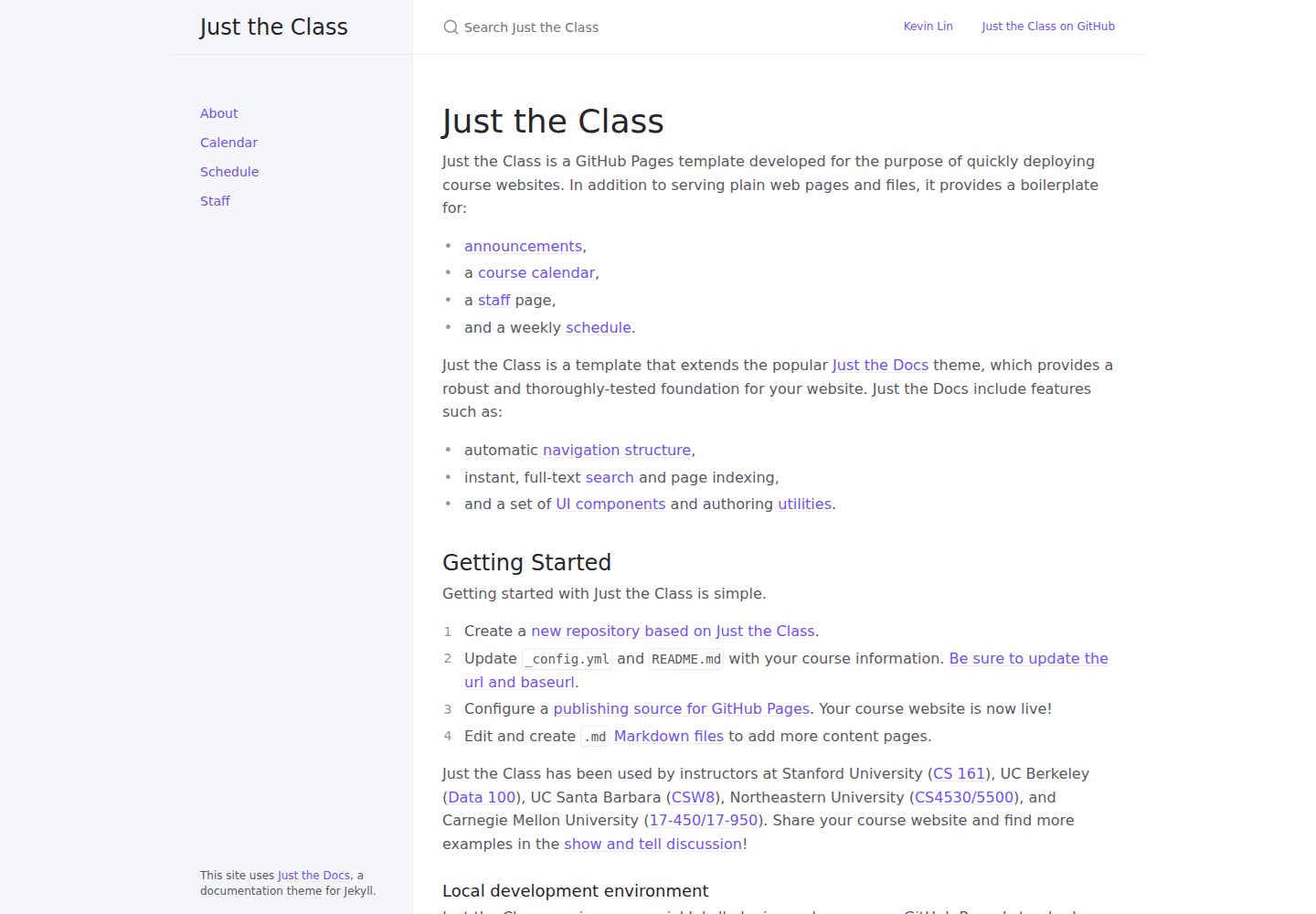
just-the-class
A Jekyll course website template extended from Just the Docs, with built-in page templates for announcements, course calendar, teaching team, and weekly schedule.
Jekyll · Corporate Website
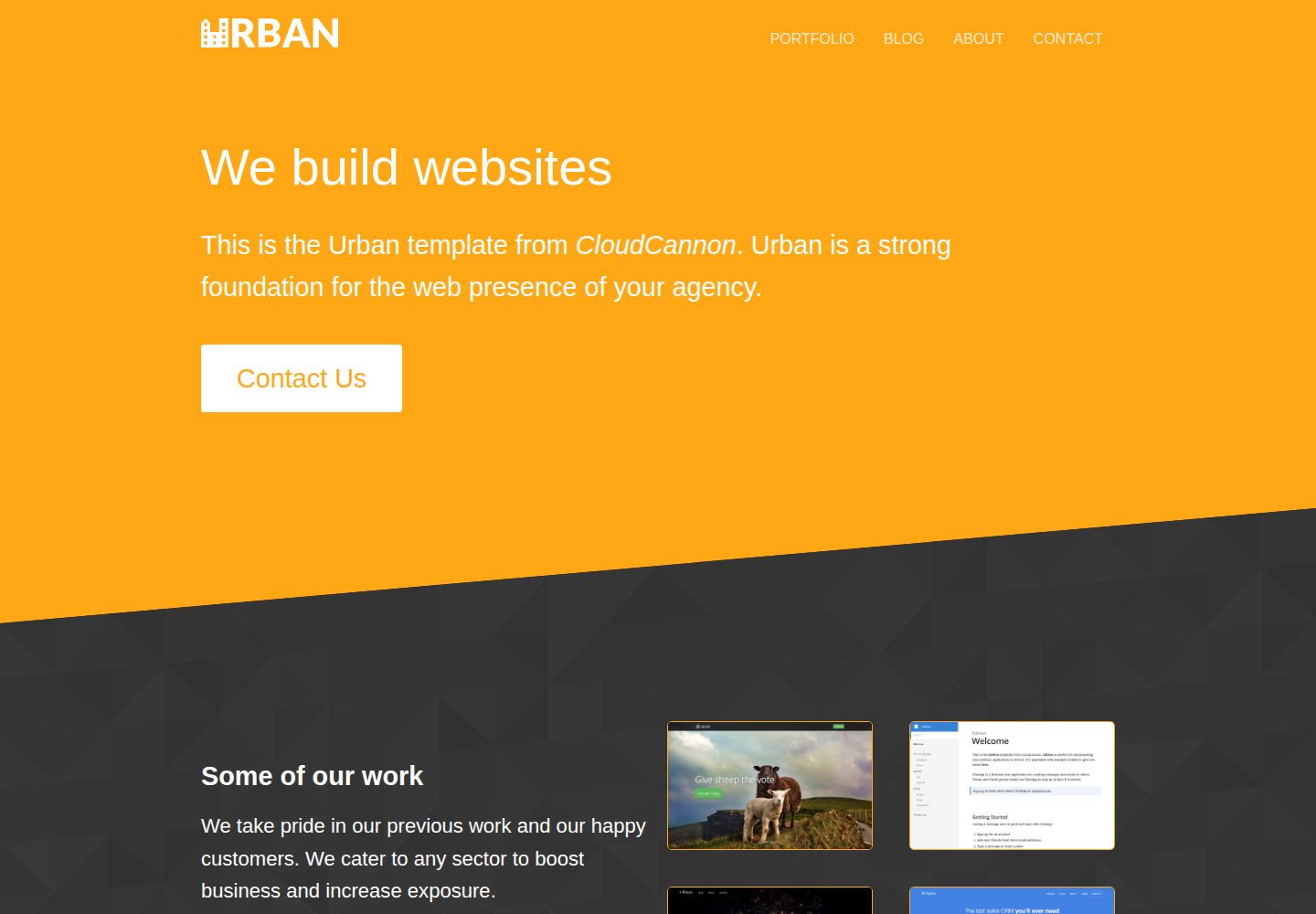
urban-jekyll-template
Urban is a Jekyll corporate website theme for web agencies made by CloudCannon, with a contact form, blog pagination and category pages, Disqus comments, a staff and author system, and a configurable footer.
Jekyll · Corporate Website
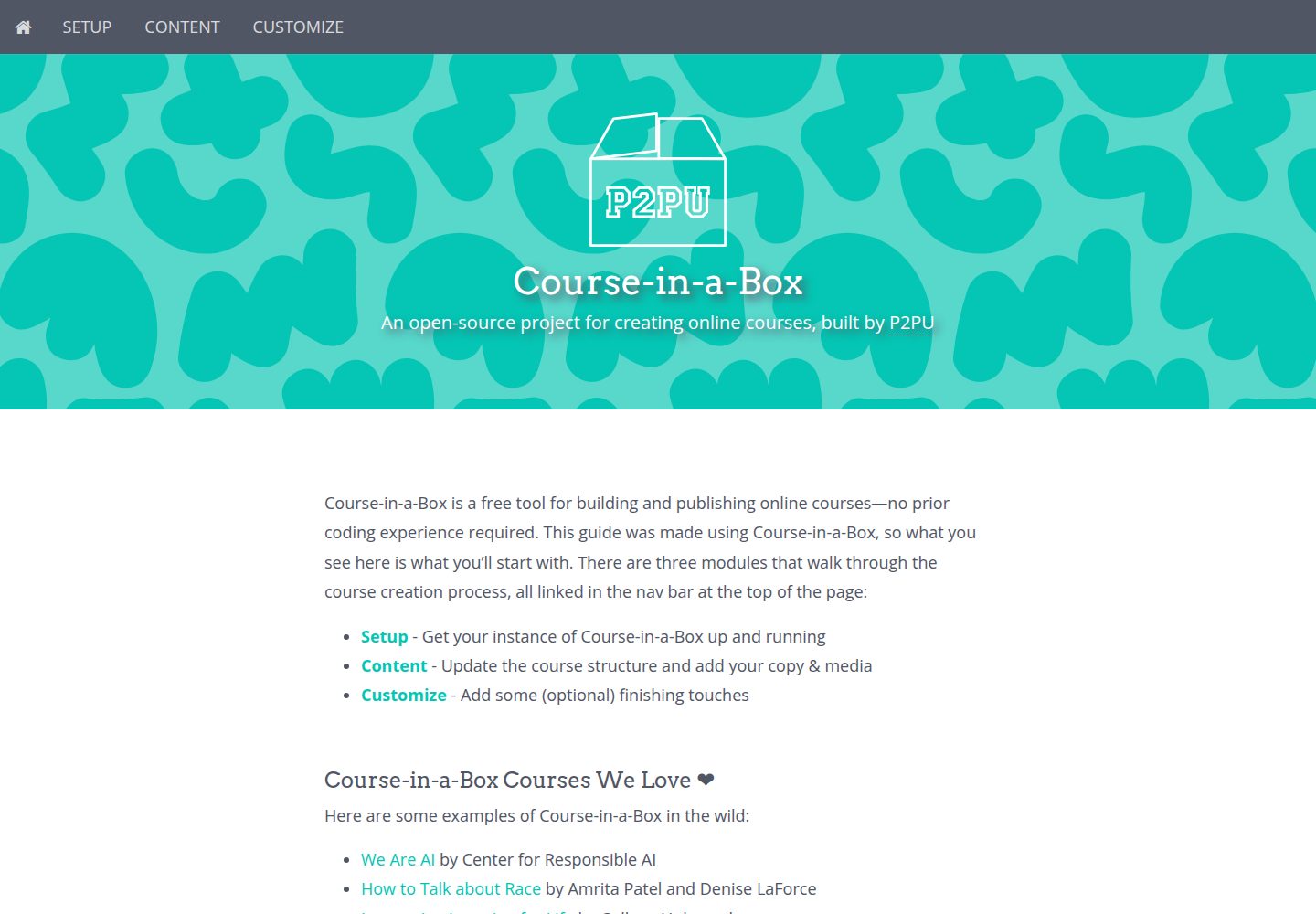
course-in-a-box
Course-in-a-Box is an open-source online course website template maintained by P2PU and built on the Jekyll static site generator.
Jekyll · Corporate Website

agency-jekyll-theme-starter
A Jekyll-based Agency theme starter template for GitHub Pages. Generate a repository via the template button, replace the sample content, and configure baseurl or a custom domain.
Jekyll · Corporate Website
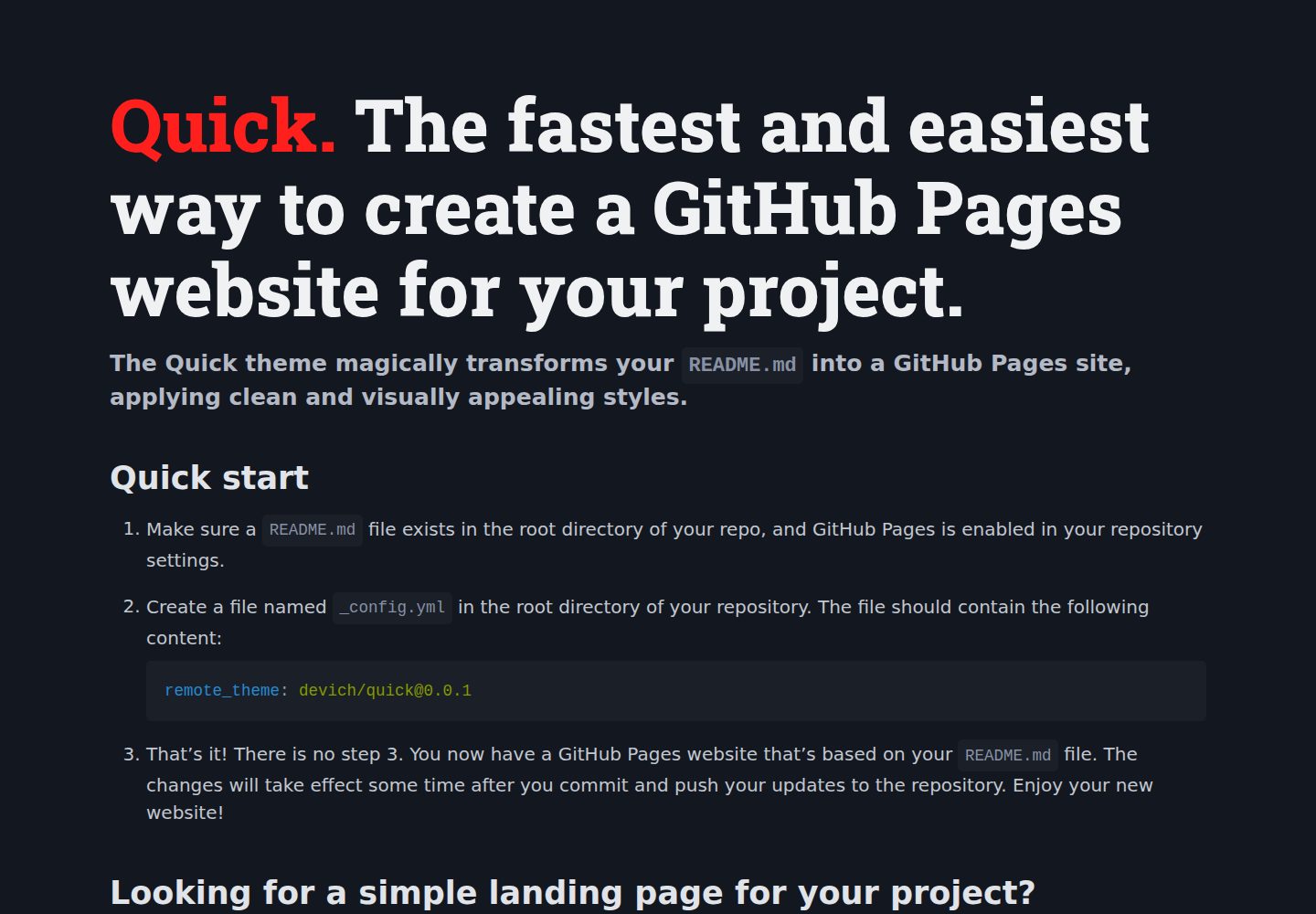
quick
Quick is a Jekyll remote theme that renders the README.md in the repository root directly as a GitHub Pages site, with configuration for language, background, theme color, title, description, keywords, and Google Analytics, plus custom CSS and favicon support.
Jekyll · Corporate Website