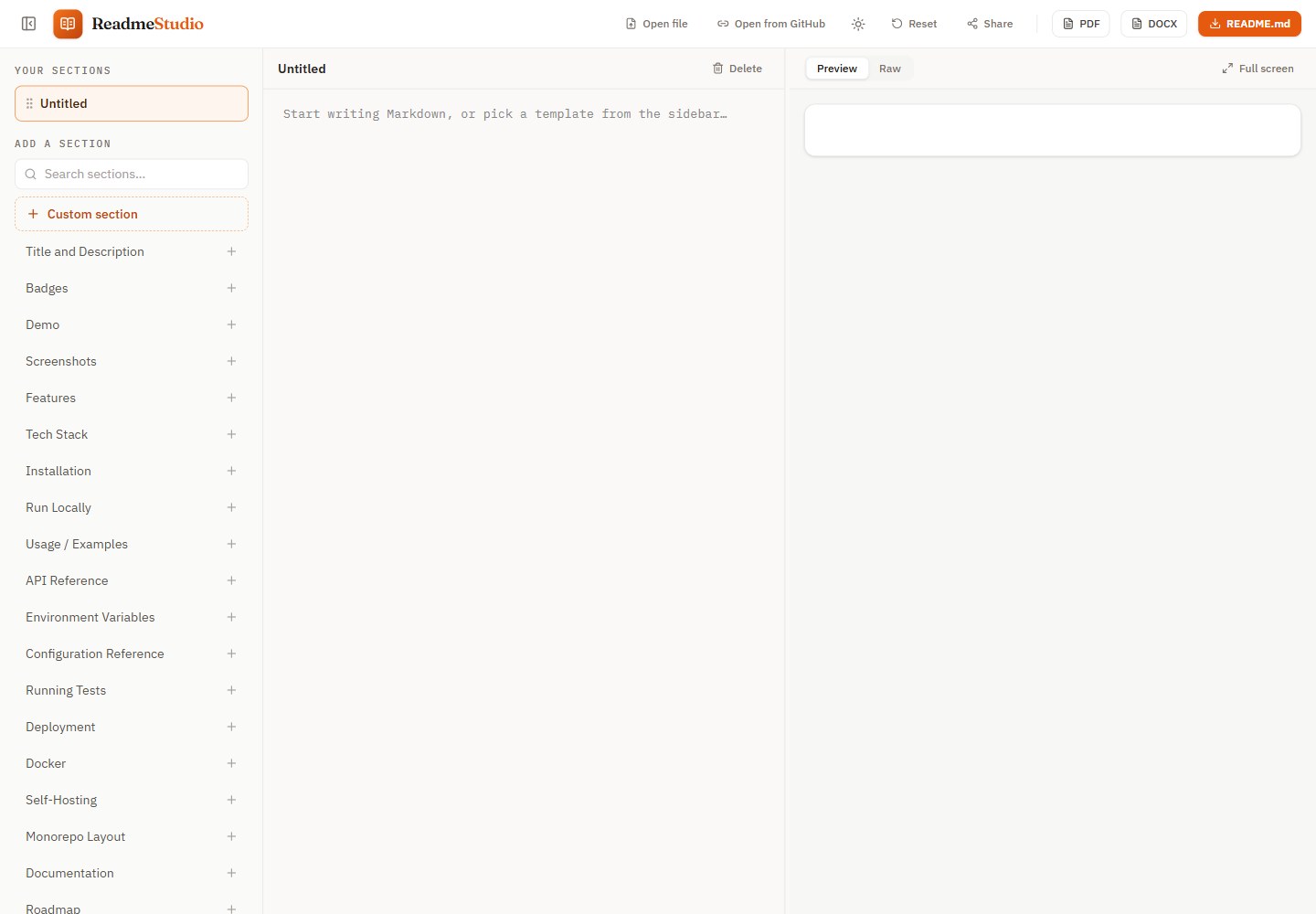
按章节编辑:可搜索的章节模板库,支持拖拽排序、删除撤销与回收站恢复
ViteReact工具站
readme-studio — Vite 工具站模板
作者 prime0x2
ReadmeStudio 是一个基于浏览器的 README 编辑器,按章节组织内容,提供与 GitHub 一致的实时预览、Mermaid 图表、PDF 与 DOCX 导出,以及密码加密的分享链接。
看看你的网站会是什么样
浏览真实页面截图,比较内容排版与手机效果。点击下方缩略图切换,放大查看整页细节。
全部页面与视图 2
截图用于了解视觉与布局,交互效果请以实际项目为准。
采集于 2026-10-18查看来源
值得关注的模板亮点
从已有项目资料中,快速了解它的特点。
与 GitHub 对齐的预览:GFM 表格、任务列表、Shiki 高亮、徽章、提示块与明暗主题图片
Mermaid 图表在预览、PDF 和 DOCX 中分别以 SVG 或图片呈现,无效图表回退为代码块
PDF 由浏览器打印引擎从预览样式生成,DOCX 由 Markdown 语法树原生构建
分享链接在浏览器内用密码加密后上传,服务器不接触文档或密码,链接可设 1/7/30 天过期
可预览并分享任意公开 GitHub README,支持下载 PDF/DOCX 或“编辑副本”
模板详细介绍
ReadmeStudio 面向需要编写并分发 README 的场景:既要在 GitHub 上正确显示,也要交付 PDF 或 Word 文档。编辑器采用章节模板库,可从空白页开始、打开本地 .md 文件或拖放文件,也可点击模板添加章节,并支持拖拽排序、删除撤销和回收站恢复。预览覆盖 GFM 表格、任务列表、Shiki 语法高亮、徽章、内联 HTML、明暗主题图片、提示块和 emoji 短代码,测试套件会与 GitHub 自身渲染做对比。Mermaid 代码块在预览中渲染,PDF 中为矢量 SVG,DOCX 中为图片;无效图表回退为代码块。PDF 由浏览器打印引擎基于预览同一套 HTML/CSS 生成,DOCX 则由 Markdown 语法树在浏览器内构建。分享链接在浏览器内用密码加密后上传,服务器不接触文档或密码,链接可选 1、7 或 30 天过期。README 未说明离线可用性、无障碍支持或浏览器兼容范围。
ViteReact工具站
适合你的项目吗?
适用场景
- 为开源项目编写 README,并同时导出 PDF 交给客户或 DOCX 用于交接
- 把已有的公开 GitHub README 转成可分享的只读页面,并下载为 PDF 或 Word
- 需要在不注册账号的情况下,在浏览器中起草并自动保存 Markdown 文档
- 用密码保护的方式把 README 草稿快照分享给他人,并设置过期时间
适合人群
- 需要同时产出 GitHub README、PDF 和 DOCX 的开发者或技术写作者
- 希望用章节模板快速搭建 README 结构、并依赖实时预览校对格式的用户
- 需要把公开 GitHub README 以干净页面分享或导出文档的人
上手与定制指南
结合仓库当前版本的说明,按下面的资料检查内容、配置与运行要求。
- 1
需要 Node ≥ 22.13(开发使用 24,见 .nvmrc)和 pnpm ≥ 10
- 2
克隆仓库后运行 ./dev_setup.sh 检查环境、复制 .env 示例并安装依赖,然后 pnpm dev 启动开发服务器(默认 http://localhost:3000)
- 3
分享链接 API 需本地运行 pnpm dev:api(Cloudflare 本地运行时 :8787,含本地 D1),pnpm dev 会把 /api 代理过去
- 4
生产部署使用 pnpm run deploy 构建并部署到 Cloudflare Workers;首次需用 wrangler d1 create 创建数据库、把 database_id 写入 wrangler.jsonc,再运行 pnpm db:migrate
- 5
图片代理可通过 VITE_IMAGE_PROXY 配置,仅用于阻止跨域读取的图片主机
授权与来源资料
使用条件与限制
免费使用 · 保留许可声明本次收录的是公开仓库中采用 MIT 许可的免费版本;免费范围为该版本代码,不代表外部服务或第三方素材免费。
使用时需要遵守
- 允许免费使用、修改、商用和分发该版本代码。
- 分发代码副本或实质性部分时,保留原作者版权声明和完整 MIT 许可声明。
- 代码按现状提供;担保与责任限制以原许可证及适用法律为准。
额外费用与待核对事项
- 演示图片、字体、图标及其他第三方素材需按各自许可核对,不能仅凭代码的 MIT 许可判断。
- 域名、托管、数据库、支付或 AI 等外部服务可能另外收费。
- 除 README 中链接的图片、打开的 GitHub README、创建分享链接时的加密上传外,还会对阻止跨域读取的图片主机使用第三方图片代理 wsrv.nl(可通过 VITE_IMAGE_PROXY 配置)。
- 刷新 GitHub 渲染对照测试夹具需设置 GITHUB_TOKEN,以突破每小时 60 次的请求限制。
- 生产部署依赖 Cloudflare Workers 与 D1 服务;分享链接功能需要 Cloudflare 账户及数据库配置。
- 首次部署需在浏览器中登录 Cloudflare 账户。
- 分享链接功能首次部署需创建 D1 数据库、写入 database_id 并执行迁移。
- 生产构建会加载 Cloudflare Web Analytics 无 Cookie 统计脚本,其令牌位于已提交的 .env.production 中。
- 章节编辑器交互模型与原始章节模板文本来自 readme.so(Katherine Oelsner,MIT 许可),使用时需保留相应署名。
查看原文依据
Permission is hereby granted, free of charge
许可证原文
Everything that affects rendering lives in one Markdown pipeline (`src/shared/`), so the preview and the PDF use the same HTML and CSS. The PDF is the browser's own print output; the DOCX is built in the browser from the Markdown syntax tree. The only network requests are the images your README links to, the GitHub README you open, the encrypted upload when you create a share link, and, for images whose host blocks cross-origin reads, an image proxy ([wsrv.nl](https://wsrv.nl), used only for those images and configurable with `VITE_IMAGE_PROXY`).
README 原文
To add a case, write a new `tests/github-parity/fixtures/<name>.md` and fetch GitHub's rendering (set `GITHUB_TOKEN` to lift the 60 requests/hour limit):
README 原文
Production runs at **<https://readme.prime0x2.dev>** on **Cloudflare Workers** as a Worker on the free plan: `dist/` is served from Cloudflare's edge, and a small Worker (`worker/`) answers `/api/*` for share links, backed by D1. `wrangler.jsonc` holds the whole setup: the assets directory, a single-page-app fallback (so `/view?url=…` and `/gh/<owner>/<repo>` links load the app) and the custom domain.
README 原文
- **Manual deploy:** `pnpm run deploy` builds and runs `wrangler deploy`. The first run opens a browser to log in to Cloudflare.
README 原文
- **Share links (first deploy only):** create the database with `pnpm exec wrangler d1 create readme-studio`, put the printed `database_id` into `wrangler.jsonc`, then run `pnpm db:migrate`. Run `pnpm db:migrate` again whenever a new file appears in `migrations/`.
README 原文
- **Visitor analytics:** [Cloudflare Web Analytics](https://developers.cloudflare.com/web-analytics/), a cookie-less beacon that counts real human page views. Its token is public (it ships in the page source), so it lives in the committed `.env.production`, and only production builds load it.
README 原文
https://github.com/prime0x2/readme-studio/blob/main/LICENSEhttps://github.com/prime0x2/readme-studio/blob/main/README.mdThe section-editor interaction model and the original section template texts come from [readme.so](https://github.com/octokatherine/readme.so) by Katherine Oelsner (MIT License). ReadmeStudio is an independent project with its own design and export engine. The original product spec lives in [SPEC.md](./SPEC.md).
README 原文
DeepSeek 根据仓库许可证和 README 整理 ·2026-10-15。结果仅覆盖已读取资料,依赖、图片、字体及后续条款变更以各自原文为准。
项目核对记录与介绍依据
模板资料
- 来源平台
- GitHub
- 资料与维护参考分
- 资料较完整 · 88 / 100
- 技术栈
- Vite · React
- 网站类型
- 工具站
这个分数如何计算
本站按许可资料(最高30分)、演示链接(12分)、预览图(10分)、Star数(15分)、记录的维护时间(15分)、描述完整度(8分)、功能记录(5分)和分类资料(5分)计算。它不是代码、安全或性能测试,也不是 Google 评分;有链接不代表已实测可用。
这个项目需要核对什么
- 记录的仓库更新时间
- 2026-10-15
- 截图检查日期
- 2026-10-18
已收录演示链接。请用你的内容与屏幕尺寸检查;有演示不代表表单、认证或支付已经可用。
目录记录的主要技术栈是 Vite。请通过依赖清单和锁文件核对实际版本与托管要求。这些说明基于收录资料,不代表代码审计或部署实测。
查看具体选型方法 →介绍的制作与核对状态
介绍由 AI 辅助整理目录与仓库资料。仓库作者不等于这篇介绍的审核者。
审核声明: codex-user-requested-batch-review-20261018 · 2026-10-18
查看当时使用的来源资料
SHA-256: 2f3826a377fcec26bc4b1972f2d3dacf53623054bbe7b84de632b35e60bcea1a
2026-10-18T15:34:17.065Z
来源文件 / 仓库<p align="center">
<a href="https://readme.prime0x2.dev">
<img src=".github/assets/cover.png" alt="ReadmeStudio: the README editor with exports that don't suck" width="100%">
</a>
</p>
<p align="center">
<b>Write a README once. Get it right on GitHub, in PDF and in Word.</b><br>
Section templates, a GitHub-accurate live preview, Mermaid diagrams and share links, all running in your browser.
</p>
<p align="center">
<a href="https://readme.prime0x2.dev"><b>Open the app →</b></a>
· <a href="#-features">Features</a>
· <a href="#-share-any-github-readme">Share links</a>
· <a href="#-getting-started">Run locally</a>
· <a href="CHANGELOG.md">Changelog</a>
</p>
<p align="center">
<a href="https://github.com/prime0x2/readme-studio/actions/workflows/ci.yml"><img src="https://github.com/prime0x2/readme-studio/actions/workflows/ci.yml/badge.svg?branch=main" alt="CI"></a>
<a href="https://github.com/prime0x2/readme-studio/releases/latest"><img src="https://img.shields.io/github/v/release/prime0x2/readme-studio?color=f5721a" alt="Latest release"></a>
<a href="LICENSE"><img src="https://img.shields.io/github/license/prime0x2/readme-studio?color=blue" alt="MIT license"></a>
<a href="https://readme.prime0x2.dev"><img src="https://img.shields.io/website?url=https%3A%2F%2Freadme.prime0x2.dev&label=live&up_message=online" alt="Live site"></a>
<br>
<img src="https://img.shields.io/badge/React_19-20232a?logo=react&logoColor=61dafb" alt="React 19">
<img src="https://img.shields.io/badge/TypeScript-3178c6?logo=typescript&logoColor=white" alt="TypeScript">
<img src="https://img.shields.io/badge/Vite-646cff?logo=vite&logoColor=white" alt="Vite">
<img src="https://img.shields.io/badge/Tailwind_CSS-0f172a?logo=tailwindcss&logoColor=38bdf8" alt="Tailwind CSS">
<img src="https://img.shields.io/badge/Cloudflare_Workers-f38020?logo=cloudflare&logoColor=white" alt="Cloudflare Workers">
</p>
---
## 💡 Why
[readme.so](https://readme.so) made writing READMEs easy. But the moment you need that README somewhere other than GitHub (a PDF for a client, a Word doc for a handover), most tools hand you a blurry screenshot or lose half the styling.
ReadmeStudio keeps the section-based editor and makes the **exports first-class**. The PDF is printed by your browser from the *same* HTML and CSS as the preview, so they can't drift apart. The DOCX is built natively from the Markdown, with real Word headings, tables and code. Your document never leaves your machine unless you create a share link, and then only an encrypted copy is uploaded: the server never sees the document or the password.
## ✨ Features
- 🧩 **Section-based editing.** A searchable library of section templates (ported and improved from readme.so's MIT-licensed set, plus new ones like Docker, Badges and Monorepo layout). Start from a blank page, open a `.md` file from your computer (or drop it on the page), or click a template to add it; drag to reorder, reset to default, delete with undo, restore from trash.
- 👀 **GitHub-accurate preview.** GFM tables, task lists, Shiki syntax highlighting, badges and inline HTML, `<picture>` dark/light images, `> [!NOTE]` alerts and emoji shortcodes, in light and dark themes plus a raw-Markdown tab. Checked against GitHub's own rendering by the test suite.
- 📊 **Mermaid diagrams.** ` ```mermaid ` blocks render in the preview, as vector SVG in the PDF and as crisp images in the DOCX. Invalid diagrams fall back to a code block.
- 📄 **Real PDF export.** Printed by the browser's own engine from the preview's stylesheet: A4, page numbers, smart page breaks, selectable text, working links, vector diagrams, Bengali and other scripts.
- 📝 **Native DOCX export.** Word heading styles (the navigation pane works), GitHub-like tables sized from real image widths, highlighted code, alerts, diagrams and badges as crisp 2× images.
- 🔗 **Preview and share any GitHub README.** A read-only, shareable view of any public README, with PDF and DOCX download and **Edit a copy**. See [below](#-share-any-github-readme).
- 🔒 **Password-protected share links.** Share a snapshot of your draft as a short link. It's encrypted in your browser with your password before upload, so the server never sees the document or the password. The recipient types the password and gets the document full screen, with a theme toggle and PDF, DOCX and Markdown downloads. Links expire after 1, 7 or 30 days.
- 🎯 **Focus tools.** Collapse the sidebar, or expand the preview to fill the window.
- ⌨️ **A real editor.** CodeMirror 6 with Markdown highlighting, list continuation, per-section undo history and formatting shortcuts.
- 💾 **Auto-save.** Your document persists in the browser as you type. No account, no sign-up.
## 📸 Screenshots
<table>
<tr>
<td width="50%"><img src=".github/assets/dark-mode.png" alt="The editor in dark mode"></td>
<td width="50%"><img src=".github/assets/pdf-export.png" alt="A page of the exported PDF"></td>
</tr>
<tr>
<td align="center"><sub>Dark mode, with a live Mermaid diagram</sub></td>
<td align="center"><sub>The exported PDF: vector text, diagrams and tables</sub></td>
</tr>
<tr>
<td colspan="2"><img src=".github/assets/share-links.png" alt="The Share dialog with a new link, and the password prompt the recipient sees"></td>
</tr>
<tr>
<td colspan="2" align="center"><sub>Password-protected share links, encrypted in your browser</sub></td>
</tr>
</table>
## 🔗 Share any GitHub README
Put a GitHub link after `/view?url=` and you get a clean, shareable preview with PDF, DOCX and Markdown download. **Edit a copy** splits it into sections in the editor.
| Link | Opens |
| --- | --- |
| `/view?url=https://github.com/<owner>/<repo>` | The repository's README |
| `/gh/<owner>/<repo>` | The same, shorter |
| `/view?url=<file on github.com, raw.githubusercontent.com URL or gist>` | That file |
| Add `mode=full` to any of the above | A distraction-free reading view |
Relative images and links resolve against the repository, just like on GitHub. For example, this README: **<https://readme.prime0x2.dev/gh/prime0x2/readme-studio>**
## ⌨️ Keyboard shortcuts
| Shortcut | Action |
| --- | --- |
| <kbd>Ctrl</kbd>/<kbd>⌘</kbd> + <kbd>\\</kbd> | Show or hide the sections sidebar |
| <kbd>Esc</kbd> | Leave full screen |
| <kbd>Ctrl</kbd>/<kbd>⌘</kbd> + <kbd>B</kbd> / <kbd>I</kbd> | Bold / italic |
| <kbd>Ctrl</kbd>/<kbd>⌘</kbd> + <kbd>K</kbd> | Insert a link |
## 🧠 How it works
```mermaid
flowchart LR
S[Sections] --> M[Markdown]
M --> P["Shared pipeline<br/>(unified + Shiki + Mermaid)"]
P --> V[Live preview]
P --> R[Print view]
R --> PDF[PDF<br/>browser print engine]
M --> D[DOCX builder] --> W[DOCX]
```
Everything that affects rendering lives in one Markdown pipeline (`src/shared/`), so the preview and the PDF use the same HTML and CSS. The PDF is the browser's own print output; the DOCX is built in the browser from the Markdown syntax tree. The only network requests are the images your README links to, the GitHub README you open, the encrypted upload when you create a share link, and, for images whose host blocks cross-origin reads, an image proxy ([wsrv.nl](https://wsrv.nl), used only for those images and configurable with `VITE_IMAGE_PROXY`).
## 🗂 Project structure
```
src/ Vite + React 19 + Tailwind v4 + Zustand: editor, share links,
PDF (print) and DOCX export
src/shared/ markdown pipeline, preview CSS, section templates, types
(single source of truth so preview and PDF can never drift)
worker/ Cloudflare Worker: the share-link API (D1, rate limits, daily purge)
migrations/ D1 schema for share links
tests/ Vitest suites, including headless-Chromium browser tests
scripts/ one-off generators for the social card and README images
```
## 🚀 Getting started
Requires **Node ≥ 22.13** (development uses 24, see `.nvmrc`) and **pnpm ≥ 10**. pnpm switches to the exact version pinned in `package.json` on its own.
```bash
git clone https://github.com/prime0x2/readme-studio.git
cd readme-studio
./dev_setup.sh # checks node/pnpm, copies the .env example, installs (safe to re-run)
pnpm dev # http://localhost:3000
```
| Script | What it does |
| --- | --- |
| `pnpm dev` | Dev server with hot reload |
| `pnpm dev:api` | Share-link API in Cloudflare's local runtime on :8787, with a local D1 (`pnpm dev` proxies `/api` to it) |
| `pnpm db:migrate` | Apply D1 migrations to the production database |
| `pnpm build` | Type-check and production build into `dist/` |
| `pnpm test` | All tests, including the headless-Chromium suites |
| `pnpm lint` / `pnpm format` | Biome check / fix |
| `pnpm preview` | Build, then serve in Cloudflare's local runtime (`wrangler dev`) |
| `pnpm run deploy` | Build and deploy to Cloudflare Workers |
| `pnpm fixtures:update` | Refresh the GitHub parity fixtures |
## 🧪 Testing
167 tests, including real-browser suites that drive headless Chromium:
- **GitHub parity:** `tests/github-parity/` renders each fixture twice, once from GitHub's own HTML (GitHub's Markdown API, styled with `github-markdown-css`) and once through our pipeline with the app's real CSS. It then compares which images are shown, their sizes, floats and alignment, which images share a line, and table shapes, in light and dark.
- **Mermaid:** `tests/mermaid/` runs the real renderer and checks that labels are visible, diagrams follow the theme, invalid diagrams stay code and diagram labels can't run script.
- **Share links:** `tests/share/` and `tests/worker/` cover the wire format, the browser crypto, the client and the Worker API handlers.
- **PDF and DOCX:** the print path is rendered to real PDFs (A4, page numbers, diagrams, Bengali); DOCX output is checked for structure, tables, images and fonts.
<details>
<summary>More on the parity fixtures</summary>
<br>
Text isn't compared, since fonts legitimately differ. Images point at `https://img.readmestudio.test/<w>x<h>/<name>.svg` and are generated at that size by the test, so it runs offline.
The GitHub side follows GitHub's theme, including github.com's rule for `#gh-dark-mode-only` / `#gh-light-mode-only` links. Our side runs with the viewer's OS preference set to the *opposite* theme, because the preview must follow the app's theme toggle rather than the OS.
To add a case, write a new `tests/github-parity/fixtures/<name>.md` and fetch GitHub's rendering (set `GITHUB_TOKEN` to lift the 60 requests/hour limit):
```bash
pnpm fixtures:update
```
</details>
## ☁️ Deployment
Production runs at **<https://readme.prime0x2.dev>** on **Cloudflare Workers** as a Worker on the free plan: `dist/` is served from Cloudflare's edge, and a small Worker (`worker/`) answers `/api/*` for share links, backed by D1. `wrangler.jsonc` holds the whole setup: the assets directory, a single-page-app fallback (so `/view?url=…` and `/gh/<owner>/<repo>` links load the app) and the custom domain.
- **Manual deploy:** `pnpm run deploy` builds and runs `wrangler deploy`. The first run opens a browser to log in to Cloudflare.
- **Share links (first deploy only):** create the database with `pnpm exec wrangler d1 create readme-studio`, put the printed `database_id` into `wrangler.jsonc`, then run `pnpm db:migrate`. Run `pnpm db:migrate` again whenever a new file appears in `migrations/`.
- **Cleaning up abuse:** new shares are refused with a 503 once live ciphertext reaches 400 MB. To free space, find the burst with `pnpm exec wrangler d1 execute readme-studio --remote --command "SELECT created_at, size FROM shares ORDER BY created_at DESC LIMIT 50"`, then delete it by creation time (milliseconds since the epoch): `pnpm exec wrangler d1 execute readme-studio --remote --command "DELETE FROM shares WHERE created_at BETWEEN <from> AND <to>"`. Rows hold only ciphertext, so you can't tell good shares from bad ones by content.
- **Automatic deploys:** in the Cloudflare dashboard, go to *Workers & Pages → Create → Import a repository*, then set the build command to `pnpm build` and the deploy command to `npx wrangler deploy`. Every push to `main` deploys, and other branches get preview URLs. CI also runs `wrangler deploy --dry-run`, so a broken config fails the PR rather than the deploy.
- **Your own domain:** change `routes` in `wrangler.jsonc`, or remove it to use the `*.workers.dev` URL. The zone must be on the same Cloudflare account and the hostname must not already have a DNS record; Wrangler creates it.
- **Visitor analytics:** [Cloudflare Web Analytics](https://developers.cloudflare.com/web-analytics/), a cookie-less beacon that counts real human page views. Its token is public (it ships in the page source), so it lives in the committed `.env.production`, and only production builds load it.
## 🗺 Roadmap
- **End-to-end tests** for full flows: edit sections, download each format, validate the files.
- Import a local `README.md` file (GitHub links can already be imported with **Edit a copy**).
- Multiple documents with a document switcher.
- More section template packs.
## 🤝 Contributing
Issues and pull requests are welcome. Before opening a PR, run `pnpm lint && pnpm test`; the husky pre-commit hook runs Biome for you. For bigger changes, open an issue first so we can agree on the approach.
## 🙏 Credits
The section-editor interaction model and the original section template texts come from [readme.so](https://github.com/octokatherine/readme.so) by Katherine Oelsner (MIT License). ReadmeStudio is an independent project with its own design and export engine. The original product spec lives in [SPEC.md](./SPEC.md).
## 📄 License
[MIT](./LICENSE) © 2026 prime0x2
看看同类模板
对比同技术栈与用途的模板,找到更适合的视觉与内容结构。

vituum
⚡⚙️ Fast Prototyping with Template Engines in Vite. Small and fast static site generator for Vite.
Vite · 工具站

tropical
Fast, mostly-just-HTML static sites with islands of client-side JS. Click the "Use this template" button ↖️
Vite · 工具站
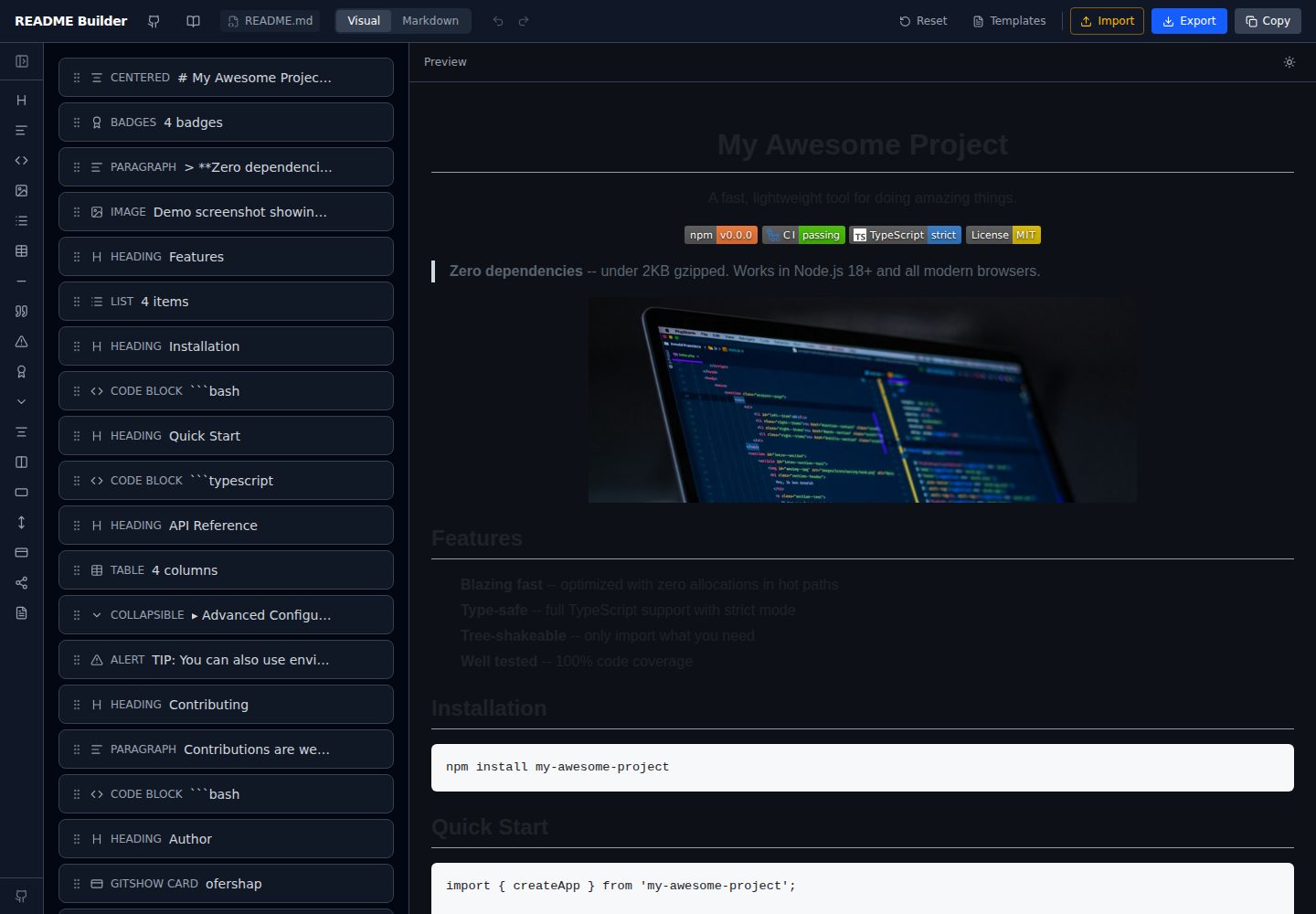
readme-builder
Visual drag-and-drop README editor with live GitHub-flavored preview. SEO-optimized templates, 15+ block types…
Vite · 工具站
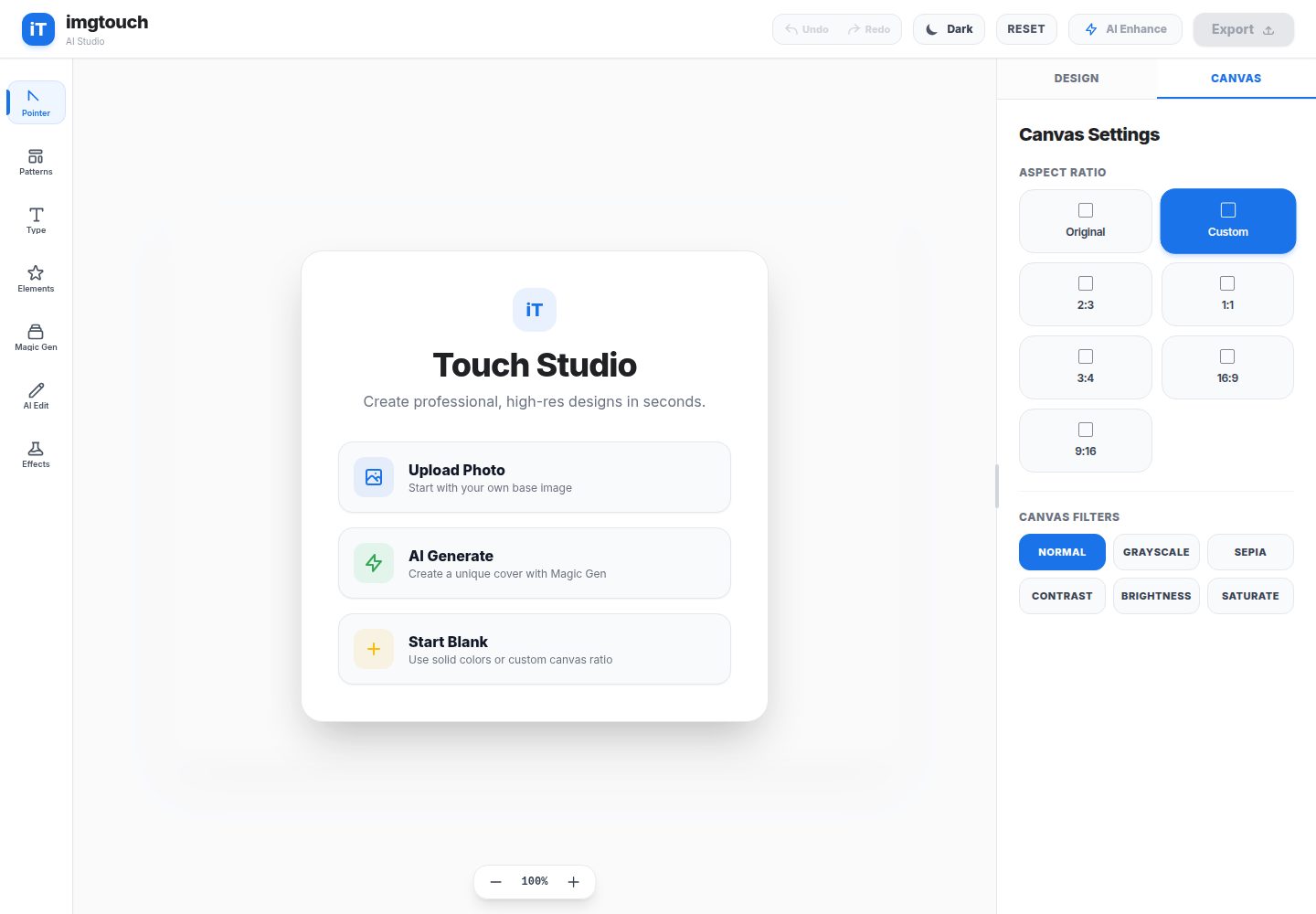
imgtouch
ImgTouch is an AI-powered Web Novel & Book Cover Studio designed for creators, authors, and designers. Powered…
Vite · 工具站
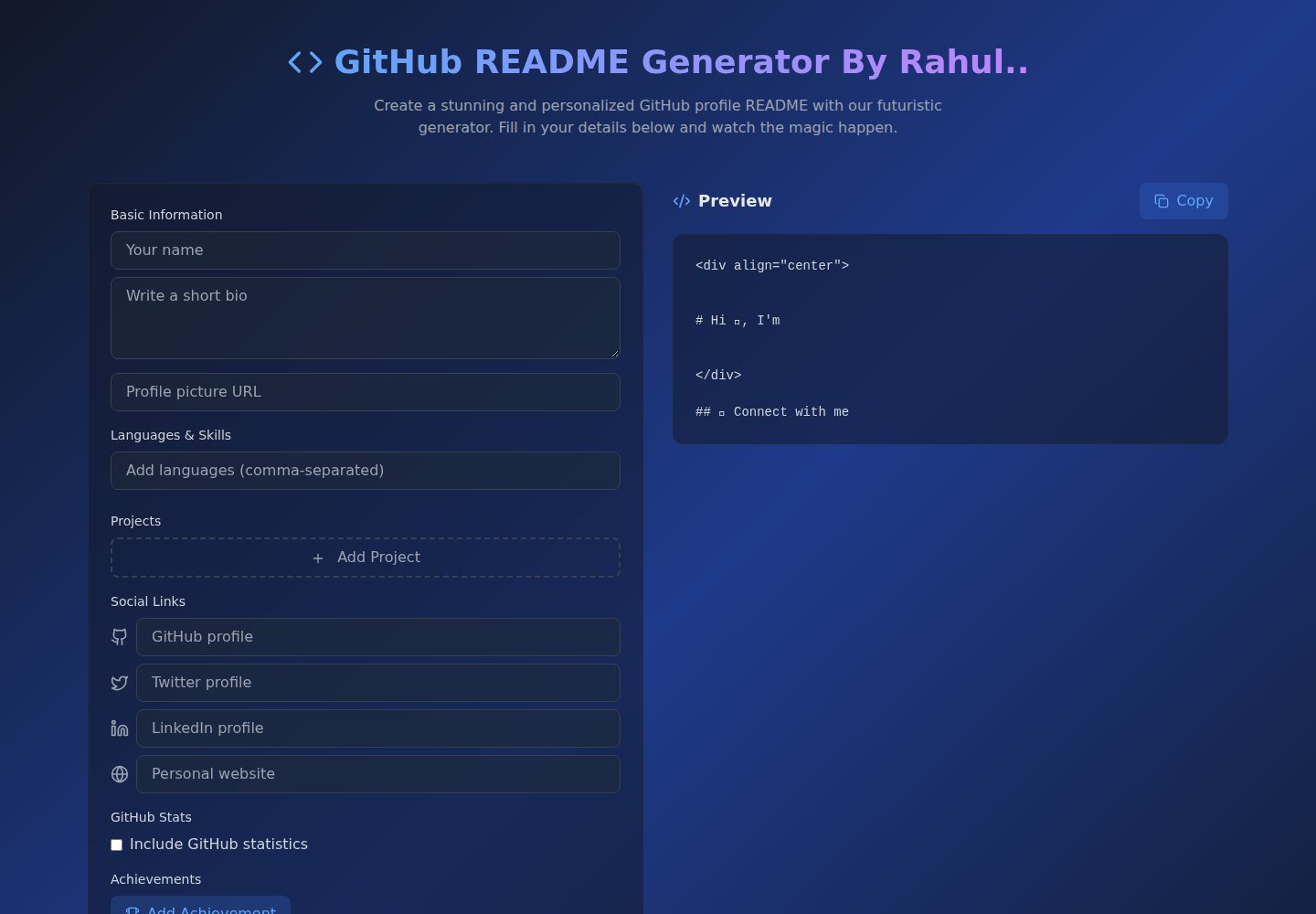
Github-Readme-Generator
An intuitive React-based README generator that helps developers create professional and standardized documenta…
Vite · 文档
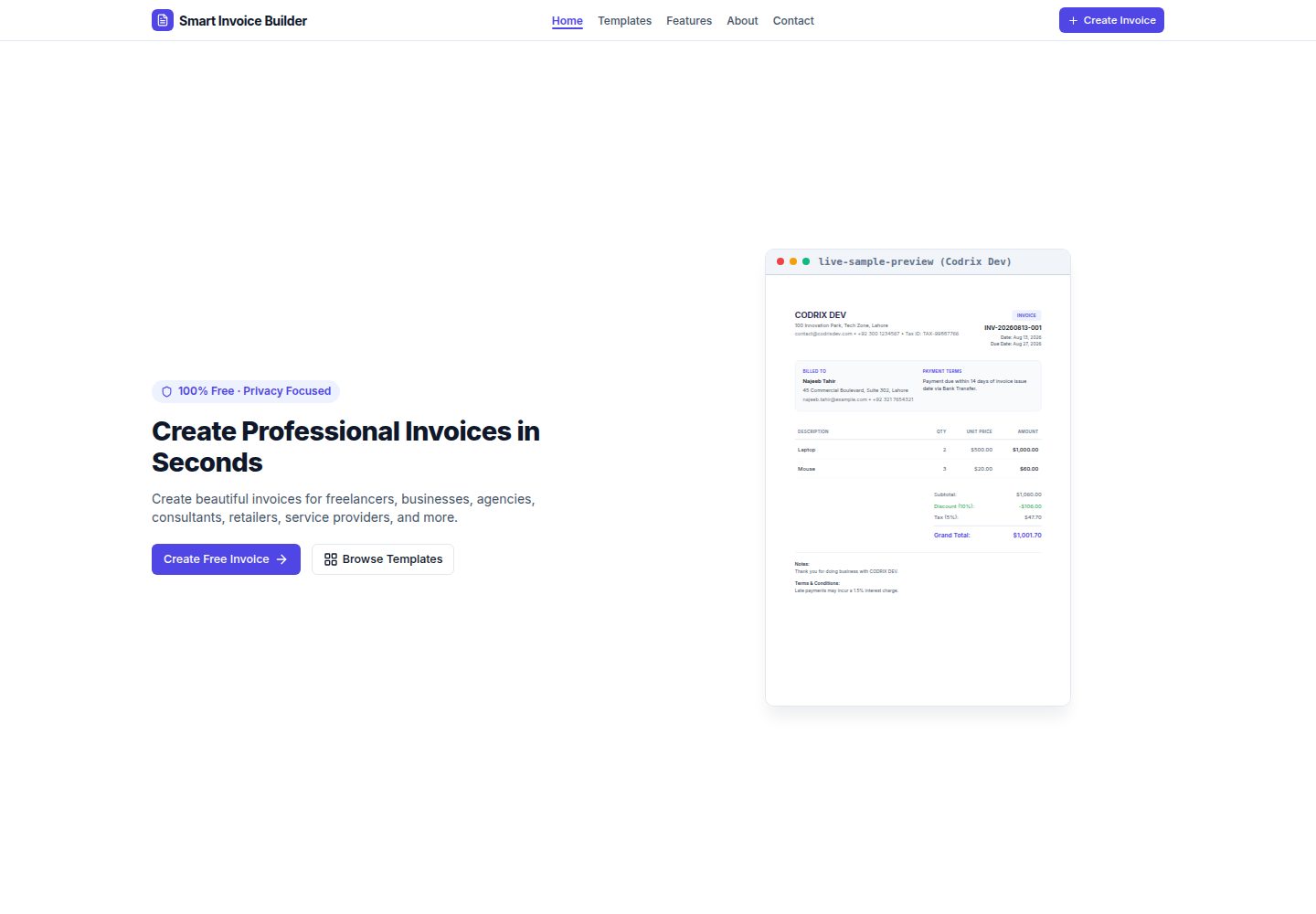
Smart-Invoice-Builder
⚡ Free, privacy-first invoice generator with 12 professional templates, instant PDF exports, and local browser…
Vite · 工具站