使用 Next.js、Tailwind CSS 构建,部署目标为 Vercel
Next.jsReact作品集
nextjs-vercel-portfolio — Next.js 作品集模板
作者 QI2501A
Nextfolio 是一个基于 Next.js、Tailwind CSS 与 Vercel 的轻量级作品集模板,支持 MDX 博客、明暗主题切换、动态 OG 图片与 RSS/Atom/JSON 订阅源。
看看你的网站会是什么样
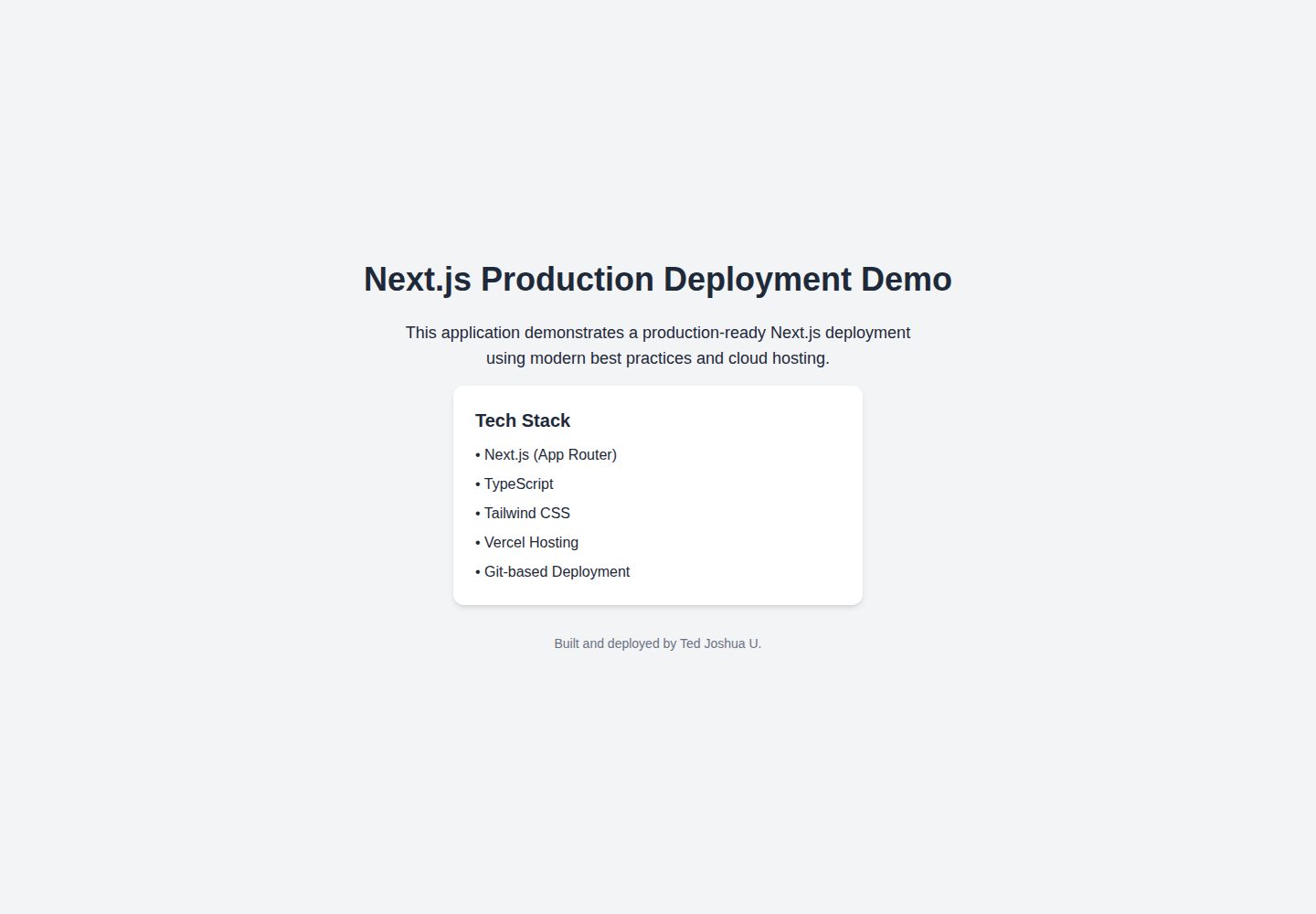
浏览真实页面截图,比较内容排版与手机效果。点击下方缩略图切换,放大查看整页细节。
全部页面与视图 2
截图用于了解视觉与布局,交互效果请以实际项目为准。
采集于 2026-10-14查看来源
值得关注的模板亮点
从已有项目资料中,快速了解它的特点。
MDX 支持:用 Markdown 配合 JSX 组件撰写博客文章
明暗主题切换
自动生成 Open Graph 分享图片
SEO 配置:sitemap、robots.txt 与 JSON-LD schema
自动生成 RSS、Atom 与 JSON 三种订阅源
模板详细介绍
Nextfolio 是一个作品集(portfolio)网站模板,README 说明其使用 Next.js 作为框架、Tailwind CSS 负责样式、Vercel 负责部署,并通过 Vercel Web Analytics 与 Speed Insights 做分析。模板内置 MDX 支持,可用 Markdown 配合 JSX 组件撰写博客文章;提供明暗模式切换;可自动生成 Open Graph 分享图片;包含 sitemap、robots.txt 与 JSON-LD schema 等 SEO 相关配置;自动生成 RSS、Atom 与 JSON 三种订阅源;集成 KaTeX 渲染数学表达式;支持嵌入推文与 YouTube 视频并为其添加说明文字,也提供图片网格用于展示图库。
安装方面,README 要求先安装 pnpm,然后通过 pnpm create next-app 以该仓库为示例创建项目,再运行 pnpm dev 在本地 3000 端口启动开发服务器。配置需要修改 app/config.ts 中的站点元数据与社交链接,更新 app/sitemap.ts 中的路由,并在 /content 目录中维护博客文章。README 未说明除 Vercel 之外的其他部署方式,也未提供内容模型、组件 API 或样式定制细节,这些需参考仓库内 Getting Started 文章。
Next.js作品集
适合你的项目吗?
适用场景
- 搭建个人作品集网站并附带博客
- 撰写含数学公式(KaTeX)的技术文章
- 在文章中嵌入推文、YouTube 视频并配说明文字
- 用图片网格展示摄影或设计作品
适合人群
- 希望用 Next.js 与 Tailwind CSS 搭建个人作品集的开发者
- 需要 MDX 博客与订阅源输出的内容创作者
- 计划将站点部署到 Vercel 的用户
上手与定制指南
结合仓库当前版本的说明,按下面的资料检查内容、配置与运行要求。
- 1
需先安装 pnpm,README 说明使用 pnpm 管理依赖
- 2
通过 pnpm create next-app --example <仓库地址> my-portfolio 创建项目
- 3
运行 pnpm dev 启动开发服务器,默认地址为 http://localhost:3000
- 4
在 app/config.ts 配置站点元数据与社交链接,在 app/sitemap.ts 更新路由,在 /content 目录维护博客文章
授权与来源资料
使用条件与限制
免费使用 · 保留许可声明本次收录的是公开仓库中采用 MIT 许可的免费版本;免费范围为该版本代码,不代表外部服务或第三方素材免费。
使用时需要遵守
- 允许免费使用、修改、商用和分发该版本代码。
- 分发代码副本或实质性部分时,保留原作者版权声明和完整 MIT 许可声明。
- 代码按现状提供;担保与责任限制以原许可证及适用法律为准。
额外费用与待核对事项
- 演示图片、字体、图标及其他第三方素材需按各自许可核对,不能仅凭代码的 MIT 许可判断。
- 域名、托管、数据库、支付或 AI 等外部服务可能另外收费。
- 使用 Vercel Web Analytics 与 Speed Insights 进行访问与性能分析,需在 Vercel 平台上启用相应服务。
- README 仅说明以 Vercel 作为部署方式,未提供其他部署平台的说明。
- 依赖管理使用 pnpm,需先在系统中安装 pnpm 才能按文档安装与运行。
- 项目通过 pnpm create next-app 以该仓库为示例进行初始化,需联网访问 GitHub 仓库。
- 需手动修改 app/config.ts 中的站点元数据与社交链接,才能完成 SEO、订阅源与 Open Graph 配置。
- 需手动更新 app/sitemap.ts 中的路由以完成 SEO 优化。
- 博客文章需放置在 /content 目录中维护。
查看原文依据
Permission is hereby granted, free of charge
许可证原文
- Analytics: [Vercel Web Analytics](https://vercel.com/docs/speed-insights) and [Speed Insights](https://vercel.com/docs/speed-insights)
README 原文
- Deployment: [Vercel](https://vercel.com/)
README 原文
Nextfolio uses [pnpm](https://pnpm.io/installation) for dependency management, so ensure it is installed on your system.
README 原文
pnpm create next-app --example https://github.com/1msirius/Nextfolio my-portfolio
README 原文
1. Update the site metadata and social links in `app/config.ts` to set up SEO, feeds, social links, and Open Graph settings.
README 原文
2. Update your routes in `app/sitemap.ts` for SEO optimization.
README 原文
https://github.com/QI2501A/nextjs-vercel-portfolio/blob/main/LICENSEhttps://github.com/QI2501A/nextjs-vercel-portfolio/blob/main/README.md3. Update your blog posts in the `/content` folder.
README 原文
DeepSeek 根据仓库许可证和 README 整理 ·2026-10-14。结果仅覆盖已读取资料,依赖、图片、字体及后续条款变更以各自原文为准。
项目核对记录与介绍依据
模板资料
- 来源平台
- GitHub
- 资料与维护参考分
- 资料一般 · 74 / 100
- 技术栈
- Next.js · React
- 网站类型
- 作品集
这个分数如何计算
本站按许可资料(最高30分)、演示链接(12分)、预览图(10分)、Star数(15分)、记录的维护时间(15分)、描述完整度(8分)、功能记录(5分)和分类资料(5分)计算。它不是代码、安全或性能测试,也不是 Google 评分;有链接不代表已实测可用。
这个项目需要核对什么
- 记录的仓库更新时间
- 2025-07-22
- 截图检查日期
- 2026-10-14
已收录演示链接。请用你的内容与屏幕尺寸检查;有演示不代表表单、认证或支付已经可用。
目录记录的主要技术栈是 Next.js。请通过依赖清单和锁文件核对实际版本与托管要求。这些说明基于收录资料,不代表代码审计或部署实测。
查看具体选型方法 →介绍的制作与核对状态
介绍由 AI 辅助整理目录与仓库资料。仓库作者不等于这篇介绍的审核者。
审核声明: codex-user-requested-batch-review-20261017 · 2026-10-16
查看当时使用的来源资料
SHA-256: 81f001c65eae13ce8b7bce467c0d76dfeee622898aed265b9d04648c562ac9fe
2026-10-14T10:20:40.239Z
来源文件 / 仓库# Nextfolio A clean, fast, and lightweight portfolio template built with [Next.js](https://nextjs.org/), [Vercel](https://vercel.com/), and [Tailwind CSS](https://tailwindcss.com/). [](https://vercel.com/new/clone?repository-url=https%3A%2F%2Fgithub.com%2F1msirius%2FNextfolio) ## Technologies Used - Framework: [Next.js](https://nextjs.org/) - Styling: [Tailwind CSS](https://tailwindcss.com/) - Analytics: [Vercel Web Analytics](https://vercel.com/docs/speed-insights) and [Speed Insights](https://vercel.com/docs/speed-insights) - Deployment: [Vercel](https://vercel.com/) ## Features - **[MDX](https://mdxjs.com/) Support**: Use Markdown with JSX components for blog posts. - **Light and Dark Mode Toggle**: Switch between themes for better readability. - **Dynamic [OG Images](https://vercel.com/docs/functions/og-image-generation)**: Auto-generate Open Graph images for sharing. - **SEO Optimization**: Enhance search visibility with sitemap, robots.txt, and JSON-LD schema. - **Dynamic Feed Generation**: Automatic dynamic [RSS](https://nextfolio-template.vercel.app/rss.xml), [Atom](https://nextfolio-template.vercel.app/atom.xml), and [JSON](https://nextfolio-template.vercel.app/feed.json) feeds. - **[KaTeX](https://katex.org/) Integration**: Render mathematical expressions smoothly. - **Performance Tracking**: Monitor web performance with [Vercel Web Analytics](https://vercel.com/docs/speed-insights) and [Speed Insights](https://vercel.com/docs/speed-insights). - **Interactive Embeds**: Easily embed interactive tweets and YouTube videos. - **Captions**: Add descriptive captions to photos, tweets, and videos. - **Image Grid**: Easily showcase image galleries or photos. ## Installation Nextfolio uses [pnpm](https://pnpm.io/installation) for dependency management, so ensure it is installed on your system. Execute [`create-next-app`](https://github.com/vercel/next.js/tree/canary/packages/create-next-app) with [pnpm](https://pnpm.io/installation) to bootstrap the example: ``` pnpm create next-app --example https://github.com/1msirius/Nextfolio my-portfolio ``` Start the development server: ``` pnpm dev ``` The server will be running at [http://localhost:3000](http://localhost:3000). ## Configuration 1. Update the site metadata and social links in `app/config.ts` to set up SEO, feeds, social links, and Open Graph settings. 2. Update your routes in `app/sitemap.ts` for SEO optimization. 3. Update your blog posts in the `/content` folder. For more information about configuration, follow the instructions in the [Getting Started](https://nextfolio-template.vercel.app/blog/getting-started#configuration) post. ## Contributing Contributions are welcome! To get involved, just push your code to the repo. Whether you're enhancing existing features or adding new ones, your efforts are greatly appreciated! ## Licence Nextfolio is open-source and released under the MIT License.
看看同类模板
对比同技术栈与用途的模板,找到更适合的视觉与内容结构。

react-resume-template
A personal resume website template built with React.js, Typescript, Next.js, and styled with Tailwind css
Next.js · 作品集

nxt-lnk
Custom bio links for creatives who love coding. A perfect custom alternative for linktree, bio and other short…
Next.js · 作品集

sylph
A minimal portfolio template.
Next.js · 作品集

sleek-portfolio
sleek-portfolio 是一个面向开发者个人品牌展示的现代作品集模板,基于 Next.js 15、TypeScript、Tailwind CSS 和 Shadcn UI 构建。
Next.js · 作品集

research-website-template
React + Next.js template for research websites (for PhD students, researchers, etc)
Next.js · 作品集

shadcn-portfolio
shadcn-portfolio 是一个面向开发者的作品集模板,技术栈为 Next.js 15、shadcn/ui、Tailwind CSS 和 Framer Motion。
Next.js · 作品集