Nuxt 2 通用 SSR 应用,通过 @nuxtjs/composition-api 使用 Vue 3 Composition API 写法
NuxtVue企业官网
landing-zone — Nuxt 企业官网模板
作者 ryanmstokes
基于 Nuxt 2 与 Vue 3 Composition API 的落地页模板,集成 TypeScript、Vuex、Tailwind CSS、Storybook 与 Jest 测试。
看看你的网站会是什么样
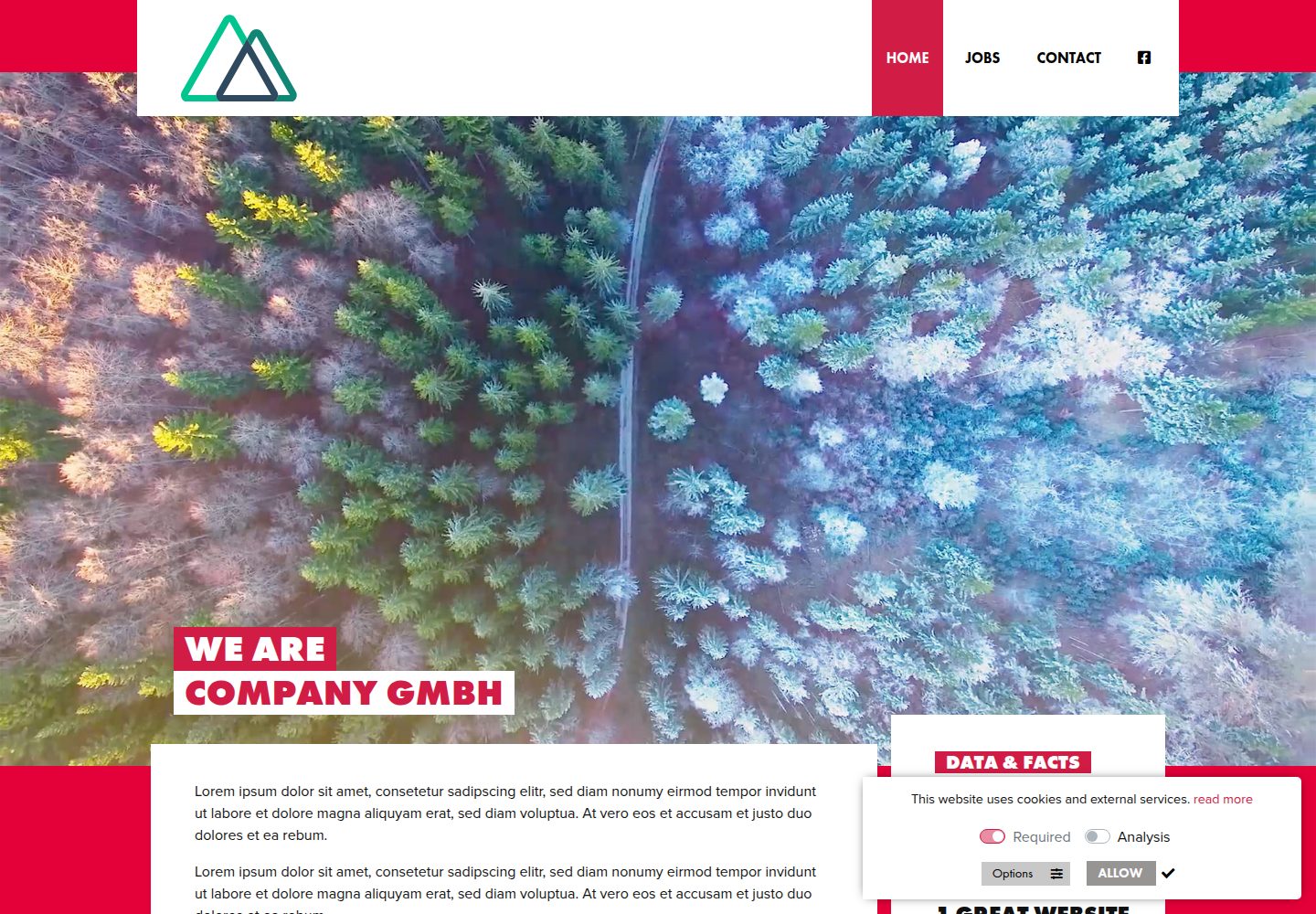
浏览真实页面截图,比较内容排版与手机效果。点击下方缩略图切换,放大查看整页细节。
目前有 1 张原始预览,可打开完整图片查看设计细节。
截图用于了解视觉与布局,交互效果请以实际项目为准。
采集于 2026-09-30查看来源
值得关注的模板亮点
从已有项目资料中,快速了解它的特点。
使用 TypeScript,并包含路径别名、vue-shims.d.ts 与 Jest 类型识别等配置
Vuex 状态管理配合 nuxt-typed-vuex,提供强类型 $accessor 访问方式
使用 Tailwind CSS 进行组件样式编写
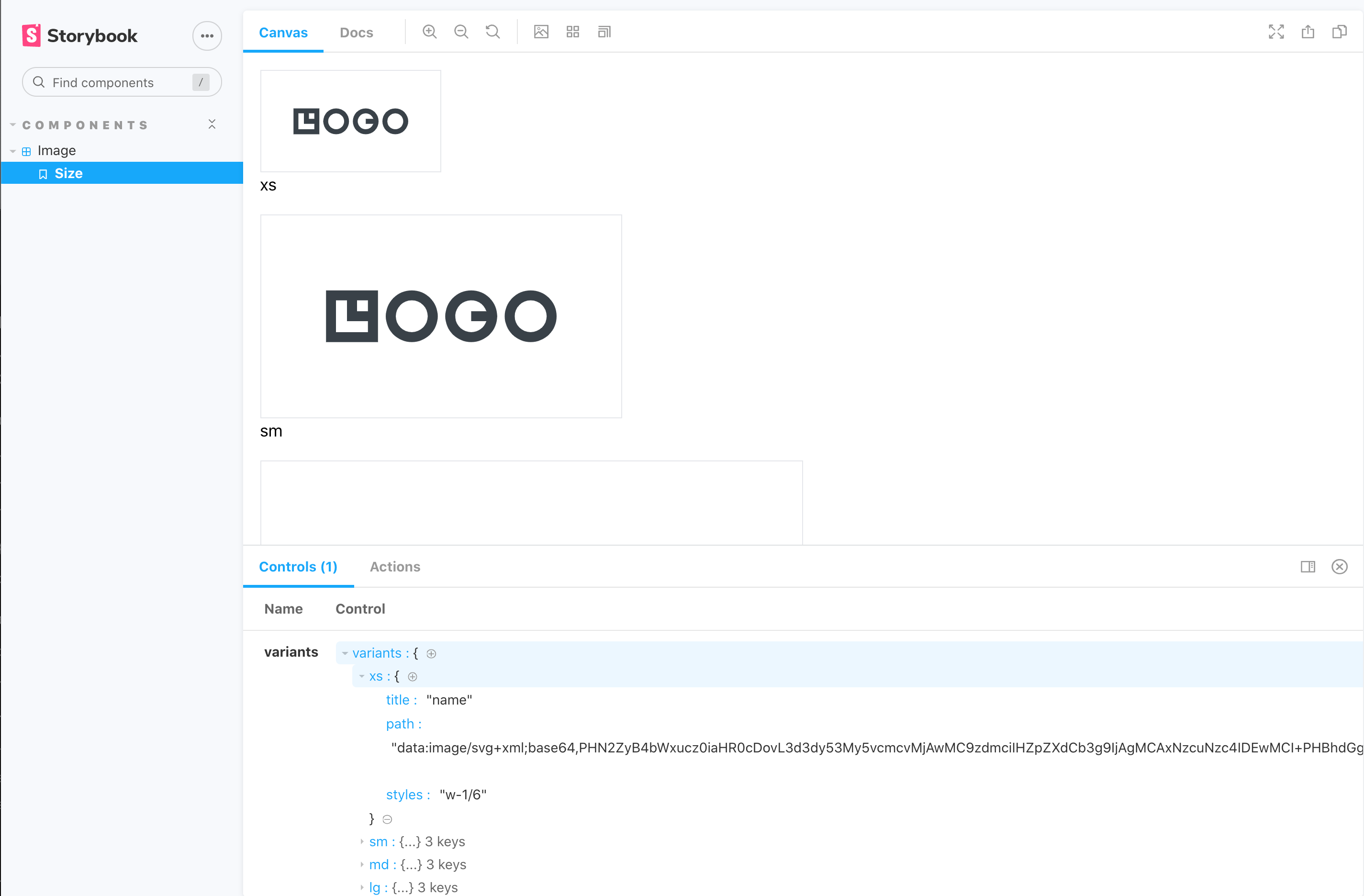
集成 Storybook(nuxt-storybook)用于组件浏览与文档
使用 Jest 与 Vue Test Utils 编写 TypeScript 测试,测试文件位于组件目录的 __test__ 下
模板详细介绍
该项目是一个落地页(Landing Page)模板,使用 Yarn 进行依赖管理与打包。应用为 Nuxt 2 的通用 SSR 应用,通过 @nuxtjs/composition-api 包引入 Vue 3 Composition API 的写法;由于 Nuxt 2 本身不内置 Vue 3 支持,部分声明语法与标准 Vue 3 有所不同。项目使用 TypeScript,并针对路径别名(@ 与 ~)、.vue 文件类型声明、Jest 测试文件识别等做了额外配置。状态管理使用 Nuxt 集成的 Vuex,并借助 nuxt-typed-vuex 提供强类型访问器($accessor)。样式使用 Tailwind CSS,通过 @nuxtjs/tailwindcss 集成。组件开发与文档使用 Storybook(nuxt-storybook),测试使用 Jest 与 Vue Test Utils,测试文件放在组件目录下的 __test__ 文件夹中,均以 TypeScript 编写。
README 提供了 Yarn 命令、Nuxt 配置入口(nuxt.config.js)、TypeScript 与 Jest 的关键配置片段,以及 Storybook 与测试的运行方式。项目未在资料中说明具体的设计风格、页面区块构成或生产部署方案,使用前需自行核对依赖版本与配置。
NuxtVue企业官网
适合你的项目吗?
适用场景
- 需要一个带 SSR 的落地页或营销页起步项目
- 希望在 Nuxt 2 项目中尝试 Vue 3 Composition API 写法
- 需要为组件搭建 Storybook 浏览与测试环境
- 需要 TypeScript 与强类型 Vuex 状态管理的示例结构
适合人群
- 熟悉 Nuxt 2、Vue 与 TypeScript 的前端开发者
- 需要落地页模板并愿意自行调整页面内容与样式的团队
- 希望参考 Composition API、Typed Vuex、Storybook 与 Jest 组合配置的项目
上手与定制指南
结合仓库当前版本的说明,按下面的资料检查内容、配置与运行要求。
- 1
使用 Yarn 安装依赖:yarn install
- 2
开发模式运行:yarn dev,默认地址 localhost:3000
- 3
构建与启动:yarn build 后 yarn start;生成静态站点:yarn generate
- 4
启动 Storybook:yarn nuxt storybook
- 5
运行测试:yarn test;Jest 配置位于 jest.config.js,Nuxt 配置位于 nuxt.config.js
授权与来源资料
使用条件与限制
免费使用 · 保留许可声明本次收录的是公开仓库中采用 MIT 许可的免费版本;免费范围为该版本代码,不代表外部服务或第三方素材免费。
使用时需要遵守
- 允许免费使用、修改、商用和分发该版本代码。
- 分发代码副本或实质性部分时,保留原作者版权声明和完整 MIT 许可声明。
- 代码按现状提供;担保与责任限制以原许可证及适用法律为准。
额外费用与待核对事项
- 演示图片、字体、图标及其他第三方素材需按各自许可核对,不能仅凭代码的 MIT 许可判断。
- 域名、托管、数据库、支付或 AI 等外部服务可能另外收费。
查看原文依据
https://github.com/ryanmstokes/landing-zone/blob/master/LICENSEhttps://github.com/ryanmstokes/landing-zone/blob/master/README.mdPermission is hereby granted, free of charge
许可证原文
DeepSeek 根据仓库许可证和 README 整理 ·2026-10-01。结果仅覆盖已读取资料,依赖、图片、字体及后续条款变更以各自原文为准。
项目核对记录与介绍依据
模板资料
- 来源平台
- GitHub
- 资料与维护参考分
- 资料一般 · 61 / 100
- 技术栈
- Nuxt · Vue
- 网站类型
- 企业官网
这个分数如何计算
本站按许可资料(最高30分)、演示链接(12分)、预览图(10分)、Star数(15分)、记录的维护时间(15分)、描述完整度(8分)、功能记录(5分)和分类资料(5分)计算。它不是代码、安全或性能测试,也不是 Google 评分;有链接不代表已实测可用。
这个项目需要核对什么
- 记录的仓库更新时间
- 2023-01-26
- 截图检查日期
- 2026-10-01
目前没有记录演示链接。请依据仓库说明在本地评估;仅凭截图无法确认交互行为。
目录记录的主要技术栈是 Nuxt。请通过依赖清单和锁文件核对实际版本与托管要求。这些说明基于收录资料,不代表代码审计或部署实测。
查看具体选型方法 →介绍的制作与核对状态
介绍由 AI 辅助整理目录与仓库资料。仓库作者不等于这篇介绍的审核者。
已完成服务器许可规则与 AI 来源核对;未经过人工编辑审核。
查看当时使用的来源资料
SHA-256: 5f3f0f65cb51825a6a6c1139ccfbb881c94e75e6186390193e722b4f26e4fa37
2026-10-01T14:45:41.780Z
来源文件 / 仓库<p align="center">
<img src="./readme-assets/technology-logos.jpg" />
</p>
# Landing Page template - Yarn, Nuxt, Typescript, Vue3 Composition API, Vuex, Tailwind, Storybook, Jest and Vue Test Utils.
<br/><br/>
<img src="./readme-assets/yarn-logo.jpg" />
### The Project is built and packaged with Yarn
https://classic.yarnpkg.com/en/docs/
## Yarn Commands
```bash
# install dependencies
$ yarn install
# serve with hot reload at localhost:3000
$ yarn dev
# build for production and launch server
$ yarn build
$ yarn start
# generate static project
$ yarn generate
```
<br/>
<br/>
<img src="./readme-assets/nuxt-logo.jpg" />
## Nuxt
The Universal SSR application is built with Nuxt 2.15 which has Typescript support built in - https://typescript.nuxtjs.org/guide/introduction).
To configure Nuxt edit the /nuxt.config.js file.
For detailed explanation on how things work, check out [Nuxt.js docs](https://nuxtjs.org).
<br/><br/><br/>
<img src="./readme-assets/vue3-logo.jpg" />
## Composition API
Nuxt 2 does not yet have built in support for vue 3 or the composition API, but the application takes advantage of the new features offered by Vue 3, by importing the nuxtjs composition-api package and using a slightly differennt syntax for some declarations.
Things to note when using the Composition API with nuxt:
- In order to access the store you must
https://yarnpkg.com/package/@nuxtjs/composition-api
<br/><br/><br/>
<img src="./readme-assets/typescript-logo.jpg" />
## Typescript
Although Typescript is supported through the nuxt-typescript package further configuration was needed for different issues.
- In order to be able to use @ or ~ in paths in Typescript files:
```
yarn add --dev tsconfig-paths
```
- Adding a vue-shims.d.ts file to the root directory so that the Vue is typed:
```
/** vue-shims.d.ts */
declare module "*.vue" {
import Vue from 'vue'
export default Vue
}
```
- Adding a testRegex statement to **package.json** so that Typescript can recognise Jest test files with **.ts** extensions. (***note the "__test__" part**).
```
"jest": {
/** ... */
"testRegex": "(/__test__/.*|(\\.|/)(test|spec))\\.(jsx?|tsx?)$"
}
```
- and add the following types to your ts.config.js.
```
compilerOptions:{
/** ... */
"types": [
"@nuxt/types",
"@types/node",
"@types/jest"
]
}
```
- In order for Vuex to be typed correctly the project uses the **nuxt-typed-vuex** pacakage which provides typing for vuex store, getters, setter, actions etc.
Common Interfaces and types can be found in the **/typescript/interfaces.ts** file.
When runnig yarn dev or build Typescript will check for type errors.
for more info check:
https://typed-vuex.roe.dev/getting-started-nuxt
<br/><br/>
<img src="./readme-assets/vuex-logo.jpg" />
## VUEX State Management
The applications state is managed with Nuxt's integrated VueX package and the **nuxt-typed-vuex package, which offers a strongly typed accessor for reading and communicating with the Vuex store.
Nuxt Typed Vuex Store $accessor:
```
/** Create reference to typed vuex accessor */
const useAccessor = wrapProperty("$accessor", false);
const typedStore = useAccessor();
const yourVar = typedStore.module.yourProperty;
```
or another approach:
```
const { $accessor } = useContext()
const yourVar = $accessor.module.yourProperty;
```
and to access a variable in the store and use it in your component for example:
```
let yourString: ComputedRef<string> = computed(
(): string => typedStore.youModule.yourString
);
```
<br/><br/>
<img src="./readme-assets/storybook-logo.jpg" />
## Storybook JS Styleguide
Storybook Js is a UI component explorer for front end developers. It runs alongside the application, with stories defined for UI components.
https://storybook.js.org/docs/vue/get-started/introduction
and more specifically the project uses nuxt-storybook.
https://storybook.nuxtjs.org/
Tests are written in Typescript.
Run the following command to launch the storybook server and view the applications components design, variations and actions in isolation:
```
yarn nuxt storybook
```
<br/>
<img src="./readme-assets/storybook.png" />
Shared Typescript interfaces for Stroybook can be found in the **/typescript/interfaces-storybook.ts** file.
<br/><br/>
<img src="./readme-assets/jest-logo.jpg" />
## Testing - Vue test utils and Jest
Tests use the Jest and vue-test-utils frameworks.
https://github.com/vuejs/vue-jest
https://vue-test-utils.vuejs.org/
Test files are located in the corresponding components directory with a "/__test__" directory.
Tests are written in Typescript. Common functions used for consntructing stories can be found within **/helpers/storybook.ts**
```
yarn test
```
To configure Jest edit the /jest.config.js file.
On configuration of importance was the need to add the following for the nuxtjs/compoition-api to be made available to jest tests:
```
moduleNameMapper: {
// ...
'@nuxtjs/composition-api': '@nuxtjs/composition-api/lib/entrypoint.js'
}
```
<br/><br/>
<img src="./readme-assets/tailwind-logo.jpg" />
## Styling Components
Components in the applicationn are styled using the TailwindCSS, a utility-first CSS framework which uses Utility classes to help you work within the constraints of the configured design system instead of littering your stylesheets with arbitrary values.
The application uses the @nuxtjs/tailwindcss package to integrate Tailwind with Nuxt:
For more info check:
https://tailwindcss.nuxtjs.org/
https://tailwindcss.com/docs
What other packages of interest are included in the application:
babel-plugin-wildcard
To enable imports with * in a directory.
https://github.com/vihanb/babel-plugin-wildcard
看看同类模板
对比同技术栈与用途的模板,找到更适合的视觉与内容结构。
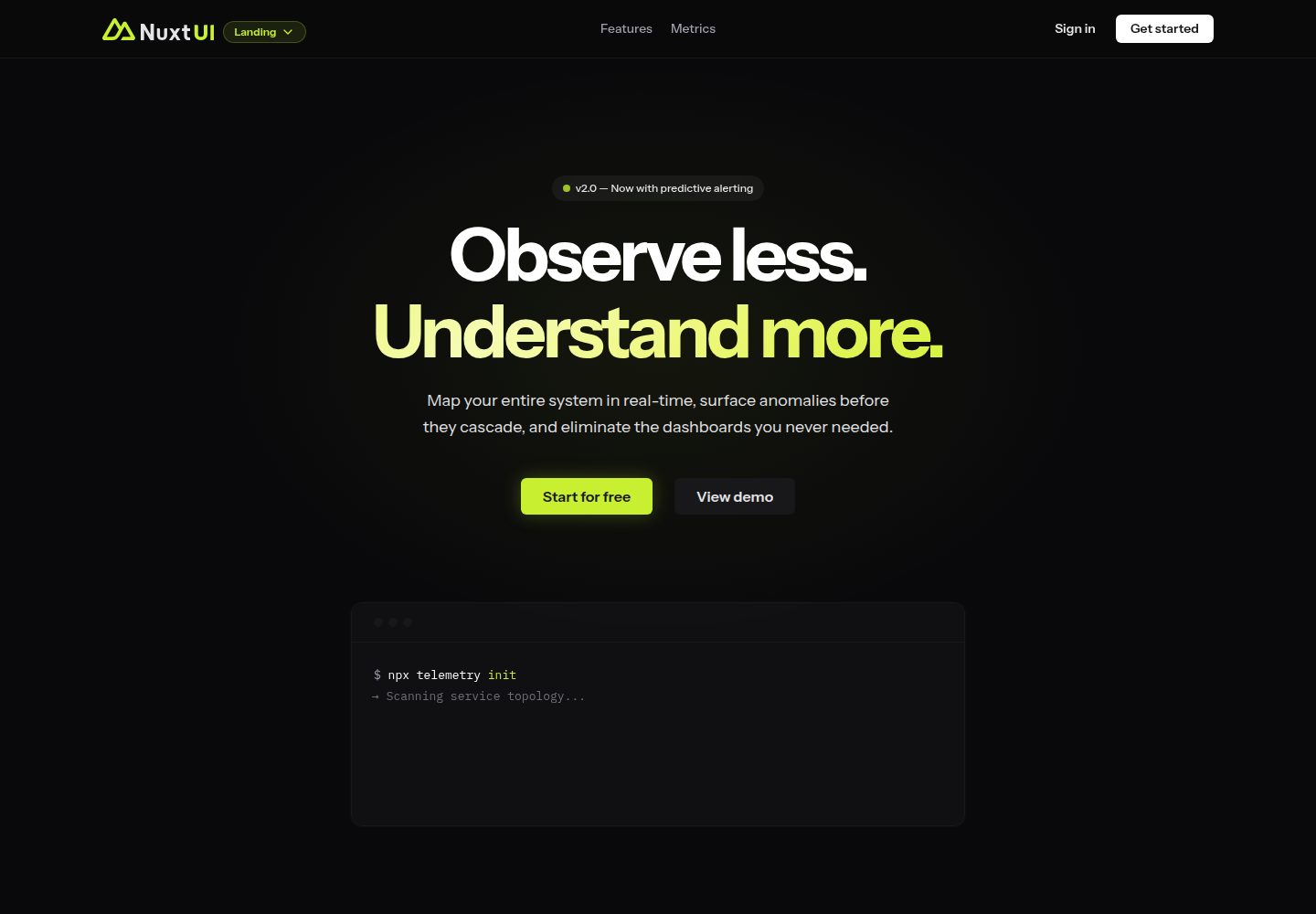
landing
Nuxt Landing Template made with Nuxt UI and Nuxt Content.
Nuxt · 企业官网
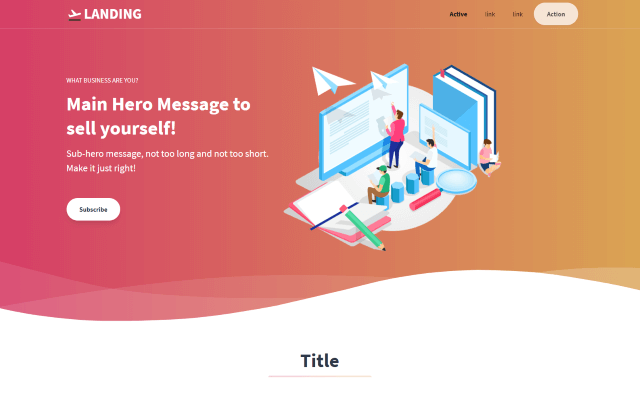
tailwind-landing-page-nuxt
Nuxt Version of the Tailwind Template Landing Page
Nuxt · 企业官网

agence-x-unocss
AgenceX 是一个面向数字营销机构的企业官网落地页模板,技术栈为 Nuxt 与 UnoCSS,并借助 Unify UI Blocks 组织页面区块。 项目结构简单直接,主要面向需要快速呈现品牌形象与核心服务的团队。
Nuxt · 企业官网
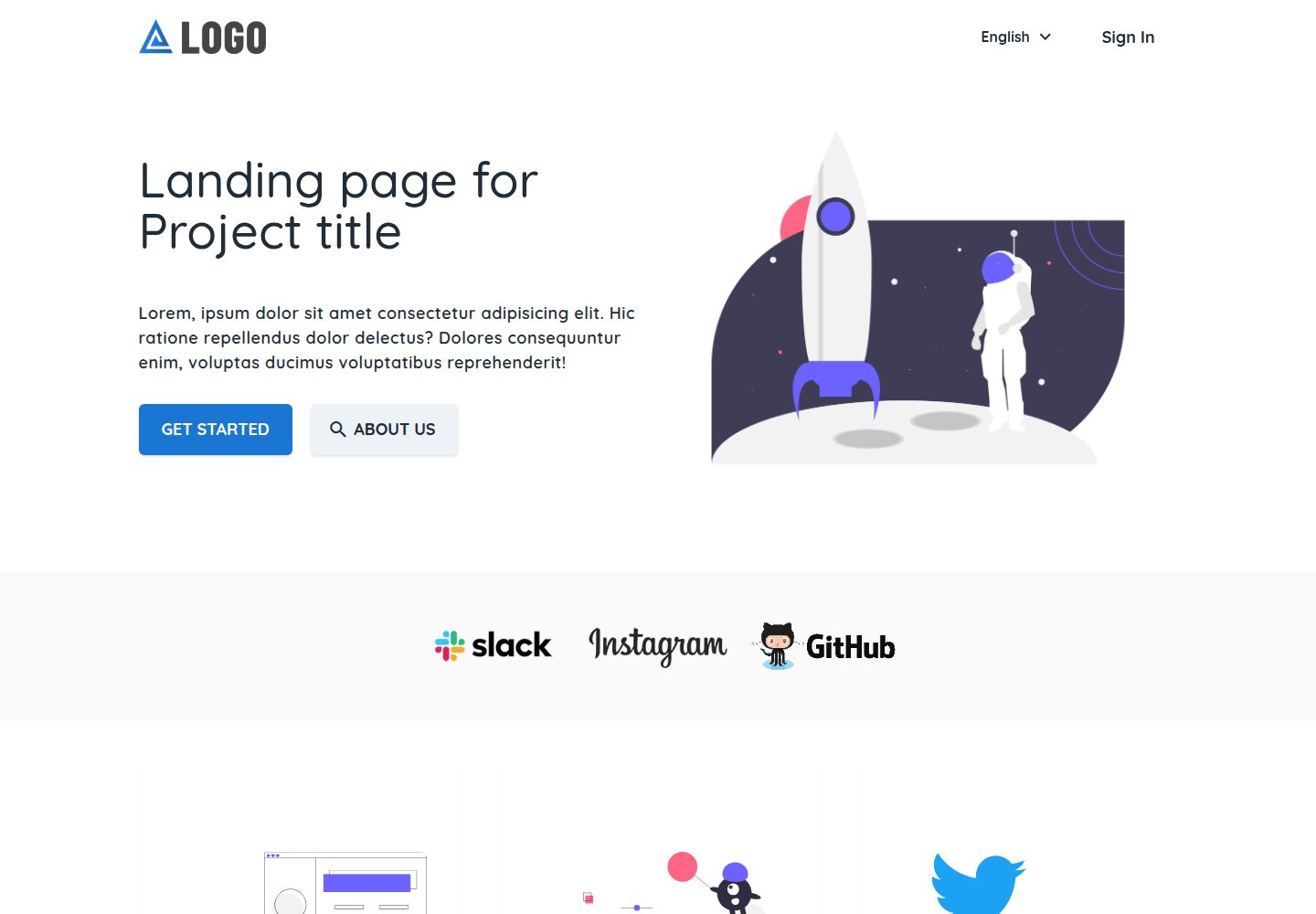
landing-template
Firelayer Template - Landing (Nuxt.js Website)
Nuxt · 企业官网

nuxt-starter
Nuxt Starter is a minimal template created for quick landing pages, built with Nuxt and Tailwind CSS.
Nuxt · 企业官网
nuxt-starter-template
Template for basic static site generated marketing website
Nuxt · 企业官网