Nuxt 2 universal SSR app using Vue 3 Composition API syntax via @nuxtjs/composition-api
NuxtVueCorporate Website
landing-zone — Nuxt Business Template
By ryanmstokes
A landing page template based on Nuxt 2 and Vue 3 Composition API, integrating TypeScript, Vuex, Tailwind CSS, Storybook, and Jest testing.
Explore the design
Compare the page layouts and mobile experience. Open any screenshot for a closer look.
Author preview
Author-provided previewTop of page
Preview provided in the project README.
One original preview is available. Open the full image to inspect the design.
Screenshots show visual appearance; interactive behavior may differ.
Recorded 2026-09-30View source
What stands out
A quick read of the recorded project description.
Uses TypeScript with configuration for path aliases, vue-shims.d.ts, and Jest type recognition
Vuex state management with nuxt-typed-vuex providing strongly typed $accessor access
Uses Tailwind CSS for component styling
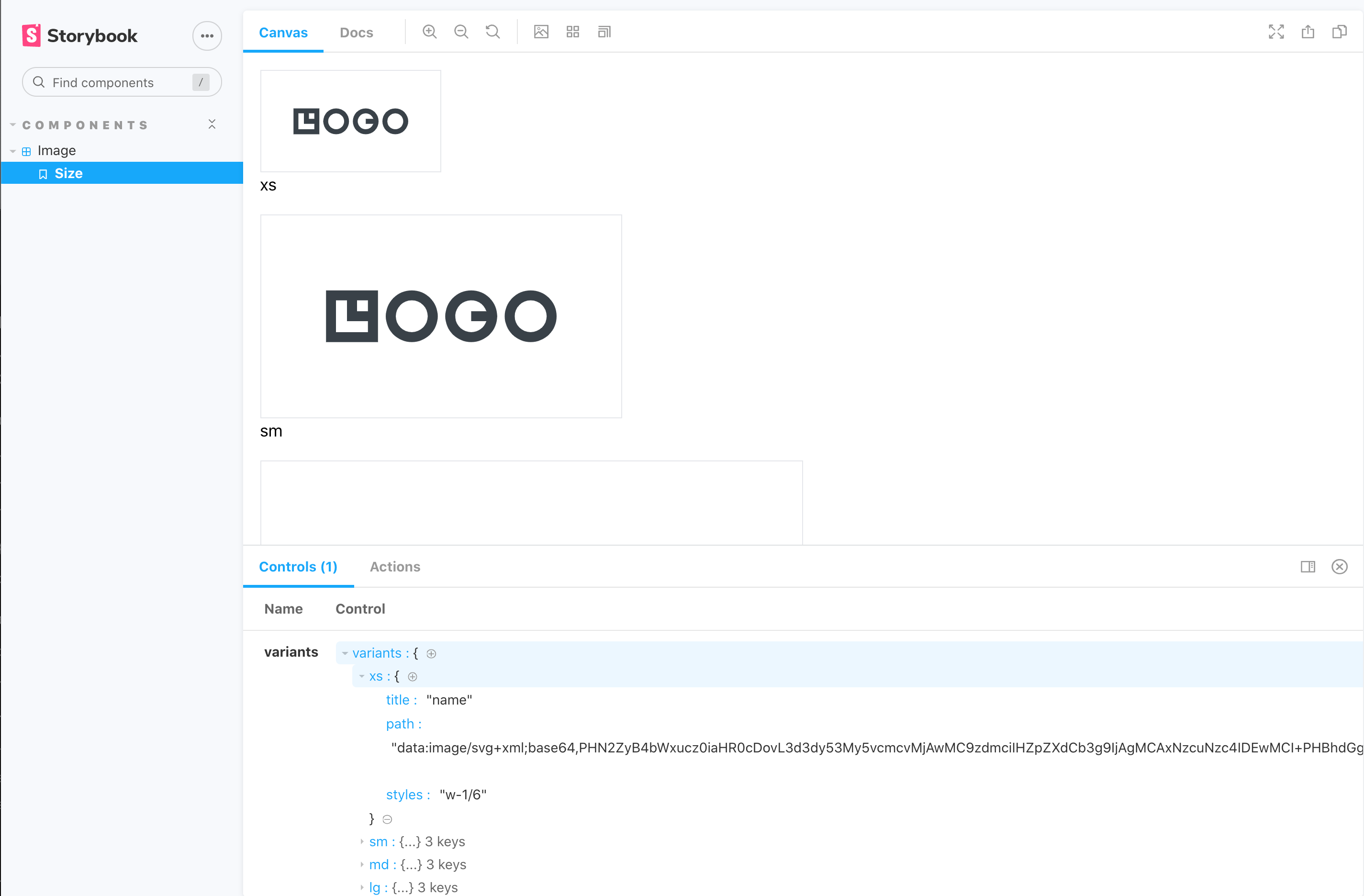
Integrates Storybook (nuxt-storybook) for component browsing and documentation
Uses Jest and Vue Test Utils for TypeScript tests, with test files located under __test__ in component directories
Template Details
This project is a landing page template that uses Yarn for dependency management and bundling. The application is a Nuxt 2 universal SSR app that adopts the Vue 3 Composition API syntax through the @nuxtjs/composition-api package; since Nuxt 2 does not natively support Vue 3, some declaration syntax differs from standard Vue 3. The project uses TypeScript and includes additional configuration for path aliases (@ and ~), .vue file type declarations, and Jest test file recognition. State management uses Vuex integrated with Nuxt, with strongly typed accessors ($accessor) provided by nuxt-typed-vuex. Styling uses Tailwind CSS, integrated via @nuxtjs/tailwindcss. Component development and documentation use Storybook (nuxt-storybook), and testing uses Jest with Vue Test Utils; test files are placed in __test__ folders under component directories and are all written in TypeScript.
The README provides Yarn commands, the Nuxt configuration entry (nuxt.config.js), key configuration snippets for TypeScript and Jest, and instructions for running Storybook and tests. The project does not specify a particular design style, page section composition, or production deployment approach in the provided materials; dependency versions and configuration should be verified before use.
NuxtVueCorporate website
Is it right for your project?
Use Cases
- Needing a starting project for an SSR landing page or marketing page
- Wanting to try Vue 3 Composition API syntax in a Nuxt 2 project
- Needing to set up a Storybook browsing and testing environment for components
- Needing an example structure for TypeScript and strongly typed Vuex state management
Suitable For
- Front-end developers familiar with Nuxt 2, Vue, and TypeScript
- Teams that need a landing page template and are willing to adjust page content and styles themselves
- Projects looking for a reference configuration combining Composition API, Typed Vuex, Storybook, and Jest
Getting started & customization
Use these recorded setup notes alongside the repository instructions for your chosen version.
- 1
Install dependencies with Yarn: yarn install
- 2
Run in development mode: yarn dev, default address localhost:3000
- 3
Build and start: yarn build then yarn start; generate a static site: yarn generate
- 4
Start Storybook: yarn nuxt storybook
- 5
Run tests: yarn test; Jest configuration is in jest.config.js, Nuxt configuration is in nuxt.config.js
License & source material
Usage conditions & limitations
Free to use · keep license noticeThis entry covers the free version under the MIT license in a public repository; the free scope is the code of that version and does not imply that external services or third-party assets are free.
Must comply with when using
- You may use, modify, commercialize, and distribute the code of this version for free.
- When distributing copies or substantial portions of the code, retain the original author's copyright notice and the full MIT license notice.
- The code is provided as is; warranties and limitations of liability are governed by the original license and applicable law.
Additional costs & items to verify
- Demo images, fonts, icons, and other third-party assets must be checked against their respective licenses; they cannot be judged solely by the code's MIT license.
- External services such as domains, hosting, databases, payments, or AI may incur additional charges.
View Original Text Basis
https://github.com/ryanmstokes/landing-zone/blob/master/LICENSEhttps://github.com/ryanmstokes/landing-zone/blob/master/README.mdPermission is hereby granted, free of charge
Original License Text
Compiled by DeepSeek based on repository license and README ·2026-10-01. Results only cover the materials read; dependencies, images, fonts, and subsequent term changes are subject to their respective original texts.
Project checks & description sources
Template Information
- Source platforms
- GitHub
- Documentation and maintenance reference score
- Partly documented · 61 / 100
- Technologies
- Nuxt · Vue
- Website type
- Corporate Website
How this score is calculated
Our heuristic uses license records (up to 30), a demo link (12), a preview (10), stars (15), recorded maintenance (15), description completeness (8), feature records (5) and classification data (5). It is not a code, security or performance test, or a Google score. A link does not establish tested functionality.
What to verify for this project
- Repository update recorded
- 2023-01-26
- Screenshot last checked
- 2026-10-01
No demo link is recorded. Use the repository instructions to evaluate the project locally; the screenshot alone cannot establish interactive behavior.
The catalog identifies Nuxt as the primary stack. Check the actual dependency manifest and lockfile for versions and hosting requirements. These notes use recorded metadata, not a code audit or a deployment test.
Use a selection guide →How this description was prepared
AI-assisted description based on catalog records and repository material. Repository authors are not automatically the reviewers of this description.
Automatically checked against source and license rules; no manual editorial review.
Inspect the recorded source material
SHA-256: 5f3f0f65cb51825a6a6c1139ccfbb881c94e75e6186390193e722b4f26e4fa37
2026-10-01T14:45:41.780Z
Source file / repository<p align="center">
<img src="./readme-assets/technology-logos.jpg" />
</p>
# Landing Page template - Yarn, Nuxt, Typescript, Vue3 Composition API, Vuex, Tailwind, Storybook, Jest and Vue Test Utils.
<br/><br/>
<img src="./readme-assets/yarn-logo.jpg" />
### The Project is built and packaged with Yarn
https://classic.yarnpkg.com/en/docs/
## Yarn Commands
```bash
# install dependencies
$ yarn install
# serve with hot reload at localhost:3000
$ yarn dev
# build for production and launch server
$ yarn build
$ yarn start
# generate static project
$ yarn generate
```
<br/>
<br/>
<img src="./readme-assets/nuxt-logo.jpg" />
## Nuxt
The Universal SSR application is built with Nuxt 2.15 which has Typescript support built in - https://typescript.nuxtjs.org/guide/introduction).
To configure Nuxt edit the /nuxt.config.js file.
For detailed explanation on how things work, check out [Nuxt.js docs](https://nuxtjs.org).
<br/><br/><br/>
<img src="./readme-assets/vue3-logo.jpg" />
## Composition API
Nuxt 2 does not yet have built in support for vue 3 or the composition API, but the application takes advantage of the new features offered by Vue 3, by importing the nuxtjs composition-api package and using a slightly differennt syntax for some declarations.
Things to note when using the Composition API with nuxt:
- In order to access the store you must
https://yarnpkg.com/package/@nuxtjs/composition-api
<br/><br/><br/>
<img src="./readme-assets/typescript-logo.jpg" />
## Typescript
Although Typescript is supported through the nuxt-typescript package further configuration was needed for different issues.
- In order to be able to use @ or ~ in paths in Typescript files:
```
yarn add --dev tsconfig-paths
```
- Adding a vue-shims.d.ts file to the root directory so that the Vue is typed:
```
/** vue-shims.d.ts */
declare module "*.vue" {
import Vue from 'vue'
export default Vue
}
```
- Adding a testRegex statement to **package.json** so that Typescript can recognise Jest test files with **.ts** extensions. (***note the "__test__" part**).
```
"jest": {
/** ... */
"testRegex": "(/__test__/.*|(\\.|/)(test|spec))\\.(jsx?|tsx?)$"
}
```
- and add the following types to your ts.config.js.
```
compilerOptions:{
/** ... */
"types": [
"@nuxt/types",
"@types/node",
"@types/jest"
]
}
```
- In order for Vuex to be typed correctly the project uses the **nuxt-typed-vuex** pacakage which provides typing for vuex store, getters, setter, actions etc.
Common Interfaces and types can be found in the **/typescript/interfaces.ts** file.
When runnig yarn dev or build Typescript will check for type errors.
for more info check:
https://typed-vuex.roe.dev/getting-started-nuxt
<br/><br/>
<img src="./readme-assets/vuex-logo.jpg" />
## VUEX State Management
The applications state is managed with Nuxt's integrated VueX package and the **nuxt-typed-vuex package, which offers a strongly typed accessor for reading and communicating with the Vuex store.
Nuxt Typed Vuex Store $accessor:
```
/** Create reference to typed vuex accessor */
const useAccessor = wrapProperty("$accessor", false);
const typedStore = useAccessor();
const yourVar = typedStore.module.yourProperty;
```
or another approach:
```
const { $accessor } = useContext()
const yourVar = $accessor.module.yourProperty;
```
and to access a variable in the store and use it in your component for example:
```
let yourString: ComputedRef<string> = computed(
(): string => typedStore.youModule.yourString
);
```
<br/><br/>
<img src="./readme-assets/storybook-logo.jpg" />
## Storybook JS Styleguide
Storybook Js is a UI component explorer for front end developers. It runs alongside the application, with stories defined for UI components.
https://storybook.js.org/docs/vue/get-started/introduction
and more specifically the project uses nuxt-storybook.
https://storybook.nuxtjs.org/
Tests are written in Typescript.
Run the following command to launch the storybook server and view the applications components design, variations and actions in isolation:
```
yarn nuxt storybook
```
<br/>
<img src="./readme-assets/storybook.png" />
Shared Typescript interfaces for Stroybook can be found in the **/typescript/interfaces-storybook.ts** file.
<br/><br/>
<img src="./readme-assets/jest-logo.jpg" />
## Testing - Vue test utils and Jest
Tests use the Jest and vue-test-utils frameworks.
https://github.com/vuejs/vue-jest
https://vue-test-utils.vuejs.org/
Test files are located in the corresponding components directory with a "/__test__" directory.
Tests are written in Typescript. Common functions used for consntructing stories can be found within **/helpers/storybook.ts**
```
yarn test
```
To configure Jest edit the /jest.config.js file.
On configuration of importance was the need to add the following for the nuxtjs/compoition-api to be made available to jest tests:
```
moduleNameMapper: {
// ...
'@nuxtjs/composition-api': '@nuxtjs/composition-api/lib/entrypoint.js'
}
```
<br/><br/>
<img src="./readme-assets/tailwind-logo.jpg" />
## Styling Components
Components in the applicationn are styled using the TailwindCSS, a utility-first CSS framework which uses Utility classes to help you work within the constraints of the configured design system instead of littering your stylesheets with arbitrary values.
The application uses the @nuxtjs/tailwindcss package to integrate Tailwind with Nuxt:
For more info check:
https://tailwindcss.nuxtjs.org/
https://tailwindcss.com/docs
What other packages of interest are included in the application:
babel-plugin-wildcard
To enable imports with * in a directory.
https://github.com/vihanb/babel-plugin-wildcard
Explore similar templates
Compare previews and descriptions within the same stack and category.
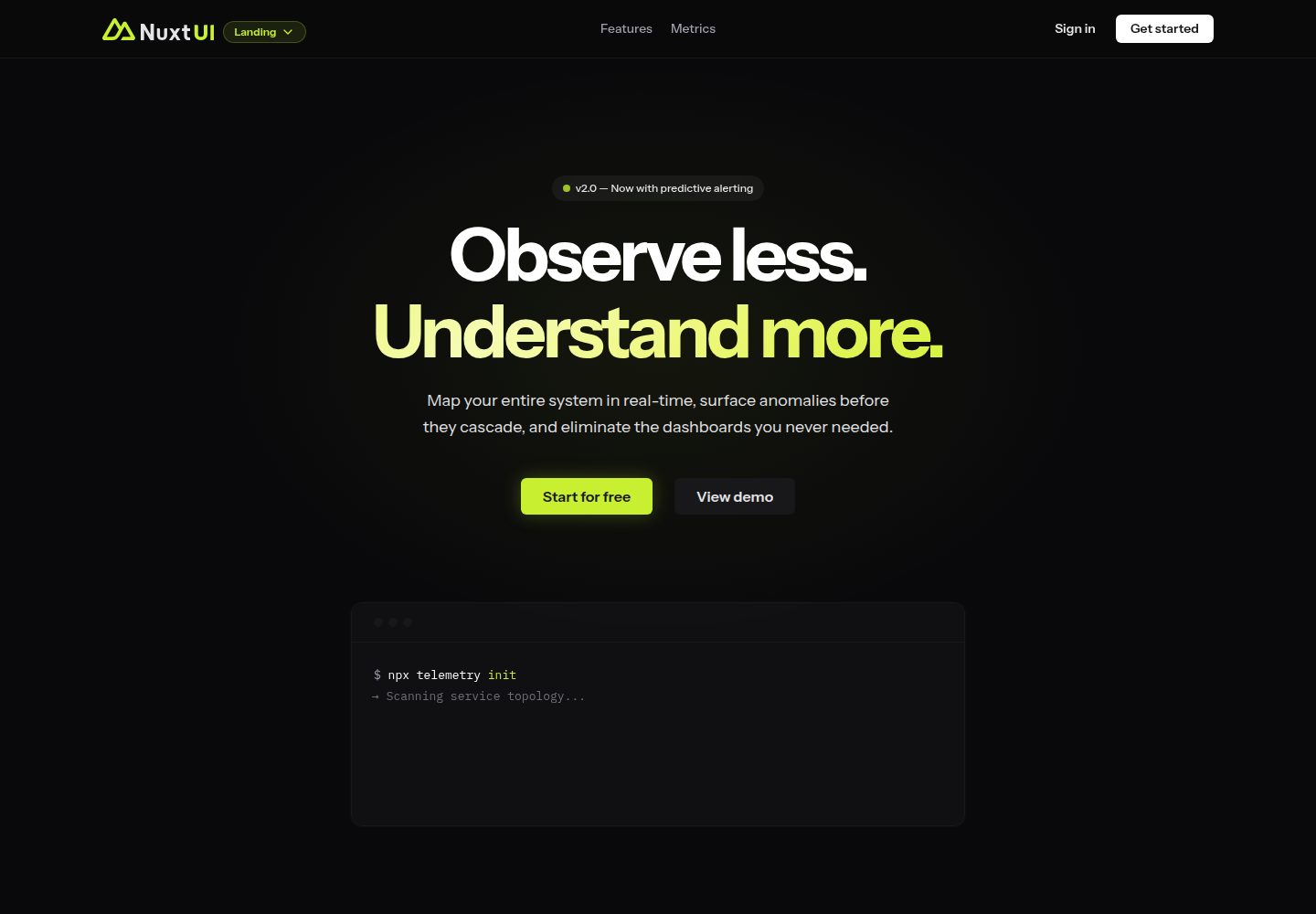
landing
A landing page template from the official Nuxt UI repository, built with Nuxt, Nuxt UI, and Nuxt Content. It can be initialized via `npm create nuxt@latest -- -t ui/landing` or cloned and run with pnpm commands for development, build, and preview.
Nuxt · Corporate Website
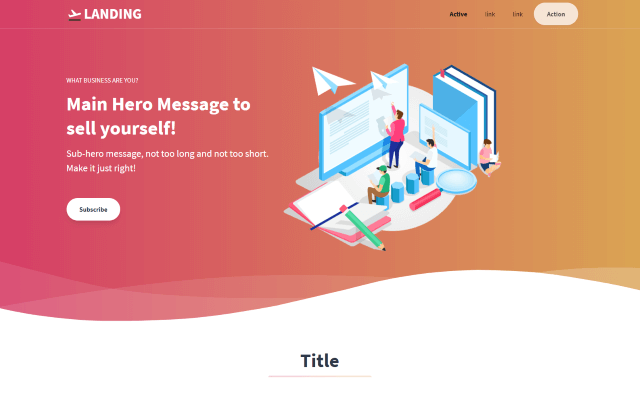
tailwind-landing-page-nuxt
A Nuxt version of the Tailwind Toolbox Landing Page template by Vannsl, written with Tailwind CSS and organized into components such as TheHeader, Hero, Features, Prices, CallToAction, and TheFooter, with pages/index.vue as the entry.
Nuxt · Corporate Website

agence-x-unocss
AgenceX is a corporate landing page template for digital marketing agencies, built with Nuxt and UnoCSS and organized with Unify UI Blocks.
Nuxt · Corporate Website
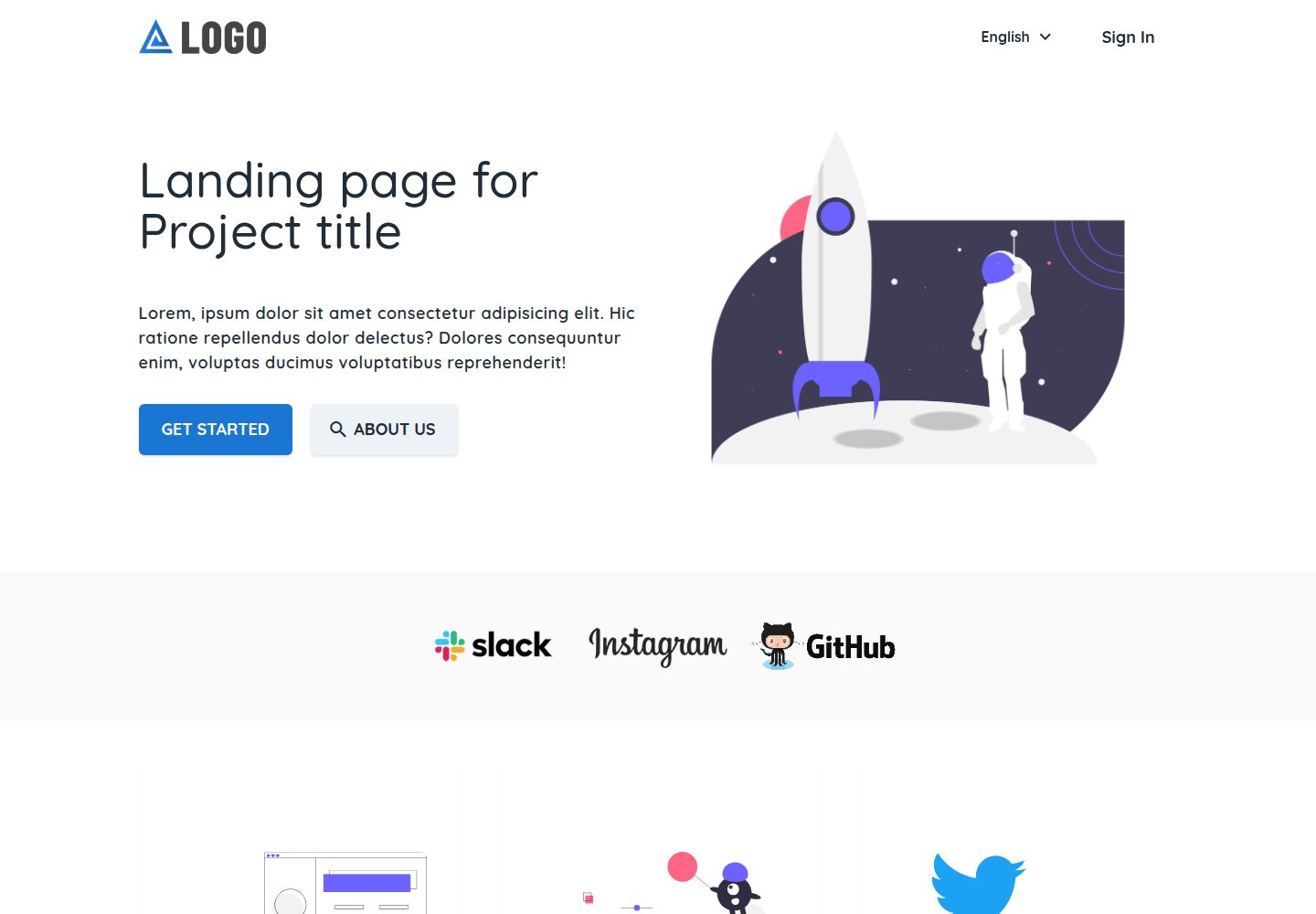
landing-template
A Nuxt landing page template by Firelayer for corporate websites and product landing pages, built with Vue and Vuetify.
Nuxt · Corporate Website
nuxt-starter-template
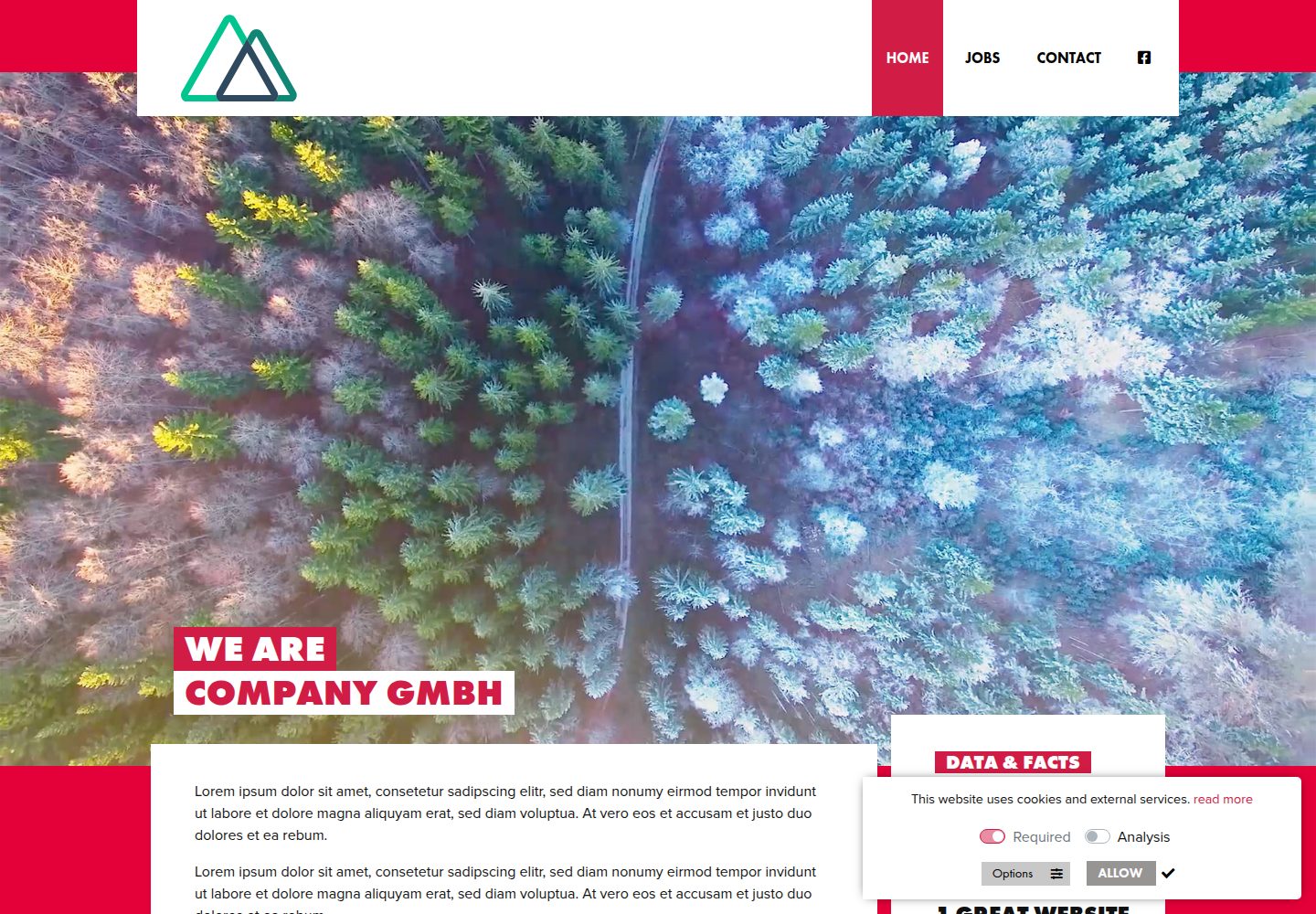
A Nuxt starter template for static marketing websites, with responsive images, icon fonts, sitemap, cookie notice, and a PHP contact form. Configuration is centralized in nuxt.config.js, config/infos.json, and menus.json.
Nuxt · Corporate Website
nuxt-saas-template
A Nuxt 3 SaaS template with a dual-branch structure: the main branch provides a Nuxt Pro marketing website with homepage, pricing, blog, documentation, and login/registration pages, while the master branch is a standalone React and Vite AI SEO platform interface integrating TogetherAI…
Nuxt · SaaS