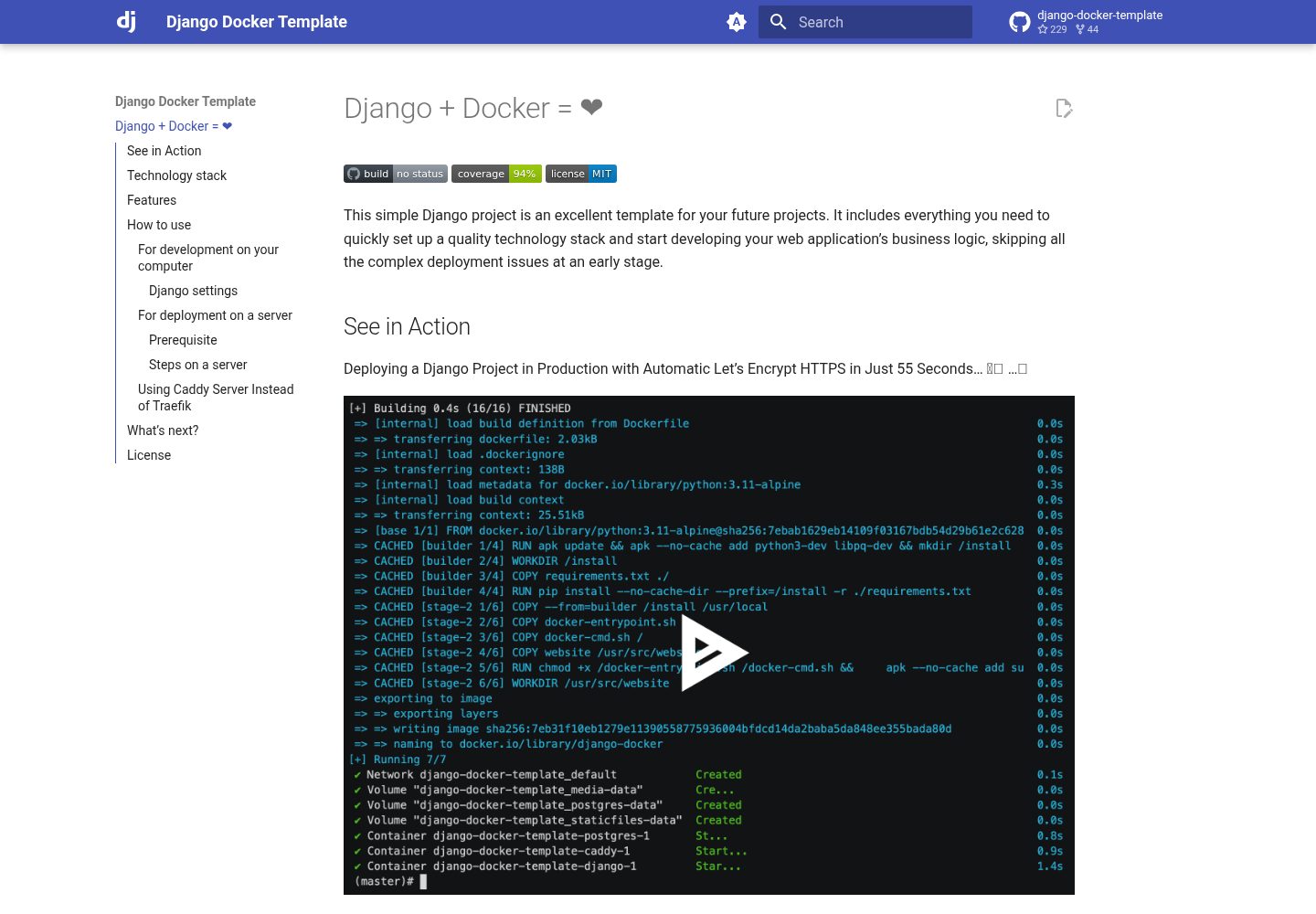
技术栈包含 Python 3.11、Django 4.2、PostgreSQL 15、Gunicorn 22.0、Traefik 2.9、Docker 与 Docker Compose
Django后台
django-docker-template-with-newrelic — Django 后台模板
作者 Ryohei-Caulked
基于 Django 与 Docker 的项目模板,集成 New Relic 监控,包含 PostgreSQL、Gunicorn、Traefik、pytest 与覆盖率测试,并附带官方教程投票应用示例。
看看你的网站会是什么样
浏览真实页面截图,比较内容排版与手机效果。点击下方缩略图切换,放大查看整页细节。
全部页面与视图 2
截图用于了解视觉与布局,交互效果请以实际项目为准。
采集于 2026-10-15查看来源
值得关注的模板亮点
从已有项目资料中,快速了解它的特点。
集成 pytest 与 coverage,README 示例显示 10 项测试通过、总覆盖率 94%
提供 docker-compose 文件组合 Postgres、Django、Gunicorn 与 Traefik
启动或重启 Django 容器时自动执行数据库迁移与静态文件收集
支持自动创建首个 Django 用户,并自动创建与续期 Let's Encrypt 证书
集成 New Relic 监控,需在 newrelic.ini 中填入 license key 后重建镜像
模板详细介绍
该模板用于快速搭建 Django 项目的开发与部署环境。README 说明其技术栈包括 Python 3.11、Django 4.2、PostgreSQL 15、Gunicorn 22.0、Traefik 2.9,以及 Docker 与 Docker Compose。项目内置官方 Django 教程中的基础投票应用,作为测试与调试示例,可随时删除。
功能方面,README 列出:可通过环境变量修改 Django 设置;在 Docker 中构建与调试项目;集成 pytest 与 coverage;提供组合 Postgres、Django、Gunicorn、Traefik 的 docker-compose 文件;使用 Nginx 提供静态文件与用户上传文件;启动或重启 Django 容器时自动执行数据库迁移与静态文件收集;自动创建首个 Django 用户;自动创建与续期 Let's Encrypt 证书。
使用流程分为本地开发与 docker-compose 调试两种。本地开发通过 docker build 构建镜像,用 docker run 创建超级用户、运行开发服务器、执行 pytest 或 Django 测试、进入交互式 shell。docker-compose.debug.yml 可启动 Postgres、Gunicorn、Traefik 等全部服务,默认超级用户为 admin/admin。New Relic 监控部分要求注册账号、生成 license key、填入 website/newrelic.ini、重新构建镜像并重启容器,然后在 New Relic 仪表盘的 APM & Services 中查看。README 未说明生产环境部署步骤、性能表现或除 New Relic 之外的其他监控集成。
Django后台
适合你的项目吗?
适用场景
- 在本地通过 Docker 运行 Django 开发服务器并实时调试代码
- 使用 docker-compose.debug.yml 在本地启动 Postgres、Gunicorn、Traefik 完整服务链
- 运行 pytest 与 coverage 检查测试通过率与代码覆盖率
- 将 Django 应用接入 New Relic 并在仪表盘查看 APM 监控数据
- 以官方投票应用为示例进行功能测试与调试
适合人群
- 需要 Django 与 Docker 开发模板的开发者
- 希望快速搭建包含 PostgreSQL、Gunicorn、Traefik 的本地开发环境
- 需要在项目中集成 New Relic 应用性能监控的团队
- 希望使用 pytest 与 coverage 进行测试的 Django 项目
上手与定制指南
结合仓库当前版本的说明,按下面的资料检查内容、配置与运行要求。
- 1
本地开发需先执行 docker build -t django-docker-with-newrelic:master . 构建镜像
- 2
使用 docker run 创建超级用户、运行开发服务器或进入 shell,注意挂载 sqlite 卷与 website 目录
- 3
运行测试可执行 docker run --rm django-docker-template-with-newrelic:master ./pytest.sh,或使用 python manage.py test
- 4
启动全部本地服务使用 docker compose -f docker-compose.debug.yml up,默认超级用户为 admin/admin
- 5
接入 New Relic 需注册账号、生成 license key、替换 website/newrelic.ini 中的 INSERT_YOUR_LICENSE_KEY,然后重新构建镜像并重启容器
授权与来源资料
使用条件与限制
免费使用 · 保留许可声明本次收录的是公开仓库中采用 MIT 许可的免费版本;免费范围为该版本代码,不代表外部服务或第三方素材免费。
使用时需要遵守
- 允许免费使用、修改、商用和分发该版本代码。
- 分发代码副本或实质性部分时,保留原作者版权声明和完整 MIT 许可声明。
- 代码按现状提供;担保与责任限制以原许可证及适用法律为准。
额外费用与待核对事项
- 演示图片、字体、图标及其他第三方素材需按各自许可核对,不能仅凭代码的 MIT 许可判断。
- 域名、托管、数据库、支付或 AI 等外部服务可能另外收费。
- 使用 New Relic 监控功能需要先注册 New Relic 账号(免费注册,仅需邮箱并完成邮箱验证)。
- 需在 New Relic 账号页面生成并复制 license key,用于配置监控。
- 必须将 newrelic.ini 中的 INSERT_YOUR_LICENSE_KEY 替换为自己的 New Relic license key,否则监控无法生效。
- 修改 license key 后需要重新构建容器镜像以更新 newrelic.ini 中的密钥信息。
- 部署到服务器并申请 Let's Encrypt 证书时,需要一台公网可访问、开放 80 与 443 端口且已安装 docker 与 docker-compose 的主机。
- 部署时需要将目标域名的 DNS 记录指向该主机。
- 部署命令需通过 MY_DOMAIN 环境变量指定自己的域名。
查看原文依据
Permission is hereby granted, free of charge
许可证原文
1. Create your New Relic account for free
README 原文
At the first view of your account page, click "*Generate and copy license key*". You can copy your license key* to the clip boad.
README 原文
Replace *INSERT_YOUR_LICENSE_KEY* to your license key.
README 原文
4. Rebuild the container image to update the key info in newrelic.ini.
README 原文
- A publicly accessible host allowing connections on port `80` & `443` with docker & docker-compose installed. A virtual machine in any cloud provider can be used as a host.
README 原文
- A DNS record with the domain you want to expose pointing to this host.
README 原文
https://github.com/Ryohei-Caulked/django-docker-template-with-newrelic/blob/main/LICENSEhttps://github.com/Ryohei-Caulked/django-docker-template-with-newrelic/blob/main/README.mdMY_DOMAIN=your.domain.com docker compose -f docker-compose.yml -f docker-compose.tls.yml up -d
README 原文
DeepSeek 根据仓库许可证和 README 整理 ·2026-10-15。结果仅覆盖已读取资料,依赖、图片、字体及后续条款变更以各自原文为准。
项目核对记录与介绍依据
模板资料
- 来源平台
- GitHub
- 资料与维护参考分
- 资料一般 · 74 / 100
- 技术栈
- Django
- 网站类型
- 后台
这个分数如何计算
本站按许可资料(最高30分)、演示链接(12分)、预览图(10分)、Star数(15分)、记录的维护时间(15分)、描述完整度(8分)、功能记录(5分)和分类资料(5分)计算。它不是代码、安全或性能测试,也不是 Google 评分;有链接不代表已实测可用。
这个项目需要核对什么
- 记录的仓库更新时间
- 2025-09-19
- 截图检查日期
- 2026-10-15
已收录演示链接。请用你的内容与屏幕尺寸检查;有演示不代表表单、认证或支付已经可用。
目录记录的主要技术栈是 Django。请通过依赖清单和锁文件核对实际版本与托管要求。这些说明基于收录资料,不代表代码审计或部署实测。
查看具体选型方法 →介绍的制作与核对状态
介绍由 AI 辅助整理目录与仓库资料。仓库作者不等于这篇介绍的审核者。
审核声明: codex-user-requested-batch-review-20261015 · 2026-10-15
查看当时使用的来源资料
SHA-256: 40acad5536ae1372d73ba16a88371c8451e0937ced7b1ecbd0e9bce6b64c4295
2026-10-15T00:58:08.814Z
来源文件 / 仓库# Try New Relic with Django
This simple Django project is an excellent template for your future projects.
It includes everything you need to quickly set up a quality technology stack and start developing your web application's business logic, skipping all the complex deployment issues at an early stage.
*[Star this project if it's what you were looking for!](https://github.com/Ryohei-Caulked/django-docker-template-with-newrelic) ⭐️*
## Technology stack
The technology stack used includes:
- [`Python`](https://www.python.org) ver. 3.11
- [`Django`](https://www.djangoproject.com) ver. 4.2
- [`PostgreSQL`](https://www.postgresql.org) ver. 15
- [`Gunicorn`](https://gunicorn.org) ver. 22.0
- [`Traefik`](https://traefik.io/traefik/) ver. 2.9
- [`Docker`](https://docs.docker.com/get-docker/) and [`Docker Compose`](https://docs.docker.com/compose/)
Nothing extra, only the essentials! You can easily add everything else yourself by expanding the existing configuration files:
- [requirements.txt](https://github.com/Ryohei-Caulked/django-docker-template-with-newrelic/blob/master/requirements.txt)
- [docker-compose.yml](https://github.com/Ryohei-Caulked/django-docker-template-with-newrelic/blob/master/docker-compose.yml)
- [pytest.ini](https://github.com/Ryohei-Caulked/django-docker-template-with-newrelic/blob/master/website/pytest.ini)
- and others...
> This project includes a simple Django application from the official Django tutorial - ["a basic poll application"](https://docs.djangoproject.com/en/4.2/intro/tutorial01/).
> You can safely delete this application at any time. This application is present in the project as an example, used for testing and debugging.
## Features
- A well-configured Django project, with individual settings that can be changed using environment variables
- Building and debugging a Django project in Docker
- Integrated [pytest](https://docs.pytest.org) and [coverage](https://coverage.readthedocs.io) for robust testing and code quality assurance ✅
- A ready-made docker-compose file that brings together Postgres - Django - Gunicorn - Traefik
- Serving static files (and user-uploaded files) with Nginx
- Automatic database migration and static file collection when starting or restarting the Django container
- Automatic creation of the first user in Django with a default login and password
- Automatic creation and renewal of Let's Encrypt certificate 🔥
- Minimal dependencies
- Everything is set up as simply as possible - just a couple of commands in the terminal, and you have a working project 🚀
## How to start
### For development on your computer
1. Clone the repository to your computer and go to the `django-docker-template` directory:
```console
git clone https://github.com/Ryohei-Caulked/django-docker-template-with-newrelic.git
cd django-docker-template-with-newrelic
```
2. Build the Docker container image with Django:
```console
docker build -t django-docker-with-newrelic:master .
```
3. Create the first superuser:
```console
docker run -it --rm -v sqlite:/sqlite django-docker-with-newrelic:master python manage.py createsuperuser
```
4. Run the Django development server container:
#Linux
```console
docker run -it --rm -p 8000:8000 -v sqlite:/sqlite -v $(pwd)/website:/usr/src/website django-docker-with-newrelic:master python manage.py runserver 0.0.0.0:8000
```
#Windows
```console
docker run -it --rm -p 8000:8000 -v sqlite:/sqlite -v .\website:/usr/src/website django-docker-with-newrelic:master python manage.py runserver 0.0.0.0:8000
```
Now you can go to [http://127.0.0.1:8000/admin/](http://127.0.0.1:8000/admin/) in your browser. Go to the Django admin panel and try updating the server code "on the fly".
Everything works just like if you were running the Django development server outside the container.
> Note that we mount the directory with your source code inside the container, so you can work with the project in your IDE, and changes will be visible inside the container, and the Django development server will restart itself.
<details markdown="1">
<summary>SQLite Usage Details</summary>
> Another important point is the use of SQLite3 instead of Postgres, because Postgres is not deployed until Django is run within a Docker Compose environment.
> In our example, we add a volume named `sqlite`. This data is stored persistently and does not disappear between restarts of the Django development server.
> However, if you have a second similar project, it would be better to change the volume name from `sqlite` to something else so that the second project uses its own copy of the database. For example:
>
```console
docker run -it --rm -p 8000:8000 -v another_sqlite:/sqlite -v $(pwd)/website:/usr/src/website django-docker-template-with-newrelic:master python manage.py runserver 0.0.0.0:8000
```
>
> To better understand how volumes work in Docker, refer to the official [documentation](https://docs.docker.com/storage/volumes/).
</details>
5. Run tests with pytest and coverage ✅:
```console
docker run --rm django-docker-template-with-newrelic:master ./pytest.sh
```
The [pytest.sh](https://github.com/Ryohei-Caulked/django-docker-template-with-newrelic/blob/master/website/pytest.sh) script runs tests using pytest and coverage. As a result, you will see an output like this in the terminal:
```console
================== test session starts =====================================
platform linux -- Python 3.11.7, pytest-7.4.4, pluggy-1.3.0
django: version: 4.2.9, settings: website.settings (from ini)
rootdir: /usr/src/website
configfile: pytest.ini
plugins: django-4.7.0
collected 10 items
polls/tests.py .......... [100%]
================== 10 passed in 0.19s ======================================
Name Stmts Miss Cover Missing
------------------------------------------------------------------------
polls/__init__.py 0 0 100%
polls/admin.py 12 0 100%
polls/apps.py 4 0 100%
polls/migrations/0001_initial.py 6 0 100%
polls/migrations/0002_question_upload.py 4 0 100%
polls/migrations/__init__.py 0 0 100%
polls/models.py 20 2 90% 15, 33
polls/tests.py 57 0 100%
polls/urls.py 4 0 100%
polls/views.py 28 8 71% 39-58
website/__init__.py 6 0 100%
website/settings.py 52 2 96% 94, 197
website/urls.py 6 0 100%
------------------------------------------------------------------------
TOTAL 199 12 94%
```
> If you don't want to use pytest (for some reason), you can run the tests without pytest using the command below:
```console
docker run --rm django-docker-template-with-newrelic:master python manage.py test
```
6. Interactive shell with the Django project environment:
```console
docker run -it --rm -v sqlite:/sqlite django-docker-template-with-newrelic:master python manage.py shell
```
7. Start all services locally (Postgres, Gunicorn, Traefik) using docker-compose:
```console
docker compose -f docker-compose.debug.yml up
```
Enjoy watching the lines run in the terminal 🖥️
And after a few seconds, open your browser at [http://127.0.0.1/admin/](http://127.0.0.1/admin/). The superuser with the login and password `admin/admin` is already created, welcome to the Django admin panel.
Django is still in Debug mode! You can work in your IDE, write code, and immediately see changes inside the container. However, you are currently using Traefik and Postgres.
You can also add Redis or MongoDB, and all of this will work in your development environment. This is very convenient.
> Between Docker Compose restarts, your database data and media files uploaded to the server will be preserved because they are stored in special volumes that are not deleted when containers are restarted.
### To delete all containers, images and database
If you want to delete everything, the command below will stop all containers, remove them and their images.
```console
docker compose down --remove-orphans --rmi local
```
To delete the Postgre database as well, add the `-v` flag to the command:
```console
docker compose down --remove-orphans --rmi local -v
```
#### Django settings
Some Django settings from the [`settings.py`](https://github.com/Ryohei-Caulked/django-docker-template-with-newrelic/blob/master/website/website/settings.py) file are stored in environment variables.
You can easily change these settings in the [`.env`](https://github.com/Ryohei-Caulked/django-docker-template-with-newrelic/blob/master/.env) file.
This file does not contain all the necessary settings, but many of them. Add additional settings to environment variables if needed.
> It is important to note the following: **never store sensitive settings such as DJANGO_SECRET_KEY or DJANGO_EMAIL_HOST_PASSWORD in your repository!**
> Docker allows you to override environment variable values from additional files, the command line, or the current session. Store passwords and other sensitive information separately from the code and only connect this information at system startup.
## Monitoring
### Monitoring Django App on New Relic dashboard
Let's monitor your app on New Relic like this!
<img width="1910" height="393" alt="Image" src="https://github.com/user-attachments/assets/67cd22e2-d43c-456f-86fa-122e73e0d4ec" />
1. Create your New Relic account for free
From [New Relic sign-up page](https://newrelic.com/signup), create your new account for free. Only your Email address is necessary. Then, you have to verify your address by an email from <[email protected]>
2. Generate and copy the key
At the first view of your account page, click "*Generate and copy license key*". You can copy your license key* to the clip boad.
(* 40 chars like "*1234567890qwertyuiopasdfghjklZXCVBNM1234*")
<img width="1912" height="545" alt="Image" src="https://github.com/user-attachments/assets/26bfa88d-9c12-4a5e-ad85-8f4d341b9b45" />
3. Insert your key to newrelic.ini file
Replace *INSERT_YOUR_LICENSE_KEY* to your license key.
**/django-docker-template/website/newrelic.ini**
```diff
[newrelic]
app_name = django-with-newrelic
- license_key = INSERT_YOUR_LICENSE_KEY
+ license_key = 1234567890qwertyuiopasdfghjklZXCVBNM1234
```
4. Rebuild the container image to update the key info in newrelic.ini.
```console
docker build -t django-docker-with-newrelic:master .
```
5. Rerun the Django development server container:
*If the prior container is running, please stop it before running this command.
#Linux
```console
docker run -it --rm -p 8000:8000 -v sqlite:/sqlite -v $(pwd)/website:/usr/src/website django-docker-with-newrelic:master python manage.py runserver 0.0.0.0:8000
```
#Windows
```console
docker run -it --rm -p 8000:8000 -v sqlite:/sqlite -v .\website:/usr/src/website django-docker-with-newrelic:master python manage.py runserver 0.0.0.0:8000
```
6. Login your New Relic dashboard and open "*APM & Services*". You can access to your app monitoring views.
<img width="1185" height="315" alt="Image" src="https://github.com/user-attachments/assets/b7e07e42-e650-47d1-a00b-3dff6f3778b0" />
<img width="993" height="454" alt="Image" src="https://github.com/user-attachments/assets/d3149bf1-542e-4a73-bc26-1f22e10de4e4" />
## For deployment on a server
#### Prerequisite
For the Let's Encrypt HTTP challenge you will need:
- A publicly accessible host allowing connections on port `80` & `443` with docker & docker-compose installed. A virtual machine in any cloud provider can be used as a host.
- A DNS record with the domain you want to expose pointing to this host.
#### Steps on a server
1. Clone the repository on your host and go to the `django-docker-template` directory:
```console
git clone https://github.com/Ryohei-Caulked/django-docker-template-with-newrelic.git
cd django-docker-template-with-newrelic
```
2. Configure as described in the [Django settings](#django-settings) section or leave everything as is.
3. Run, specifying your domain:
```console
MY_DOMAIN=your.domain.com docker compose -f docker-compose.yml -f docker-compose.tls.yml up -d
```
It will take a few seconds to start the database, migrate, collect static files, and obtain a Let's Encrypt certificate. So wait a little and open https://your.domain.com in your browser. Your server is ready to work 🏆
> Don't worry about renewing the Let's Encrypt certificate, it will happen automatically.
4. After running the containers, you can execute [manage.py commands](https://docs.djangoproject.com/en/4.2/ref/django-admin/#available-commands) using this format:
```console
docker compose exec django python manage.py check --deploy
docker compose exec django python manage.py shell
```
## License
[MIT](https://github.com/Ryohei-Caulked/django-docker-template-with-newrelic/blob/master/LICENSE)
看看同类模板
对比同技术栈与用途的模板,找到更适合的视觉与内容结构。
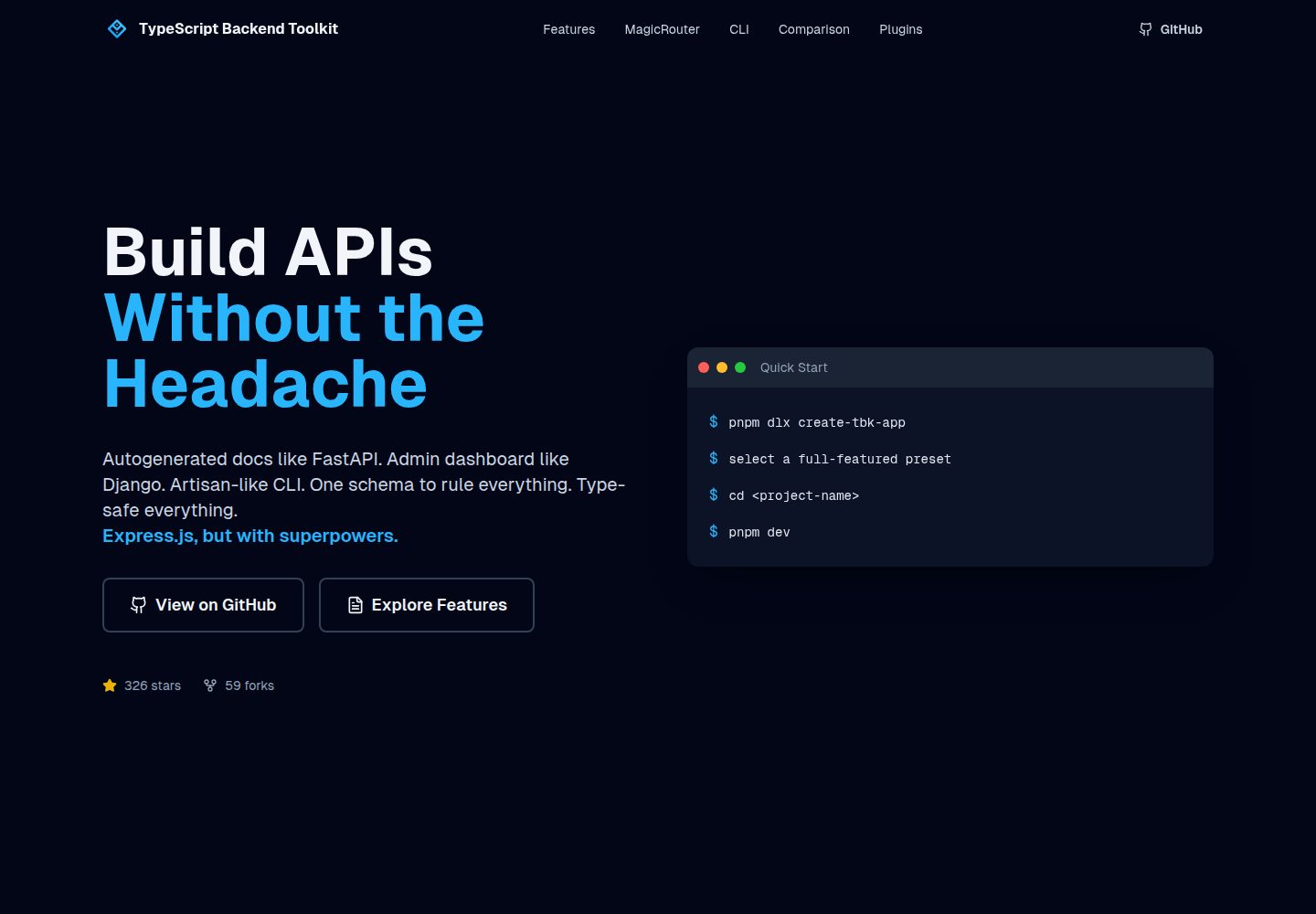
typescript-backend-toolkit
Production-ready Express.js/TypeScript framework with auto-generated OpenAPI, Artisan-style CLI, plugin system…
Django · 后台
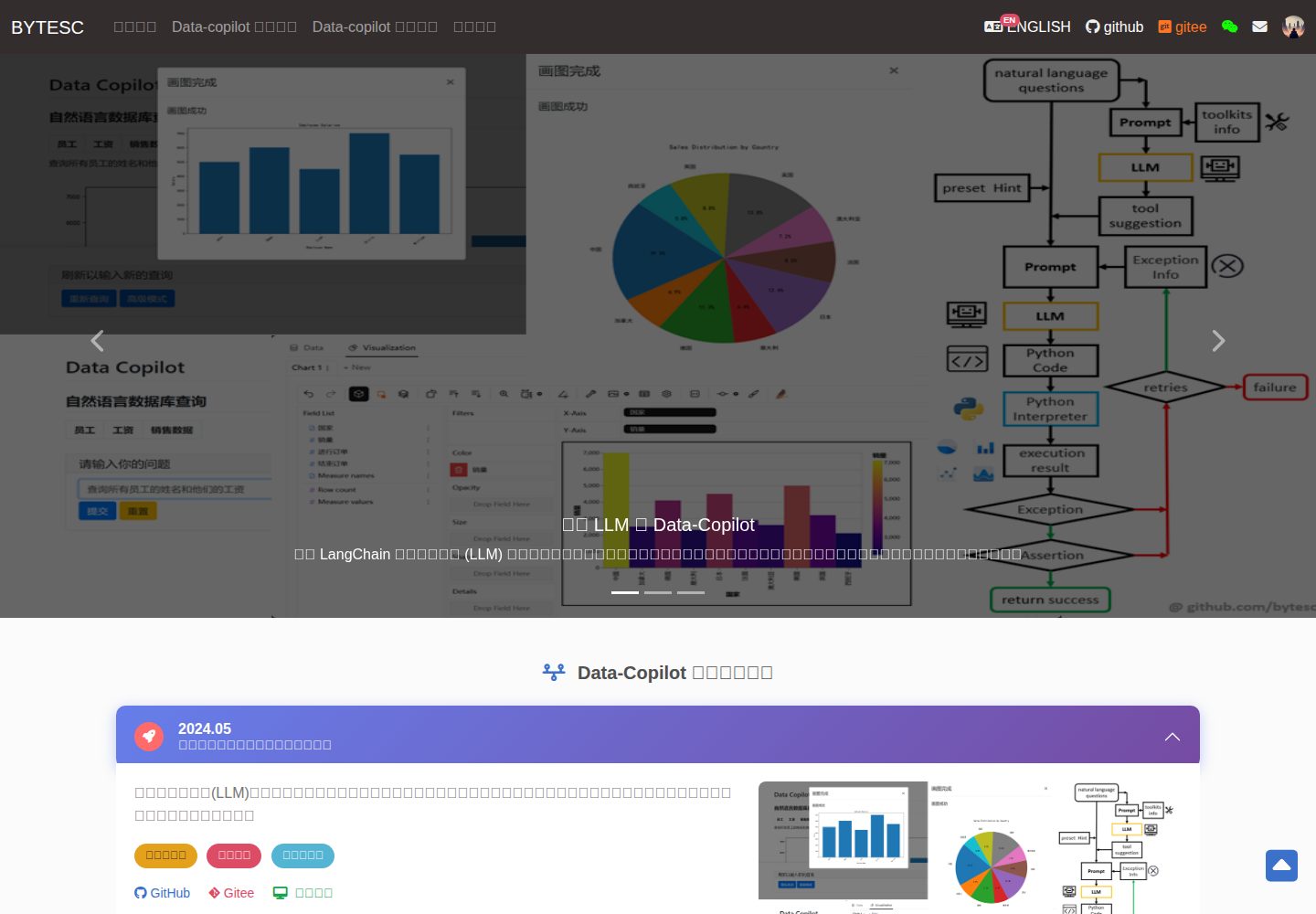
Django_Management_System_template
✨ 基于 Django 和 Mysql 的信息管理系统模板 ✨。 后台管理系统,OA ,表单系统,管理员系统,数据库管理系统模板,数据库访问模板。
Django · 后台
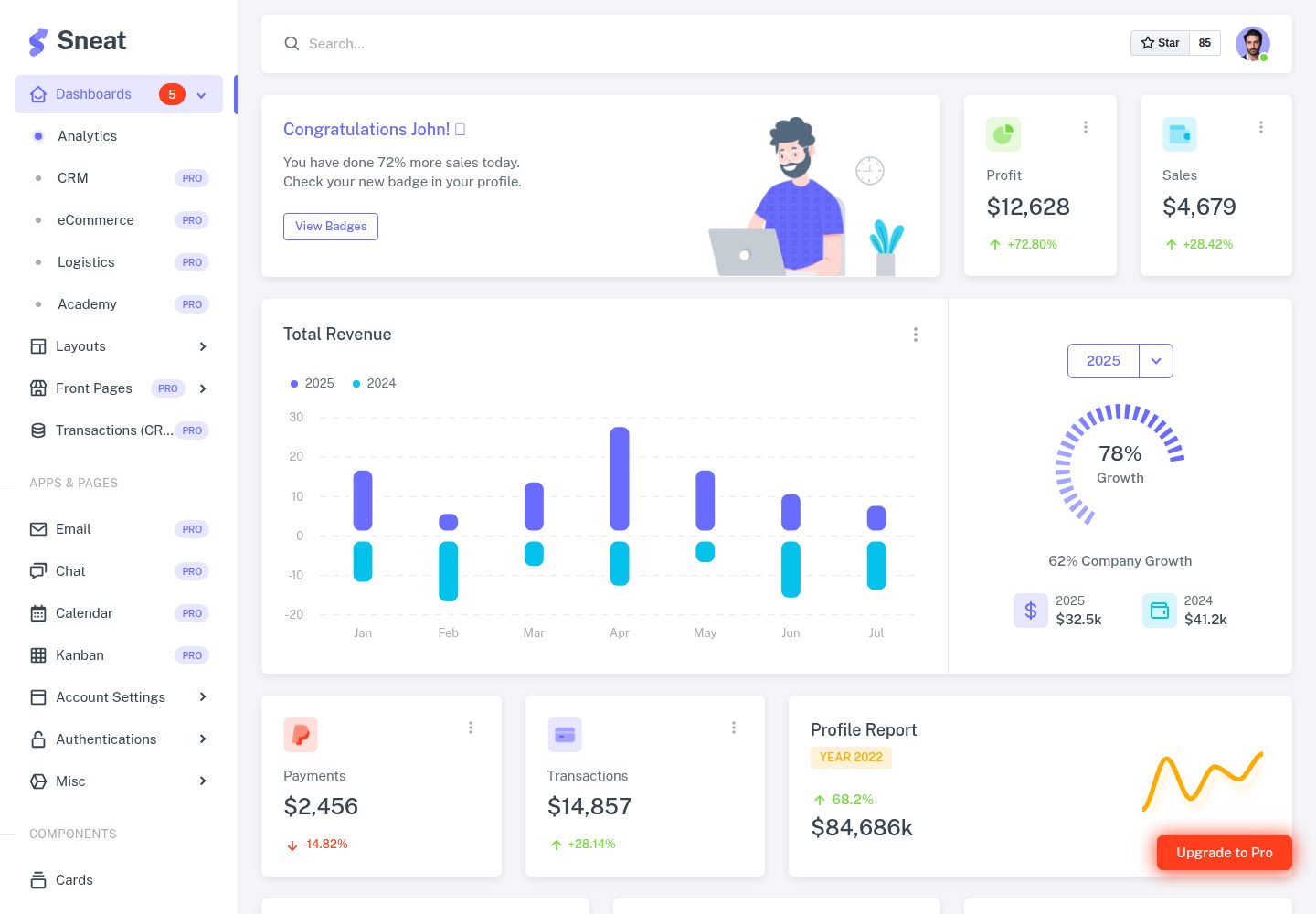
sneat-bootstrap-html-django-admin-template-free
Most Powerful & Comprehensive Free Django HTML Admin Dashboard Template built for developers! :rocket:
Django · 后台
materio-bootstrap-html-django-admin-template-free
Most Powerful & Comprehensive Free Django HTML Admin Dashboard Template built for developers! :rocket:
Django · 后台
django-otto-admin
Django admin customization app for django-suit, providing google analytics widgets in the admin index template
Django · 后台
sbadmin
Django bootstrapped template integration for Admin
Django · 后台