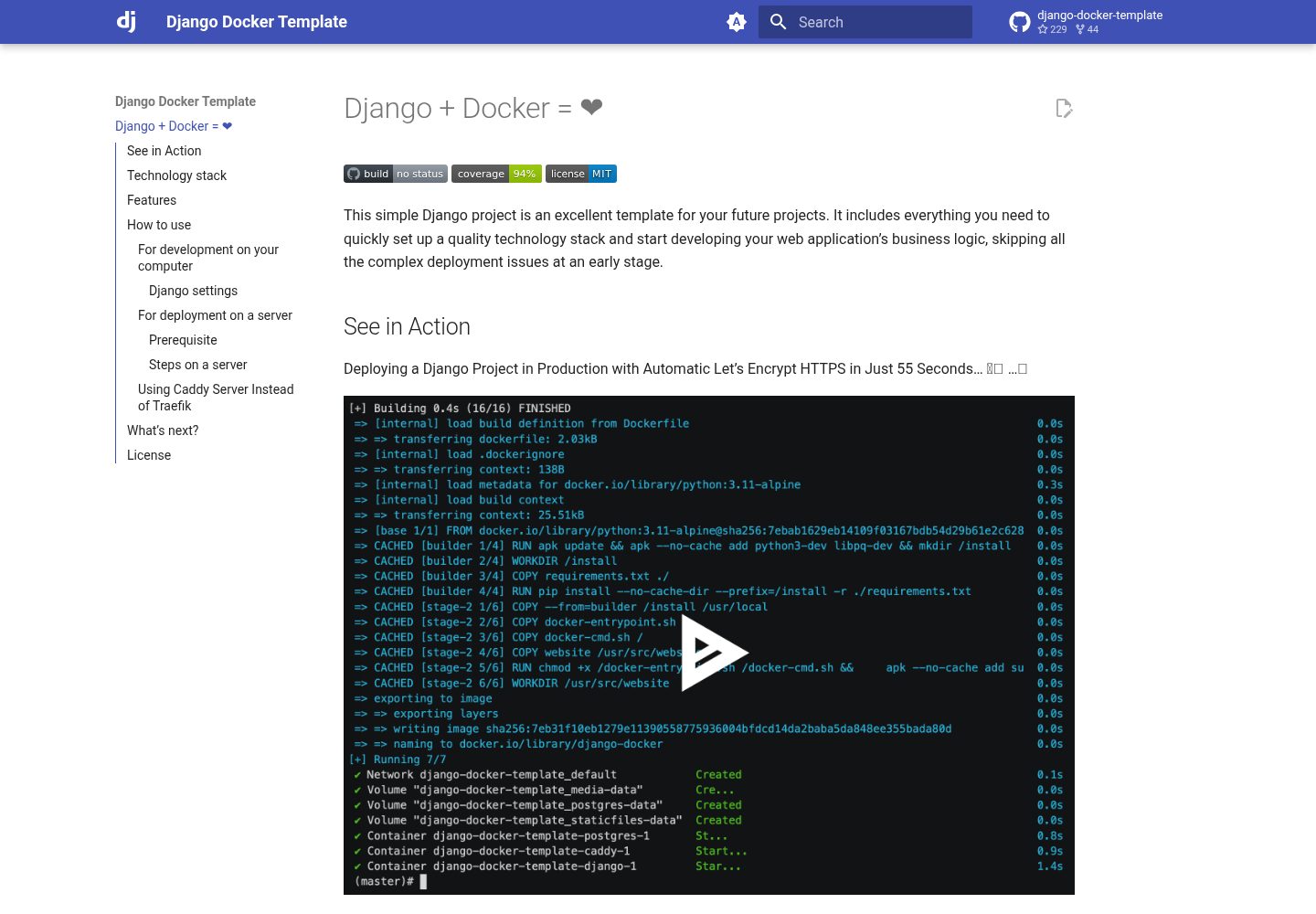
Tech stack includes Python 3.11, Django 4.2, PostgreSQL 15, Gunicorn 22.0, Traefik 2.9, Docker and Docker Compose
DjangoAdmin dashboard
django-docker-template-with-newrelic — Django Admin dashboard Template
By Ryohei-Caulked
A Django and Docker project template integrated with New Relic monitoring, including PostgreSQL, Gunicorn, Traefik, pytest and coverage testing, and an official tutorial poll application example.
Explore the design
Compare the page layouts and mobile experience. Open any screenshot for a closer look.
Desktop homepage1 / 2
Desktop captureTop of page
Actual screenshot captured by the server browser.
All pages & views 2
Screenshots show visual appearance; interactive behavior may differ.
Recorded 2026-10-15View source
What stands out
A quick read of the recorded project description.
Integrates pytest and coverage; the README example shows 10 tests passing with 94% total coverage
Provides a docker-compose file combining Postgres, Django, Gunicorn, and Traefik
Automatically executes database migrations and static file collection when starting or restarting the Django container
Supports automatic creation of the first Django user, and automatic creation and renewal of Let's Encrypt certificates
Integrates New Relic monitoring; requires filling in the license key in newrelic.ini and rebuilding the image
Template Details
This template is used to quickly set up the development and deployment environment for a Django project. The README states that its tech stack includes Python 3.11, Django 4.2, PostgreSQL 15, Gunicorn 22.0, Traefik 2.9, as well as Docker and Docker Compose. The project includes the basic poll application from the official Django tutorial as a testing and debugging example, which can be deleted at any time.
In terms of features, the README lists: Django settings can be modified via environment variables; build and debug the project in Docker; integrate pytest and coverage; provide a docker-compose file combining Postgres, Django, Gunicorn, and Traefik; use Nginx to serve static files and user-uploaded files; automatically execute database migrations and static file collection when starting or restarting the Django container; automatically create the first Django user; automatically create and renew Let's Encrypt certificates.
The usage process is divided into local development and docker-compose debugging. For local development, build the image with docker build, and use docker run to create a superuser, run the development server, execute pytest or Django tests, and enter an interactive shell. docker-compose.debug.yml can start all services including Postgres, Gunicorn, and Traefik, with the default superuser being admin/admin. The New Relic monitoring part requires registering an account, generating a license key, filling it into website/newrelic.ini, rebuilding the image and restarting the container, then viewing it in the APM & Services section of the New Relic dashboard. The README does not describe production deployment steps, performance, or other monitoring integrations besides New Relic.
DjangoBackend
Is it right for your project?
Use Cases
- Run the Django development server locally via Docker and debug code in real time
- Use docker-compose.debug.yml to start the full service chain of Postgres, Gunicorn, and Traefik locally
- Run pytest and coverage to check test pass rate and code coverage
- Connect the Django application to New Relic and view APM monitoring data on the dashboard
- Use the official poll application as an example for functional testing and debugging
Suitable For
- Developers who need a Django and Docker development template
- Those who want to quickly set up a local development environment including PostgreSQL, Gunicorn, and Traefik
- Teams that need to integrate New Relic application performance monitoring into their projects
- Django projects that want to use pytest and coverage for testing
Getting started & customization
Use these recorded setup notes alongside the repository instructions for your chosen version.
- 1
For local development, first build the image with docker build -t django-docker-with-newrelic:master .
- 2
Use docker run to create a superuser, run the development server, or enter a shell; note to mount the sqlite volume and the website directory
- 3
To run tests, execute docker run --rm django-docker-template-with-newrelic:master ./pytest.sh, or use python manage.py test
- 4
To start all local services, use docker compose -f docker-compose.debug.yml up; the default superuser is admin/admin
- 5
To integrate New Relic, register an account, generate a license key, replace INSERT_YOUR_LICENSE_KEY in website/newrelic.ini, then rebuild the image and restart the container
License & source material
Usage conditions & limitations
Free to use · keep license noticeThis entry covers the free version under the MIT license in a public repository; the free scope is the code of this version and does not imply that external services or third-party assets are free.
Must comply with when using
- Free use, modification, commercial use, and distribution of this version's code are allowed.
- When distributing copies or substantial portions of the code, retain the original author's copyright notice and the full MIT license notice.
- The code is provided as is; warranties and limitations of liability are governed by the original license and applicable law.
Additional costs & items to verify
- Demo images, fonts, icons, and other third-party assets must be checked against their respective licenses; they cannot be judged solely by the code's MIT license.
- External services such as domains, hosting, databases, payments, or AI may incur additional charges.
- Using the New Relic monitoring feature requires registering a New Relic account first (free registration, only requires an email and email verification).
- A license key must be generated and copied from the New Relic account page for configuring monitoring.
- You must replace INSERT_YOUR_LICENSE_KEY in newrelic.ini with your own New Relic license key, otherwise monitoring will not take effect.
- After modifying the license key, you need to rebuild the container image to update the key information in newrelic.ini.
- When deploying to a server and applying for a Let's Encrypt certificate, a host that is publicly accessible, has ports 80 and 443 open, and has docker and docker-compose installed is required.
- During deployment, the DNS record of the target domain needs to be pointed to that host.
- The deployment command requires specifying your own domain via the MY_DOMAIN environment variable.
View Original Text Basis
Permission is hereby granted, free of charge
Original License Text
1. Create your New Relic account for free
Original README
At the first view of your account page, click "*Generate and copy license key*". You can copy your license key* to the clip boad.
Original README
Replace *INSERT_YOUR_LICENSE_KEY* to your license key.
Original README
4. Rebuild the container image to update the key info in newrelic.ini.
Original README
- A publicly accessible host allowing connections on port `80` & `443` with docker & docker-compose installed. A virtual machine in any cloud provider can be used as a host.
Original README
- A DNS record with the domain you want to expose pointing to this host.
Original README
https://github.com/Ryohei-Caulked/django-docker-template-with-newrelic/blob/main/LICENSEhttps://github.com/Ryohei-Caulked/django-docker-template-with-newrelic/blob/main/README.mdMY_DOMAIN=your.domain.com docker compose -f docker-compose.yml -f docker-compose.tls.yml up -d
Original README
Compiled by DeepSeek based on repository license and README ·2026-10-15. Results only cover the materials read; dependencies, images, fonts, and subsequent term changes are subject to their respective original texts.
Project checks & description sources
Template Information
- Source platforms
- GitHub
- Documentation and maintenance reference score
- Partly documented · 74 / 100
- Technologies
- Django
- Website type
- Admin dashboard
How this score is calculated
Our heuristic uses license records (up to 30), a demo link (12), a preview (10), stars (15), recorded maintenance (15), description completeness (8), feature records (5) and classification data (5). It is not a code, security or performance test, or a Google score. A link does not establish tested functionality.
What to verify for this project
- Repository update recorded
- 2025-09-19
- Screenshot last checked
- 2026-10-15
A demo link is listed. Check it with your own content and viewport sizes; its presence does not confirm that forms, authentication or payments work.
The catalog identifies Django as the primary stack. Check the actual dependency manifest and lockfile for versions and hosting requirements. These notes use recorded metadata, not a code audit or a deployment test.
Use a selection guide →How this description was prepared
AI-assisted description based on catalog records and repository material. Repository authors are not automatically the reviewers of this description.
Review declaration: codex-user-requested-batch-review-20261015 · 2026-10-15
Inspect the recorded source material
SHA-256: 40acad5536ae1372d73ba16a88371c8451e0937ced7b1ecbd0e9bce6b64c4295
2026-10-15T00:58:08.814Z
Source file / repository# Try New Relic with Django
This simple Django project is an excellent template for your future projects.
It includes everything you need to quickly set up a quality technology stack and start developing your web application's business logic, skipping all the complex deployment issues at an early stage.
*[Star this project if it's what you were looking for!](https://github.com/Ryohei-Caulked/django-docker-template-with-newrelic) ⭐️*
## Technology stack
The technology stack used includes:
- [`Python`](https://www.python.org) ver. 3.11
- [`Django`](https://www.djangoproject.com) ver. 4.2
- [`PostgreSQL`](https://www.postgresql.org) ver. 15
- [`Gunicorn`](https://gunicorn.org) ver. 22.0
- [`Traefik`](https://traefik.io/traefik/) ver. 2.9
- [`Docker`](https://docs.docker.com/get-docker/) and [`Docker Compose`](https://docs.docker.com/compose/)
Nothing extra, only the essentials! You can easily add everything else yourself by expanding the existing configuration files:
- [requirements.txt](https://github.com/Ryohei-Caulked/django-docker-template-with-newrelic/blob/master/requirements.txt)
- [docker-compose.yml](https://github.com/Ryohei-Caulked/django-docker-template-with-newrelic/blob/master/docker-compose.yml)
- [pytest.ini](https://github.com/Ryohei-Caulked/django-docker-template-with-newrelic/blob/master/website/pytest.ini)
- and others...
> This project includes a simple Django application from the official Django tutorial - ["a basic poll application"](https://docs.djangoproject.com/en/4.2/intro/tutorial01/).
> You can safely delete this application at any time. This application is present in the project as an example, used for testing and debugging.
## Features
- A well-configured Django project, with individual settings that can be changed using environment variables
- Building and debugging a Django project in Docker
- Integrated [pytest](https://docs.pytest.org) and [coverage](https://coverage.readthedocs.io) for robust testing and code quality assurance ✅
- A ready-made docker-compose file that brings together Postgres - Django - Gunicorn - Traefik
- Serving static files (and user-uploaded files) with Nginx
- Automatic database migration and static file collection when starting or restarting the Django container
- Automatic creation of the first user in Django with a default login and password
- Automatic creation and renewal of Let's Encrypt certificate 🔥
- Minimal dependencies
- Everything is set up as simply as possible - just a couple of commands in the terminal, and you have a working project 🚀
## How to start
### For development on your computer
1. Clone the repository to your computer and go to the `django-docker-template` directory:
```console
git clone https://github.com/Ryohei-Caulked/django-docker-template-with-newrelic.git
cd django-docker-template-with-newrelic
```
2. Build the Docker container image with Django:
```console
docker build -t django-docker-with-newrelic:master .
```
3. Create the first superuser:
```console
docker run -it --rm -v sqlite:/sqlite django-docker-with-newrelic:master python manage.py createsuperuser
```
4. Run the Django development server container:
#Linux
```console
docker run -it --rm -p 8000:8000 -v sqlite:/sqlite -v $(pwd)/website:/usr/src/website django-docker-with-newrelic:master python manage.py runserver 0.0.0.0:8000
```
#Windows
```console
docker run -it --rm -p 8000:8000 -v sqlite:/sqlite -v .\website:/usr/src/website django-docker-with-newrelic:master python manage.py runserver 0.0.0.0:8000
```
Now you can go to [http://127.0.0.1:8000/admin/](http://127.0.0.1:8000/admin/) in your browser. Go to the Django admin panel and try updating the server code "on the fly".
Everything works just like if you were running the Django development server outside the container.
> Note that we mount the directory with your source code inside the container, so you can work with the project in your IDE, and changes will be visible inside the container, and the Django development server will restart itself.
<details markdown="1">
<summary>SQLite Usage Details</summary>
> Another important point is the use of SQLite3 instead of Postgres, because Postgres is not deployed until Django is run within a Docker Compose environment.
> In our example, we add a volume named `sqlite`. This data is stored persistently and does not disappear between restarts of the Django development server.
> However, if you have a second similar project, it would be better to change the volume name from `sqlite` to something else so that the second project uses its own copy of the database. For example:
>
```console
docker run -it --rm -p 8000:8000 -v another_sqlite:/sqlite -v $(pwd)/website:/usr/src/website django-docker-template-with-newrelic:master python manage.py runserver 0.0.0.0:8000
```
>
> To better understand how volumes work in Docker, refer to the official [documentation](https://docs.docker.com/storage/volumes/).
</details>
5. Run tests with pytest and coverage ✅:
```console
docker run --rm django-docker-template-with-newrelic:master ./pytest.sh
```
The [pytest.sh](https://github.com/Ryohei-Caulked/django-docker-template-with-newrelic/blob/master/website/pytest.sh) script runs tests using pytest and coverage. As a result, you will see an output like this in the terminal:
```console
================== test session starts =====================================
platform linux -- Python 3.11.7, pytest-7.4.4, pluggy-1.3.0
django: version: 4.2.9, settings: website.settings (from ini)
rootdir: /usr/src/website
configfile: pytest.ini
plugins: django-4.7.0
collected 10 items
polls/tests.py .......... [100%]
================== 10 passed in 0.19s ======================================
Name Stmts Miss Cover Missing
------------------------------------------------------------------------
polls/__init__.py 0 0 100%
polls/admin.py 12 0 100%
polls/apps.py 4 0 100%
polls/migrations/0001_initial.py 6 0 100%
polls/migrations/0002_question_upload.py 4 0 100%
polls/migrations/__init__.py 0 0 100%
polls/models.py 20 2 90% 15, 33
polls/tests.py 57 0 100%
polls/urls.py 4 0 100%
polls/views.py 28 8 71% 39-58
website/__init__.py 6 0 100%
website/settings.py 52 2 96% 94, 197
website/urls.py 6 0 100%
------------------------------------------------------------------------
TOTAL 199 12 94%
```
> If you don't want to use pytest (for some reason), you can run the tests without pytest using the command below:
```console
docker run --rm django-docker-template-with-newrelic:master python manage.py test
```
6. Interactive shell with the Django project environment:
```console
docker run -it --rm -v sqlite:/sqlite django-docker-template-with-newrelic:master python manage.py shell
```
7. Start all services locally (Postgres, Gunicorn, Traefik) using docker-compose:
```console
docker compose -f docker-compose.debug.yml up
```
Enjoy watching the lines run in the terminal 🖥️
And after a few seconds, open your browser at [http://127.0.0.1/admin/](http://127.0.0.1/admin/). The superuser with the login and password `admin/admin` is already created, welcome to the Django admin panel.
Django is still in Debug mode! You can work in your IDE, write code, and immediately see changes inside the container. However, you are currently using Traefik and Postgres.
You can also add Redis or MongoDB, and all of this will work in your development environment. This is very convenient.
> Between Docker Compose restarts, your database data and media files uploaded to the server will be preserved because they are stored in special volumes that are not deleted when containers are restarted.
### To delete all containers, images and database
If you want to delete everything, the command below will stop all containers, remove them and their images.
```console
docker compose down --remove-orphans --rmi local
```
To delete the Postgre database as well, add the `-v` flag to the command:
```console
docker compose down --remove-orphans --rmi local -v
```
#### Django settings
Some Django settings from the [`settings.py`](https://github.com/Ryohei-Caulked/django-docker-template-with-newrelic/blob/master/website/website/settings.py) file are stored in environment variables.
You can easily change these settings in the [`.env`](https://github.com/Ryohei-Caulked/django-docker-template-with-newrelic/blob/master/.env) file.
This file does not contain all the necessary settings, but many of them. Add additional settings to environment variables if needed.
> It is important to note the following: **never store sensitive settings such as DJANGO_SECRET_KEY or DJANGO_EMAIL_HOST_PASSWORD in your repository!**
> Docker allows you to override environment variable values from additional files, the command line, or the current session. Store passwords and other sensitive information separately from the code and only connect this information at system startup.
## Monitoring
### Monitoring Django App on New Relic dashboard
Let's monitor your app on New Relic like this!
<img width="1910" height="393" alt="Image" src="https://github.com/user-attachments/assets/67cd22e2-d43c-456f-86fa-122e73e0d4ec" />
1. Create your New Relic account for free
From [New Relic sign-up page](https://newrelic.com/signup), create your new account for free. Only your Email address is necessary. Then, you have to verify your address by an email from <[email protected]>
2. Generate and copy the key
At the first view of your account page, click "*Generate and copy license key*". You can copy your license key* to the clip boad.
(* 40 chars like "*1234567890qwertyuiopasdfghjklZXCVBNM1234*")
<img width="1912" height="545" alt="Image" src="https://github.com/user-attachments/assets/26bfa88d-9c12-4a5e-ad85-8f4d341b9b45" />
3. Insert your key to newrelic.ini file
Replace *INSERT_YOUR_LICENSE_KEY* to your license key.
**/django-docker-template/website/newrelic.ini**
```diff
[newrelic]
app_name = django-with-newrelic
- license_key = INSERT_YOUR_LICENSE_KEY
+ license_key = 1234567890qwertyuiopasdfghjklZXCVBNM1234
```
4. Rebuild the container image to update the key info in newrelic.ini.
```console
docker build -t django-docker-with-newrelic:master .
```
5. Rerun the Django development server container:
*If the prior container is running, please stop it before running this command.
#Linux
```console
docker run -it --rm -p 8000:8000 -v sqlite:/sqlite -v $(pwd)/website:/usr/src/website django-docker-with-newrelic:master python manage.py runserver 0.0.0.0:8000
```
#Windows
```console
docker run -it --rm -p 8000:8000 -v sqlite:/sqlite -v .\website:/usr/src/website django-docker-with-newrelic:master python manage.py runserver 0.0.0.0:8000
```
6. Login your New Relic dashboard and open "*APM & Services*". You can access to your app monitoring views.
<img width="1185" height="315" alt="Image" src="https://github.com/user-attachments/assets/b7e07e42-e650-47d1-a00b-3dff6f3778b0" />
<img width="993" height="454" alt="Image" src="https://github.com/user-attachments/assets/d3149bf1-542e-4a73-bc26-1f22e10de4e4" />
## For deployment on a server
#### Prerequisite
For the Let's Encrypt HTTP challenge you will need:
- A publicly accessible host allowing connections on port `80` & `443` with docker & docker-compose installed. A virtual machine in any cloud provider can be used as a host.
- A DNS record with the domain you want to expose pointing to this host.
#### Steps on a server
1. Clone the repository on your host and go to the `django-docker-template` directory:
```console
git clone https://github.com/Ryohei-Caulked/django-docker-template-with-newrelic.git
cd django-docker-template-with-newrelic
```
2. Configure as described in the [Django settings](#django-settings) section or leave everything as is.
3. Run, specifying your domain:
```console
MY_DOMAIN=your.domain.com docker compose -f docker-compose.yml -f docker-compose.tls.yml up -d
```
It will take a few seconds to start the database, migrate, collect static files, and obtain a Let's Encrypt certificate. So wait a little and open https://your.domain.com in your browser. Your server is ready to work 🏆
> Don't worry about renewing the Let's Encrypt certificate, it will happen automatically.
4. After running the containers, you can execute [manage.py commands](https://docs.djangoproject.com/en/4.2/ref/django-admin/#available-commands) using this format:
```console
docker compose exec django python manage.py check --deploy
docker compose exec django python manage.py shell
```
## License
[MIT](https://github.com/Ryohei-Caulked/django-docker-template-with-newrelic/blob/master/LICENSE)
Explore similar templates
Compare previews and descriptions within the same stack and category.
typescript-backend-toolkit
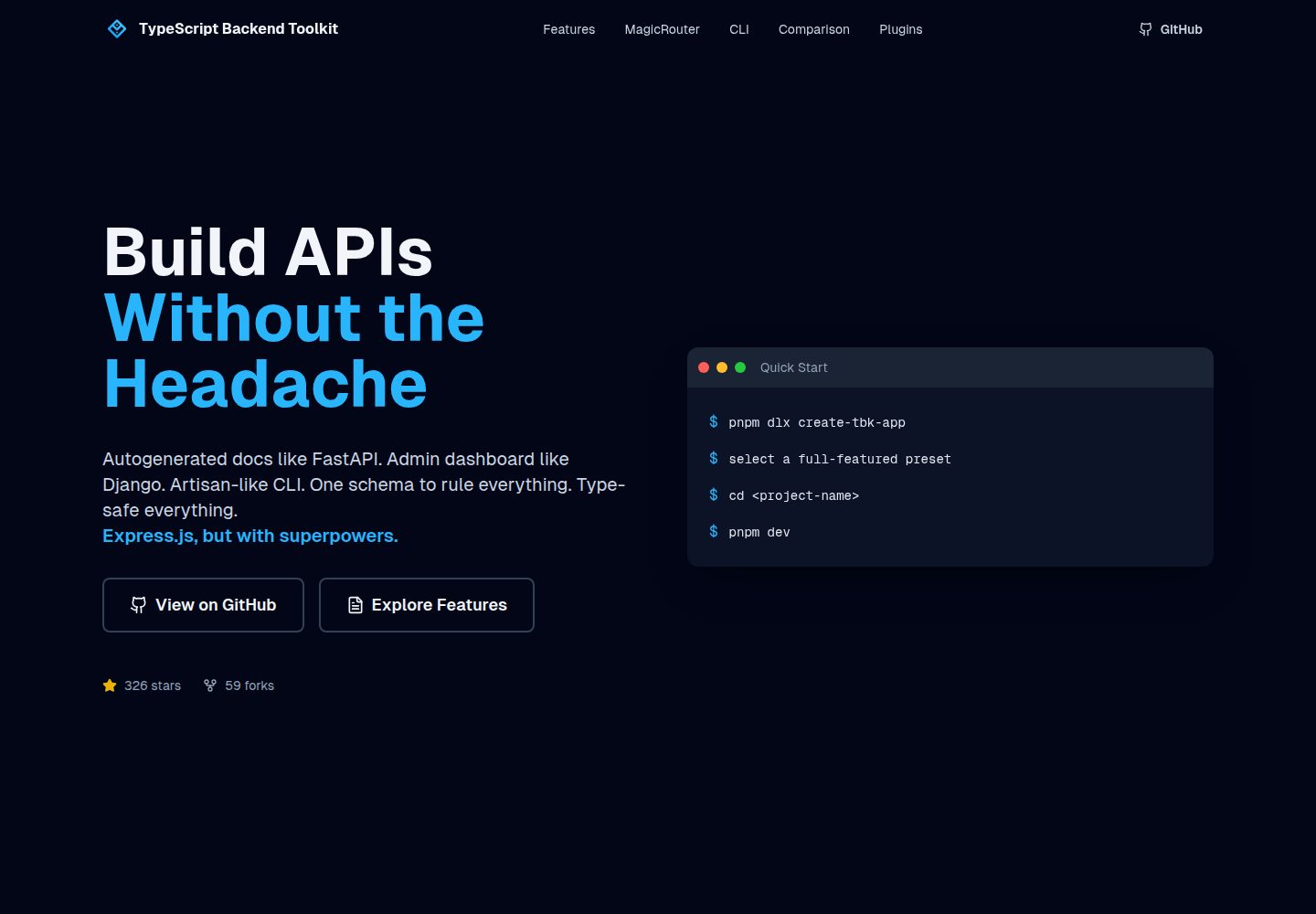
An Express.js and TypeScript backend toolkit with auto-generated OpenAPI documentation, a Django-style admin panel, an Artisan-style tbk CLI, and a plugin architecture. It integrates Zod validation, JWT and Google login, BullMQ queues with BullBoard, Socket.IO, and multi-provider storage/cache/email.
Django · Admin dashboard
Django_Management_System_template
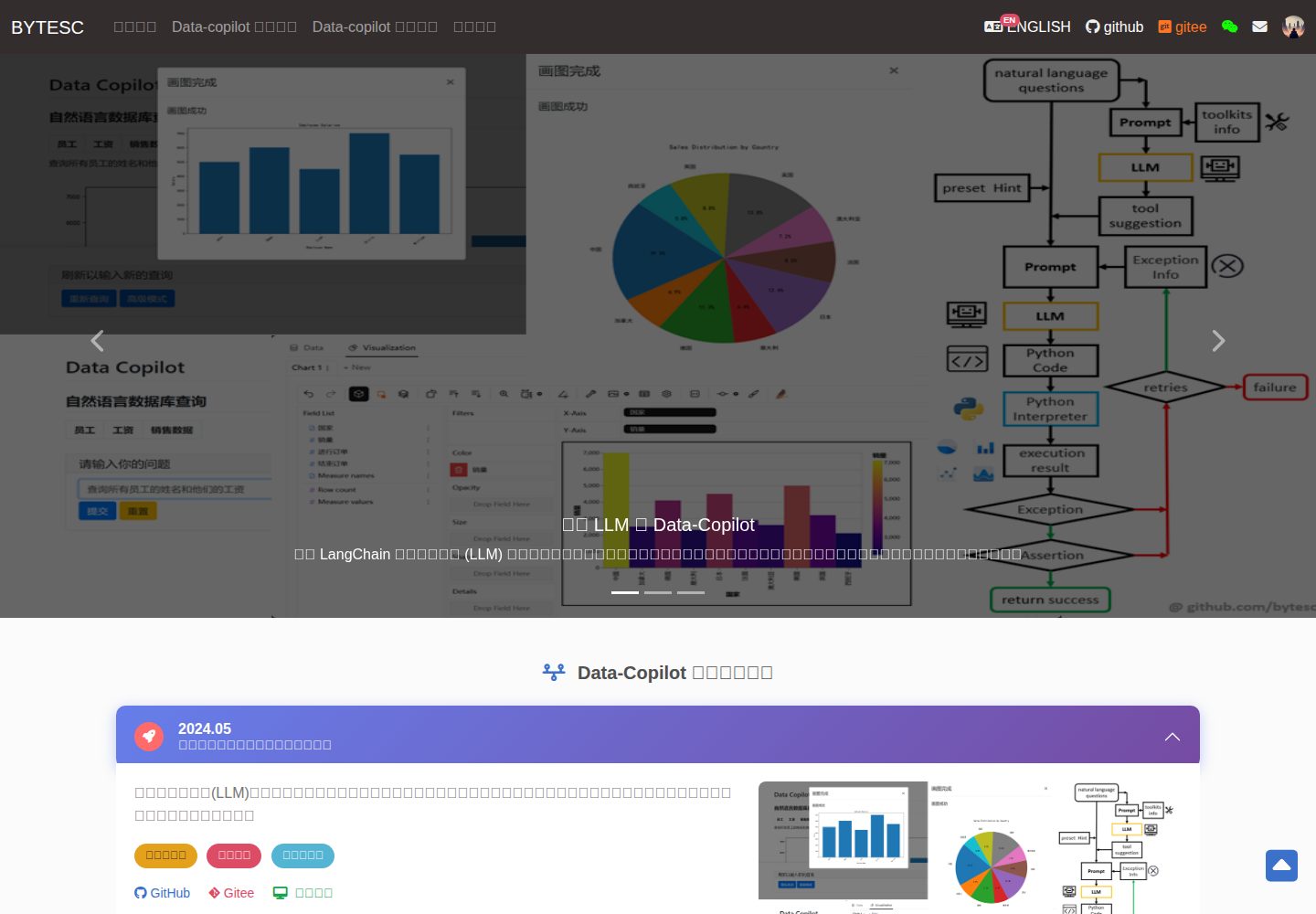
A Django and MySQL-based non-separated frontend-backend information management system template. It includes CRUD pages and forms for users, departments, numbers, and tasks, cookie-based login authentication with middleware redirection, pagination navigation, MD5 encryption, and Bootstrap form utilities.
Django · Admin dashboard
sneat-bootstrap-html-django-admin-template-free
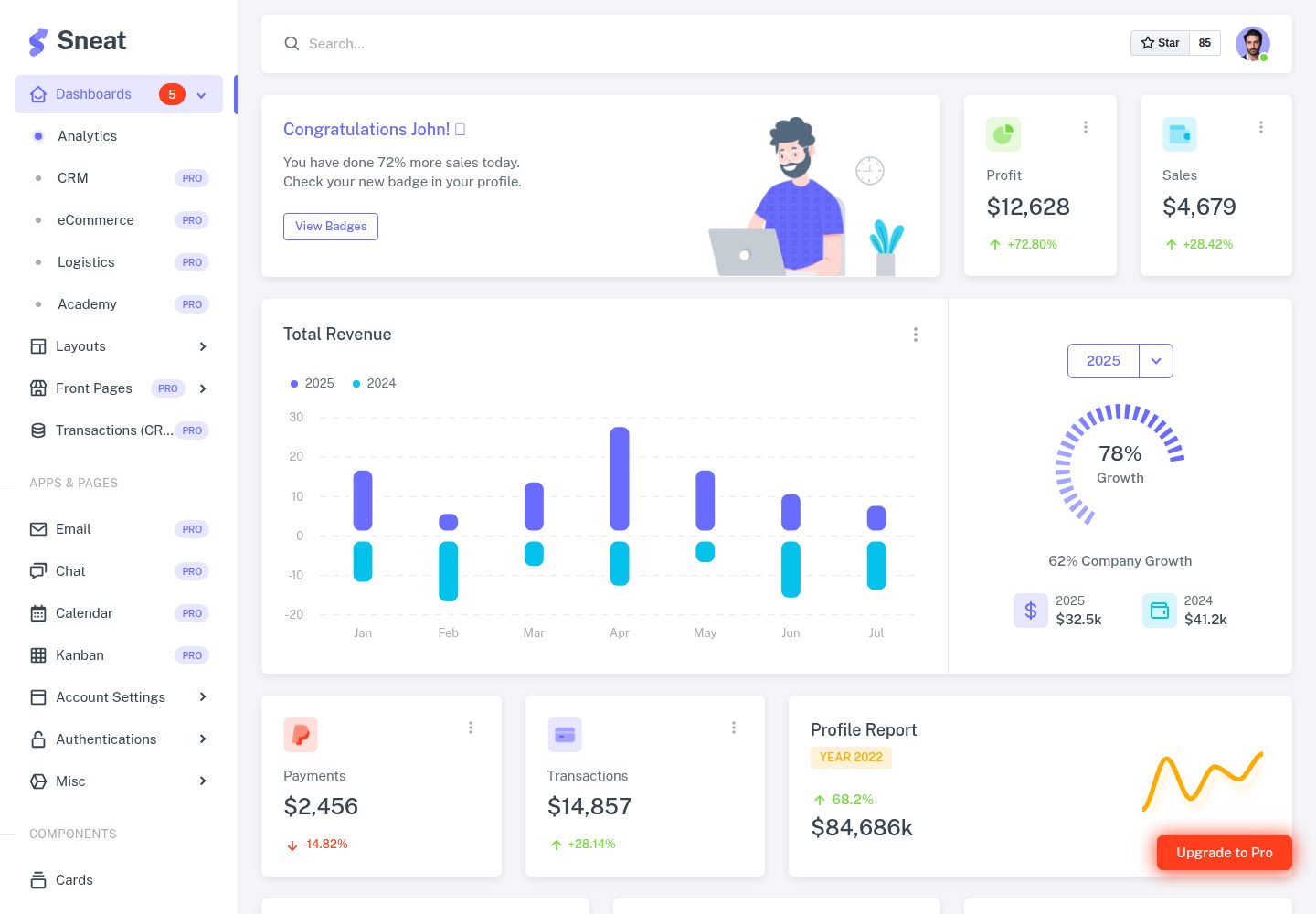
Sneat Free is a Django and Bootstrap 5 admin template under the MIT license, offering an Analytics dashboard, multiple layouts, authentication pages, forms, tables, and extended UI.
Django · Admin dashboard
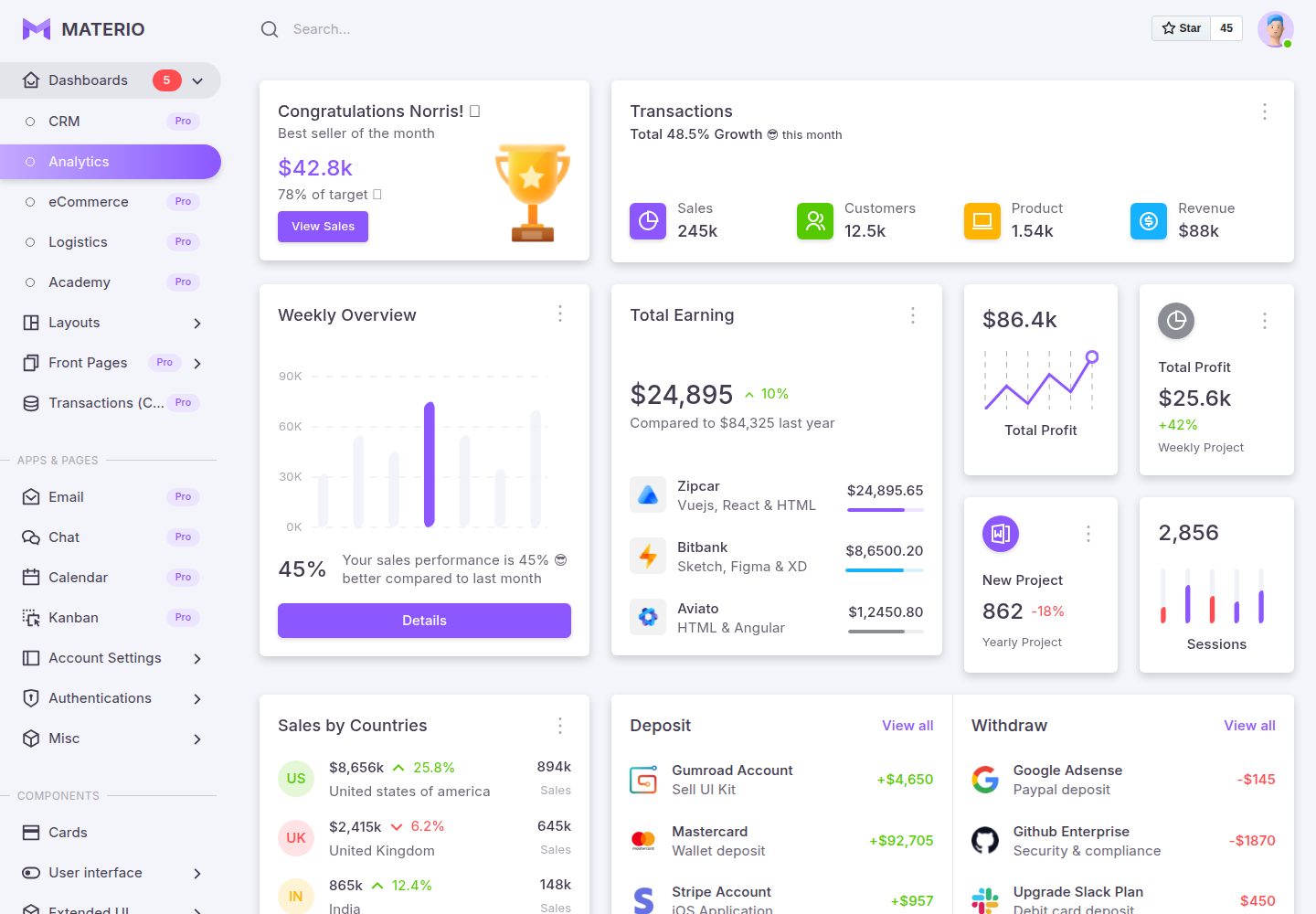
materio-bootstrap-html-django-admin-template-free
Materio Free is a Django admin template with a Bootstrap frontend, released under the MIT license.
Django · Admin dashboard
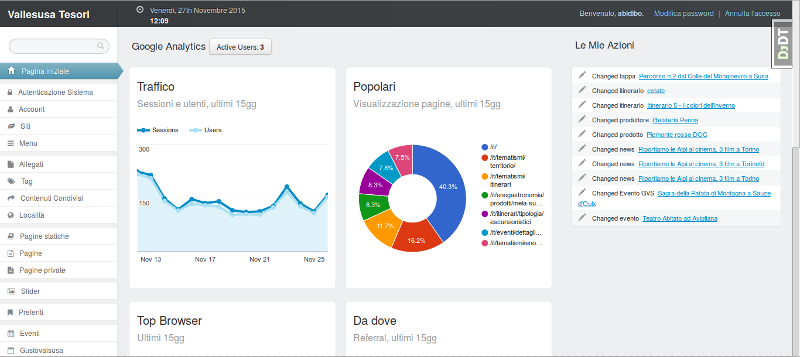
django-otto-admin
An MIT-licensed Django admin customization app that embeds a Google Analytics data panel into the django-suit admin index page. It shows real-time active users, last-15-day traffic, top pages, browsers, referrals, visitor countries, and social interactions via the Google Analytics Embed API.
Django · Admin dashboard
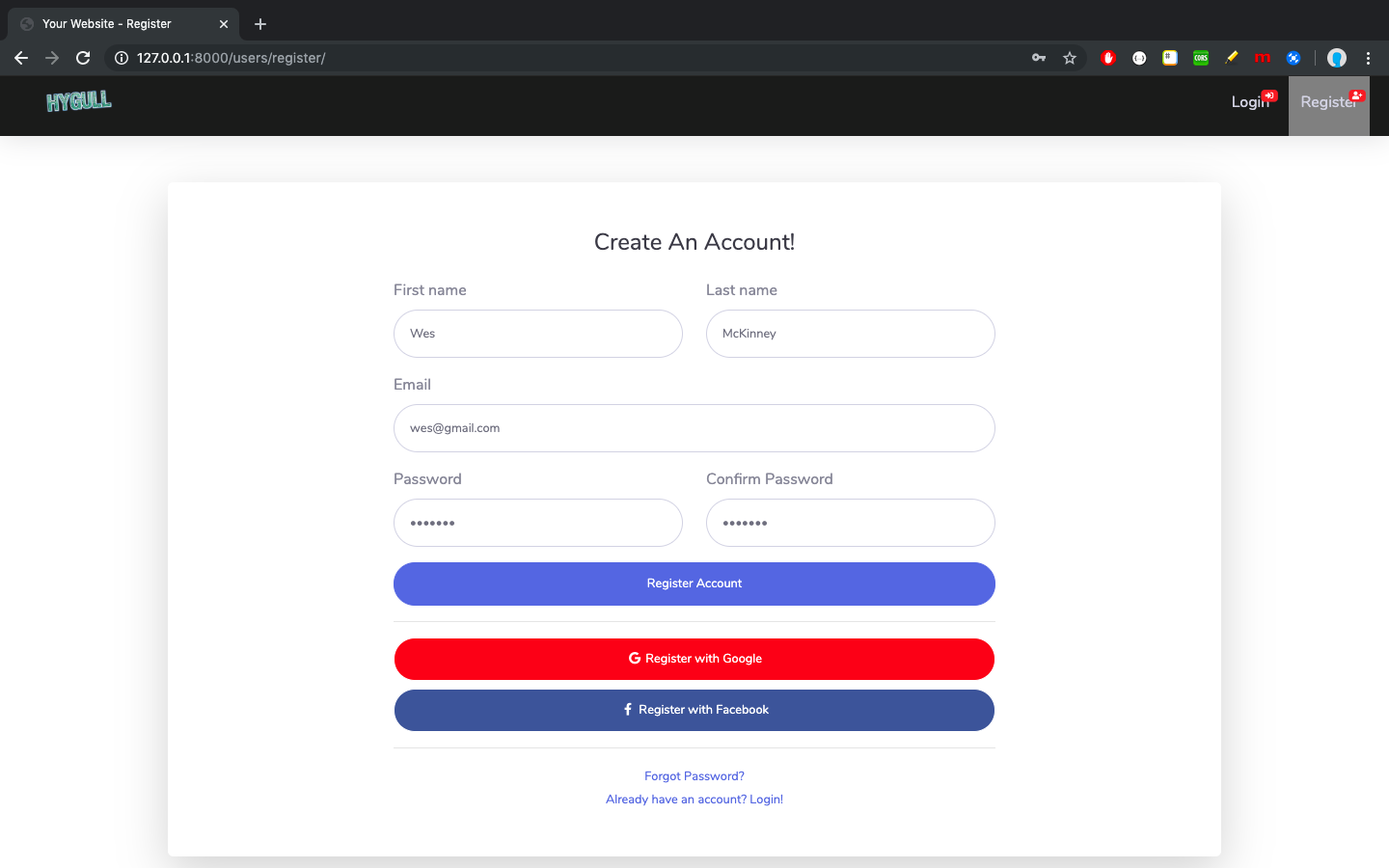
sbadmin
A Django sample project that integrates all pages of the free Bootstrap admin theme SB Admin 2 into Django templates, covering login, registration, password recovery, dashboard, tables, and charts.
Django · Admin dashboard