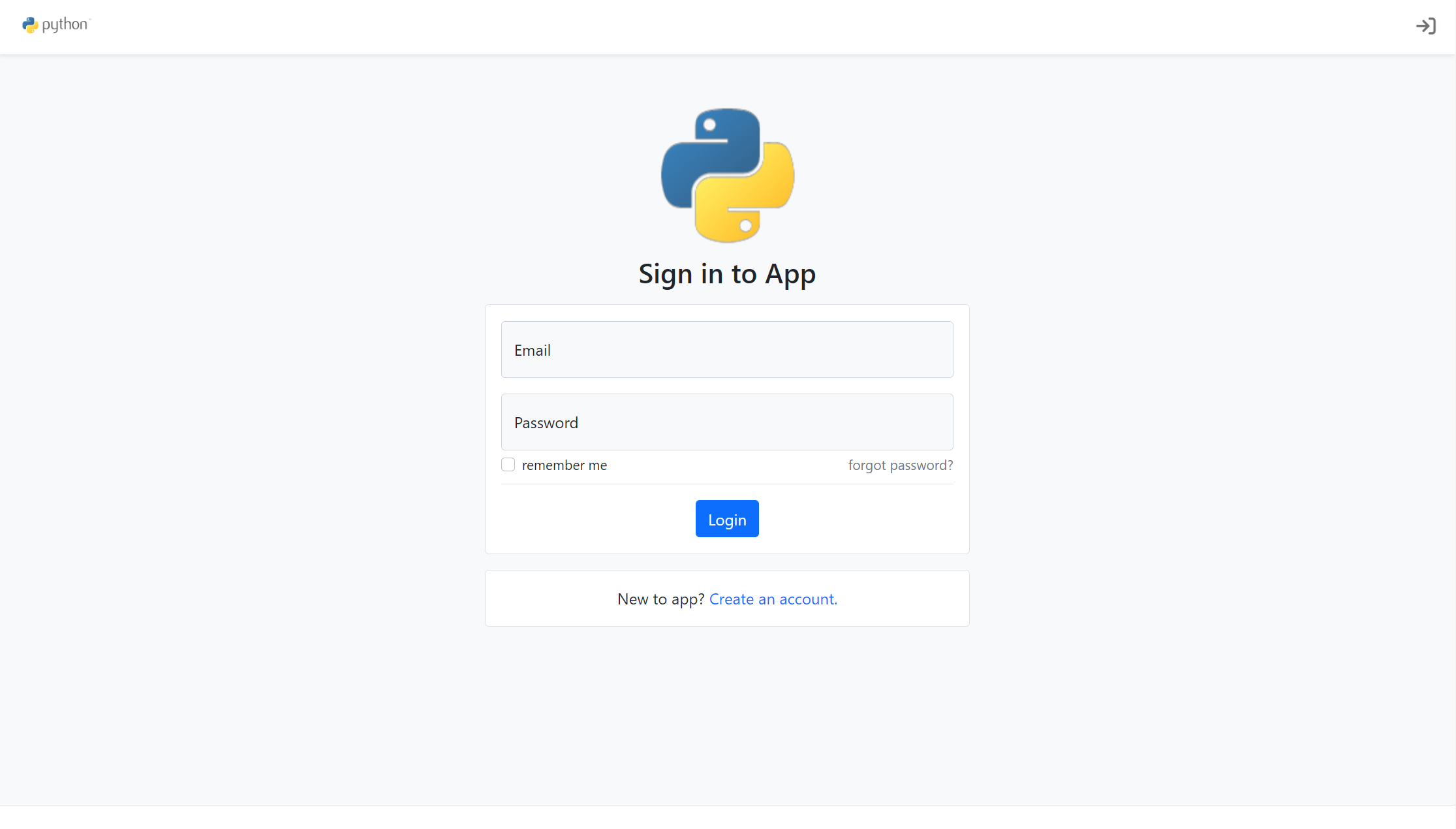
按应用工厂模式组织,auth、core、user、email、extensions 模块划分清晰
Flask启动器
flask-account-starter — Flask 启动器模板
作者 sarartur
基于 Flask 的账户系统启动模板,内置注册、验证、登录保护、密码重置、活动日志与邮件通知等基础功能。
看看你的网站会是什么样
浏览真实页面截图,比较内容排版与手机效果。点击下方缩略图切换,放大查看整页细节。
目前有 1 张原始预览,可打开完整图片查看设计细节。
截图用于了解视觉与布局,交互效果请以实际项目为准。
采集于 2026-10-03查看来源
值得关注的模板亮点
从已有项目资料中,快速了解它的特点。
内置账户创建、可开关的账户验证、密码重置与自动化邮件
支持新登录 IP 检测验证,以及连续登录失败后的账户封禁
提供用户活动日志与用于用户管理的自定义 CLI 扩展
附带基于 Bootstrap 5 和 FontAwesome 6 的响应式 Jinja2 页面
模板详细介绍
Flask-Account-Starter 是一个面向带用户账户应用的 Flask 样板模板,采用应用工厂模式组织代码,按 auth、core、user、email、extensions 等蓝图与模块划分,便于在现有结构上继续扩展。
模板开箱包含账户创建、可开关的账户验证、新登录 IP 检测与验证、连续登录失败后的账户封禁、密码重置、用户活动日志以及自动化邮件;同时提供基于 Bootstrap 5 与 FontAwesome 6 的响应式 Jinja2 模板页面,以及用于用户管理的自定义 CLI 扩展。功能实现依赖 Flask-Login、Flask-Bcrypt、Flask-SQLAlchemy、Flask-Migrate、Flask-Mail 与 authlib 等扩展。
使用前需要自行配置环境变量,包括 FLASK_APP、FLASK_ENV 与数据库连接地址,并通过 Flask-Migrate 执行数据库迁移。若要启用邮件验证与密码重置,需要接入 Flask-Mail 邮件账户并生成 JWT RS256 密钥对;新 IP 登录验证与失败封禁可通过 LOGIN_MAX_RETIRES、LOGIN_NEW_IP_VERIFY 等变量开启。项目要求 Python 3.8 或更高版本。
该模板以 MIT 许可发布,可免费使用、修改与分发,但演示图片、字体、图标等第三方素材需单独核对许可;域名、托管、数据库、邮件等外部服务可能产生额外费用。
Flask启动器
适合你的项目吗?
适用场景
- 需要为 Flask 项目快速搭建带注册登录的账户体系
- 希望以现成结构为基础,继续扩展用户资料与权限相关功能
- 需要账户验证邮件、密码重置邮件等基础邮件流程的项目
- 需要记录用户活动日志或对新 IP 登录做二次验证的应用
适合人群
- 使用 Flask 并需要账户系统起步模板的开发者
- 偏好应用工厂模式与蓝图划分的项目
- 需要自行配置数据库、邮件与密钥等环境变量的团队
上手与定制指南
结合仓库当前版本的说明,按下面的资料检查内容、配置与运行要求。
- 1
需要 Python 3.8 或更高版本,克隆仓库后通过 requirements.txt 安装依赖
- 2
通过环境变量配置,至少设置 FLASK_APP、FLASK_ENV 与 SQLALCHEMY_DATABASE_URI
- 3
使用 Flask-Migrate 执行 flask db init、migrate、upgrade 初始化数据库
- 4
启用邮件验证与密码重置需接入 Flask-Mail 并生成 JWT RS256 密钥对
- 5
新 IP 登录验证与失败封禁通过 LOGIN_MAX_RETIRES、LOGIN_NEW_IP_VERIFY 等变量开启
授权与来源资料
使用条件与限制
免费使用 · 保留许可声明本次收录的是公开仓库中采用 MIT 许可的免费版本;免费范围为该版本代码,不代表外部服务或第三方素材免费。
使用时需要遵守
- 允许免费使用、修改、商用和分发该版本代码。
- 分发代码副本或实质性部分时,保留原作者版权声明和完整 MIT 许可声明。
- 代码按现状提供;担保与责任限制以原许可证及适用法律为准。
额外费用与待核对事项
- 启用邮件验证与密码重置功能需自行接入一个可用的邮件账户(配置 Flask-Mail),否则相关功能不可用。
- 账户验证与密码重置依赖自行生成的 JWT RS256 密钥对,需额外生成并配置密钥文件。
- 需自行提供并配置数据库连接(示例为 PostgreSQL),数据库服务及其托管可能产生额外成本。
- 运行环境要求 Python 3.8 或更高版本,低于该版本无法使用。
- 演示图片、字体、图标及其他第三方素材需按各自许可核对,不能仅凭代码的 MIT 许可判断。
- 域名、托管、数据库、支付或 AI 等外部服务可能另外收费。
查看原文依据
Permission is hereby granted, free of charge
许可证原文
To enable email verification and password verification functionality you will need to connect an email account to ```Flask-Mail```
README 原文
and also create an generate an ```JWT RS256``` key pair
README 原文
export SQLALCHEMY_DATABASE_URI='postgresql://postgres:123@localhost:5432/app'
README 原文
https://github.com/sarartur/flask-account-starter/blob/master/LICENSE.txthttps://github.com/sarartur/flask-account-starter/blob/master/README.MDThe application requires `python3.8` or higher.
README 原文
DeepSeek 根据仓库许可证和 README 整理 ·2026-10-03。结果仅覆盖已读取资料,依赖、图片、字体及后续条款变更以各自原文为准。
项目核对记录与介绍依据
模板资料
- 来源平台
- GitHub
- 资料与维护参考分
- 资料一般 · 56 / 100
- 技术栈
- Flask
- 网站类型
- 启动器
这个分数如何计算
本站按许可资料(最高30分)、演示链接(12分)、预览图(10分)、Star数(15分)、记录的维护时间(15分)、描述完整度(8分)、功能记录(5分)和分类资料(5分)计算。它不是代码、安全或性能测试,也不是 Google 评分;有链接不代表已实测可用。
这个项目需要核对什么
- 记录的仓库更新时间
- 2022-06-01
- 截图检查日期
- 2026-10-03
目前没有记录演示链接。请依据仓库说明在本地评估;仅凭截图无法确认交互行为。
目录记录的主要技术栈是 Flask。请通过依赖清单和锁文件核对实际版本与托管要求。这些说明基于收录资料,不代表代码审计或部署实测。
查看具体选型方法 →介绍的制作与核对状态
介绍由 AI 辅助整理目录与仓库资料。仓库作者不等于这篇介绍的审核者。
已完成服务器许可规则与 AI 来源核对;未经过人工编辑审核。
查看当时使用的来源资料
SHA-256: 547c23438044ffacb06d7e8e49468759ae399eebfb09e82ac0c0956f78974f1e
2026-10-03T03:29:27.449Z
来源文件 / 仓库# Flask-Account-Starter
<img src="https://img.shields.io/github/issues/sarartur/flask-account-starter"> <img src="https://img.shields.io/github/forks/sarartur/flask-account-starter"> <img src="https://img.shields.io/github/stars/sarartur/flask-account-starter"> <img src="https://img.shields.io/github/license/sarartur/flask-account-starter">
Flask-Account-Starter is a flexible and extensible Flask boilerplate template that contains essential functions required of an application with user accounts.
### Features
The application comes out of the box with the following features:
- Account Creation
- Account Verification (enabled / disabled)
- New Login IP detection / verification
- Block after `x` Login Attempts
- Password Reset
- User Activity Log
- Automated Emails
- Slick [Bootstrap 5](https://getbootstrap.com/docs/5.0/getting-started/introduction/) and [FontAwesome 6](https://fontawesome.com/) responsive templates.
- Custom CLI extensions for user management
To achieve this functionality the application leverages the following popular extensions and packages:
- Flask-Login
- Flask-Bcrypt
- Flask-SQLAlchemy
- Flask-Migrate
- flask-Mail
- authlib
The code is written using the application factory pattern and is neat and extensible. The project contains some responsive templates and pages styled with [Bootstrap 5](https://getbootstrap.com/docs/5.0/getting-started/introduction/)
written using Jinja2 and HTML best practices.
<p align="center">
<img src="/.images/login_page.png" width="400px" height='100%'>
<img src="/.images/reg_page.png" width="400px" height='100%'>
<img src="/.images/account_log_page.png" width="400px" height='100%'>
<img src="/.images/password_reset_page.png" width="400px" height='100%'>
</p>
### Getting Started
The application requires `python3.8` or higher.
```
git clone https://github.com/sarartur/flask-account-starter
```
```
pip install -r requirements.txt
```
The configuration is set through **environment variables**. The configuration file contains defaults which should be overwritten accordingly. Start by exporting the application it self:
```
export FLASK_APP='app.wsgi'
```
Additionally you may want to right away configure the database and the environment:
```
export FLASK_ENV='development'
export SQLALCHEMY_DATABASE_URI='postgresql://postgres:123@localhost:5432/app'
```
Run the migrations using `Flask-Migrate`:
```
flask db init
flask db migrate
flask db upgrade
```
At this point the application should be good to launch in development mode with:
```
flask run
```
### Next Steps
To enable email verification and password verification functionality you will need to connect an email account to ```Flask-Mail``` (see [documentation](https://pythonhosted.org/Flask-Mail/)) and also create an generate an ```JWT RS256``` key pair:
```
ssh-keygen -t rsa -b 4096 -m PEM -f jwtRS256.key
openssl rsa -in jwtRS256.key -pubout -outform PEM -out jwtRS256.key.pub
```
and export variables pointing to the files and set `ACCOUNT_VERIFICATION` to `True`:
```
export JWT_PRIVATE_KEY='/path/to/jwtRS256.key'
export JWT_PUBLIC_KEY='/path/to/public/jwtRS256.key.pub'
export ACCOUNT_VERIFICATION='True'
```
The application also supports new IP login verification and account block due to unsuccessful attempts.
```
export LOGIN_MAX_RETIRES=4
export LOGIN_NEW_IP_VERIFY='True'
```
At this point all of the apps functionality is activated. You can continue building on top of the code using the general principles of `Flask` factory patter design.
### Layout
```
app
├── __init__.py #Application factory.
├── auth
│ ├── forms.py #Login, Register and Password Reset forms.
│ ├── __init__.py #Authentication Blueprint, login_required func.
│ ├── routes.py #Login, logout, register, etc. routes.
| ├── handlers.py #Handlers for authentication logic.
│ ├── templates #Auth templates for routes above.
│ │ └── auth
│ │ ├── _header.html
│ │ ├── login.html
│ │ ├── password_reset.html
│ │ ├── password_reset_request.html
│ │ └── register.html
│ └── utils.py
├── config.py #Configuration File. See README.MD.
├── core
│ ├── __init__.py #Core Blueprint.
│ ├── models.py #BaseMixin class.
│ ├── routes.py #Home route.
│ └── templates
│ └── core
│ ├── components #Components for `include` with Jinja.
│ │ ├── inputs
│ │ │ ├── _field_errs.html
│ │ │ └── floating_label.html
│ │ └── pagination.html
│ └── layout.html #Application layout.
├── email
│ ├── __init__.py #Email Blueprint and send func.
│ └── templates
│ └── email #Email templates.
| ├── login_verification.html
│ ├── account_verification.html
│ └── password_reset.html
├── extensions #Application extensions
│ ├── bcrypt.py #Flask-Bcrypt
│ ├── database.py #Flask-SQLAlchemy, Flask-Migrate
│ ├── flask_login.py #Flask-Login
│ ├── flask_mail.py #Flask-Mail
│ └── __init__.py
├── static
│ ├── css
│ │ └── main.css
│ └── images
│ ├── logo_full.png
│ └── logo.png
├── user
│ ├── cli.py #Cli for user model: add user, get passwd reset link.
│ ├── enums.py #UserAccountLog action types and Block reasons types.
│ ├── forms.py #Verification email request form.
│ ├── __init__.py #User Blueprint.
│ ├── models.py #UserAccount and UserAccountLog models.
│ ├── routes.py #User profile routes.
│ └── templates #User templates.
│ └── user
│ ├── _header.html
│ ├── profile.html
│ └── profile_not_verified.html
└── wsgi
└── __init__.py #Application instance.
```
### Contact
- Email me at [email protected] or open a new [Issue](https://github.com/sarartur/flask-account-starter) on Github.
看看同类模板
对比同技术栈与用途的模板,找到更适合的视觉与内容结构。
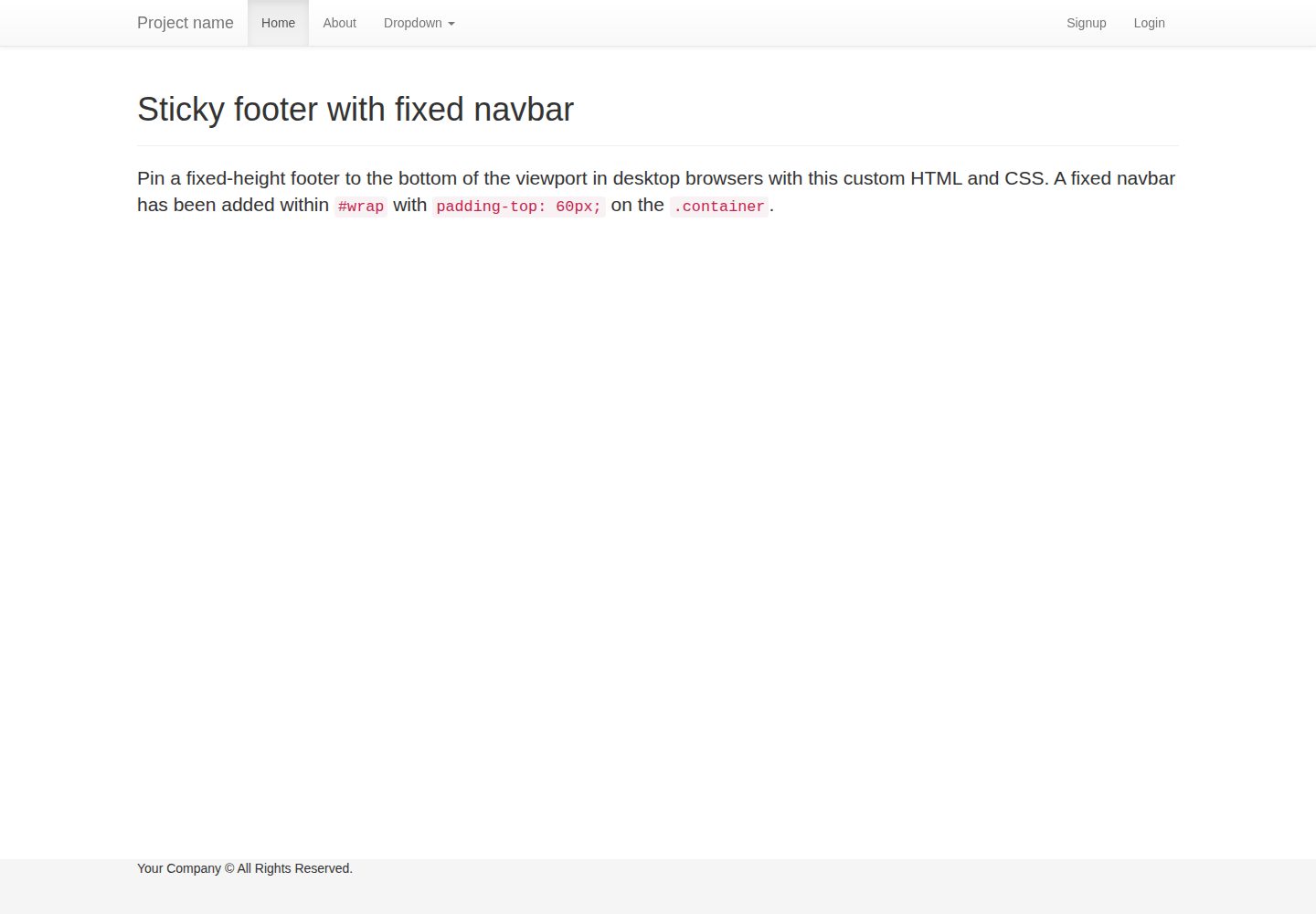
flask-boilerplate
Boilerplate template for a Python Flask application with Flask-SQLAlchemy, Flask-WTF, Fabric, Coverage, and Bo…
Flask · 启动器
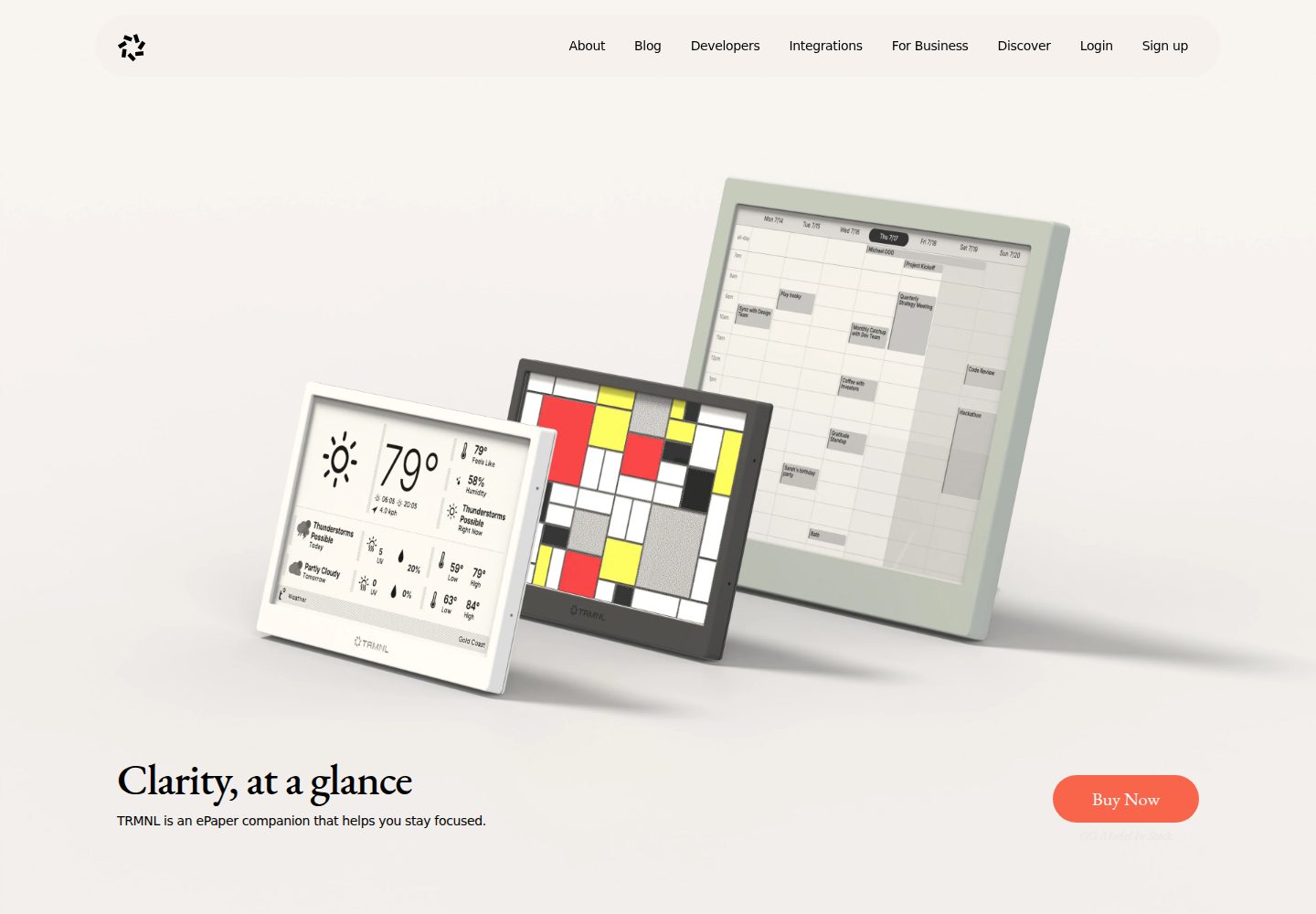
TRMNL-Boilerplate
A boilerplate template for building TRMNL e-ink display plugins. Features Flask webhooks, display optimization…
Flask · 启动器
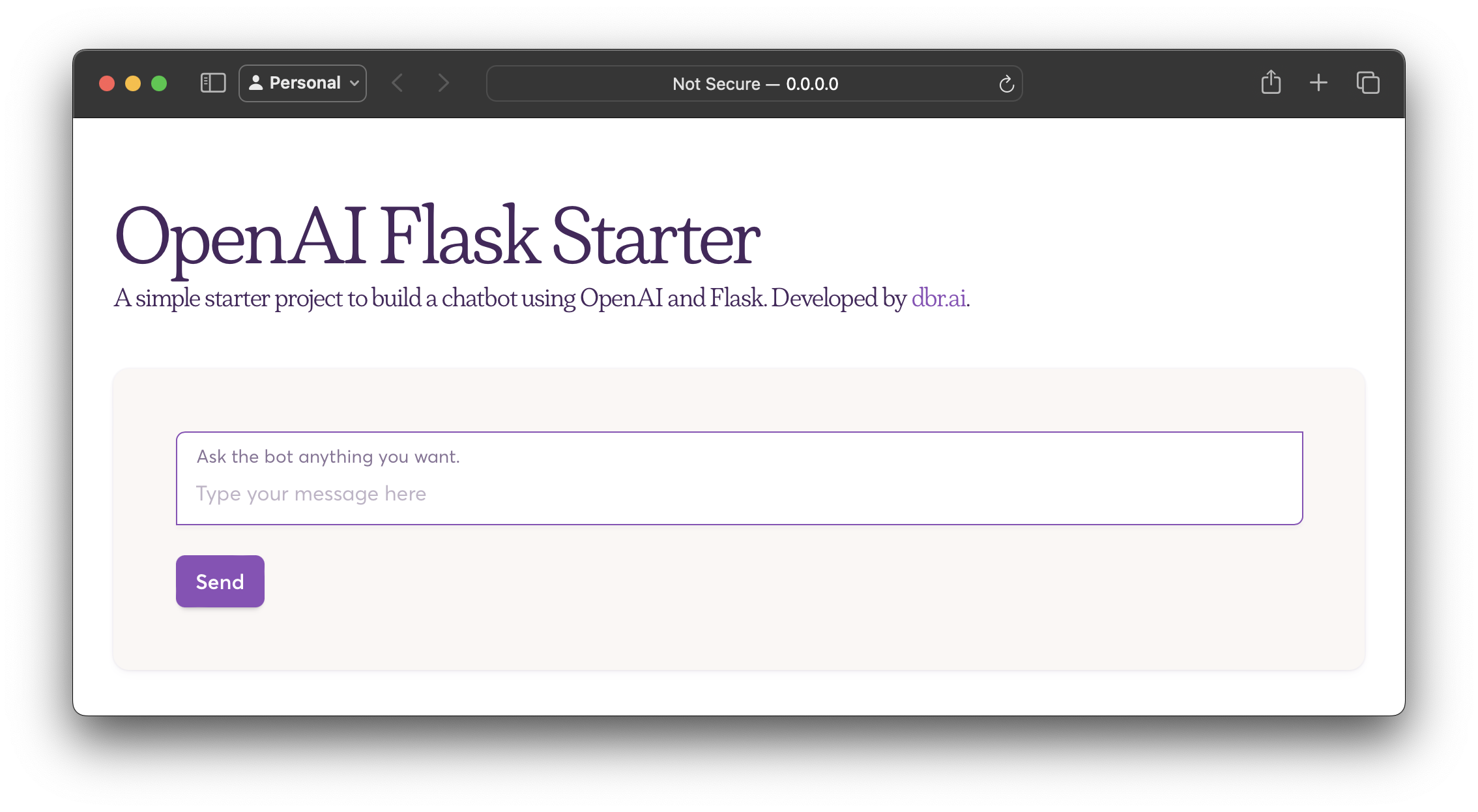
openai-flask-starter
Starter project with OpenAI + Flask and template HTML.
Flask · 启动器
app-engine-starter
A basic template for App Engine projects.
Flask · 启动器
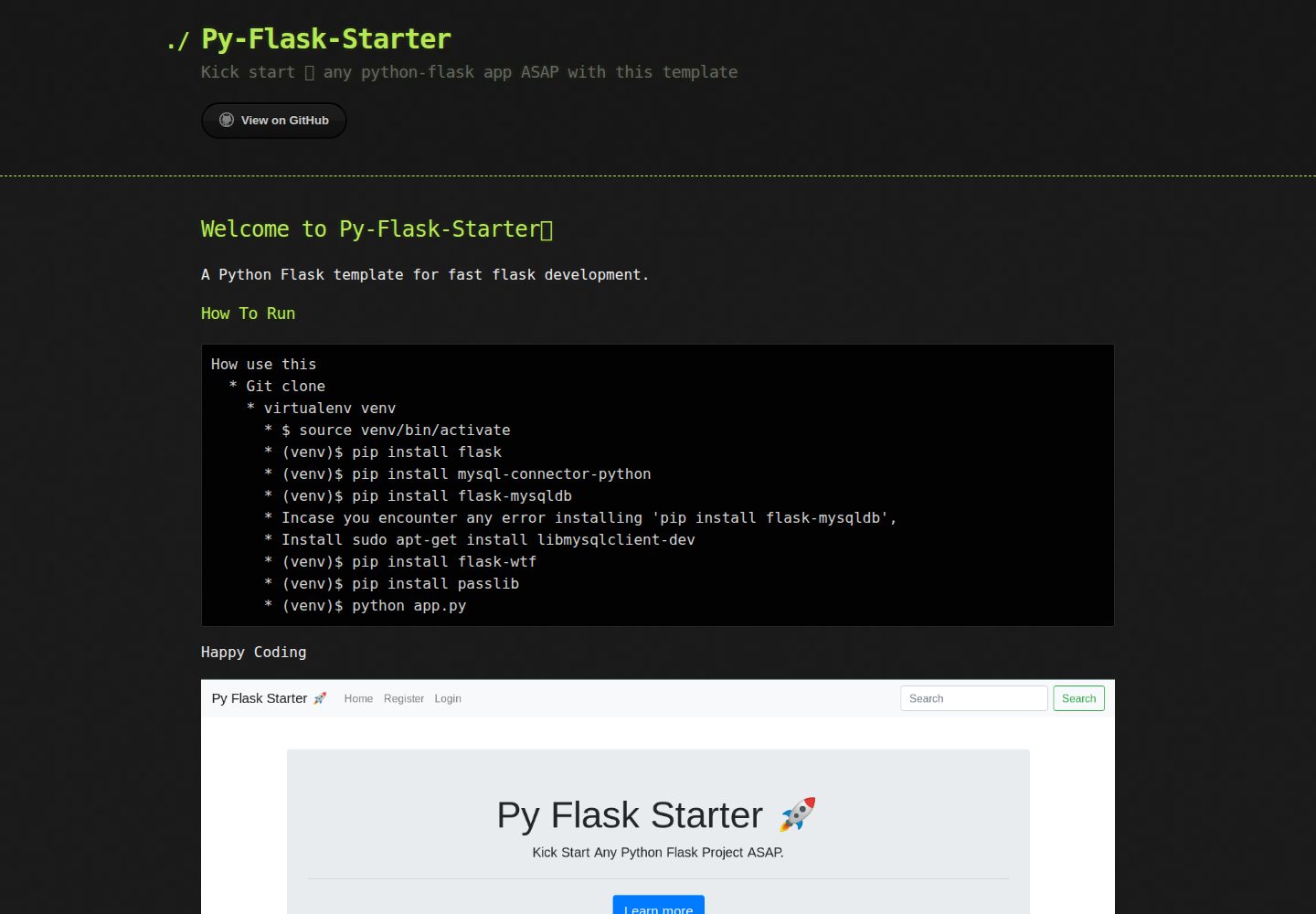
Py-Flask-Starter
Kick start 🚀 any python-flask app ASAP with this template
Flask · 启动器
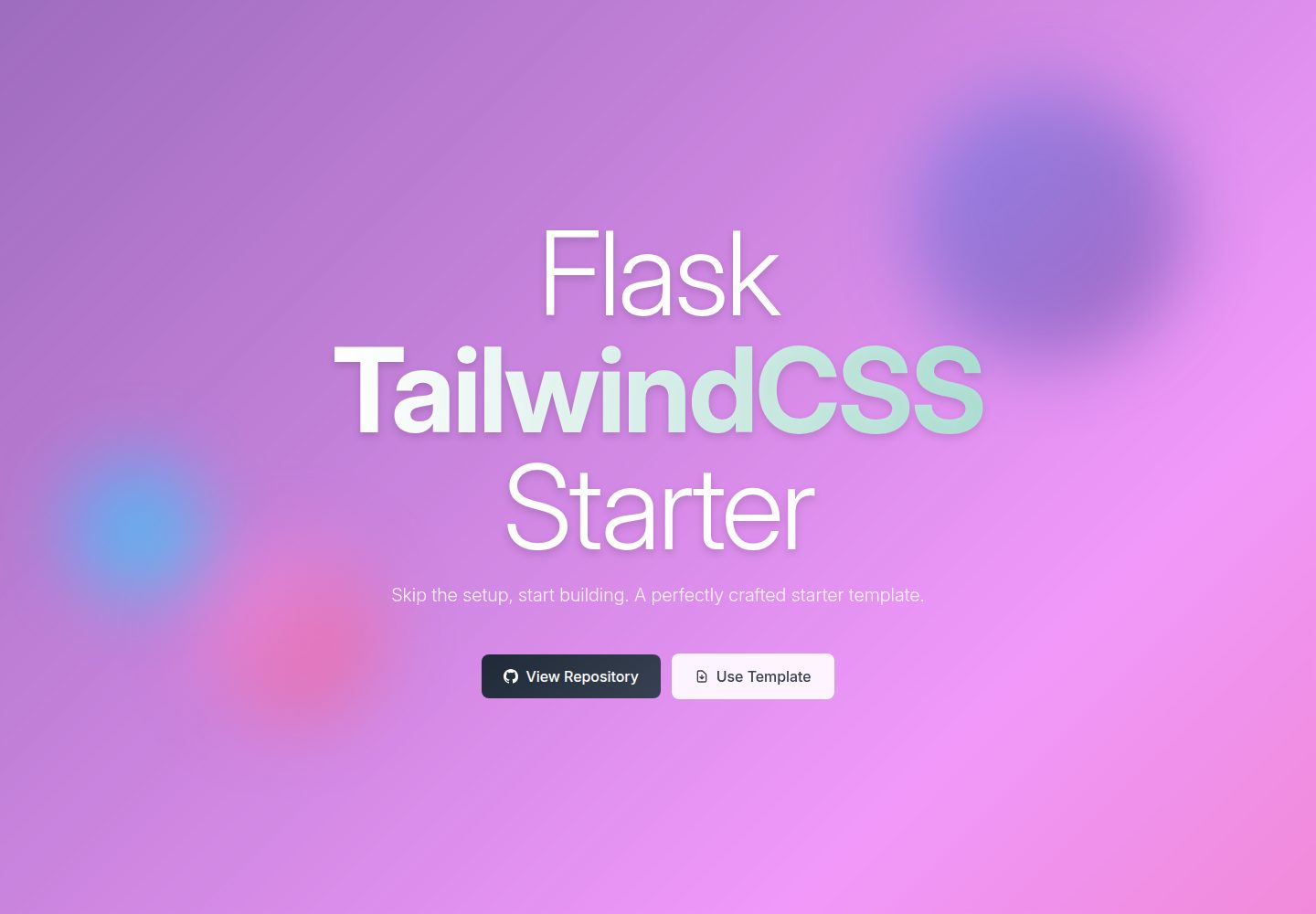
flask-tailwindcss-starter
:snake: Starter project for Flask and TailwindCSS v4.0, ready to deploy in Vercel
Flask · 启动器