Organized with the application factory pattern, with clear module separation for auth, core, user, email, and extensions
FlaskStarter
flask-account-starter — Flask Starter Template
By sarartur
A Flask-based account system starter template with built-in registration, verification, login protection, password reset, activity logging, and email notifications.
Explore the design
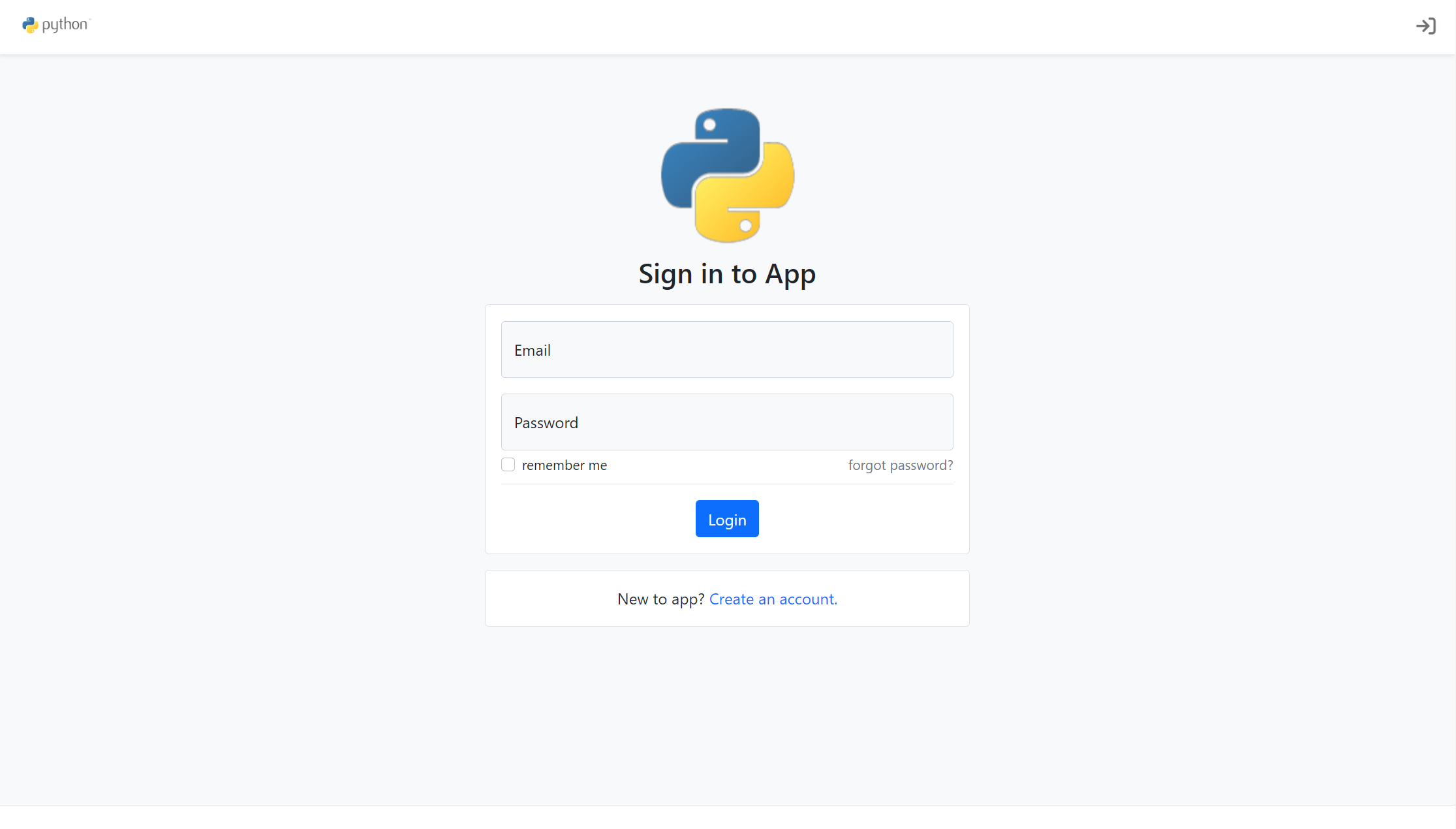
Compare the page layouts and mobile experience. Open any screenshot for a closer look.
Author preview
Author-provided preview
Preview provided in the project README.
One original preview is available. Open the full image to inspect the design.
Screenshots show visual appearance; interactive behavior may differ.
Recorded 2026-10-03View source
What stands out
A quick read of the recorded project description.
Built-in account creation, toggleable account verification, password reset, and automated emails
Supports new login IP detection and verification, as well as account lockout after consecutive failed logins
Provides user activity logs and custom CLI extensions for user management
Includes responsive Jinja2 pages based on Bootstrap 5 and FontAwesome 6
Template Details
Flask-Account-Starter is a Flask boilerplate template for applications with user accounts. It organizes code using the application factory pattern, divided into blueprints and modules such as auth, core, user, email, and extensions, making it easy to extend on top of the existing structure.
Out of the box, the template includes account creation, toggleable account verification, new login IP detection and verification, account lockout after consecutive failed logins, password reset, user activity logs, and automated emails. It also provides responsive Jinja2 template pages based on Bootstrap 5 and FontAwesome 6, along with custom CLI extensions for user management. The functionality relies on extensions such as Flask-Login, Flask-Bcrypt, Flask-SQLAlchemy, Flask-Migrate, Flask-Mail, and authlib.
Before use, you need to configure environment variables yourself, including FLASK_APP, FLASK_ENV, and the database connection URL, and run database migrations via Flask-Migrate. To enable email verification and password reset, you need to connect a Flask-Mail email account and generate a JWT RS256 key pair; new IP login verification and failed login lockout can be enabled via variables such as LOGIN_MAX_RETIRES and LOGIN_NEW_IP_VERIFY. The project requires Python 3.8 or higher.
The template is released under the MIT license and can be used, modified, and distributed for free, but third-party assets such as demo images, fonts, and icons require separate license checks; external services such as domain, hosting, database, and email may incur additional costs.
FlaskStarter
Is it right for your project?
Use Cases
- Quickly setting up an account system with registration and login for a Flask project
- Extending user profile and permission-related features based on an existing structure
- Projects that need basic email flows such as account verification emails and password reset emails
- Applications that need to record user activity logs or perform secondary verification for new IP logins
Suitable For
- Developers using Flask who need a starter template for an account system
- Projects that prefer the application factory pattern and blueprint separation
- Teams that need to configure database, email, and keys via environment variables themselves
Getting started & customization
Use these recorded setup notes alongside the repository instructions for your chosen version.
- 1
Requires Python 3.8 or higher; after cloning the repository, install dependencies via requirements.txt
- 2
Configure via environment variables, at minimum setting FLASK_APP, FLASK_ENV, and SQLALCHEMY_DATABASE_URI
- 3
Use Flask-Migrate to run flask db init, migrate, and upgrade to initialize the database
- 4
To enable email verification and password reset, connect Flask-Mail and generate a JWT RS256 key pair
- 5
New IP login verification and failed login lockout are enabled via variables such as LOGIN_MAX_RETIRES and LOGIN_NEW_IP_VERIFY
License & source material
Usage conditions & limitations
Free to use · keep license noticeThis entry covers the free version under the MIT license from the public repository; the free scope applies to that version's code and does not imply that external services or third-party assets are free.
Must comply with when using
- You are allowed to use, modify, commercialize, and distribute the code of this version for free.
- When distributing copies or substantial portions of the code, retain the original author's copyright notice and the full MIT license notice.
- The code is provided as is; warranties and limitations of liability are governed by the original license and applicable law.
Additional costs & items to verify
- Enabling email verification and password reset requires connecting a working email account (configuring Flask-Mail); otherwise, the related features are unavailable.
- Account verification and password reset depend on a self-generated JWT RS256 key pair, which must be generated and configured as key files.
- You must provide and configure a database connection yourself (the example uses PostgreSQL); database services and their hosting may incur additional costs.
- The runtime requires Python 3.8 or higher; lower versions cannot be used.
- Demo images, fonts, icons, and other third-party assets must be checked against their respective licenses; they cannot be assumed to be covered solely by the code's MIT license.
- External services such as domain, hosting, database, payment, or AI may incur separate charges.
View Original Text Basis
Permission is hereby granted, free of charge
Original License Text
To enable email verification and password verification functionality you will need to connect an email account to ```Flask-Mail```
Original README
and also create an generate an ```JWT RS256``` key pair
Original README
export SQLALCHEMY_DATABASE_URI='postgresql://postgres:123@localhost:5432/app'
Original README
https://github.com/sarartur/flask-account-starter/blob/master/LICENSE.txthttps://github.com/sarartur/flask-account-starter/blob/master/README.MDThe application requires `python3.8` or higher.
Original README
Compiled by DeepSeek based on repository license and README ·2026-10-03. Results only cover the materials read; dependencies, images, fonts, and subsequent term changes are subject to their respective original texts.
Project checks & description sources
Template Information
- Source platforms
- GitHub
- Documentation and maintenance reference score
- Partly documented · 56 / 100
- Technologies
- Flask
- Website type
- Starter
How this score is calculated
Our heuristic uses license records (up to 30), a demo link (12), a preview (10), stars (15), recorded maintenance (15), description completeness (8), feature records (5) and classification data (5). It is not a code, security or performance test, or a Google score. A link does not establish tested functionality.
What to verify for this project
- Repository update recorded
- 2022-06-01
- Screenshot last checked
- 2026-10-03
No demo link is recorded. Use the repository instructions to evaluate the project locally; the screenshot alone cannot establish interactive behavior.
The catalog identifies Flask as the primary stack. Check the actual dependency manifest and lockfile for versions and hosting requirements. These notes use recorded metadata, not a code audit or a deployment test.
Use a selection guide →How this description was prepared
AI-assisted description based on catalog records and repository material. Repository authors are not automatically the reviewers of this description.
Automatically checked against source and license rules; no manual editorial review.
Inspect the recorded source material
SHA-256: 547c23438044ffacb06d7e8e49468759ae399eebfb09e82ac0c0956f78974f1e
2026-10-03T03:29:27.449Z
Source file / repository# Flask-Account-Starter
<img src="https://img.shields.io/github/issues/sarartur/flask-account-starter"> <img src="https://img.shields.io/github/forks/sarartur/flask-account-starter"> <img src="https://img.shields.io/github/stars/sarartur/flask-account-starter"> <img src="https://img.shields.io/github/license/sarartur/flask-account-starter">
Flask-Account-Starter is a flexible and extensible Flask boilerplate template that contains essential functions required of an application with user accounts.
### Features
The application comes out of the box with the following features:
- Account Creation
- Account Verification (enabled / disabled)
- New Login IP detection / verification
- Block after `x` Login Attempts
- Password Reset
- User Activity Log
- Automated Emails
- Slick [Bootstrap 5](https://getbootstrap.com/docs/5.0/getting-started/introduction/) and [FontAwesome 6](https://fontawesome.com/) responsive templates.
- Custom CLI extensions for user management
To achieve this functionality the application leverages the following popular extensions and packages:
- Flask-Login
- Flask-Bcrypt
- Flask-SQLAlchemy
- Flask-Migrate
- flask-Mail
- authlib
The code is written using the application factory pattern and is neat and extensible. The project contains some responsive templates and pages styled with [Bootstrap 5](https://getbootstrap.com/docs/5.0/getting-started/introduction/)
written using Jinja2 and HTML best practices.
<p align="center">
<img src="/.images/login_page.png" width="400px" height='100%'>
<img src="/.images/reg_page.png" width="400px" height='100%'>
<img src="/.images/account_log_page.png" width="400px" height='100%'>
<img src="/.images/password_reset_page.png" width="400px" height='100%'>
</p>
### Getting Started
The application requires `python3.8` or higher.
```
git clone https://github.com/sarartur/flask-account-starter
```
```
pip install -r requirements.txt
```
The configuration is set through **environment variables**. The configuration file contains defaults which should be overwritten accordingly. Start by exporting the application it self:
```
export FLASK_APP='app.wsgi'
```
Additionally you may want to right away configure the database and the environment:
```
export FLASK_ENV='development'
export SQLALCHEMY_DATABASE_URI='postgresql://postgres:123@localhost:5432/app'
```
Run the migrations using `Flask-Migrate`:
```
flask db init
flask db migrate
flask db upgrade
```
At this point the application should be good to launch in development mode with:
```
flask run
```
### Next Steps
To enable email verification and password verification functionality you will need to connect an email account to ```Flask-Mail``` (see [documentation](https://pythonhosted.org/Flask-Mail/)) and also create an generate an ```JWT RS256``` key pair:
```
ssh-keygen -t rsa -b 4096 -m PEM -f jwtRS256.key
openssl rsa -in jwtRS256.key -pubout -outform PEM -out jwtRS256.key.pub
```
and export variables pointing to the files and set `ACCOUNT_VERIFICATION` to `True`:
```
export JWT_PRIVATE_KEY='/path/to/jwtRS256.key'
export JWT_PUBLIC_KEY='/path/to/public/jwtRS256.key.pub'
export ACCOUNT_VERIFICATION='True'
```
The application also supports new IP login verification and account block due to unsuccessful attempts.
```
export LOGIN_MAX_RETIRES=4
export LOGIN_NEW_IP_VERIFY='True'
```
At this point all of the apps functionality is activated. You can continue building on top of the code using the general principles of `Flask` factory patter design.
### Layout
```
app
├── __init__.py #Application factory.
├── auth
│ ├── forms.py #Login, Register and Password Reset forms.
│ ├── __init__.py #Authentication Blueprint, login_required func.
│ ├── routes.py #Login, logout, register, etc. routes.
| ├── handlers.py #Handlers for authentication logic.
│ ├── templates #Auth templates for routes above.
│ │ └── auth
│ │ ├── _header.html
│ │ ├── login.html
│ │ ├── password_reset.html
│ │ ├── password_reset_request.html
│ │ └── register.html
│ └── utils.py
├── config.py #Configuration File. See README.MD.
├── core
│ ├── __init__.py #Core Blueprint.
│ ├── models.py #BaseMixin class.
│ ├── routes.py #Home route.
│ └── templates
│ └── core
│ ├── components #Components for `include` with Jinja.
│ │ ├── inputs
│ │ │ ├── _field_errs.html
│ │ │ └── floating_label.html
│ │ └── pagination.html
│ └── layout.html #Application layout.
├── email
│ ├── __init__.py #Email Blueprint and send func.
│ └── templates
│ └── email #Email templates.
| ├── login_verification.html
│ ├── account_verification.html
│ └── password_reset.html
├── extensions #Application extensions
│ ├── bcrypt.py #Flask-Bcrypt
│ ├── database.py #Flask-SQLAlchemy, Flask-Migrate
│ ├── flask_login.py #Flask-Login
│ ├── flask_mail.py #Flask-Mail
│ └── __init__.py
├── static
│ ├── css
│ │ └── main.css
│ └── images
│ ├── logo_full.png
│ └── logo.png
├── user
│ ├── cli.py #Cli for user model: add user, get passwd reset link.
│ ├── enums.py #UserAccountLog action types and Block reasons types.
│ ├── forms.py #Verification email request form.
│ ├── __init__.py #User Blueprint.
│ ├── models.py #UserAccount and UserAccountLog models.
│ ├── routes.py #User profile routes.
│ └── templates #User templates.
│ └── user
│ ├── _header.html
│ ├── profile.html
│ └── profile_not_verified.html
└── wsgi
└── __init__.py #Application instance.
```
### Contact
- Email me at [email protected] or open a new [Issue](https://github.com/sarartur/flask-account-starter) on Github.
Explore similar templates
Compare previews and descriptions within the same stack and category.
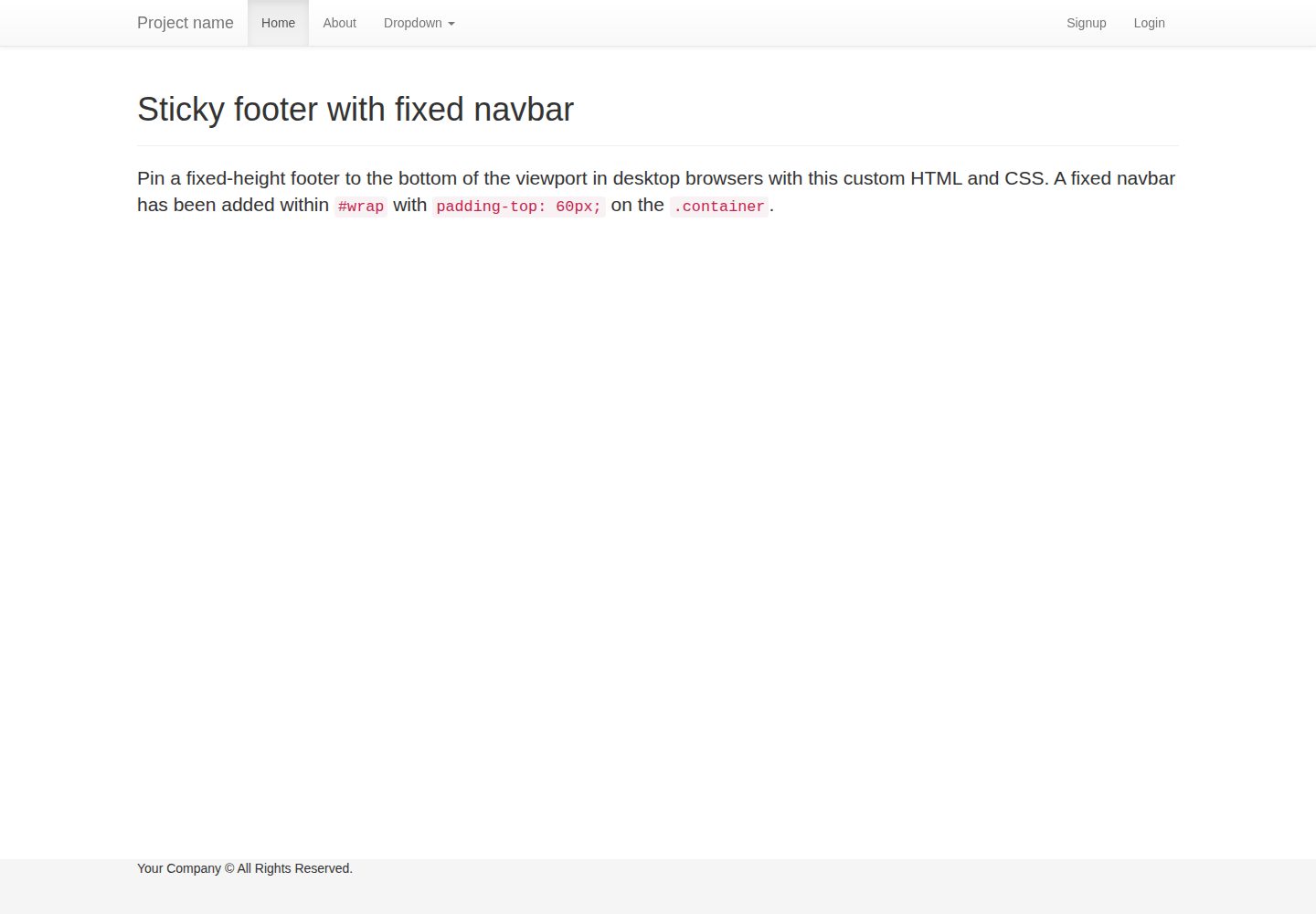
flask-boilerplate
A Flask starter template from Real Python, preconfigured with Flask-SQLAlchemy, Flask-WTF, Fabric, Coverage, and a Bootstrap frontend. It includes organized templates for errors, forms, layouts, and pages, plus static assets and README deployment instructions for Heroku and PythonAnywhere.
Flask · Starter
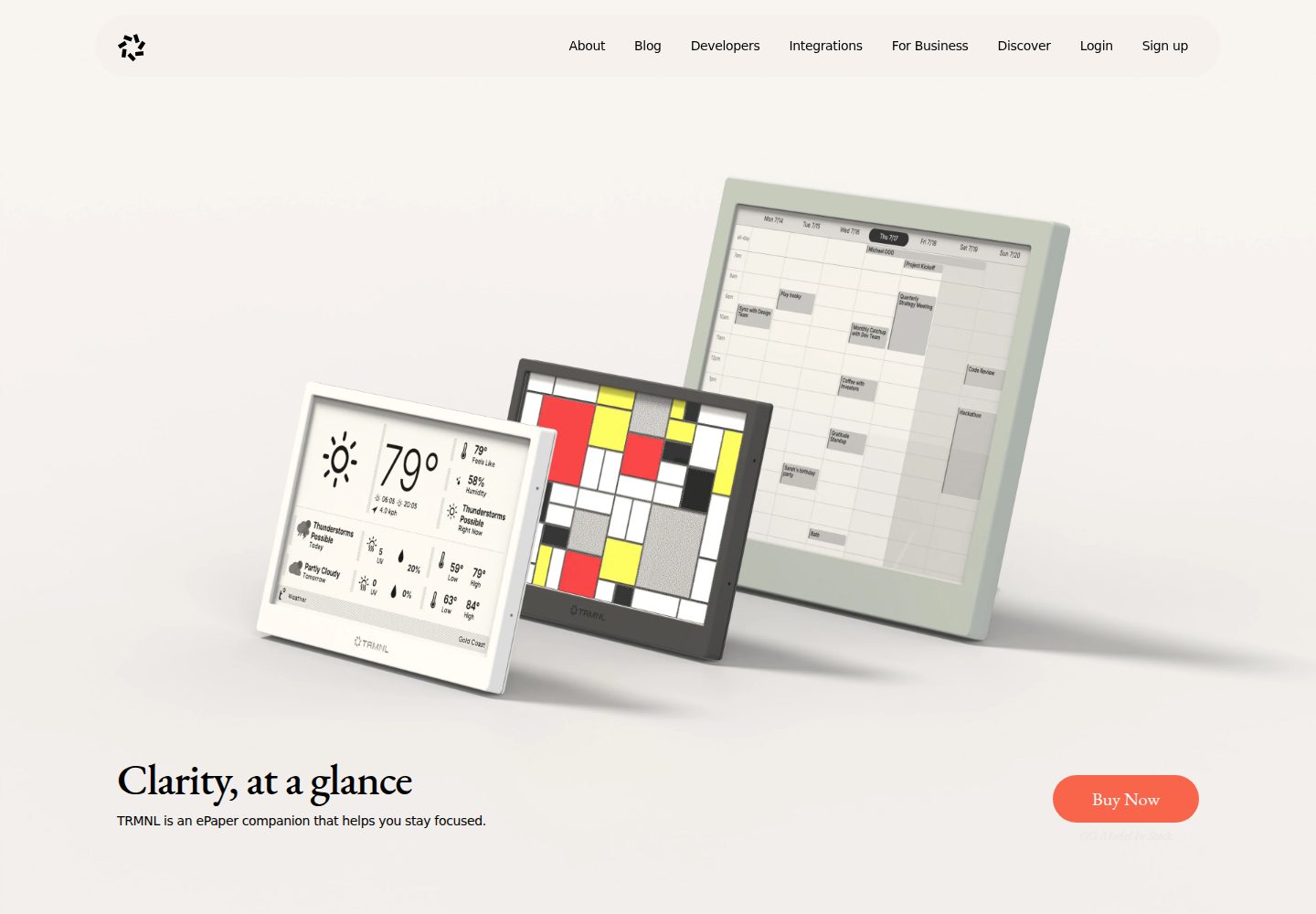
TRMNL-Boilerplate
A Flask starter template for TRMNL e-ink display plugins, offering webhook endpoints with CORS, display generation, caching, configuration management, and pytest tests.
Flask · Starter
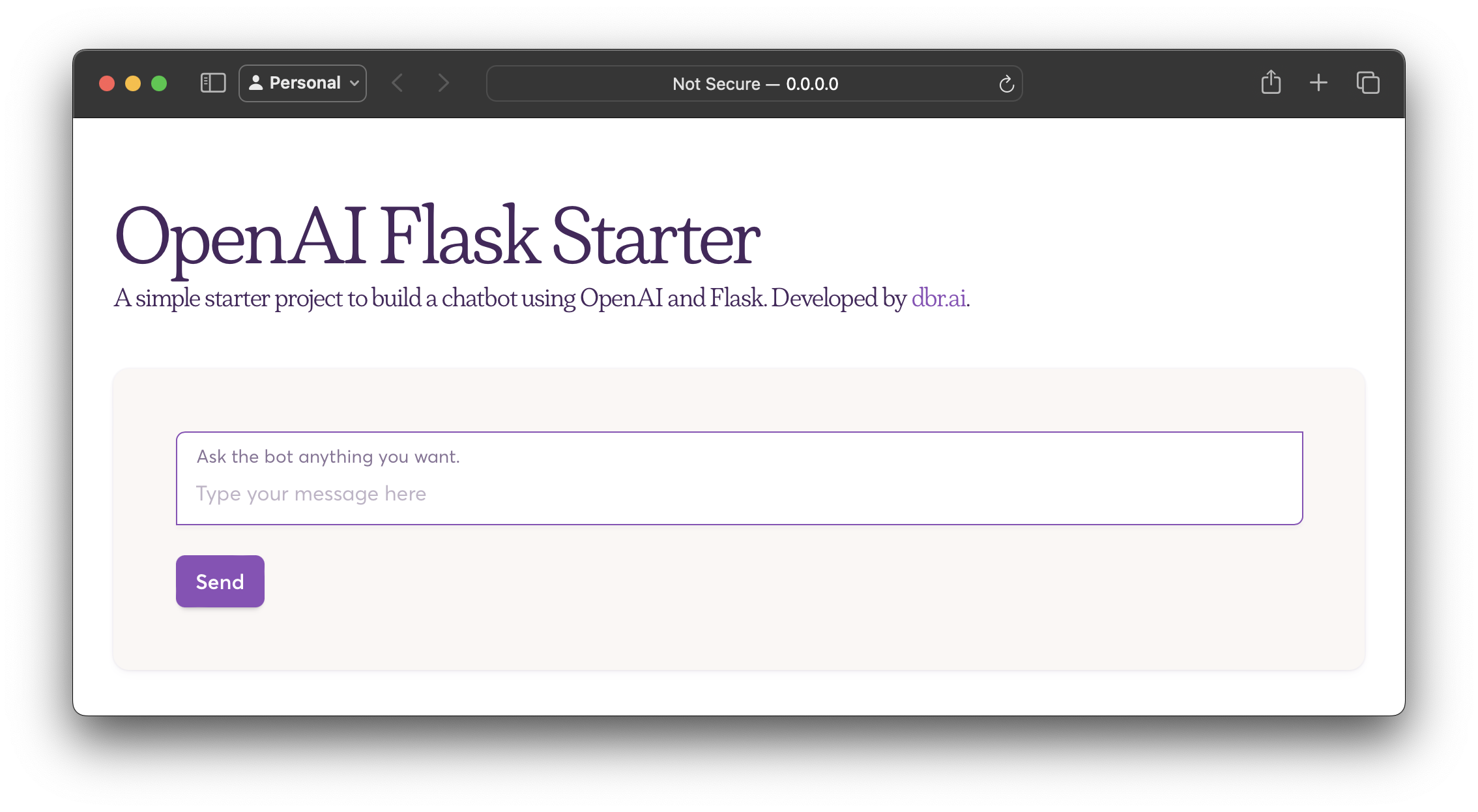
openai-flask-starter
A Flask-based chatbot starter that calls the OpenAI chat completion API, with an HTML interface, .env.sample for the API key and HTTP_PORT, and Dockerfile/docker-compose for containerized runs.
Flask · Starter
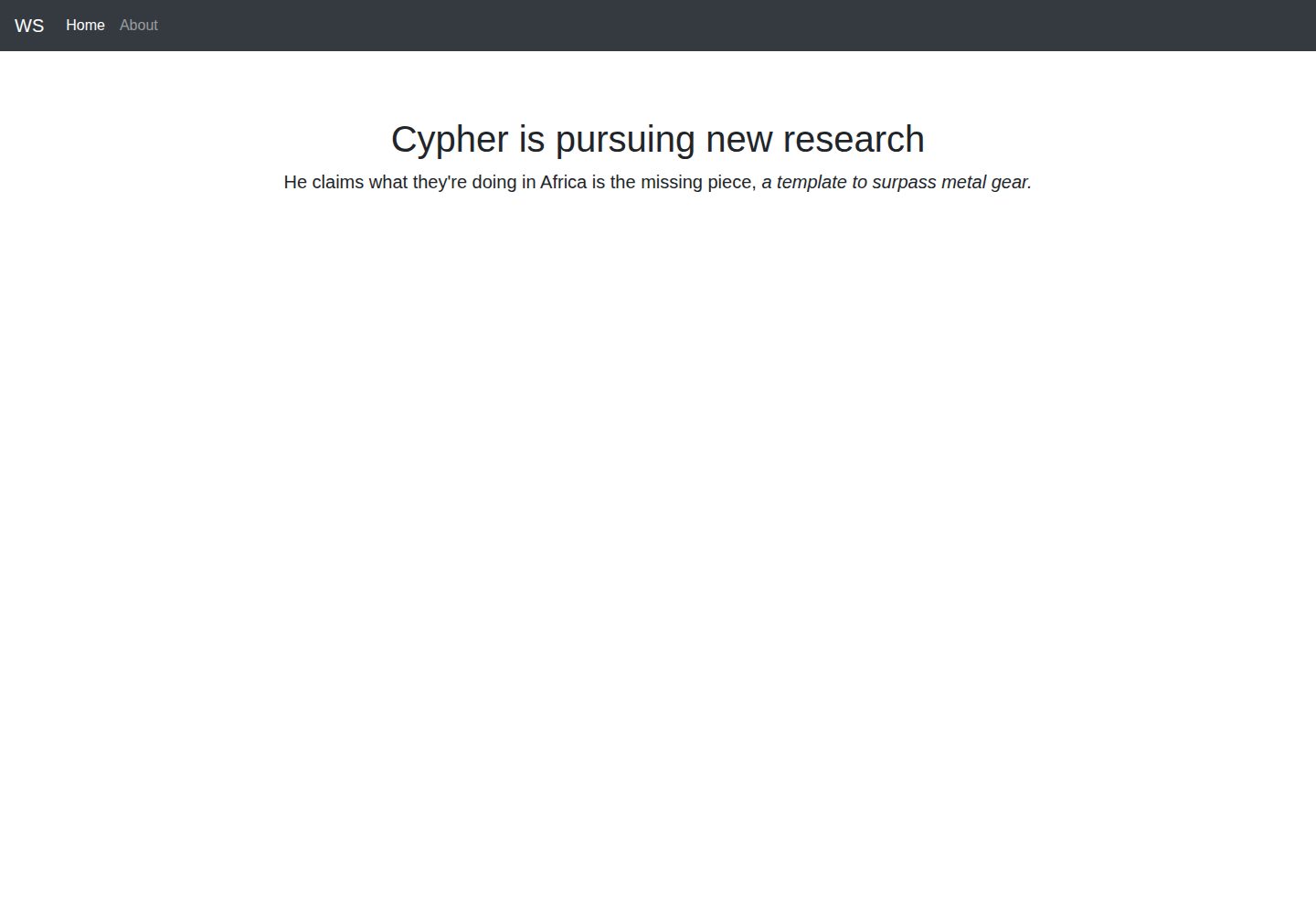
app-engine-starter
A Flask starter template for Google App Engine standard environment, using Python 3, with a Bootstrap page skeleton, Jinja2 semi-automated navigation, pipenv local development, and gcloud deployment instructions.
Flask · Starter
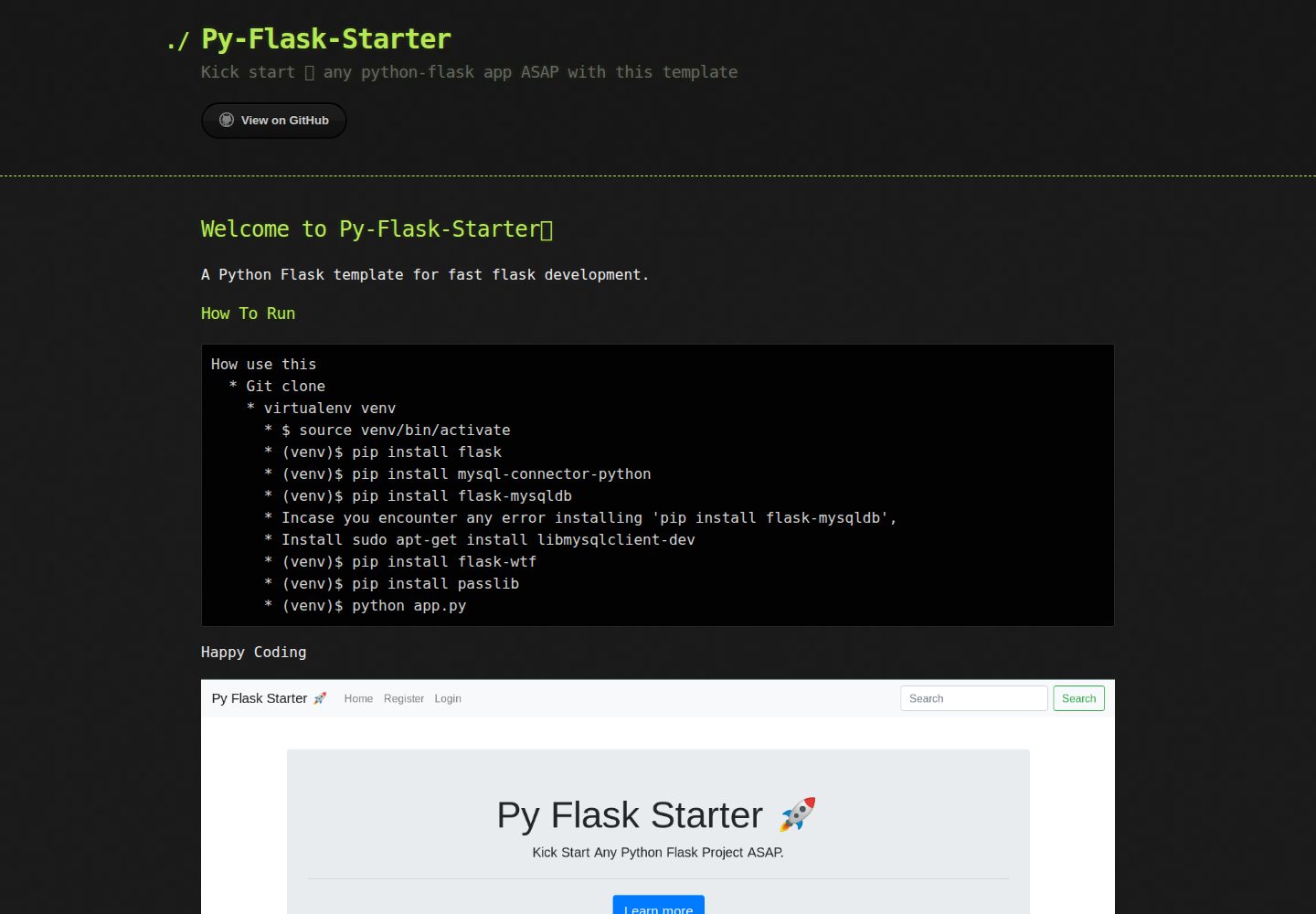
Py-Flask-Starter
Py-Flask-Starter is an MIT-licensed starter template for Python Flask applications, maintained by MartMbithi. The README outlines a virtualenv-based setup and installs flask, mysql-connector-python, flask-mysqldb, flask-wtf, and passlib, indicating MySQL connectivity, WTForms forms, and password hashing as intended needs.
Flask · Starter
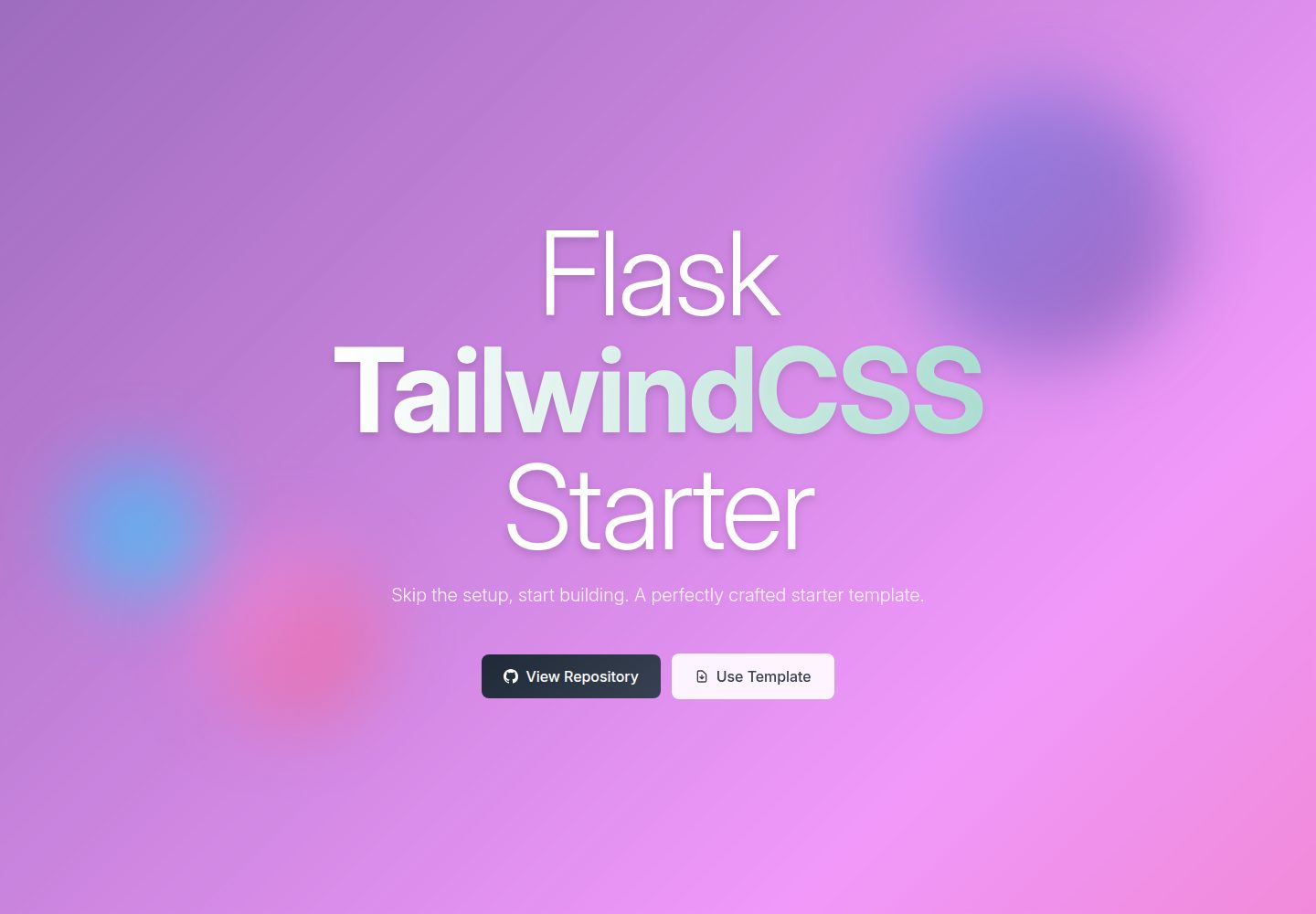
flask-tailwindcss-starter
A Flask and TailwindCSS starter project that combines a Python backend with utility-first CSS, offering a starting template, a development workflow with a Flask debug server and a TailwindCSS watch command, and a build command for optimized CSS.
Flask · Starter