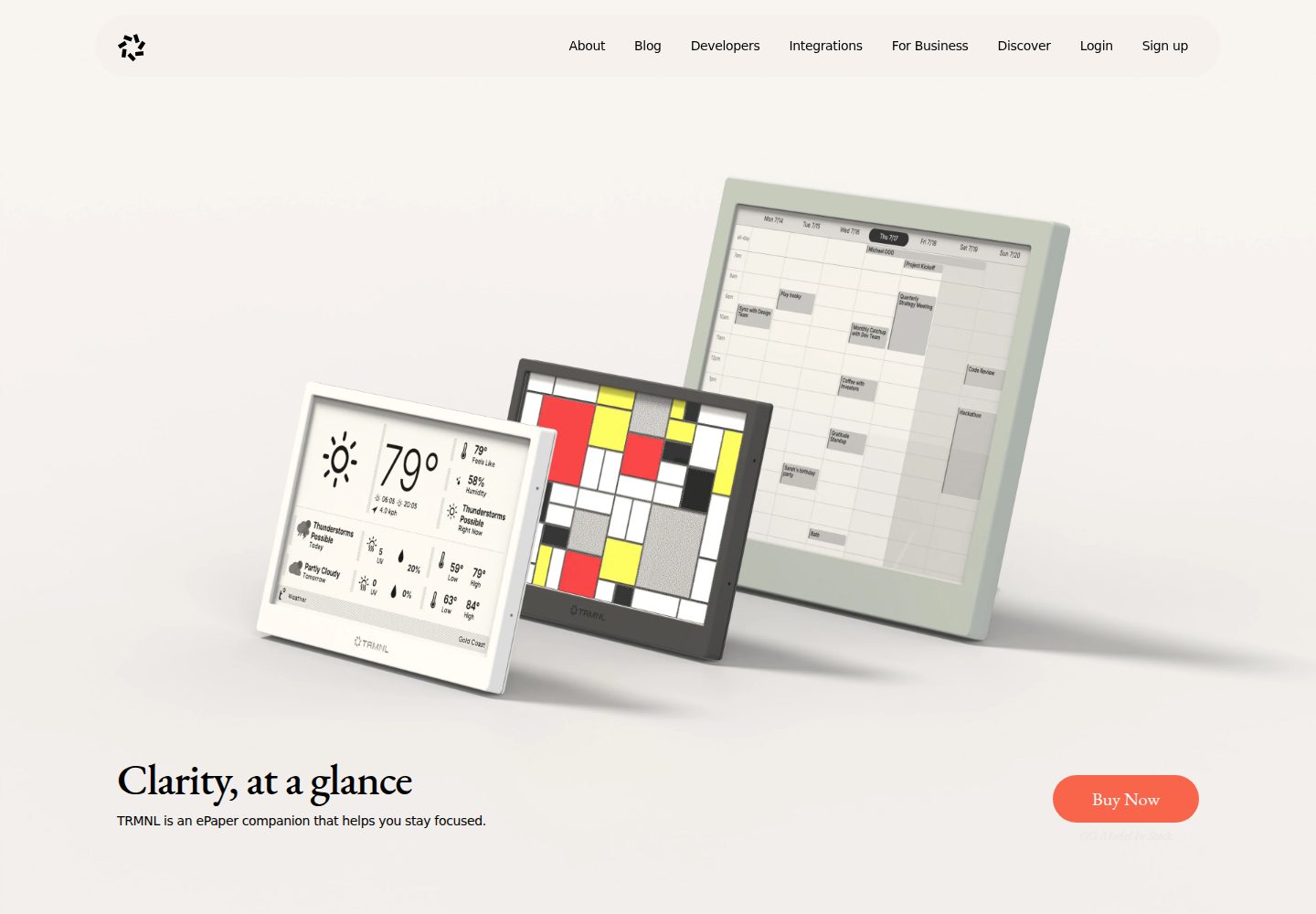
Flask webhook endpoints with CORS support
FlaskStarter
TRMNL-Boilerplate — Flask Starter Template
By OptimumMeans
A Flask starter template for developing TRMNL e-ink display plugins, providing webhook endpoints, display generation services, caching, and configuration management as foundational structure.
Explore the design
Compare the page layouts and mobile experience. Open any screenshot for a closer look.
Desktop homepage1 / 3
Desktop captureTop of page
Actual screenshot captured by the server browser.
All pages & views 3
Screenshots show visual appearance; interactive behavior may differ.
Recorded 2026-10-02View source
What stands out
A quick read of the recorded project description.
Built-in e-ink display optimization and error display
API service template with caching and last update time recording
Environment variable-based configuration management and validation
Provides formatting, validation utility functions and pytest tests
Includes render.yaml for deployment to Render
Template Details
TRMNL-Boilerplate is a Flask starter template maintained by OptimumMeans, aimed at developing TRMNL e-ink display plugins. It pre-builds common parts needed for plugins: Flask webhook endpoints with CORS support, display generation services, API service templates, caching mechanisms, structured logging, error handling, and environment variable-based configuration management, along with formatting and validation utility functions.
The project is organized into src/app.py, src/config.py, src/services, src/utils, and tests. Developers typically modify api_service.py to implement data fetching logic, adjust display.py to customize the e-ink layout, and then extend utils and configuration as needed. Running requires Python 3.12+, a TRMNL device and API key, with Docker optional; locally start via python -m src.app, and by default access http://localhost:8080/ and /webhook. The repository provides render.yaml for deployment to Render and includes pytest tests.
The template is MIT licensed, allowing free use, modification, commercial use, and distribution, but requires retaining copyright and license notices; third-party assets such as demo images, fonts, icons, as well as external services like domains and hosting, need separate verification or may incur costs.
FlaskLauncher
Is it right for your project?
Use Cases
- Developing custom data display plugins for TRMNL e-ink displays
- Quickly setting up backend services with webhooks and caching
- Reusing display generation and formatting tools in Flask projects
Suitable For
- Developers familiar with Python and Flask
- Users who need a TRMNL device and API key
- Teams looking to further develop or commercialize under MIT license
Getting started & customization
Use these recorded setup notes alongside the repository instructions for your chosen version.
- 1
Requires Python 3.12+, Docker optional
- 2
Copy .env.template to .env, and fill in TRMNL_API_KEY and TRMNL_PLUGIN_UUID
- 3
Local run: python -m src.app, access http://localhost:8080/ and /webhook
- 4
Test: python -m pytest tests/
- 5
Deployment can use render.yaml in the repository (Gunicorn + Render)
License & source material
Usage conditions & limitations
Free to use · keep license noticeThis entry covers the free version under MIT license in the public repository; the free scope is the code of this version, and does not mean external services or third-party assets are free.
Must comply with when using
- Allows free use, modification, commercial use, and distribution of this version's code.
- When distributing copies or substantial portions of the code, retain the original author's copyright notice and the full MIT license notice.
- Code is provided as-is; warranties and liability limitations are governed by the original license and applicable law.
Additional costs & items to verify
- Using this template requires owning a TRMNL device and configuring a TRMNL API key (TRMNL_API_KEY), otherwise it cannot interface with TRMNL services.
- You need to fill in the TRMNL plugin UUID (TRMNL_PLUGIN_UUID) in .env, which is assigned by the TRMNL platform.
- The deployment configuration provided in the repository targets the Render platform; using this deployment method requires registering a Render account and may involve external hosting fees.
- Demo images, fonts, icons, and other third-party assets need to be checked according to their respective licenses and cannot be judged solely based on the code's MIT license.
- External services such as domains, hosting, databases, payments, or AI may incur additional charges.
View Original Text Basis
Permission is hereby granted, free of charge
Original License Text
TRMNL device and API key
Original README
TRMNL_PLUGIN_UUID=your_plugin_uuid_here
Original README
https://github.com/OptimumMeans/TRMNL-Boilerplate/blob/main/LICENSEhttps://github.com/OptimumMeans/TRMNL-Boilerplate/blob/main/README.mdDeploy using render.yaml configuration
Original README
Compiled by DeepSeek based on repository license and README ·2026-10-02. Results only cover the materials read; dependencies, images, fonts, and subsequent term changes are subject to their respective original texts.
Project checks & description sources
Template Information
- Source platforms
- GitHub
- Documentation and maintenance reference score
- More documented · 81 / 100
- Technologies
- Flask
- Website type
- Starter
How this score is calculated
Our heuristic uses license records (up to 30), a demo link (12), a preview (10), stars (15), recorded maintenance (15), description completeness (8), feature records (5) and classification data (5). It is not a code, security or performance test, or a Google score. A link does not establish tested functionality.
What to verify for this project
- Repository update recorded
- 2024-12-30
- Screenshot last checked
- 2026-10-02
A demo link is listed. Check it with your own content and viewport sizes; its presence does not confirm that forms, authentication or payments work.
The catalog identifies Flask as the primary stack. Check the actual dependency manifest and lockfile for versions and hosting requirements. These notes use recorded metadata, not a code audit or a deployment test.
Use a selection guide →How this description was prepared
AI-assisted description based on catalog records and repository material. Repository authors are not automatically the reviewers of this description.
Automatically checked against source and license rules; no manual editorial review.
Inspect the recorded source material
SHA-256: 5e29c6b5b85eb38ffd3889533a163f8add070be5644d36f90d93470dac37b8fd
2026-10-02T18:59:35.829Z
Source file / repository# TRMNL Plugin Boilerplate
A boilerplate template for creating TRMNL e-ink display plugins.
## Features
- Flask-based webhook endpoint with CORS support
- E-ink display optimization
- Built-in caching system
- Comprehensive error handling
- Structured logging
- Environment-based configuration management
- Display generator service with error display support
- API service template with caching
- Extensive utility functions for formatting and validation
## Prerequisites
- Python 3.12+
- TRMNL device and API key
- Docker (optional)
## Installation
1. Clone the repository:
```bash
git clone https://github.com/yourusername/your-plugin.git
cd your-plugin
```
2. Create and activate a virtual environment:
```bash
python -m venv venv
source venv/bin/activate # On Windows: venv\Scripts\activate
```
3. Install dependencies:
```bash
pip install -r requirements.txt
```
4. Create .env file:
```bash
cp .env.template .env
```
5. Update .env with your configuration:
```
TRMNL_API_KEY=your_api_key_here
TRMNL_PLUGIN_UUID=your_plugin_uuid_here
```
## Development
### Running Locally
```bash
python -m src.app
```
The development server will automatically open your default browser to the webhook endpoint. You can access:
- Home page: http://localhost:8080/
- Webhook endpoint: http://localhost:8080/webhook
### Project Structure
```
├── .env.template # Environment variables template
├── .gitignore # Git ignore rules
├── README.md # Project documentation
├── render.yaml # Render deployment configuration
├── requirements.txt # Python dependencies
├── src/ # Source code directory
│ ├── app.py # Main application entry point
│ ├── config.py # Configuration management
│ ├── services/ # Core services
│ │ ├── api_service.py # API interaction service
│ │ └── display.py # Display generation service
│ └── utils/ # Utility functions
│ ├── __init__.py # Package exports
│ ├── formatters.py # Data formatting utilities
│ └── validators.py # Data validation utilities
└── tests/ # Test files
└── test_display.py # Display service tests
```
### Core Components
1. **API Service** (`src/services/api_service.py`)
- Handles all API interactions
- Implements caching mechanism
- Tracks last update timestamp
2. **Display Generator** (`src/services/display.py`)
- Creates optimized images for e-ink display
- Handles error displays
- Supports status bar and content layout
3. **Utility Functions**
- `formatters.py`: Date/time formatting, API response formatting
- `validators.py`: Data validation, string sanitization
- Common utilities exported through `__init__.py`
4. **Configuration** (`src/config.py`)
- Environment-based configuration
- Validation for required settings
- Default values for optional settings
### Creating Your Plugin
1. Modify `src/services/api_service.py` to implement your data fetching logic
2. Update `src/services/display.py` to customize the display layout
3. Add any additional utilities in `src/utils/`
4. Update configuration in `src/config.py` as needed
## Testing
Run the test suite:
```bash
python -m pytest tests/
```
Current test coverage includes:
- Display generator initialization
- Error display generation
- API service functionality
- Display creation with mock data
## Deployment
Deploy using render.yaml configuration:
```bash
render deploy
```
The render.yaml file includes:
- Python 3.12.0 runtime
- Gunicorn web server
- Environment variable configuration
- Build and start commands
## Contributing
1. Fork the repository
2. Create your feature branch
3. Commit your changes
4. Push to the branch
5. Create a Pull Request
## License
MITExplore similar templates
Compare previews and descriptions within the same stack and category.
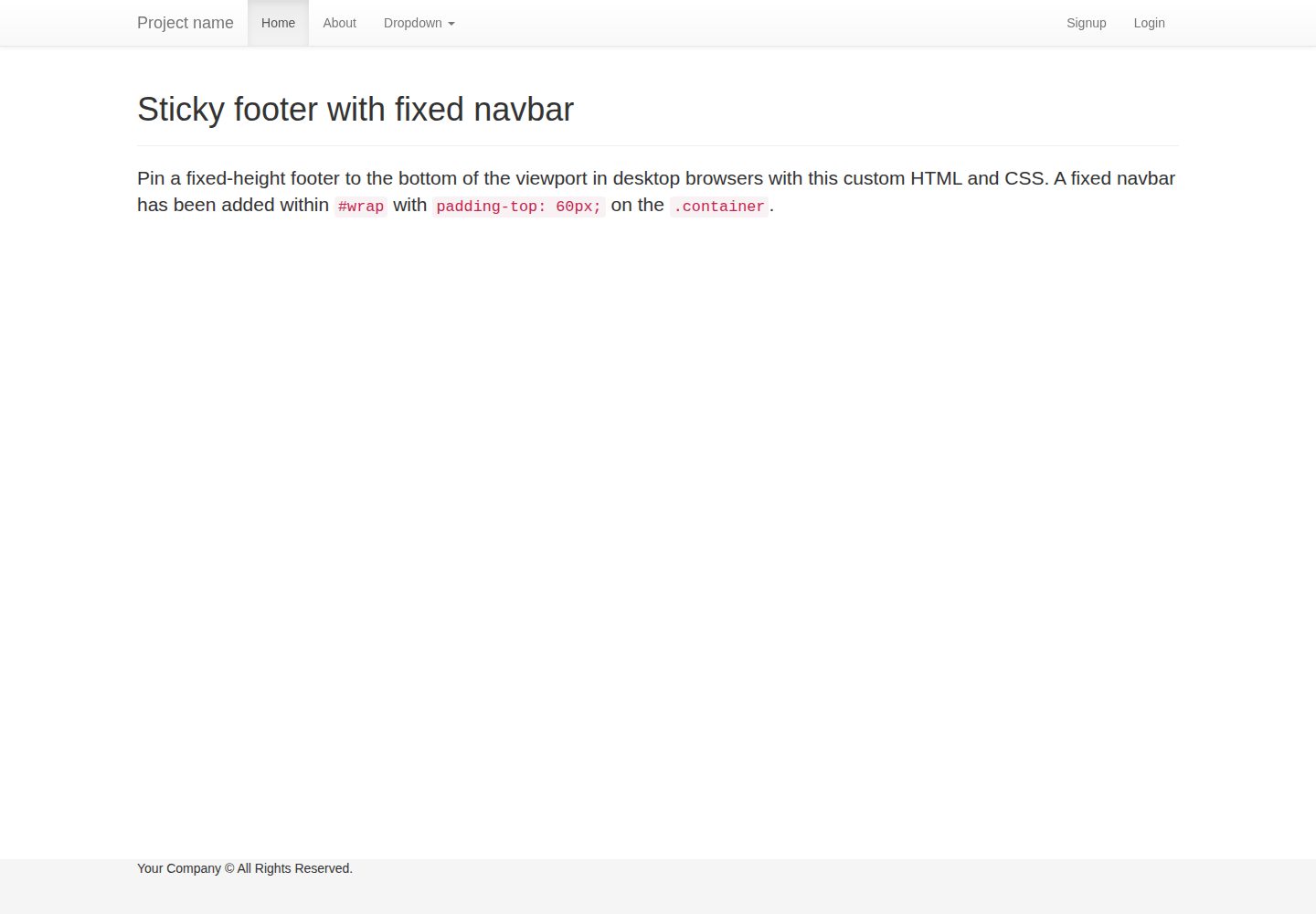
flask-boilerplate
A Flask starter template from Real Python, preconfigured with Flask-SQLAlchemy, Flask-WTF, Fabric, Coverage, and a Bootstrap frontend. It includes organized templates for errors, forms, layouts, and pages, plus static assets and README deployment instructions for Heroku and PythonAnywhere.
Flask · Starter
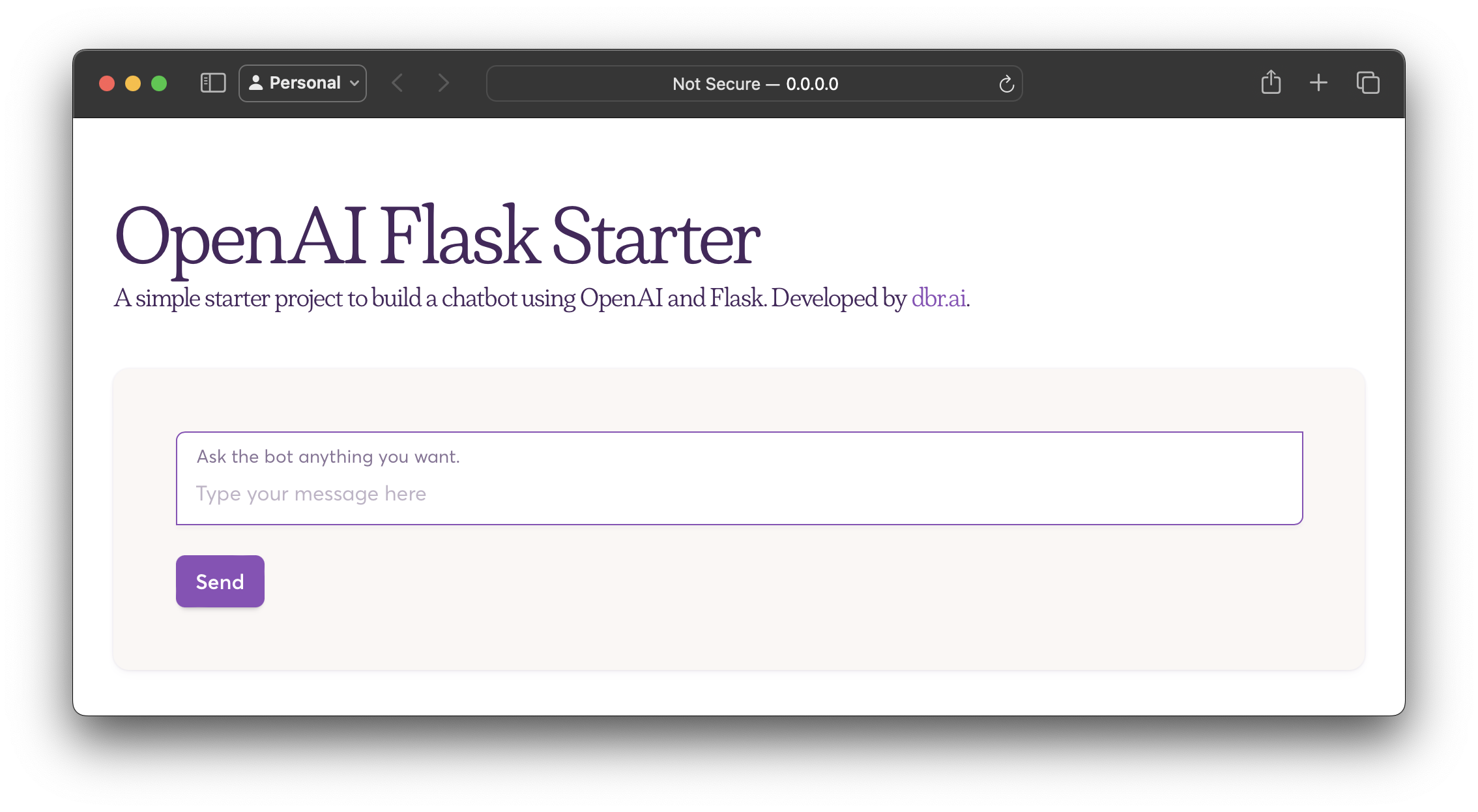
openai-flask-starter
A Flask-based chatbot starter that calls the OpenAI chat completion API, with an HTML interface, .env.sample for the API key and HTTP_PORT, and Dockerfile/docker-compose for containerized runs.
Flask · Starter
app-engine-starter
A Flask starter template for Google App Engine standard environment, using Python 3, with a Bootstrap page skeleton, Jinja2 semi-automated navigation, pipenv local development, and gcloud deployment instructions.
Flask · Starter
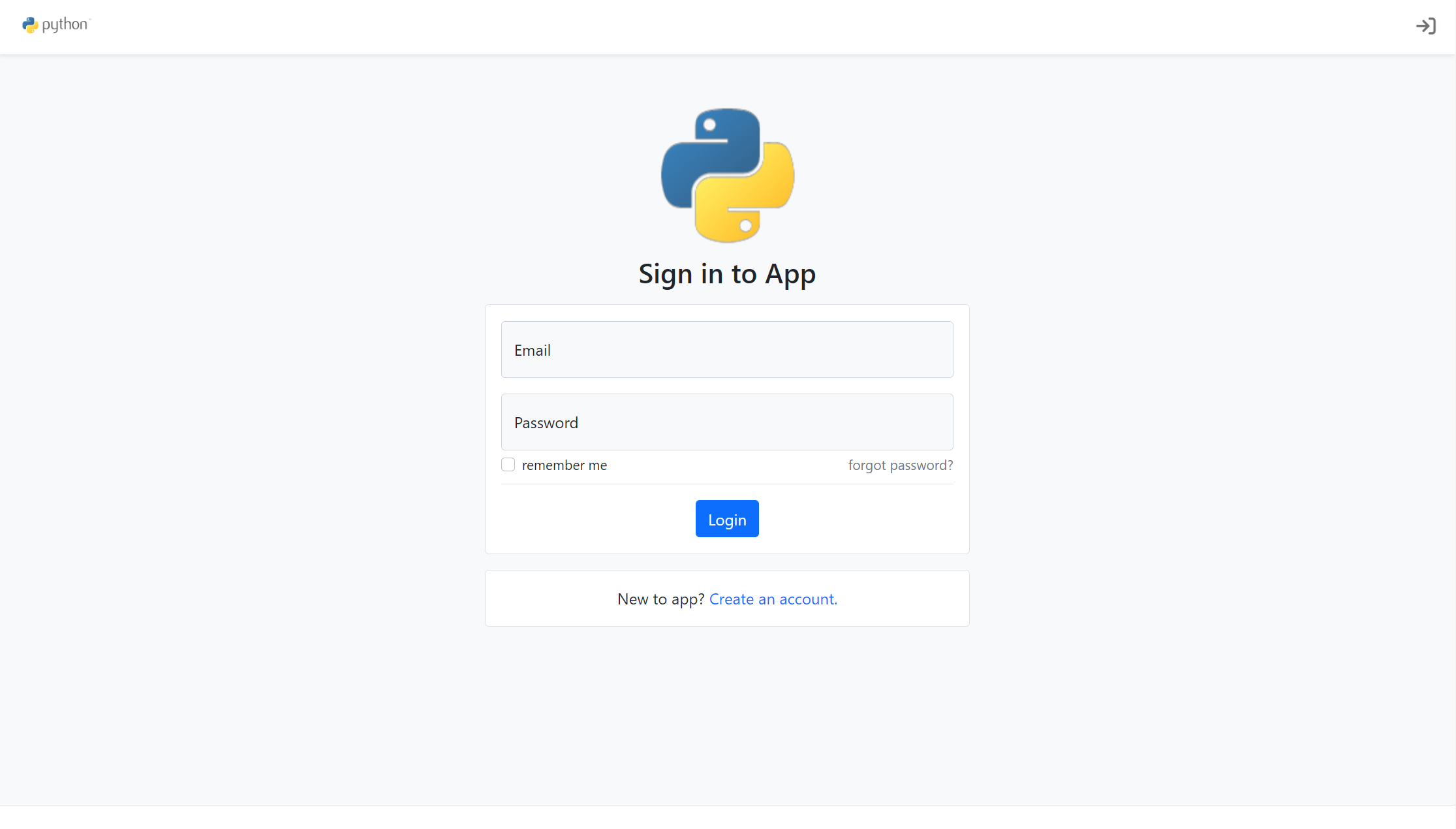
flask-account-starter
A Flask account system starter template using the application factory pattern, with built-in registration, toggleable account verification, password reset, new IP login verification, failed login lockout, activity logs, and automated emails.
Flask · Starter
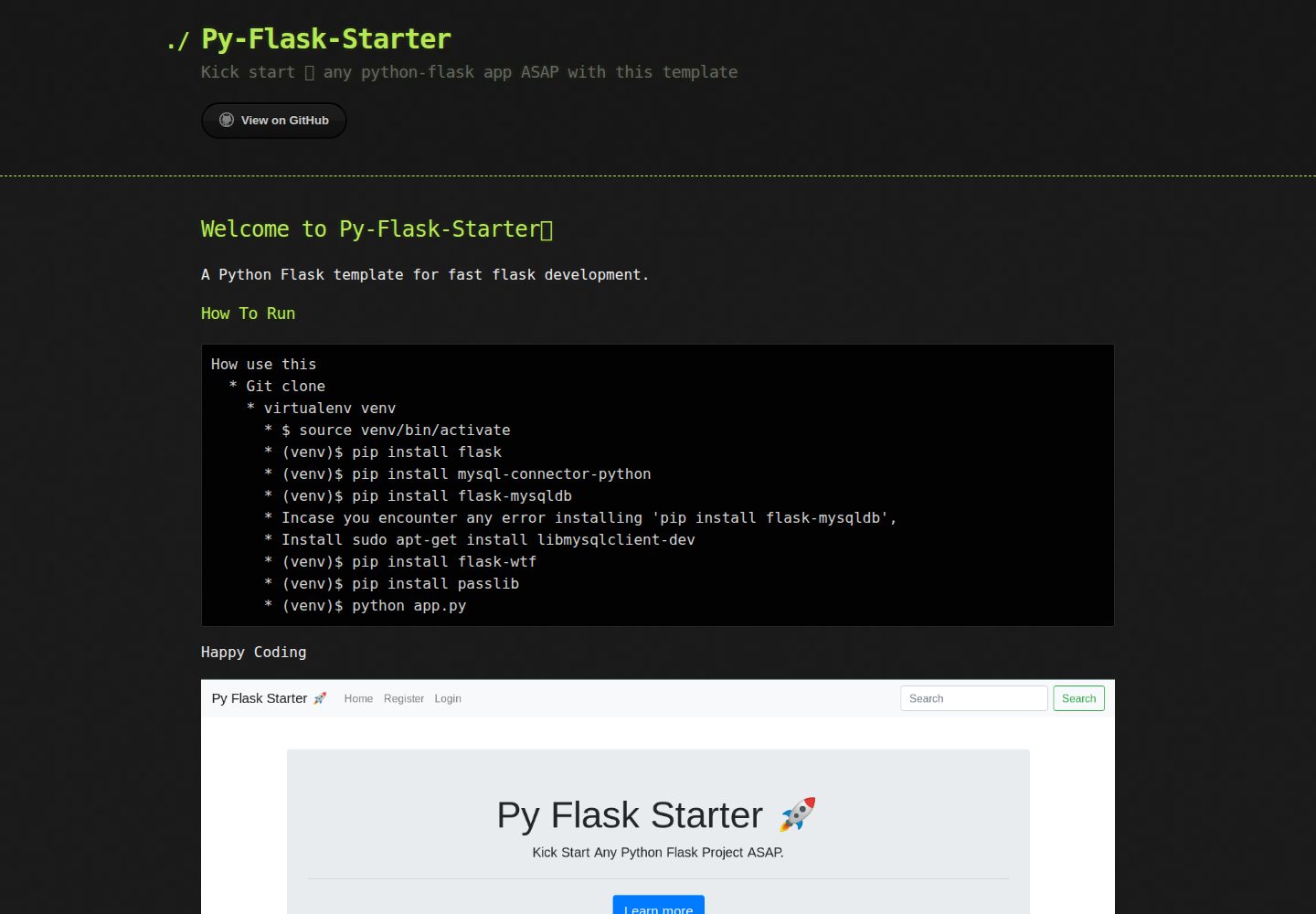
Py-Flask-Starter
Py-Flask-Starter is an MIT-licensed starter template for Python Flask applications, maintained by MartMbithi. The README outlines a virtualenv-based setup and installs flask, mysql-connector-python, flask-mysqldb, flask-wtf, and passlib, indicating MySQL connectivity, WTForms forms, and password hashing as intended needs.
Flask · Starter
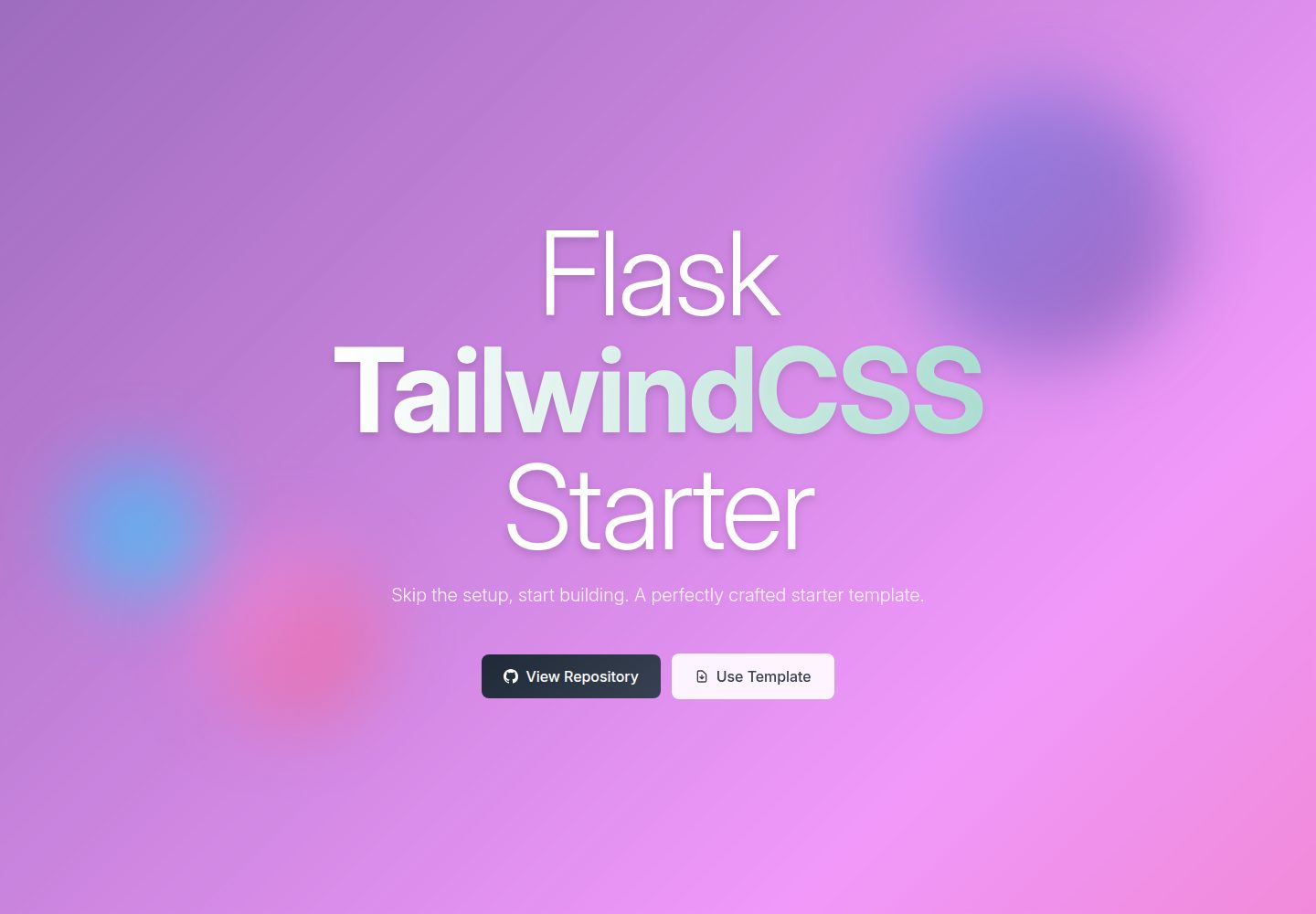
flask-tailwindcss-starter
A Flask and TailwindCSS starter project that combines a Python backend with utility-first CSS, offering a starting template, a development workflow with a Flask debug server and a TailwindCSS watch command, and a build command for optimized CSS.
Flask · Starter