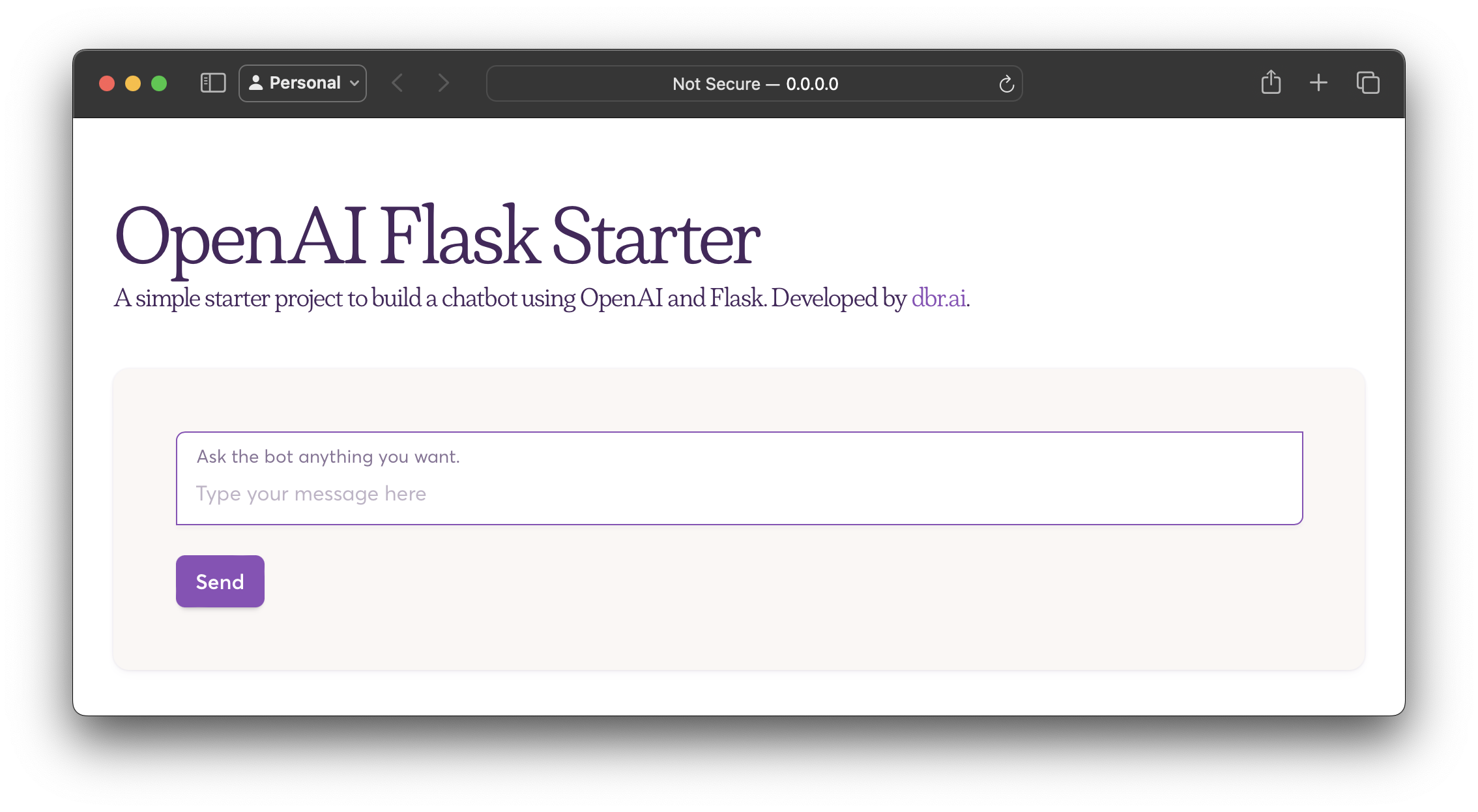
Flask backend and HTML template form a browser chat interface
FlaskHTMLStarter
openai-flask-starter — Flask Starter Template
By datumbrain
A chatbot starter project based on Flask and the OpenAI chat completion API, including a web interface, environment variable example, and Docker configuration.
Explore the design
Compare the page layouts and mobile experience. Open any screenshot for a closer look.
Author preview
Author-provided preview
Preview provided in the project README.
One original preview is available. Open the full image to inspect the design.
Screenshots show visual appearance; interactive behavior may differ.
Recorded 2026-10-02View source
What stands out
A quick read of the recorded project description.
Calls the OpenAI chat completion API to generate replies
Provides .env.sample to configure the OpenAI API key and HTTP_PORT
Includes Dockerfile and docker-compose.yml for containerized operation
Uses requirements.txt to manage Python dependencies
Template Details
This is a simple AI chatbot example built with Python and Flask that generates replies through OpenAI's large language model API. The project provides an input box in the browser; after the user sends a message, the backend calls the OpenAI chat completion endpoint to return content.
The repository contains the Flask service and chat logic (main.py), the frontend page template (templates/index.html), and custom styles (templates/styles/custom.css), and provides requirements.txt to manage dependencies. For configuration, .env.sample is used as an environment variable example; you need to fill in the OpenAI API key and can set HTTP_PORT (default 5899).
There are two ways to run it: locally, use Python's built-in virtual environment to install dependencies and then execute main.py; or use the Dockerfile and docker-compose.yml provided in the repository to build and start the container. The README states that Python 3.7+ and an OpenAI API key are required, and does not provide further details on model selection, error handling, or concurrency capabilities.
FlaskHTMLStarter
Is it right for your project?
Use Cases
- Learning how to integrate the OpenAI chat completion endpoint in Flask
- Building a simple locally running conversational bot prototype
- As a starting point for containerized deployment of a Flask + OpenAI application
Suitable For
- Developers who want to understand the basic integration of Flask and the OpenAI API
- Python learners who need a locally runnable, containerizable chatbot example
Getting started & customization
Use these recorded setup notes alongside the repository instructions for your chosen version.
- 1
Requires Python 3.7+ and a valid OpenAI API key
- 2
Copy .env.sample to .env and fill in OPENAI_API_KEY; HTTP_PORT can be modified as needed
- 3
Local run: create and activate a virtual environment, pip install -r requirements.txt, then python main.py
- 4
Docker run: docker-compose build then docker-compose up
- 5
Default access address is http://127.0.0.1:5899/
License & source material
Usage conditions & limitations
Free to use · keep license noticeThis entry covers the free version under the MIT license in the public repository; the free scope is the code of that version and does not mean external services or third-party assets are free.
Must comply with when using
- Free use, modification, commercial use, and distribution of this version's code are permitted.
- When distributing copies or substantial portions of the code, retain the original author's copyright notice and the full MIT license notice.
- The code is provided as is; warranties and limitations of liability are governed by the original license and applicable law.
Additional costs & items to verify
- Using this project requires registering an OpenAI account and obtaining an API key, which is an external service dependency and may incur costs.
- Before running, you must rename .env.sample to .env and fill in a valid OpenAI API key, otherwise the chat endpoint cannot be called.
- Replies are generated by OpenAI's GPT-4 or GPT-3.5 models and depend on OpenAI service availability and the account having access to the corresponding models.
- Demo images, fonts, icons, and other third-party assets must be checked against their respective licenses; they cannot be judged solely by the code's MIT license.
- External services such as domains, hosting, databases, payments, or AI may incur additional charges.
View Original Text Basis
Permission is hereby granted, free of charge
Original License Text
OpenAI API key. You can get it [here](https://beta.openai.com/signup/).
Original README
Add your OpenAI API key in `.env.sample` and rename the file to `.env`
Original README
https://github.com/datumbrain/openai-flask-starter/blob/main/LICENSEhttps://github.com/datumbrain/openai-flask-starter/blob/main/README.mdThe chatbot generates human-like responses powered by GPT-4 (or GPT-3.5).
Original README
Compiled by DeepSeek based on repository license and README ·2026-10-02. Results only cover the materials read; dependencies, images, fonts, and subsequent term changes are subject to their respective original texts.
Project checks & description sources
Template Information
- Source platforms
- GitHub
- Documentation and maintenance reference score
- Partly documented · 61 / 100
- Technologies
- Flask · HTML
- Website type
- Starter
How this score is calculated
Our heuristic uses license records (up to 30), a demo link (12), a preview (10), stars (15), recorded maintenance (15), description completeness (8), feature records (5) and classification data (5). It is not a code, security or performance test, or a Google score. A link does not establish tested functionality.
What to verify for this project
- Repository update recorded
- 2024-09-13
- Screenshot last checked
- 2026-10-02
No demo link is recorded. Use the repository instructions to evaluate the project locally; the screenshot alone cannot establish interactive behavior.
The catalog identifies Flask as the primary stack. Check the actual dependency manifest and lockfile for versions and hosting requirements. These notes use recorded metadata, not a code audit or a deployment test.
Use a selection guide →How this description was prepared
AI-assisted description based on catalog records and repository material. Repository authors are not automatically the reviewers of this description.
Automatically checked against source and license rules; no manual editorial review.
Inspect the recorded source material
SHA-256: c6b463a7b43ad3bf7b68aebbda73480212483d4b2282a0149b0f9edfb542e05b
2026-10-02T22:49:06.441Z
Source file / repository# OpenAI Flask Starter

This project demonstrates how to create a simple AI chatbot using Python, Flask, and OpenAI's Large Language Model (LLM) API. The chatbot generates human-like responses powered by GPT-4 (or GPT-3.5).
## Features
- **Chatbot**: Conversational AI powered by OpenAI's GPT models.
- **Web Interface**: Built using Flask to interact with the bot via a browser.
- **OpenAI Integration**: Utilizes the latest OpenAI API for chat completions.
- **Docker Support**: Ready for containerization with a `Dockerfile` and `docker-compose` setup.
- **Easy Setup**: Uses Python's built-in virtual environment.
## Prerequisites
- Python 3.7+
- OpenAI API key. You can get it [here](https://beta.openai.com/signup/).
## Installation
1. **Clone the Repository**:
```bash
git clone https://github.com/datumbrain/openai-flask-starter.git
cd openai-flask-starter
```
2. **Set Up Virtual Environment**:
Create a virtual environment and activate it:
```bash
python -m venv venv
source venv/bin/activate # On Windows use `venv\Scripts\activate`
```
3. **Install Dependencies**:
Install the required packages using `requirements.txt`:
```bash
pip install -r requirements.txt
```
4. **Set Up Your OpenAI API Key**:
Add your OpenAI API key in `.env.sample` and rename the file to `.env`:
```bash
OPENAI_API_KEY=your-api-key-here
HTTP_PORT=5899 # change it as you like
```
5. **Run the Flask Application**:
Start the Flask app by running:
```bash
python main.py
```
The app will be available at `http://127.0.0.1:5899/`.
## Docker Setup (Optional)
You can run the project in a Docker container using the following steps:
1. **Build the Docker Image**:
```bash
docker-compose build
```
2. **Run the Application**:
```bash
docker-compose up
```
The app will be available at `http://127.0.0.1:5899/`.
## Project Structure
```raw
.
├── .dockerignore # Files to ignore in Docker context
├── .env.sample # Environment variable example file
├── .gitignore # Files to ignore in git
├── Dockerfile # Docker image setup
├── LICENSE # License information
├── README.md # Project documentation
├── docker-compose.yml # Docker Compose configuration
├── main.py # Flask server and chatbot logic
├── requirements.txt # Project dependencies
└── templates/
├── index.html # Frontend HTML for interacting with the chatbot
└── styles/
└── custom.css # custom CSS styling
```
## Usage
Once the app is running, open your browser and go to `http://127.0.0.1:5899/`. Type a message in the input box, and the chatbot will respond using the GPT-4 model.
## License
This project is licensed under the MIT License.
Explore similar templates
Compare previews and descriptions within the same stack and category.
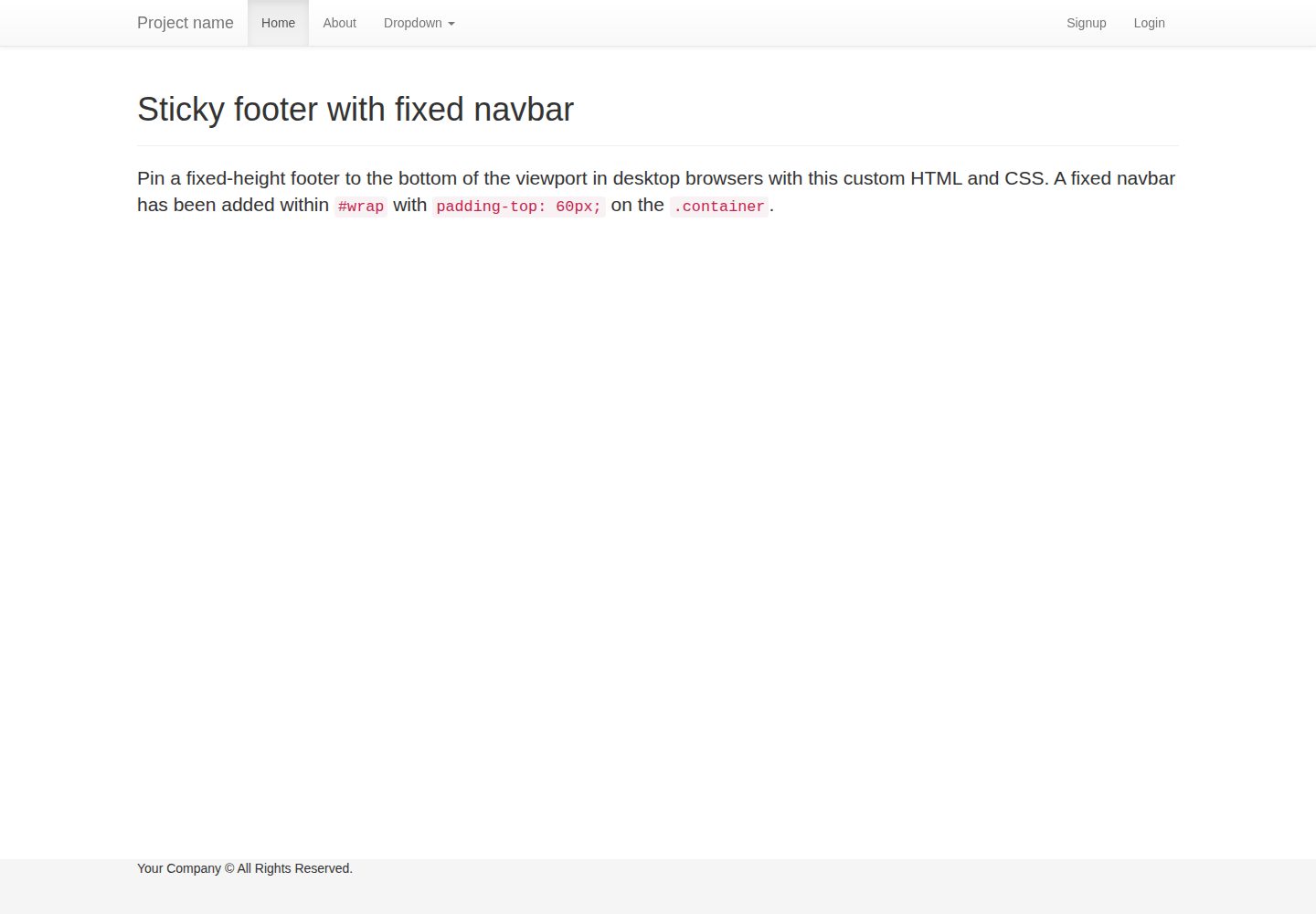
flask-boilerplate
A Flask starter template from Real Python, preconfigured with Flask-SQLAlchemy, Flask-WTF, Fabric, Coverage, and a Bootstrap frontend. It includes organized templates for errors, forms, layouts, and pages, plus static assets and README deployment instructions for Heroku and PythonAnywhere.
Flask · Starter
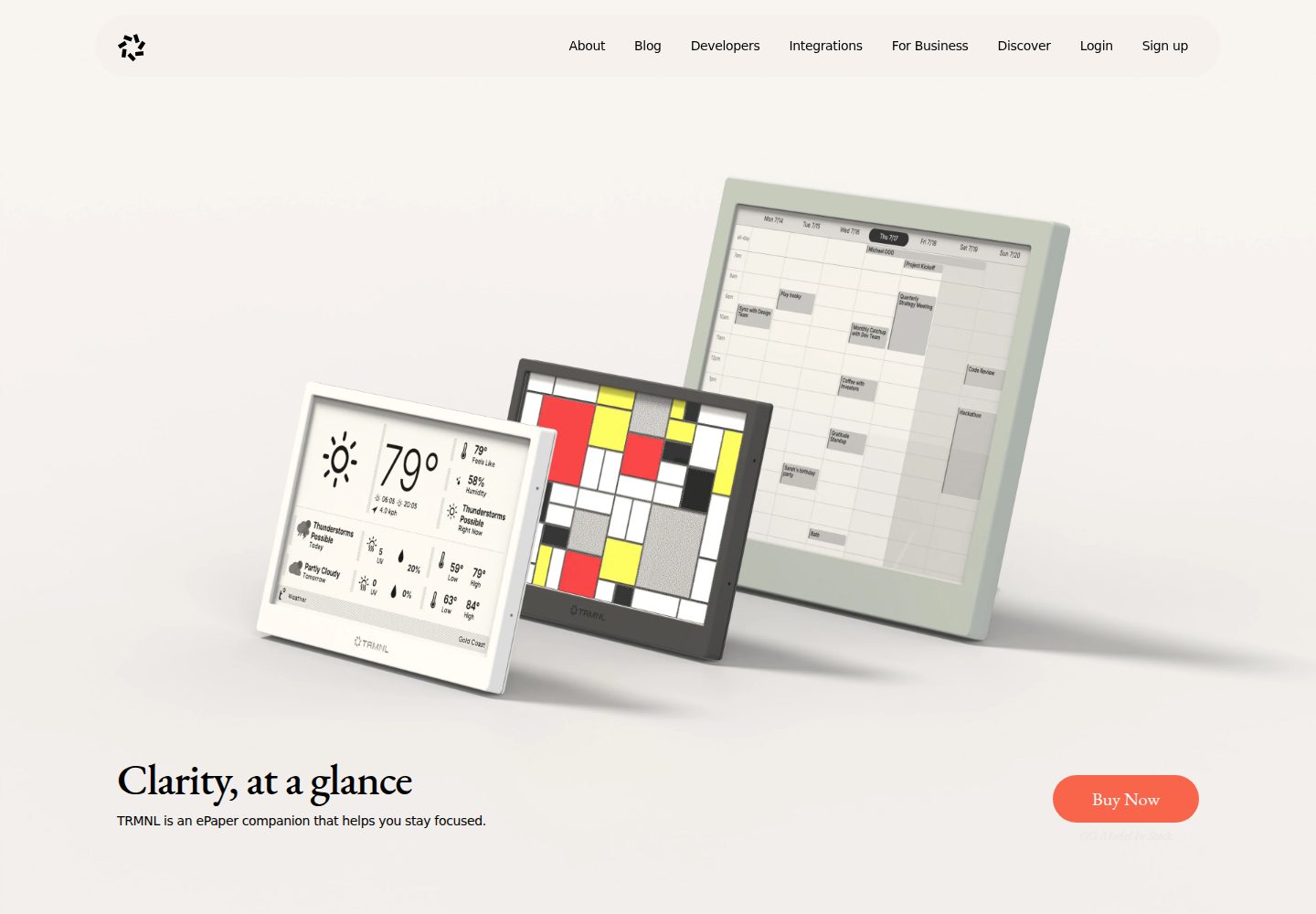
TRMNL-Boilerplate
A Flask starter template for TRMNL e-ink display plugins, offering webhook endpoints with CORS, display generation, caching, configuration management, and pytest tests.
Flask · Starter
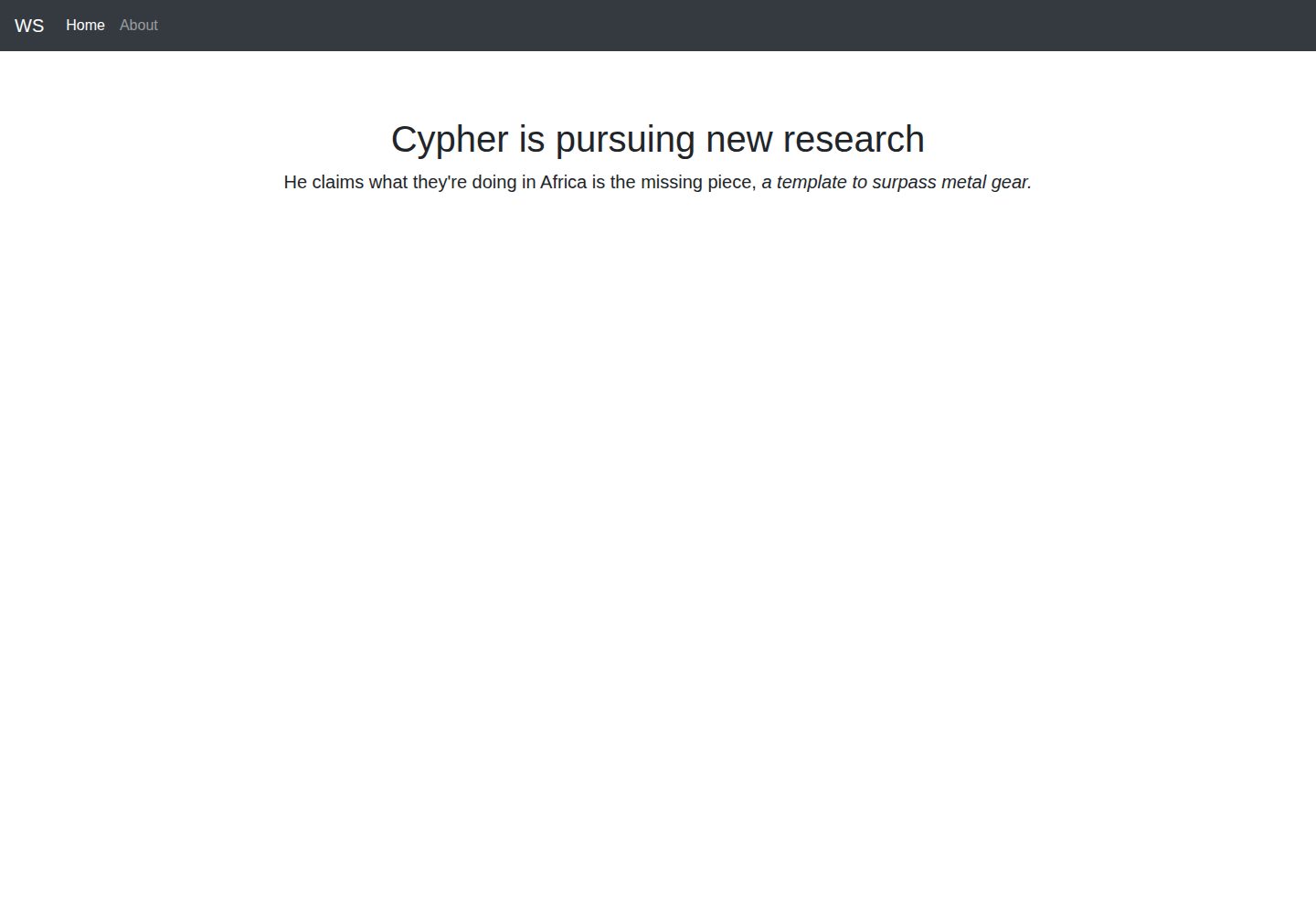
app-engine-starter
A Flask starter template for Google App Engine standard environment, using Python 3, with a Bootstrap page skeleton, Jinja2 semi-automated navigation, pipenv local development, and gcloud deployment instructions.
Flask · Starter
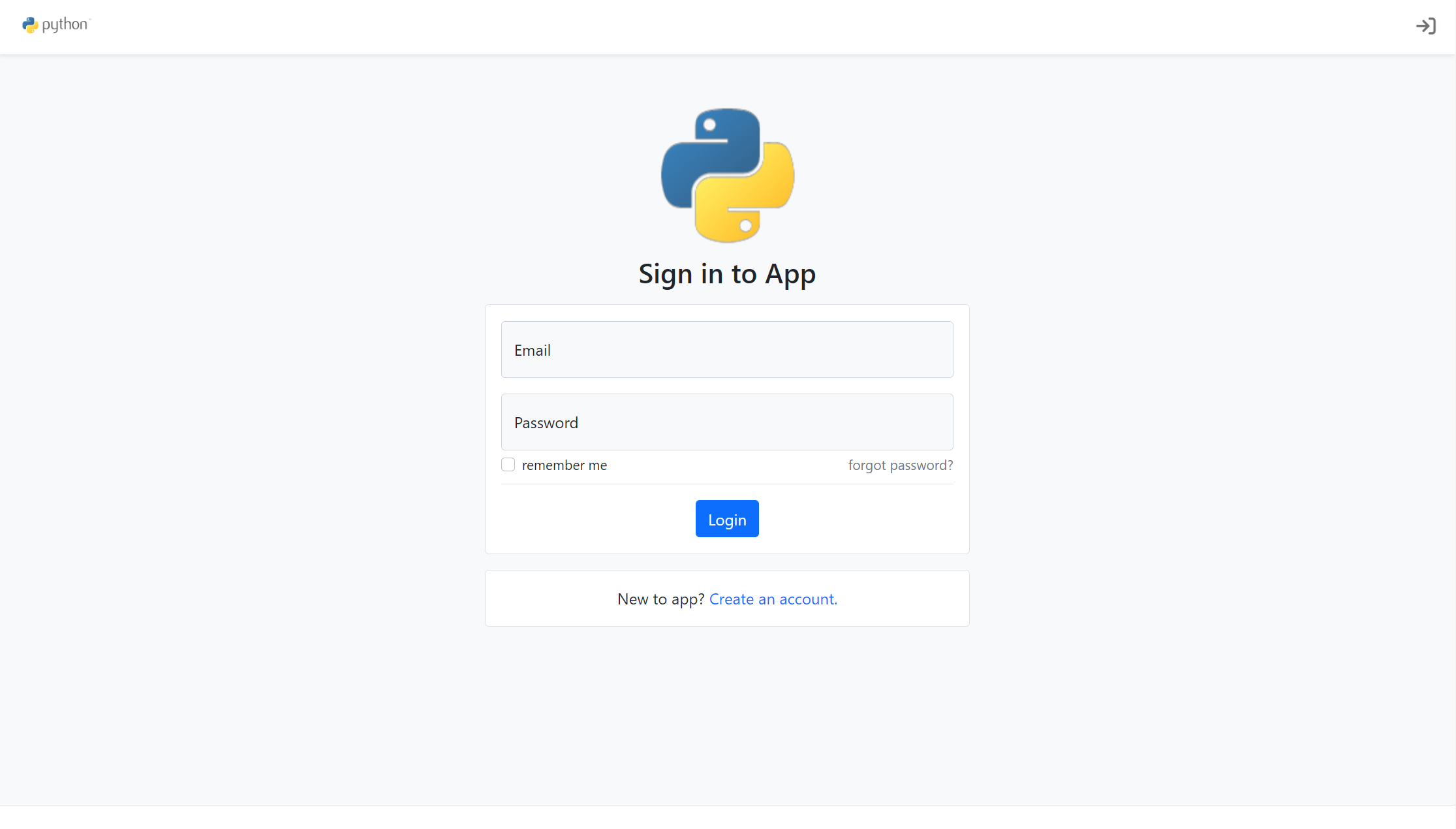
flask-account-starter
A Flask account system starter template using the application factory pattern, with built-in registration, toggleable account verification, password reset, new IP login verification, failed login lockout, activity logs, and automated emails.
Flask · Starter
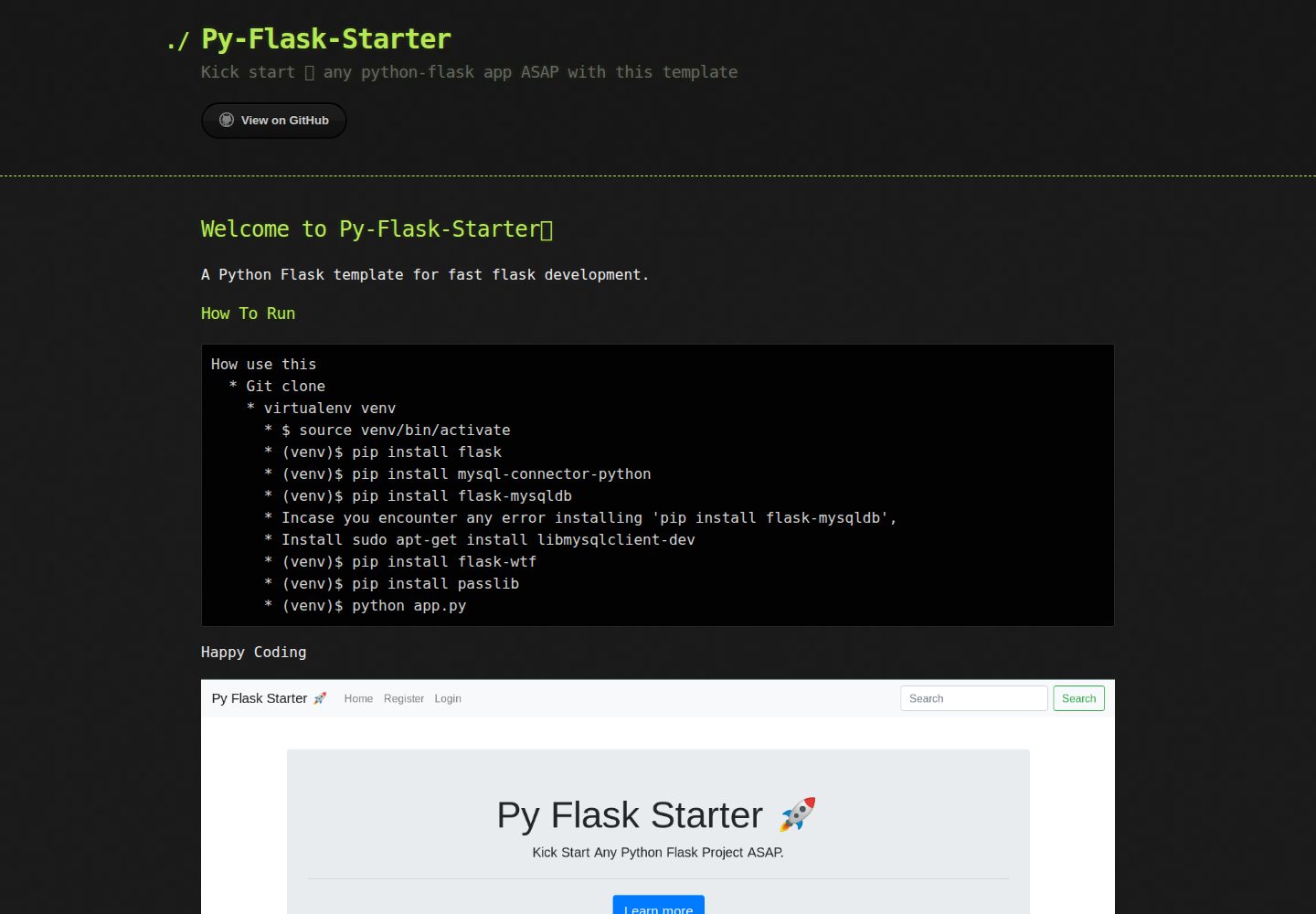
Py-Flask-Starter
Py-Flask-Starter is an MIT-licensed starter template for Python Flask applications, maintained by MartMbithi. The README outlines a virtualenv-based setup and installs flask, mysql-connector-python, flask-mysqldb, flask-wtf, and passlib, indicating MySQL connectivity, WTForms forms, and password hashing as intended needs.
Flask · Starter
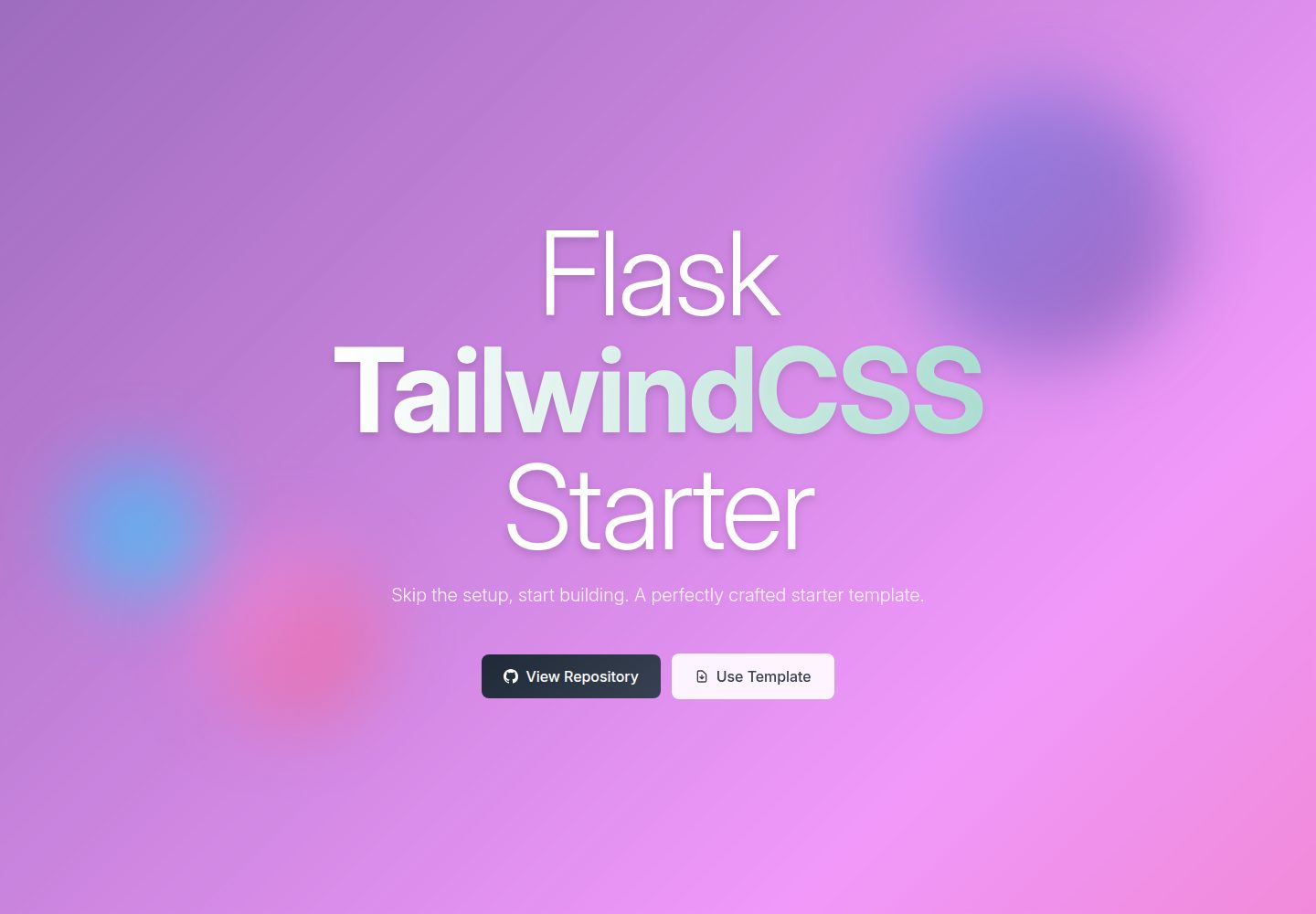
flask-tailwindcss-starter
A Flask and TailwindCSS starter project that combines a Python backend with utility-first CSS, offering a starting template, a development workflow with a Flask debug server and a TailwindCSS watch command, and a build command for optimized CSS.
Flask · Starter