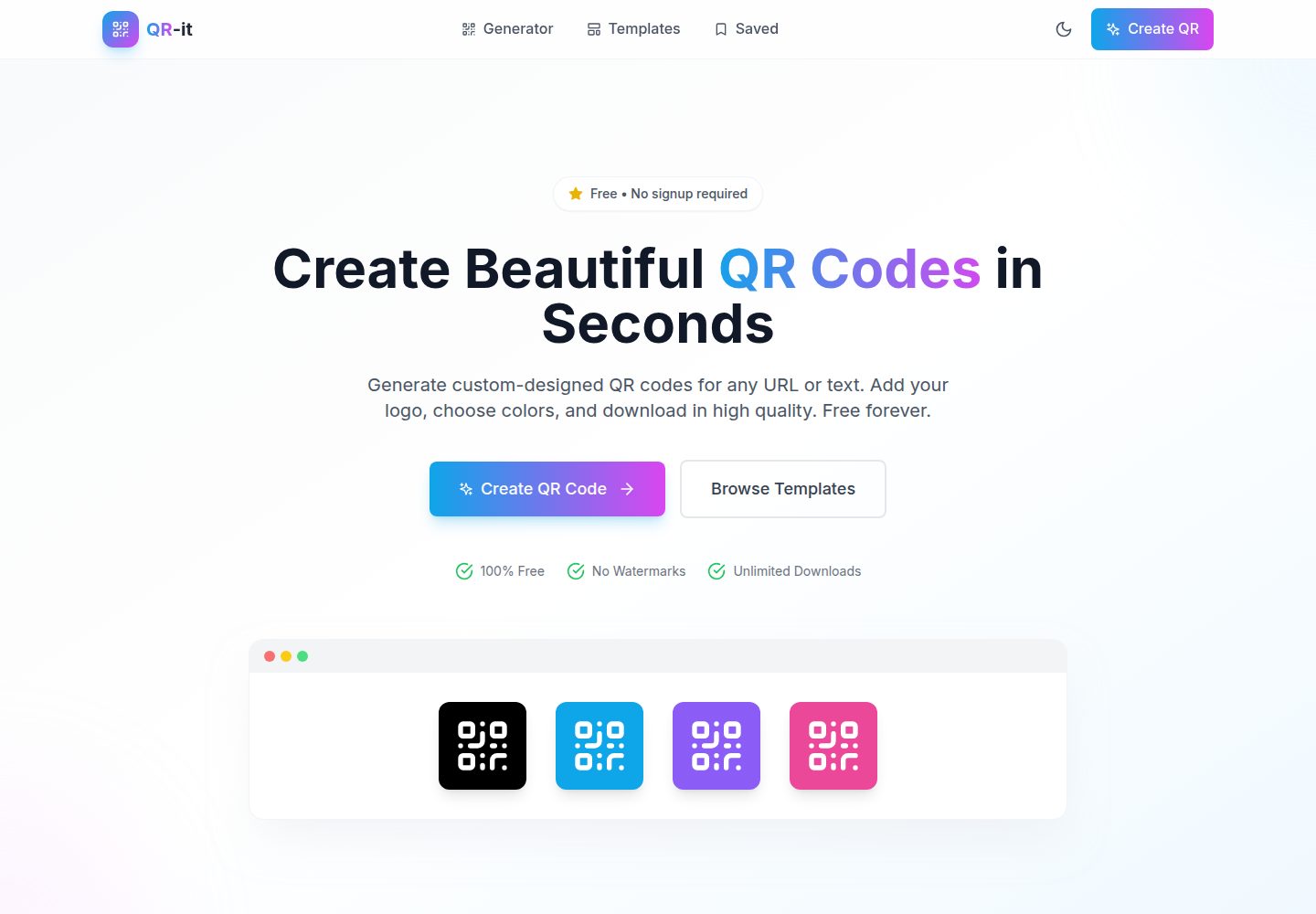
支持为 URL、文本、电子邮件、电话、短信、WiFi 和 vCard 生成二维码
ViteReact工具站
QR-it — Vite 工具站模板
作者 talktome8
QR-it 是一个基于 React、Vite 和 Tailwind CSS 构建的免费、无需注册的二维码生成器,支持自定义设计、模板、Logo 嵌入、可扫描性检查以及 PNG/SVG 导出。
看看你的网站会是什么样
浏览真实页面截图,比较内容排版与手机效果。点击下方缩略图切换,放大查看整页细节。
全部页面与视图 2
截图用于了解视觉与布局,交互效果请以实际项目为准。
采集于 2026-10-17查看来源
值得关注的模板亮点
从已有项目资料中,快速了解它的特点。
提供任意十六进制颜色、线性/径向渐变和金属质感预设
可自定义点样式、角样式,并选择方形或圆形二维码
支持上传中心 Logo,并自动采用高纠错级别
内置对比度、留白边距和 Logo 尺寸的扫描质量警告
支持导出 PNG、SVG 以及 300 DPI 打印用高分辨率图像
模板详细介绍
QR-it 是一个前端二维码生成工具,README 说明其可针对 URL、文本、电子邮件、电话、短信、WiFi 网络和 vCard 生成二维码,并在自定义设计时实时预览。设计选项包括任意十六进制颜色、线性或径向渐变、金属质感预设、多种点样式与角样式、方形或圆形二维码、中心 Logo 以及透明背景。工具会检查前景与背景对比度、留白边距和 Logo 尺寸,并给出扫描质量警告;导出格式为 PNG、SVG 或 300 DPI 打印用高分辨率图像。
项目使用 React、Vite、Tailwind CSS、qr-code-styling、react-colorful、lucide-react 和 react-router-dom,提供开发、构建、预览和 ESLint 脚本。README 给出从克隆仓库、安装依赖到启动开发服务器的步骤,并说明生产构建方式。页面结构包含首页、生成器、模板和已保存页面,但 README 未详细说明“已保存”页面的具体行为或数据存储范围。
使用限制方面,README 未说明后端服务、账户系统或云端同步能力;二维码生成与导出均在前端完成。扫描质量验证会给出分级警告,但 README 未提供具体阈值或保证所有设计均可扫描。项目以 MIT 许可证发布。
ViteReact工具站
适合你的项目吗?
适用场景
- 为网址或纯文本快速生成带品牌配色的二维码
- 为 WiFi 网络或 vCard 制作可分享的二维码
- 在二维码中心放置 Logo 并检查扫描风险
- 导出透明背景 PNG 或 SVG 用于印刷或网页设计
适合人群
- 需要免费、无需注册的二维码生成工具的个人用户
- 希望自定义二维码颜色、形状和 Logo 的品牌设计人员
- 需要导出打印级二维码图像的小型项目或活动组织者
上手与定制指南
结合仓库当前版本的说明,按下面的资料检查内容、配置与运行要求。
- 1
需要 Node.js 18+ 以及 npm 或 yarn
- 2
克隆仓库后运行 npm install 安装依赖
- 3
运行 npm run dev 启动开发服务器,默认访问 http://localhost:3000
- 4
运行 npm run build 创建生产构建,npm run preview 预览构建结果
- 5
运行 npm run lint 执行 ESLint 检查
授权与来源资料
使用条件与限制
免费使用 · 保留许可声明本次收录的是公开仓库中采用 MIT 许可的免费版本;免费范围为该版本代码,不代表外部服务或第三方素材免费。
使用时需要遵守
- 允许免费使用、修改、商用和分发该版本代码。
- 分发代码副本或实质性部分时,保留原作者版权声明和完整 MIT 许可声明。
- 代码按现状提供;担保与责任限制以原许可证及适用法律为准。
额外费用与待核对事项
- 演示图片、字体、图标及其他第三方素材需按各自许可核对,不能仅凭代码的 MIT 许可判断。
- 域名、托管、数据库、支付或 AI 等外部服务可能另外收费。
查看原文依据
https://github.com/talktome8/QR-it/blob/main/LICENSEhttps://github.com/talktome8/QR-it/blob/main/README.mdPermission is hereby granted, free of charge
许可证原文
DeepSeek 根据仓库许可证和 README 整理 ·2026-10-17。结果仅覆盖已读取资料,依赖、图片、字体及后续条款变更以各自原文为准。
项目核对记录与介绍依据
模板资料
- 来源平台
- GitHub
- 资料与维护参考分
- 资料较完整 · 85 / 100
- 技术栈
- Vite · React
- 网站类型
- 工具站
这个分数如何计算
本站按许可资料(最高30分)、演示链接(12分)、预览图(10分)、Star数(15分)、记录的维护时间(15分)、描述完整度(8分)、功能记录(5分)和分类资料(5分)计算。它不是代码、安全或性能测试,也不是 Google 评分;有链接不代表已实测可用。
这个项目需要核对什么
- 记录的仓库更新时间
- 2026-07-15
- 截图检查日期
- 2026-10-17
已收录演示链接。请用你的内容与屏幕尺寸检查;有演示不代表表单、认证或支付已经可用。
目录记录的主要技术栈是 Vite。请通过依赖清单和锁文件核对实际版本与托管要求。这些说明基于收录资料,不代表代码审计或部署实测。
查看具体选型方法 →介绍的制作与核对状态
介绍由 AI 辅助整理目录与仓库资料。仓库作者不等于这篇介绍的审核者。
审核声明: codex-user-requested-batch-review-20261018 · 2026-10-18
查看当时使用的来源资料
SHA-256: 67d591952a8a11b5f0c7e632dd738d764a9560be633730d59b6d4eace98029b2
2026-10-17T10:04:54.746Z
来源文件 / 仓库# QR-it 🎨 ## Live Demo [Open QR-it](https://qr-it.raztom.com/) A free, no-signup QR code generator with custom designs, templates, logo support, scannability checks, and PNG/SVG exports. Built with React, Vite, and Tailwind CSS. ## ✨ Features ### Core Functionality - **Universal QR Generation**: Generate QR codes for URLs, text, email, phone, SMS, WiFi networks, and vCards - **Real-time Preview**: See changes instantly as you customize your design - **Scan Validation**: Automatic quality assessment with warnings for potential scanning issues - **Multiple Export Formats**: Download as PNG, SVG, or print-ready high-DPI images ### Design Customization - **Full Color Picker**: Choose any color with hex input, not just presets - **Gradient Colors**: Apply linear or radial gradients to dots, corners, and backgrounds - **Metallic Presets**: Gold, Silver, Bronze, Rose Gold, Chrome, and Holographic finishes - **Multiple Dot Styles**: Square, dots, rounded, extra-rounded, classy, and classy-rounded - **Corner Styles**: Customize corner squares and corner dots independently - **QR Shape**: Square (default) or Circle shape - **Logo Integration**: Add your brand logo with automatic high error correction - **Transparent Background**: Export QR codes without background for placement on any surface ### Scan Quality Features - **Contrast Validation**: Real-time contrast checking between foreground and background - **Low Contrast Warnings**: Visual warnings when colors may cause scanning issues - **Margin Recommendations**: Guidance on quiet zone requirements - **Logo Size Limits**: Automatic recommendations to keep logos scannable ### User Experience - **Dark/Light Mode**: Toggle between themes with system preference detection - **Pre-made Templates**: Quick-start templates for common use cases - **Responsive Design**: Works on desktop and mobile devices ### Export Options - **PNG**: Raster images with optional transparent background - **SVG**: Scalable vectors with optional transparent background - **Print-Ready**: High-resolution exports at 300 DPI ## 🚀 Quick Start ### Prerequisites - Node.js 18+ - npm or yarn ### Installation ```bash # Clone the repository git clone https://github.com/talktome8/QR-it.git cd QR-it # Install dependencies npm install # Start development server npm run dev ``` The app will be available at `http://localhost:3000` ### Build for Production ```bash # Create production build npm run build # Preview production build npm run preview ``` ## 📁 Project Structure ``` qr-it/ ├── public/ │ └── favicon.svg ├── src/ │ ├── assets/ # Static assets │ ├── components/ │ │ ├── common/ # Reusable UI components │ │ │ ├── Button.jsx │ │ │ ├── Input.jsx │ │ │ ├── Modal.jsx │ │ │ ├── ColorPicker.jsx │ │ │ ├── AdvancedColorPicker.jsx # Gradient & metallic colors │ │ │ ├── Select.jsx │ │ │ ├── Slider.jsx │ │ │ ├── Tabs.jsx │ │ │ ├── Card.jsx │ │ │ └── Toast.jsx │ │ ├── layout/ │ │ │ ├── Layout.jsx │ │ │ ├── Header.jsx │ │ │ └── Footer.jsx │ │ └── qr/ │ │ ├── QRPreview.jsx # QR rendering & download │ │ ├── QRInput.jsx # Data input forms │ │ └── QRCustomizer.jsx # Style controls │ ├── hooks/ │ │ ├── useQRContext.jsx # QR state management │ │ ├── useTheme.jsx # Dark/light mode │ │ └── useLocalStorage.js # Persistent storage │ ├── pages/ │ │ ├── HomePage.jsx │ │ ├── GeneratorPage.jsx │ │ ├── TemplatesPage.jsx │ │ └── SavedPage.jsx │ ├── services/ │ │ └── qrService.js # QR generation service │ ├── utils/ │ │ ├── helpers.js │ │ └── validators.js │ ├── styles/ │ │ └── index.css │ ├── App.jsx │ └── main.jsx ├── package.json ├── vite.config.js ├── tailwind.config.js └── README.md ``` ## 🎨 How to Use ### Creating a QR Code 1. **Enter Data**: Go to the Generator page and enter your URL or text 2. **Choose Style**: Use the tabs to customize: - **Presets**: Quick-start templates - **Colors**: Full color picker with gradients and metallic options - **Style**: Dot and corner styles, QR shape (square/circle) - **Logo**: Upload a center logo (auto-sets high error correction) - **Settings**: Error correction, size, and margins 3. **Download**: Click Download and choose PNG, SVG, or Print-Ready ### Transparent Background Export 1. Go to the **Colors** tab in the customizer 2. Check **"Transparent Background"** 3. The preview will show a checkerboard pattern indicating transparency 4. Download as PNG or SVG - the background will be transparent ### QR Shape Options The app supports two QR shapes that are fully scannable: | Shape | Description | |-------|-------------| | **Square** | Standard rectangular QR code (default) | | **Circle** | Round QR code with circular boundary | Both shapes maintain full scan reliability. ### Scan Quality Validation The app automatically validates scan quality and shows warnings: - **Excellent/Good**: ✅ No issues, QR will scan reliably - **Fair**: ⚠️ May have issues - suggestions provided - **Poor**: ❌ Likely to fail - immediate action needed Common warnings: - Low contrast between QR and background - Small quiet zone (margin) - Logo too large - Missing high error correction with logo ### Color & Gradient System **Solid Colors**: Use the color picker to choose any hex color **Gradients**: Switch to gradient mode and configure: - Gradient type (linear/radial) - Rotation angle - Multiple color stops **Metallic Presets**: One-click metallic finishes: - Gold, Silver, Bronze - Rose Gold, Chrome, Holographic ## 🔧 Technical Details ### QR Code Generation Uses [qr-code-styling](https://github.com/nicklasoverby/qr-code-styling) library which provides: - Multiple dot and corner styles - Gradient support - Logo embedding - Circle shape mask - High-quality SVG and PNG export ### Error Correction Levels | Level | Recovery | Best For | |-------|----------|----------| | L (Low) | 7% | Smallest QR, clean environments | | M (Medium) | 15% | Balanced size and recovery | | Q (Quartile) | 25% | Recommended default | | H (High) | 30% | Required when using logos | ## 🛠️ Development ### Available Scripts ```bash npm run dev # Start development server npm run build # Build for production npm run preview # Preview production build npm run lint # Run ESLint ``` ### Technologies Used - **React 18**: UI framework - **Vite 5**: Build tool - **Tailwind CSS 3**: Styling - **qr-code-styling**: QR generation - **react-colorful**: Color picker - **lucide-react**: Icons - **react-router-dom**: Routing ## 📝 License MIT License - feel free to use in your projects. ## 🙏 Acknowledgments - [qr-code-styling](https://github.com/nicklasoverby/qr-code-styling) for the QR generation library - [react-colorful](https://github.com/omgovich/react-colorful) for the color picker - [Lucide](https://lucide.dev/) for the beautiful icons
看看同类模板
对比同技术栈与用途的模板,找到更适合的视觉与内容结构。

vituum
⚡⚙️ Fast Prototyping with Template Engines in Vite. Small and fast static site generator for Vite.
Vite · 工具站

tropical
Fast, mostly-just-HTML static sites with islands of client-side JS. Click the "Use this template" button ↖️
Vite · 工具站
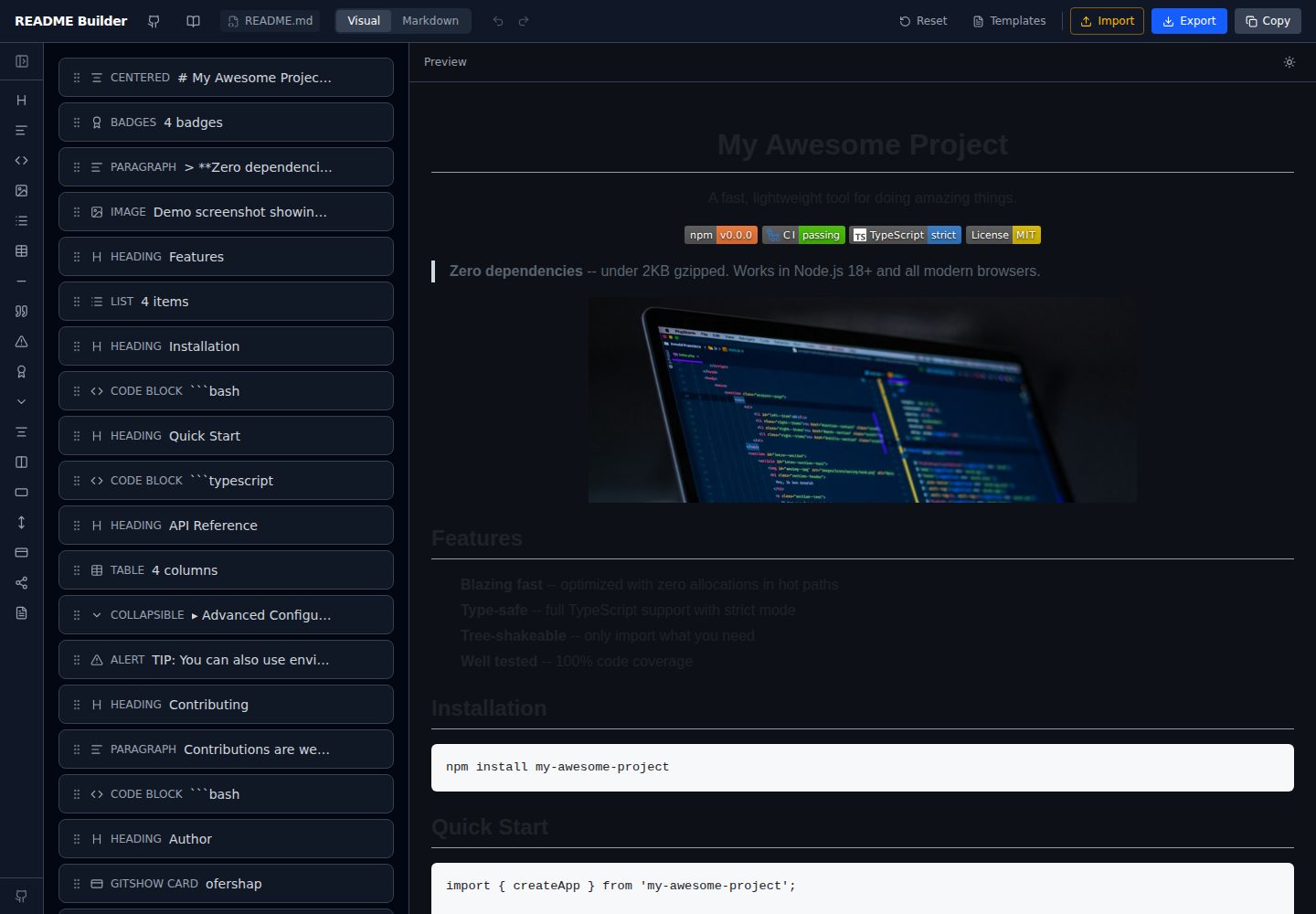
readme-builder
Visual drag-and-drop README editor with live GitHub-flavored preview. SEO-optimized templates, 15+ block types…
Vite · 工具站
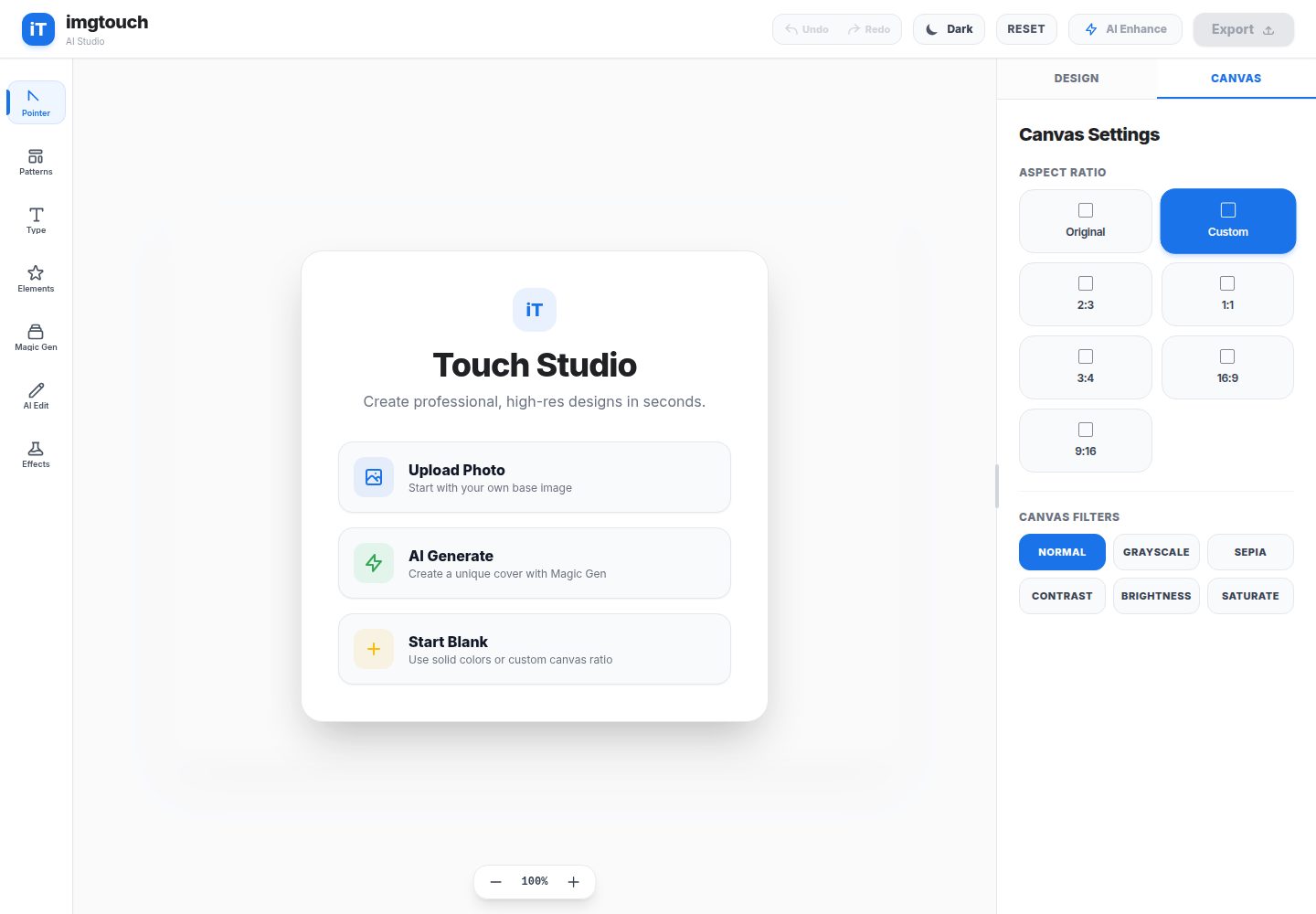
imgtouch
ImgTouch is an AI-powered Web Novel & Book Cover Studio designed for creators, authors, and designers. Powered…
Vite · 工具站
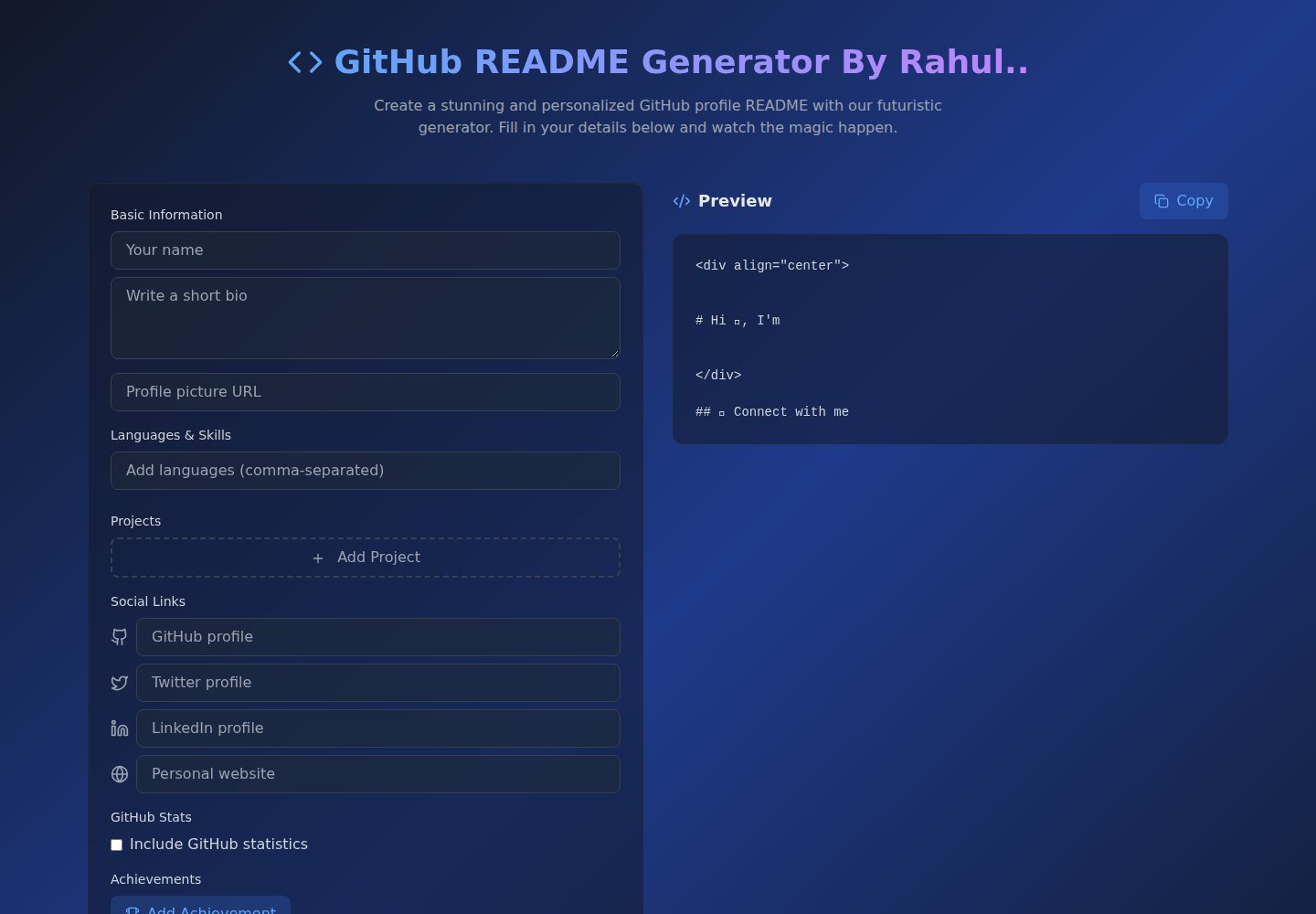
Github-Readme-Generator
An intuitive React-based README generator that helps developers create professional and standardized documenta…
Vite · 文档
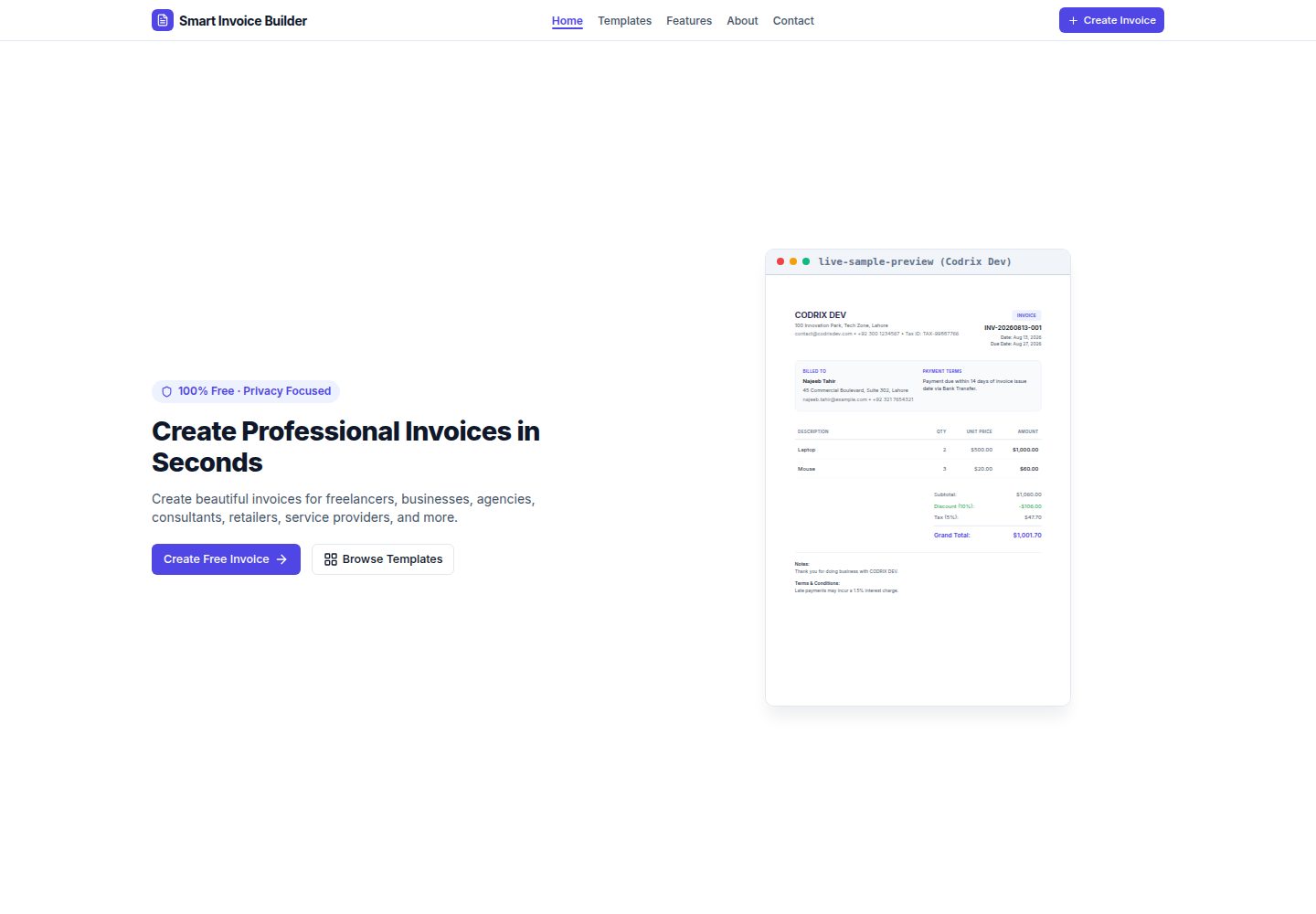
Smart-Invoice-Builder
⚡ Free, privacy-first invoice generator with 12 professional templates, instant PDF exports, and local browser…
Vite · 工具站