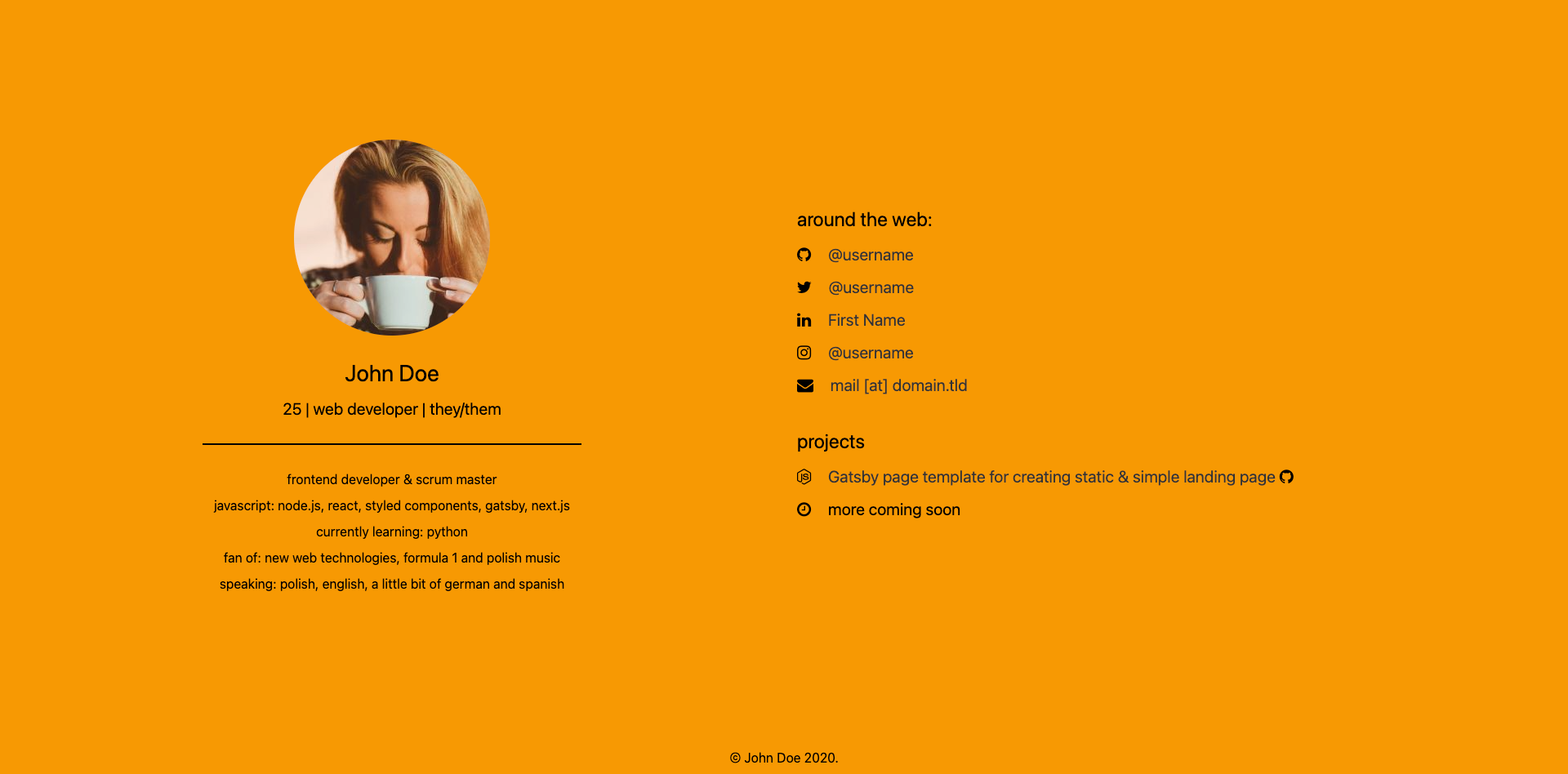
静态渲染的 Gatsby 落地页,包含 About Me、社交账号与项目列表区块
GatsbyReact企业官网
gatsby-landing-page — Gatsby 企业官网模板
作者 wojciech-space
基于 Gatsby 的静态个人落地页模板,页面文案与元数据集中在 config/site-metadata.js 中配置,适合快速搭建简洁的 About Me 与项目展示页。
看看你的网站会是什么样
浏览真实页面截图,比较内容排版与手机效果。点击下方缩略图切换,放大查看整页细节。
目前有 1 张原始预览,可打开完整图片查看设计细节。
截图用于了解视觉与布局,交互效果请以实际项目为准。
采集于 2026-10-02查看来源
值得关注的模板亮点
从已有项目资料中,快速了解它的特点。
页面文案与 meta 信息集中在 config/site-metadata.js 配置
内置 Twitter 与 OpenGraph 社交分享标签
头像、分享封面、favicon 按固定路径替换,README 给出建议尺寸
社交账号与项目图标使用 Fork Awesome 图标名称
采用 MIT 许可,可免费使用、修改、商用与分发
模板详细介绍
该模板用于生成静态渲染的简单落地页,内容以个人介绍(About Me)、社交账号链接和项目列表为主。页面文案、浏览器标签标题、社交分享用的标题/描述/URL、背景色以及 Twitter 账号等,都集中在 config/site-metadata.js 中维护;社交账号与项目以对象数组形式配置,图标名称取自 Fork Awesome 图标库。
图片资源按固定路径替换:About Me 头像放在 src/images/avatar.png(建议 240x240),社交分享封面放在 src/images/social-media-cover.png(建议 1200x630),站点图标放在 src/images/favicon.png。若重命名文件,需要同步修改 src/pages/index.js 或 src/components/seo.js 中对应的 imageSharp 查询条件。
模板自带 Twitter 与 OpenGraph 标签,README 将其描述为轻量、静态渲染、SEO-ready。仓库采用 MIT 许可,可免费使用、修改、商用和分发该版本代码,分发时需保留版权声明与完整 MIT 许可声明;演示图片等第三方素材需另行核对各自许可。
Gatsby企业官网
适合你的项目吗?
适用场景
- 为个人开发者搭建简洁的自我介绍与项目展示页
- 需要静态输出、便于托管到静态托管服务的单页站点
- 希望集中管理页面文案与社交分享元数据的落地页
- 作为 Gatsby 项目起步模板,在此基础上增删区块
适合人群
- 熟悉 Gatsby 基本命令、能编辑 JavaScript 配置文件的开发者
- 需要个人主页或作品集入口页的个人开发者
- 接受以替换图片文件与修改配置来定制内容的用户
上手与定制指南
结合仓库当前版本的说明,按下面的资料检查内容、配置与运行要求。
- 1
需先安装 Gatsby CLI:npm i -g gatsby-cli
- 2
用 gatsby new project-name https://github.com/wiewiordev/gatsby-landing-page 初始化项目
- 3
进入项目目录后运行 npm start 启动开发环境
- 4
在 config/site-metadata.js 中修改页面文案与 meta 信息
- 5
替换 src/images 下的头像、分享封面与 favicon;若改名需同步修改 index.js 或 seo.js 中的查询条件
授权与来源资料
使用条件与限制
免费使用 · 保留许可声明本次收录的是公开仓库中采用 MIT 许可的免费版本;免费范围为该版本代码,不代表外部服务或第三方素材免费。
使用时需要遵守
- 允许免费使用、修改、商用和分发该版本代码。
- 分发代码副本或实质性部分时,保留原作者版权声明和完整 MIT 许可声明。
- 代码按现状提供;担保与责任限制以原许可证及适用法律为准。
额外费用与待核对事项
- 演示图片、字体、图标及其他第三方素材需按各自许可核对,不能仅凭代码的 MIT 许可判断。
- 域名、托管、数据库、支付或 AI 等外部服务可能另外收费。
- 用于 OpenGraph 分享标签的演示照片来自 Unsplash 的 Christopher Gower,属于第三方素材,不在 MIT 代码许可范围内,商用或再分发前需自行核对 Unsplash 的授权条款。
查看原文依据
Permission is hereby granted, free of charge
许可证原文
https://github.com/wojciech-space/gatsby-landing-page/blob/main/LICENSEhttps://github.com/wojciech-space/gatsby-landing-page/blob/main/README.mdPhoto used for OpenGraph tag by <a href="https://unsplash.com/@cgower?utm_source=unsplash&utm_medium=referral&utm_content=creditCopyText">Christopher Gower</a> on <a href="https://unsplash.com/s/photos/web-development?utm_source=unsplash&utm_medium=referral&utm_content=creditCopyText">Unsplash</a>
README 原文
DeepSeek 根据仓库许可证和 README 整理 ·2026-10-04。结果仅覆盖已读取资料,依赖、图片、字体及后续条款变更以各自原文为准。
项目核对记录与介绍依据
模板资料
- 来源平台
- GitHub
- 资料与维护参考分
- 资料一般 · 56 / 100
- 技术栈
- Gatsby · React
- 网站类型
- 企业官网
这个分数如何计算
本站按许可资料(最高30分)、演示链接(12分)、预览图(10分)、Star数(15分)、记录的维护时间(15分)、描述完整度(8分)、功能记录(5分)和分类资料(5分)计算。它不是代码、安全或性能测试,也不是 Google 评分;有链接不代表已实测可用。
这个项目需要核对什么
- 记录的仓库更新时间
- 2020-12-31
- 截图检查日期
- 2026-10-04
目前没有记录演示链接。请依据仓库说明在本地评估;仅凭截图无法确认交互行为。
目录记录的主要技术栈是 Gatsby。请通过依赖清单和锁文件核对实际版本与托管要求。这些说明基于收录资料,不代表代码审计或部署实测。
查看具体选型方法 →介绍的制作与核对状态
介绍由 AI 辅助整理目录与仓库资料。仓库作者不等于这篇介绍的审核者。
审核声明: [email protected] · 2026-10-05
查看当时使用的来源资料
SHA-256: e56c69711fae3d8a972c382c065742f1331be732568353ef6cba82fdbf0a5b92
2026-10-04T18:25:36.734Z
来源文件 / 仓库# Gatsby Landing Page
Gatsby page template for creating static & simple landing page.
<span>  </span>

## Features
- statically rendered page
- lightweight
- SEO-ready (Twitter and OpenGraph tags included)
## How to change data
Text data displayed on page and in meta tags in <head> can be found and changed in `config/site-metadata.js`.
| **Property** | Description |
| ------------------- | ------------------------------------------------------------ |
| `pageTitle` | Page title displayed in browser tab. |
| `name` | Name used in About Me description and footer with copyrights |
| `pageSubtitle` | Text displayed under Name in About Me section |
| `seoTitle` | Page title used in social media where page is shared (e.g. on Twitter or Facebook) |
| `seoDescription` | Page description used in social media where page is shared (e.g. on Twitter or Facebook) |
| `siteUrl` | Page URL used in social media where page is shared (e.g. on Twitter or Facebook) |
| `backgroundColor` | Background color of page |
| `twitterHandle` | Your Twitter account; used in Twitter where page is shared |
| `personDescription` | Description displayed in About Me section. One line per each object with `text` property. |
| `socialMedia` | Array of objects with your social media accounts.<br /><br />`url`: URL of your social media account<br />`displayName`: display name of given account<br />`iconName`: name of icon for given account (find name icon here: [Fork Awesome](https://forkaweso.me/Fork-Awesome/icons/)) |
| `projects` | Array of objects with your projects.<br /><br />`url`: URL of your project<br />`displayName`: display name of given project<br />`languageIconName`: name of icon for project's main language (find name icon here: [Fork Awesome](https://forkaweso.me/Fork-Awesome/icons/))<br />`sourceIconName`: name of icon for given project's repository page, e.g. GitHub, GitLab, BitBucket (find name icon here: [Fork Awesome](https://forkaweso.me/Fork-Awesome/icons/)) |
- Image used in About Me section can be replaced in `src/images/avatar.png`. Suggested image size is 240x240 px. If you want to rename file, please update filename in `src/pages/index.js` in `query` function:
```javascript
imageSharp(fixed: {originalName: {eq: "<new filename>.[ext]"}}) {
```
- Image used for displaying in social media can be replaced in `src/images/social-media-cover.png`. Suggested image size is 1200x630 px. If you want to rename file, please update filename in `src/components/seo.js` in `useStaticQuery` function:
```javascript
imageSharp(fixed: {originalName: {eq: "<new filename>.[ext]"}}) {
```
- Favicon can be replaced in `src/images/favicon.png`. If you want to rename file, please update filename in `src/components/seo.js` in `useStaticQuery` function:
```javascript
favicon: imageSharp(fixed: {originalName: {eq: "<new filename>.[ext]"}}) {
```
## How to use in your own project
1. Install Gatsby CLI: `npm i -g gatsby-cli`
2. Initialize project: `gatsby new project-name https://github.com/wiewiordev/gatsby-landing-page`
3. Run dev environment: `cd project-name && npm start`
4. Change data in `config/site-metadata.js`
5. Deploy it!
## Copyrights
<span>Photo used for OpenGraph tag by <a href="https://unsplash.com/@cgower?utm_source=unsplash&utm_medium=referral&utm_content=creditCopyText">Christopher Gower</a> on <a href="https://unsplash.com/s/photos/web-development?utm_source=unsplash&utm_medium=referral&utm_content=creditCopyText">Unsplash</a></span>
## License
[MIT License](LICENSE)
看看同类模板
对比同技术栈与用途的模板,找到更适合的视觉与内容结构。

automatic-gatsbyjs-app-landing-page
Automatic GatsbyJS App Landing Page - Automatically generate iOS app landing page using GatsbyJS
Gatsby · 工具站

vhealth-gatsby
Open source Gatsby template for a healthcare startup. [Building something amazing? do reach out!]
Gatsby · 企业官网
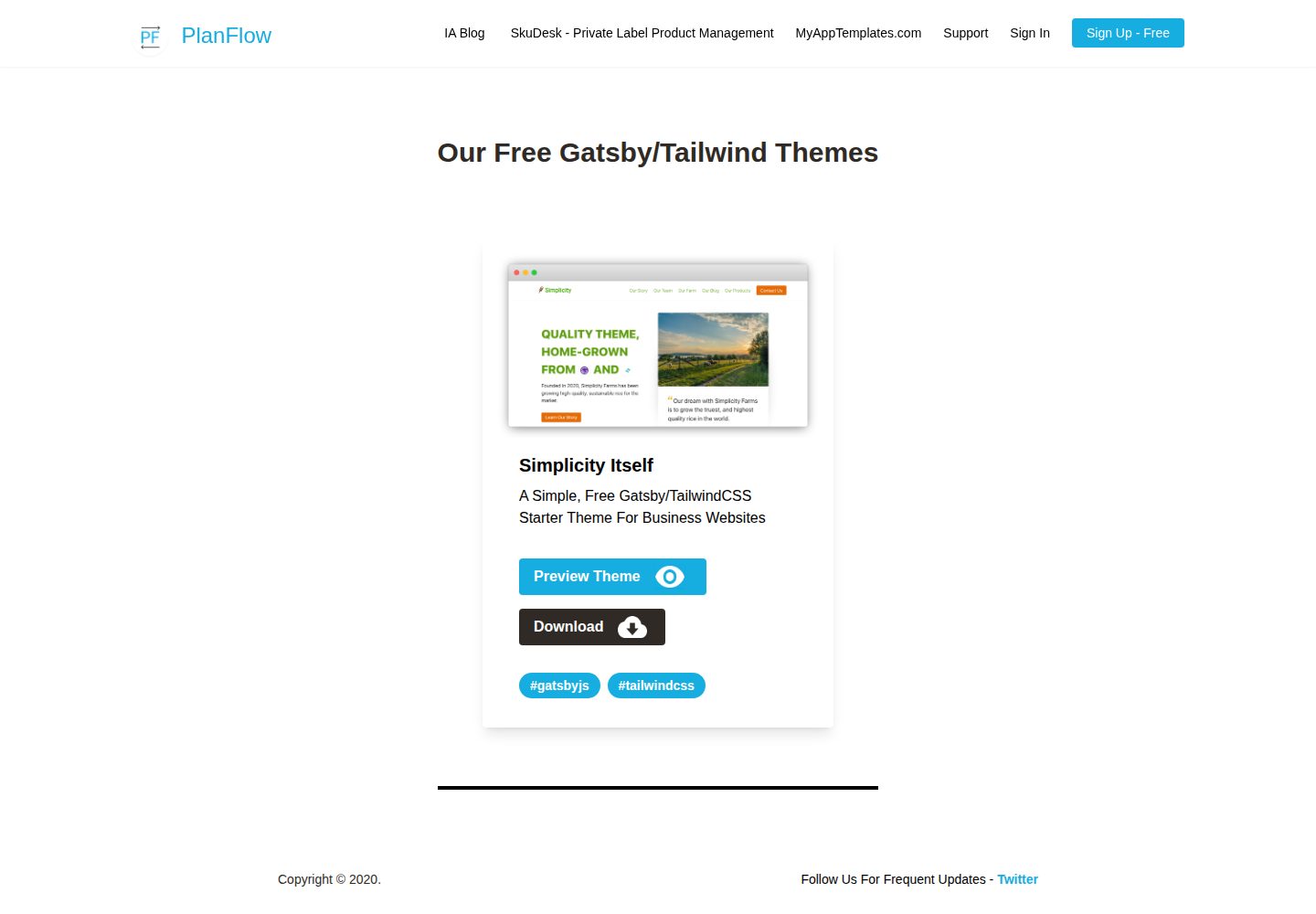
Simplicity-Itself-Gatsby-Tailwind-Starter-Theme
A Simple, Free Gatsby/TailwindCSS Starter Theme For Business Websites
Gatsby · 企业官网
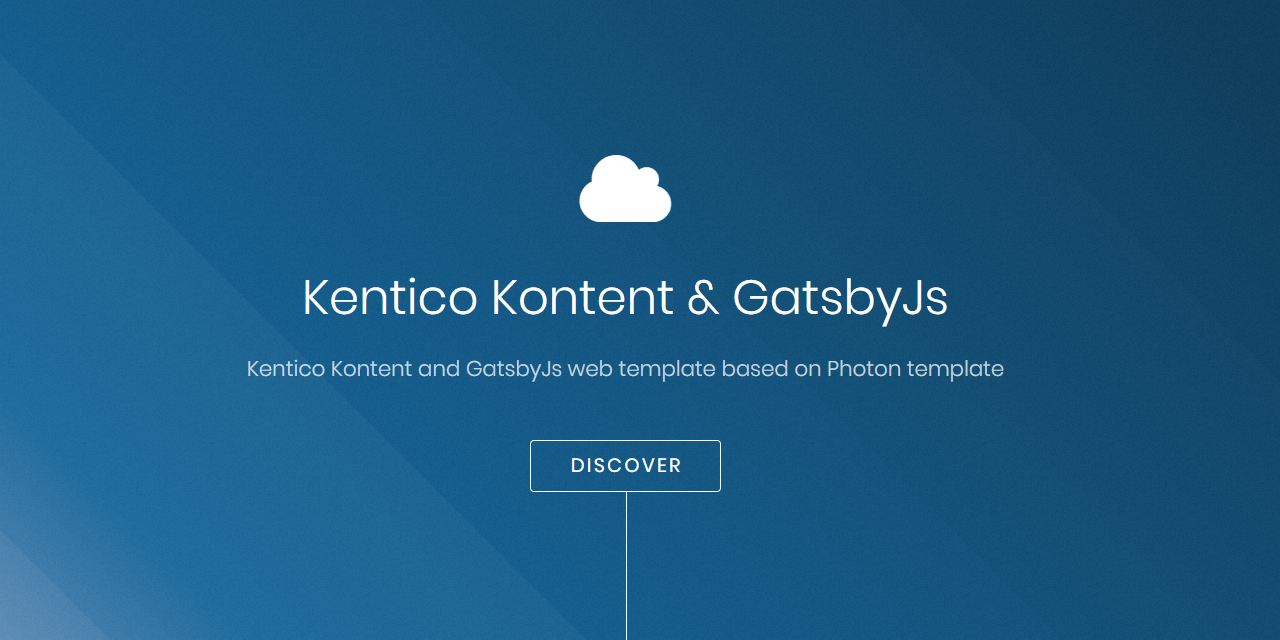
kontent-template-gatsby-landing-page-photon
Kentico Kontent web template using Gatsby and Kentico Kontent.
Gatsby · 企业官网

zauberhaft-gatsby
Free, customizable, modern & Lightning fast Gatsby 5 - agency website template
Gatsby · 企业官网
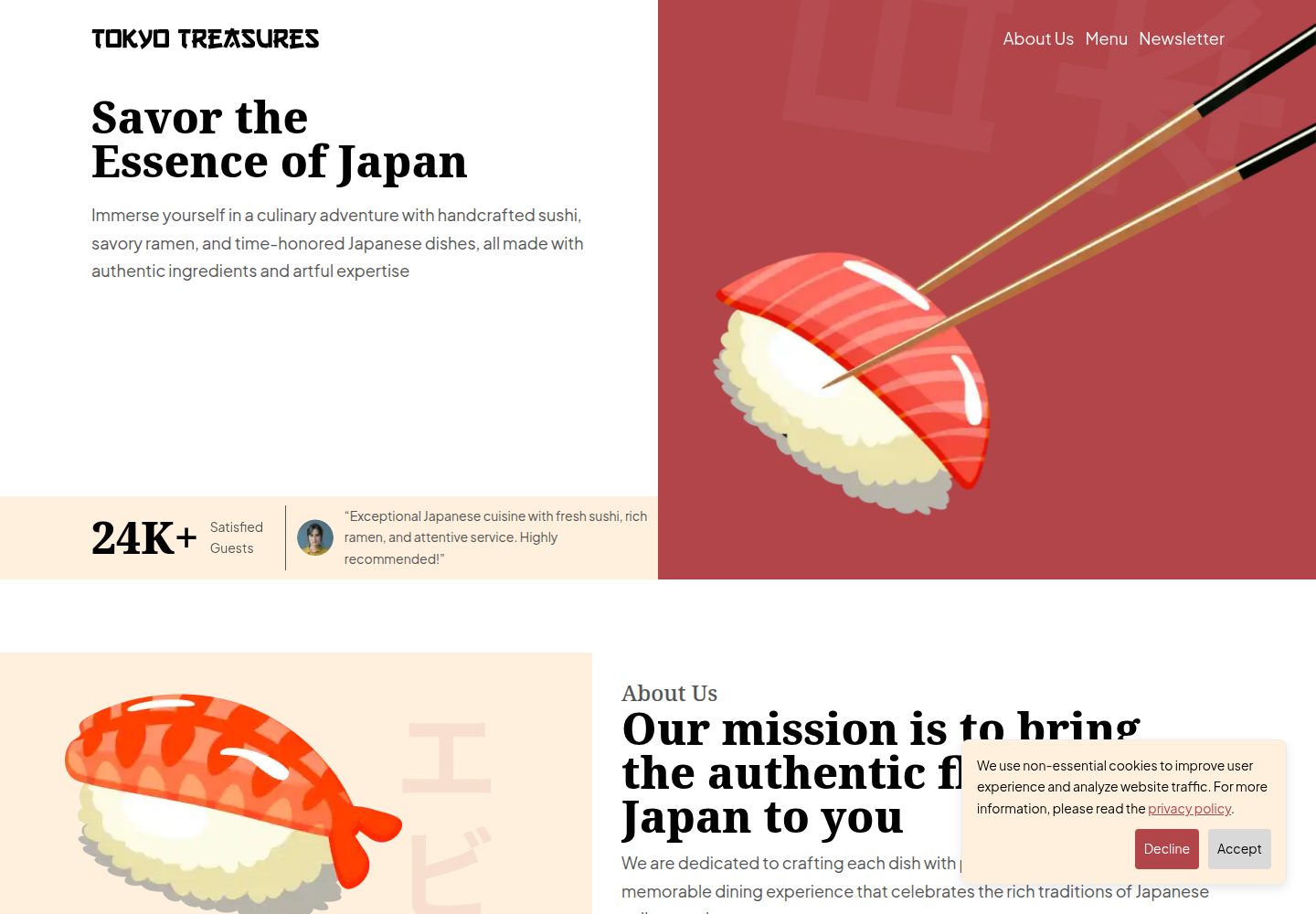
tokyo-treasures
A responsive restaurant website template that is optimized for performance, SEO, and accessibility. It is buil…
Gatsby · 企业官网