以 Eleventy 为静态站点生成器,配合 Tailwind CSS 与 Alpine.js
Eleventy启动器
11up — Eleventy 启动器模板
作者 woodcox
11up 是一个基于 Eleventy 的启动器模板,组合 Tailwind CSS、Alpine.js 与 Esbuild JS 构建流程,并集成 Netlify CMS。
看看你的网站会是什么样
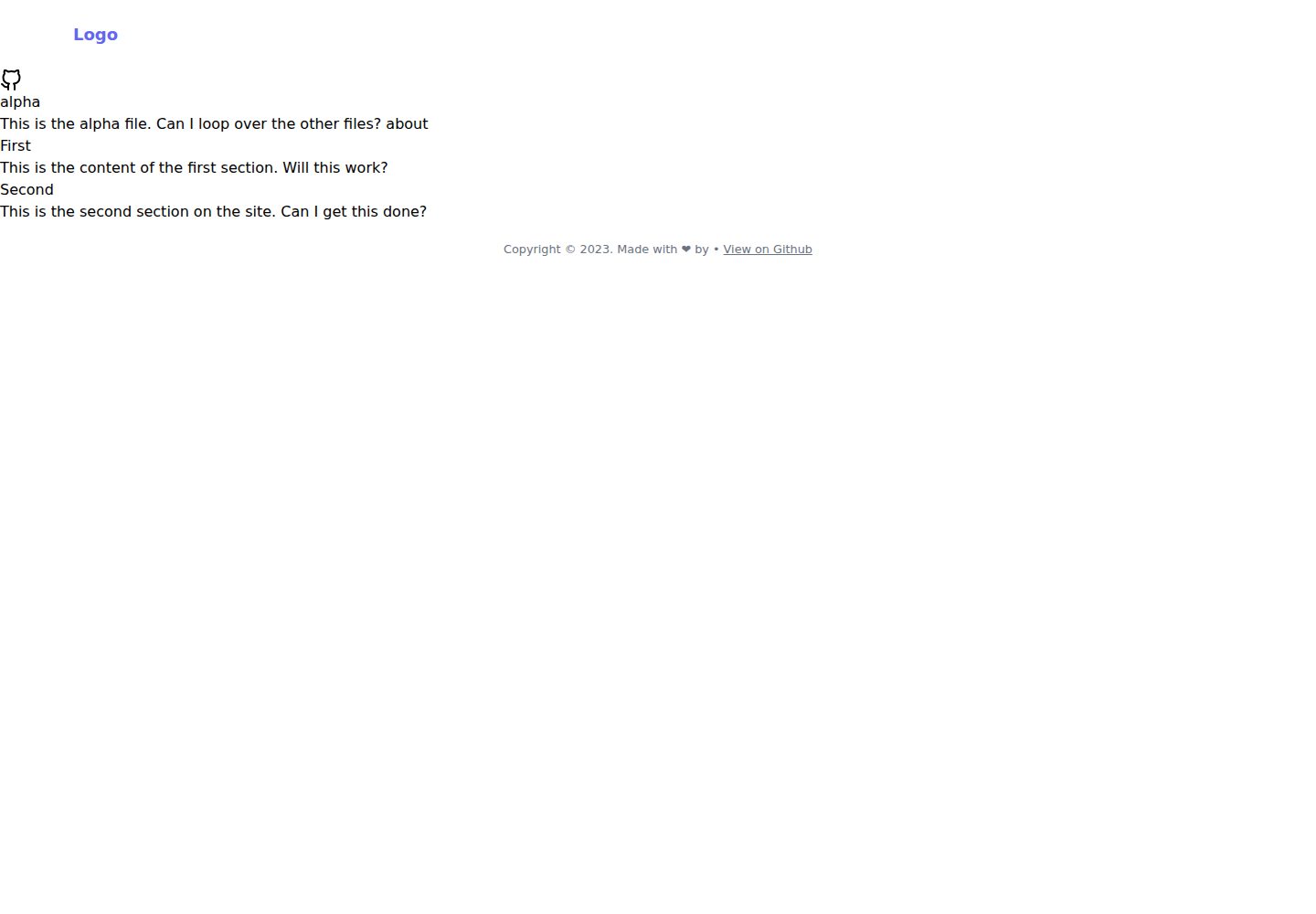
浏览真实页面截图,比较内容排版与手机效果。点击下方缩略图切换,放大查看整页细节。
全部页面与视图 2
截图用于了解视觉与布局,交互效果请以实际项目为准。
采集于 2026-10-02查看来源
值得关注的模板亮点
从已有项目资料中,快速了解它的特点。
使用 Esbuild 作为 JavaScript 构建管线
集成 Netlify CMS 作为内容管理方案
提供在线演示页面与 Netlify 一键部署按钮
README 中列出 Partytown 分析脚本等未完成的待办项
模板详细介绍
11up 是 woodcox 发布的 Eleventy 启动器仓库,作者用它试验如何快速搭建网站。技术组合包括 Eleventy 生成静态页面、Tailwind CSS 处理样式、Alpine.js 提供前端交互,ESbuild 作为 JavaScript 构建管线,同时接入 Netlify CMS 作为内容管理入口。
仓库提供在线演示页面,并附带 Netlify 一键部署按钮。README 说明的起步流程为:克隆仓库、进入目录、执行 npm install 安装依赖,再用 npm run start 运行 Eleventy。
作者在 README 中说明该模板受 Neat Starter、TEAstack 以及 Jekyll 主题 SinglePaged 启发,并提到未来可能引入 ESbuild 的 CSS 插件,以及为分析脚本加入 Partytown,这两项均标注为待办或设想,尚未实现。
Eleventy启动器
适合你的项目吗?
适用场景
- 想尝试 Eleventy + Tailwind CSS + Alpine.js 组合的开发者快速起手
- 需要 Netlify CMS 可视化编辑内容的小型静态站点
- 希望用 Esbuild 处理前端 JS 构建流程的项目原型
- 参考该模板结构迁移原有 Jekyll 站点的场景
适合人群
- 熟悉 npm 与命令行操作的开发者
- 需要静态站点生成器加内容管理后台的个人或小团队项目
- 希望以 MIT 许可代码为基础自行修改的开发者
上手与定制指南
结合仓库当前版本的说明,按下面的资料检查内容、配置与运行要求。
- 1
克隆仓库:git clone https://github.com/woodcox/11up.git my-website-name
- 2
进入目录后执行 npm install 安装依赖
- 3
运行 npm run start 启动 Eleventy
- 4
可通过 README 中的 Netlify 部署按钮或演示地址查看效果
- 5
演示图片、字体、图标等第三方素材需按各自许可单独核对
授权与来源资料
使用条件与限制
免费使用 · 保留许可声明本次收录的是公开仓库中采用 MIT 许可的免费版本;免费范围为该版本代码,不代表外部服务或第三方素材免费。
使用时需要遵守
- 允许免费使用、修改、商用和分发该版本代码。
- 分发代码副本或实质性部分时,保留原作者版权声明和完整 MIT 许可声明。
- 代码按现状提供;担保与责任限制以原许可证及适用法律为准。
额外费用与待核对事项
- 演示图片、字体、图标及其他第三方素材需按各自许可核对,不能仅凭代码的 MIT 许可判断。
- 域名、托管、数据库、支付或 AI 等外部服务可能另外收费。
查看原文依据
https://github.com/woodcox/11up/blob/master/LICENSEhttps://github.com/woodcox/11up/blob/master/README.mdPermission is hereby granted, free of charge
许可证原文
DeepSeek 根据仓库许可证和 README 整理 ·2026-10-03。结果仅覆盖已读取资料,依赖、图片、字体及后续条款变更以各自原文为准。
项目核对记录与介绍依据
模板资料
- 来源平台
- GitHub
- 资料与维护参考分
- 资料一般 · 68 / 100
- 技术栈
- Eleventy
- 网站类型
- 启动器
这个分数如何计算
本站按许可资料(最高30分)、演示链接(12分)、预览图(10分)、Star数(15分)、记录的维护时间(15分)、描述完整度(8分)、功能记录(5分)和分类资料(5分)计算。它不是代码、安全或性能测试,也不是 Google 评分;有链接不代表已实测可用。
这个项目需要核对什么
- 记录的仓库更新时间
- 2023-03-01
- 截图检查日期
- 2026-10-03
已收录演示链接。请用你的内容与屏幕尺寸检查;有演示不代表表单、认证或支付已经可用。
目录记录的主要技术栈是 Eleventy。请通过依赖清单和锁文件核对实际版本与托管要求。这些说明基于收录资料,不代表代码审计或部署实测。
查看具体选型方法 →介绍的制作与核对状态
介绍由 AI 辅助整理目录与仓库资料。仓库作者不等于这篇介绍的审核者。
审核声明: [email protected] · 2026-10-04
查看当时使用的来源资料
SHA-256: 446d06fac25f8a29eb925d2f1418fbc5a977589525f050fcb8a55ee3bb77d5d0
2026-10-03T18:19:12.810Z
来源文件 / 仓库|  | | -------------------------------------------------------------------------------------------------------------- | # [11up](https://woodcox.github.io/11up/) 11up is a starter repo to test out how I could build websites fast using [Eleventy](https://www.11ty.dev), [Tailwind CSS](https://tailwindcss.com), and [Alpinejs](https://alpinejs.dev). [ESbuild](https://esbuild.github.io/) is also used as a JS build pipeline. I might make use of the css plugins for ESbuild in the future as this repo by [arslanakram](https://github.com/arslanakram/custom-esbuild-with-scss-purgecss-and-liveserver) has an interesting setup. Details of this set up are also available on [Stack Overflow](https://stackoverflow.com/questions/70325815/how-to-setup-custom-esbuild-with-scss-purgecss-liveserver). I am hoping I can transfer my jekyll projects to the TEAstack + ESbuild. ## Live Demo [https://woodcox.github.io/11up/](https://woodcox.github.io/11up/) ### Technologies used: - [Netlify CMS](https://www.netlifycms.org/) - [Eleventy](https://www.11ty.dev/) - [Alpine.js](https://github.com/alpinejs/alpine) - [Tailwind CSS](https://tailwindcss.com/) - [ESbuild](https://esbuild.github.io/) <a href="https://app.netlify.com/start/deploy?repository=https://github.com/woodcox/11up&stack=cms"><img src="https://www.netlify.com/img/deploy/button.svg" alt="Deploy to Netlify" /></a> ## Getting Started ### 1. Clone this repository ``` git clone https://github.com/woodcox/11up.git my-website-name ``` ### 2. Navigate to the directory ``` cd my-website-name ``` ### 3. Install the dependencies ``` npm install ``` ### 4. Run Eleventy ``` npm run start ``` ## Credits This theme was inspired by: - [Surjith S M](https://surjithctly.in/) and his [Neat Starter](https://github.com/surjithctly/neat-starter) - [Greg Wolanski](https://gregwolanski.com/) for writing the article on [CSS Trick](https://css-tricks.com/eleventy-starter-with-tailwind-css-alpine-js/) and his [TEAstack](https://github.com/gregwolanski/eleventy-tailwindcss-alpinejs-starter) starter repo - [Tim O'Brien](http://t413.com) for creating [SinglePaged](http://github.io/t413/SinglePaged) jekyll site ## License The theme is available as open source under the terms of the [MIT License](https://opensource.org/licenses/MIT). See `LICENSE` for more information. ## To do - add partytown for analytics
看看同类模板
对比同技术栈与用途的模板,找到更适合的视觉与内容结构。

eleventy-base-blog
A starter repository for a blog web site using the Eleventy static site generator.
Eleventy · 博客

eleventy-garden
:seedling: A starter site for building a mind garden with eleventy
Eleventy · 启动器

eleventastic
An Eleventy Starter Kit
Eleventy · 启动器

neat-starter
Starter Template for Netlify CMS, Eleventy, Alpine JS & Tailwind CSS
Eleventy · 启动器

Eleventy-Starter-Boilerplate
🚀 Eleventy Starter is production-ready with SEO-friendly for quickly starting a blog. ⚡ Built with Eleventy, …
Eleventy · 博客

eleventy-plus-vite
A clean and fast Eleventy Starter Project with Vite
Eleventy · 启动器