Tiptap-based WYSIWYG editor with AI suggestions from Novel.sh
RemixReactStarter
remix-knowledge-base — Remix Starter Template
By AlexandroMtzG
A knowledge base starter kit built with Remix, Tailwind CSS, and Prisma, offering both WYSIWYG and Markdown editors, multiple knowledge bases, multi-language support, simple statistics, and Supabase image storage.
Explore the design
Compare the page layouts and mobile experience. Open any screenshot for a closer look.
Desktop homepage1 / 2
Desktop captureTop of page
Actual screenshot captured by the server browser.
All pages & views 2
Screenshots show visual appearance; interactive behavior may differ.
Recorded 2026-10-07View source
What stands out
A quick read of the recorded project description.
Monaco-based Markdown editor
Support for creating multiple knowledge bases, with categories and articles configurable for multiple languages
Articles support drafts, duplication, and SEO title/description/image settings
Simple statistics tracking views, upvotes, and downvotes
Upload article images via Supabase Storage, and support importing/exporting knowledge bases
Template Details
This template is a standalone version of the knowledge base feature from the SaasRock product, with the author referencing the help center designs of Intercom and Crisp. It is built with Remix and React, styled with Tailwind CSS, and accesses the database through Prisma.
Content editing is available in two ways: a Tiptap-based WYSIWYG editor (with AI suggestions from Novel.sh), and a Monaco-based Markdown editor. The knowledge base itself supports creating multiple instances, categories and articles can be configured for multiple languages, articles can be saved as drafts before publishing, and existing articles can be duplicated as a starting point.
Supporting features include: articles can have SEO titles, descriptions, and images; simple statistics tracking views, upvotes, and downvotes; uploading article images via Supabase Storage; and importing and exporting knowledge bases.
Before use, you need to prepare your own database connection and ensure that the provider in schema.prisma matches DATABASE_URL, then run Prisma migrations or push. Image storage relies on Supabase, which is an external service. The repository is released under the MIT license, but third-party assets such as demo images, fonts, and icons require separate license verification, and external services like domain, hosting, database, and AI may incur costs.
RemixReactStarter kit
Is it right for your project?
Use Cases
- Building a public help center or documentation site for a product
- Maintaining a multi-language knowledge base within a SaaS product
- Teams that need to use both WYSIWYG and Markdown editing methods
- Developers who want to extend knowledge base functionality based on Remix and Prisma
Suitable For
- Developers familiar with Remix, React, and Prisma
- Teams needing multiple knowledge bases and multi-language content management
- Projects willing to configure their own database and Supabase storage
- Users who accept the MIT license and need to verify third-party asset licenses themselves
Getting started & customization
Use these recorded setup notes alongside the repository instructions for your chosen version.
- 1
Run npm install to install dependencies
- 2
Ensure the database provider in schema.prisma matches DATABASE_URL, then run npx prisma migrate dev --name init or npx prisma db push to initialize the database
- 3
Run npm run dev to start the development server
- 4
Image upload relies on Supabase Storage, which requires configuring the corresponding service yourself
- 5
Third-party assets such as demo images, fonts, and icons need to be checked separately according to their respective licenses
License & source material
Usage conditions & limitations
Free to use · keep license noticeThis entry covers the free version under the MIT license in the public repository; the free scope applies to that version's code and does not imply that external services or third-party assets are free.
Must comply with when using
- Free use, modification, commercial use, and distribution of this version's code are permitted.
- When distributing copies or substantial portions of the code, retain the original author's copyright notice and the full MIT license notice.
- The code is provided as is; warranties and limitations of liability are governed by the original license and applicable law.
Additional costs & items to verify
- Demo images, fonts, icons, and other third-party assets need to be checked according to their respective licenses and cannot be judged solely by the code's MIT license.
- External services such as domain, hosting, database, payment, or AI may incur additional charges.
- The image upload feature relies on the external service Supabase Storage; users need to register and configure a Supabase account and storage bucket themselves, otherwise article image upload will not work.
- Before use, you must prepare your own database and ensure that the provider in schema.prisma matches DATABASE_URL, otherwise the database cannot be initialized.
- The AI suggestion feature of the WYSIWYG editor relies on Novel.sh-related services and may require additional external AI services or API configuration.
View Original Text Basis
Permission is hereby granted, free of charge
Original License Text
**Image storage** with Supabase: Upload article images to [Supabase](https://supabase.io) Storage.
Original README
2. Initialize the database _(the `schema.prisma` db provider must match the `DATABASE_URL` provider)_:
Original README
https://github.com/AlexandroMtzG/remix-knowledge-base/blob/main/LICENSEhttps://github.com/AlexandroMtzG/remix-knowledge-base/blob/main/README.md- **WYSIWYG** editor: [Tiptap](https://tiptap.dev/) editor with AI-powered suggestions (thanks to [Novel.sh](https://novel.sh/?ref=saasrock-kb))
Original README
Compiled by DeepSeek based on repository license and README ·2026-10-07. Results only cover the materials read; dependencies, images, fonts, and subsequent term changes are subject to their respective original texts.
Project checks & description sources
Template Information
- Source platforms
- GitHub
- Documentation and maintenance reference score
- More documented · 77 / 100
- Technologies
- Remix · React
- Website type
- Starter
How this score is calculated
Our heuristic uses license records (up to 30), a demo link (12), a preview (10), stars (15), recorded maintenance (15), description completeness (8), feature records (5) and classification data (5). It is not a code, security or performance test, or a Google score. A link does not establish tested functionality.
What to verify for this project
- Repository update recorded
- 2024-02-09
- Screenshot last checked
- 2026-10-07
A demo link is listed. Check it with your own content and viewport sizes; its presence does not confirm that forms, authentication or payments work.
The catalog identifies Remix as the primary stack. Check the actual dependency manifest and lockfile for versions and hosting requirements. These notes use recorded metadata, not a code audit or a deployment test.
Use a selection guide →How this description was prepared
AI-assisted description based on catalog records and repository material. Repository authors are not automatically the reviewers of this description.
Review declaration: [email protected] · 2026-10-08
Inspect the recorded source material
SHA-256: f345b113e3d466db360d82fc697852ee8a02901692d1f6dcee34b06b0423dd7a
2026-10-07T22:20:34.973Z
Source file / repository# Remix Knowledge Base This is the Knowledge Base feature of [SaasRock](https://saasrock.com/?ref=saasrock-kb&utm_source=readme). I used **Intercom** and **Crisp** help centers as "inspiration" 😛.  ### Demo - Demo: [https://saasrock.com/docs](https://saasrock.com/docs) - [Watch the introduction video demo](https://www.loom.com/share/c5d6a04da4214e3689b38d0e5d211e25) ### Getting Started 1. Install dependencies: ``` npm install ``` 2. Initialize the database _(the `schema.prisma` db provider must match the `DATABASE_URL` provider)_: ``` npx prisma migrate dev --name init ``` or ``` npx prisma db push ``` 3. Start the development server: ``` npm run dev ``` ### Features - **WYSIWYG** editor: [Tiptap](https://tiptap.dev/) editor with AI-powered suggestions (thanks to [Novel.sh](https://novel.sh/?ref=saasrock-kb)) - **Markdown** editor: [Monaco](https://github.com/suren-atoyan/monaco-react) editor with markdown support. - **Multi-knowlege-base** support: Create multiple knowledge bases for different purposes. - **Multi-language** support: Add categories and articles in multiple languages. - **Simple Analytics**: Views, Upvotes, and Downvotes tracking. - **Image storage** with Supabase: Upload article images to [Supabase](https://supabase.io) Storage. - **SEO**: Add SEO title, description, and image to your articles. - **Article Duplication**: Duplicate articles so you don't start from scratch. - **Article Drafts**: Save your articles as drafts and publish them when you're ready. - **Import and Export**: Don't lose your data, import and export your knowledge bases. ### Community - Join the [Discord](https://discord.gg/KMkjU2BFn9) to chat with other SaasRock users or to DM me directly. - Follow [SaasRock](https://twitter.com/saas_rock) or [me](https://twitter.com/AlexandroMtzG) on Twitter. ### SaasRock If you liked this project, you might also like [SaasRock](https://saasrock.com/?ref=saasrock-kb&utm_source=readme), a SaaS starter kit that helps you build your SaaS faster. ### License Licensed under the MIT License. ### Sponsor If you find **SaasRock KB** useful and would like to support its development, consider becoming a sponsor. Your sponsorship will help ensure the continued maintenance and improvement of this project. You can sponsor me on [GitHub Sponsors](https://github.com/sponsors/AlexandroMtzG). Every contribution is highly appreciated!
Explore similar templates
Compare previews and descriptions within the same stack and category.
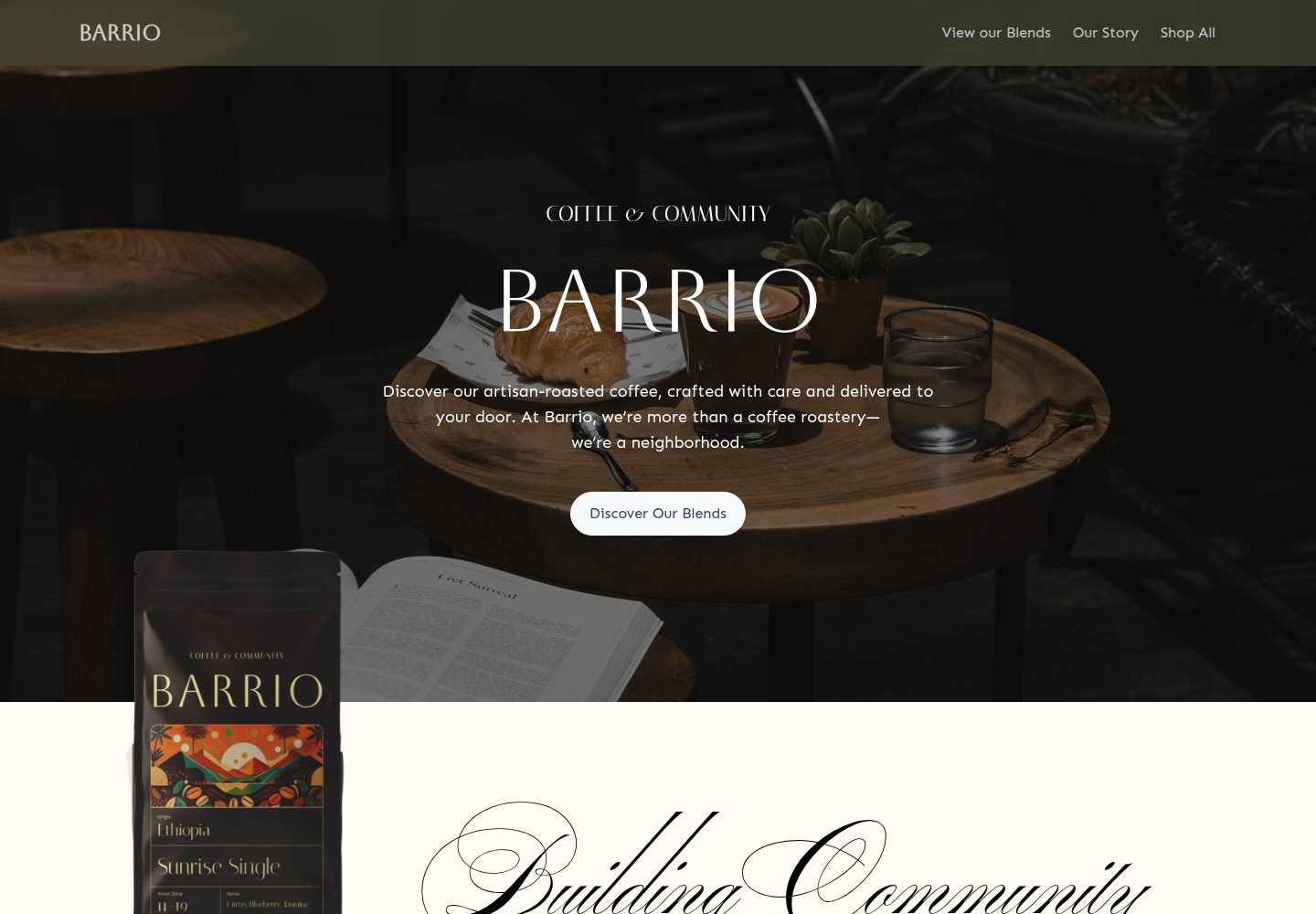
medusa2-starter
A Turborepo monorepo starter that pairs a Medusa2 backend with a Remix frontend, including a Coffee Roast themed storefront, Stripe payments, and Express Checkout setup notes. It supports unlimited products, collections, categories, and tags, and uses TypeScript with Biome.
Remix · E-commerce
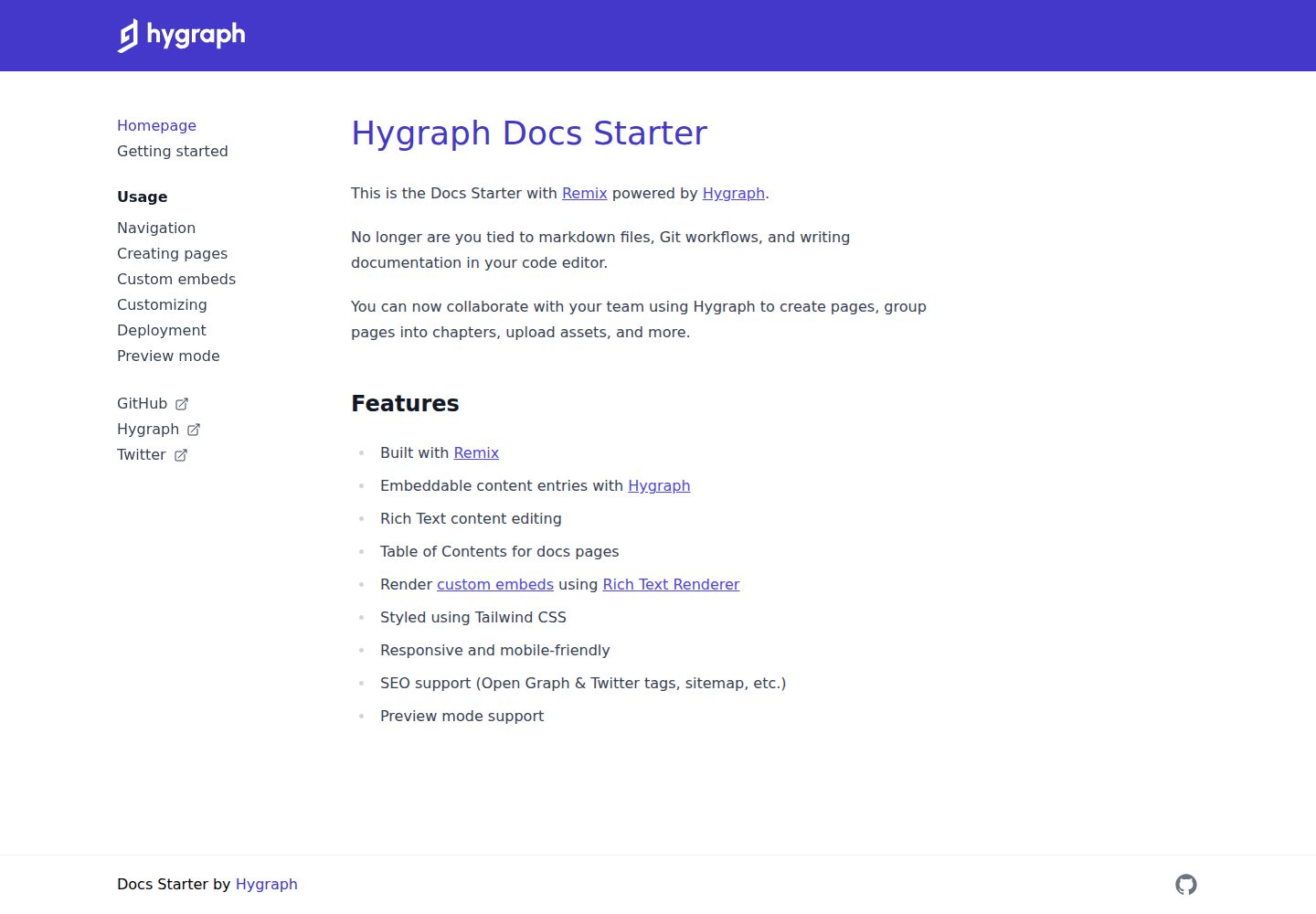
docs-starter
A Remix-based documentation site starter with content from the Hygraph headless CMS, styled with Tailwind CSS. It supports rich text editing, automatic table of contents, custom embeds, preview mode, and SEO output.
Remix · Documentation
directed-stack
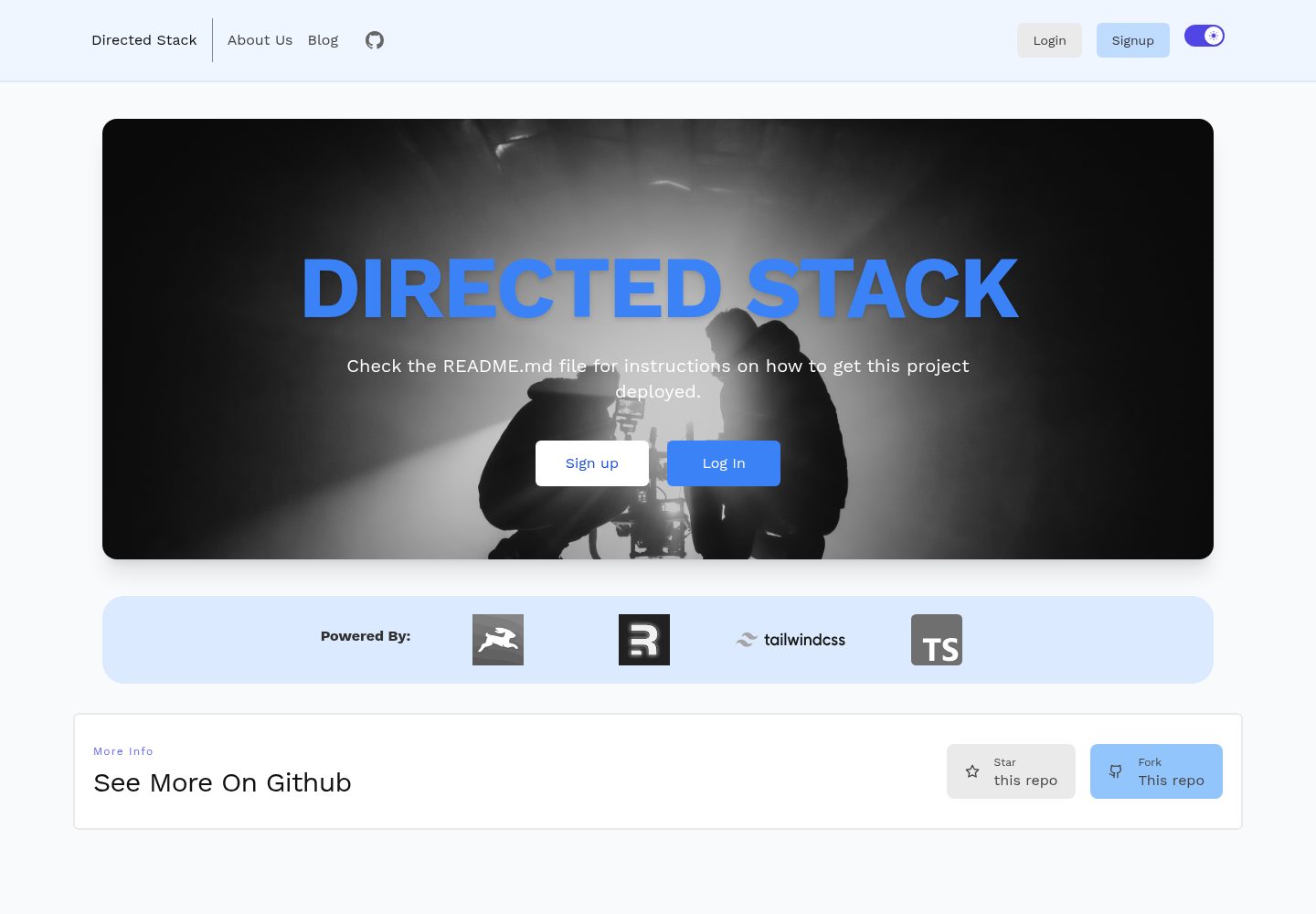
Directed Stack is an MIT-licensed Remix starter that uses Directus as a headless CMS for authentication, blog, pages, and backend storage. It includes cookie-session email/password auth, an /api/healthcheck endpoint, Tailwind, Markdoc rendering with custom components, Prettier, ESLint, and TypeScript.
Remix · Starter

remix-wasmer-starter
A Remix-based static site starter for Wasmer Edge. It uses getStaticPaths() to generate the root path at build time, sets serverBuildTarget to "wasmer" in remix.config.js, and outputs static assets to build/client for direct static hosting.
Remix · Starter
tailwind-remix-starter
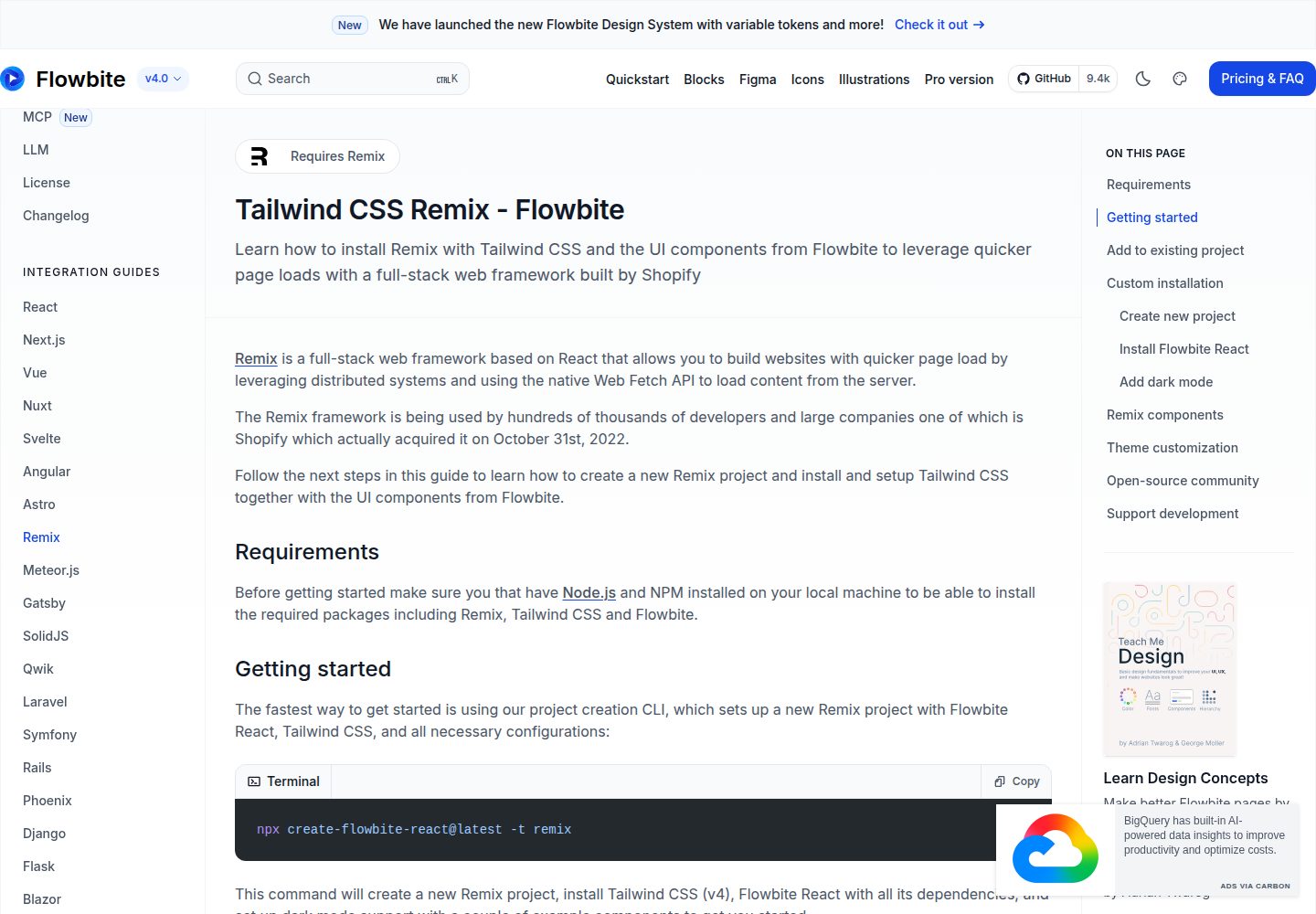
A free, MIT-licensed Remix starter maintained by themesberg that combines Remix, React, Tailwind CSS, and Flowbite React into a ready-to-develop project skeleton.
Remix · Starter

remix-vite-markdown-pwa
A Remix and Vite Markdown blog starter template with dynamic post and tag lists, pagination via infinite scroll or click-to-load-more, built-in PWA, RSS, sitemap, and a customizable Markdown pipeline using unified and rehype.
Remix · Blog