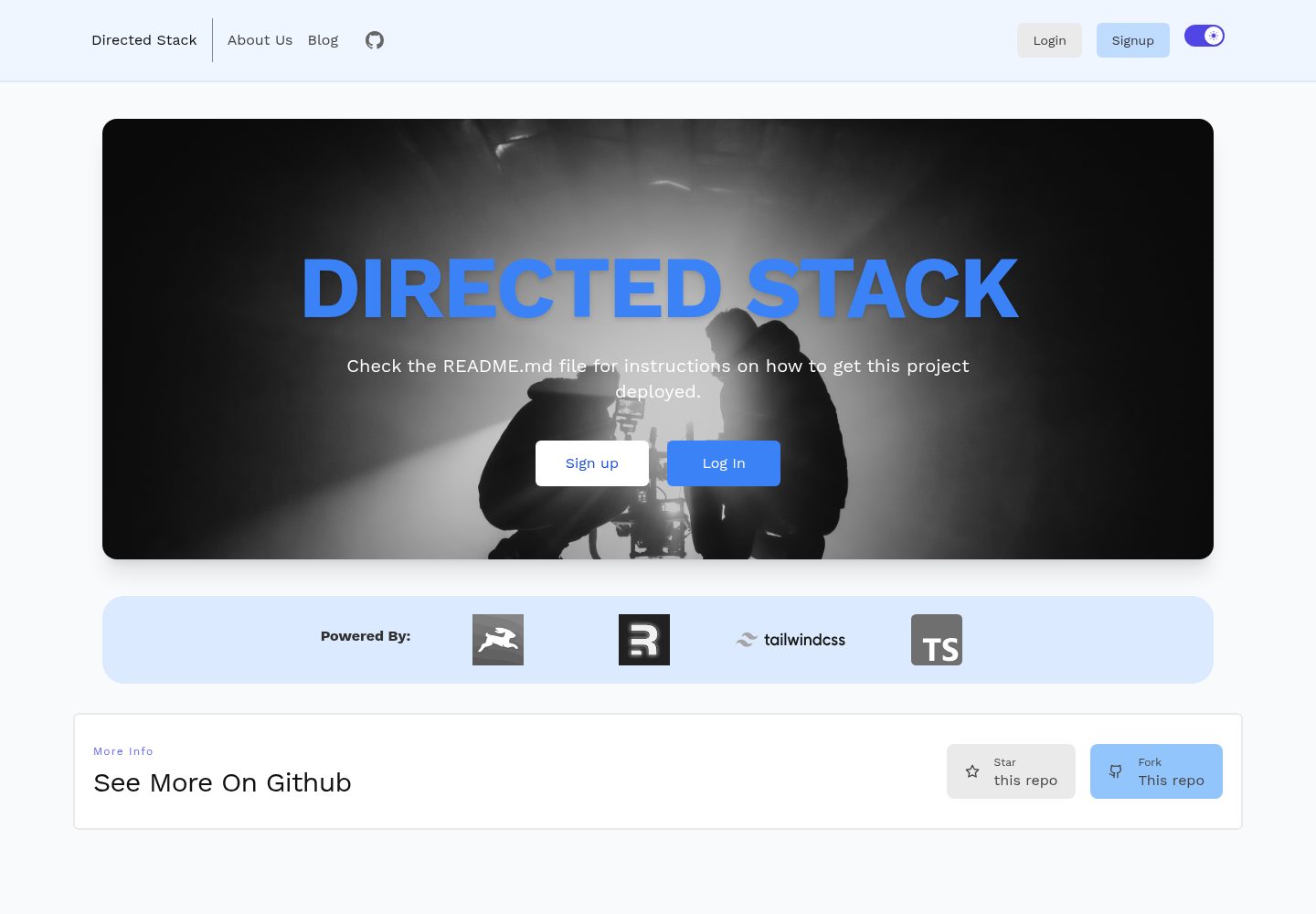
The Remix application and Directus headless CMS are in the same repository, with the root directory as Remix and the directus and scripts folders holding the CMS and schema scripts respectively
RemixReactStarter
directed-stack — Remix Starter Template
By freekrai
A headless CMS full-stack starter built on Remix and Directus, including email/password authentication, blog and page management, Markdown rendering, and deployment scripts.
Explore the design
Compare the page layouts and mobile experience. Open any screenshot for a closer look.
Desktop homepage1 / 2
Desktop captureTop of page
Actual screenshot captured by the server browser.
All pages & views 2
Screenshots show visual appearance; interactive behavior may differ.
Recorded 2026-10-07View source
What stands out
A quick read of the recorded project description.
Built-in email/password authentication using cookie-based sessions
Provides an /api/healthcheck health check endpoint
Uses Markdoc to render Markdown, with support for custom components such as callout
Integrates Tailwind, Prettier, ESLint, and TypeScript
The README gives three deployment paths—Railway, Fly.io, and Directus Cloud—along with schema migration steps
Template Details
Directed Stack is a Remix starter template that uses Directus as a headless CMS for authentication, blog, pages, and backend storage. The repository root is the Remix application, with a directus folder containing the CMS itself and a scripts folder containing Directus schema scripts.
In terms of features, the template provides an /api/healthcheck health check endpoint, cookie-session-based email/password authentication, Tailwind styling, Markdoc rendering of Markdown (with support for custom components such as callout), Prettier formatting, ESLint checks, and TypeScript static typing.
For the usage flow, the first run requires executing yarn and yarn setup, then copying .env.example in the directus directory to .env and filling in the fields, followed by running npx directus bootstrap. Deployment can follow one of three approaches: Railway, Fly.io, or Directus Cloud. After deployment, migrate the schema via scripts/schema.mjs and manually create the users role and corresponding permissions. Note that the Directus Cloud free tier does not support extensions, so the slug field must be changed to a regular text field.
The license is MIT, and the free scope is limited to this version of the code; third-party assets such as demo images, fonts, and icons, as well as external services such as domains, hosting, and databases, must be verified and paid for separately.
RemixStarter
Is it right for your project?
Use Cases
- Needing a starting point for a Remix full-stack project with a CMS backend
- Using Directus to manage blog and page content and expose APIs externally
- Deploying Directus and the Remix application on Railway or Fly.io
- Writing Markdown content with custom components using Markdoc
Suitable For
- Developers familiar with Remix and Directus
- Starter projects that need to combine email/password authentication with content management
- Teams willing to manually configure Directus roles and permissions according to the README
- Users who plan to choose their own hosting platform and bear external service costs
Getting started & customization
Use these recorded setup notes alongside the repository instructions for your chosen version.
- 1
First run: after cloning the repository, execute yarn and yarn setup
- 2
Enter the directus directory, copy .env.example to .env and fill in the fields, then run npx directus bootstrap
- 3
After deployment, enter the scripts directory and run node schema.mjs to create the required collections
- 4
Manually create the users role and configure CRUD permissions for notes and users, uncheck app and admin, and record the role ID for use by the Remix application
- 5
The Directus Cloud free tier does not support extensions, so the slug field must be changed to a regular text field
License & source material
Usage conditions & limitations
Free to use · keep license noticeThis entry covers the free version under the MIT license in the public repository; the free scope is this version of the code and does not mean that external services or third-party assets are free.
Must comply with when using
- Free use, modification, commercial use, and distribution of this version of the code are permitted.
- When distributing copies or substantial portions of the code, retain the original author's copyright notice and the complete MIT license notice.
- The code is provided as is; warranties and limitations of liability are governed by the original license and applicable law.
Additional costs & items to verify
- Demo images, fonts, icons, and other third-party assets must be checked against their respective licenses and cannot be judged solely by the code's MIT license.
- External services such as domains, hosting, databases, payments, or AI may incur separate charges.
- The Directus Cloud free tier does not support extensions; when using that hosting method, the bundled schema must be modified by changing the slug field to a regular text field.
- The application depends on a third-party slugs extension, which must be installed in Directus in advance for slug functionality to work properly.
- The Railway deployment path depends on another Directus Railway repository provided by the author, which is an external dependency.
- Fly.io deployment requires switching to the author-provided directus-fly repository, which is an external dependency.
- Using Directus Cloud hosting is an external paid service, and the costs must be borne by the user.
- Before deploying the Remix application, the users role must be manually created and its ID recorded; this configuration step cannot be omitted.
View Original Text Basis
Permission is hereby granted, free of charge
Original License Text
you can’t use extensions on the free tier so the included schema would need to be changed so that the slug field is just a text field instead.
Original README
This app uses a [slugs](https://github.com/dimitrov-adrian/directus-extension-wpslug-interface) extension that you want pre-installed
Original README
you can use my [Directus Railway](https://github.com/freekrai/directus-railway) repo to get started on Railway
Original README
If you're prefer to install Directus on [Fly.io](http://fly.io), you can follow this [repo](https://github.com/freekrai/directus-fly) instead.
Original README
Directus also gives a terrific option of hosting via their [cloud service](https://directus.cloud)
Original README
https://github.com/freekrai/directed-stack/blob/main/LICENSEhttps://github.com/freekrai/directed-stack/blob/main/README.mdTake note of this role's ID as you'll need it when you deploy the remix app
Original README
Compiled by DeepSeek based on repository license and README ·2026-10-07. Results only cover the materials read; dependencies, images, fonts, and subsequent term changes are subject to their respective original texts.
Project checks & description sources
Template Information
- Source platforms
- GitHub
- Documentation and maintenance reference score
- Partly documented · 72 / 100
- Technologies
- Remix · React
- Website type
- Starter
How this score is calculated
Our heuristic uses license records (up to 30), a demo link (12), a preview (10), stars (15), recorded maintenance (15), description completeness (8), feature records (5) and classification data (5). It is not a code, security or performance test, or a Google score. A link does not establish tested functionality.
What to verify for this project
- Repository update recorded
- 2023-09-23
- Screenshot last checked
- 2026-10-07
A demo link is listed. Check it with your own content and viewport sizes; its presence does not confirm that forms, authentication or payments work.
The catalog identifies Remix as the primary stack. Check the actual dependency manifest and lockfile for versions and hosting requirements. These notes use recorded metadata, not a code audit or a deployment test.
Use a selection guide →How this description was prepared
AI-assisted description based on catalog records and repository material. Repository authors are not automatically the reviewers of this description.
Review declaration: [email protected] · 2026-10-08
Inspect the recorded source material
SHA-256: d4f03de6f8f9d7824d667adcc39f629a1d5c135166502c4a9a8a35c638f41652
2026-10-07T22:21:48.705Z
Source file / repository# Directed Stack

Learn more about [Remix Stacks](https://remix.run/stacks).
```
npx create-remix --template freekrai/directed-stack
```
## What's in the stack
- Healthcheck endpoint (/api/healthcheck)
- Email/Password Authentication with [cookie-based sessions](https://remix.run/docs/en/v1/api/remix#createcookiesessionstorage)
- [Directus](https://directus.io) handling auth, blog, pages, and backend storage
- Styling with [Tailwind](https://tailwindcss.com/)
- Markdown rendering by [Markdoc](https://markdoc.dev)
- Code formatting with [Prettier](https://prettier.io)
- Linting with [ESLint](https://eslint.org)
- Static Types with [TypeScript](https://typescriptlang.org)
Not a fan of bits of the stack? Fork it, change it, and use `npx create-remix --template your/repo`! Make it your own.
## Quickstart
Follow this [tutorial](https://codedgeekery.com/blog/directed-stack) to get started with the Directed Stack, there's a more in-depth step by step guide coming shortly.
Click this button to create a [Gitpod](https://gitpod.io) workspace with the project set up, Postgres started, and Fly pre-installed
[](https://gitpod.io/from-referrer/)
## Development
This repo contains two folders plus the root:
- `directus`: our Directus headless CMS
- `scripts`: our Directus schema
- `/`: our Remix app
## First run
On first one, clone this repo and run:
```bash
yarn
yarn setup
```
Then go into the directus folder and set up for local development by copying your `.env.example` into `.env` and filling out the fields.
Then run:
```bash
npx directus bootstrap
```
## Markdown
We use [Markdoc](https://markdoc.dev/) to render our markdown.
This lets us do syntax highlighting as well as adding other components, one example component is `callouts`
```markdown
{% callout title="You should know!" %}
This is what a note message looks like. You might want to include inline code in it. Or maybe you’ll want to include a link in it. I don’t think we should get too carried away with other scenarios like lists or tables — that would be silly.
{% /callout %}
{% callout type="warning" title="Oh no! Something bad happened!" %}
This is what a disclaimer message looks like. You might want to include inline code in it. Or maybe you’ll want to include a link in it. I don’t think we should get too carried away with other scenarios like lists or tables — that would be silly.
{% /callout %}
{% callout type="success" title="Oh no! Something good happened!" %}
This is what a success message looks like. You might want to include inline code in it. Or maybe you’ll want to include a link in it. I don’t think we should get too carried away with other scenarios like lists or tables — that would be silly.
{% /callout %}
```
## Deploying
### Railway
This app uses a [slugs](https://github.com/dimitrov-adrian/directus-extension-wpslug-interface) extension that you want pre-installed, you can use my [Directus Railway](https://github.com/freekrai/directus-railway) repo to get started on Railway, to deploy Directus to railway, click:
[](https://railway.app/new/template/_dszdt?referralCode=codedgeekery)
You can find more info on this repo [here](https://codedgeekery.com/blog/directus-railway).
### Fly.io
If you're prefer to install Directus on [Fly.io](http://fly.io), you can follow this [repo](https://github.com/freekrai/directus-fly) instead.
### Directus Cloud
Directus also gives a terrific option of hosting via their [cloud service](https://directus.cloud), but you can’t use extensions on the free tier so the included schema would need to be changed so that the slug field is just a text field instead.
### Migrate Schema
Once deployed, save `.env.example` to `.env`, and save the required info then run the following to to create the necessary collections:
```bash
cd scripts
node schema.mjs
```
### Users & Permissions
We also need to create a `users` user role, which has permissions to:
- notes
- create: all access
- view: where `created By` equals `$CURRENT_USER`
- edit: where `created By` equals `$CURRENT_USER`
- remove: where `created By` equals `$CURRENT_USER`
- users:
- view: all access, Directus handles the proper rules
- edit: where `ID` equals `$CURRENT_USER`
On the same page, there are checkboxes for app and admin, uncheck both of these if they are checked as this role will be through the api only.
Take note of this role's ID as you'll need it when you deploy the remix app
As for images, one recommended approach is to create a folder inside files called `public` or `posts`, make note of the ID then go into roles & permissions, edit the `public` role,
- directus_files
- view: where `Folder` equals `ID` of folder you created
- Then select just the ID field
This way, only images inside the `posts` or `public` folder is available publicly.
_If you don't want to deal with folders, then you can make all `directus_files` publically viewable, the choice is yours._
### Deploying the Remix app to Vercel
[](https://vercel.com/new/clone?repository-url=https%3A%2F%2Fgithub.com%2Ffreekrai%2Fdirected-stack&env=SESSION_SECRET,DIRECTUS_URL,DIRECTUS_STATIC_TOKEN,DIRECTUS_USER_ROLE)
Explore similar templates
Compare previews and descriptions within the same stack and category.
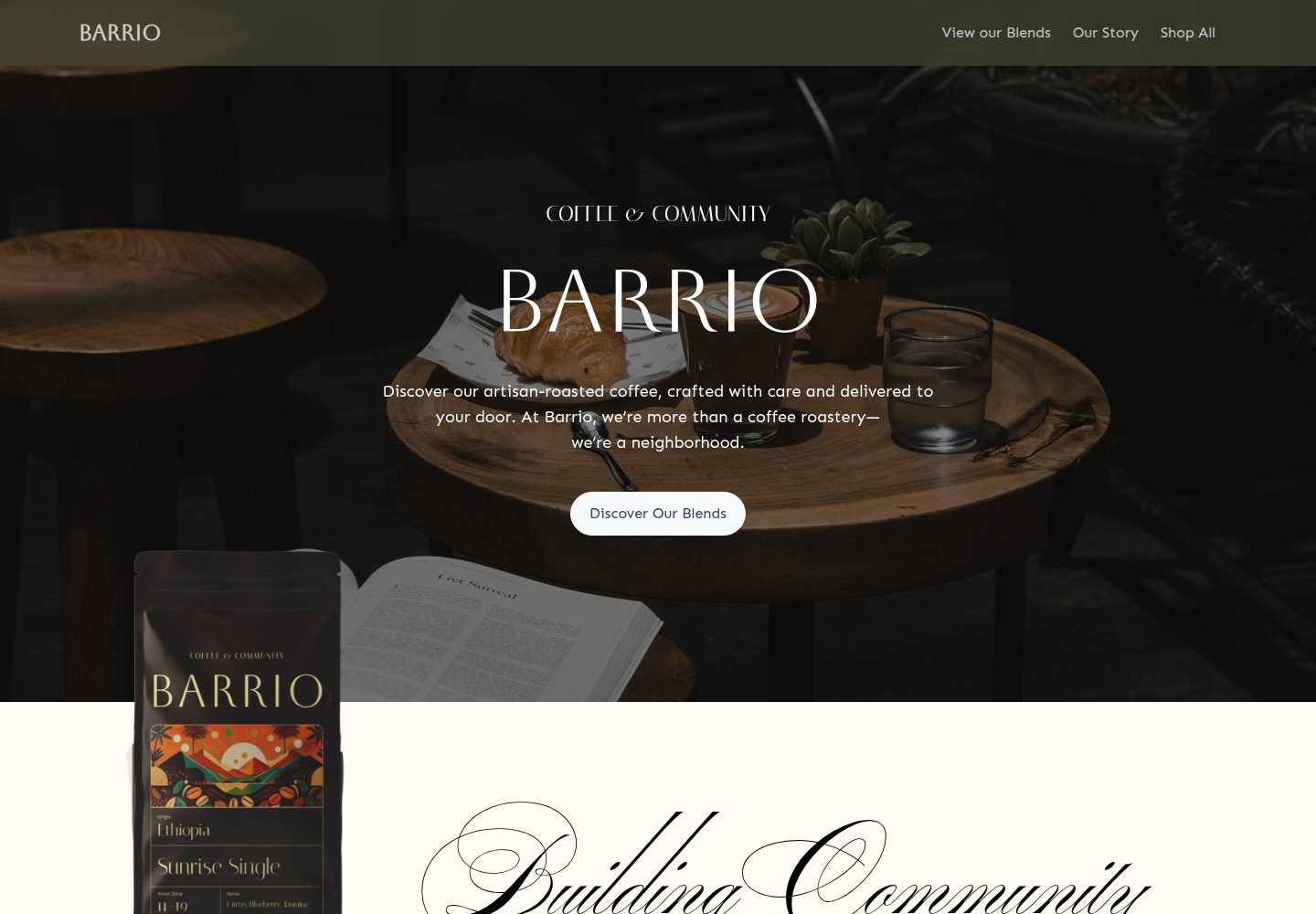
medusa2-starter
A Turborepo monorepo starter that pairs a Medusa2 backend with a Remix frontend, including a Coffee Roast themed storefront, Stripe payments, and Express Checkout setup notes. It supports unlimited products, collections, categories, and tags, and uses TypeScript with Biome.
Remix · E-commerce
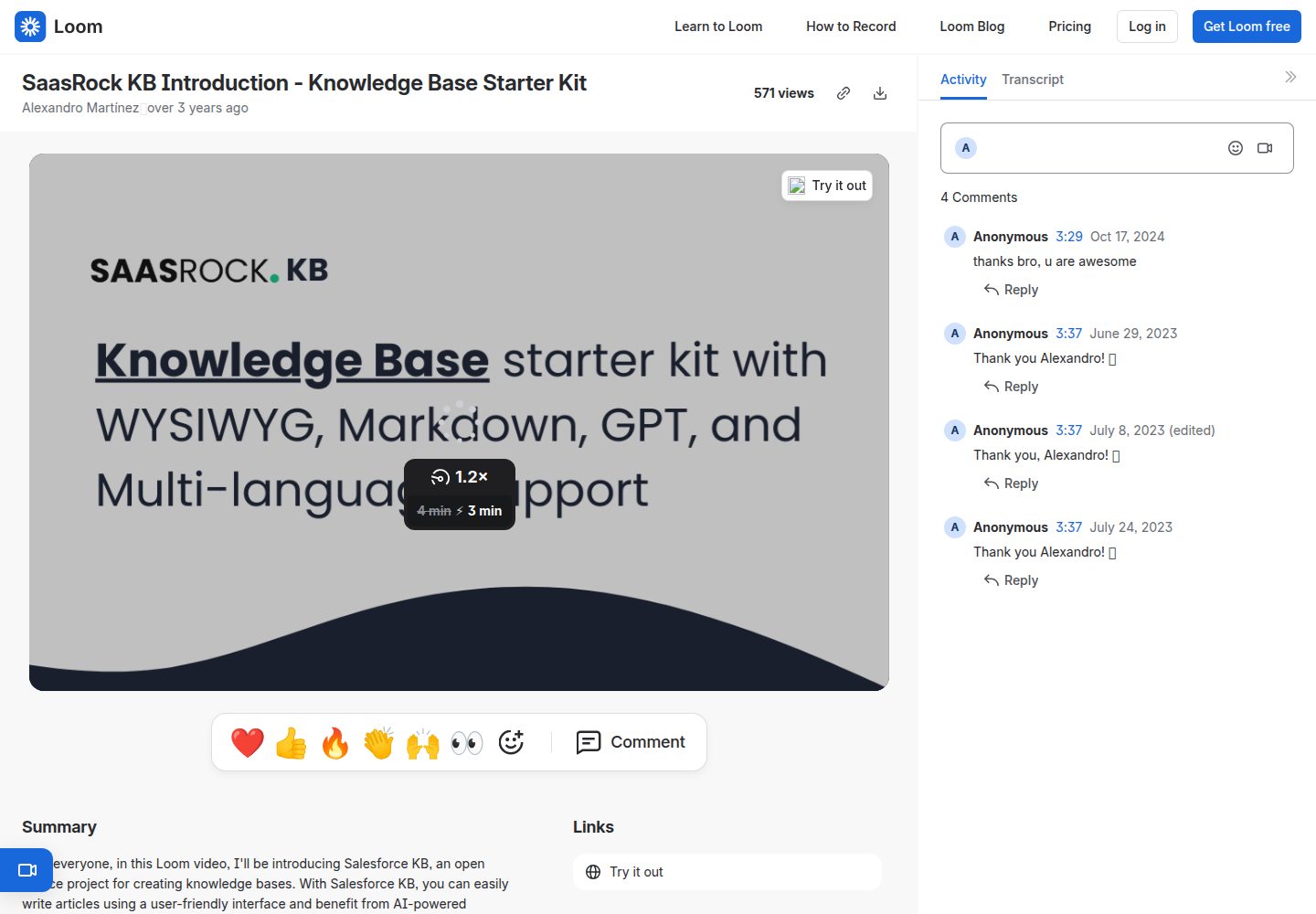
remix-knowledge-base
A Remix-based knowledge base starter kit with Tailwind CSS and Prisma, offering Tiptap WYSIWYG and Monaco Markdown editors, multiple knowledge bases, multi-language support, drafts, SEO settings, simple statistics, and Supabase image storage.
Remix · Starter
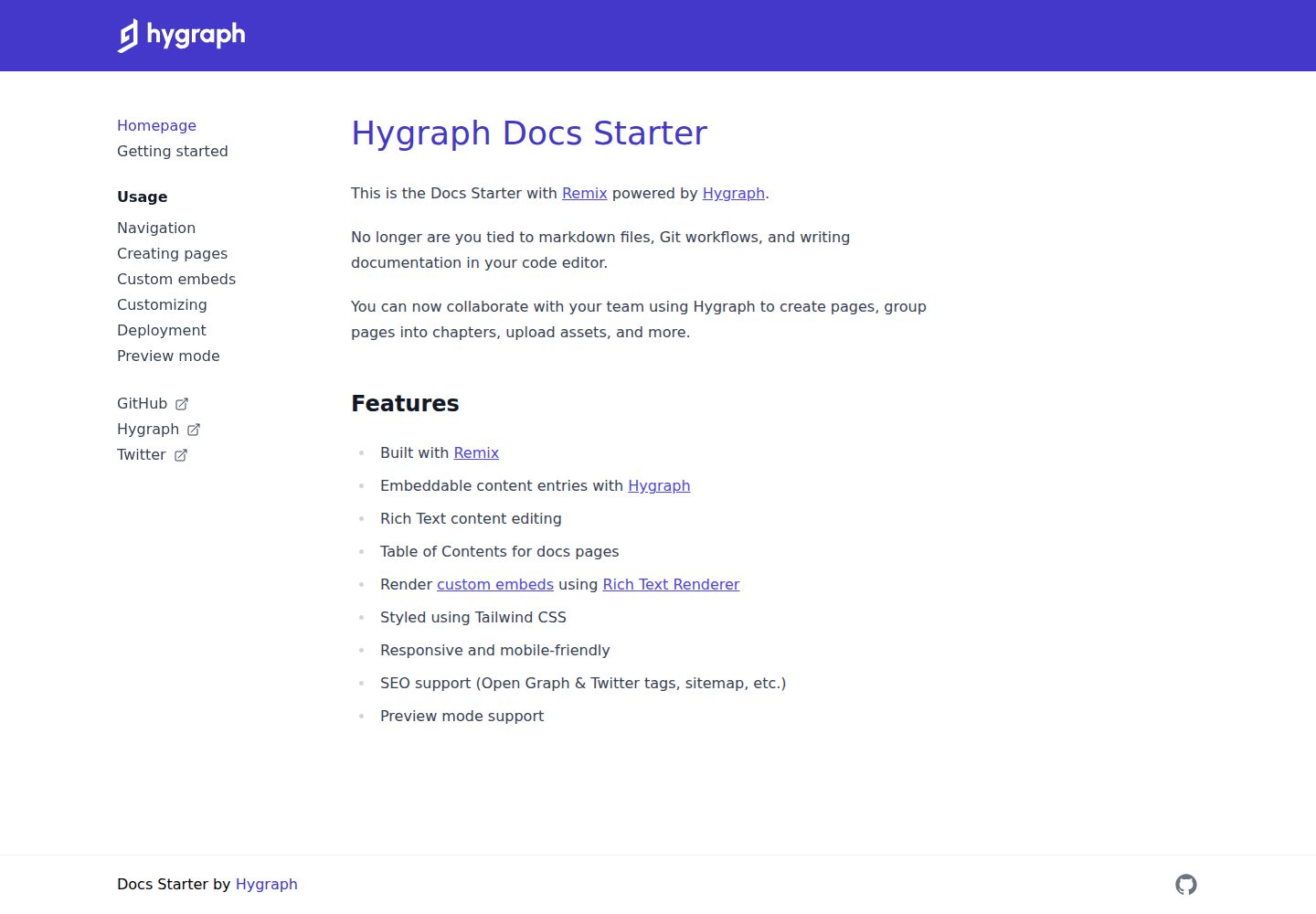
docs-starter
A Remix-based documentation site starter with content from the Hygraph headless CMS, styled with Tailwind CSS. It supports rich text editing, automatic table of contents, custom embeds, preview mode, and SEO output.
Remix · Documentation

remix-wasmer-starter
A Remix-based static site starter for Wasmer Edge. It uses getStaticPaths() to generate the root path at build time, sets serverBuildTarget to "wasmer" in remix.config.js, and outputs static assets to build/client for direct static hosting.
Remix · Starter
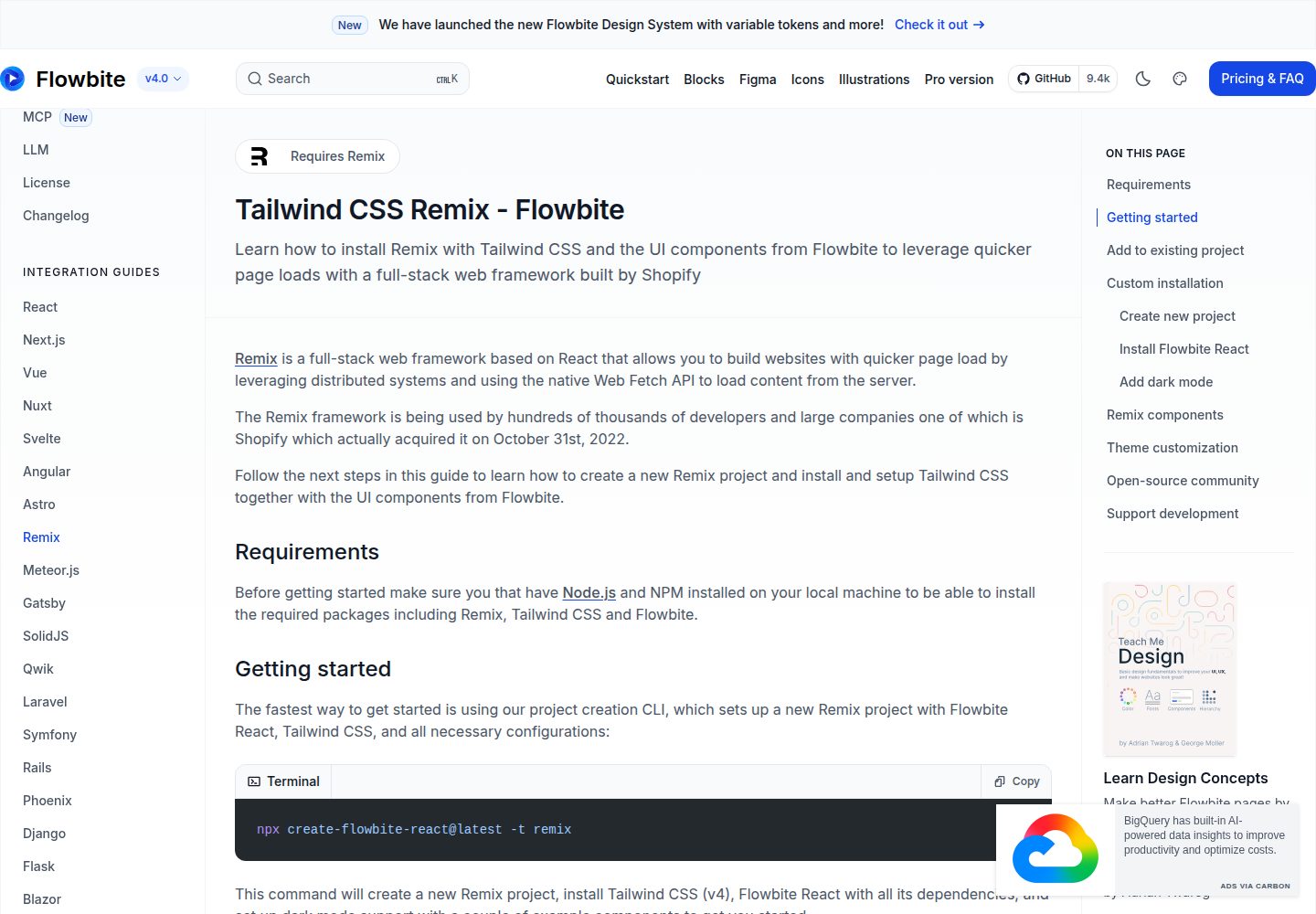
tailwind-remix-starter
A free, MIT-licensed Remix starter maintained by themesberg that combines Remix, React, Tailwind CSS, and Flowbite React into a ready-to-develop project skeleton.
Remix · Starter

remix-vite-markdown-pwa
A Remix and Vite Markdown blog starter template with dynamic post and tag lists, pagination via infinite scroll or click-to-load-more, built-in PWA, RSS, sitemap, and a customizable Markdown pipeline using unified and rehype.
Remix · Blog