
Post and tag lists are generated dynamically from Markdown content, requiring no manual maintenance
RemixViteReactBlogStarter
remix-vite-markdown-pwa — Remix Blog Template
By benjamincharity
A Markdown blog starter template built on Remix and Vite, with built-in PWA, RSS, sitemap, and pagination loading.
Explore the design
Compare the page layouts and mobile experience. Open any screenshot for a closer look.
Author preview
Author-provided preview
Preview provided in the project README.
One original preview is available. Open the full image to inspect the design.
Screenshots show visual appearance; interactive behavior may differ.
Recorded 2026-10-07View source
What stands out
A quick read of the recorded project description.
Pagination supports both infinite scroll and click-to-load-more modes
Built-in PWA support, including a manifest route and a replaceable icon directory
Markdown pipeline based on unified and rehype, supporting code highlighting, GitHub style, CodePen embeds, deep links, and reading time
Provides RSS feeds and a sitemap, and supports custom social share images per post
Color mode preference saved via cookie, with support for reduced motion mode
Template Details
This is a Remix blog starter template that uses Markdown as its content source, with Vite as the build tool. The post list and tag list are generated dynamically from content, requiring no manual maintenance; pagination supports either infinite scroll or a click-to-load-more approach. The template includes built-in PWA support, with a manifest route and icon assets under public/images/pwa that can be replaced with your own icons. Content rendering is handled through a Markdown compilation pipeline composed of unified and rehype, supporting semantic table output, responsive images, code highlighting, GitHub-style syntax, CodePen embeds, deep links, and reading time calculation. At the site level, it provides RSS feeds and a sitemap, and supports metadata such as local links and custom social share images per post. Styles are integrated with Tailwind CSS by default; the README notes possible recompilation issues in development mode and provides steps to remove Tailwind, so Tailwind is not required. Theme color mode preference is saved locally via cookie, and a reduced motion mode is supported. Code standards use Prettier and ESLint, including import sorting. The repository is under the MIT license, allowing free use, modification, commercial use, and distribution, but third-party assets such as demo images, fonts, and icons require separate license verification, and external services such as hosting may incur additional charges.
RemixViteBlogStarter
Is it right for your project?
Use Cases
- Building a personal blog with Markdown files as the content source
- Needing a starter project for a static content site with PWA and RSS
- Wanting to control the Markdown rendering pipeline and extend syntax features yourself
Suitable For
- Front-end developers familiar with Remix and Vite
- Bloggers who write in Markdown and need tags and pagination
- Projects planned for deployment to Vercel or Netlify
Getting started & customization
Use these recorded setup notes alongside the repository instructions for your chosen version.
- 1
After cloning the repository, install dependencies with pnpm install
- 2
Fill in site information in app/data/siteMetadata.ts, and adjust preloaded post count and pagination settings in app/config.ts
- 3
Customize PWA by modifying app/routes/manifest[.]webmanifest.ts, and replace icons under public/images/pwa
- 4
To adjust Markdown processing logic, modify app/utils/mdxProcessor.server.tsx
- 5
If not using Tailwind, follow the README steps to remove configuration files, styles, and dependencies
License & source material
Usage conditions & limitations
Free to use · keep license noticeThis entry covers the free version under the MIT license in a public repository; the free scope is the code of this version and does not imply that external services or third-party assets are free.
Must comply with when using
- Free use, modification, commercial use, and distribution of this version's code are permitted.
- When distributing copies or substantial portions of the code, retain the original author's copyright notice and the full MIT license notice.
- The code is provided as is; warranties and limitations of liability are governed by the original license and applicable law.
Additional costs & items to verify
- Demo images, fonts, icons, and other third-party assets must be checked under their respective licenses and cannot be judged solely by the code's MIT license.
- External services such as domains, hosting, databases, payments, or AI may incur additional charges.
View Original Text Basis
https://github.com/benjamincharity/remix-vite-markdown-pwa/blob/main/LICENSEhttps://github.com/benjamincharity/remix-vite-markdown-pwa/blob/main/README.mdPermission is hereby granted, free of charge
Original License Text
Compiled by DeepSeek based on repository license and README ·2026-10-07. Results only cover the materials read; dependencies, images, fonts, and subsequent term changes are subject to their respective original texts.
Project checks & description sources
Template Information
- Source platforms
- GitHub
- Documentation and maintenance reference score
- Partly documented · 73 / 100
- Technologies
- Remix · Vite · React
- Website type
- Blog · Starter
How this score is calculated
Our heuristic uses license records (up to 30), a demo link (12), a preview (10), stars (15), recorded maintenance (15), description completeness (8), feature records (5) and classification data (5). It is not a code, security or performance test, or a Google score. A link does not establish tested functionality.
What to verify for this project
- Repository update recorded
- 2024-03-22
- Screenshot last checked
- 2026-10-07
A demo link is listed. Check it with your own content and viewport sizes; its presence does not confirm that forms, authentication or payments work.
The catalog identifies Remix as the primary stack. Check the actual dependency manifest and lockfile for versions and hosting requirements. These notes use recorded metadata, not a code audit or a deployment test.
Use a selection guide →How this description was prepared
AI-assisted description based on catalog records and repository material. Repository authors are not automatically the reviewers of this description.
Review declaration: [email protected] · 2026-10-08
Inspect the recorded source material
SHA-256: 1b47e8d1cac0930283a4477915605a295e9924b7697fe2b9c91871bced03fc03
2026-10-07T22:23:59.524Z
Source file / repository# remix-vite-markdown-pwa


Welcome to Remix Vite Markdown PWA, a feature-rich template designed to
streamline your markdown-based blog or web-app experience while ensuring
top-notch performance, accessibility, and user experience. Below is an overview
of the key features and functionalities offered by this template:
- [Key Features](#key-features)
- [Getting Started](#getting-started)
- [FAQ](#faq)
- [I am getting an error when I run `npm run dev`](#i-am-getting-an-error-when-i-run-npm-run-dev)
- [How can I update the PWA images?](#how-can-i-update-the-pwa-images)
- [Do I need to use Tailwind CSS?](#do-i-need-to-use-tailwind-css)
## Key Features
### 🔄 Dynamically Built Posts and Tags List
Say goodbye to manual management of your posts and tags list. Our template
dynamically generates these lists, saving you time and effort.
### ⬇️ Load More Pagination
Choose between infinite scroll or click-to-load-more pagination options to
enhance user experience and navigation on your site.
### 📱 Progressive Web App (PWA) Support
Transform your website into a PWA, allowing users to enjoy a native app-like
experience, including offline access and push notifications.
### 🏆 Perfect Lighthouse Score
Achieve a flawless Lighthouse score across all categories, ensuring optimal
performance, accessibility, best practices, and SEO.
### ⚡ CSS Injected to Initial Payload
Optimize loading times by injecting CSS into the initial payload, enhancing the
rendering speed of your website.
### ⏩ Preload Most Recent Articles
Improve user experience by preloading the most recent articles, reducing latency
and ensuring swift access to content.
### 🛑 Reduced Motion Mode Support
Cater to users with motion sensitivity by providing support for reduced motion
mode, enhancing accessibility and inclusivity.
### 🛠️ Full Control Over Markdown Compilation Pipeline
Enjoy complete control over your markdown compilation pipeline using unified and
re-hype, allowing for semantic table output, responsive image rendering, code
highlighting, GitHub flavor support, Codepen embeds, deep linking, reading time
calculation, and more.
### 🎨 Tailwind CSS Integration
Integrate Tailwind CSS seamlessly into your project, though you may encounter a
recompilation issue in development mode. Detailed instructions are provided to
address this concern, and removing Tailwind CSS is made easy if needed.
### 🌈 Bulletproof Color Mode Support
Offer users a customizable color mode preference, with settings stored locally
via cookies, ensuring a personalized browsing experience.
### 📡 RSS Feed and Sitemap Support
Enhance discoverability and SEO by providing RSS feed and sitemap support for
your website.
### 🔗 Local Link Support and Full Meta-Data Support
Facilitate smooth navigation with local link support and ensure optimal sharing
on social platforms with full meta-data support, including custom images per
post.
### ✂️ Prettier with Import Sorting
Maintain clean and organized code with Prettier and ESLint integration,
including import sorting for improved readability and maintainability.
### 🚀 Ready-to-Deploy to Vercel or Netlify
Deploy your website effortlessly to Vercel or Netlify, leveraging their robust
hosting solutions for optimal performance and scalability.
## Getting Started
To get started with Remix Vite Markdown PWA, follow these steps:
1. Clone this repository.
2. Install dependencies using `pnpm install`.
3. Customize your content and configurations as needed.
1. Update the `siteMetadata` object in
[`app/data/siteMetadata.ts`](app/data/siteMetadata.ts) with your site's
information.
2. Update the `config` object in [`app/config.ts`](app/config.ts) to adjust
site-wide settings. (Number of posts to preload, pagination settings,
etc.)
3. Update the
[`app/routes/manifest[.]webmanifest.ts`](app/routes/manifest[.]webmanifest.ts)
to customize your PWA settings.
4. Replace the images in the `public/images/pwa` folder with your own PWA
images. (See the FAQ for some helpful tools.)
5. If needed, you can customize the MDX processing pipeline in
[`app/utils/mdxProcessor.server.tsx`](app/utils/mdxProcessor.server.tsx).
4. Deploy your website to your preferred hosting platform.
---
If you have any questions or need further assistance, please don't hesitate to
reach out or
[open an issue](https://github.com/benjamincharity/remix-vite-markdown-pwa/issues)
on GitHub!
## FAQ
### I am getting an error when I run `npm run dev`
```
can not read a block mapping entry; a multiline key may not be an implicit key at line 2, column 8:
```
Check your yaml file for any syntax errors. This error is usually caused by
unescaped quotes.
### How can I update the PWA images?
Generate the images using
[Real Favicon Generator](https://realfavicongenerator.net/), then replace the
images in the `public/images/pwa` folder.
There is also a CLI tool called
[pwa-asset-generator](https://github.com/elegantapp/pwa-asset-generator)
### Do I need to use Tailwind CSS?
No, you don't need to use Tailwind CSS. If you don't want to use it, you can
remove it by following these steps:
1. Remove the `tailwind.config.js` file.
2. Remove any `tailwind` related items from `app/styles/shared.css`.
3. Remove any `tailwind` related items from `package.json` scripts.
4. Uninstall `tailwind` items:
`pnpm remove tailwindcss prettier-plugin-tailwindcss`.
See: https://remix.run/docs/en/main/styling/tailwind
Explore similar templates
Compare previews and descriptions within the same stack and category.
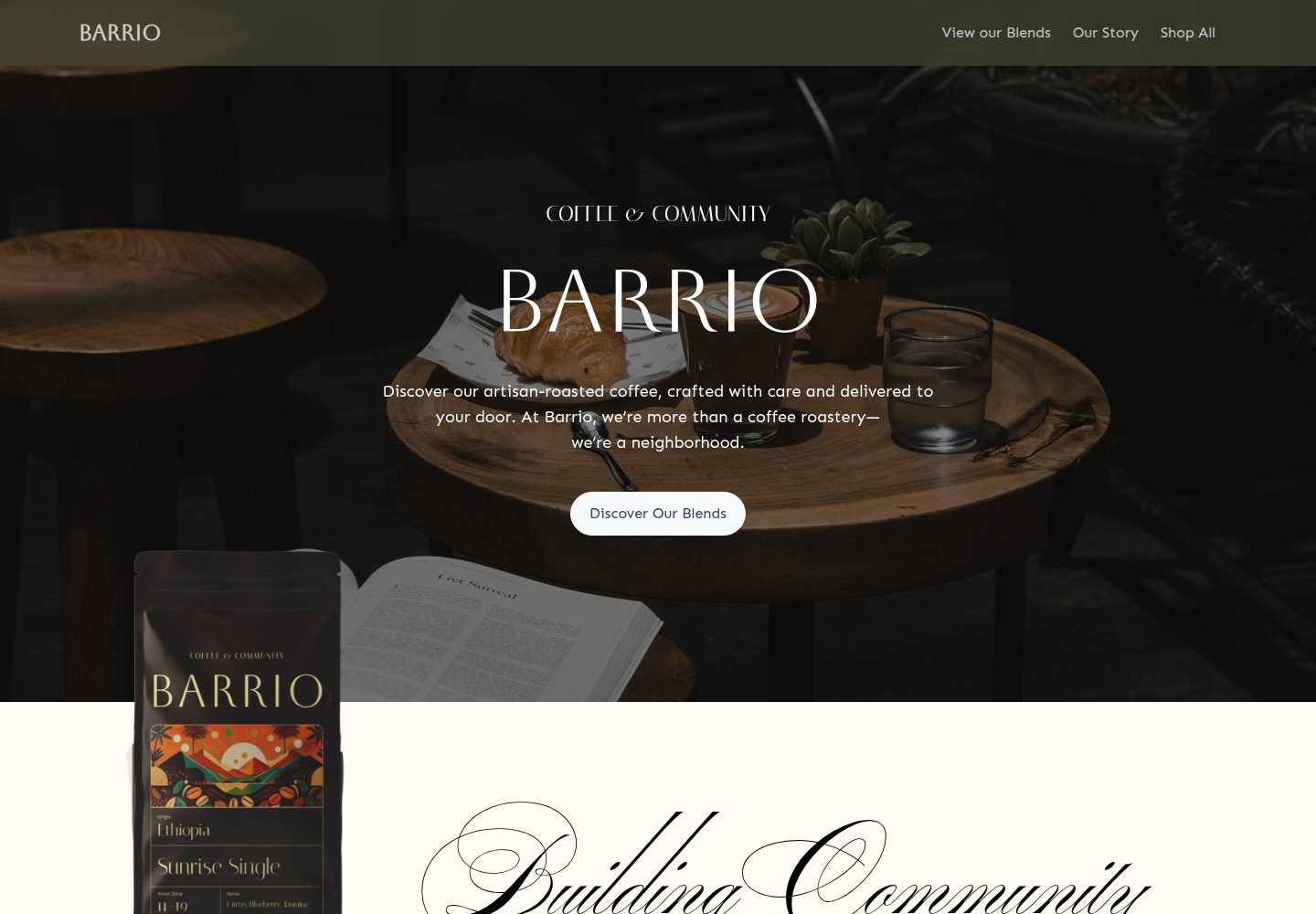
medusa2-starter
A Turborepo monorepo starter that pairs a Medusa2 backend with a Remix frontend, including a Coffee Roast themed storefront, Stripe payments, and Express Checkout setup notes. It supports unlimited products, collections, categories, and tags, and uses TypeScript with Biome.
Remix · E-commerce
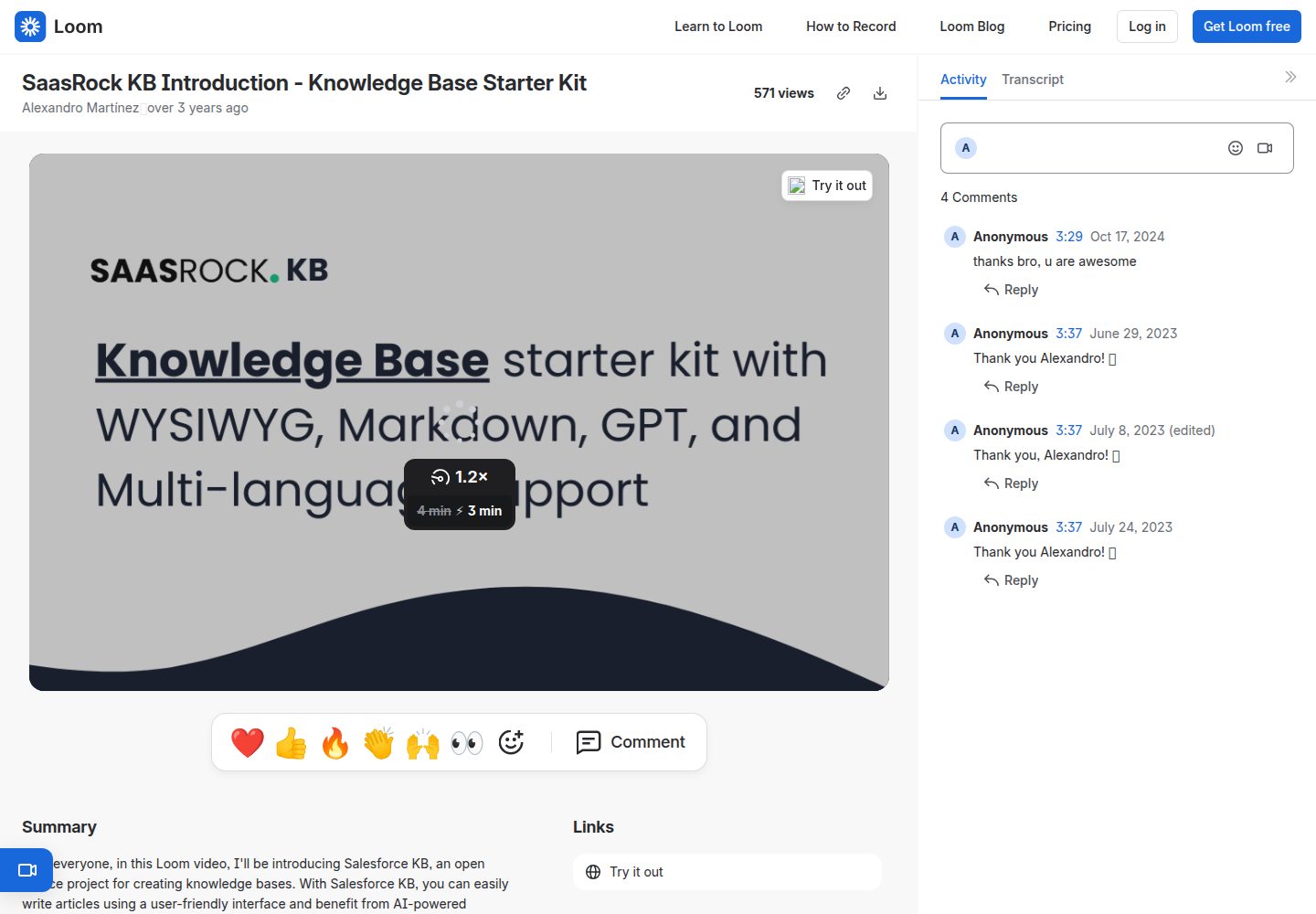
remix-knowledge-base
A Remix-based knowledge base starter kit with Tailwind CSS and Prisma, offering Tiptap WYSIWYG and Monaco Markdown editors, multiple knowledge bases, multi-language support, drafts, SEO settings, simple statistics, and Supabase image storage.
Remix · Starter
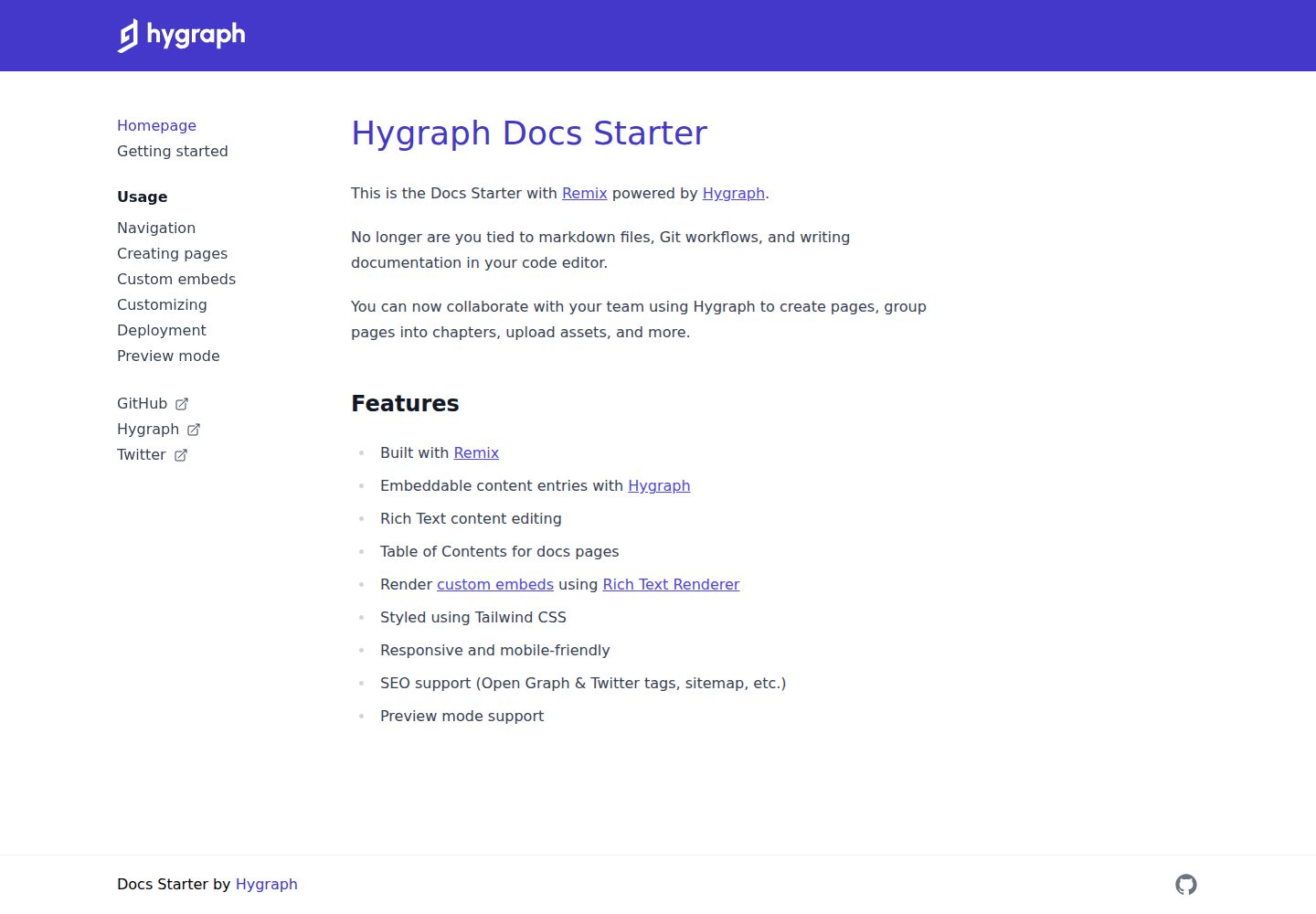
docs-starter
A Remix-based documentation site starter with content from the Hygraph headless CMS, styled with Tailwind CSS. It supports rich text editing, automatic table of contents, custom embeds, preview mode, and SEO output.
Remix · Documentation
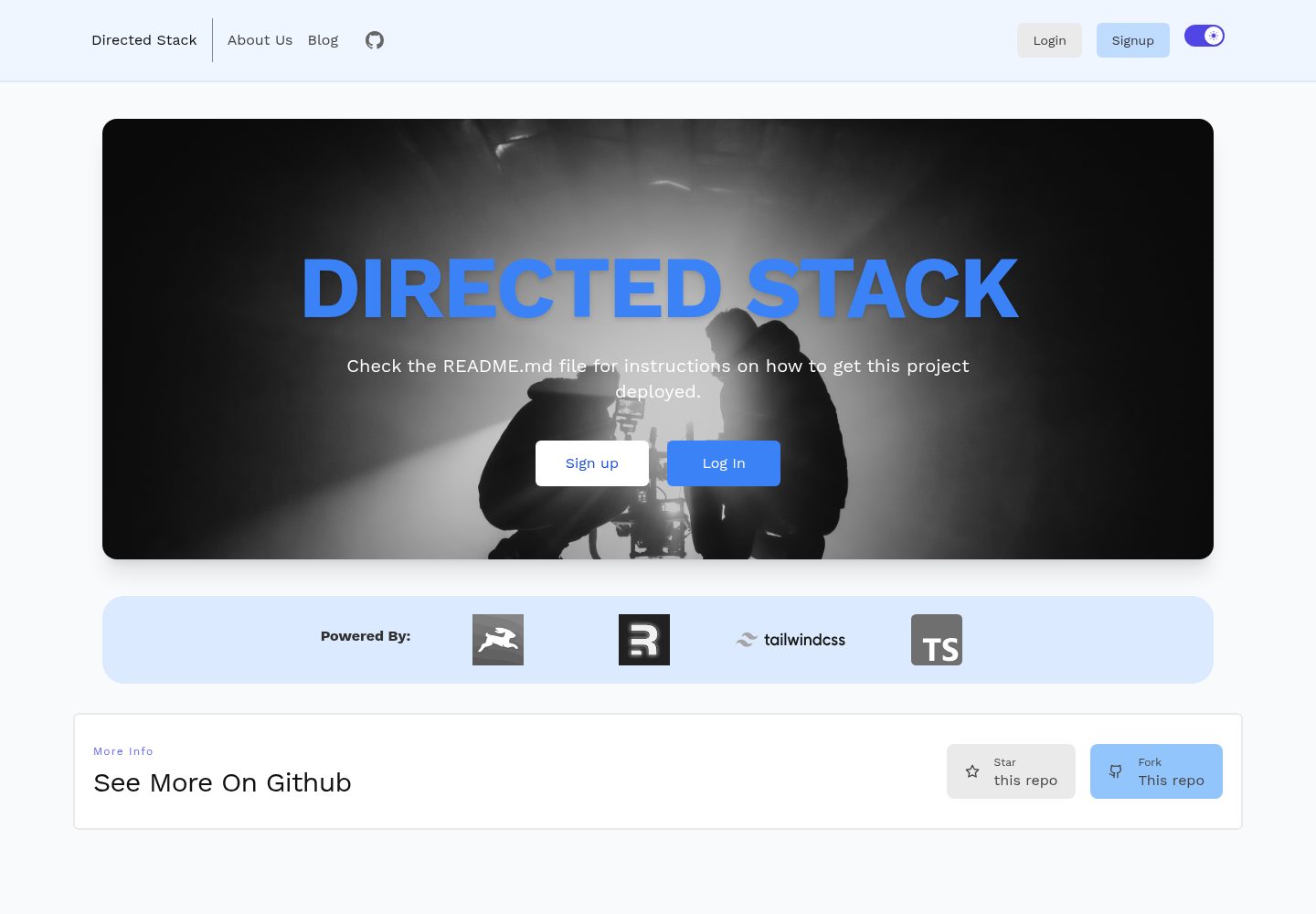
directed-stack
Directed Stack is an MIT-licensed Remix starter that uses Directus as a headless CMS for authentication, blog, pages, and backend storage. It includes cookie-session email/password auth, an /api/healthcheck endpoint, Tailwind, Markdoc rendering with custom components, Prettier, ESLint, and TypeScript.
Remix · Starter
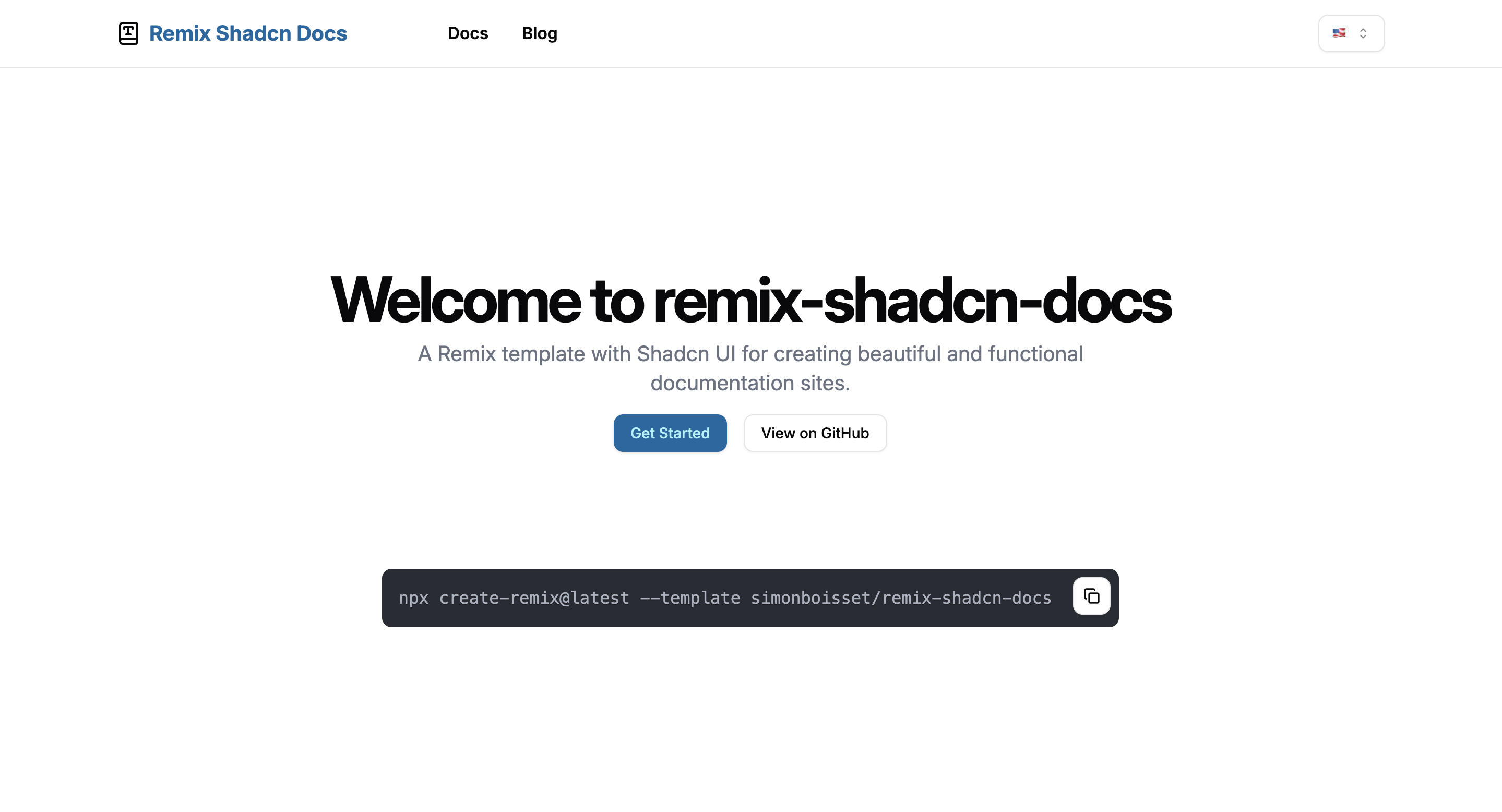
remix-shadcn-docs
A Remix and Shadcn UI starter template for documentation and blogs, with TypeScript, Tailwind CSS, Markdown content directories, and built-in i18n.
Remix · Documentation

remix-wasmer-starter
A Remix-based static site starter for Wasmer Edge. It uses getStaticPaths() to generate the root path at build time, sets serverBuildTarget to "wasmer" in remix.config.js, and outputs static assets to build/client for direct static hosting.
Remix · Starter