
文章与标签列表由 Markdown 内容动态生成,无需手动维护
RemixViteReact博客启动器
remix-vite-markdown-pwa — Remix 博客模板
作者 benjamincharity
基于 Remix 与 Vite 的 Markdown 博客启动模板,内置 PWA、RSS、站点地图与分页加载等功能。
看看你的网站会是什么样
浏览真实页面截图,比较内容排版与手机效果。点击下方缩略图切换,放大查看整页细节。
目前有 1 张原始预览,可打开完整图片查看设计细节。
截图用于了解视觉与布局,交互效果请以实际项目为准。
采集于 2026-10-07查看来源
值得关注的模板亮点
从已有项目资料中,快速了解它的特点。
分页支持无限滚动与点击加载更多两种模式
内置 PWA 支持,含 manifest 路由与可替换的图标目录
Markdown 管线基于 unified 与 rehype,支持代码高亮、GitHub 风格、CodePen 嵌入、深链接与阅读时长
提供 RSS 订阅与 sitemap,并支持每篇文章自定义社交分享图片
通过 cookie 保存颜色模式偏好,并支持减少动效模式
模板详细介绍
这是一个以 Markdown 为内容源的 Remix 博客启动模板,构建工具使用 Vite。文章列表与标签列表由内容动态生成,无需手动维护;分页支持无限滚动或点击加载更多两种方式。模板内置 PWA 支持,包含 manifest 路由与 public/images/pwa 下的图标资源,可替换为自己的图标。内容渲染通过 unified 与 rehype 组成的 Markdown 编译管线处理,支持语义化表格输出、响应式图片、代码高亮、GitHub 风格语法、CodePen 嵌入、深链接与阅读时长计算。站点层面提供 RSS 订阅与 sitemap,并支持本地链接与每篇文章的自定义社交分享图片等元数据。样式默认集成 Tailwind CSS,README 说明开发模式下可能遇到重新编译问题,并给出移除 Tailwind 的步骤,因此 Tailwind 并非必需。主题色模式偏好通过 cookie 保存在本地,并提供减少动效模式支持。代码规范使用 Prettier 与 ESLint,包含导入排序。仓库采用 MIT 许可,可免费使用、修改、商用与分发,但演示图片、字体、图标等第三方素材需单独核对许可,托管等外部服务可能另行收费。
RemixVite博客启动器
适合你的项目吗?
适用场景
- 搭建以 Markdown 文件为内容源的个人博客
- 需要一个带 PWA 与 RSS 的静态内容站点起步项目
- 希望自行控制 Markdown 渲染管线并扩展语法特性
适合人群
- 熟悉 Remix 与 Vite 的前端开发者
- 以 Markdown 写作、需要标签与分页的博客作者
- 计划部署到 Vercel 或 Netlify 的项目
上手与定制指南
结合仓库当前版本的说明,按下面的资料检查内容、配置与运行要求。
- 1
克隆仓库后使用 pnpm install 安装依赖
- 2
在 app/data/siteMetadata.ts 填写站点信息,在 app/config.ts 调整预加载文章数与分页设置
- 3
修改 app/routes/manifest[.]webmanifest.ts 定制 PWA,并替换 public/images/pwa 下的图标
- 4
如需调整 Markdown 处理逻辑,可修改 app/utils/mdxProcessor.server.tsx
- 5
不使用 Tailwind 时,按 README 步骤删除配置文件、样式与依赖
授权与来源资料
使用条件与限制
免费使用 · 保留许可声明本次收录的是公开仓库中采用 MIT 许可的免费版本;免费范围为该版本代码,不代表外部服务或第三方素材免费。
使用时需要遵守
- 允许免费使用、修改、商用和分发该版本代码。
- 分发代码副本或实质性部分时,保留原作者版权声明和完整 MIT 许可声明。
- 代码按现状提供;担保与责任限制以原许可证及适用法律为准。
额外费用与待核对事项
- 演示图片、字体、图标及其他第三方素材需按各自许可核对,不能仅凭代码的 MIT 许可判断。
- 域名、托管、数据库、支付或 AI 等外部服务可能另外收费。
查看原文依据
https://github.com/benjamincharity/remix-vite-markdown-pwa/blob/main/LICENSEhttps://github.com/benjamincharity/remix-vite-markdown-pwa/blob/main/README.mdPermission is hereby granted, free of charge
许可证原文
DeepSeek 根据仓库许可证和 README 整理 ·2026-10-07。结果仅覆盖已读取资料,依赖、图片、字体及后续条款变更以各自原文为准。
项目核对记录与介绍依据
模板资料
- 来源平台
- GitHub
- 资料与维护参考分
- 资料一般 · 73 / 100
- 技术栈
- Remix · Vite · React
- 网站类型
- 博客 · 启动器
这个分数如何计算
本站按许可资料(最高30分)、演示链接(12分)、预览图(10分)、Star数(15分)、记录的维护时间(15分)、描述完整度(8分)、功能记录(5分)和分类资料(5分)计算。它不是代码、安全或性能测试,也不是 Google 评分;有链接不代表已实测可用。
这个项目需要核对什么
- 记录的仓库更新时间
- 2024-03-22
- 截图检查日期
- 2026-10-07
已收录演示链接。请用你的内容与屏幕尺寸检查;有演示不代表表单、认证或支付已经可用。
目录记录的主要技术栈是 Remix。请通过依赖清单和锁文件核对实际版本与托管要求。这些说明基于收录资料,不代表代码审计或部署实测。
查看具体选型方法 →介绍的制作与核对状态
介绍由 AI 辅助整理目录与仓库资料。仓库作者不等于这篇介绍的审核者。
审核声明: [email protected] · 2026-10-08
查看当时使用的来源资料
SHA-256: 1b47e8d1cac0930283a4477915605a295e9924b7697fe2b9c91871bced03fc03
2026-10-07T22:23:59.524Z
来源文件 / 仓库# remix-vite-markdown-pwa


Welcome to Remix Vite Markdown PWA, a feature-rich template designed to
streamline your markdown-based blog or web-app experience while ensuring
top-notch performance, accessibility, and user experience. Below is an overview
of the key features and functionalities offered by this template:
- [Key Features](#key-features)
- [Getting Started](#getting-started)
- [FAQ](#faq)
- [I am getting an error when I run `npm run dev`](#i-am-getting-an-error-when-i-run-npm-run-dev)
- [How can I update the PWA images?](#how-can-i-update-the-pwa-images)
- [Do I need to use Tailwind CSS?](#do-i-need-to-use-tailwind-css)
## Key Features
### 🔄 Dynamically Built Posts and Tags List
Say goodbye to manual management of your posts and tags list. Our template
dynamically generates these lists, saving you time and effort.
### ⬇️ Load More Pagination
Choose between infinite scroll or click-to-load-more pagination options to
enhance user experience and navigation on your site.
### 📱 Progressive Web App (PWA) Support
Transform your website into a PWA, allowing users to enjoy a native app-like
experience, including offline access and push notifications.
### 🏆 Perfect Lighthouse Score
Achieve a flawless Lighthouse score across all categories, ensuring optimal
performance, accessibility, best practices, and SEO.
### ⚡ CSS Injected to Initial Payload
Optimize loading times by injecting CSS into the initial payload, enhancing the
rendering speed of your website.
### ⏩ Preload Most Recent Articles
Improve user experience by preloading the most recent articles, reducing latency
and ensuring swift access to content.
### 🛑 Reduced Motion Mode Support
Cater to users with motion sensitivity by providing support for reduced motion
mode, enhancing accessibility and inclusivity.
### 🛠️ Full Control Over Markdown Compilation Pipeline
Enjoy complete control over your markdown compilation pipeline using unified and
re-hype, allowing for semantic table output, responsive image rendering, code
highlighting, GitHub flavor support, Codepen embeds, deep linking, reading time
calculation, and more.
### 🎨 Tailwind CSS Integration
Integrate Tailwind CSS seamlessly into your project, though you may encounter a
recompilation issue in development mode. Detailed instructions are provided to
address this concern, and removing Tailwind CSS is made easy if needed.
### 🌈 Bulletproof Color Mode Support
Offer users a customizable color mode preference, with settings stored locally
via cookies, ensuring a personalized browsing experience.
### 📡 RSS Feed and Sitemap Support
Enhance discoverability and SEO by providing RSS feed and sitemap support for
your website.
### 🔗 Local Link Support and Full Meta-Data Support
Facilitate smooth navigation with local link support and ensure optimal sharing
on social platforms with full meta-data support, including custom images per
post.
### ✂️ Prettier with Import Sorting
Maintain clean and organized code with Prettier and ESLint integration,
including import sorting for improved readability and maintainability.
### 🚀 Ready-to-Deploy to Vercel or Netlify
Deploy your website effortlessly to Vercel or Netlify, leveraging their robust
hosting solutions for optimal performance and scalability.
## Getting Started
To get started with Remix Vite Markdown PWA, follow these steps:
1. Clone this repository.
2. Install dependencies using `pnpm install`.
3. Customize your content and configurations as needed.
1. Update the `siteMetadata` object in
[`app/data/siteMetadata.ts`](app/data/siteMetadata.ts) with your site's
information.
2. Update the `config` object in [`app/config.ts`](app/config.ts) to adjust
site-wide settings. (Number of posts to preload, pagination settings,
etc.)
3. Update the
[`app/routes/manifest[.]webmanifest.ts`](app/routes/manifest[.]webmanifest.ts)
to customize your PWA settings.
4. Replace the images in the `public/images/pwa` folder with your own PWA
images. (See the FAQ for some helpful tools.)
5. If needed, you can customize the MDX processing pipeline in
[`app/utils/mdxProcessor.server.tsx`](app/utils/mdxProcessor.server.tsx).
4. Deploy your website to your preferred hosting platform.
---
If you have any questions or need further assistance, please don't hesitate to
reach out or
[open an issue](https://github.com/benjamincharity/remix-vite-markdown-pwa/issues)
on GitHub!
## FAQ
### I am getting an error when I run `npm run dev`
```
can not read a block mapping entry; a multiline key may not be an implicit key at line 2, column 8:
```
Check your yaml file for any syntax errors. This error is usually caused by
unescaped quotes.
### How can I update the PWA images?
Generate the images using
[Real Favicon Generator](https://realfavicongenerator.net/), then replace the
images in the `public/images/pwa` folder.
There is also a CLI tool called
[pwa-asset-generator](https://github.com/elegantapp/pwa-asset-generator)
### Do I need to use Tailwind CSS?
No, you don't need to use Tailwind CSS. If you don't want to use it, you can
remove it by following these steps:
1. Remove the `tailwind.config.js` file.
2. Remove any `tailwind` related items from `app/styles/shared.css`.
3. Remove any `tailwind` related items from `package.json` scripts.
4. Uninstall `tailwind` items:
`pnpm remove tailwindcss prettier-plugin-tailwindcss`.
See: https://remix.run/docs/en/main/styling/tailwind
看看同类模板
对比同技术栈与用途的模板,找到更适合的视觉与内容结构。
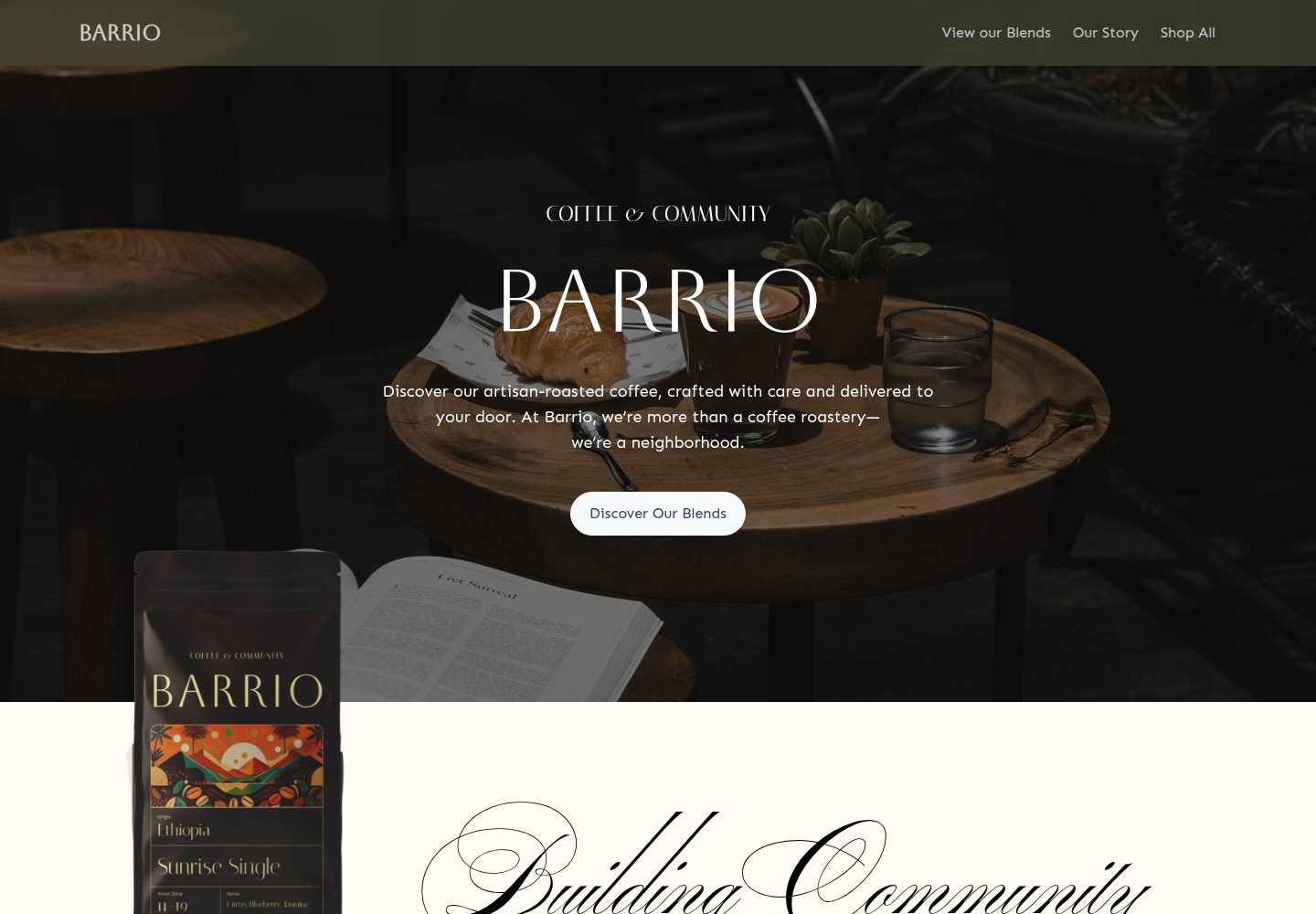
medusa2-starter
A Turborepo monorepo integrating a Medusa2 backend with a Remix frontend, featuring a Coffee Roast themed dyna…
Remix · 电商
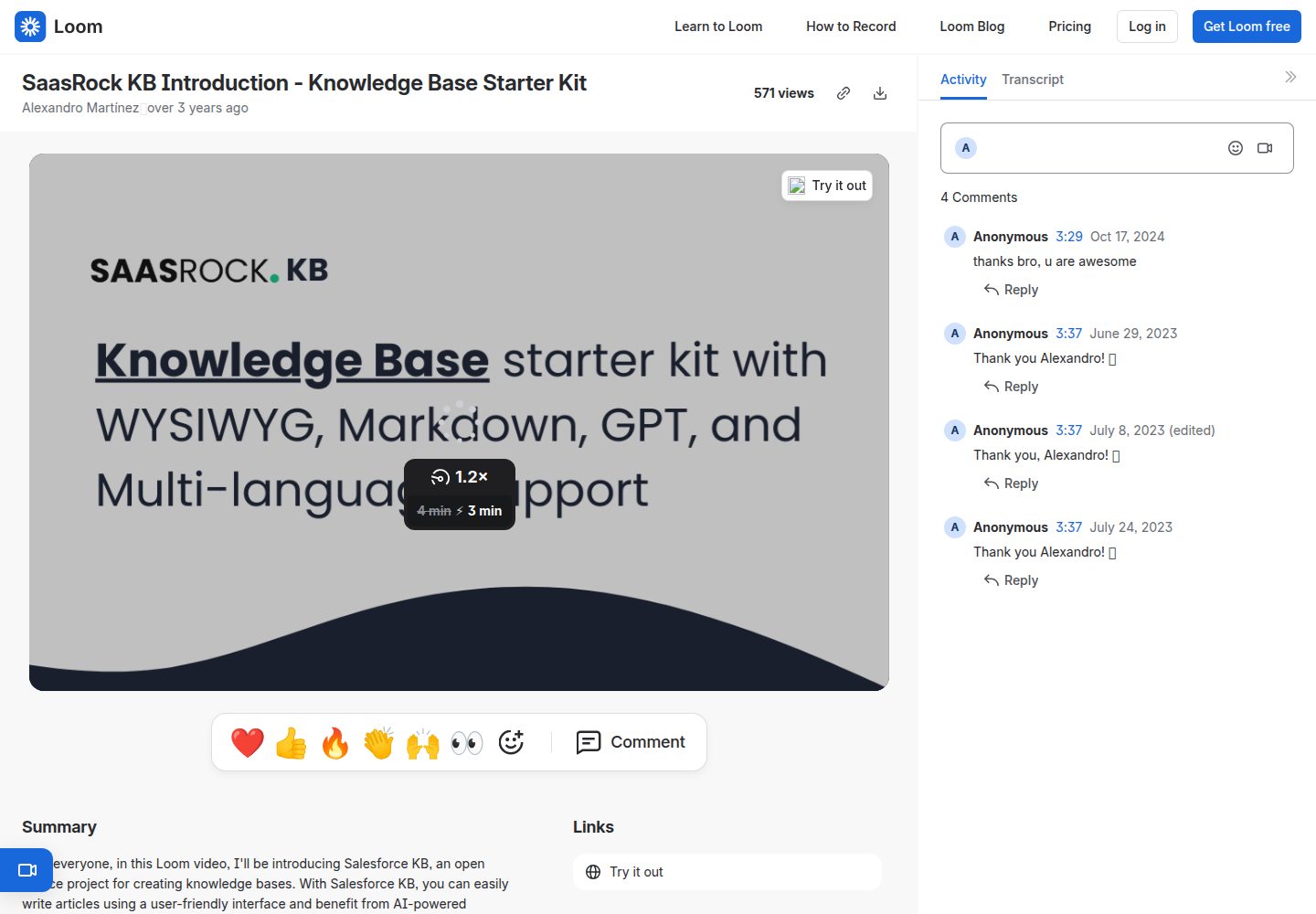
remix-knowledge-base
Knowledge Base starter kit with WYSIWYG, Markdown, GPT, and Multi-language support. Built with Remix, Tailwind…
Remix · 启动器
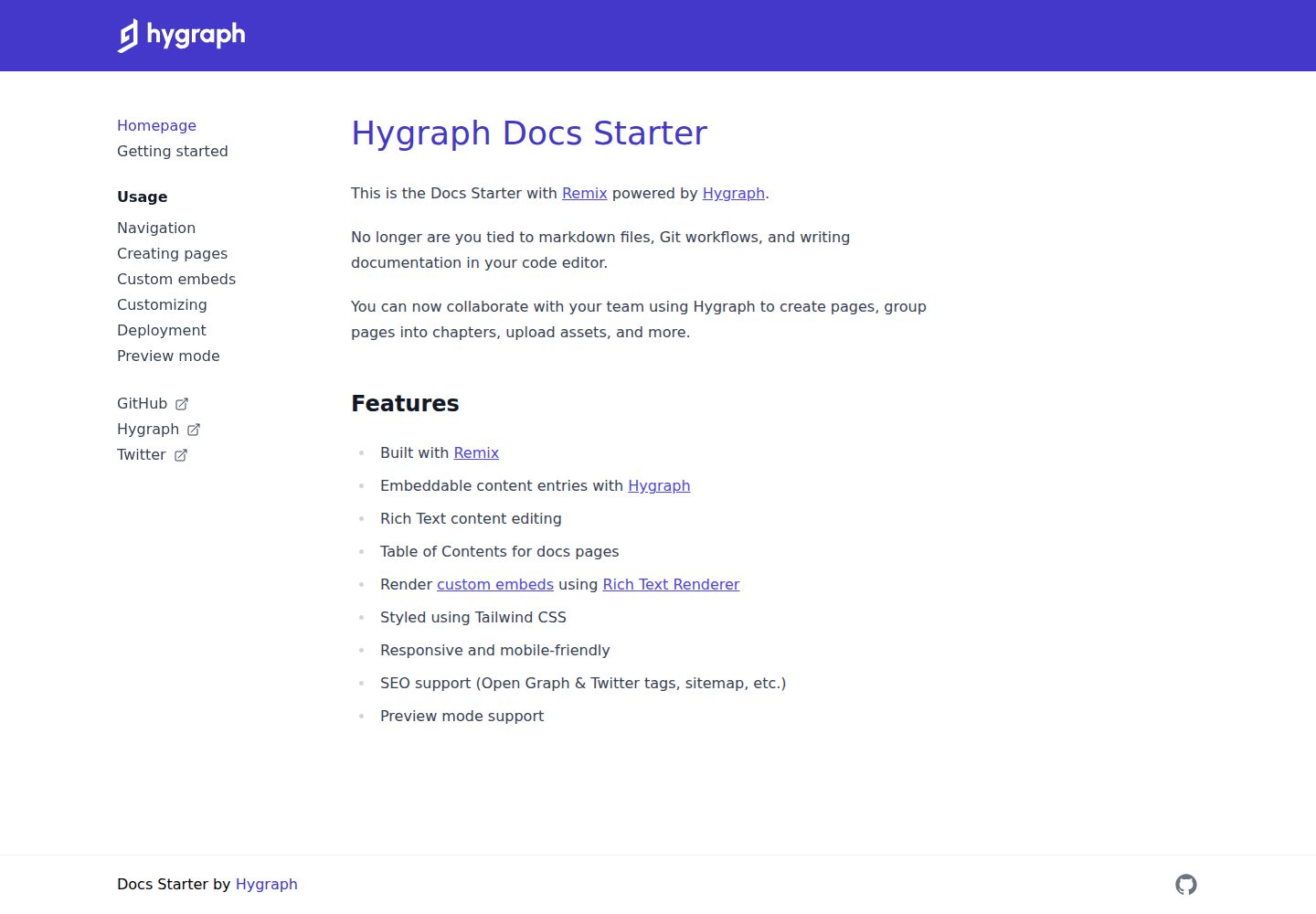
docs-starter
Remix starter for creating documentation websites with Hygraph
Remix · 文档
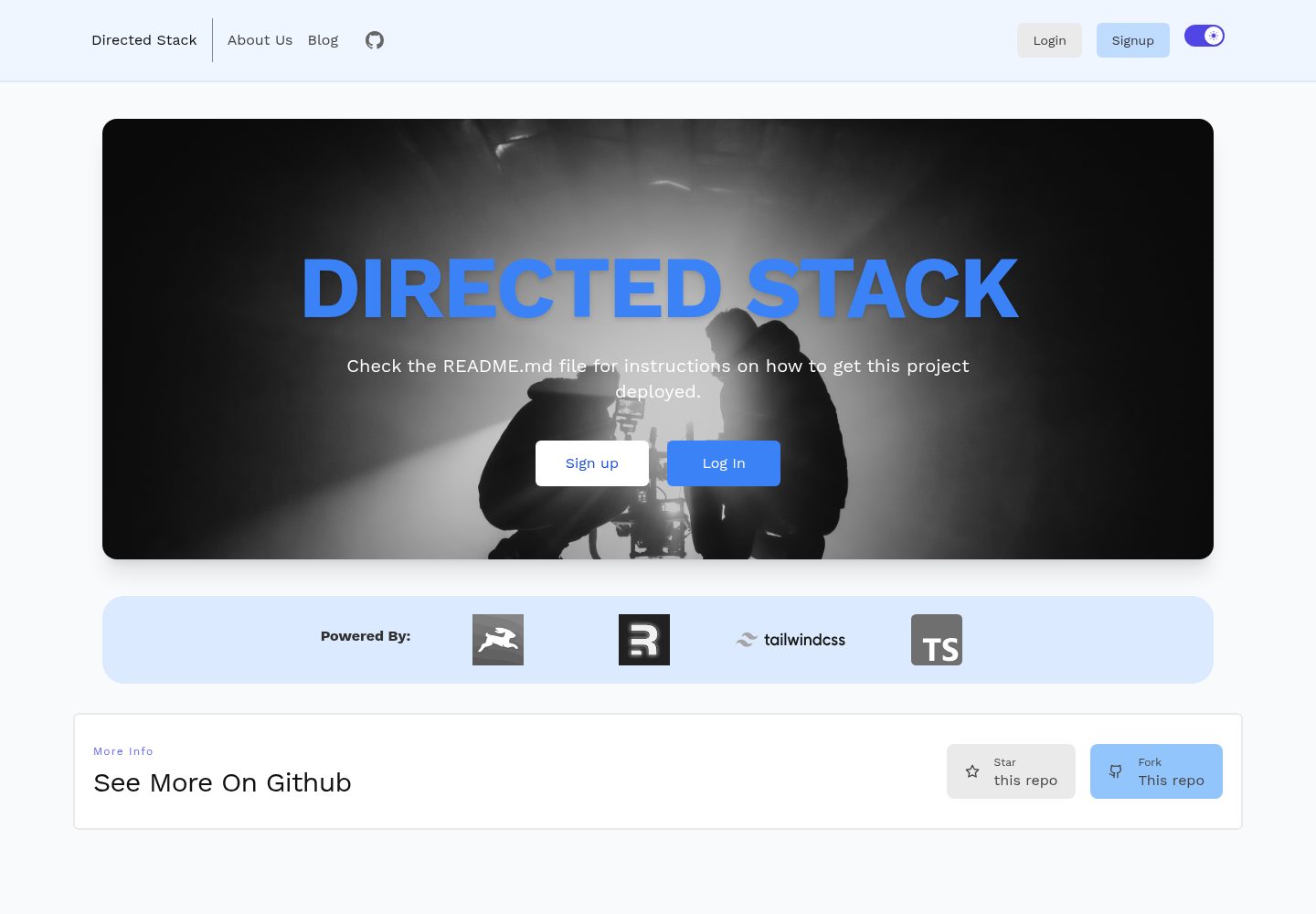
directed-stack
Directus + Remix full-stack starter
Remix · 启动器
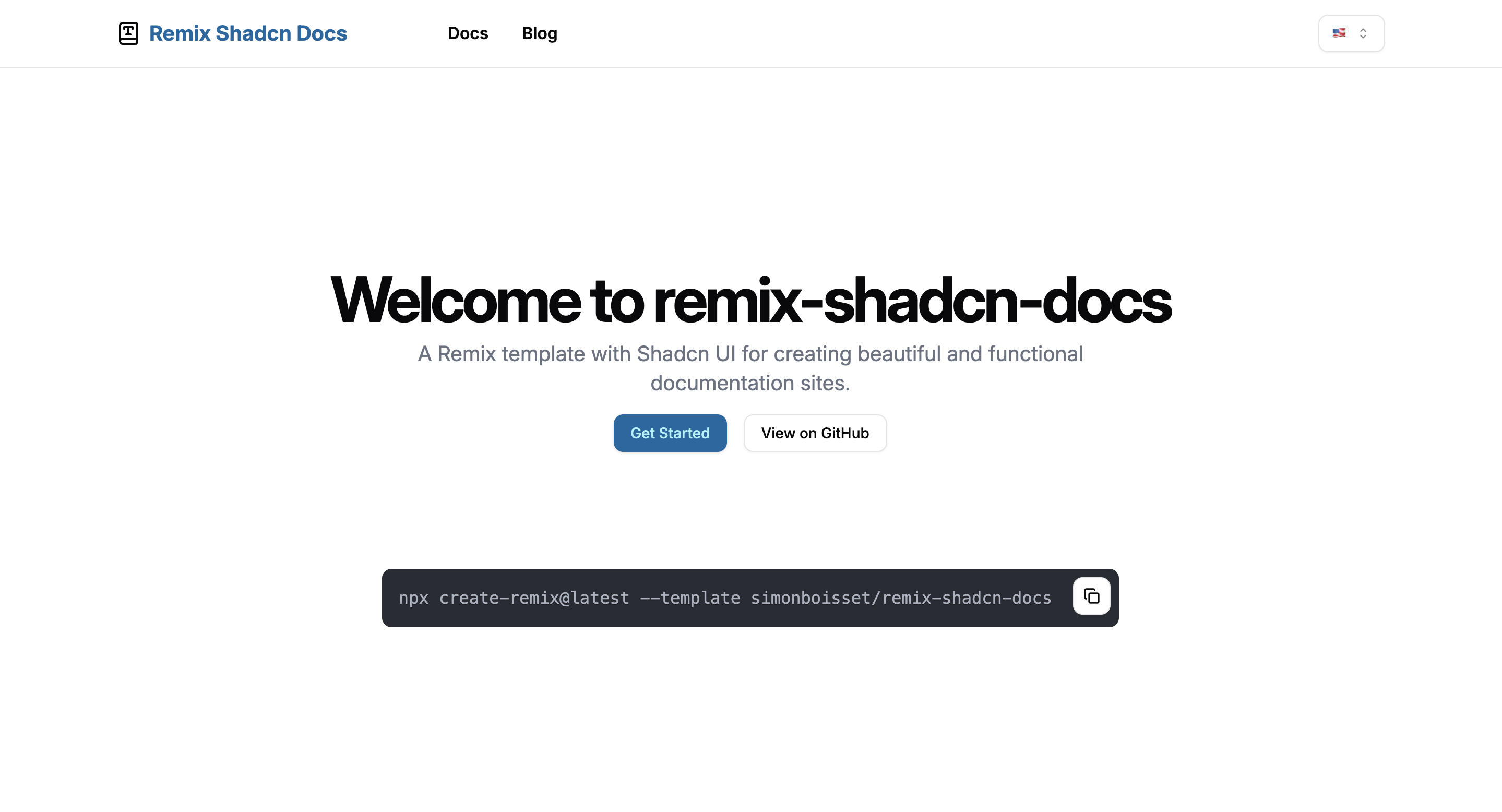
remix-shadcn-docs
这是一个把文档系统和博客放在同一套 Remix 应用里的起步模板,UI 层使用 Shadcn 组件,样式走 Tailwind CSS,整体用 TypeScript 编写。
Remix · 文档

remix-wasmer-starter
Wasmer Edge JS template for Remix
Remix · 启动器