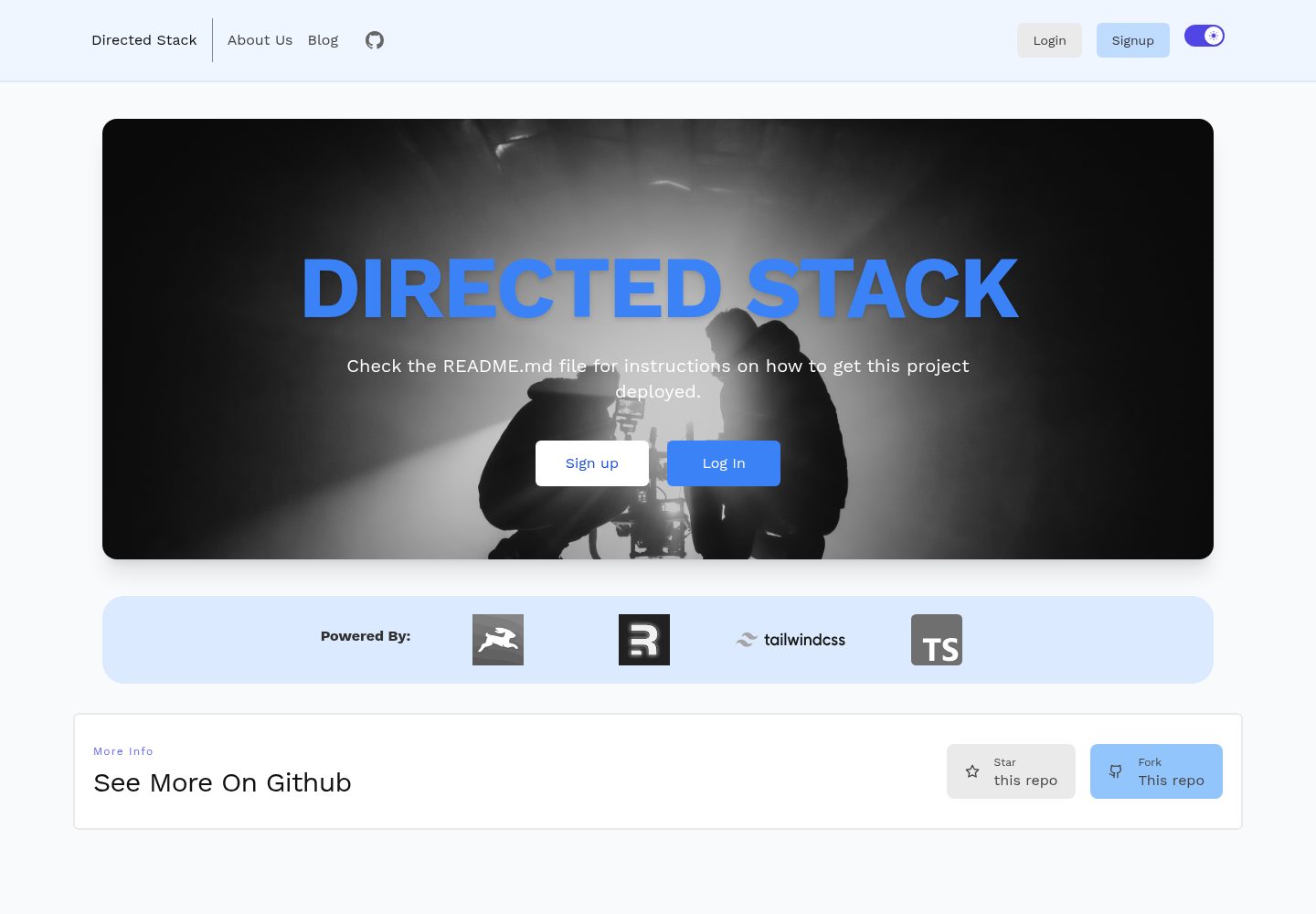
Remix 应用与 Directus 无头 CMS 同仓库,根目录为 Remix,directus 与 scripts 文件夹分别存放 CMS 与 schema 脚本
RemixReact启动器
directed-stack — Remix 启动器模板
作者 freekrai
基于 Remix 与 Directus 的无头 CMS 全栈启动器,包含邮箱密码认证、博客与页面管理、Markdown 渲染及部署脚本。
看看你的网站会是什么样
浏览真实页面截图,比较内容排版与手机效果。点击下方缩略图切换,放大查看整页细节。
全部页面与视图 2
截图用于了解视觉与布局,交互效果请以实际项目为准。
采集于 2026-10-07查看来源
值得关注的模板亮点
从已有项目资料中,快速了解它的特点。
内置邮箱密码认证,使用基于 cookie 的会话
提供 /api/healthcheck 健康检查端点
用 Markdoc 渲染 Markdown,支持 callout 等自定义组件
集成 Tailwind、Prettier、ESLint 与 TypeScript
README 给出 Railway、Fly.io、Directus Cloud 三种部署路径与 schema 迁移步骤
模板详细介绍
Directed Stack 是一个 Remix 启动器模板,用 Directus 作为无头 CMS 承担认证、博客、页面和后端存储。仓库根目录是 Remix 应用,另有 directus 文件夹存放 CMS 本体、scripts 文件夹存放 Directus schema 脚本。
功能方面,模板提供 /api/healthcheck 健康检查端点、基于 cookie 会话的邮箱密码认证、Tailwind 样式、Markdoc 渲染 Markdown(支持 callout 等自定义组件)、Prettier 格式化、ESLint 检查与 TypeScript 静态类型。
使用流程上,首次运行需先执行 yarn 与 yarn setup,再把 directus 目录下的 .env.example 复制为 .env 并填写字段,然后运行 npx directus bootstrap。部署可参考 Railway、Fly.io 或 Directus Cloud 三种方式,部署后通过 scripts/schema.mjs 迁移 schema,并手动创建 users 角色与相应权限。注意 Directus Cloud 免费层不支持扩展,需要把 slug 字段改为普通文本字段。
许可为 MIT,免费范围限于该版本代码;演示图片、字体、图标等第三方素材以及域名、托管、数据库等外部服务需另行核对与付费。
Remix启动器
适合你的项目吗?
适用场景
- 需要一个带 CMS 后台的 Remix 全栈项目起点
- 用 Directus 管理博客、页面内容并对外提供 API
- 在 Railway 或 Fly.io 上部署 Directus 与 Remix 应用
- 用 Markdoc 编写带自定义组件的 Markdown 内容
适合人群
- 熟悉 Remix 与 Directus 的开发者
- 需要邮箱密码认证与内容管理结合的启动项目
- 愿意按 README 手动配置 Directus 角色与权限的团队
- 计划自行选择托管平台并承担外部服务费用的使用者
上手与定制指南
结合仓库当前版本的说明,按下面的资料检查内容、配置与运行要求。
- 1
首次运行:克隆仓库后执行 yarn 与 yarn setup
- 2
进入 directus 目录,将 .env.example 复制为 .env 并填写字段,再运行 npx directus bootstrap
- 3
部署后进入 scripts 目录运行 node schema.mjs 创建所需集合
- 4
手动创建 users 角色并配置 notes、users 的增删改查权限,取消 app 与 admin 勾选,记录角色 ID 供 Remix 应用使用
- 5
Directus Cloud 免费层不支持扩展,需把 slug 字段改为普通文本字段
授权与来源资料
使用条件与限制
免费使用 · 保留许可声明本次收录的是公开仓库中采用 MIT 许可的免费版本;免费范围为该版本代码,不代表外部服务或第三方素材免费。
使用时需要遵守
- 允许免费使用、修改、商用和分发该版本代码。
- 分发代码副本或实质性部分时,保留原作者版权声明和完整 MIT 许可声明。
- 代码按现状提供;担保与责任限制以原许可证及适用法律为准。
额外费用与待核对事项
- 演示图片、字体、图标及其他第三方素材需按各自许可核对,不能仅凭代码的 MIT 许可判断。
- 域名、托管、数据库、支付或 AI 等外部服务可能另外收费。
- Directus Cloud 免费层不支持扩展,使用该托管方式时需修改自带 schema,把 slug 字段改为普通文本字段。
- 应用依赖第三方 slugs 扩展,需预先安装该 Directus 扩展才能正常使用 slug 功能。
- Railway 部署路径依赖作者提供的另一个 Directus Railway 仓库,属于外部依赖。
- Fly.io 部署需改用作者提供的 directus-fly 仓库,属于外部依赖。
- 使用 Directus Cloud 托管属于外部付费服务,需自行承担费用。
- 部署 Remix 应用前必须手动创建 users 角色并记录其 ID,配置步骤不可省略。
查看原文依据
Permission is hereby granted, free of charge
许可证原文
you can’t use extensions on the free tier so the included schema would need to be changed so that the slug field is just a text field instead.
README 原文
This app uses a [slugs](https://github.com/dimitrov-adrian/directus-extension-wpslug-interface) extension that you want pre-installed
README 原文
you can use my [Directus Railway](https://github.com/freekrai/directus-railway) repo to get started on Railway
README 原文
If you're prefer to install Directus on [Fly.io](http://fly.io), you can follow this [repo](https://github.com/freekrai/directus-fly) instead.
README 原文
Directus also gives a terrific option of hosting via their [cloud service](https://directus.cloud)
README 原文
https://github.com/freekrai/directed-stack/blob/main/LICENSEhttps://github.com/freekrai/directed-stack/blob/main/README.mdTake note of this role's ID as you'll need it when you deploy the remix app
README 原文
DeepSeek 根据仓库许可证和 README 整理 ·2026-10-07。结果仅覆盖已读取资料,依赖、图片、字体及后续条款变更以各自原文为准。
项目核对记录与介绍依据
模板资料
- 来源平台
- GitHub
- 资料与维护参考分
- 资料一般 · 72 / 100
- 技术栈
- Remix · React
- 网站类型
- 启动器
这个分数如何计算
本站按许可资料(最高30分)、演示链接(12分)、预览图(10分)、Star数(15分)、记录的维护时间(15分)、描述完整度(8分)、功能记录(5分)和分类资料(5分)计算。它不是代码、安全或性能测试,也不是 Google 评分;有链接不代表已实测可用。
这个项目需要核对什么
- 记录的仓库更新时间
- 2023-09-23
- 截图检查日期
- 2026-10-07
已收录演示链接。请用你的内容与屏幕尺寸检查;有演示不代表表单、认证或支付已经可用。
目录记录的主要技术栈是 Remix。请通过依赖清单和锁文件核对实际版本与托管要求。这些说明基于收录资料,不代表代码审计或部署实测。
查看具体选型方法 →介绍的制作与核对状态
介绍由 AI 辅助整理目录与仓库资料。仓库作者不等于这篇介绍的审核者。
审核声明: [email protected] · 2026-10-08
查看当时使用的来源资料
SHA-256: d4f03de6f8f9d7824d667adcc39f629a1d5c135166502c4a9a8a35c638f41652
2026-10-07T22:21:48.705Z
来源文件 / 仓库# Directed Stack

Learn more about [Remix Stacks](https://remix.run/stacks).
```
npx create-remix --template freekrai/directed-stack
```
## What's in the stack
- Healthcheck endpoint (/api/healthcheck)
- Email/Password Authentication with [cookie-based sessions](https://remix.run/docs/en/v1/api/remix#createcookiesessionstorage)
- [Directus](https://directus.io) handling auth, blog, pages, and backend storage
- Styling with [Tailwind](https://tailwindcss.com/)
- Markdown rendering by [Markdoc](https://markdoc.dev)
- Code formatting with [Prettier](https://prettier.io)
- Linting with [ESLint](https://eslint.org)
- Static Types with [TypeScript](https://typescriptlang.org)
Not a fan of bits of the stack? Fork it, change it, and use `npx create-remix --template your/repo`! Make it your own.
## Quickstart
Follow this [tutorial](https://codedgeekery.com/blog/directed-stack) to get started with the Directed Stack, there's a more in-depth step by step guide coming shortly.
Click this button to create a [Gitpod](https://gitpod.io) workspace with the project set up, Postgres started, and Fly pre-installed
[](https://gitpod.io/from-referrer/)
## Development
This repo contains two folders plus the root:
- `directus`: our Directus headless CMS
- `scripts`: our Directus schema
- `/`: our Remix app
## First run
On first one, clone this repo and run:
```bash
yarn
yarn setup
```
Then go into the directus folder and set up for local development by copying your `.env.example` into `.env` and filling out the fields.
Then run:
```bash
npx directus bootstrap
```
## Markdown
We use [Markdoc](https://markdoc.dev/) to render our markdown.
This lets us do syntax highlighting as well as adding other components, one example component is `callouts`
```markdown
{% callout title="You should know!" %}
This is what a note message looks like. You might want to include inline code in it. Or maybe you’ll want to include a link in it. I don’t think we should get too carried away with other scenarios like lists or tables — that would be silly.
{% /callout %}
{% callout type="warning" title="Oh no! Something bad happened!" %}
This is what a disclaimer message looks like. You might want to include inline code in it. Or maybe you’ll want to include a link in it. I don’t think we should get too carried away with other scenarios like lists or tables — that would be silly.
{% /callout %}
{% callout type="success" title="Oh no! Something good happened!" %}
This is what a success message looks like. You might want to include inline code in it. Or maybe you’ll want to include a link in it. I don’t think we should get too carried away with other scenarios like lists or tables — that would be silly.
{% /callout %}
```
## Deploying
### Railway
This app uses a [slugs](https://github.com/dimitrov-adrian/directus-extension-wpslug-interface) extension that you want pre-installed, you can use my [Directus Railway](https://github.com/freekrai/directus-railway) repo to get started on Railway, to deploy Directus to railway, click:
[](https://railway.app/new/template/_dszdt?referralCode=codedgeekery)
You can find more info on this repo [here](https://codedgeekery.com/blog/directus-railway).
### Fly.io
If you're prefer to install Directus on [Fly.io](http://fly.io), you can follow this [repo](https://github.com/freekrai/directus-fly) instead.
### Directus Cloud
Directus also gives a terrific option of hosting via their [cloud service](https://directus.cloud), but you can’t use extensions on the free tier so the included schema would need to be changed so that the slug field is just a text field instead.
### Migrate Schema
Once deployed, save `.env.example` to `.env`, and save the required info then run the following to to create the necessary collections:
```bash
cd scripts
node schema.mjs
```
### Users & Permissions
We also need to create a `users` user role, which has permissions to:
- notes
- create: all access
- view: where `created By` equals `$CURRENT_USER`
- edit: where `created By` equals `$CURRENT_USER`
- remove: where `created By` equals `$CURRENT_USER`
- users:
- view: all access, Directus handles the proper rules
- edit: where `ID` equals `$CURRENT_USER`
On the same page, there are checkboxes for app and admin, uncheck both of these if they are checked as this role will be through the api only.
Take note of this role's ID as you'll need it when you deploy the remix app
As for images, one recommended approach is to create a folder inside files called `public` or `posts`, make note of the ID then go into roles & permissions, edit the `public` role,
- directus_files
- view: where `Folder` equals `ID` of folder you created
- Then select just the ID field
This way, only images inside the `posts` or `public` folder is available publicly.
_If you don't want to deal with folders, then you can make all `directus_files` publically viewable, the choice is yours._
### Deploying the Remix app to Vercel
[](https://vercel.com/new/clone?repository-url=https%3A%2F%2Fgithub.com%2Ffreekrai%2Fdirected-stack&env=SESSION_SECRET,DIRECTUS_URL,DIRECTUS_STATIC_TOKEN,DIRECTUS_USER_ROLE)
看看同类模板
对比同技术栈与用途的模板,找到更适合的视觉与内容结构。
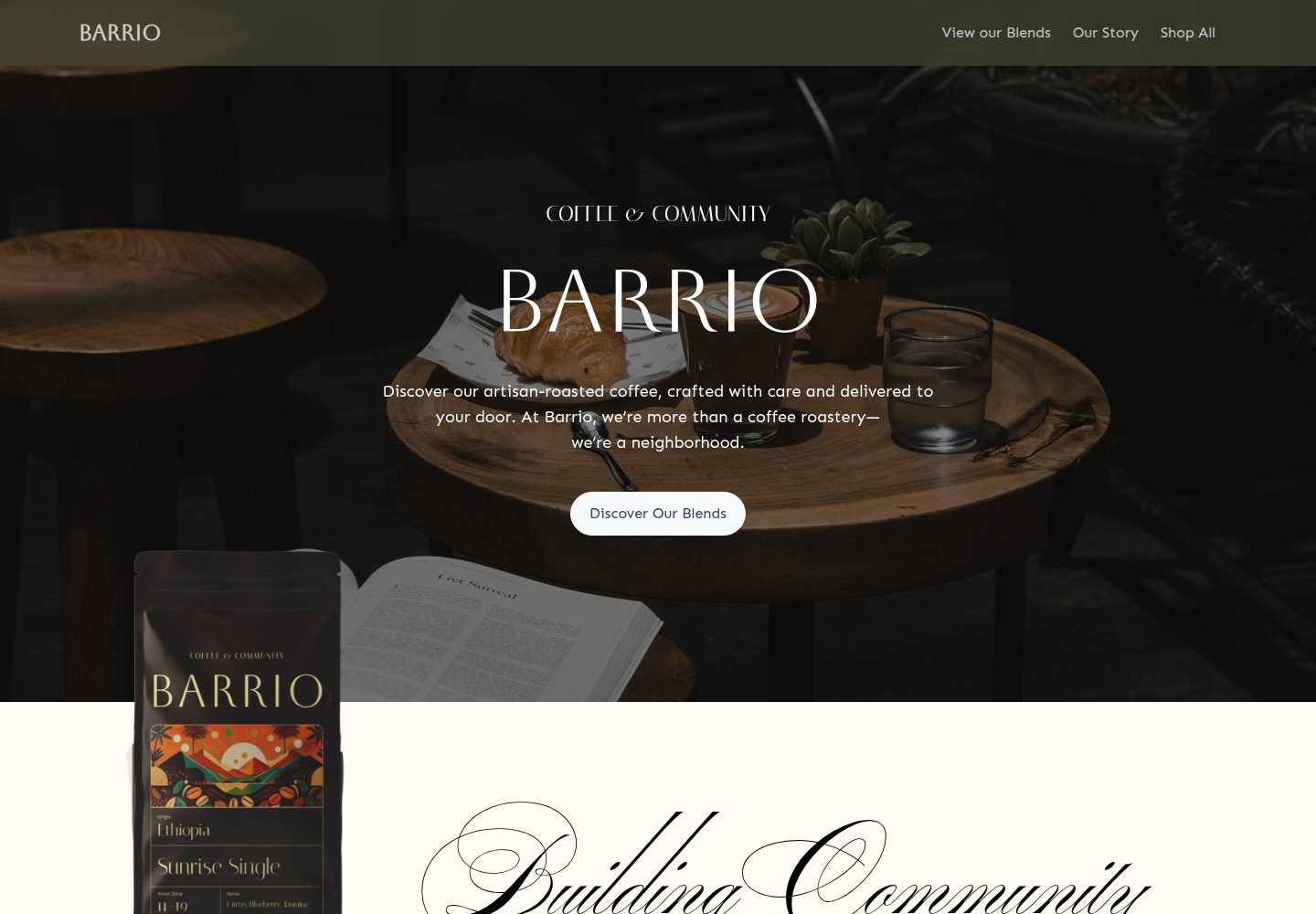
medusa2-starter
A Turborepo monorepo integrating a Medusa2 backend with a Remix frontend, featuring a Coffee Roast themed dyna…
Remix · 电商
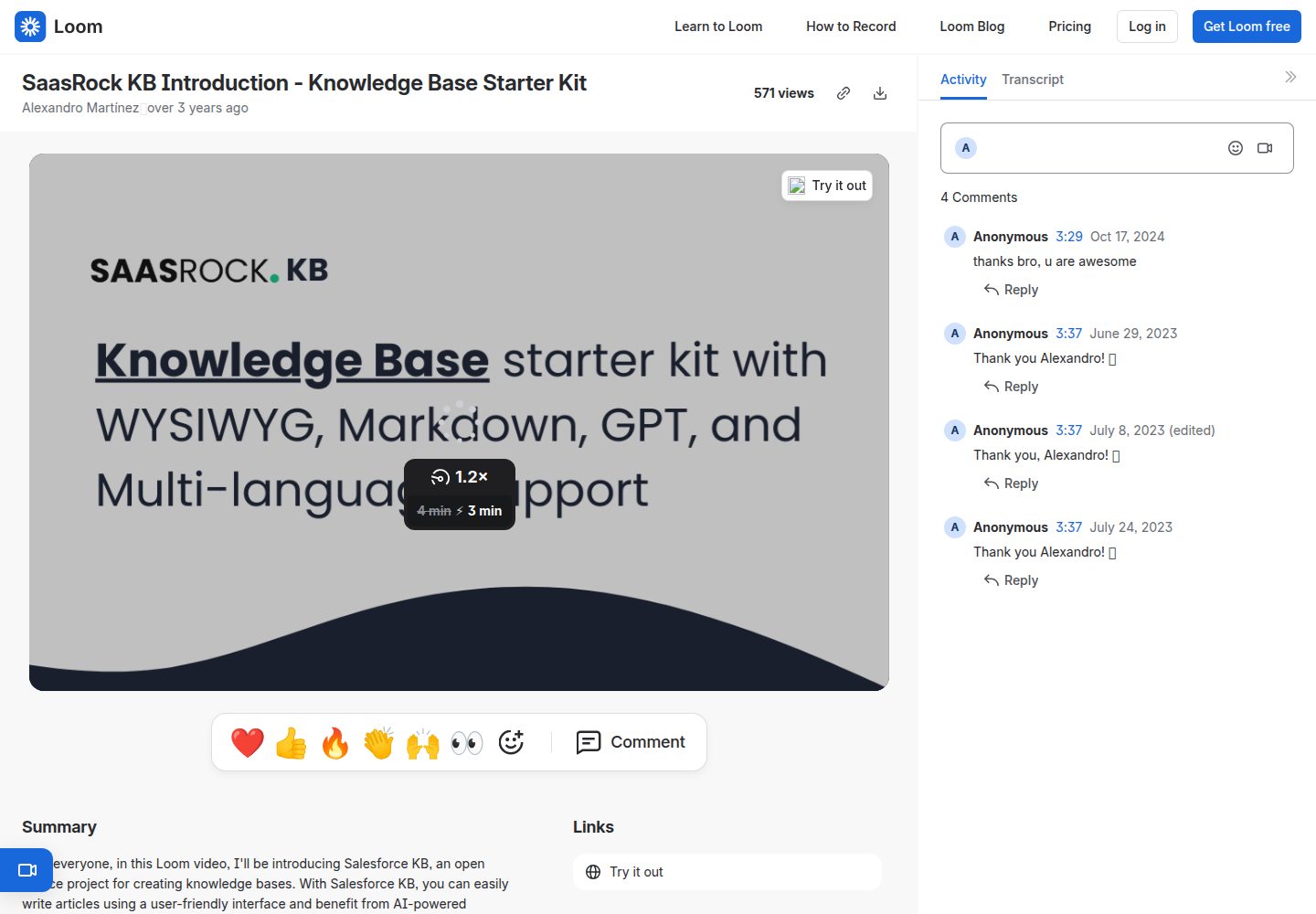
remix-knowledge-base
Knowledge Base starter kit with WYSIWYG, Markdown, GPT, and Multi-language support. Built with Remix, Tailwind…
Remix · 启动器
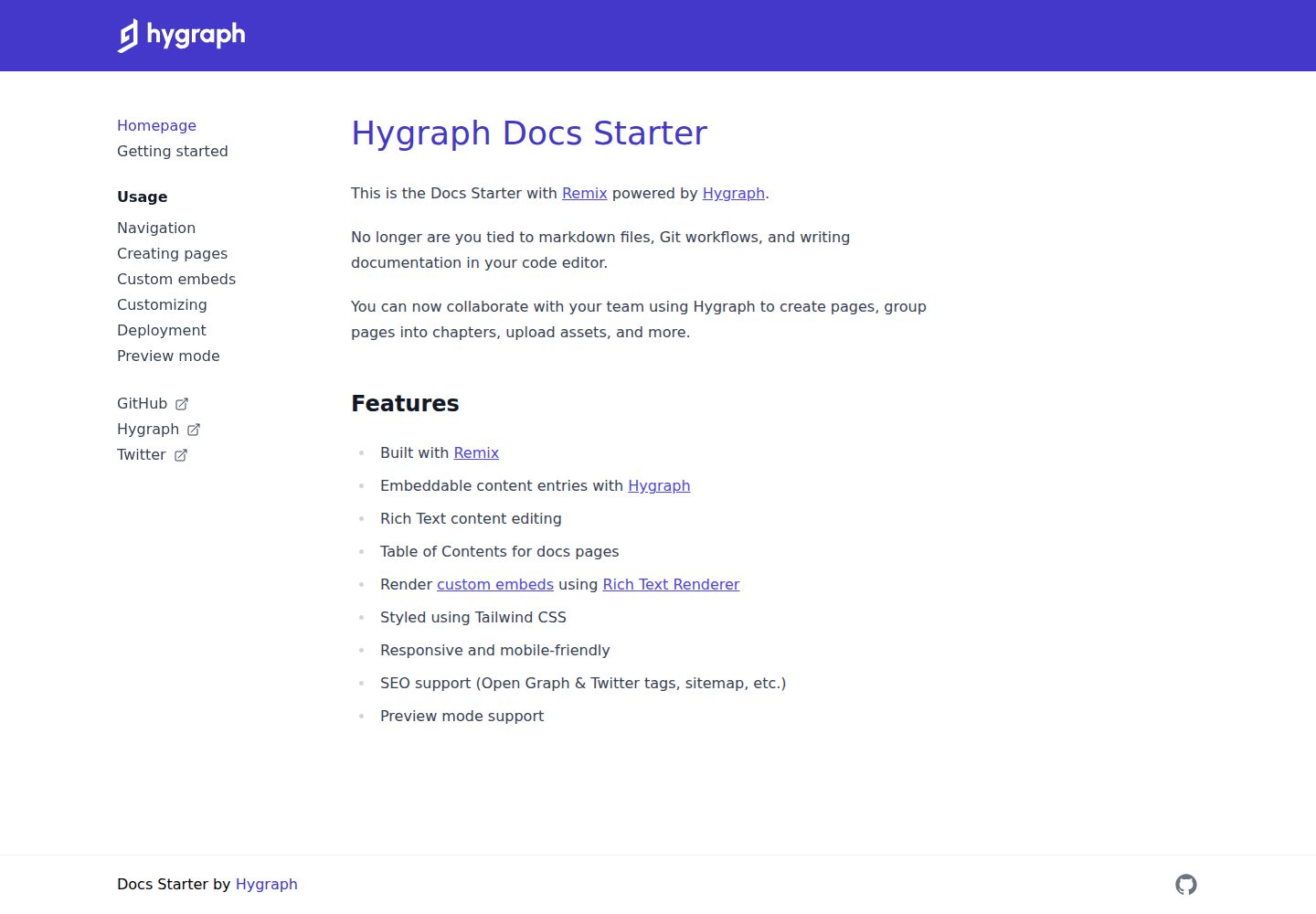
docs-starter
Remix starter for creating documentation websites with Hygraph
Remix · 文档

remix-wasmer-starter
Wasmer Edge JS template for Remix
Remix · 启动器
tailwind-remix-starter
Free and open-source starter kit that helps you get started with Tailwind CSS, Remix and Flowbite React
Remix · 启动器

remix-vite-markdown-pwa
A RemixJS starter template focused on performance, offering dynamic content, optimized loading, and PWA featur…
Remix · 博客